Mineuniverse
Data Packs
Alumine: Become To Mictlan

Alumine: Become To Mictlan

DATA PACK
Alumine is a project inspired by the history of pre-Hispanic South American cultures.
by Benjamin_Nicro
Download Claim this project
Add a badge to your pageLink to Alumine: Become To Mictlan from a README, website or forum post.
Preview: Badge

Badges update automatically and link to the data pack page on MineUniverse.

37 downloads
0 likes
0 followers
Updated Oct 14, 2026
0 hypes
Follow0
Adventure Fantasy
Advertisement Remove ads with Premium →

*The project requires the use of the Aluminum Resource Pack for proper use, although it has an alternative without textures, this only affects items, so it is requested to download it, the Datapack has a settings menu, to use it you must have cheats activated in the world.*


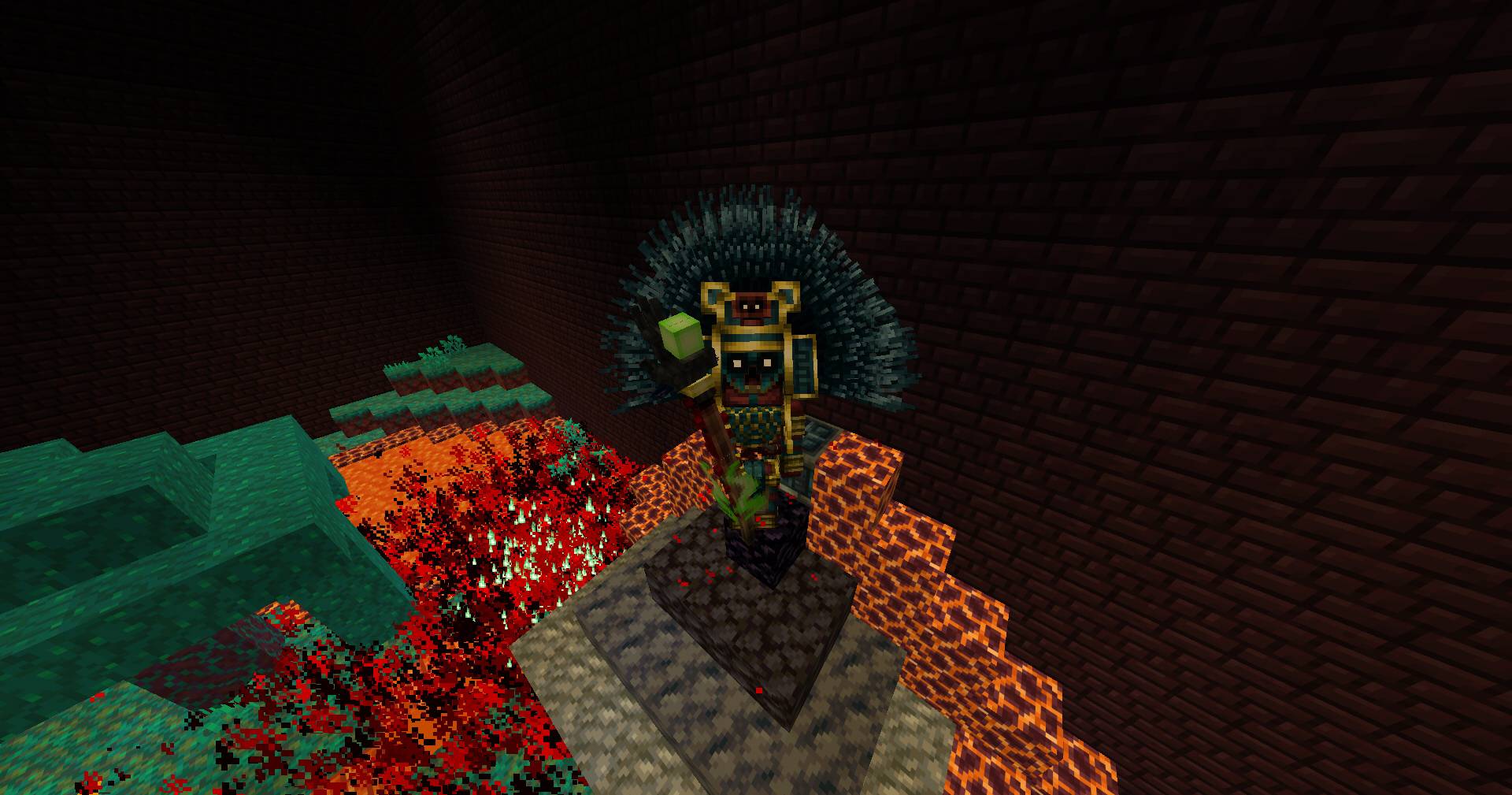
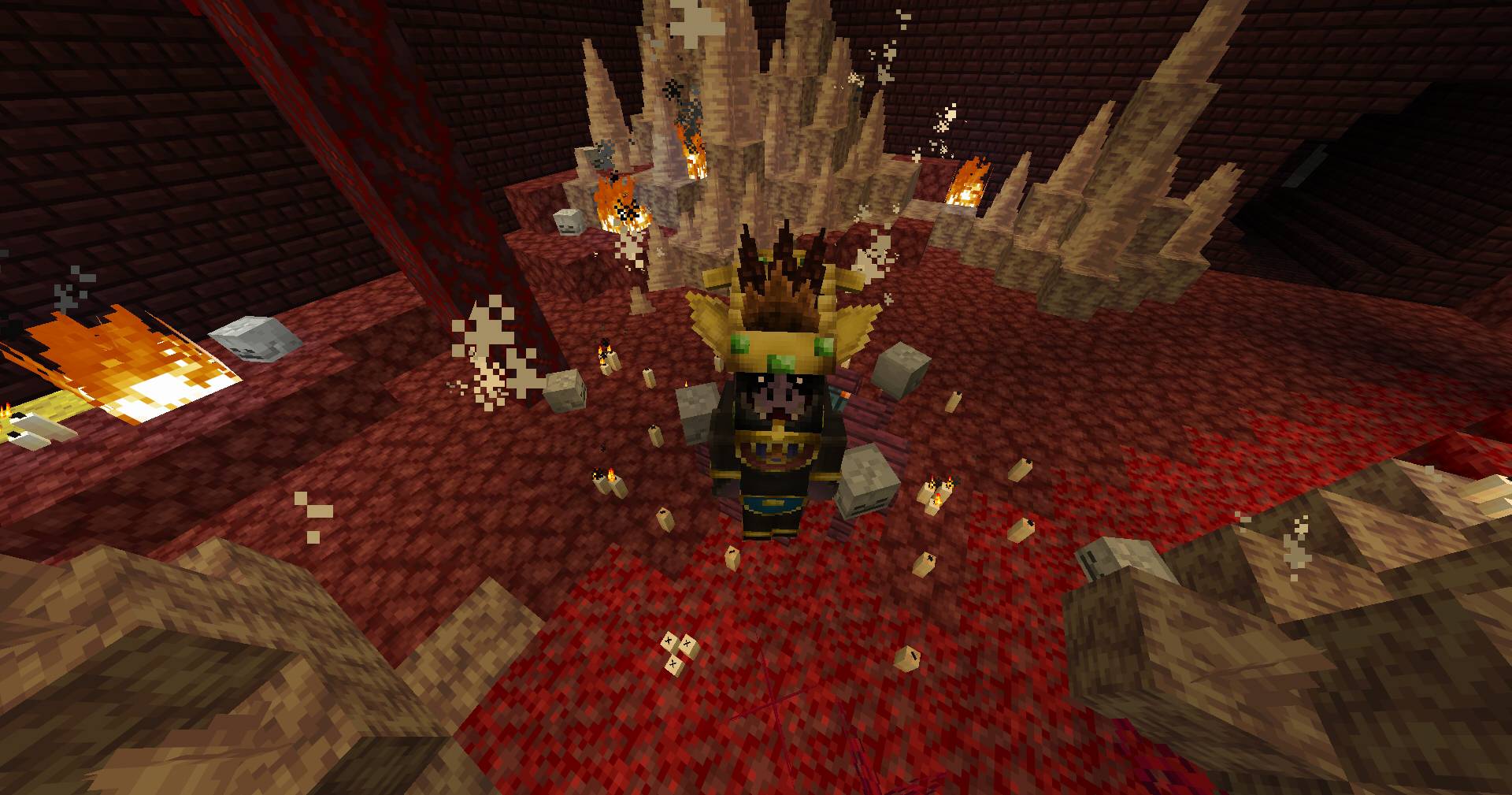
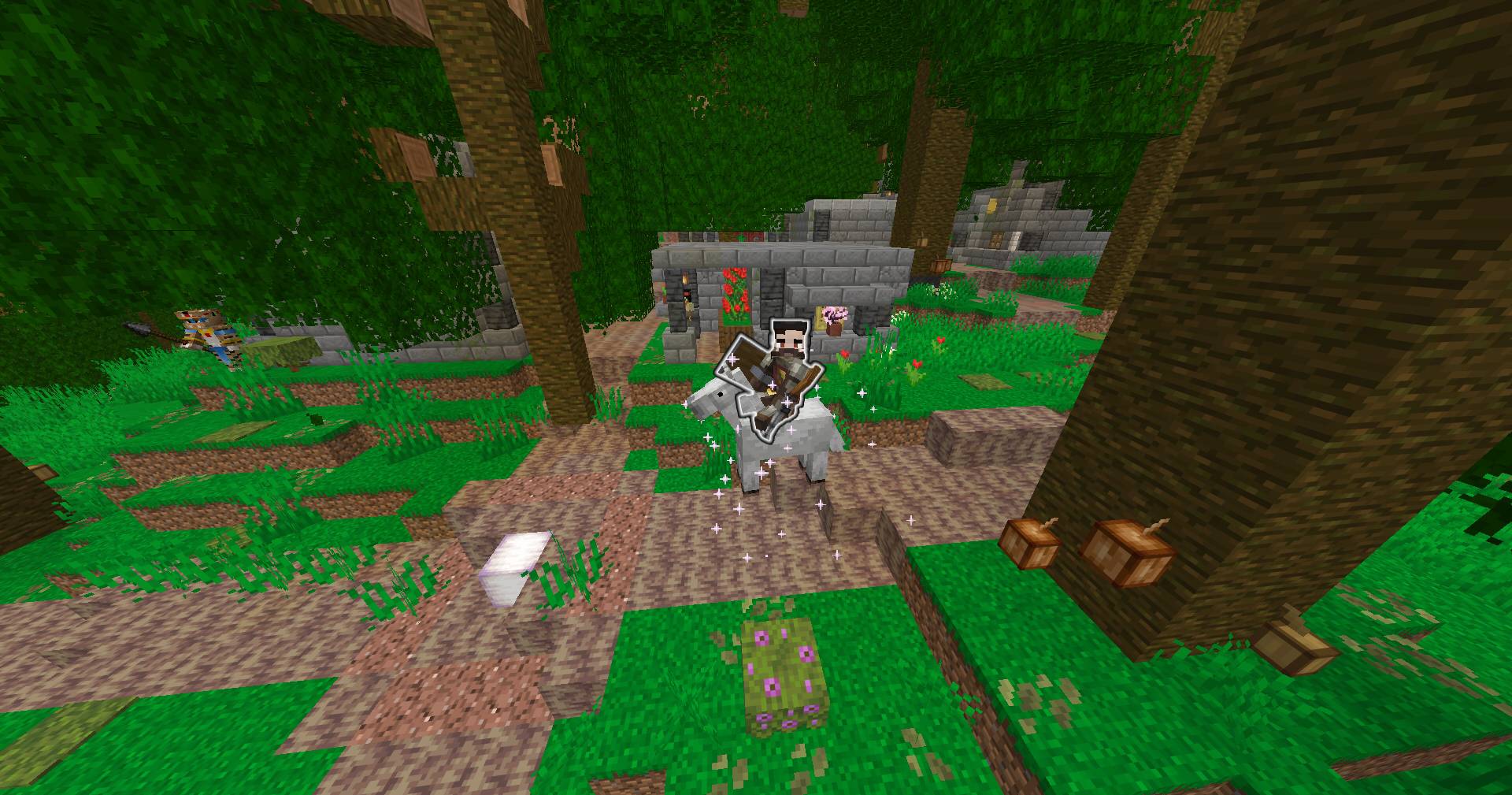
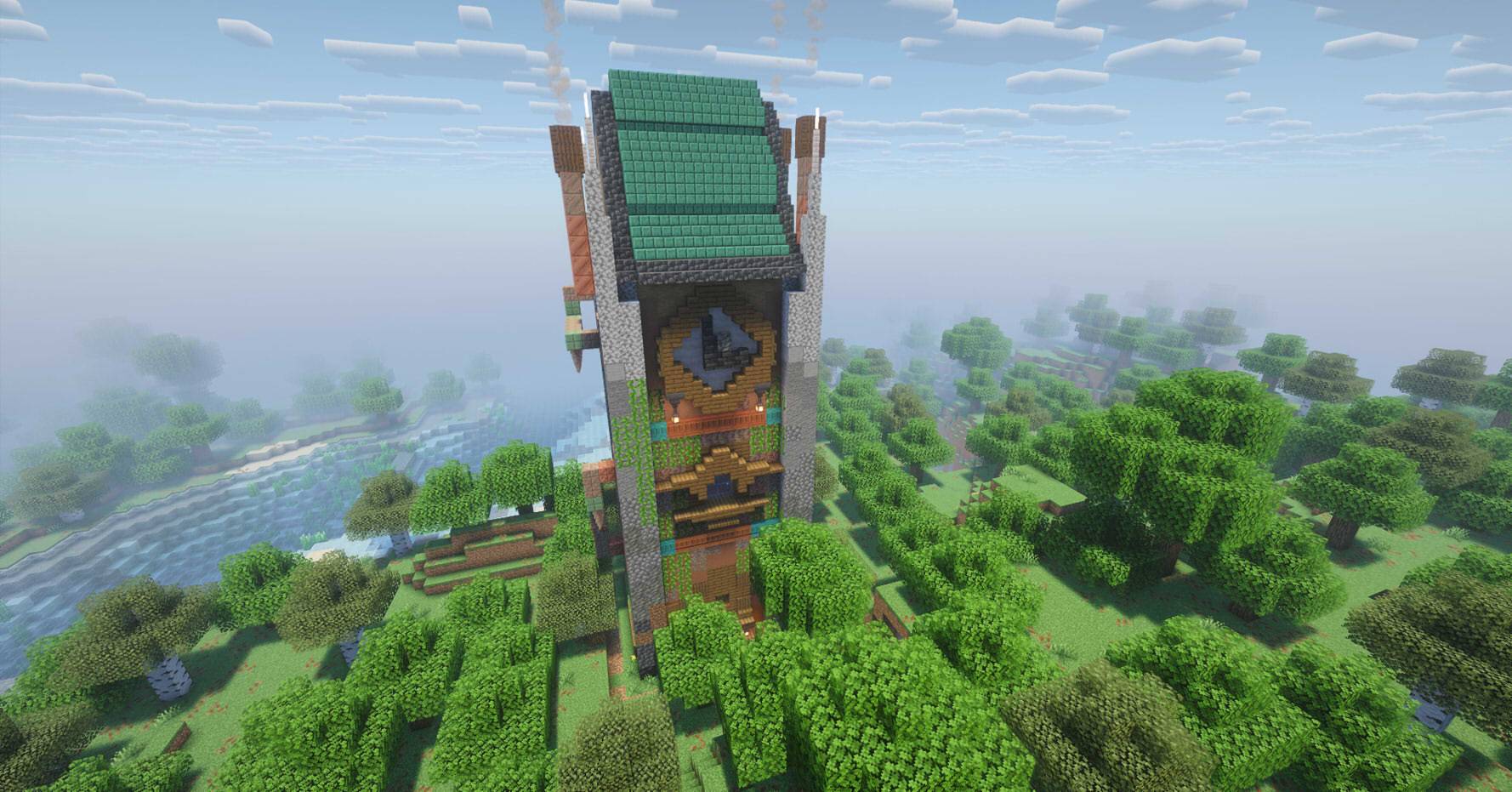
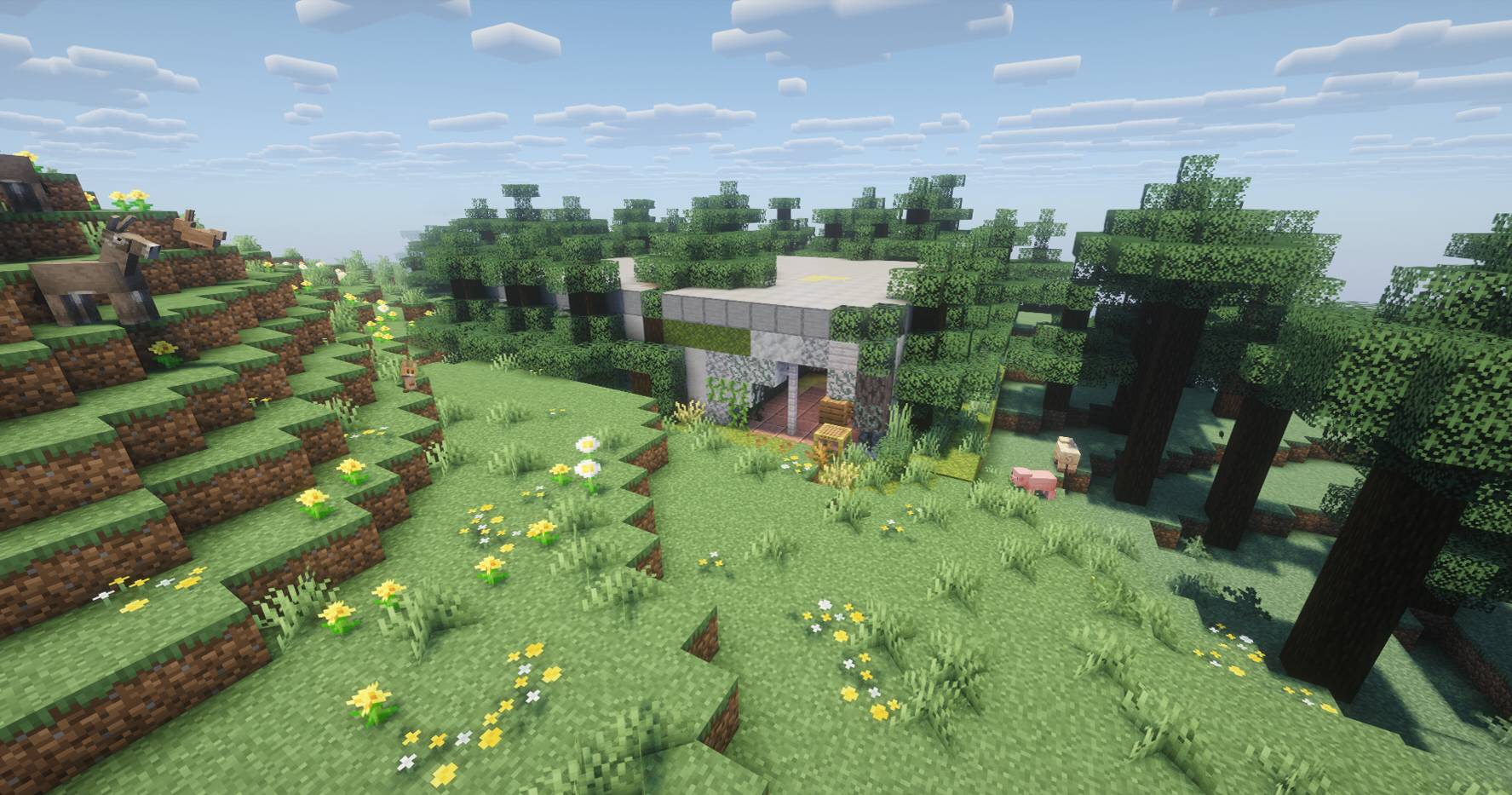
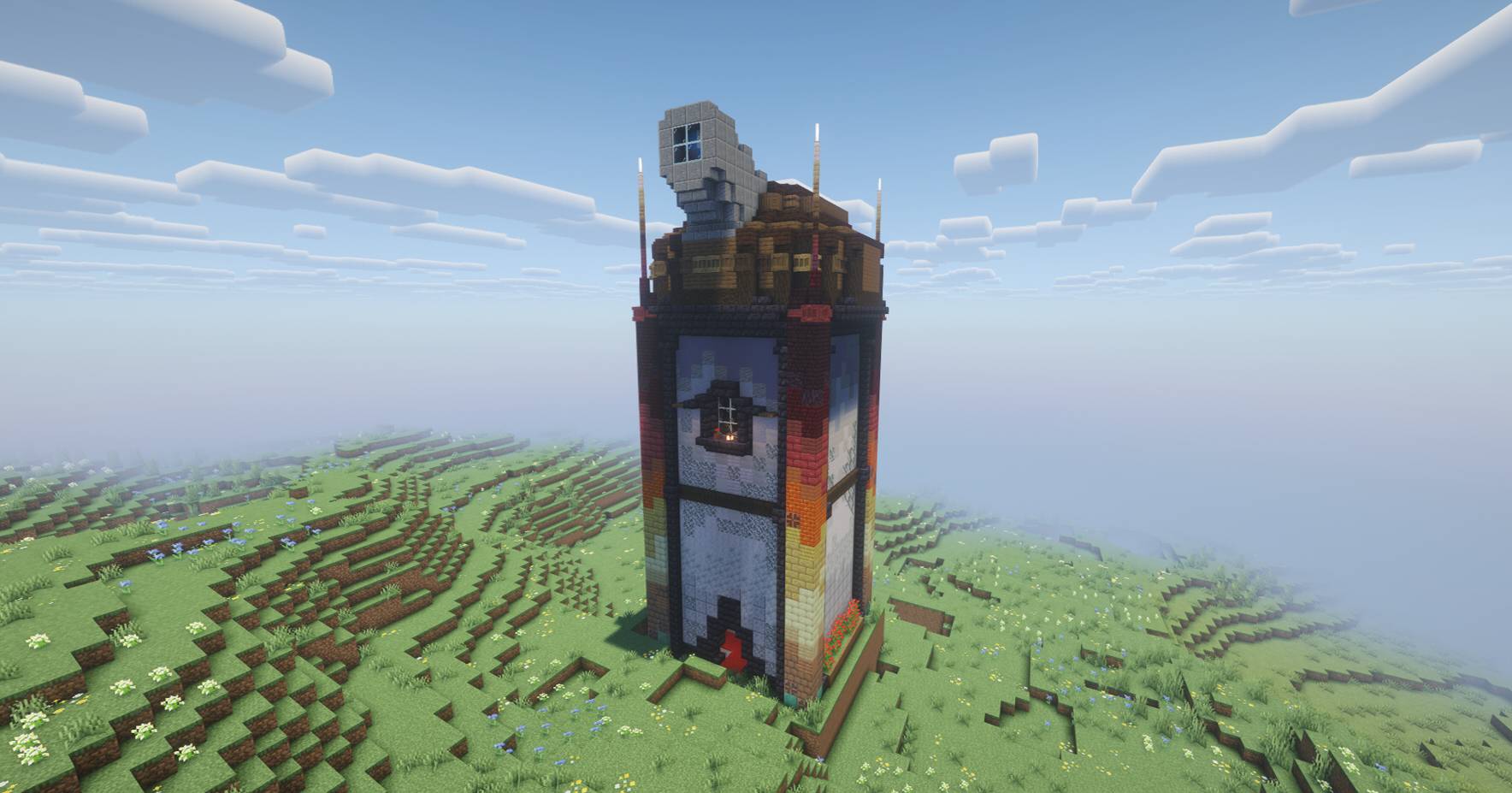
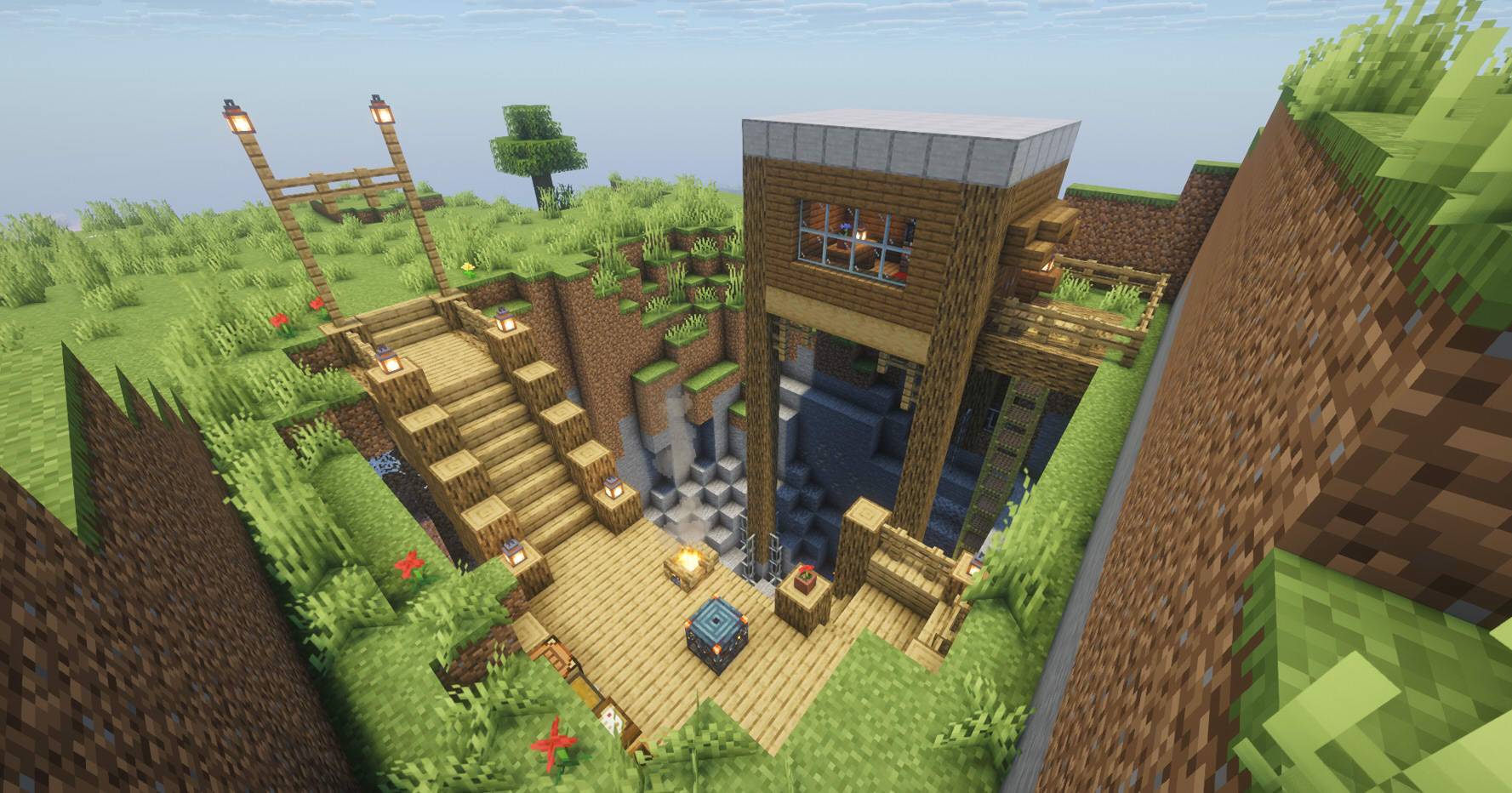
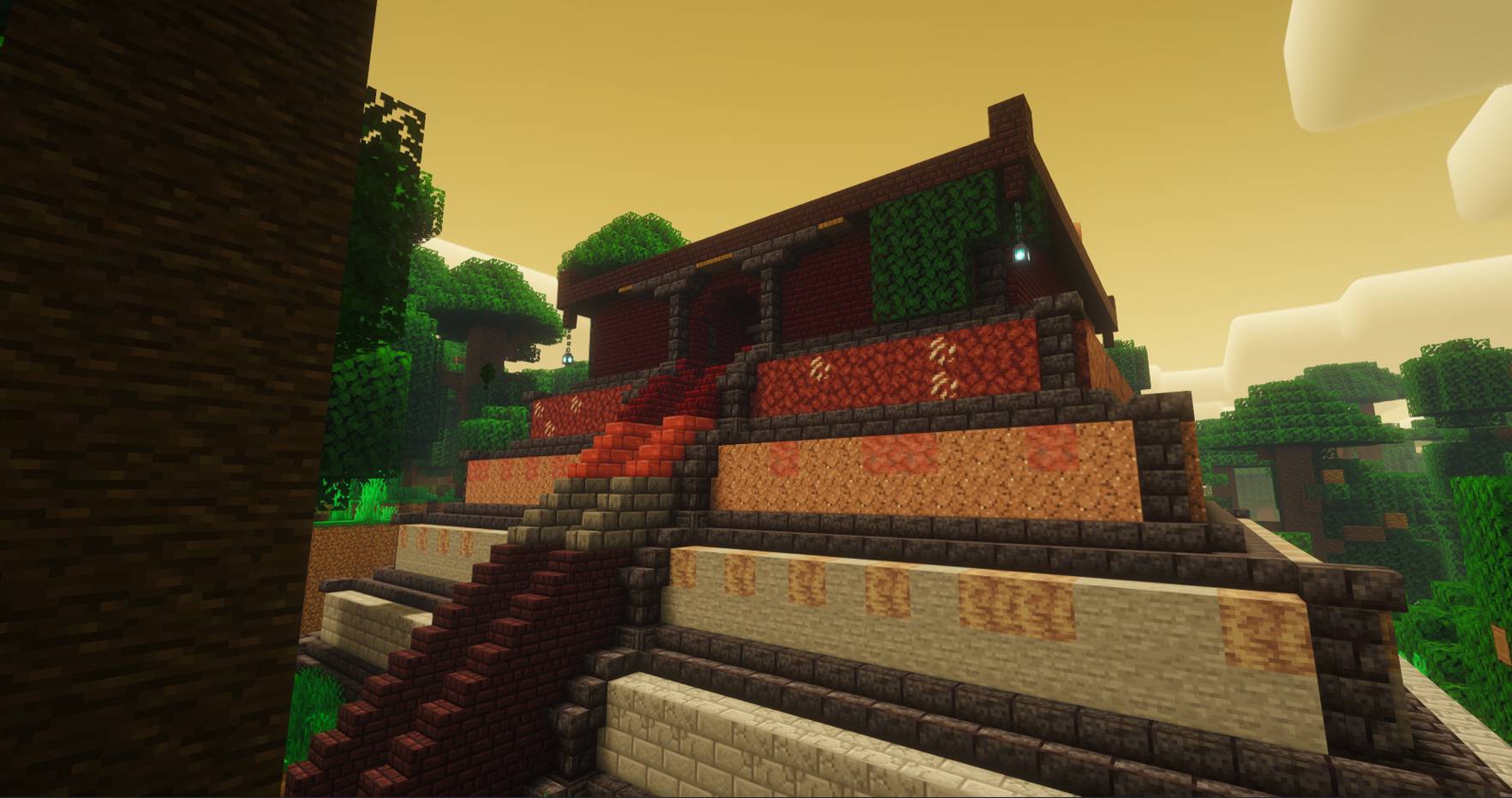
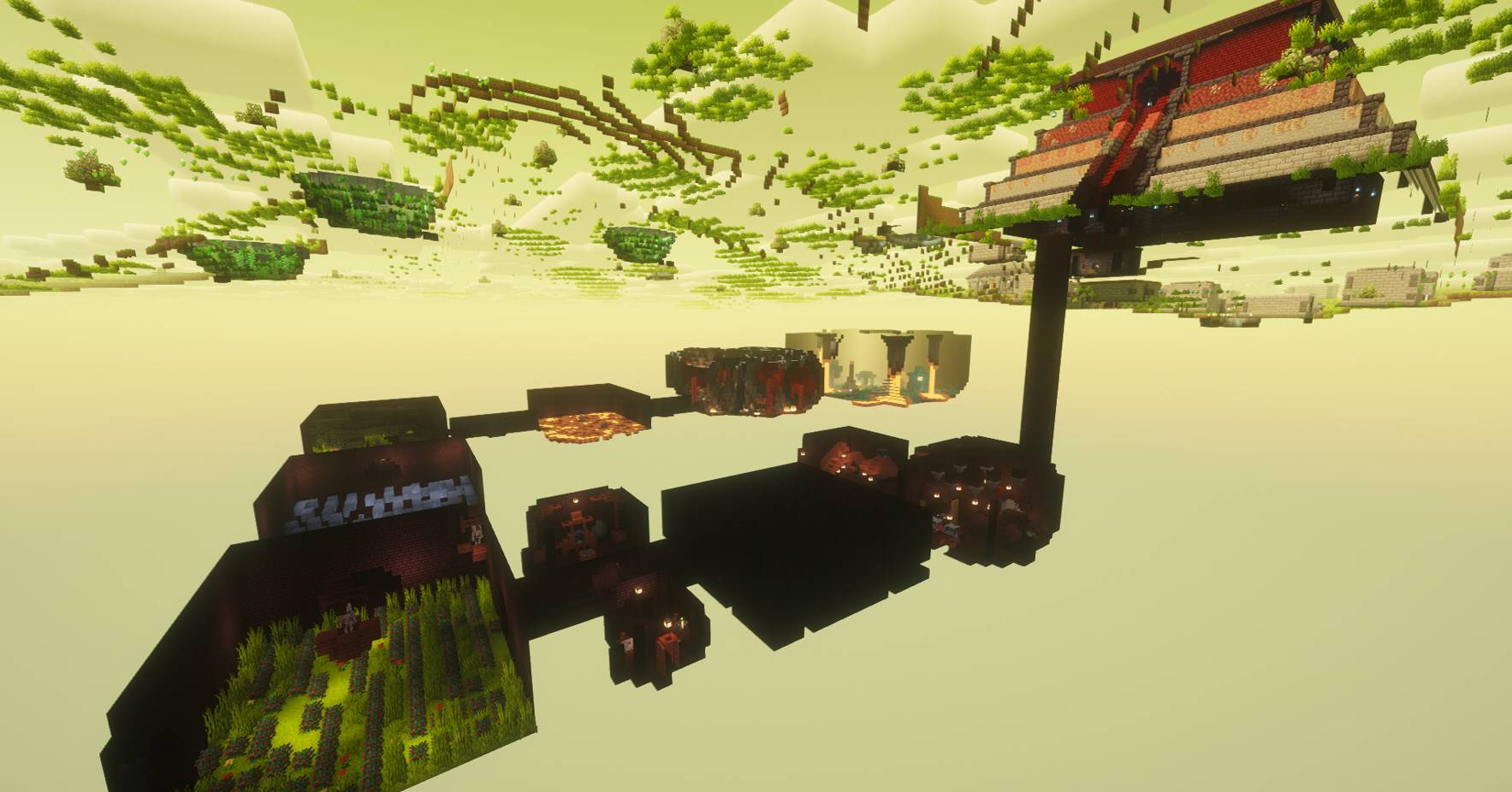
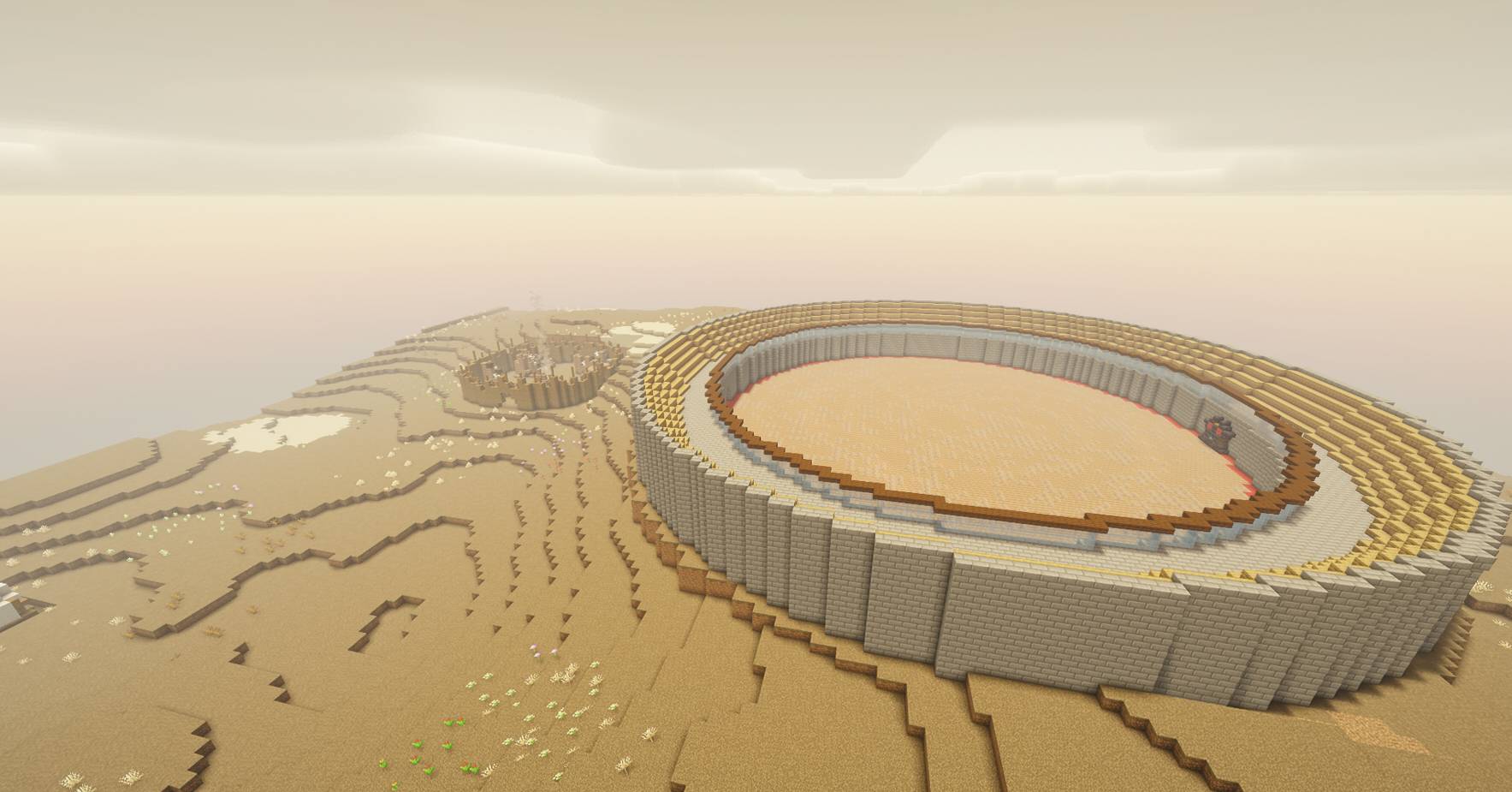
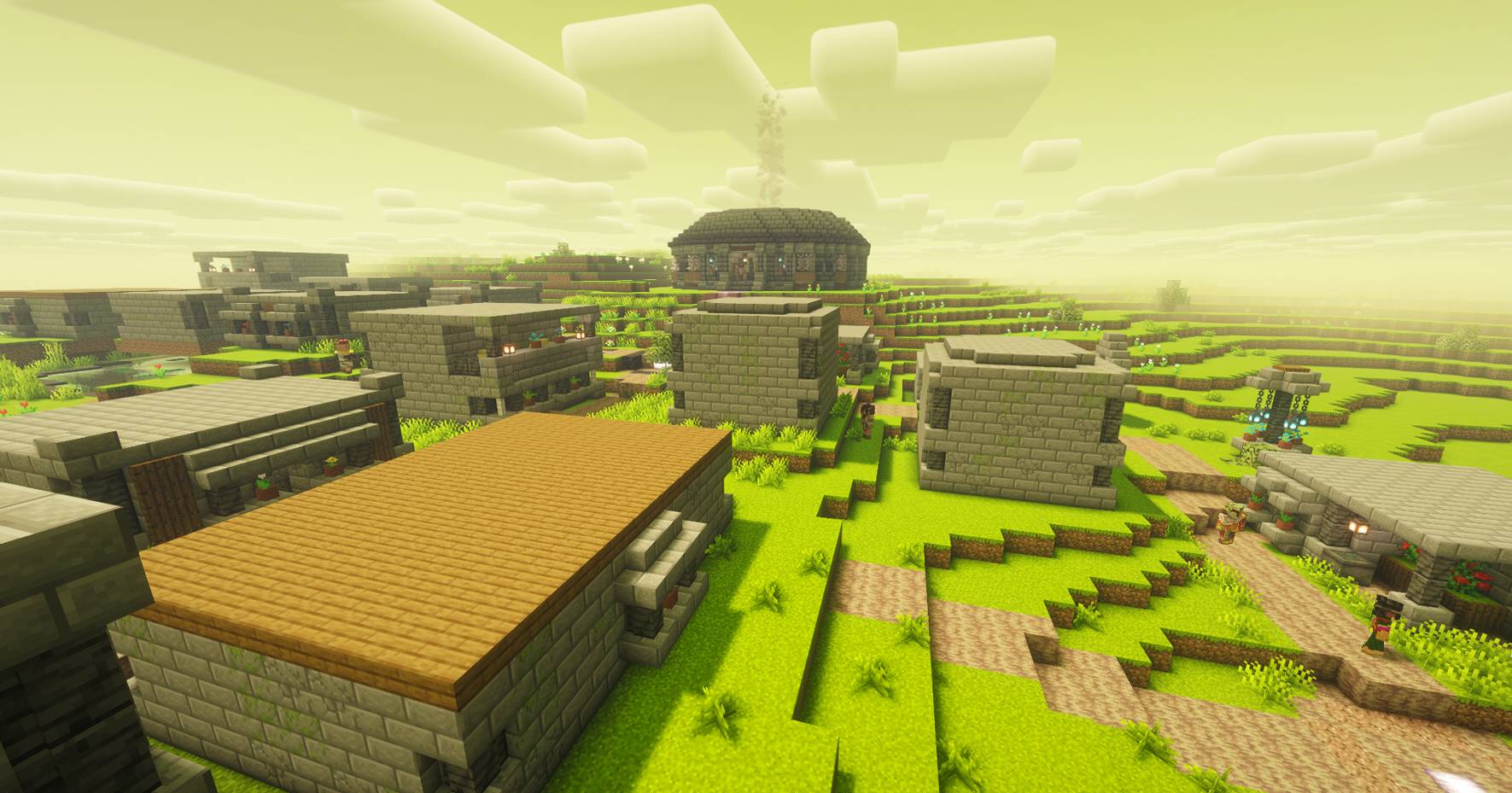
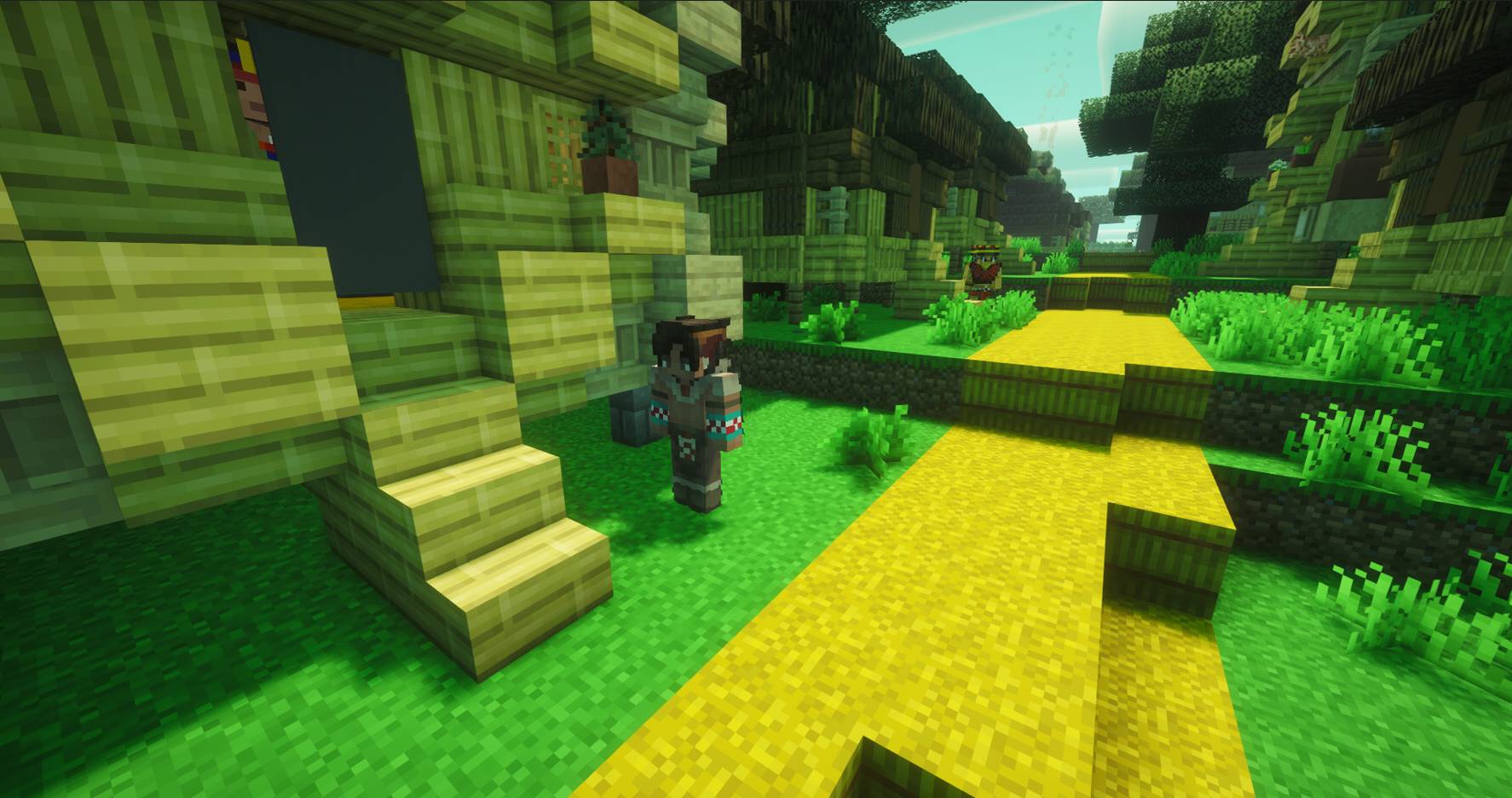
Embark on a grand journey following the history of alumine, a new dimension where the echoes of an ancient culture still prevail, complete its missions, defeat its bosses and become the king of alumine.

[Teaser]

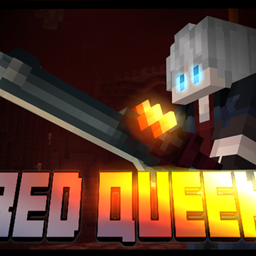
[obtain a new and powerful weaponry]

[Adventure]
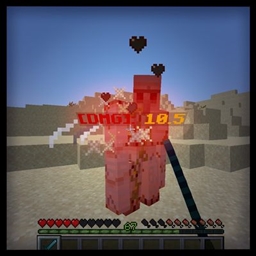
This data pack features a progression system consisting of 9 unique missions to complete in your world and a post-game challenge. It includes missions in both the overworld and the aluminum dimension. Completing missions will reward you with items possessing unique abilities, allow you to communicate with the dimension's inhabitants, and enable you to face 3 new bosses with special combat skills. Once you've mastered everything, you can access a final challenge in the form of a Boss Rush, facing enemies and bosses for an even greater reward!


=====================================================================
 
Dev Note:
If you only want to test the new inclusions in the datapack without having to complete the corresponding missions, use "/function alumine:main/test_all" to get all the items and completed missions, "/function alumine:main/test_items" to only test the items. If you want to return to the starting point, use "/function alumine:main/test_reset".


Alumine_Datapack
MC 26.2
Release 2026-08-31 Get
Alumine_ResourcePack
MC 26.2
Release 2026-08-31 Get

Requirements & install

How to use this data pack in Minecraft
Mods needed
None, works in vanilla
Minecraft
26.2
Install folder
saves/<world>/datapacks

How to install data packs

  1. Download the data pack .zip file (do not extract it).
  2. New world: click Data Packs on the world creation screen and drop the .zip in. Existing world: open .minecraft/saves/<world>/datapacks.
  3. Put the .zip into the datapacks folder of the world (servers: world/datapacks).
  4. Run /reload in game (or rejoin the world) and check it with /datapack list.
Browse more: Data Packs for 26.2 All data packs

More from Benjamin_Nicro

Advertisement Remove ads with Premium →

You Might Also Like