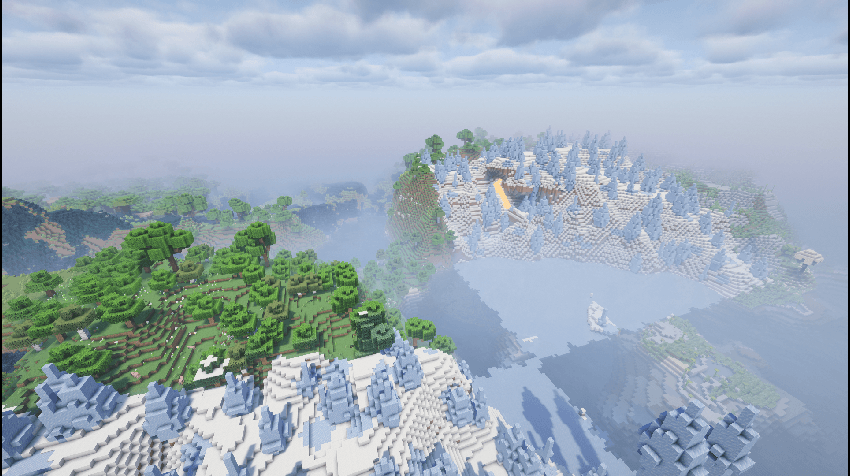
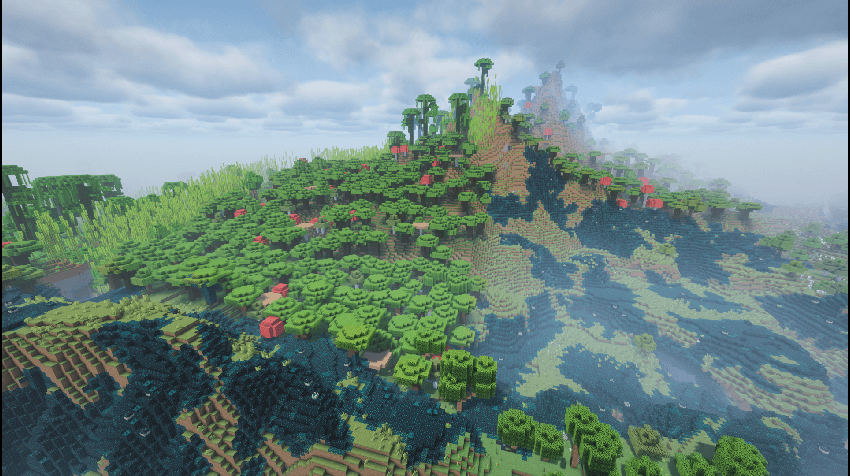
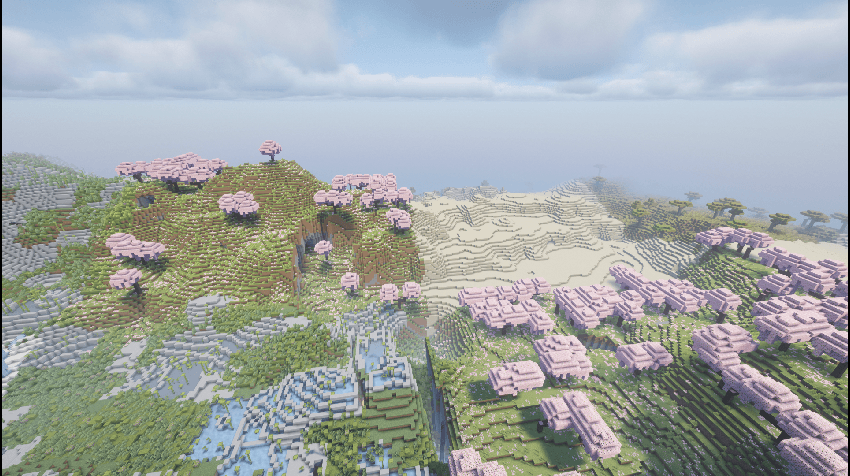
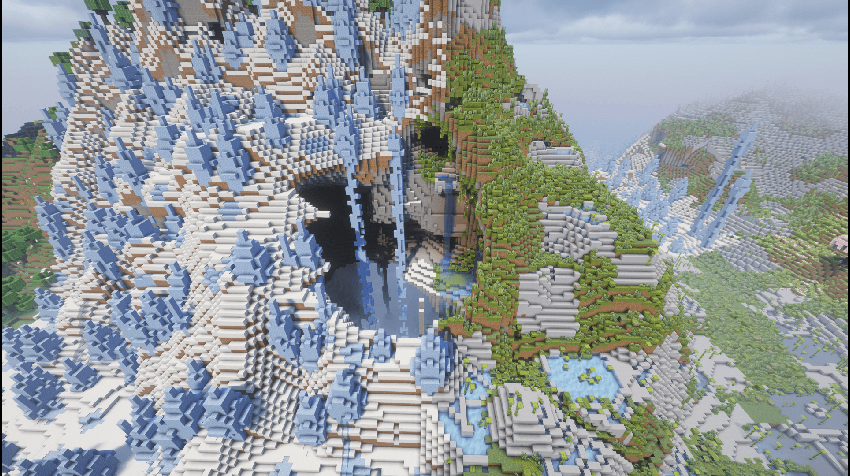
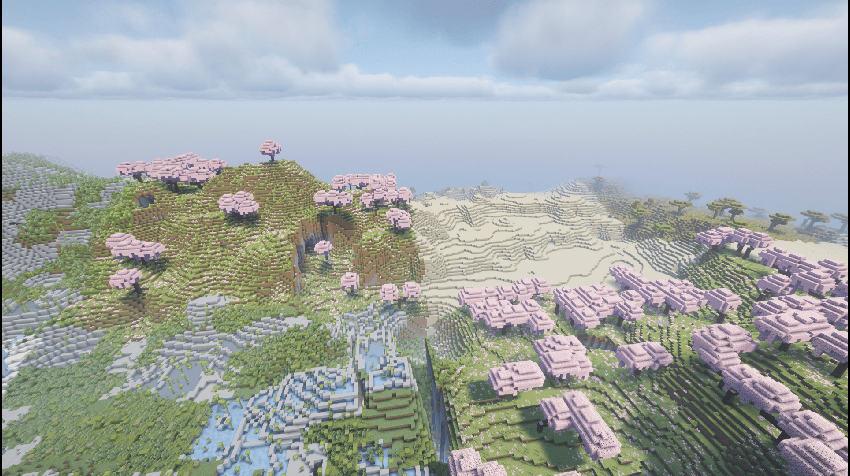
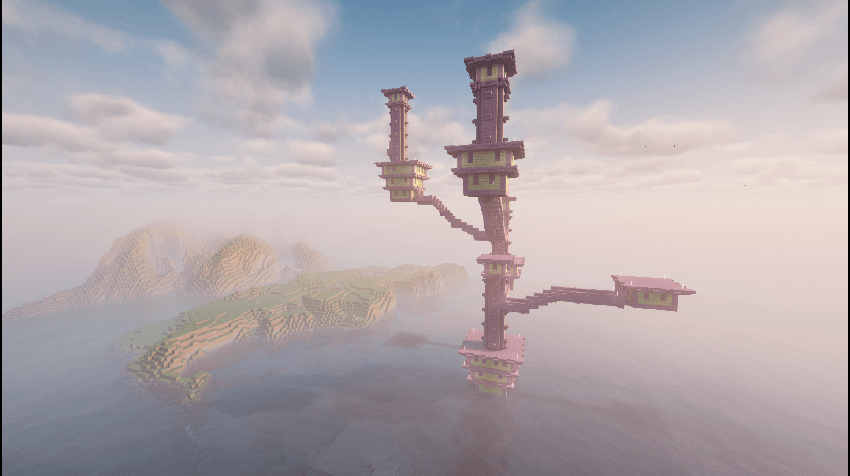
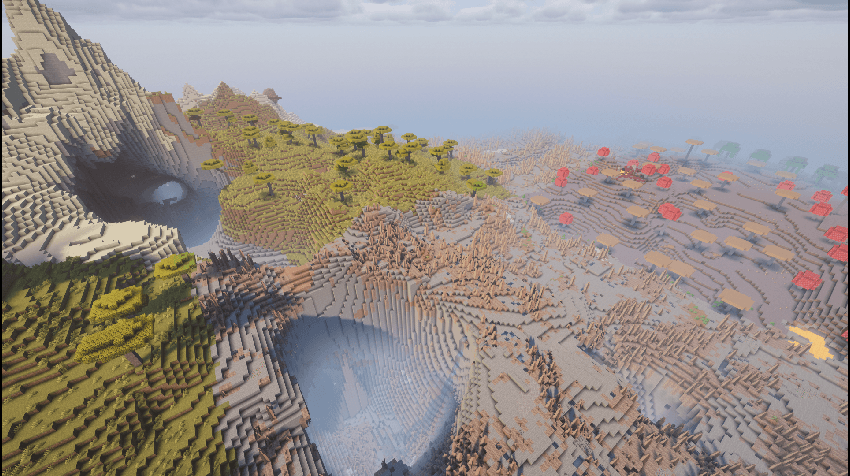
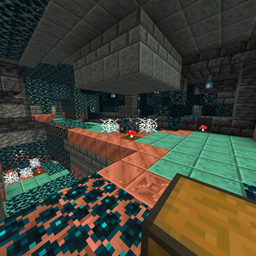
A simple datapack that adds a mining world that you can harvest for resources without destroying your main world.
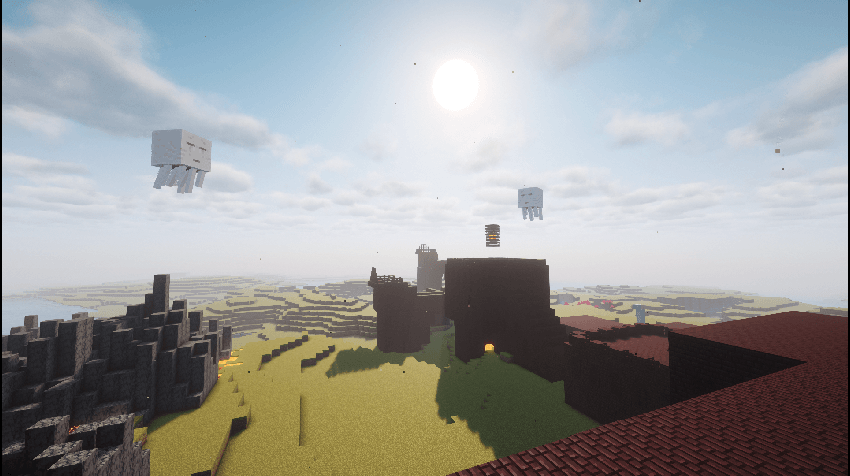
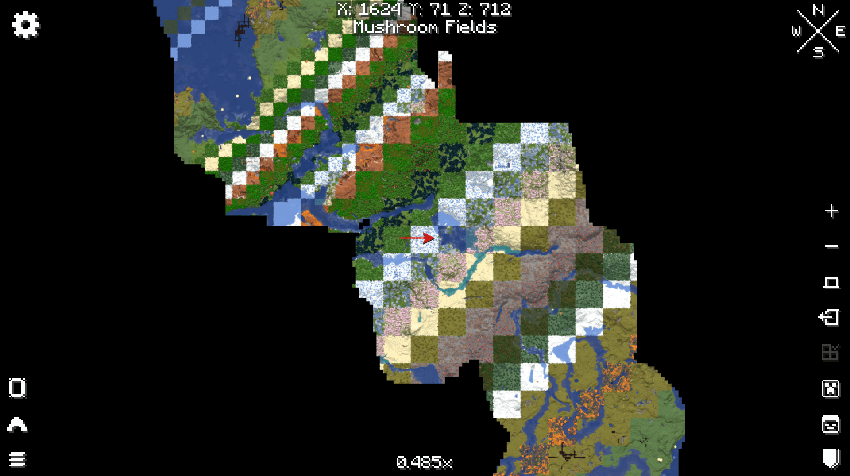
This dimension features all the biomes from all three dimensions, meaning you can gather nether and end resources here as well, without needing to tear up the respective dimensions, or add multiple mining worlds.
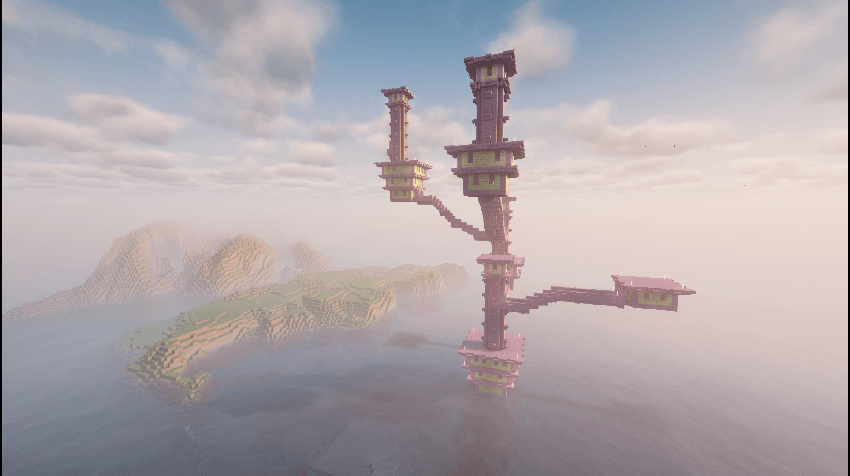
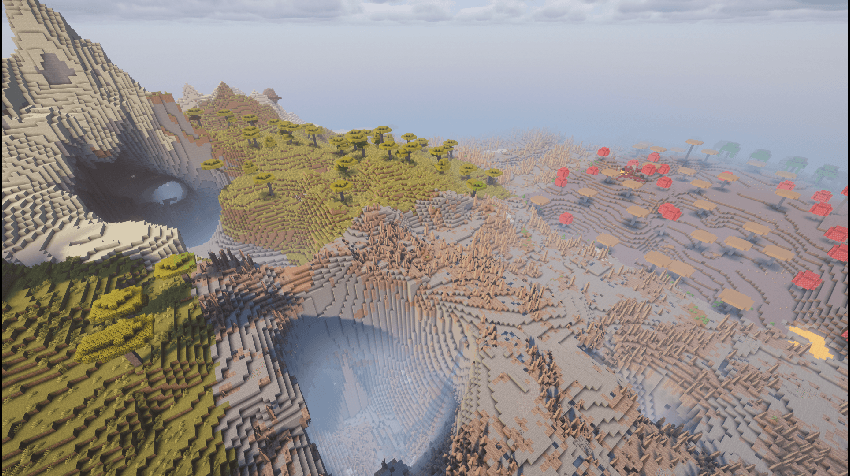
Note: This addon only adds the dimension, not a way to access it. You either need the Custom Portal API, and the Custom Portal Builder, or you can use the command
/execute in allbiomes:d_2b2t run tp @s 0 100 0to enter the dimension. If using the Custom Portal API and Custom Portal Builder, all you need to do, is add this code to the config of the Custom Portal Builder:
{
  "ConfiguredPortals": [
    {
      "isFlat": false,
      "frameBlock": "minecraft:crying_obsidian",
      "isFluidIgniter": false,
      "itemIgniter": "minecraft:diamond",
      "dimension": "allbiomes:d_2b2t",
      "r": 65,
      "g": 3,
      "b": 252
    }
  ]
You can obviously change the Block and Item to whatever you want.
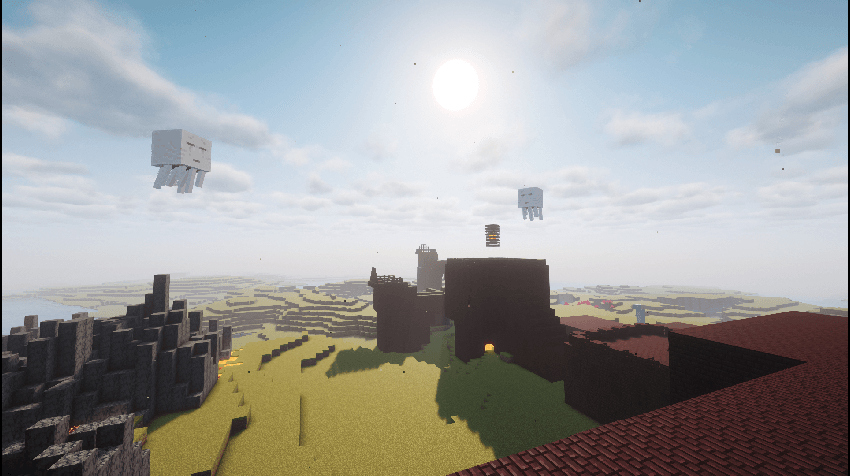
Note: At this current moment, even though the nether and end biomes will spawn, they won't replace the overworld grass, so netherrack and endstone are still rather uncommon in this dimension. This will be fixed.
This Data Pack was created for the Convergence SMP modpack.