Mineuniverse
Data Packs
Advancements Odyssey

Advancements Odyssey

DATA PACK
Advancements Odyssey Advancements Odyssey is a comprehensive expansion for Minecraft’s progression system
by Taz_nm
Download Claim this project
236 downloads
0 likes
Updated Oct 14, 2026
0 hypes
Adventure Utility
Advertisement Remove ads with Premium →

🌌 Advancements Odyssey: The Ultimate Journey

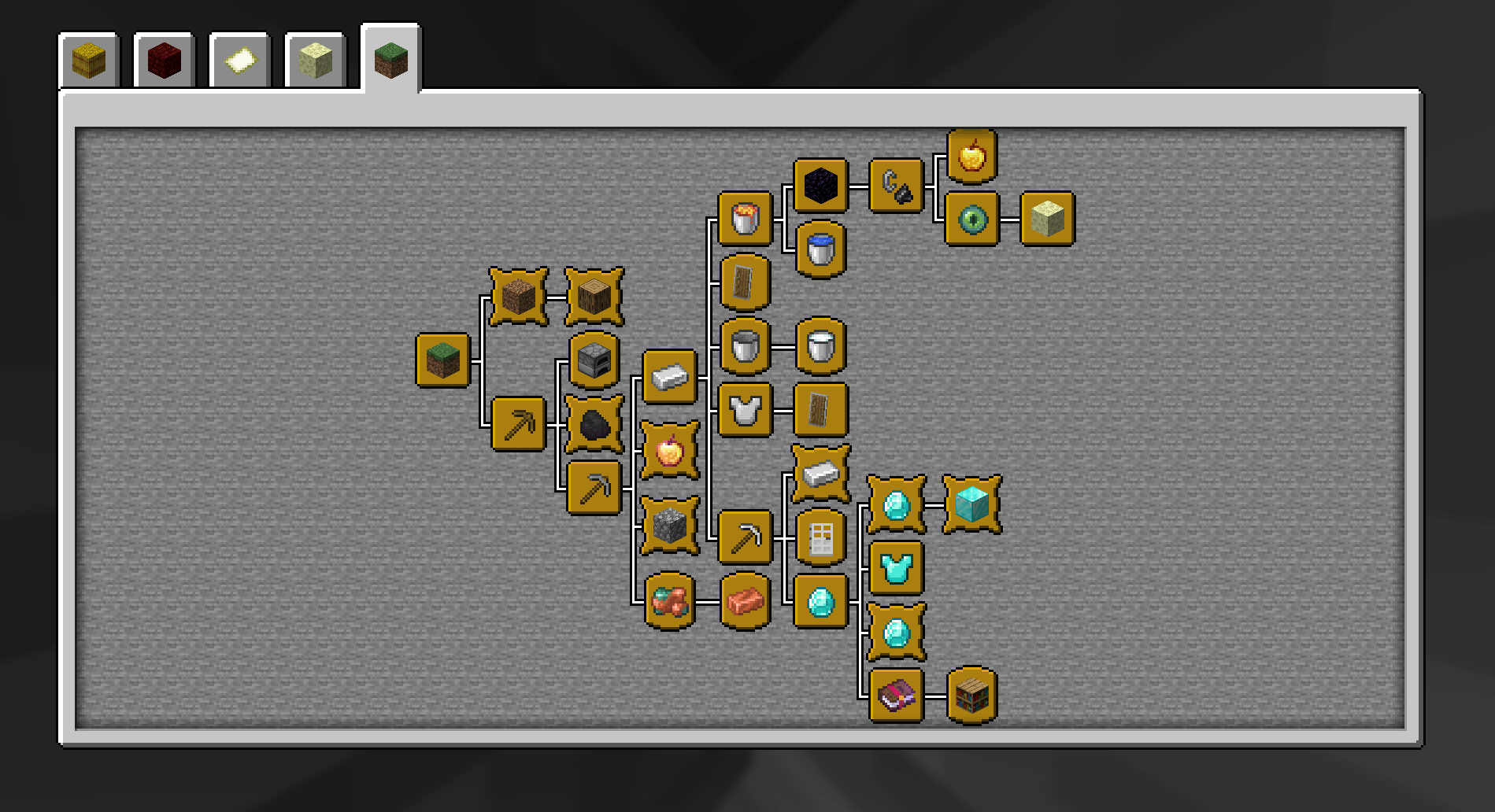
Advancements Odyssey is a comprehensive expansion for Minecraft's advancement system, designed specifically for 1.21.x. Tired of finishing the vanilla achievements in a few days? This mod adds 45+ unique, hand-crafted, and tiered challenges that will push your survival skills to the absolute limit! 🌟 Features: 45+ New Advancements: From simple early-game tasks to insane "Legendary" feats.

Tiered Progression: Explore challenges across all dimensions (Overworld, Nether, and The End).

🏆 Challenge Tiers:

🟢 Easy: Perfect for getting started with new mechanics.

🟡 Medium: Requires basic gear and some exploration.

🔴 Hard: Only for seasoned survivors with high-tier equipment.

🟣 Legendary: "The Impossible" tasks that only a true master can achieve.

4.0 (May Update)
MC 26.1, 26.1.1, 26.1.2
Release 2026-05-06 Get
3.0 advancements_odyssey for 1.21.10 & 1.21.9.zip
MC 1.21.9, 1.21.10
Release 2026-03-31 Get
3.0 advancements_odyssey for 1.21.11.zip
MC 1.21.11
Release 2026-03-31 Get
3.0 advancements_odyssey for 26.1.zip
MC 26.1, 26.1.1, 26.1.2
Release 2026-03-31 Get
2.0 Nether Update 1.21.1
MC 1.21, 1.21.1
Release 2026-03-30 Get
3.0 Advancements Odyssey-datapack-1.21.8.zip
MC 1.21.8, 1.21.7
Release 2026-03-30 Get
advancements_odyssey_april_fools-1.0.0-datapack-1.21.8.zip
MC 1.21.8, 1.21.7
Release 2026-03-30 Get
1.0
MC 1.21.8
Release 2026-03-29 Get
2.0 Nether Update 1.21.8
MC 1.21.8, 1.21.7
Release 2026-03-29 Get

Requirements & install

How to use this data pack in Minecraft
Mods needed
None, works in vanilla
Minecraft
1.21.7 – 26.1.2
Install folder
saves/<world>/datapacks

How to install data packs

  1. Download the data pack .zip file (do not extract it).
  2. New world: click Data Packs on the world creation screen and drop the .zip in. Existing world: open .minecraft/saves/<world>/datapacks.
  3. Put the .zip into the datapacks folder of the world (servers: world/datapacks).
  4. Run /reload in game (or rejoin the world) and check it with /datapack list.
Browse more: Data Packs for 26.1.2 All data packs
Advertisement Remove ads with Premium →

You Might Also Like