Mineuniverse
Data Packs
Absolem's Base Painting Pack

Absolem's Base Painting Pack

DATA PACK
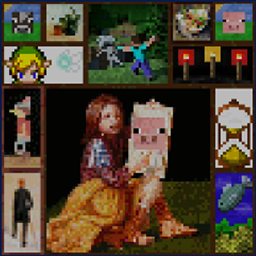
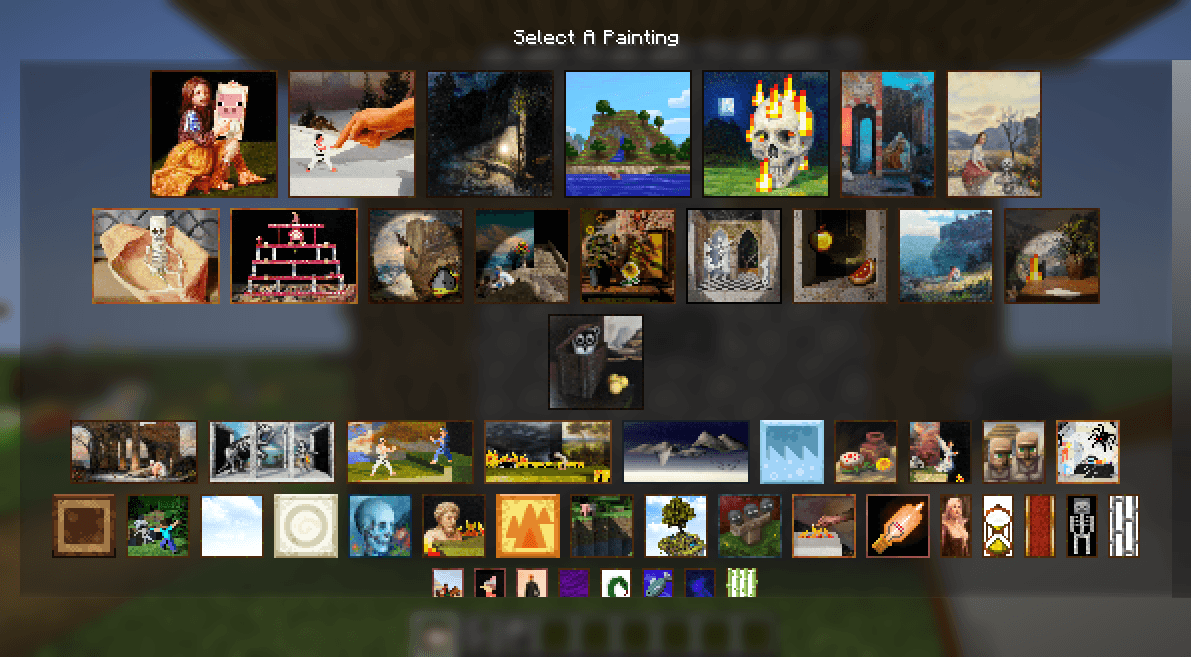
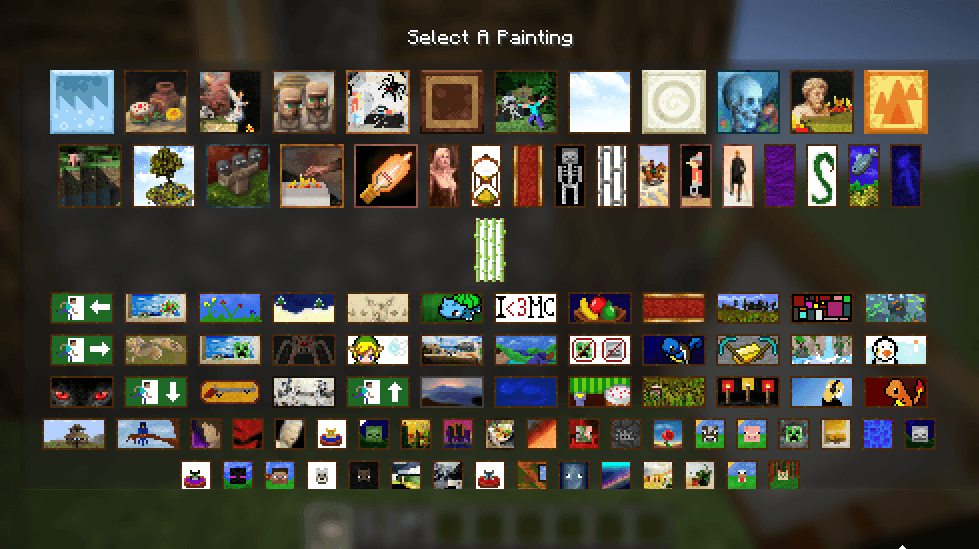
Adds a handful of paintings
by AbsolemJackdaw
Download Claim this project
1,150 downloads
0 likes
0 followers
Updated Oct 14, 2026
0 hypes
Follow0
Miscellaneous
Advertisement Remove ads with Premium →

Absolem's Painting Base pack.

This used to be a resourcepack, made specifically for Paintings++.

This Painting Pack is made with the Painting Pack Maker. 
We recomend to install Paintings++ to more easily select your paintings when placing them down.  

Since the 1.21 update, the way paintings get registered has changed fundamentally. 
Therefor, this pack is now available as a datapack, ready to be used regardless of the prescence of Paintings++. 


Installation Guide:   


With CurseForge client : use one of the dual loaders like OpenLoader to load equally load datapacks as resourcepacks.
Manually : make sure you put the datapack in both datapacks folder  in your world save and the resourcepack folder in your installation folder. 


Contents : 

Handcrafted pixel art paintings. 
Popculture pixelized paintings
Scaled down screenshots of minecraft buildings and worlds

Notice : all low effort paintings will be replaced over time by handcrafted pixel art to make a truly unique pack. 

absolemsbasepack 1.0.1.zip
MC 1.21, 1.21.8, 1.21.5, 1.21.4, 1.21.1, 1.21.6, 1.21.3, 1.21.7, 1.21.2, 1.21.9, 1.21.10, 1.21.11
Release 2025-10-10 Get
absolemsbasepack.zip
MC 1.21, 1.21.5, 1.21.8, 1.21.9, 1.21.10, 1.21.4, 1.21.3, 1.21.7, 1.21.1, 1.21.6, 1.21.2
Release 2025-10-09 Get
absolemsbasepack 1.0.0.zip
MC 1.21, 1.21.5, 1.21.8, 1.21.9, 1.21.10, 1.21.4, 1.21.3, 1.21.7, 1.21.1, 1.21.6, 1.21.2
Release 2025-10-09 Get

Requirements & install

How to use this data pack in Minecraft
Mods needed
None, works in vanilla
Minecraft
1.21.4 – 1.21.11
Install folder
saves/<world>/datapacks

How to install data packs

  1. Download the data pack .zip file (do not extract it).
  2. New world: click Data Packs on the world creation screen and drop the .zip in. Existing world: open .minecraft/saves/<world>/datapacks.
  3. Put the .zip into the datapacks folder of the world (servers: world/datapacks).
  4. Run /reload in game (or rejoin the world) and check it with /datapack list.
Browse more: Data Packs for 1.21.11 All data packs

More from AbsolemJackdaw

Advertisement Remove ads with Premium →

You Might Also Like