Mineuniverse
Qfe_’s Minecraft Skin in 3D

// MINECRAFT SKIN #251

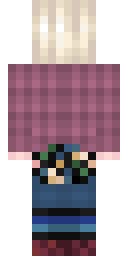
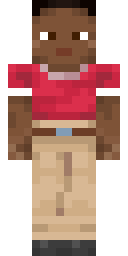
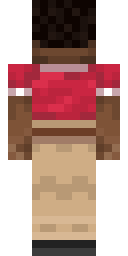
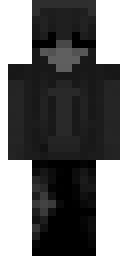
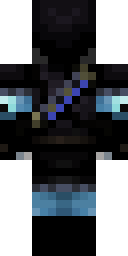
Qfe_’s Minecraft Skin

Classic In use

First seen Last seen

  • 1wearing now
  • 1worn by
  • 3views
  • 0favourites
Download PNG Apply to Minecraft Edit in Skin Editor Favourite0
Texture IDf925b0134d6c16fad1af7fd819511528fa8c5ac59c92a618e7b0c7914020df2b
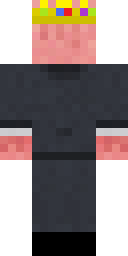
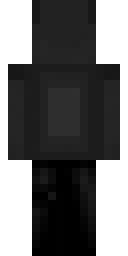
  • Qfe_’s Minecraft Skin, front viewFront
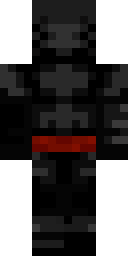
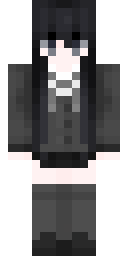
  • Qfe_’s Minecraft Skin, back viewBack
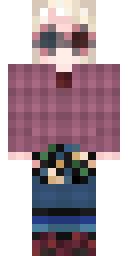
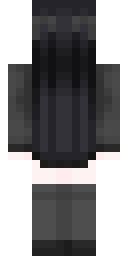
  • Qfe_’s Minecraft Skin, raw 64×64 textureTexture 64×64

Worn by

1

How to use this skin

This is a classic skin (the Steve model with 4 px wide arms). MineUniverse first saw it on , and Qfe_ wears it.

Java Edition

  1. Click Download PNG above to save the texture.
  2. Open the Minecraft Launcher, go to Skins and choose New skin, or open your profile on minecraft.net. Apply to Minecraft opens that page with this skin already selected.
  3. Pick the Classic player model, upload the file and save. The new skin shows up the next time you join a world or server.

Bedrock Edition

  1. Download the PNG to your device.
  2. Open the Dressing Room, go to Classic skins and choose Import (Choose new skin).
  3. Select the file and pick the Classic body type when asked.

Get a player head with this skin

Run one of these commands in a world with cheats enabled. The head shows Qfe_’s skin for as long as Qfe_ wears it.

Java 1.20.5+/give @p minecraft:player_head[profile={name:"Qfe_"}]
Java 1.13–1.20.4/give @p minecraft:player_head{SkullOwner:"Qfe_"}

Skin textures are made by their creators and hosted by Mojang; we show copies so you can find who wears them.

Report this skin

Moderators review every report and hide skins that break the rules.