Mineuniverse
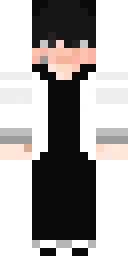
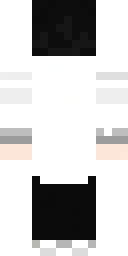
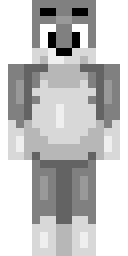
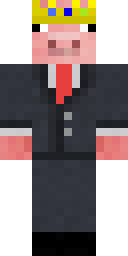
Classic Minecraft Skin #16 in 3D

// MINECRAFT SKIN #16

Classic Minecraft Skin #16

Classic

First seen Last seen

  • 0wearing now
  • 1worn by
  • 6views
  • 0favourites
Download PNG Apply to Minecraft Edit in Skin Editor Favourite0
Texture IDde2e1763640d770175fa03ac9d29c4e7b796238cc70ef790c2fa0fa5e563637c
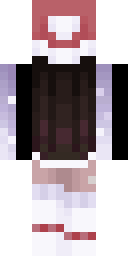
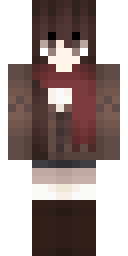
  • Classic Minecraft Skin #16, front viewFront
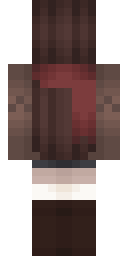
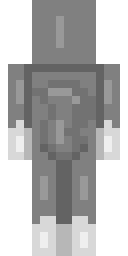
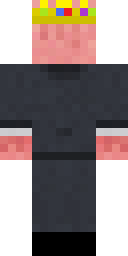
  • Classic Minecraft Skin #16, back viewBack
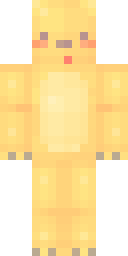
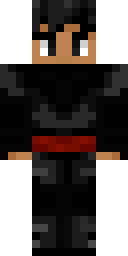
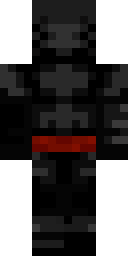
  • Classic Minecraft Skin #16, raw 64×64 textureTexture 64×64

Worn by

0

Nobody we know wears this skin right now.

Previously worn by

1

How to use this skin

This is a classic skin (the Steve model with 4 px wide arms). MineUniverse first saw it on .

Java Edition

  1. Click Download PNG above to save the texture.
  2. Open the Minecraft Launcher, go to Skins and choose New skin, or open your profile on minecraft.net. Apply to Minecraft opens that page with this skin already selected.
  3. Pick the Classic player model, upload the file and save. The new skin shows up the next time you join a world or server.

Bedrock Edition

  1. Download the PNG to your device.
  2. Open the Dressing Room, go to Classic skins and choose Import (Choose new skin).
  3. Select the file and pick the Classic body type when asked.

Skin textures are made by their creators and hosted by Mojang; we show copies so you can find who wears them.

Report this skin

Moderators review every report and hide skins that break the rules.