Mineuniverse
Resource Packs
ZomPack

ZomPack

RESOURCE PACK
A regular resource pack by yurikohun, for those who like it. Base pack: Faithful.
by yurikohun
Download Claim this project
686 downloads
0 likes
Updated Oct 14, 2026
0 hypes
32x
Advertisement Remove ads with Premium →

ZomPack

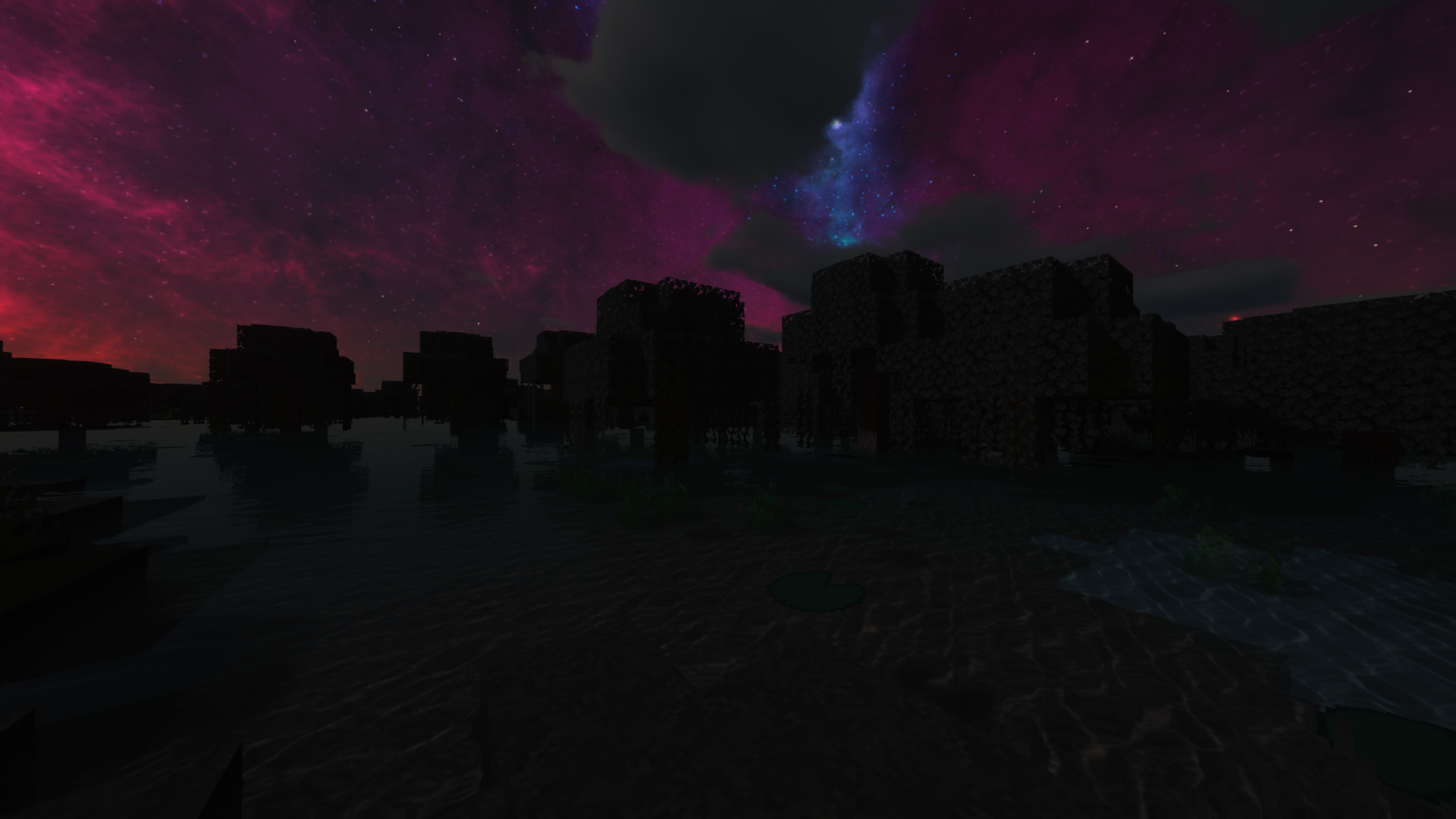
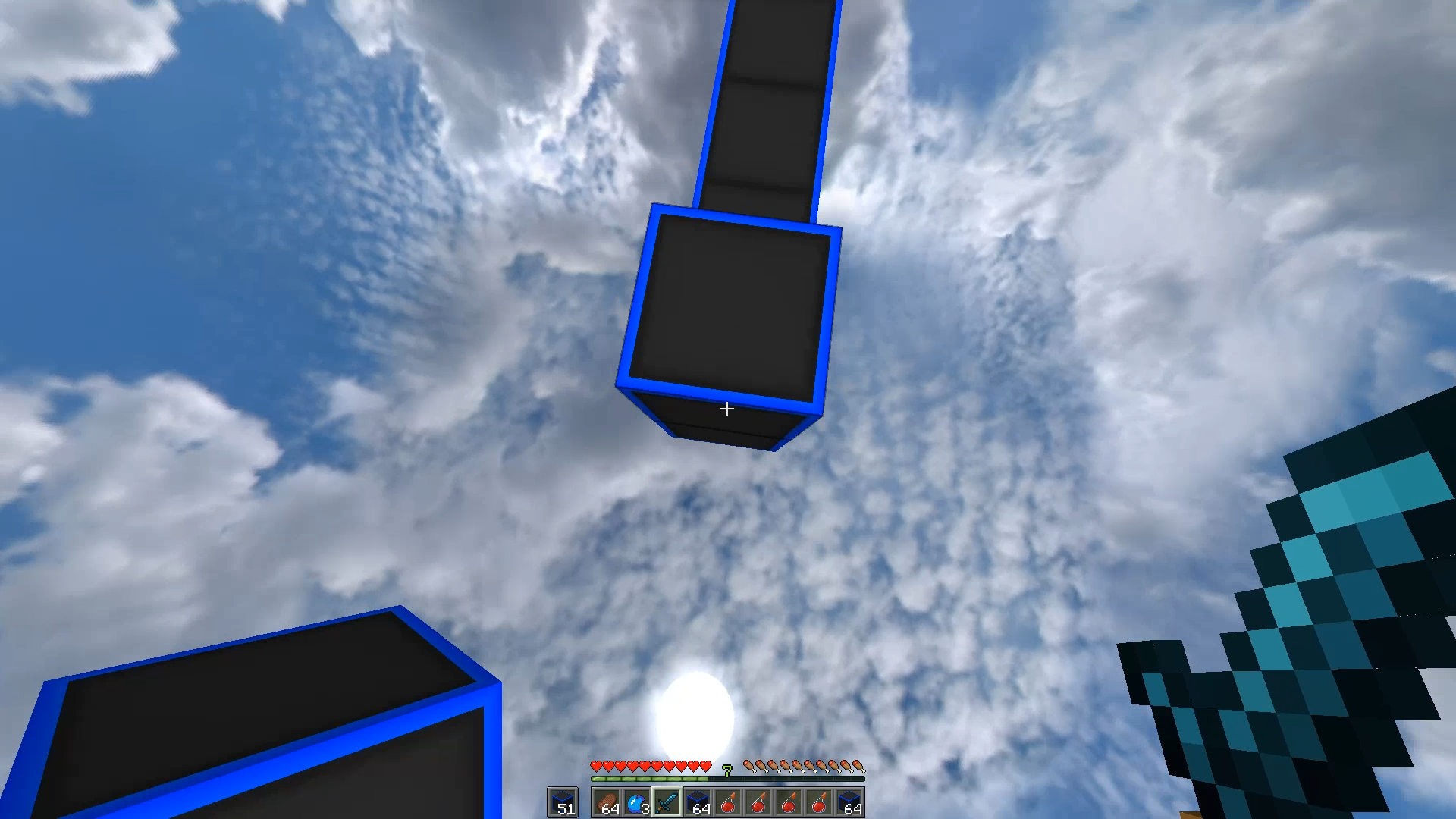
The Resource Pack made with all aspects of Minecraft in mind.


NEW: IMAGES


ZomPack is based on various versions of Faithful. From 1.9.1, our base Faithful is 32x Faithful by https://faithfulpack.net/.


Textures different from faithfulpack.net's 32x Faithful:
-Font (default minecraft font)
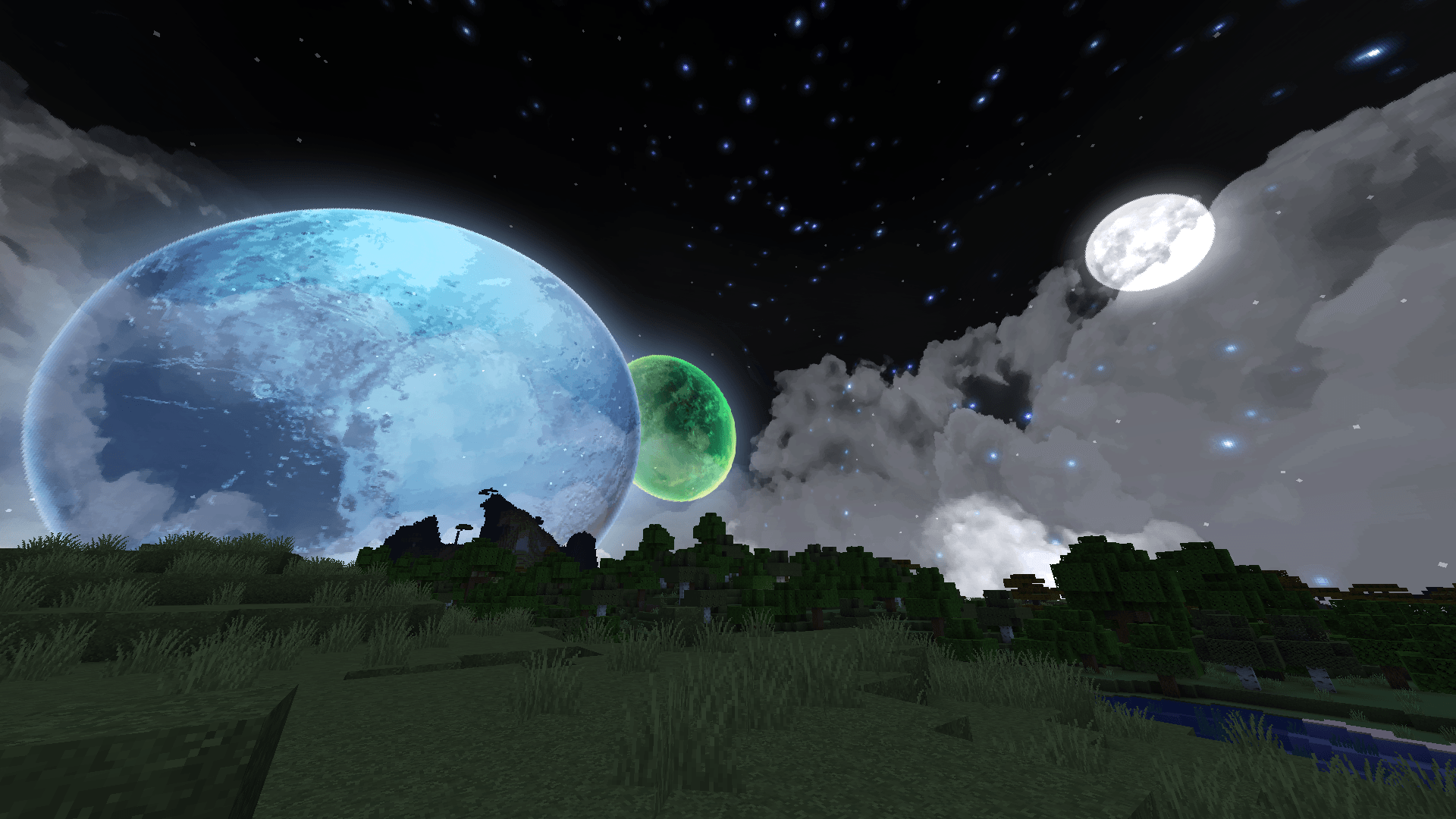
-Sky
-Wool ( Telly's 100K Pack )
-Horn (https://www.planetminecraft.com/texture-pack/goat-horns-32x/)
-Options Background ( old default stone brick )
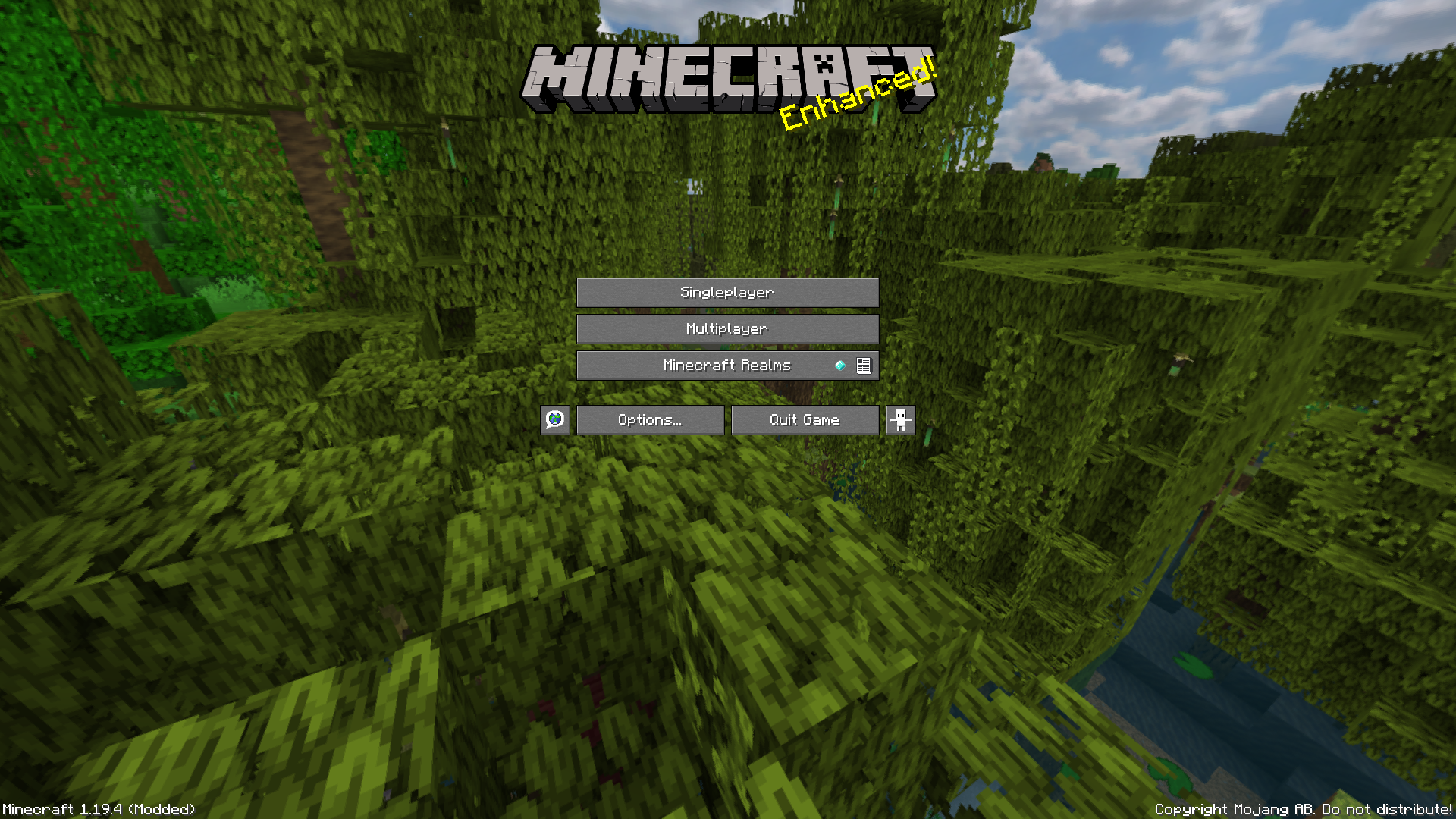
-Panorama ( custom )
-Water, underwater
-"Java edition" text deleted ( edition.png )
-Wood logs, Dirt, Fire, Grass, Grass Block, Farmland, Path, Sand, Fern ( different Faithful )
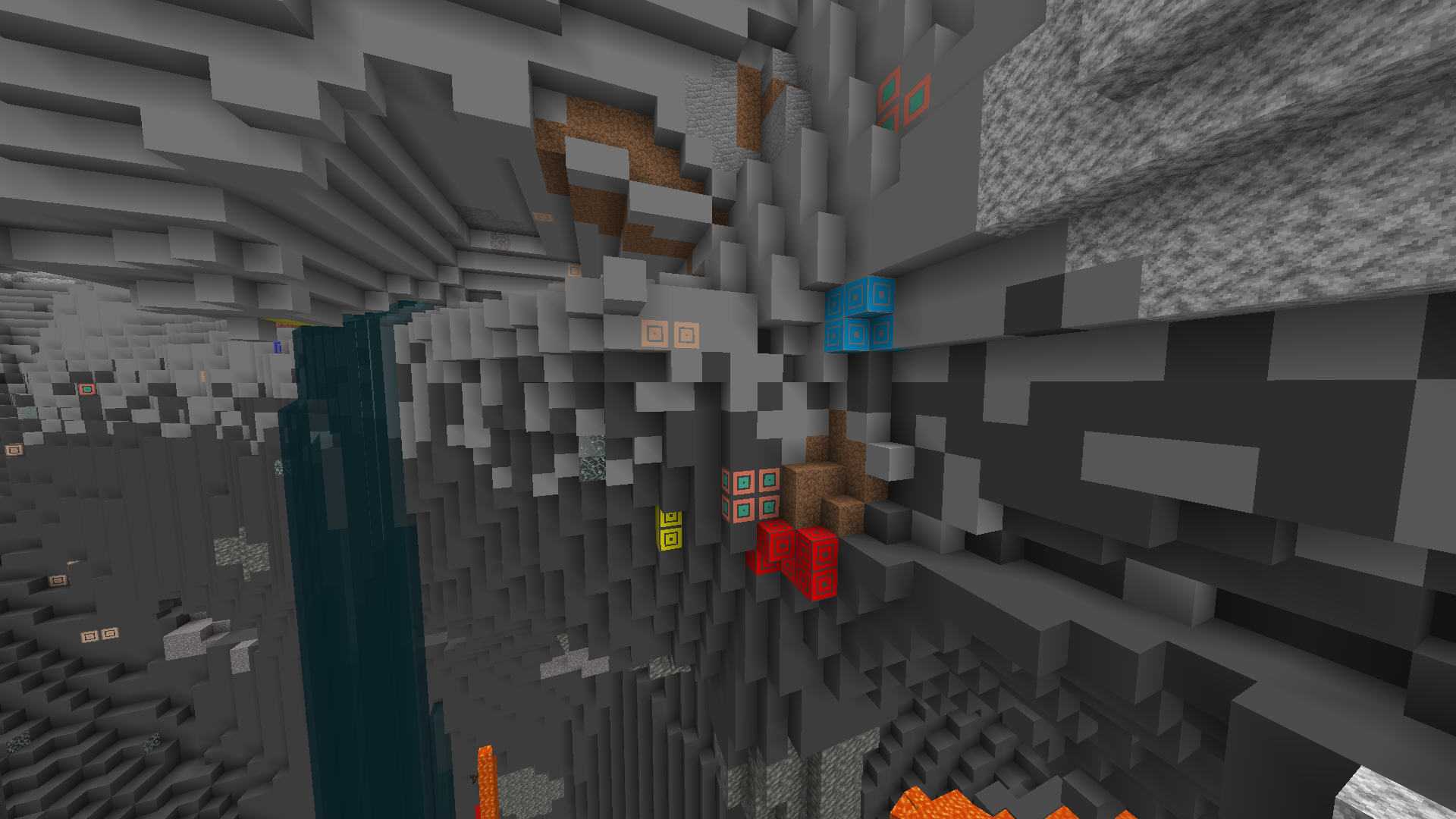
-Bedrock, Ores, Stone, Deepslate ( custom )
-Sword, Axe, Shovel, Pickaxe, Bow
-Hoe, Armour, Beetroot, Spawn Eggs ( different Faithful )
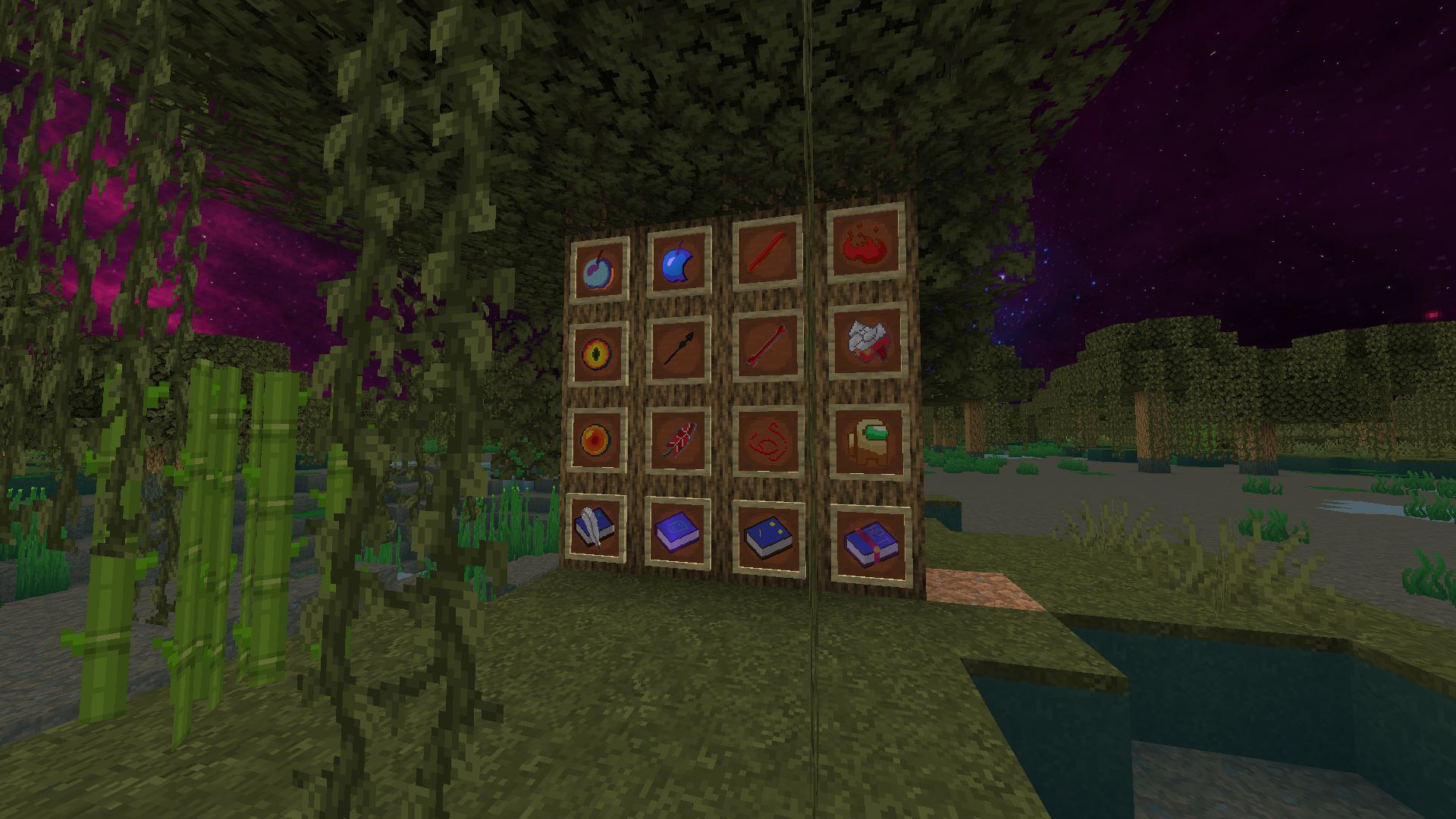
-Apple, Arrow, Blaze Powder, Blaze Rod, Bone, Bone meal, Ender Eye, Ender Pearl, Feather, Golden Apple, String, Totem of Undying, Books ( custom )

 
ZomPack v2.0.0
MC 1.20.5, 1.20.6
Release 2025-05-17 Get
ZomPack v2.1.0
MC 1.21.5, 1.21.4
Release 2025-05-17 Get
ZomPack v1.9.1
MC 1.19.4
Release 2023-04-30 Get
ZomPack v1.9.0
MC 1.19.2, 1.19.1, 1.19
Release 2022-08-17 Get
ZomPack v1.8.0
MC 1.18.1, 1.18.2, 1.18
Release 2022-03-27 Get
ZomPack v1.6
MC 1.17.1, 1.17
Release 2021-07-28 Get
ZomPack 1.5 3AT Edition
MC 1.16.1
Release 2020-09-26 Get
ZomPack v1.5
MC 1.16.1, 1.16
Release 2020-08-01 Get
ZomPack v1.4
MC 1.15, 1.15.2, 1.15.1
Release 2020-07-13 Get
Zompack Beta_20200605
MC 1.15, 1.15.2, 1.15.1
Beta 2020-06-05 Get
ZomPack v1.0
MC 1.12.1, 1.12, 1.12.2
Release 2020-05-27 Get
ZomPack v1.1
MC 1.12.1, 1.12, 1.12.2
Release 2020-05-27 Get
ZomPack v1.2
MC 1.12.1, 1.12, 1.12.2
Release 2020-05-27 Get
ZomPack v1.3
MC 1.12.1, 1.12, 1.12.2
Release 2020-05-27 Get
ZomPack Beta_20200526
MC 1.15-Snapshot, 1.15, 1.15.2, 1.15.1
Beta 2020-05-26 Get

Requirements & install

How to use this resource pack in Minecraft
Resolution
32x
Minecraft
1.19 – 1.21.5
Install folder
.minecraft/resourcepacks

How to install resource packs

  1. Download the resource pack .zip file (do not extract it).
  2. In Minecraft open Options → Resource Packs → Open Pack Folder.
  3. Drop the .zip into the resourcepacks folder (.minecraft/resourcepacks).
  4. Move the pack to the Selected column and click Done.
Browse more: 16x resource packs 32x resource packs 64x resource packs 128x resource packs 256x resource packs 512x+ resource packs Resource Packs for 1.21.5 All resource packs
Advertisement Remove ads with Premium →

You Might Also Like