Mineuniverse
Resource Packs
Zentium's Custom Faithful x32

Zentium's Custom Faithful x32

RESOURCE PACK
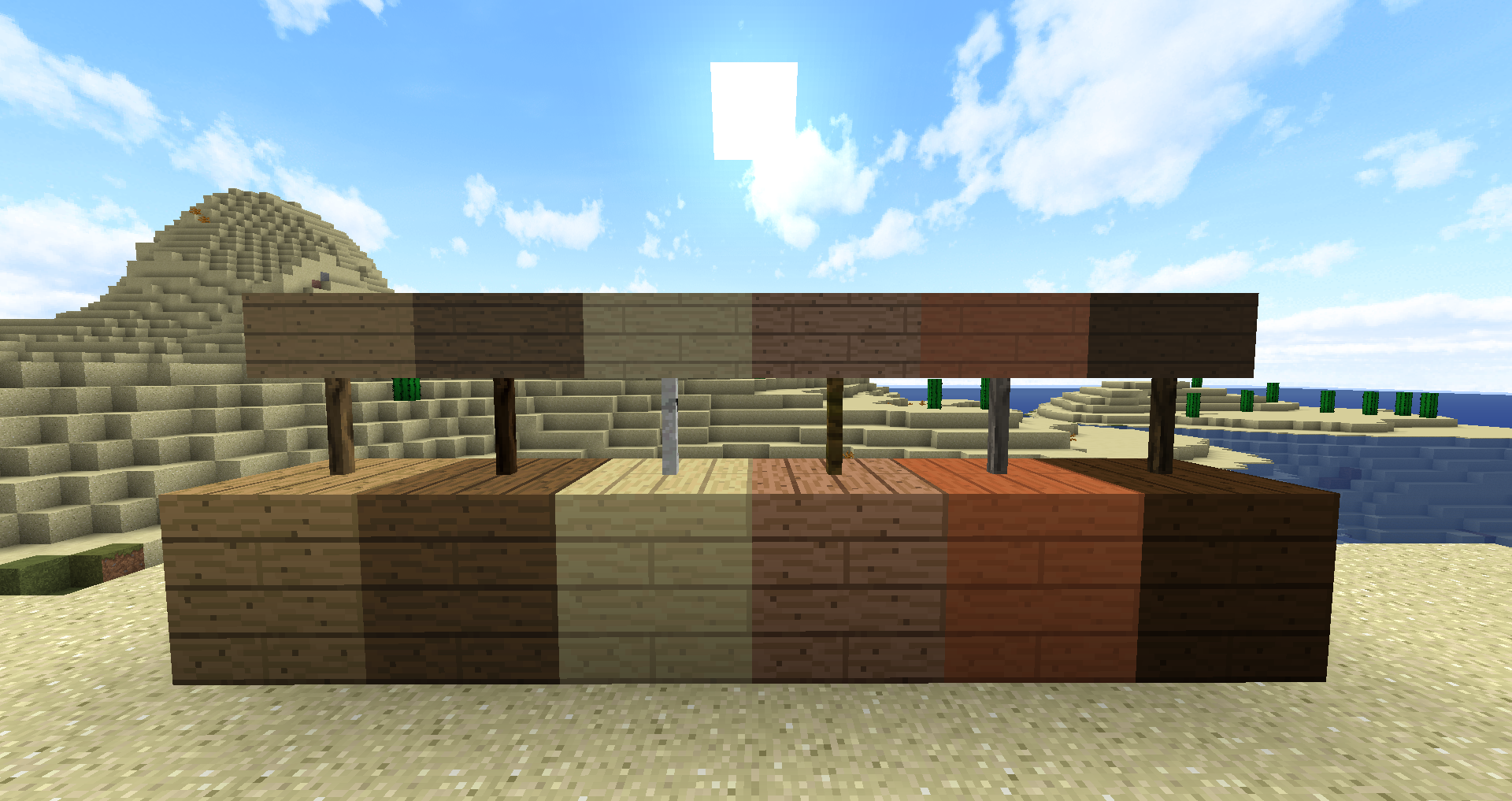
A modified version of Faithful x32
by UnumZentium
Download Claim this project
Add a badge to your pageLink to Zentium's Custom Faithful x32 from a README, website or forum post.
Preview: Badge

Badges update automatically and link to the resource pack page on MineUniverse.

1,165 downloads
0 likes
0 followers
Updated Oct 14, 2026
0 hypes
Follow0
32x Animated Traditional
Advertisement Remove ads with Premium →


This is a modified version of Faithful 32x originally made by Vattic. Credit for all textures not explicitly created by me, is to be given to Vattic and the faithful team, linked below.

Following faithful being given back to its rightful owners, this will be based off of Classic Faithful 32x PA.


Faithful was originally created by Vattic, and with his permission is now managed by faithfulpack.net


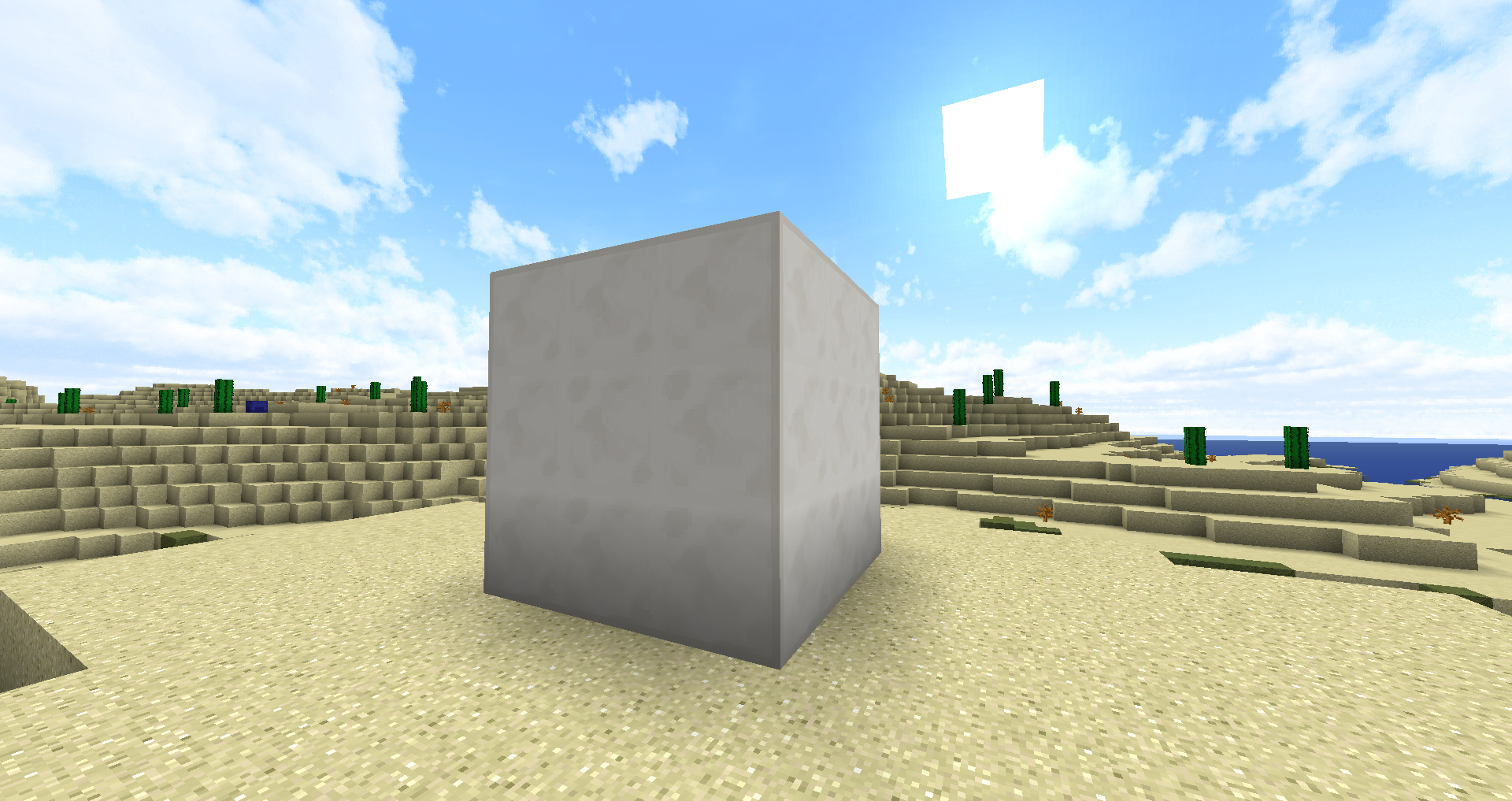
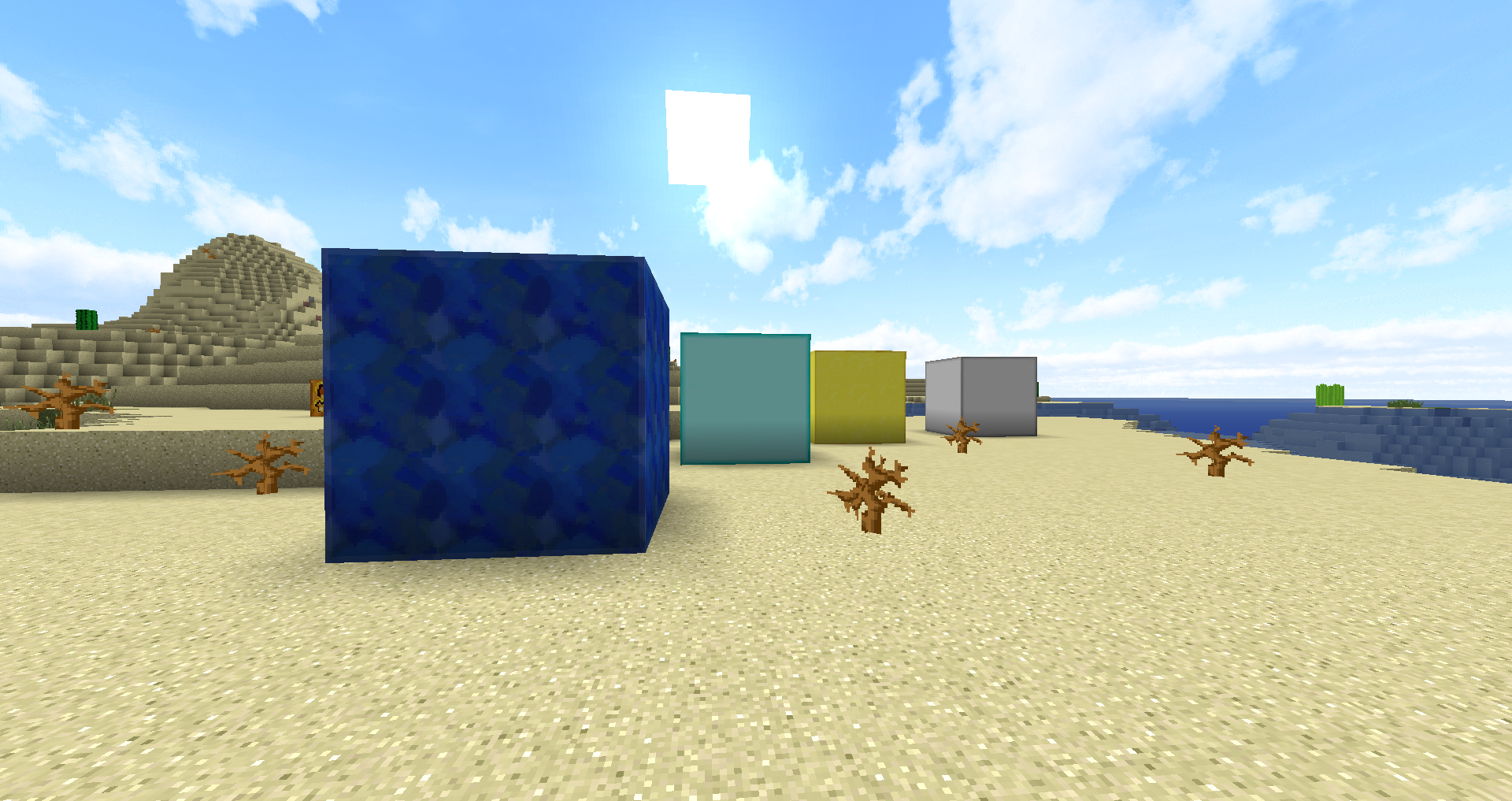
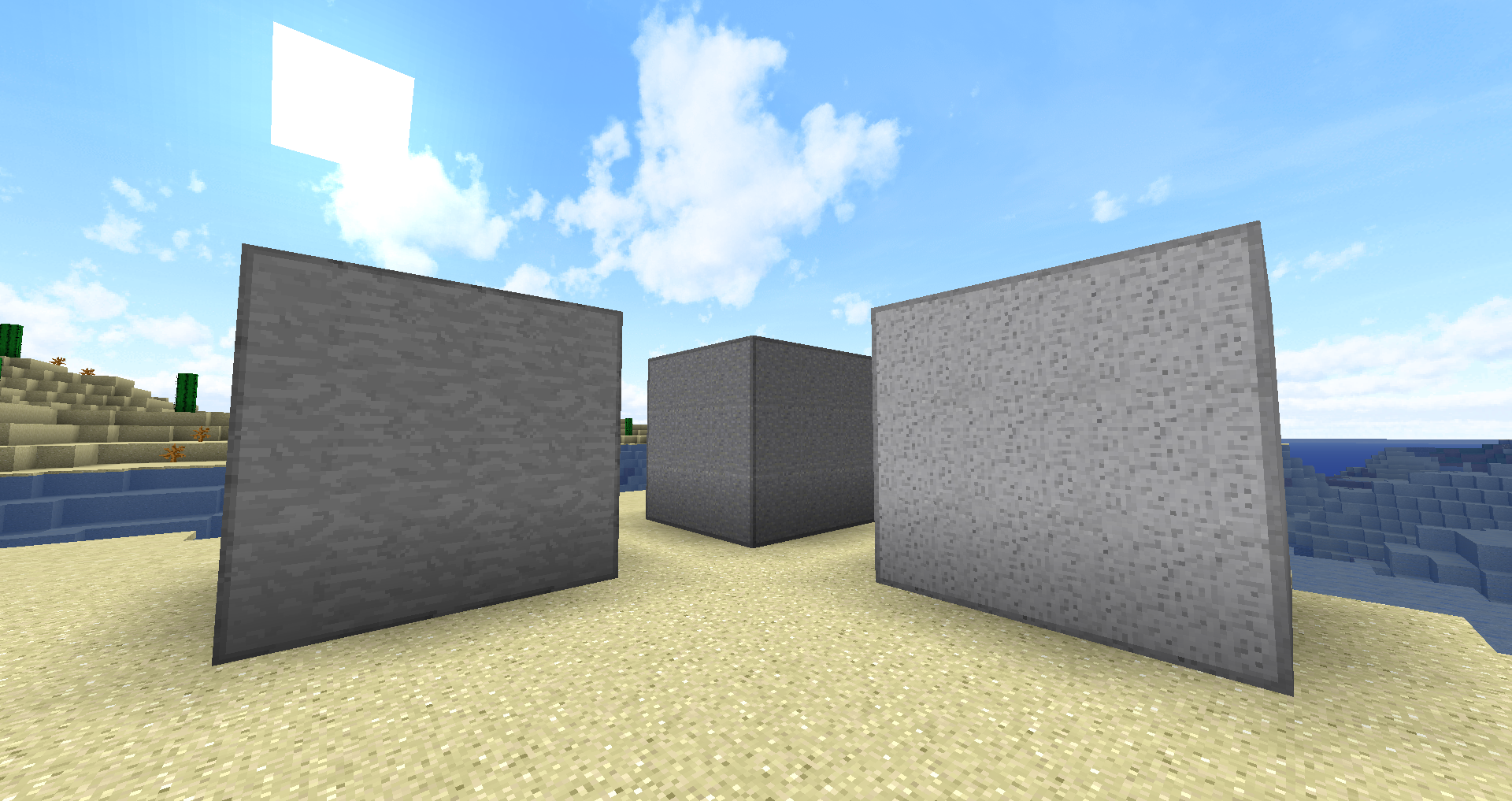
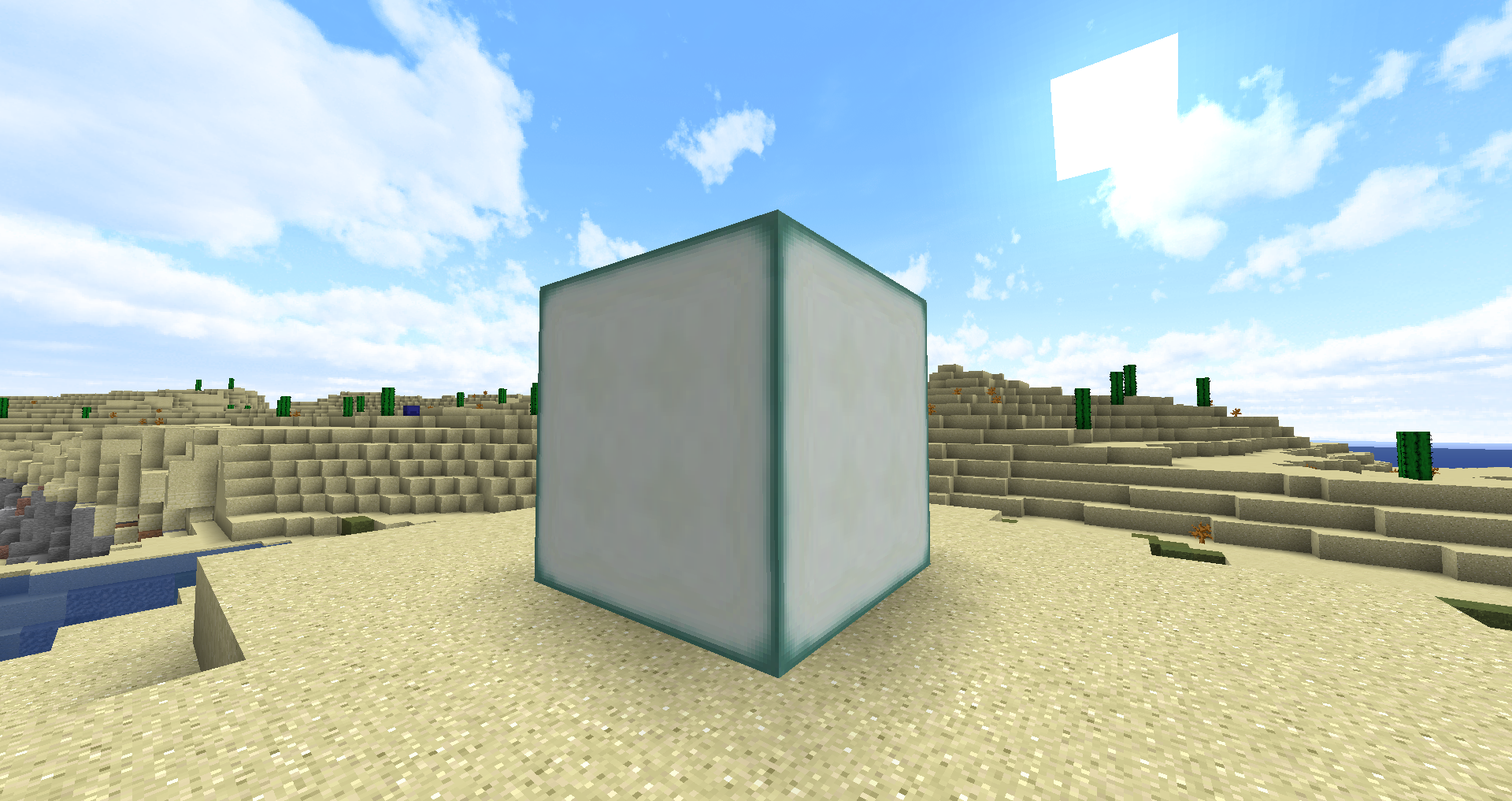
Some edits contained in this resourcepack are connected textures for:
Diamond Blocks

Iron Blocks

Lapis Blocks

Netherite Blocks

Copper, exposed, weathered, and oxidized Blocks

Polished Andesite - Block, slab and stairs

Polished Diorite - Block, slab and stairs

Smooth Stone - Block and slabs

Quartz - Block, slab and stairs

Sea Lanterns


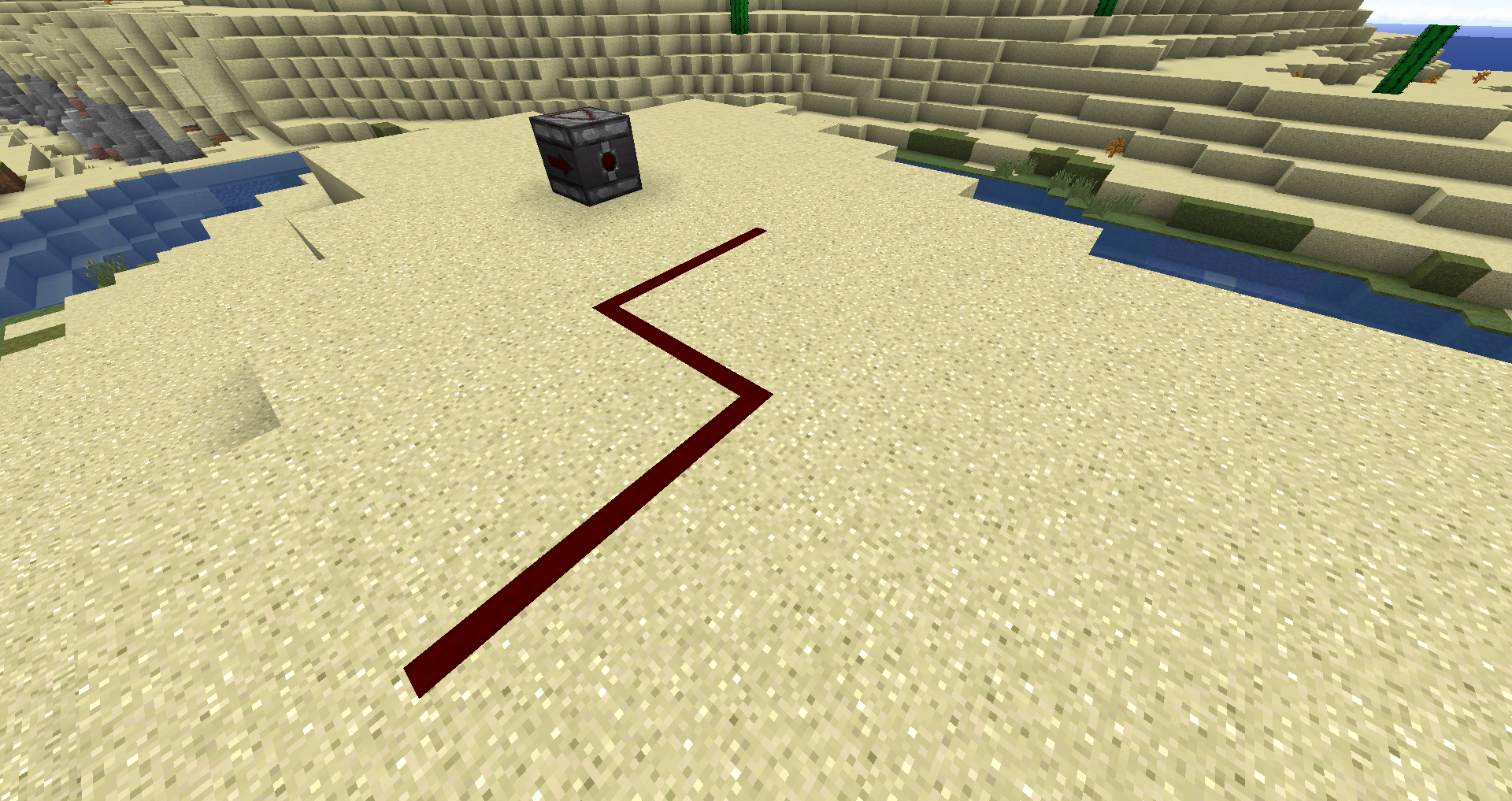
Emissive textures for:

Netherite Blocks, Tools and Armor.

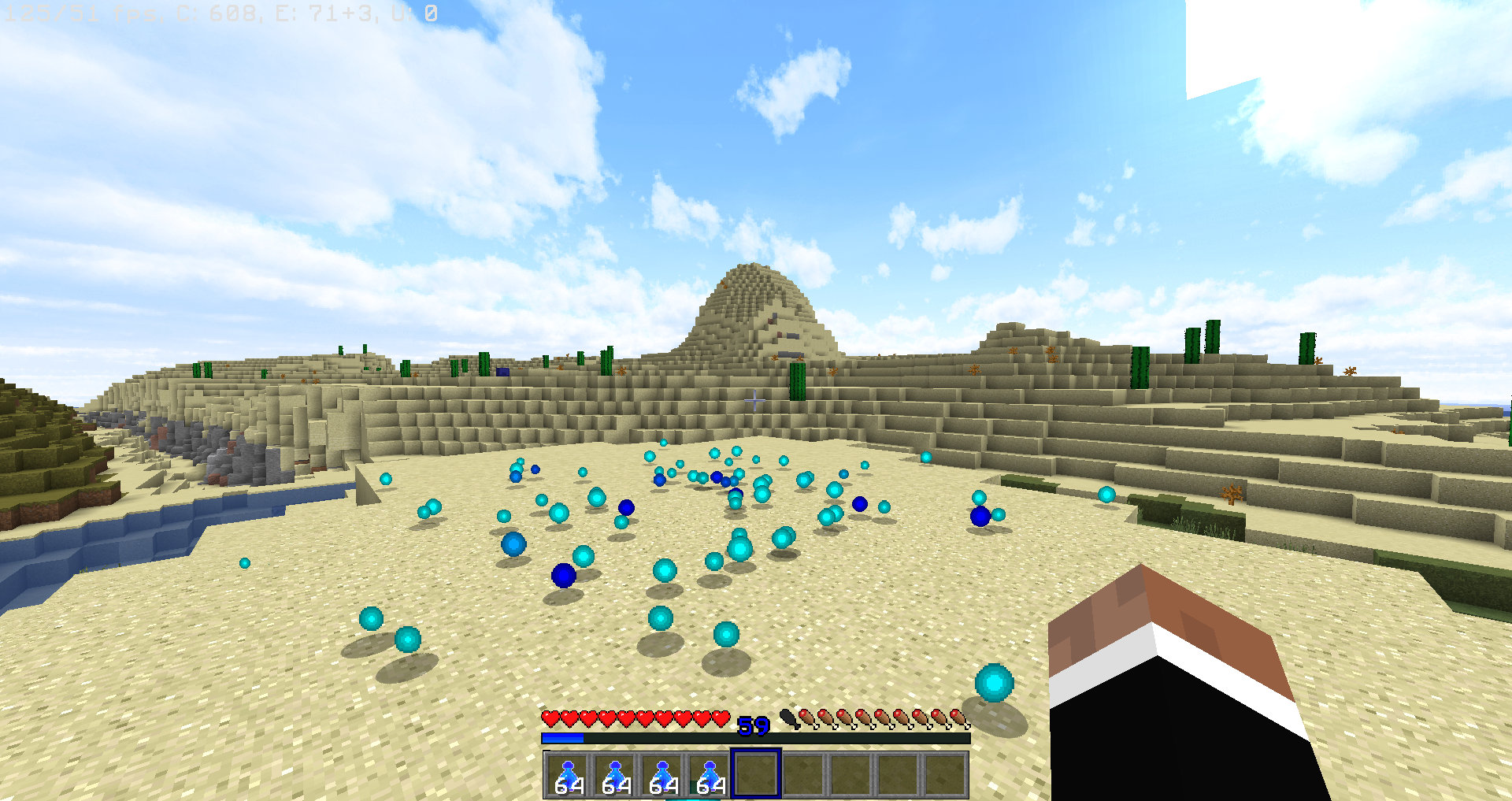
Undead Mobs


Tool damage indicators for:

Diamond Tools and armor

Netherite Tools and armor


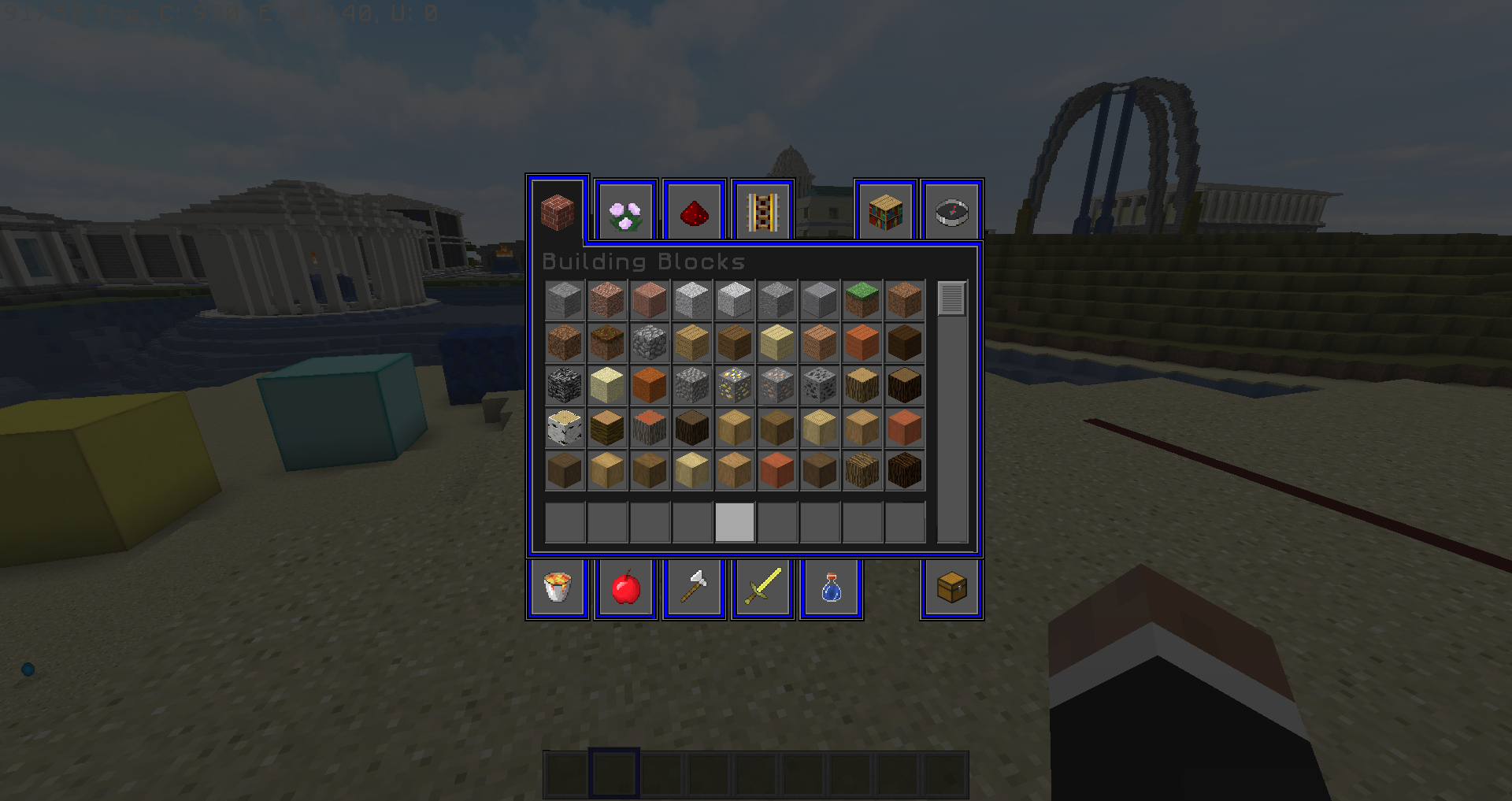
Custom dark mode GUIs


And some other miscellaneous features

Zentium faithful 1.19.3.zip
MC 1.19.3
Beta 2023-01-11 Get
Zentiums's Faithful 1.16 .3 [10 17 2020].zip
MC 1.16.3
Beta 2020-10-17 Get
Zentium's Faithful 1.16 [8 5 2020].zip
MC 1.16.1, 1.16
Release 2020-08-05 Get
Zentium's Faithful 1.16 snapshot [3 25 2020].zip
MC 1.16-Snapshot
Alpha 2020-03-26 Get
Zentium's Custom Faithful 1.14 [3 18 2020].zip
MC 1.14.4, 1.14.1, 1.14.3, 1.14, 1.14.2
Release 2020-03-18 Get
Zentium's Faithful 1.16 snapshot.zip
MC 1.16-Snapshot
Alpha 2020-02-07 Get
Zentium's Custom Faithful 1.14.zip
MC 1.14.4, 1.14.1, 1.14.3, 1.14, 1.14.2
Beta 2020-01-31 Get
Zentium's Faithful 1.14.zip
MC 1.14.4, 1.14.1, 1.14.3, 1.14, 1.14.2
Beta 2019-11-08 Get

Requirements & install

How to use this resource pack in Minecraft
Resolution
32x
Minecraft
1.14.2 – 1.19.3
Install folder
.minecraft/resourcepacks

How to install resource packs

  1. Download the resource pack .zip file (do not extract it).
  2. In Minecraft open Options → Resource Packs → Open Pack Folder.
  3. Drop the .zip into the resourcepacks folder (.minecraft/resourcepacks).
  4. Move the pack to the Selected column and click Done.
Browse more: 16x resource packs 32x resource packs 64x resource packs 128x resource packs 256x resource packs 512x+ resource packs Resource Packs for 1.19.3 All resource packs

More from UnumZentium

Advertisement Remove ads with Premium →

You Might Also Like