Mineuniverse
Resource Packs
ZenGUI

ZenGUI

RESOURCE PACK
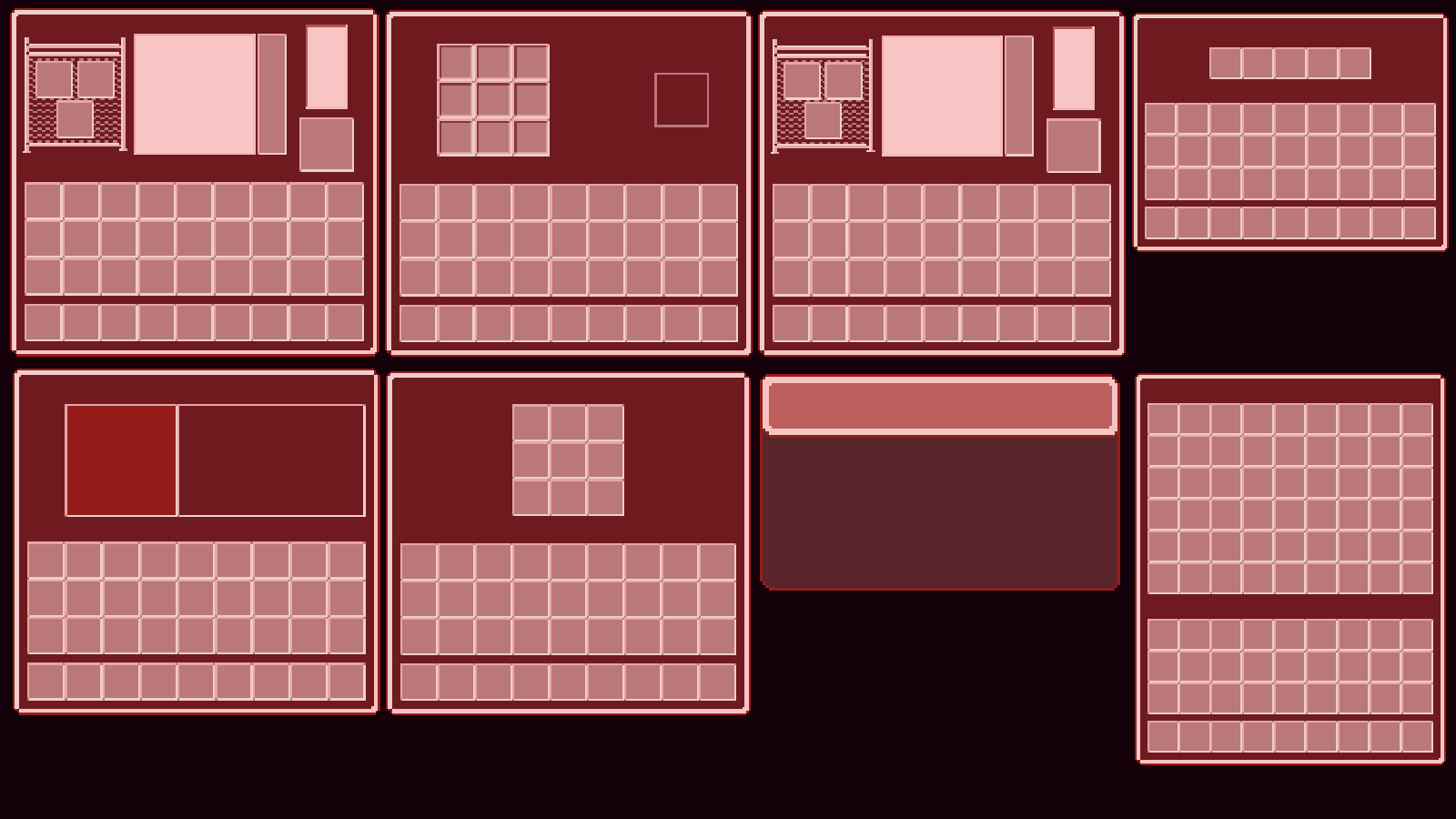
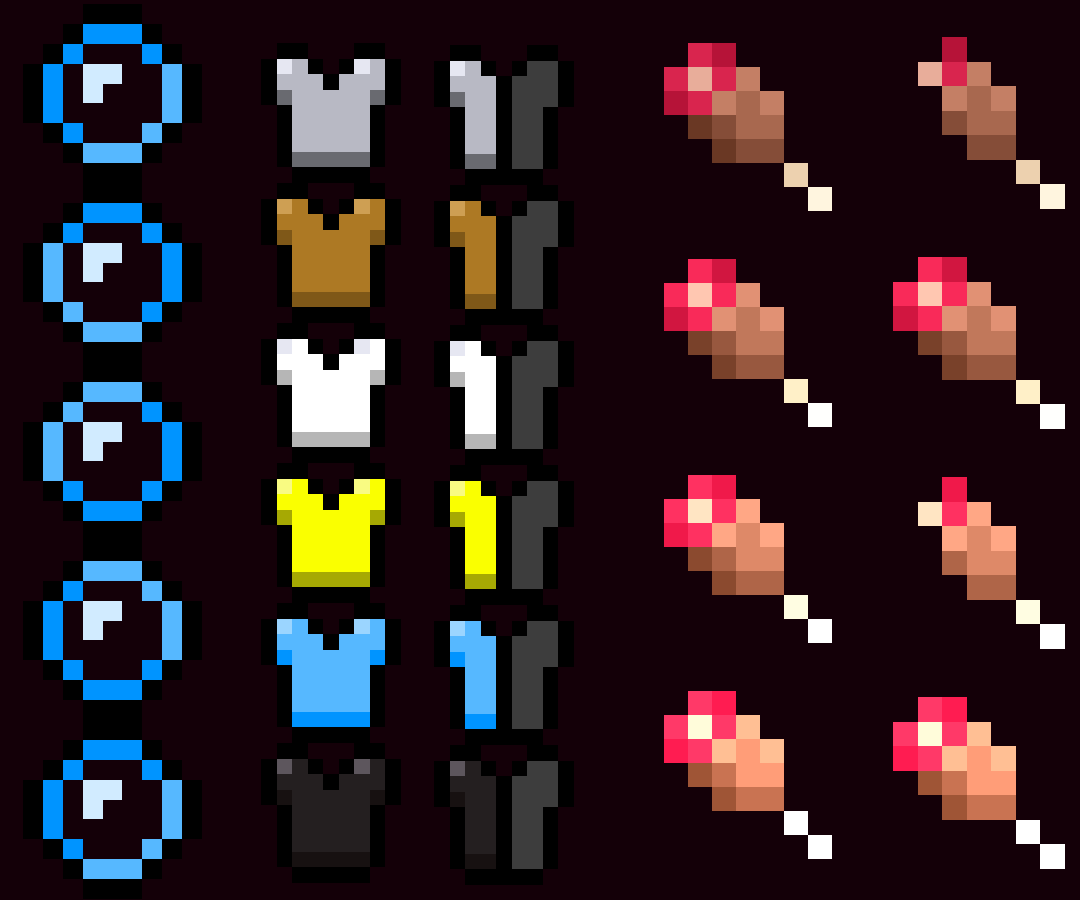
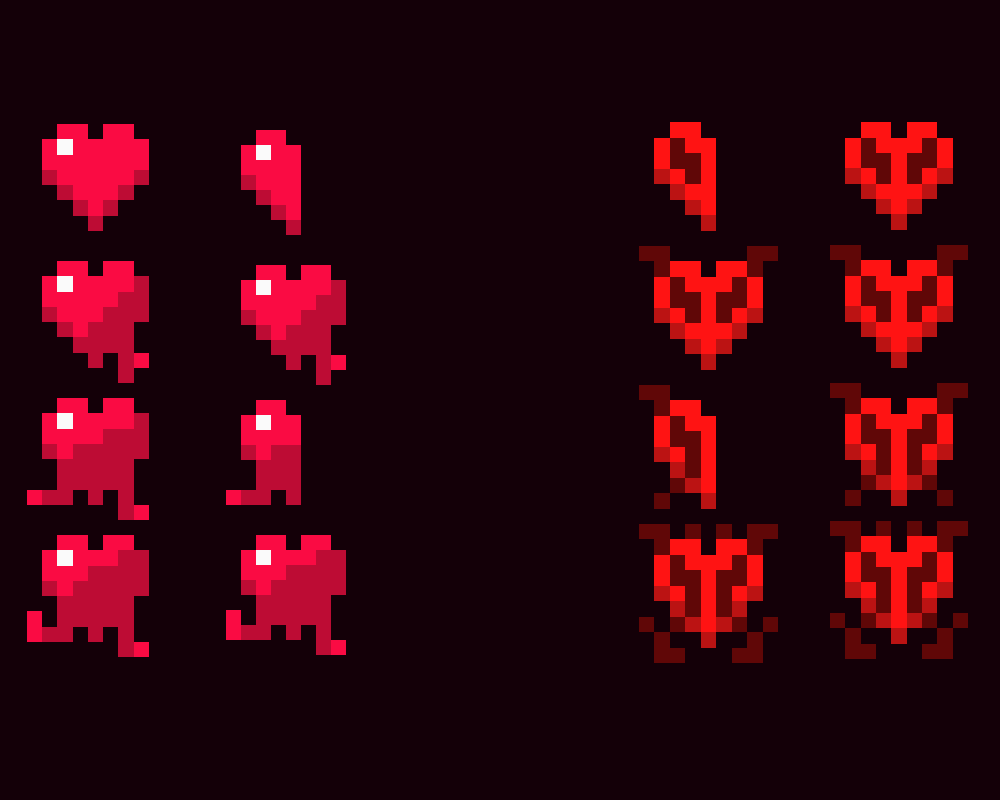
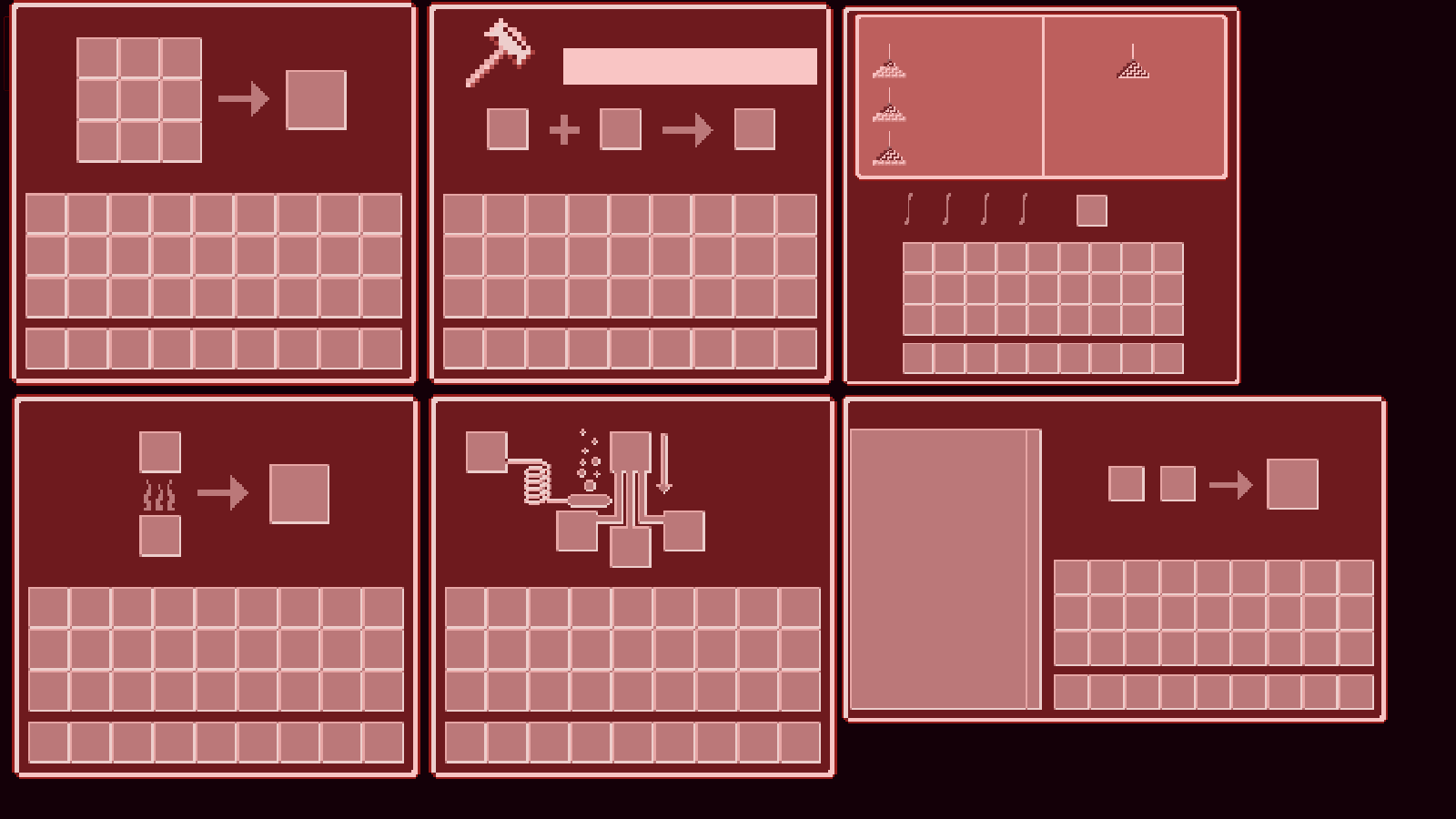
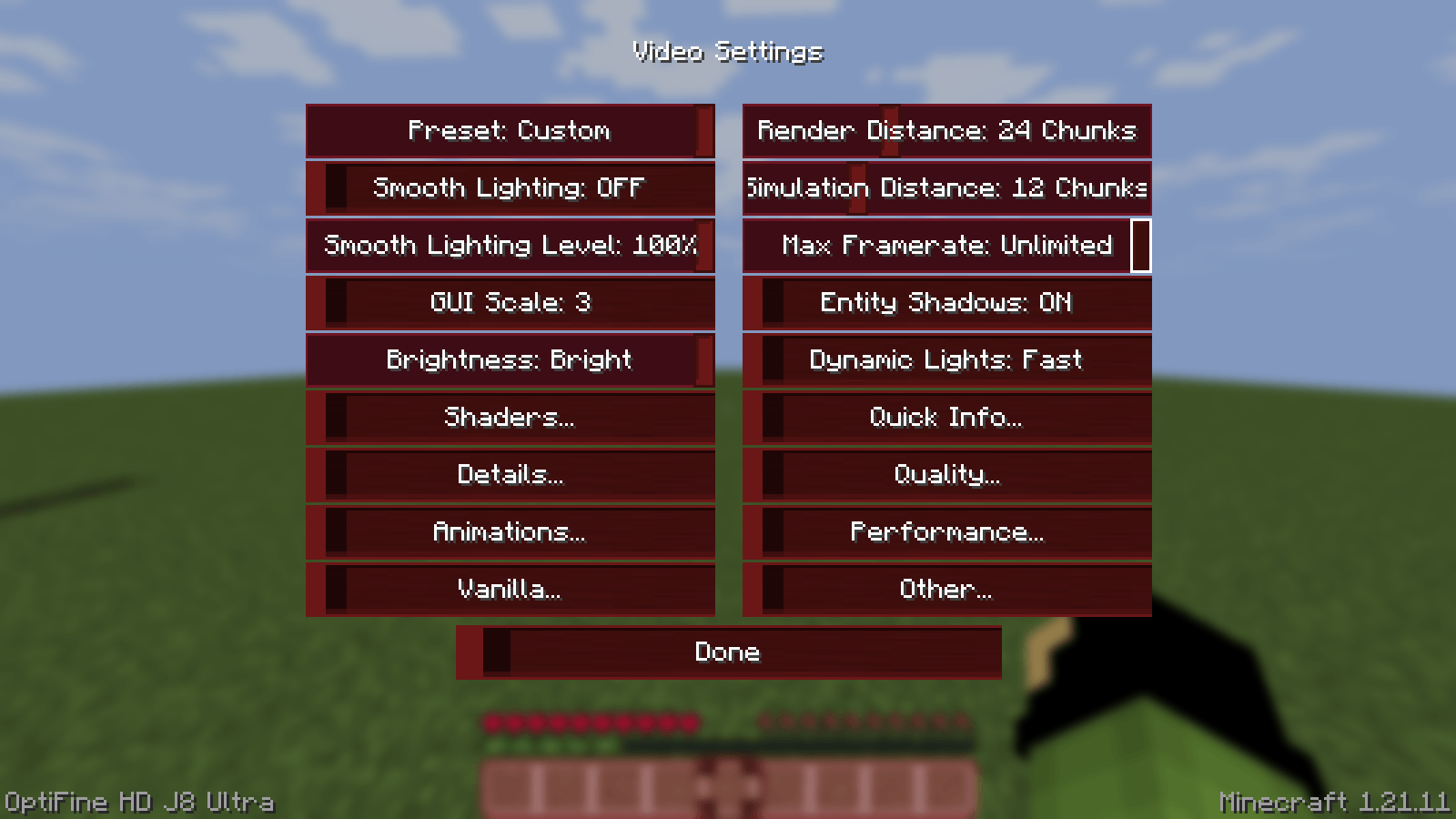
Red-themed Minecraft GUI pack with a clean and smooth interface. ZenGUI gives your game a modern look while keeping everything simple, stylish, and easy to use.
by Zensiyoo
Download Claim this project
Add a badge to your pageLink to ZenGUI from a README, website or forum post.
Preview: Badge

Badges update automatically and link to the resource pack page on MineUniverse.

425 downloads
0 likes
0 followers
Updated Oct 14, 2026
0 hypes
Follow0
16x Miscellaneous Traditional
Advertisement Remove ads with Premium →

ZenGUI is a custom red-themed GUI texture pack made to give Minecraft a cleaner and more modern feel. Every menu, button, and interface element is designed with a smooth red style that looks great while still feeling simple and comfortable to use.

This pack is perfect for players who like minimal yet stylish visuals for PvP, survival, or everyday gameplay. The dark and red color combination gives Minecraft a fresh look without changing the original vibe too much.

Made with attention to detail by Zensiyoo.


ZenGUI.zip
MC 1.21, 1.21.8, 1.21.5, 1.21.4, 1.21.1, 1.21.6, 1.21.3, 1.21.7, 1.21.2, 1.21.9, 1.21.10, 1.21.11, 26.1, 26.1.1, 26.1.2
Release 2026-05-07 Get

Requirements & install

How to use this resource pack in Minecraft
Resolution
16x
Minecraft
1.21.7 – 26.1.2
Install folder
.minecraft/resourcepacks

How to install resource packs

  1. Download the resource pack .zip file (do not extract it).
  2. In Minecraft open Options → Resource Packs → Open Pack Folder.
  3. Drop the .zip into the resourcepacks folder (.minecraft/resourcepacks).
  4. Move the pack to the Selected column and click Done.
Browse more: 16x resource packs 32x resource packs 64x resource packs 128x resource packs 256x resource packs 512x+ resource packs Resource Packs for 26.1.2 All resource packs

More from Zensiyoo

Advertisement Remove ads with Premium →

You Might Also Like