Mineuniverse
Resource Packs
Zederrian Technology for GTCEu

Zederrian Technology for GTCEu

RESOURCE PACK
Port of ZedTech GT5U to GregTech Community Edition: Unofficial
by Puzzlebark
Download Claim this project
11,409 downloads
0 likes
0 followers
Updated Oct 14, 2026
0 hypes
Follow0
16x Animated Mod Support
Advertisement Remove ads with Premium →
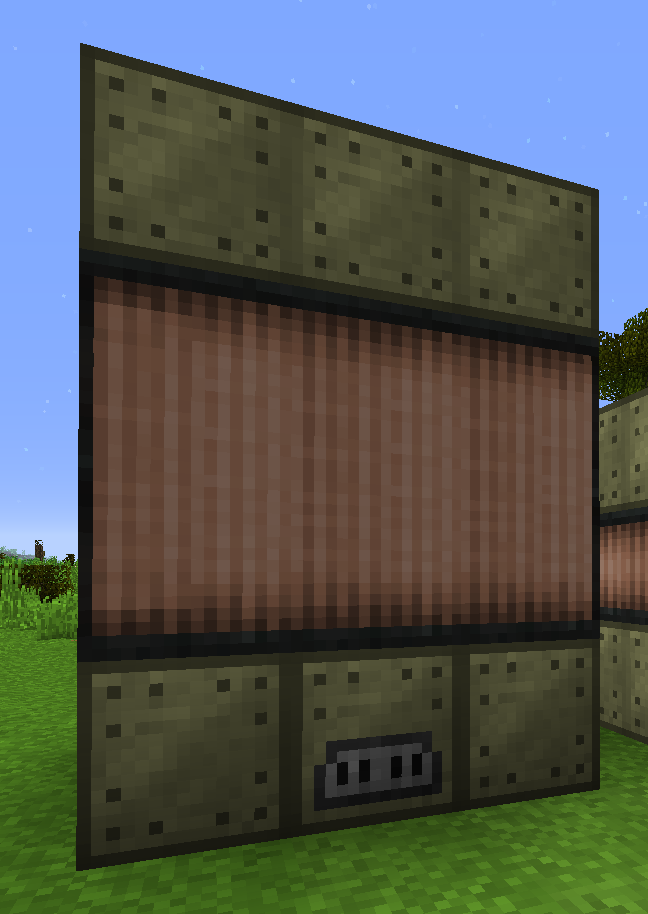
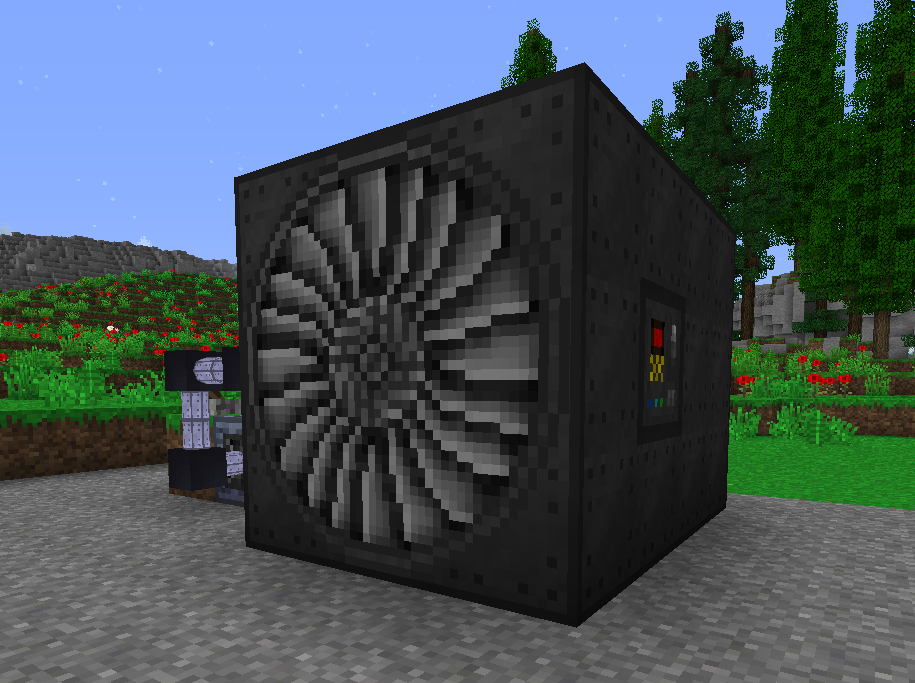
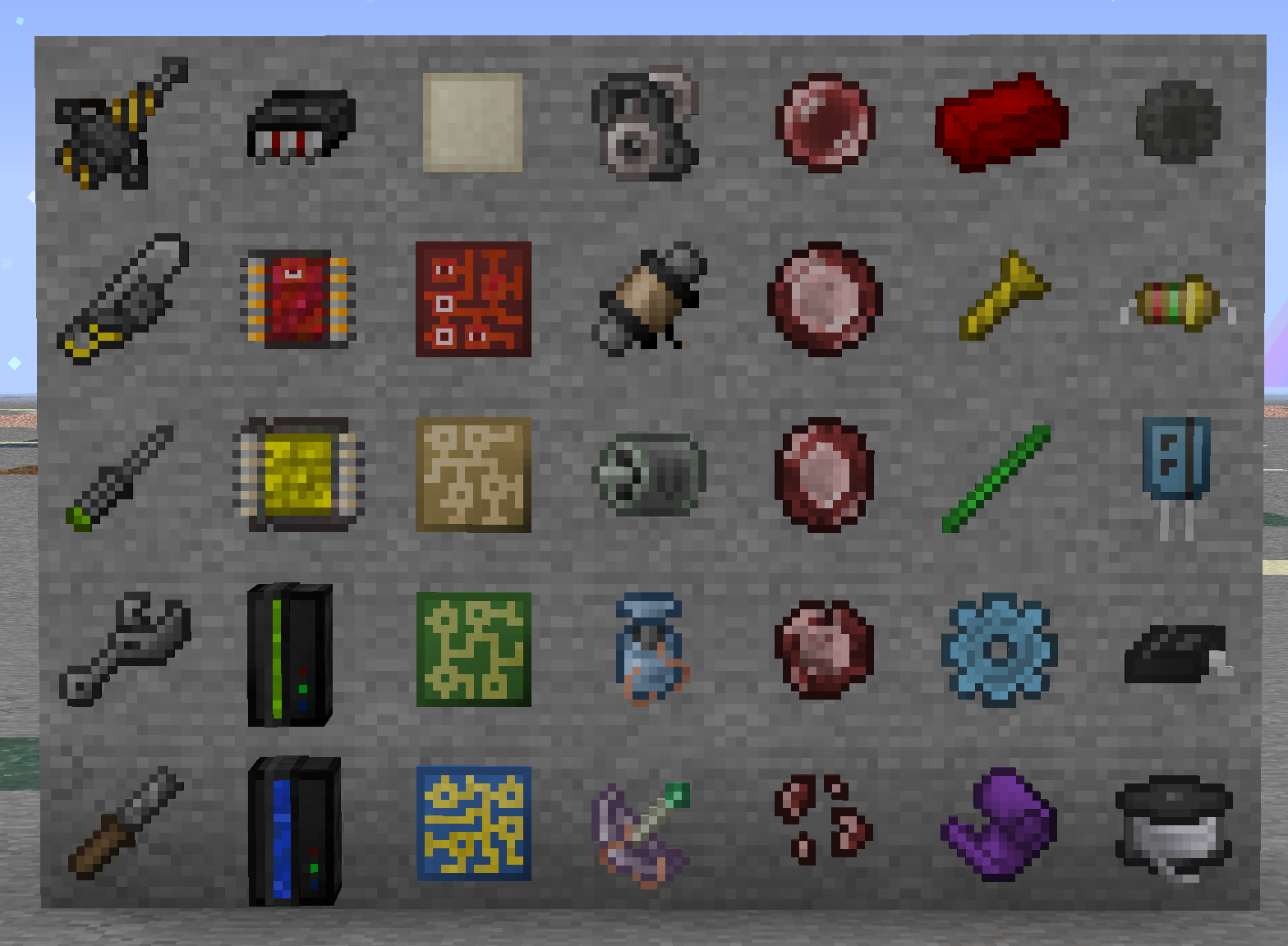
This is a fork of Zederrian Technology GT5U for GregTech Community Edition: Unofficial, with additional textures and models created by Puzzlebark.

ALL VERSIONS PAST 0.6 ARE FOR GTCEu, NOT GTCE

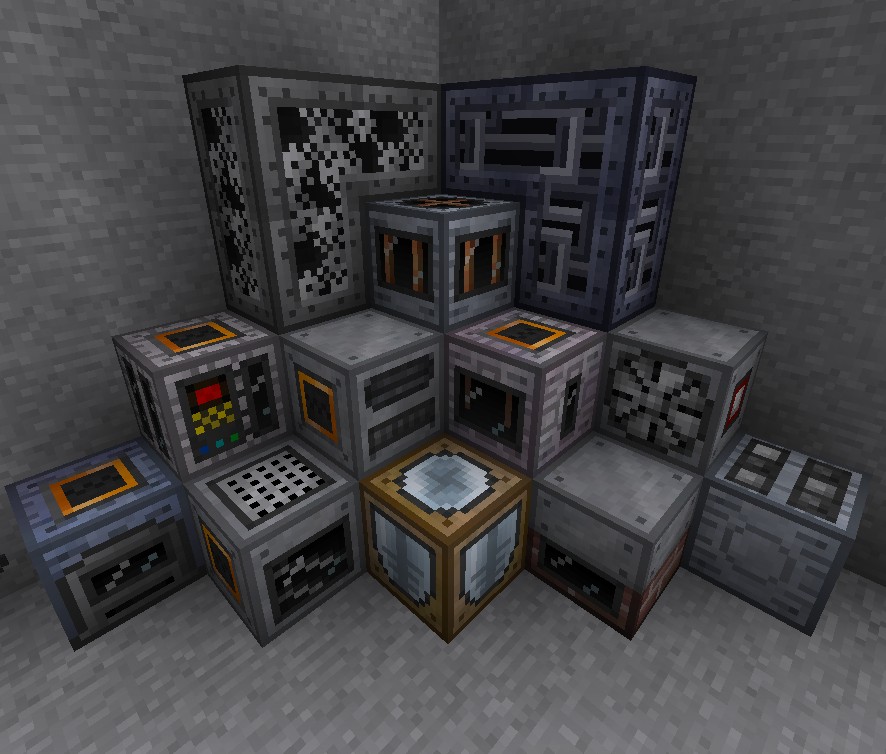
Current coverage includes:
- Most GT tools
- Circuits & circuit components
- Most single-block machine casings and overlays
- Most multi-block casings and coil blocks
- Most material icons (gears, plates, gems, etc.)
- Partial AE2 support (WIP!)
- And more!
Zederrian Technology was created by Zerrens, and the original GT5U version of the resource pack can be found here. Special thanks to brachy84 for the initial port to CEu! Licensed under CC BY-NC-SA 4.0

zedtech-0.7.zip
MC 1.12.2
Release 2022-04-12 Get
zedtech-gtce-0.6.zip
MC 1.12.2
Release 2021-07-05 Get
zedtech-gtce-0.5.1.zip
MC 1.12.2
Release 2021-06-24 Get
zedtech-gtce-0.5.zip
MC 1.12.2
Release 2021-06-15 Get
zedtech-gtce-0.4.zip
MC 1.12.2
Release 2021-06-04 Get
zedtech-gtce-0.4.1.zip
MC 1.12.2
Release 2021-06-04 Get
zedtech-gtce-0.3.zip
MC 1.12.2
Release 2021-05-31 Get
zedtech-gtce-0.2.7.zip
MC 1.12.2
Release 2021-05-24 Get
zedtech-gtce-0.2.7-hotfix.zip
MC 1.12.2
Release 2021-05-24 Get
zedtech-gtce-0.2.6.zip
MC 1.12.2
Release 2021-05-11 Get
zedtech-gtce-0.2.5.zip
MC 1.12.2
Release 2021-04-30 Get
zedtech-gtce-0.2.4.zip
MC 1.12.2
Beta 2021-04-25 Get
zedtech-gtce-0.2.3.zip
MC 1.12.2
Beta 2021-04-22 Get
zedtech-gtce-0.2.2.zip
MC 1.12.2
Beta 2021-04-19 Get
zedtech-gtce-0.2.1.zip
MC 1.12.2
Beta 2021-04-17 Get
zedtech-gtce-0.1.0.zip
MC 1.12.2
Release 2021-04-13 Get

Requirements & install

How to use this resource pack in Minecraft
Resolution
16x
Minecraft
1.12.2
Install folder
.minecraft/resourcepacks

How to install resource packs

  1. Download the resource pack .zip file (do not extract it).
  2. In Minecraft open Options → Resource Packs → Open Pack Folder.
  3. Drop the .zip into the resourcepacks folder (.minecraft/resourcepacks).
  4. Move the pack to the Selected column and click Done.
Browse more: 16x resource packs 32x resource packs 64x resource packs 128x resource packs 256x resource packs 512x+ resource packs Resource Packs for 1.12.2 All resource packs
Advertisement Remove ads with Premium →

You Might Also Like