Mineuniverse
Resource Packs
Yuushya 16x

Yuushya 16x

RESOURCE PACK
Change the way Minecraft looks
by coco_fish
Download Claim this project
1,237,964 downloads
0 likes
0 followers
Updated Oct 14, 2026
0 hypes
Follow0
16x Photo Realistic
Advertisement Remove ads with Premium →

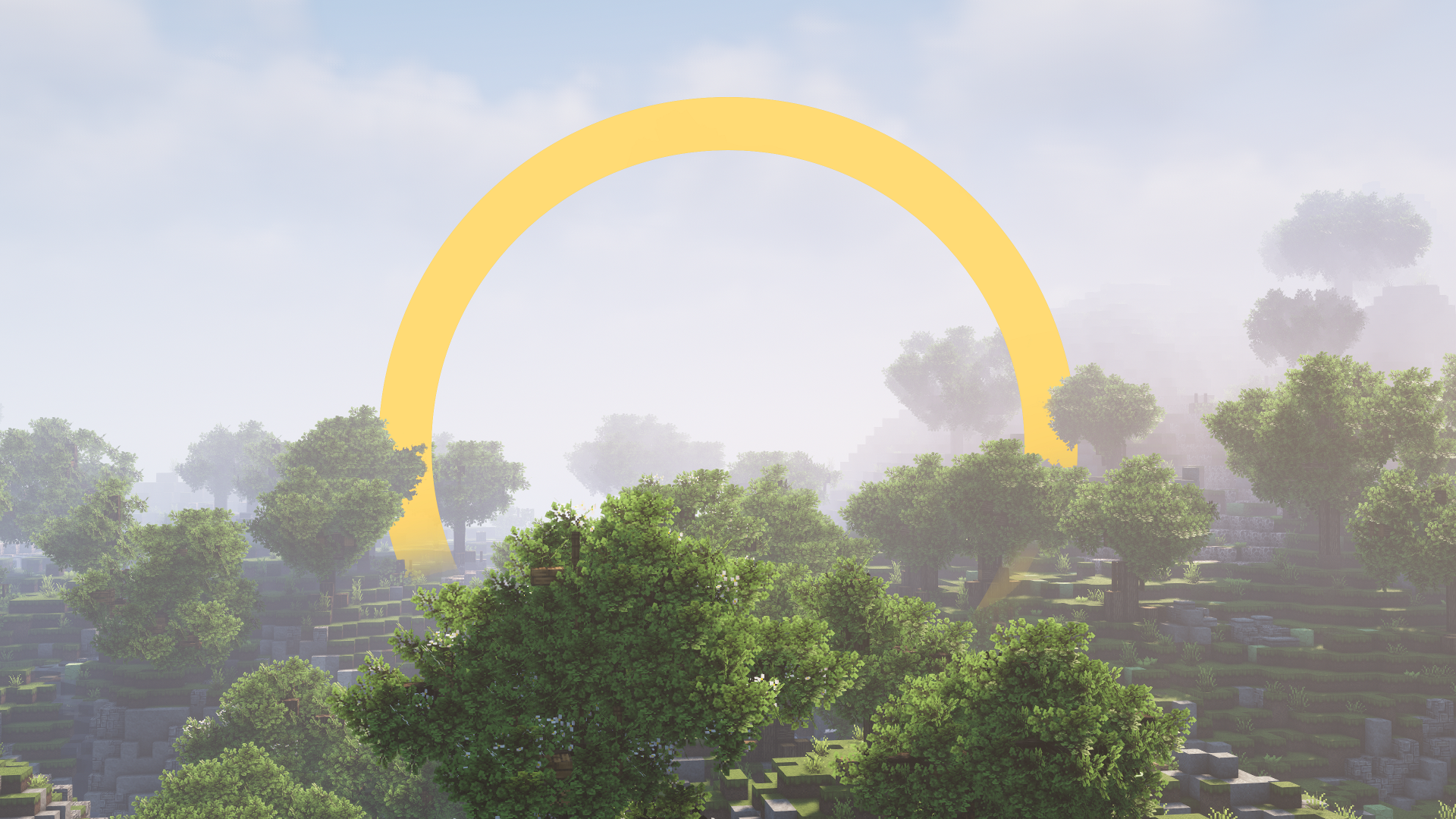
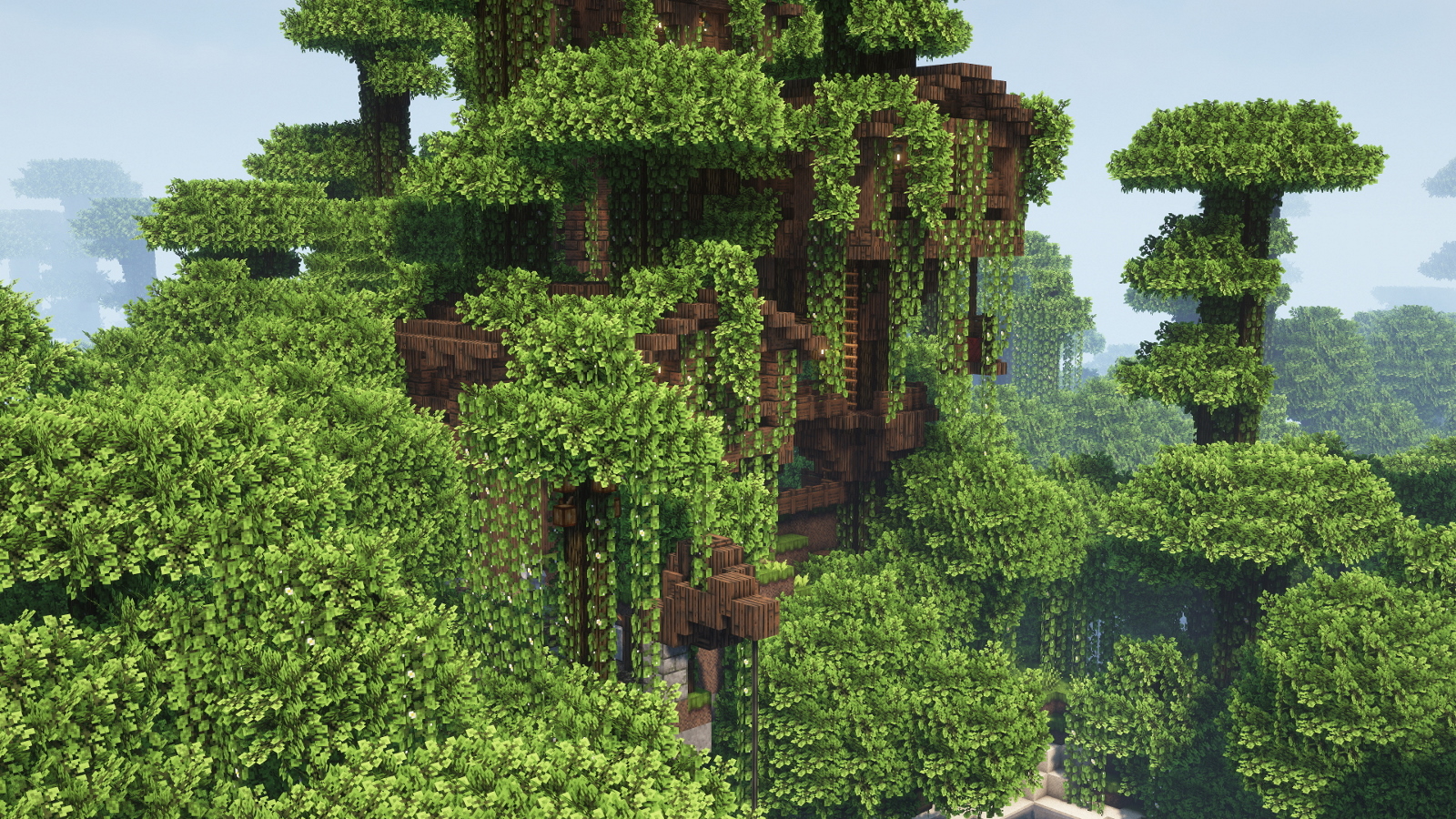
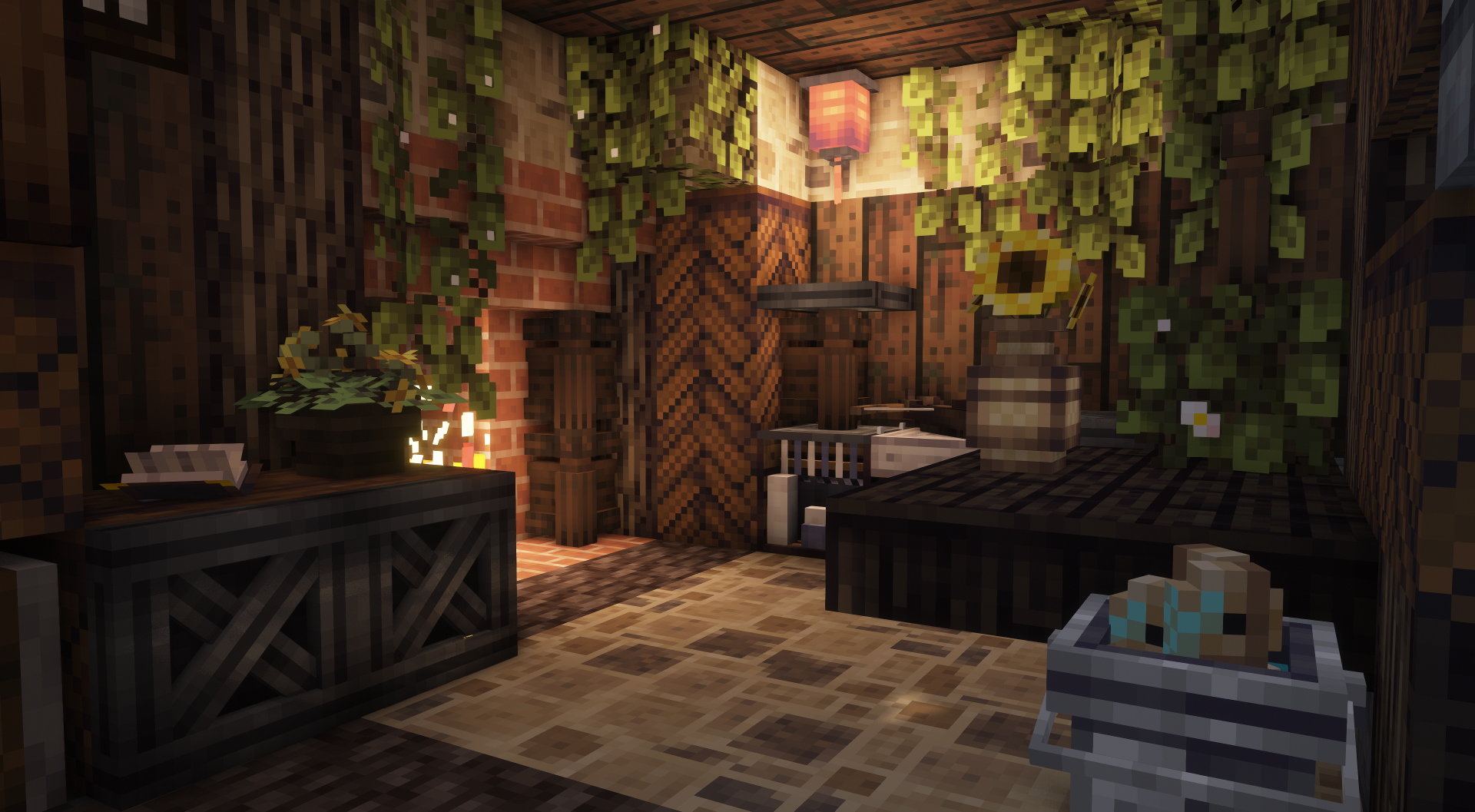
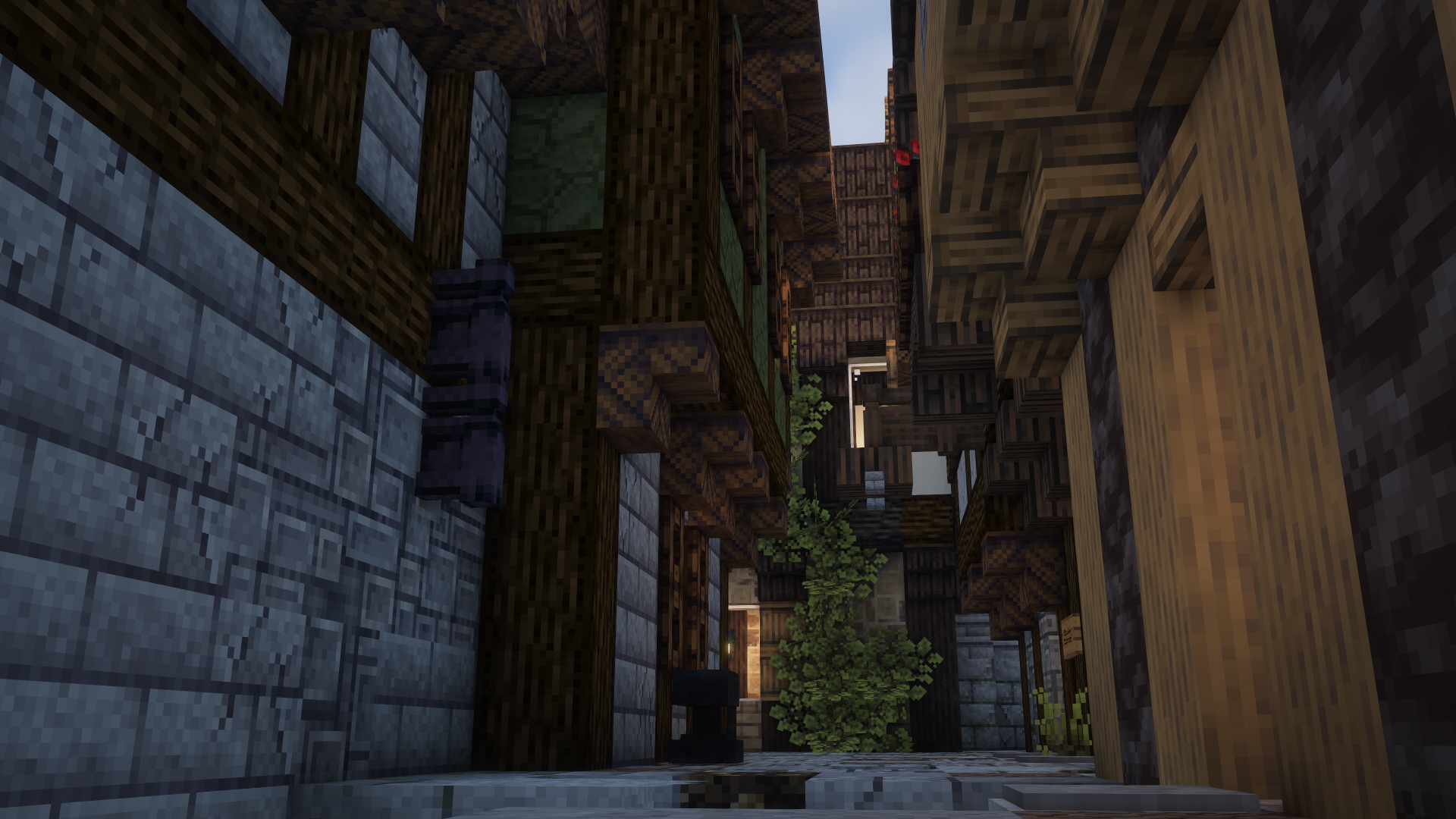
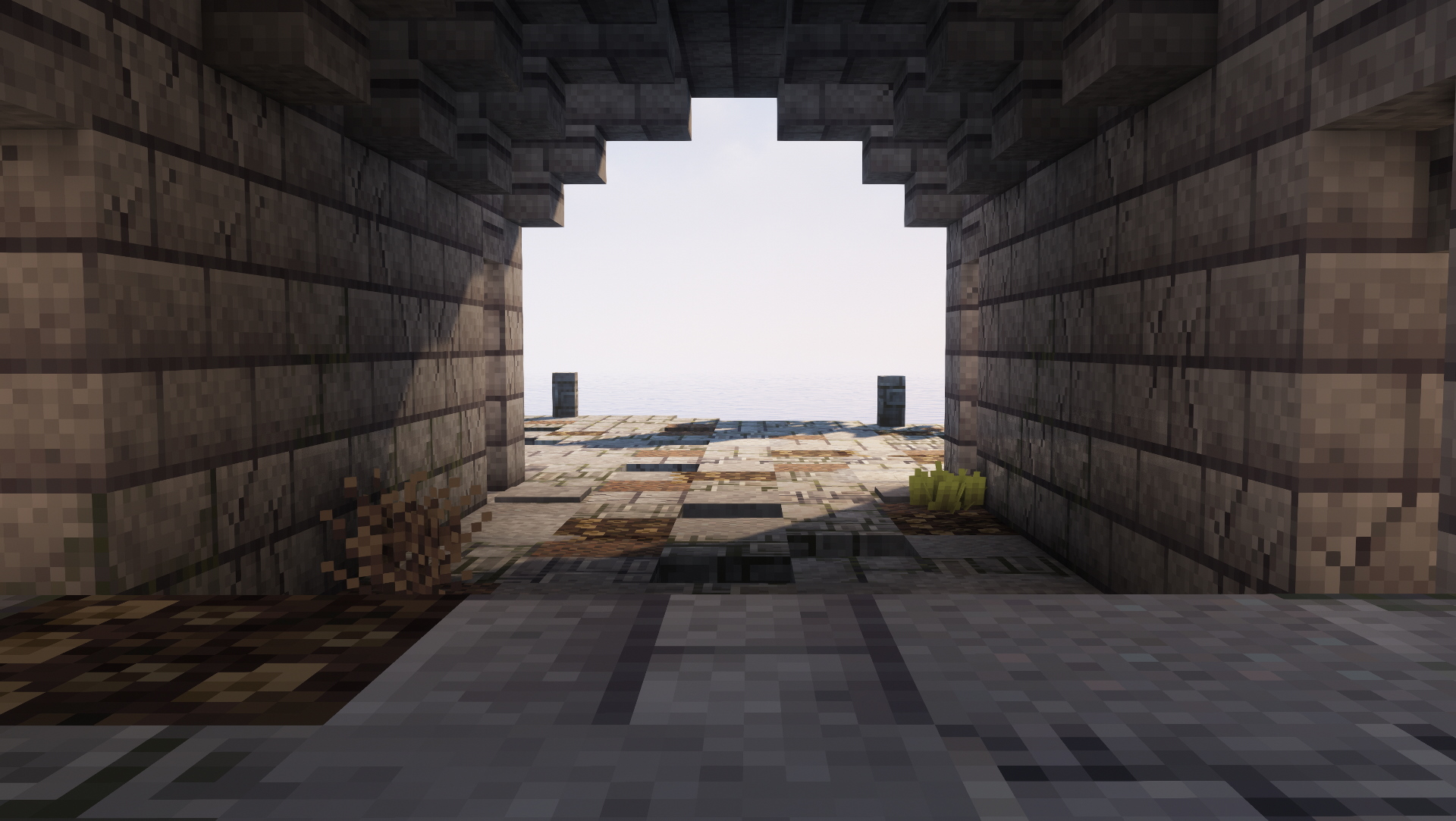
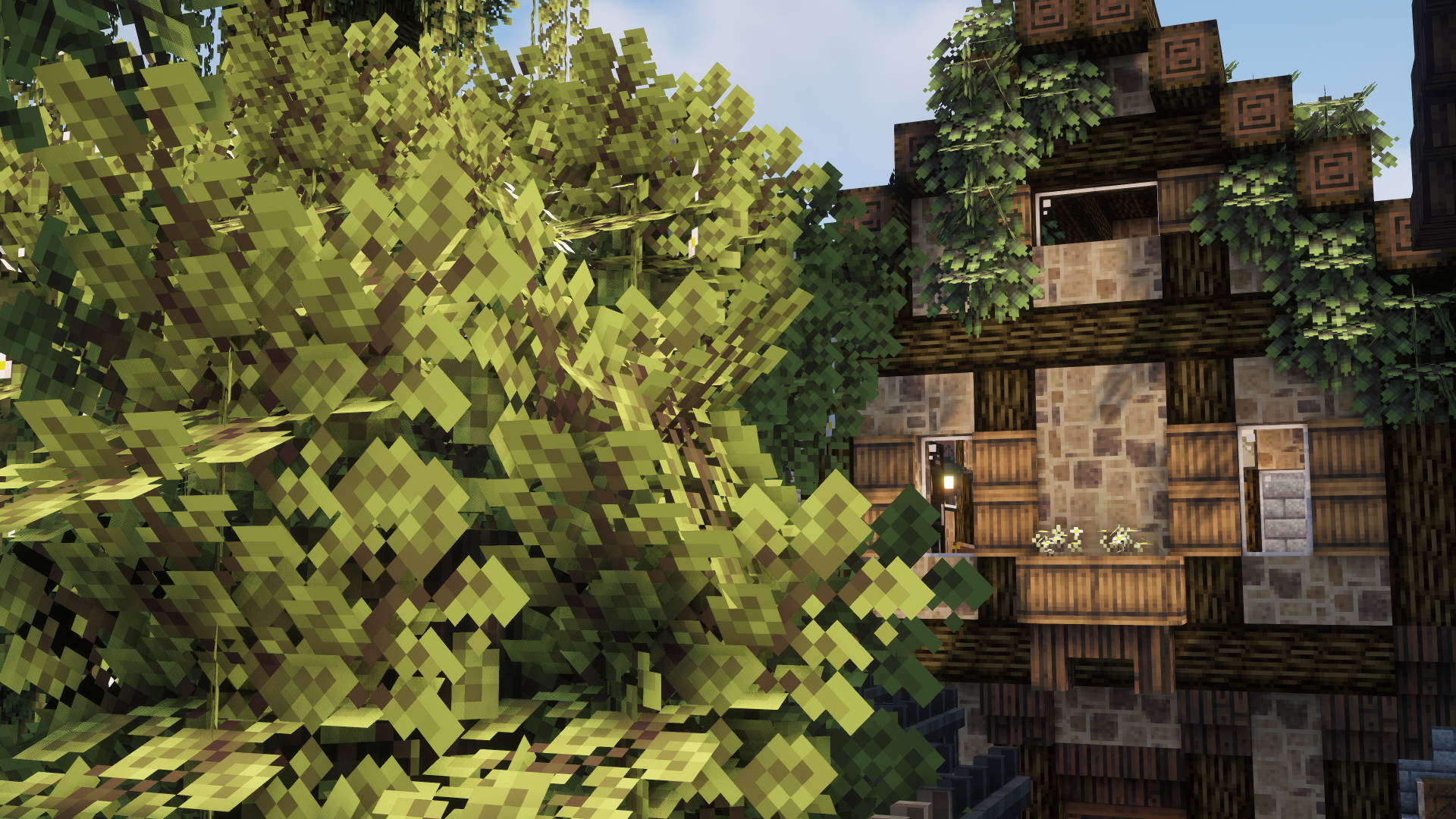
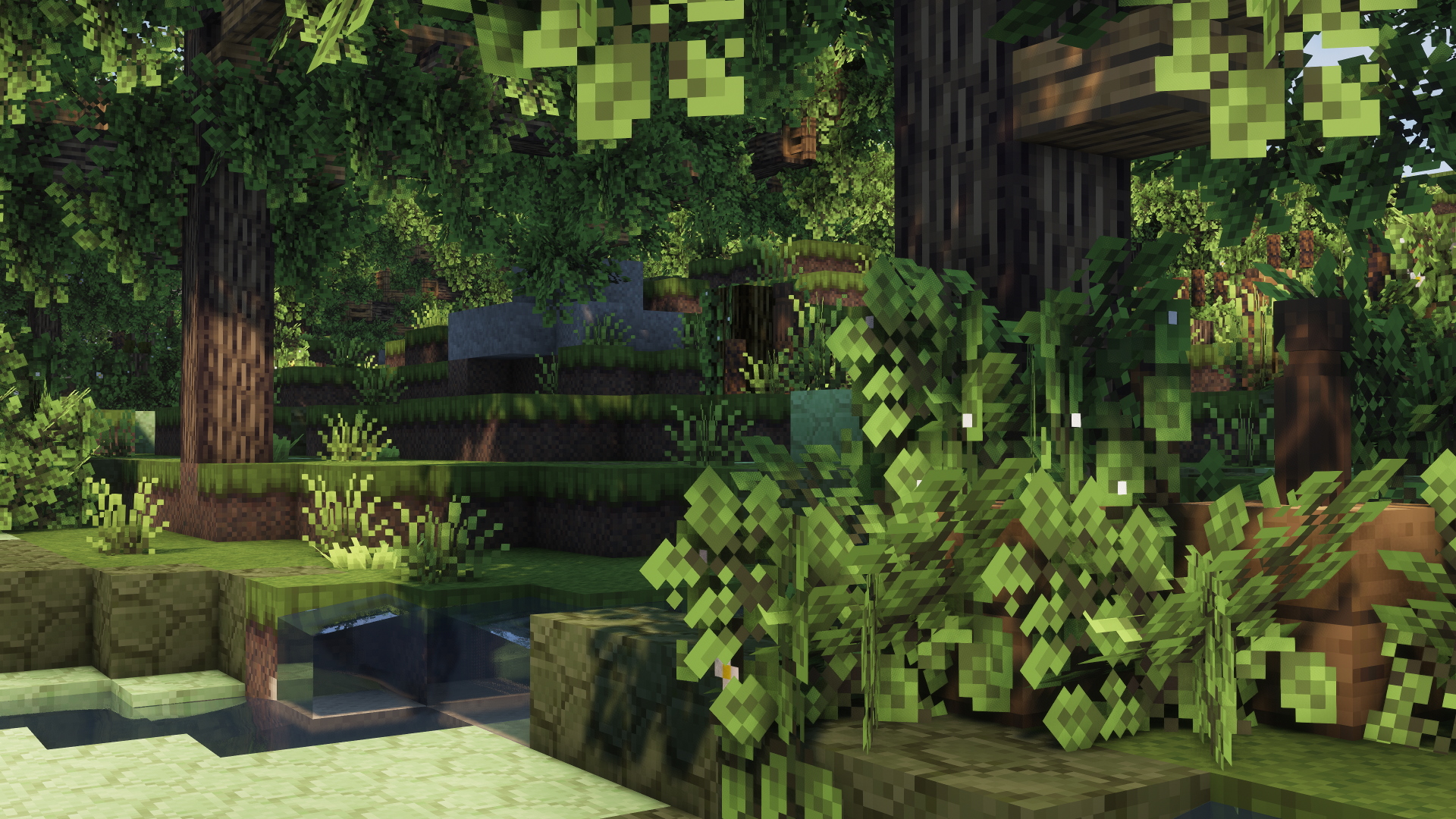
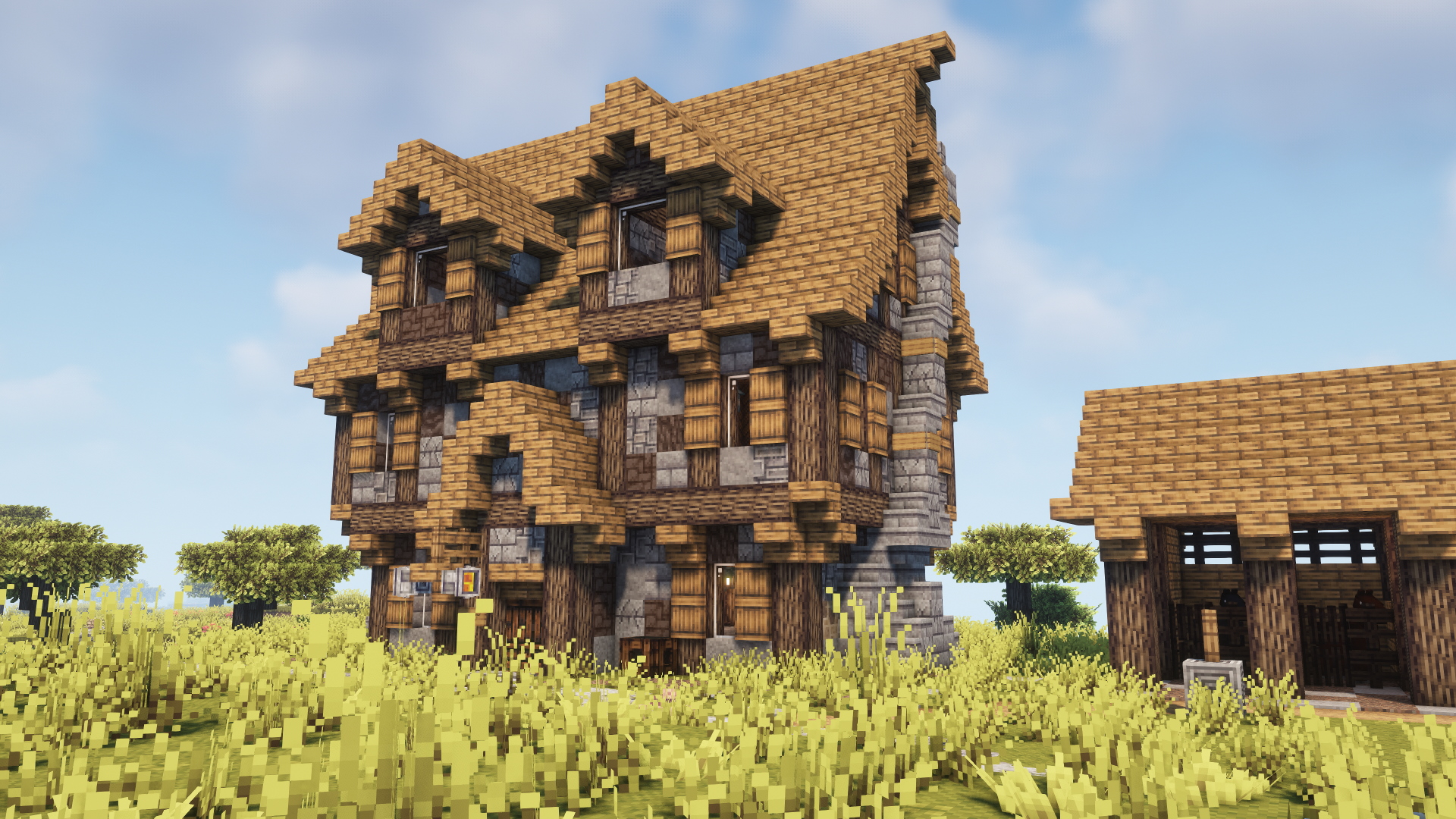
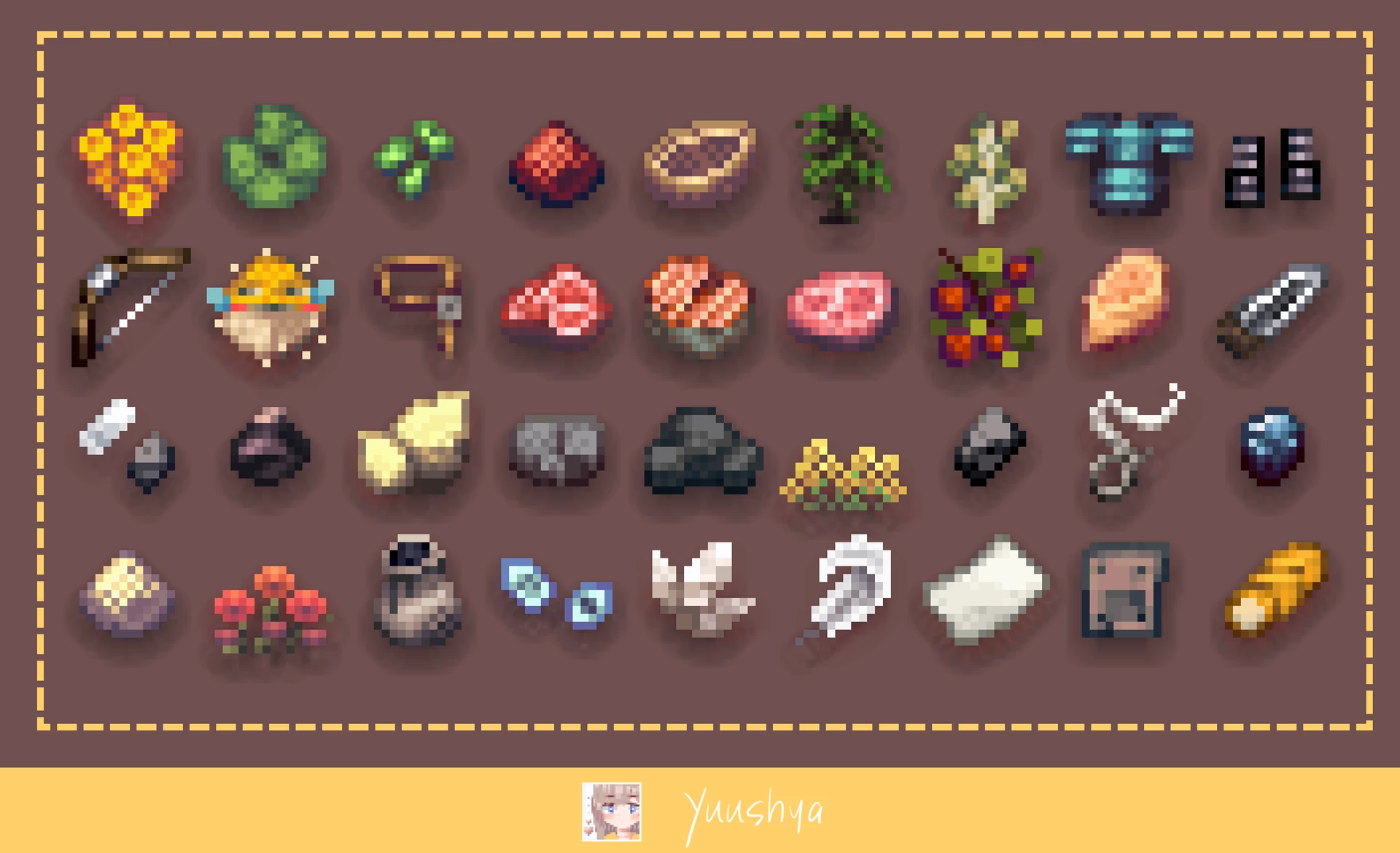
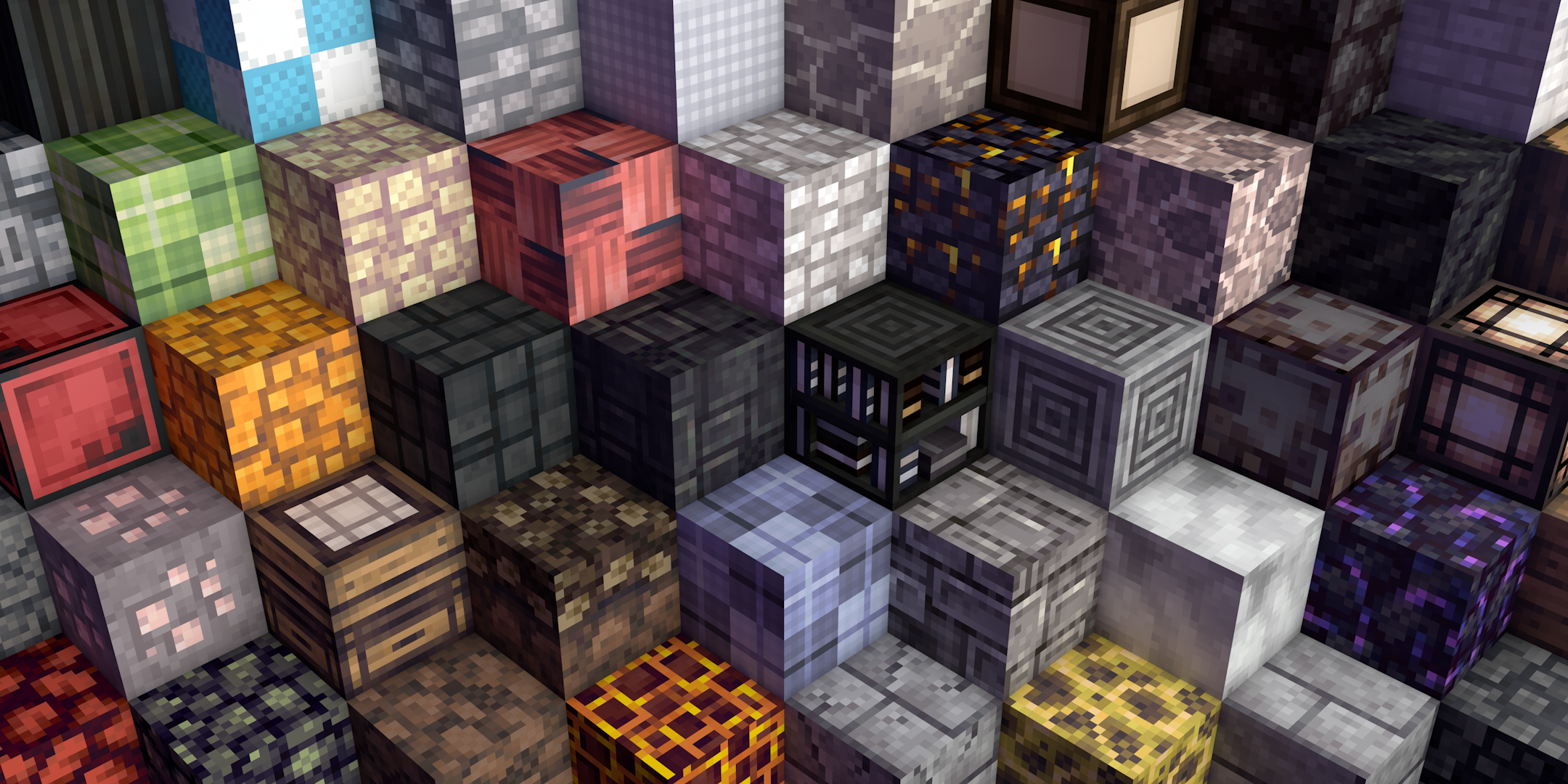
Yuushya is a Minecraft resourcepack including many features. It makes your world more attractive.


Better with Optifine, and to apply CTM & CIT feature, you MUST install Optifine or alternatives.

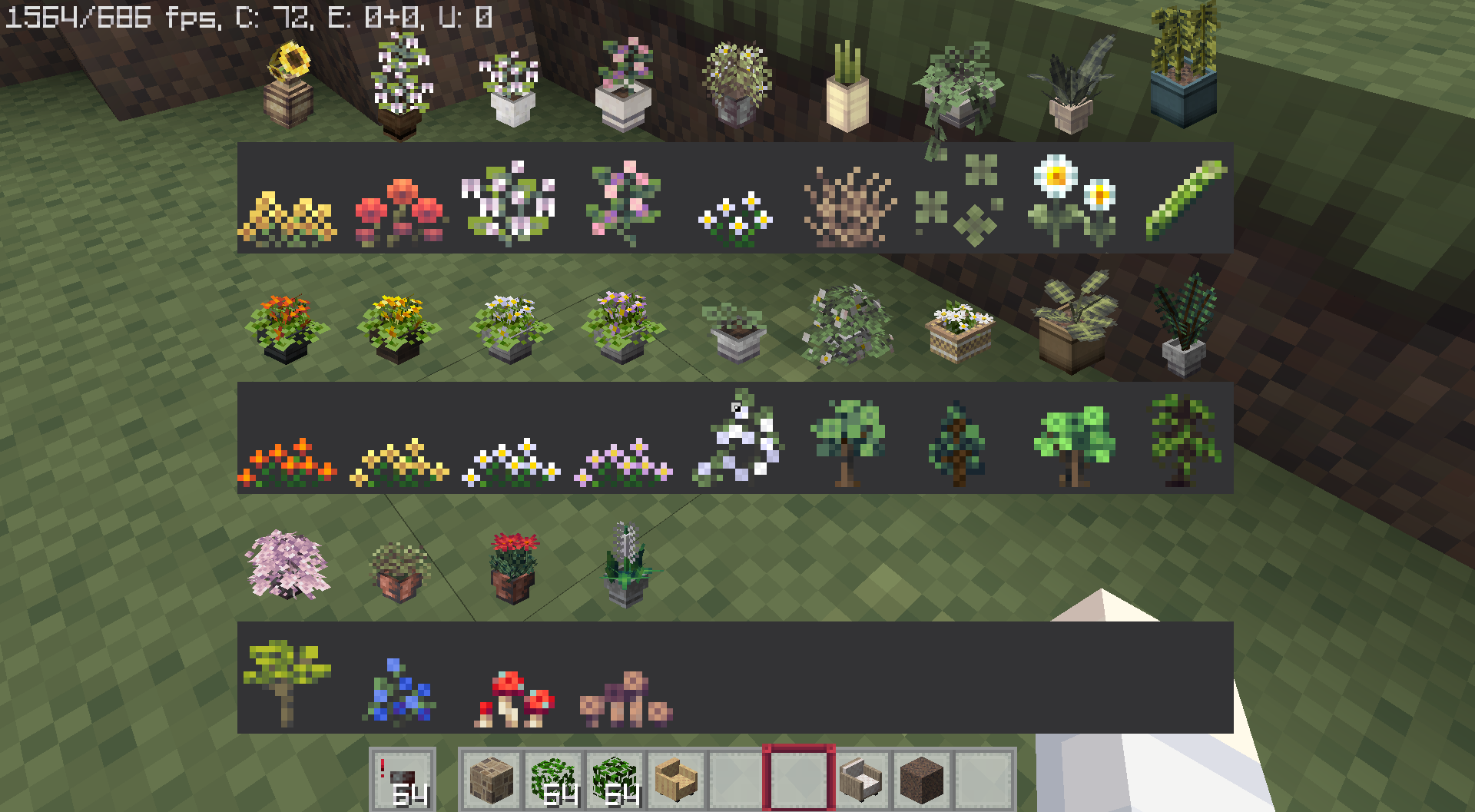
Here're 2 in-game catalogues. One is for the flower pot (which will show up when you put one in the left hand), the other is for CIT catalogue (which will show up when you hold an Iron nuggget and with Optifine or CIT alternative mods on)
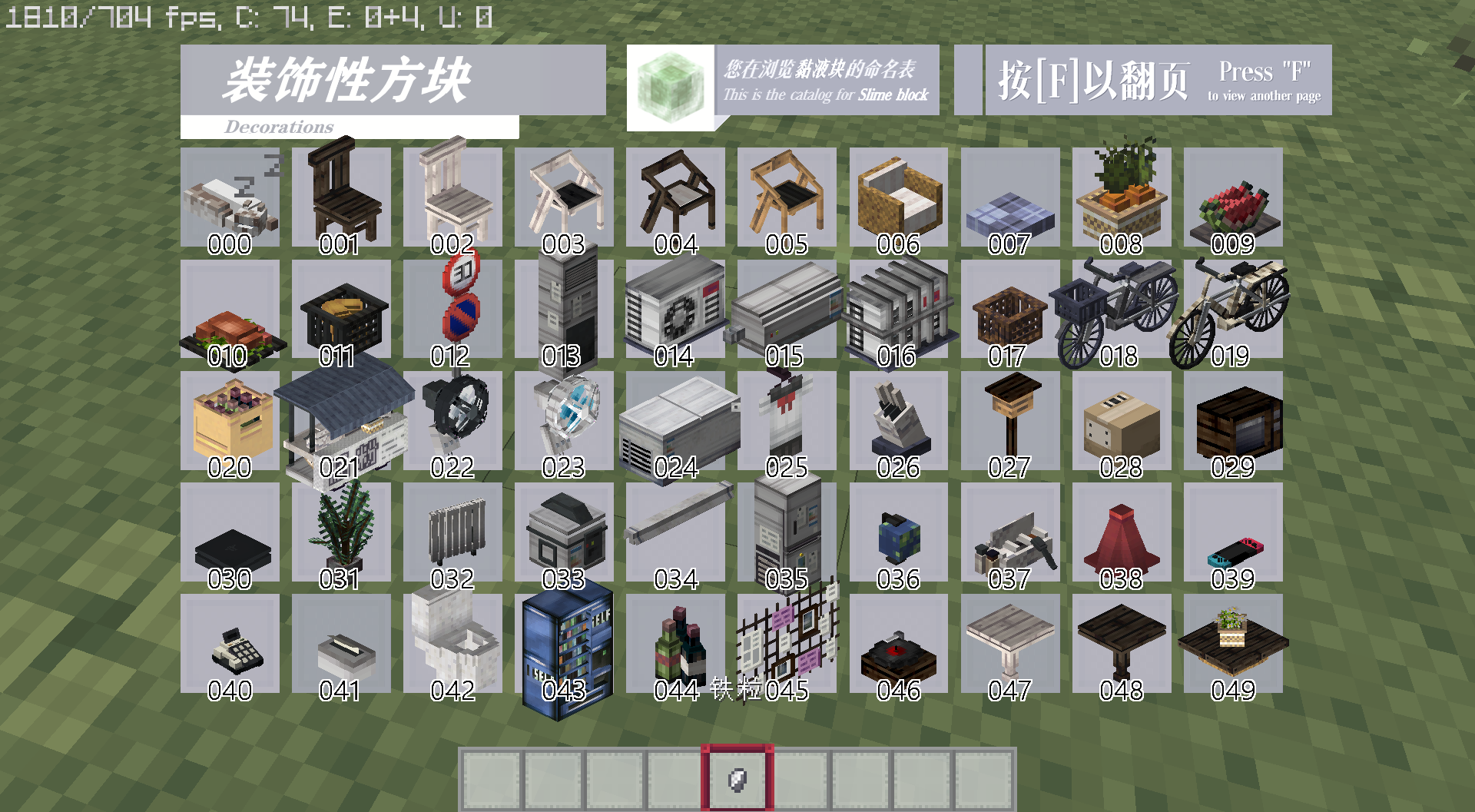
Within the pack there are 60 CIT decorations. Rename a Slime block to the specific number in anvil to get the items. Then put the items into a Item frame to apply them.

Work in Minecraft 1.13~1.20

[1.19-1.21] Yuushya R-0.20.0
MC 1.19.3, 1.20.2, 1.21, 1.20.5, 1.21.5, 1.19.4, 1.21.4, 1.20.3, 1.20.1, 1.20, 1.20.6, 1.20.4, 1.21.3, 1.21.1, 1.21.2
Release 2025-04-06 Get
[1.13-1.18] Yuushya R-0.18.2
MC 1.17.1, 1.14.4, 1.16.5, 1.18.2, 1.15.2, 1.13.2
Release 2024-02-06 Get
[1.19-1.20] Yuushya R-0.18.2
MC 1.19.3, 1.20.2, 1.19.4-Snapshot, 1.20.2-Snapshot, 1.20.5-Snapshot, 1.19.4, 1.19-Snapshot, 1.19.2, 1.20.3-Snapshot, 1.20.3, 1.20.1, 1.20, 1.19.1, 1.20.4, 1.20-Snapshot, 1.19
Release 2024-02-06 Get
[1.19-1.20] Yuushya R-0.18.1
MC 1.19.3, 1.18.1, 1.19.4-Snapshot, 1.19.4, 1.19-Snapshot, 1.18.2, 1.19.2, 1.19.1, 1.20-Snapshot, 1.18, 1.18-Snapshot, 1.19, 1.19.3-Snapshot
Release 2023-05-19 Get
[1.13-1.18] Yuushya R-0.18.0
MC 1.17.1, 1.18.1, 1.17, 1.16.5, 1.18.2, 1.17-Snapshot, 1.18, 1.18-Snapshot
Release 2023-05-19 Get
[1.13-1.18] Yuushya R-0.18.0
MC 1.16-Snapshot, 1.17.1, 1.16.3, 1.13.1, 1.15-Snapshot, 1.16.1, 1.18.1, 1.14.4, 1.14.1, 1.17, 1.14.3, 1.15, 1.16, 1.13, 1.16.5, 1.18.2, 1.15.2, 1.14, 1.17-Snapshot, 1.18, 1.16.4
Release 2023-05-17 Get
[1.19-1.20] Yuushya R-0.18.0
MC 1.19.3, 1.19.4-Snapshot, 1.19.4, 1.19-Snapshot, 1.19.2, 1.19.1, 1.20-Snapshot, 1.19, 1.19.3-Snapshot
Release 2023-05-17 Get
Yuushya Beta 0.16.3 (for 1.19.x or above).zip
MC 1.19.3, 1.19-Snapshot, 1.19.2, 1.19.1, 1.19
Beta 2023-02-11 Get
Yuushya R-0.17
MC 1.16-Snapshot, 1.17.1, 1.16.3, 1.16.1, 1.18.1, 1.17, 1.16, 1.19-Snapshot, 1.16.5, 1.18.2, 1.19.1, 1.17-Snapshot, 1.18, 1.16.4, 1.18-Snapshot, 1.16.2, 1.19
Release 2022-07-22 Get
Yuushya R-0.17 Fixed
MC 1.16-Snapshot, 1.17.1, 1.16.3, 1.16.1, 1.18.1, 1.17, 1.16, 1.19-Snapshot, 1.16.5, 1.18.2, 1.19.1, 1.17-Snapshot, 1.18, 1.16.4, 1.18-Snapshot, 1.16.2, 1.19
Release 2022-07-22 Get
Yuushya B-0.16
MC 1.16-Snapshot, 1.17.1, 1.16.3, 1.16.1, 1.18.1, 1.17, 1.16, 1.16.5, 1.18.2, 1.17-Snapshot, 1.18, 1.16.4, 1.18-Snapshot, 1.16.2
Release 2022-03-20 Get
Yuushya-B_0.15
MC 1.16-Snapshot, 1.17.1, 1.16.3, 1.16.1, 1.17, 1.16, 1.16.5, 1.17-Snapshot, 1.16.4, 1.16.2
Release 2021-10-02 Get
Yuushya -B_0.15.1
MC 1.16-Snapshot, 1.17.1, 1.16.3, 1.16.1, 1.17, 1.16, 1.16.5, 1.17-Snapshot, 1.18, 1.16.4, 1.18-Snapshot, 1.16.2
Release 2021-10-02 Get
Yuushya-B_0.14
MC 1.16-Snapshot, 1.17.1, 1.16.3, 1.16.1, 1.17, 1.16, 1.16.5, 1.17-Snapshot, 1.16.4, 1.16.2
Release 2021-08-30 Get
Yuushya-R_0.85.zip
MC 1.16-Snapshot, 1.17.1, 1.16.3, 1.16.1, 1.17, 1.16, 1.16.5, 1.17-Snapshot, 1.16.4, 1.16.2
Release 2021-08-11 Get
Yuushya-R_0.84.1.zip
MC 1.16-Snapshot, 1.17.1, 1.16.3, 1.16.1, 1.17, 1.16, 1.16.5, 1.17-Snapshot, 1.16.4, 1.16.2
Release 2021-08-02 Get
Yuushya-R_0.84.zip
MC 1.16-Snapshot, 1.17.1, 1.16.3, 1.16.1, 1.17, 1.16, 1.16.5, 1.17-Snapshot, 1.16.4, 1.16.2
Release 2021-07-31 Get
Yuushya-R_0.82 (Legacy)
MC 1.16-Snapshot, 1.17.1, 1.16.3, 1.16.1, 1.17, 1.16, 1.16.5, 1.17-Snapshot, 1.16.4, 1.16.2
Alpha 2021-07-30 Get
Yuushya-R_0.83.zip
MC 1.16-Snapshot, 1.17.1, 1.16.3, 1.16.1, 1.17, 1.16, 1.16.5, 1.17-Snapshot, 1.16.4, 1.16.2
Release 2021-07-28 Get

Requirements & install

How to use this resource pack in Minecraft
Resolution
16x
Minecraft
1.20.5 – 1.21.5
Install folder
.minecraft/resourcepacks

How to install resource packs

  1. Download the resource pack .zip file (do not extract it).
  2. In Minecraft open Options → Resource Packs → Open Pack Folder.
  3. Drop the .zip into the resourcepacks folder (.minecraft/resourcepacks).
  4. Move the pack to the Selected column and click Done.
Browse more: 16x resource packs 32x resource packs 64x resource packs 128x resource packs 256x resource packs 512x+ resource packs Resource Packs for 1.21.5 All resource packs

More from coco_fish

Advertisement Remove ads with Premium →

You Might Also Like