Mineuniverse
Resource Packs
Yomi Yomi No Mi ( Totem Texture)

Yomi Yomi No Mi ( Totem Texture)

RESOURCE PACK
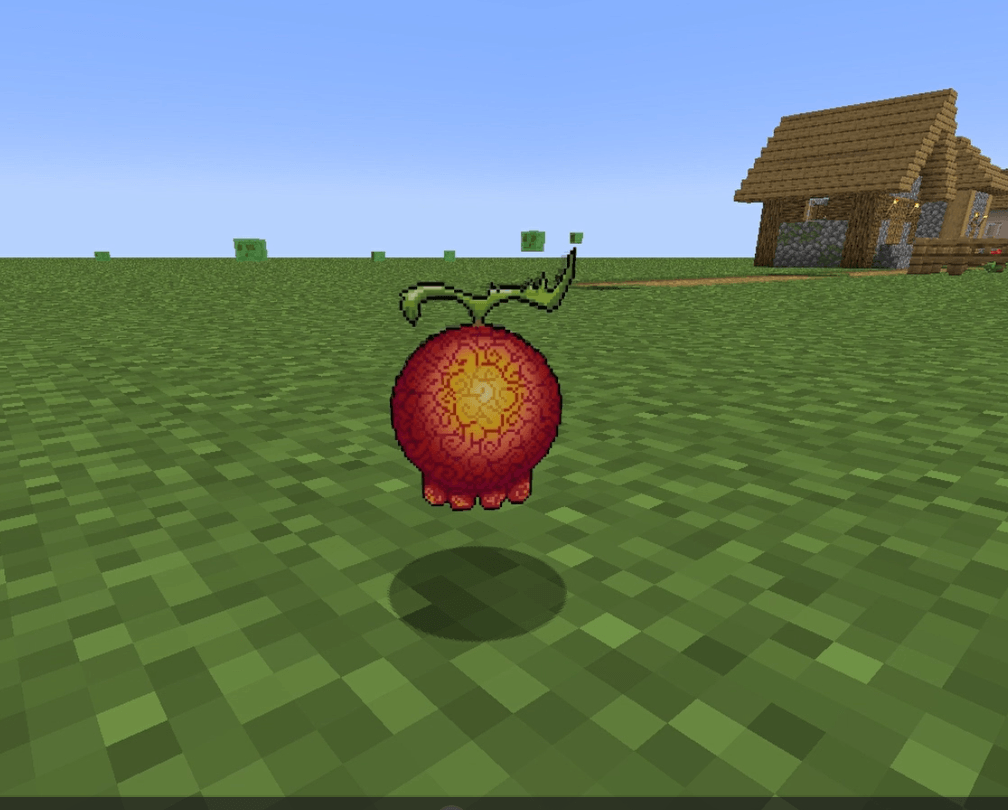
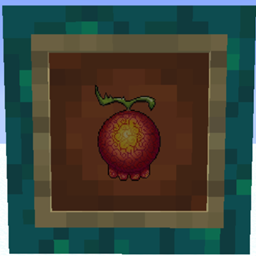
Transform your Minecraft experience with the Yomi Totem Modpack! Replace the Totem of Undying with the Yomi Yomi no Mi from One Piece, giving you a second chance at life with the iconic fruit's mystical power.
by YRex0411
Download Claim this project
Add a badge to your pageLink to Yomi Yomi No Mi ( Totem Texture) from a README, website or forum post.
Preview: Badge

Badges update automatically and link to the resource pack page on MineUniverse.

344 downloads
0 likes
0 followers
Updated Oct 14, 2026
0 hypes
Follow0
Animated Data Packs Miscellaneous
Advertisement Remove ads with Premium →

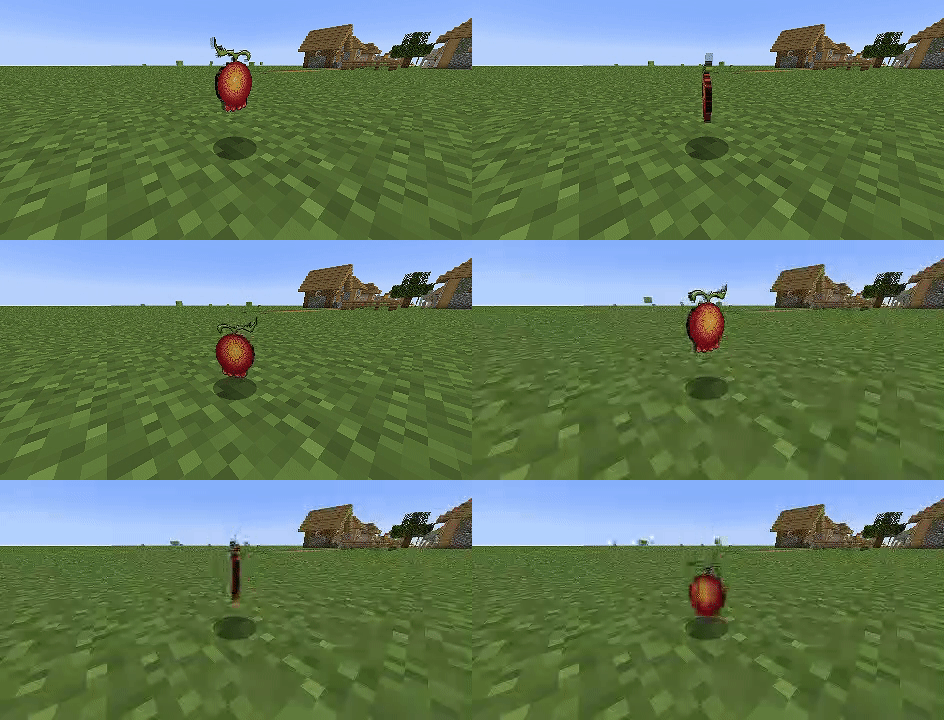
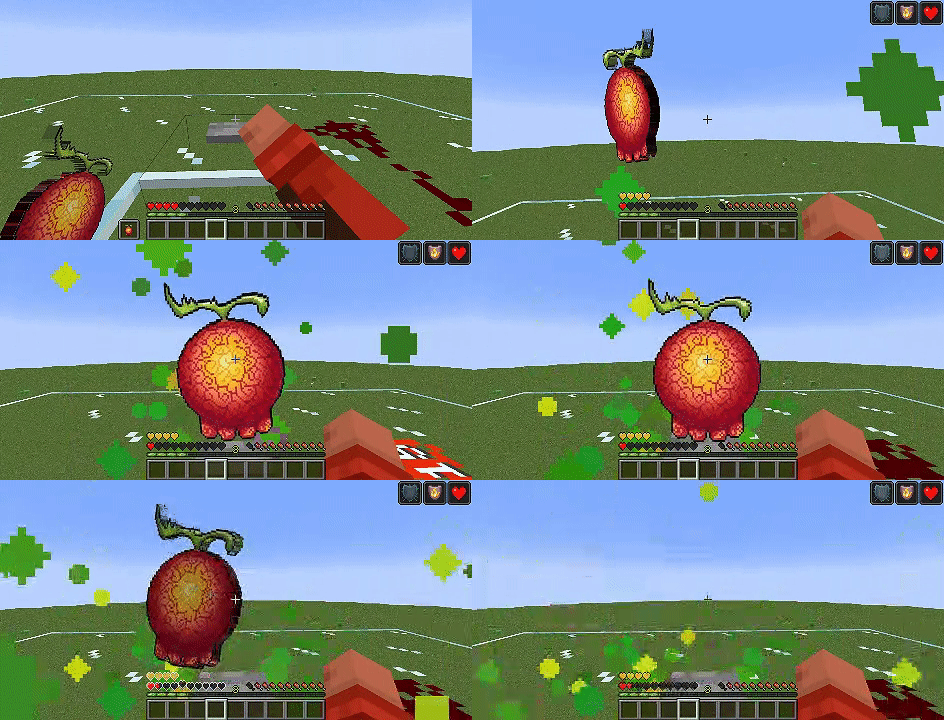
Unleash the power of the Yomi Yomi no Mi from the One Piece universe in your Minecraft world! This modpack replaces the in-game Totem of Undying with a custom model and texture of the Yomi Yomi no Mi, the mystical fruit that grants the user a second chance at life, just like the Totem of Undying. Now, when you clutch that last hope of survival, you'll be holding the iconic fruit from One Piece, bringing a new level of immersion to your Minecraft adventures.

Explore your world, fight epic battles, and face down death with the unique flair of One Piece. This modpack is perfect for fans of the series who want to integrate a piece of the Grand Line into their Minecraft experience.

IT WORKS FOR ALL VERSIONS SO IGNORE THE "MADE FOR NEWER/OLDER VERSION OF MINECRAFT"

The Original Pixel Art is by : https://www.deviantart.com/batsyyylog/art/Yomi-Yomi-No-Mi-920860003 (its free to use art so , no issue using it , plus the user has never been online since 2 years)

If u want To Showcase my works anywhere on social Media plz Don't steal the credits and please do mention me By @YRex0411 and put the official download link to this pack in your description

 

Yomi Yomi No Mi ( Totem Texture).zip
MC 1.17, 1.20.4, 1.21.1, 1.18, 1.19
Release 2024-08-14 Get

Requirements & install

How to use this resource pack in Minecraft
Resolution
Not specified
Minecraft
1.17 – 1.21.1
Install folder
.minecraft/resourcepacks

How to install resource packs

  1. Download the resource pack .zip file (do not extract it).
  2. In Minecraft open Options → Resource Packs → Open Pack Folder.
  3. Drop the .zip into the resourcepacks folder (.minecraft/resourcepacks).
  4. Move the pack to the Selected column and click Done.
Browse more: 16x resource packs 32x resource packs 64x resource packs 128x resource packs 256x resource packs 512x+ resource packs Resource Packs for 1.21.1 All resource packs

More from YRex0411

Advertisement Remove ads with Premium →

You Might Also Like