...
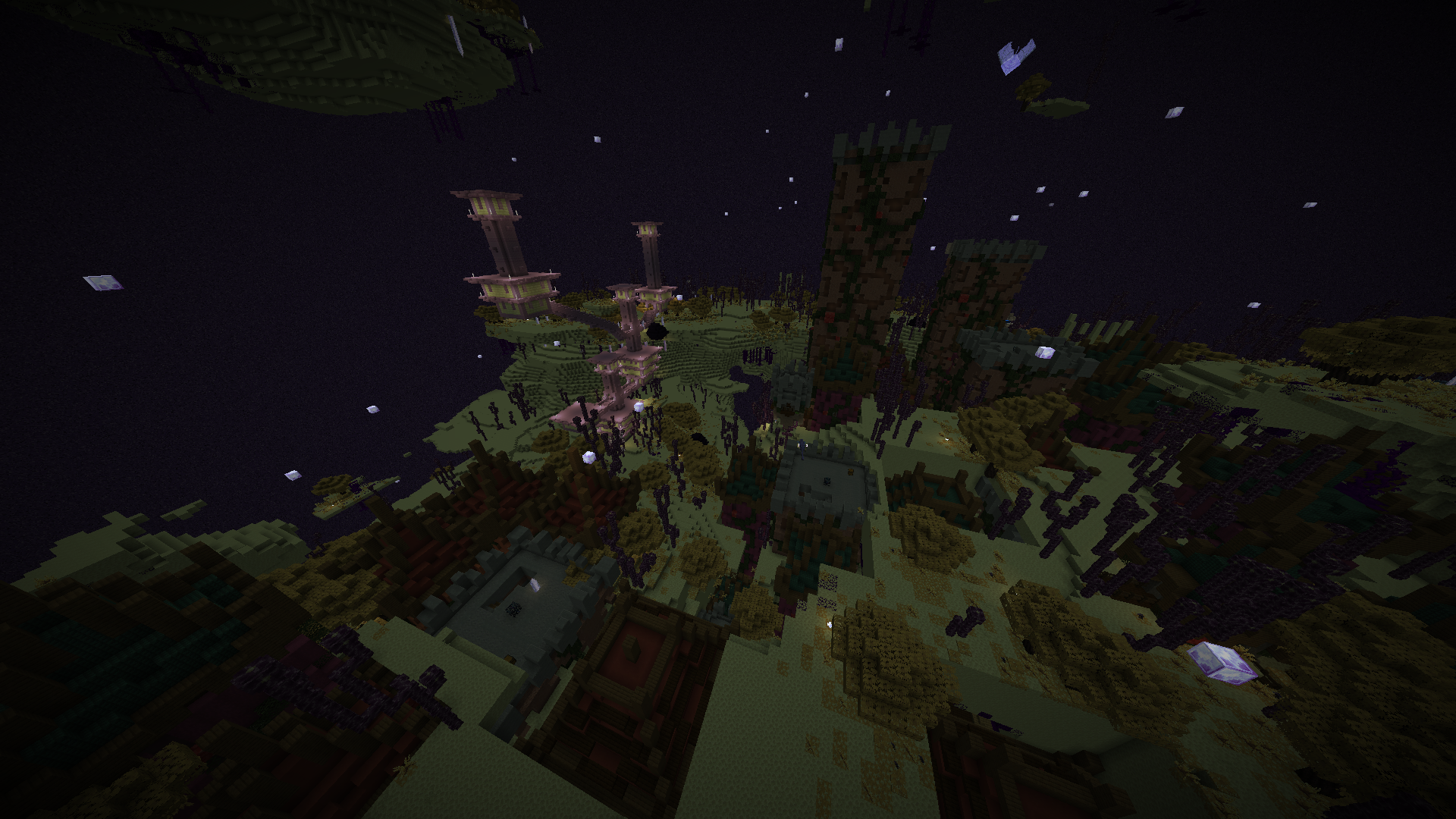
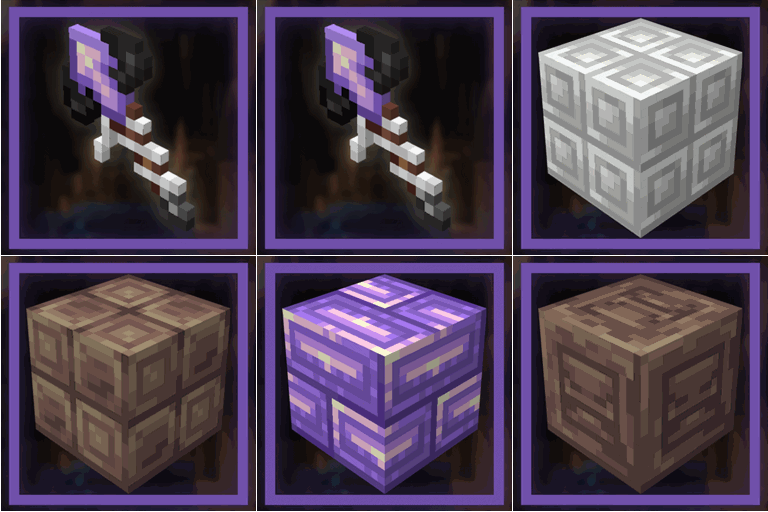
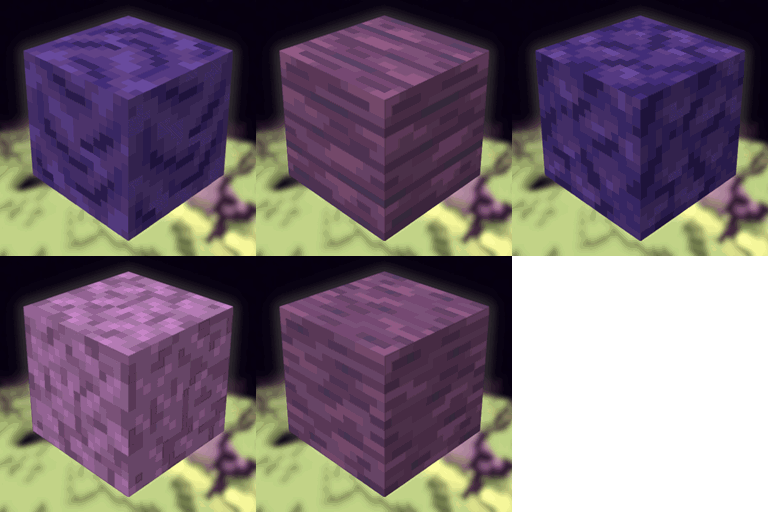
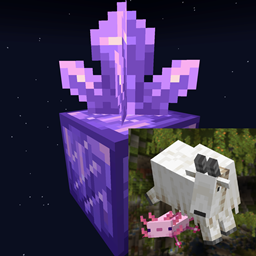
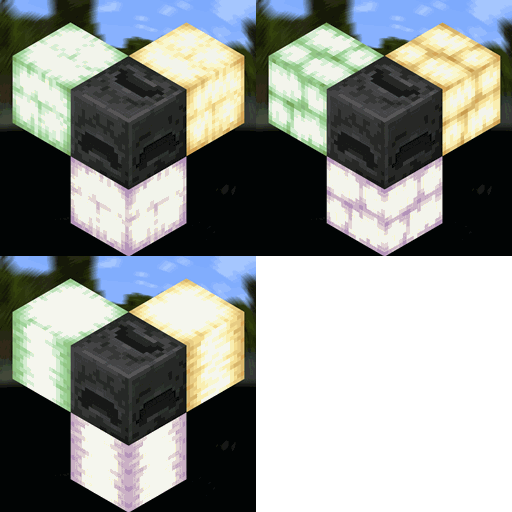
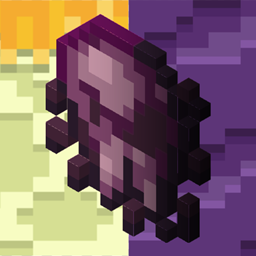
and this is how it looks

How to Install
- Download the resource pack, it should be a .zip file.
- Locate the folder you saved the resource pack to and copy the .zip file.
- Open Minecraft and go to "Options" and then "Resource Packs."
- Click on "Choose Resource Pack Folder"
- Paste the .zip file into the folder and then head back into the game.
- The pack should be there, if not hit "Escape" and go back into "Resource Packs."