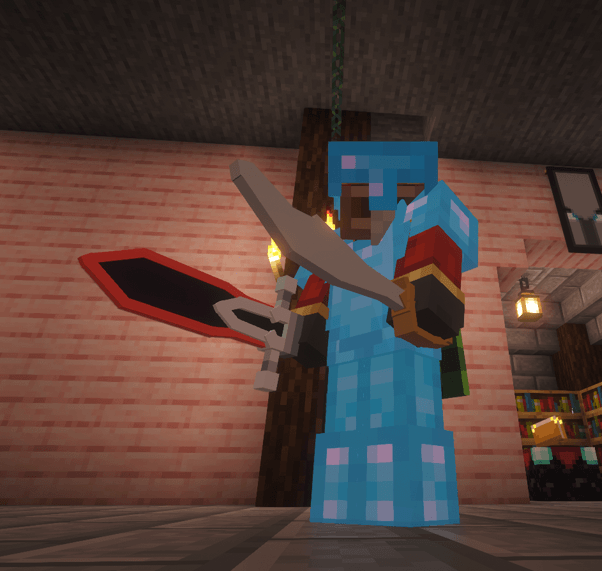
⚠️⚠️DISCLAIMER: THIS IS AN UNOFFICIAL FAN-MADE RESOURCE PACK INSPIRED BY Yeeps: Hide and Seek. IT IS A NON-COMMERCIAL POJECT CREATED FROM SCRATCH. I AM NOT AFFILIATED WITH, AUTHORIZED, OR ENDORSED BY Trass Games Inc. ALL CREDIT FOR THE ORIGINAL CONCEPTS GOES TO THE CREATORS OF Yeeps. ⚠️⚠️
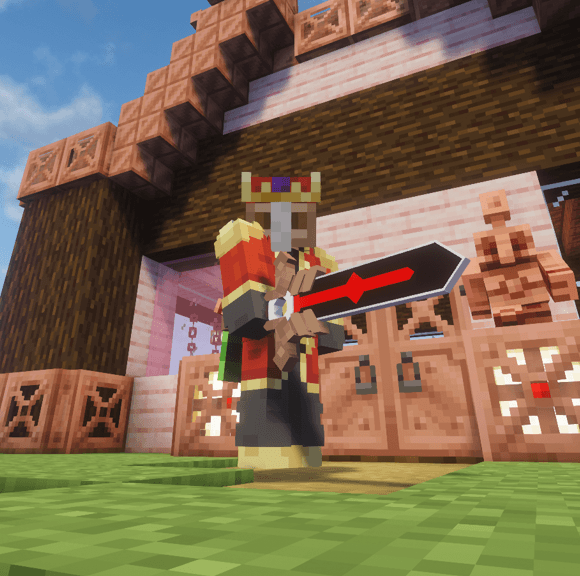
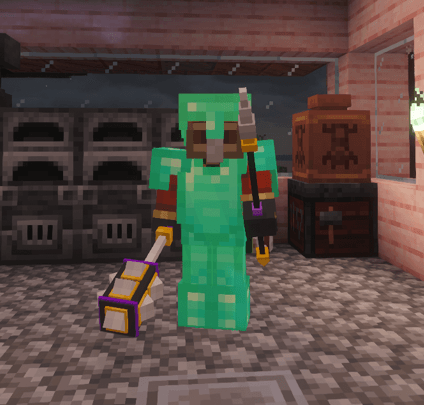
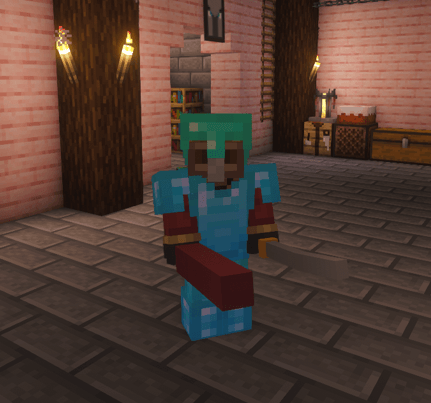
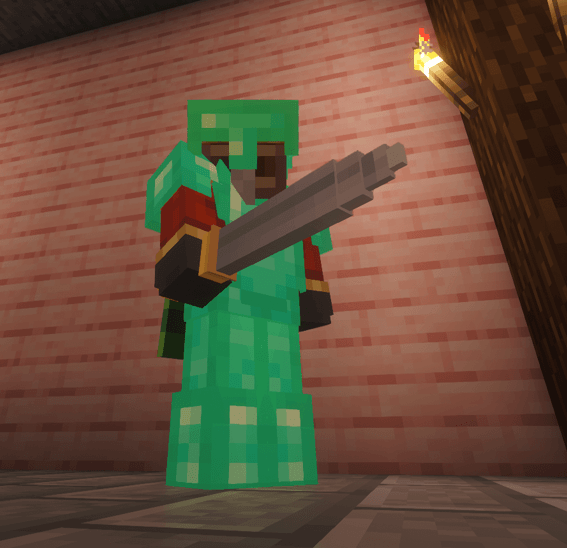
yeeps items in minecraft 👍
it might say it's incompatible and is made for an old version of minecraft, but it works on 1.21.11 trust me.
might work on other versions, not tested
also requires optifine, or some other thing that allows for custom 3d models (only tested on optifine though)
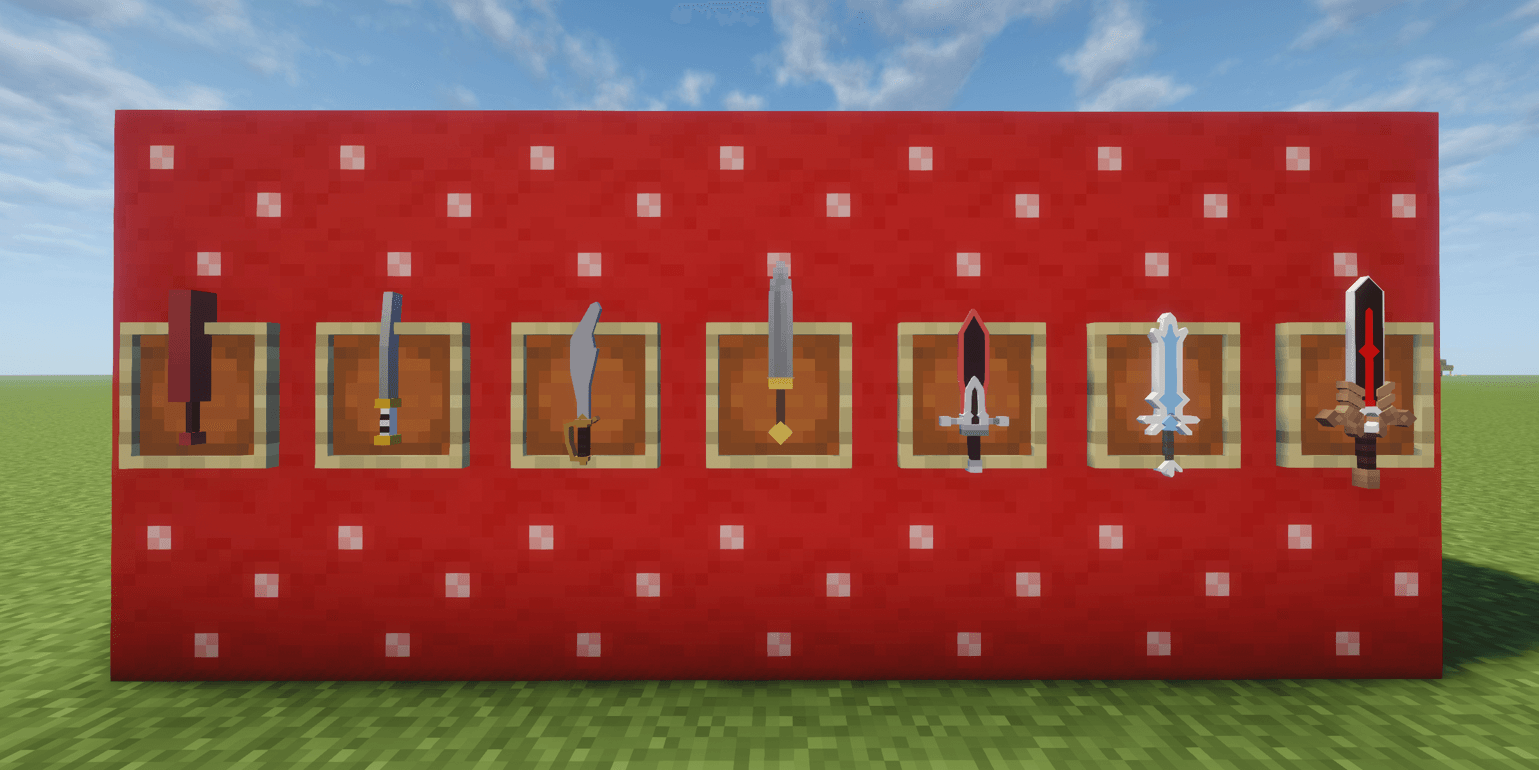
includes:
-regular bat (wooden sword)
-katana (stone sword)
-gladiator sword (copper sword)
-pirate sword (iron sword)
-voyager sword (golden sword)
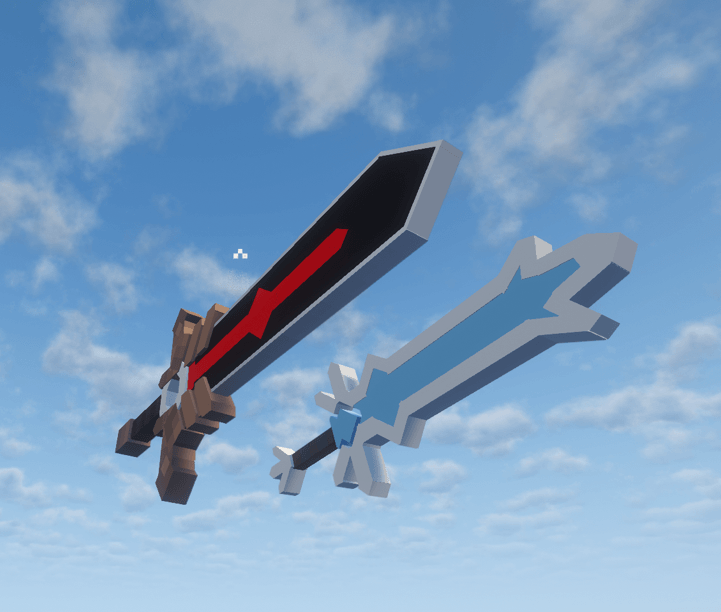
-frost sword (diamond sword)
-power sword (netherite sword)
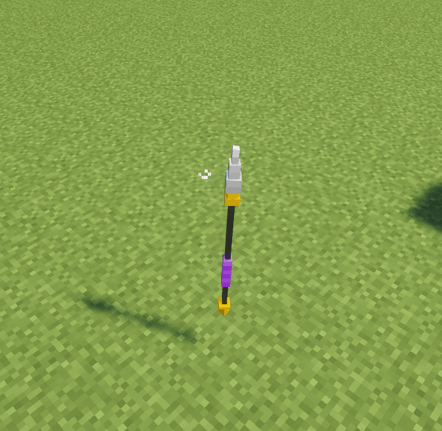
-spear (diamond spear)
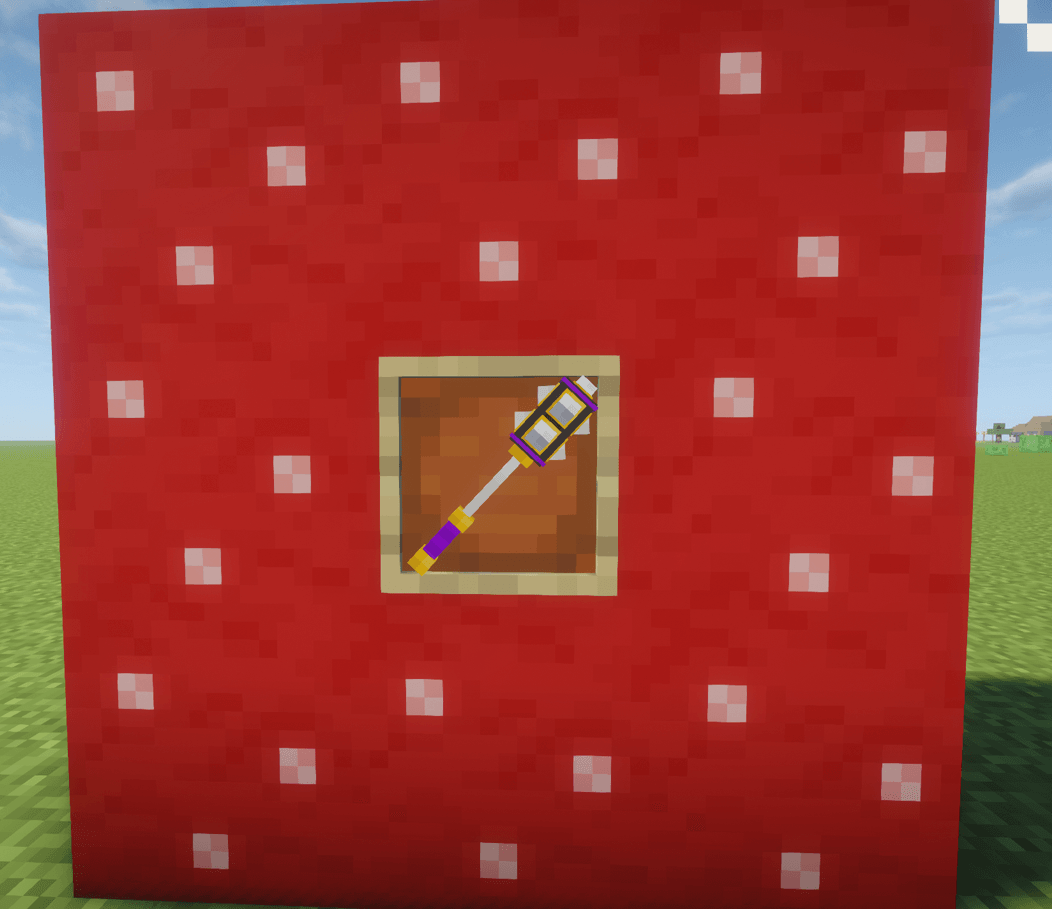
-shockwave mace (mace)
plans/acknowledgements:
-will make the pirate sword look less horrible
-MIGHT make the red part of the voyager sword and power sword glow
-add fire axe to replace the axes (everything from wood to diamond will just be the regular fire axe with different colors on the top to tell them apart, the netherite axe will be the skeleton axe)
-currently the spear only shows up on the diamond version, I will make variants for all the different spears (same thing I did with the fire axe, but the diamond spear will be the swarmslayer spear and the netherite spear will be the deep sea trident)
-I know the frost sword has z-fighting when enchanted, I will fix that and any other z-fighting i find
Yars is so cool and awesome
https://www.youtube.com/@YarsCBK
i need suggestions for other things to make too, idk if you can make comments but if you can then comment some suggestions