Mineuniverse
Resource Packs
Yaysa 8x

Yaysa 8x

RESOURCE PACK
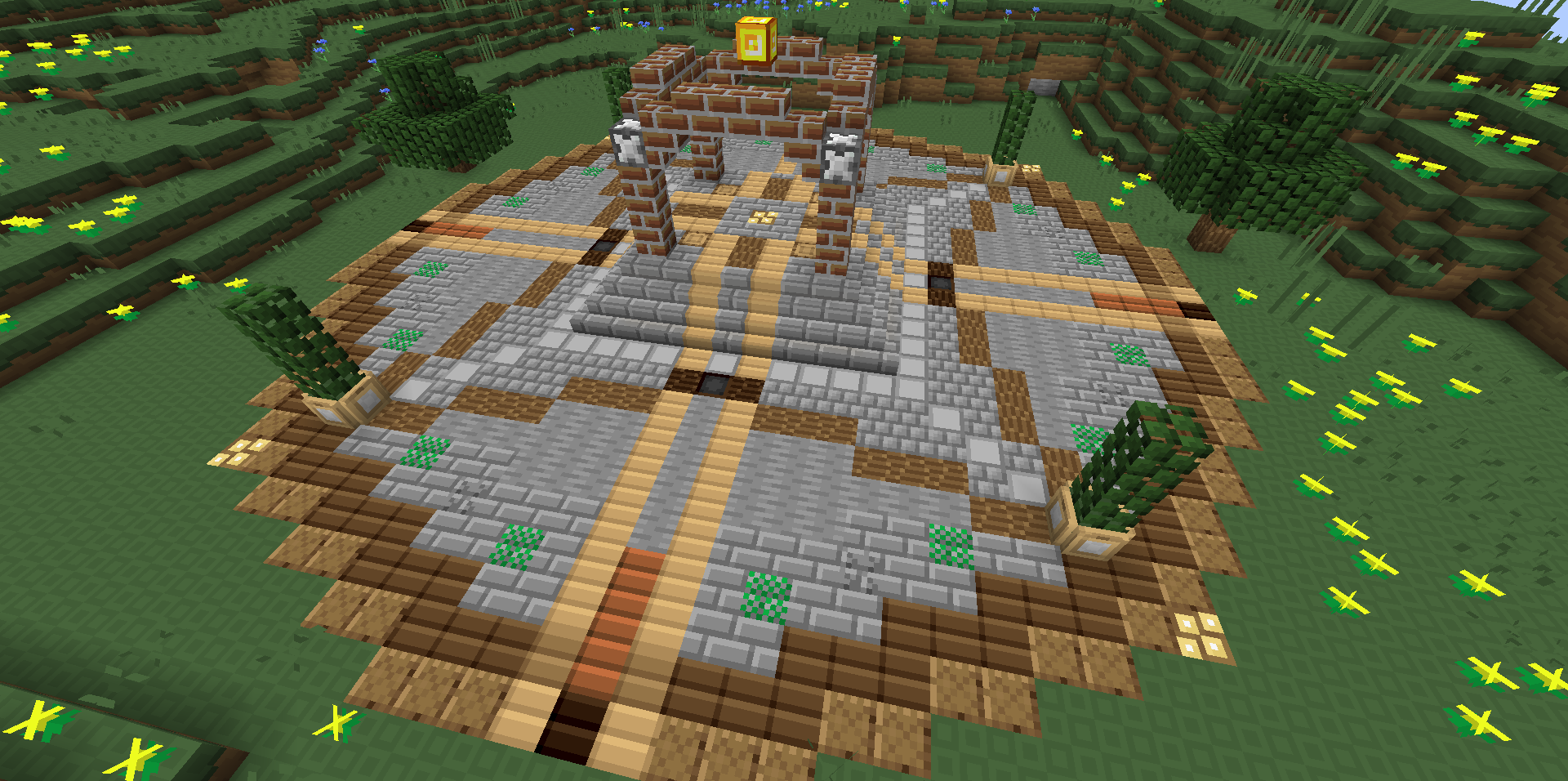
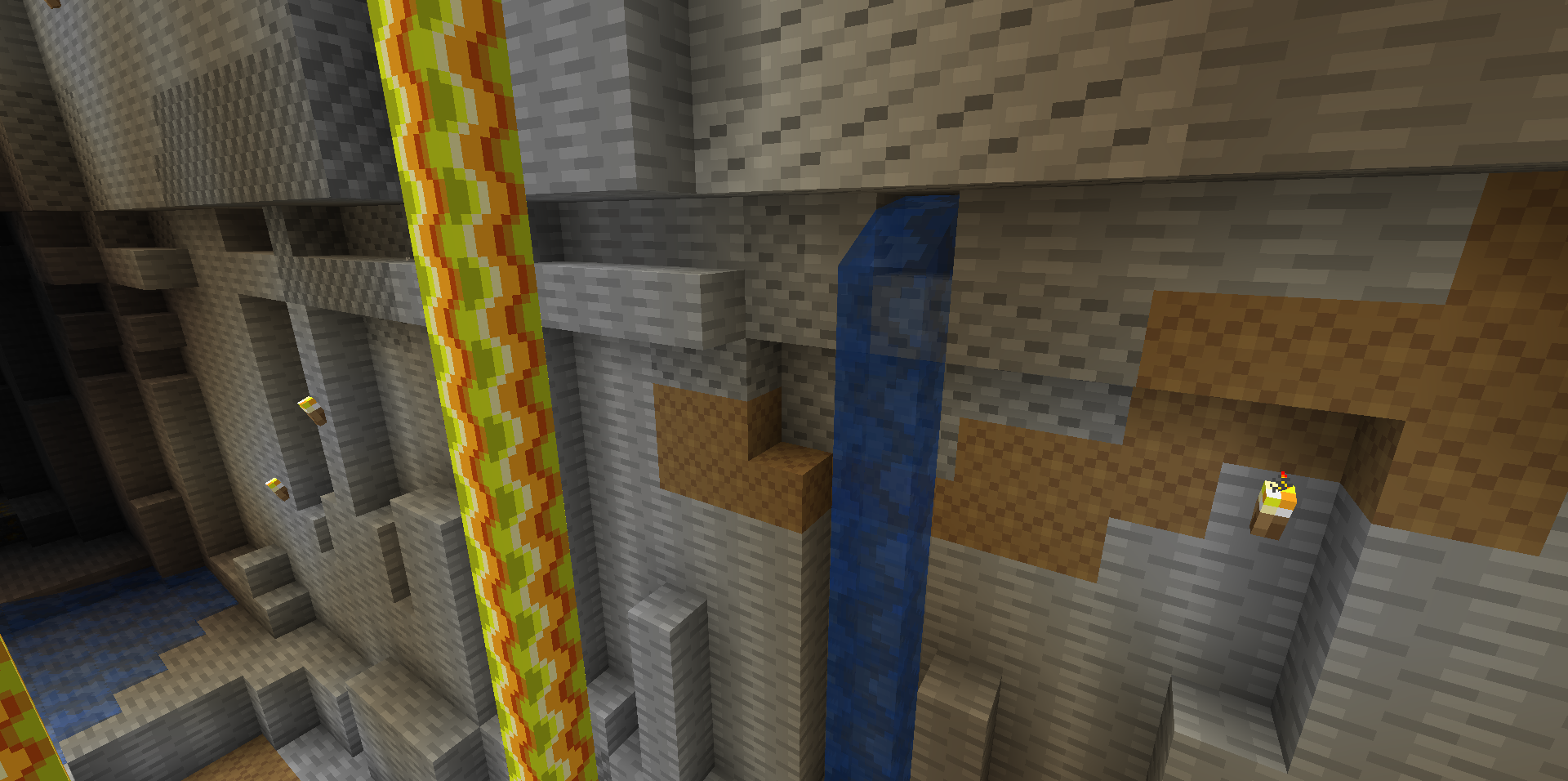
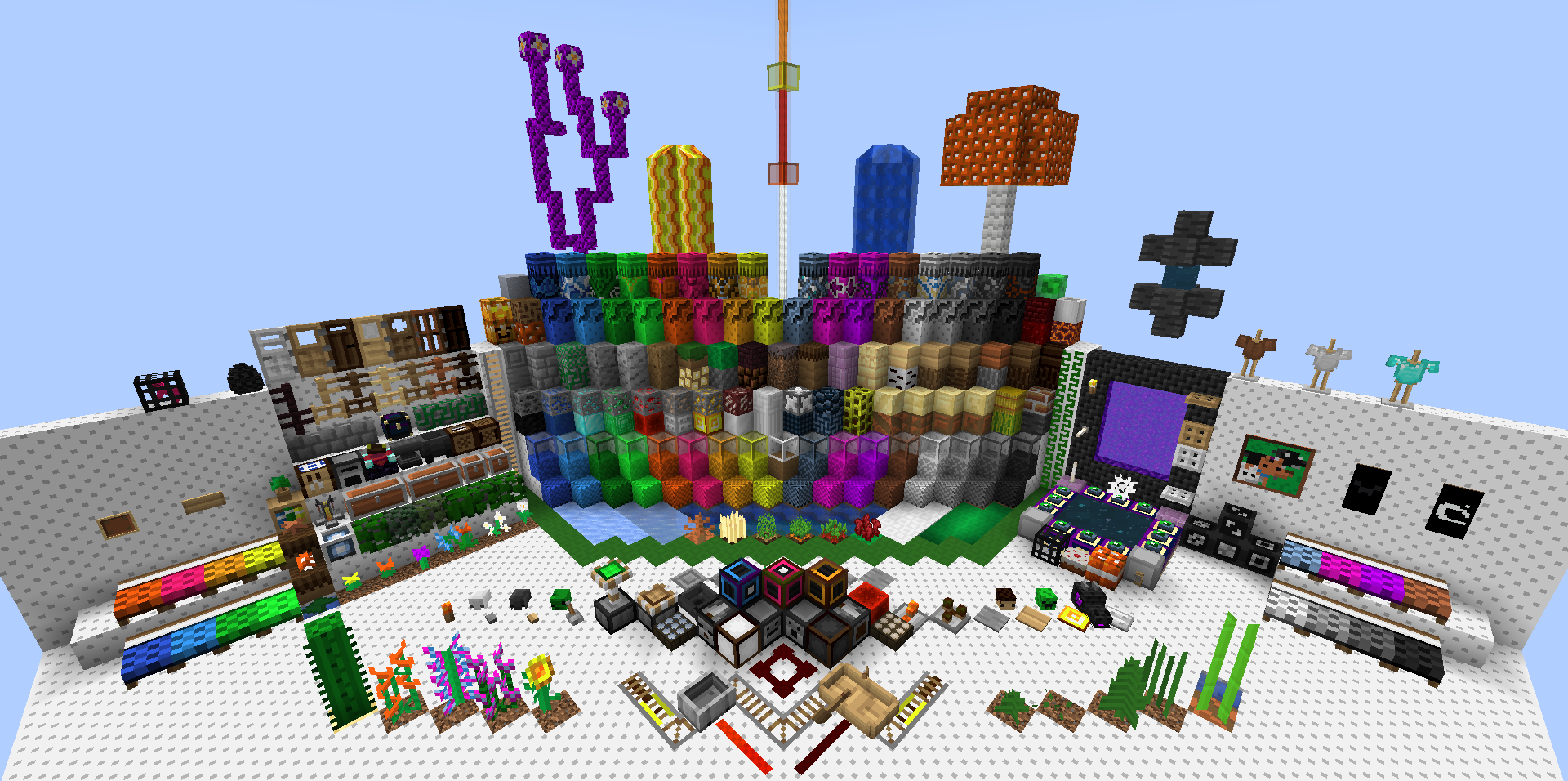
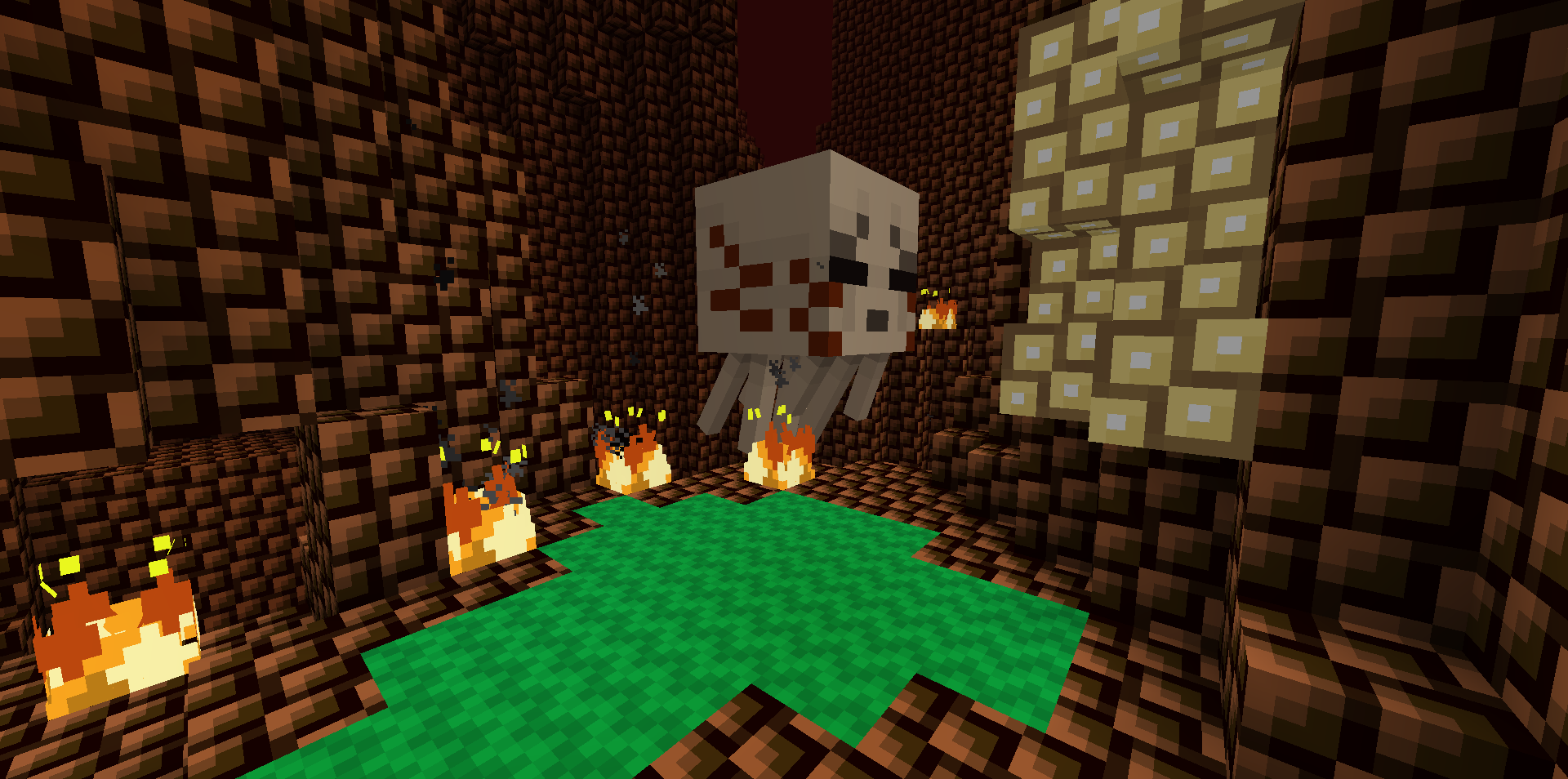
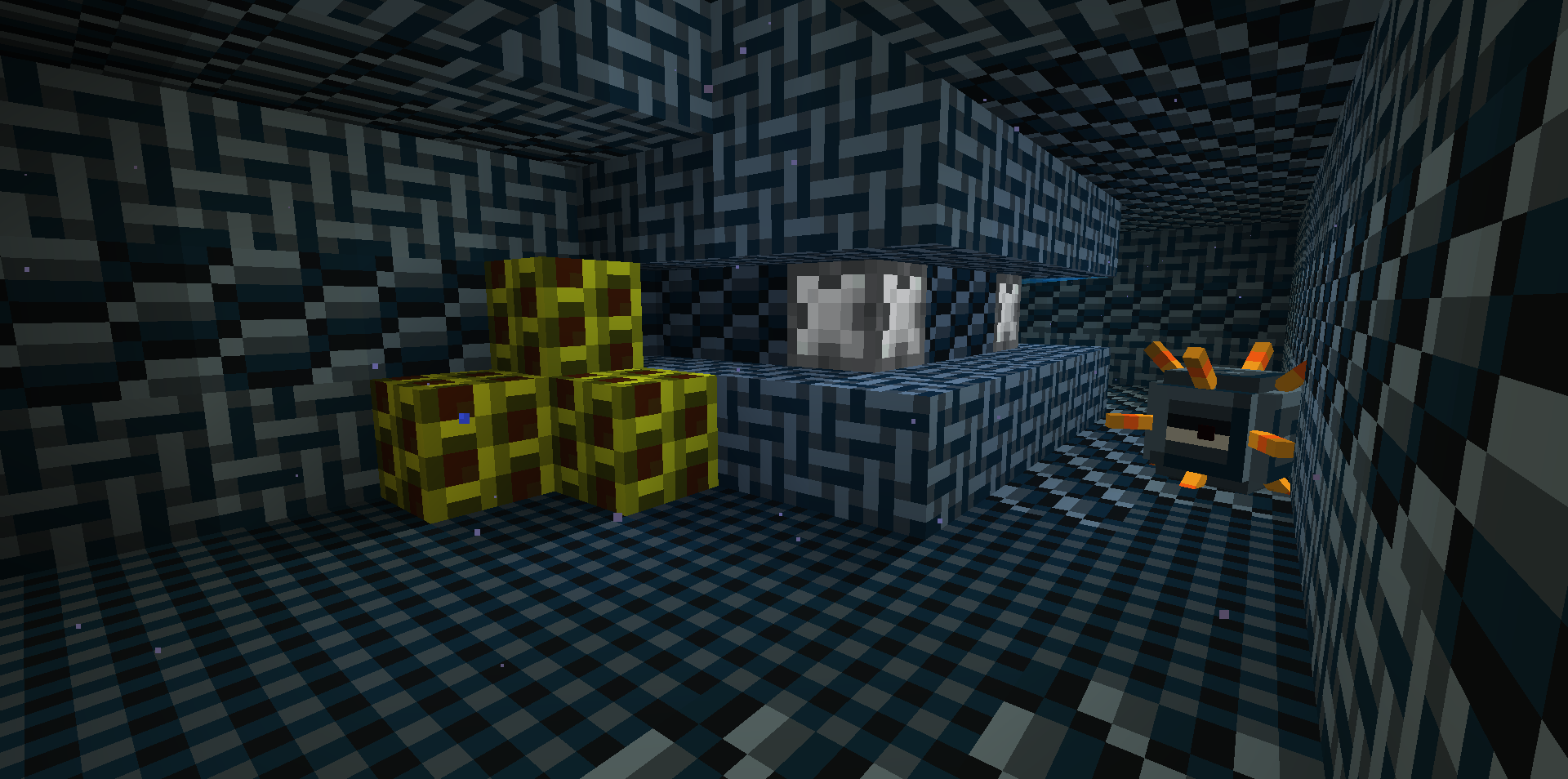
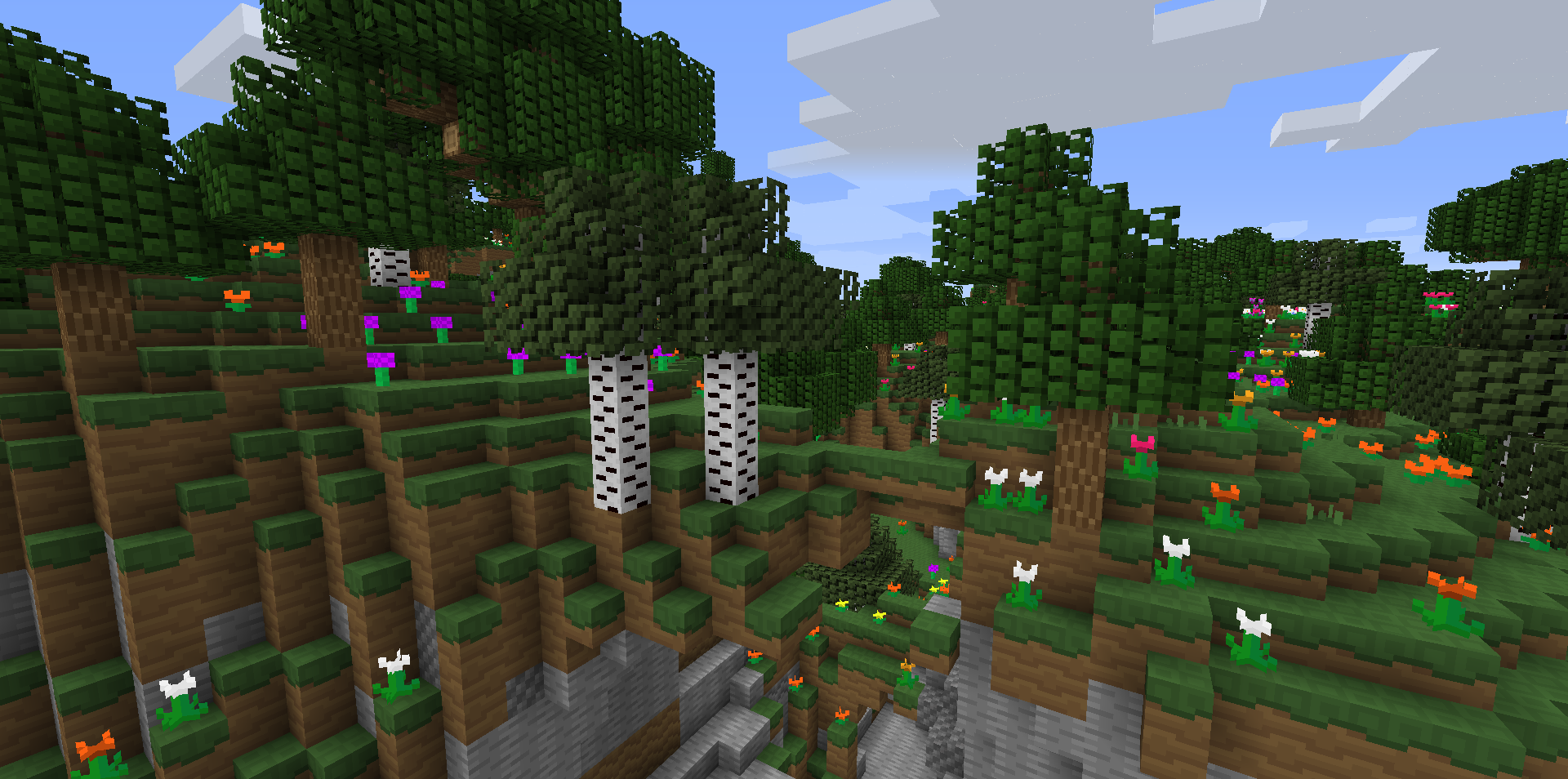
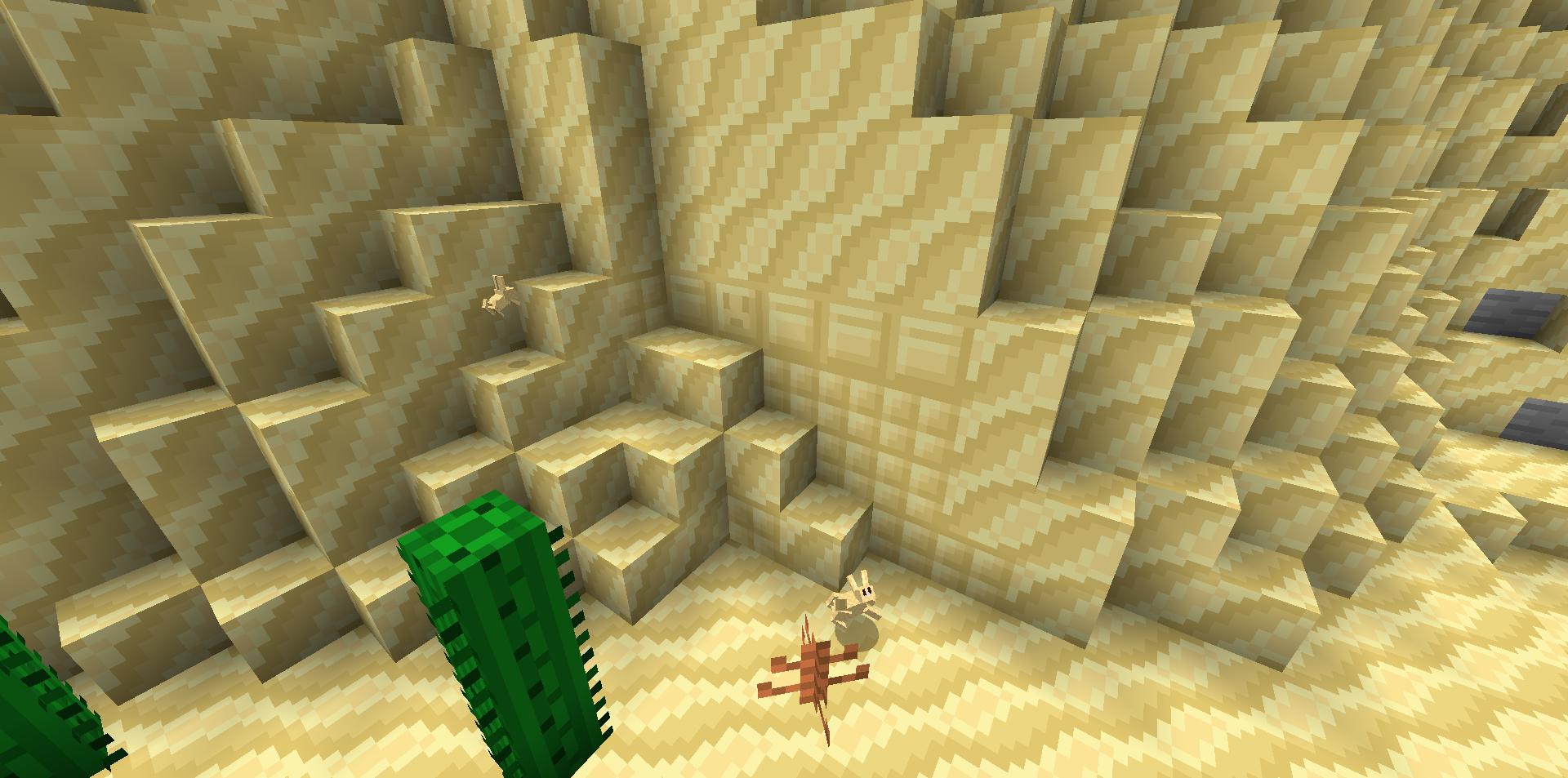
An 8x8 resource pack that makes Minecraft fun, cute, and modern!
by poiqzy
Download Claim this project
8,515 downloads
0 likes
Updated Oct 14, 2026
0 hypes
16x Miscellaneous Modern Traditional
Advertisement Remove ads with Premium →

banner

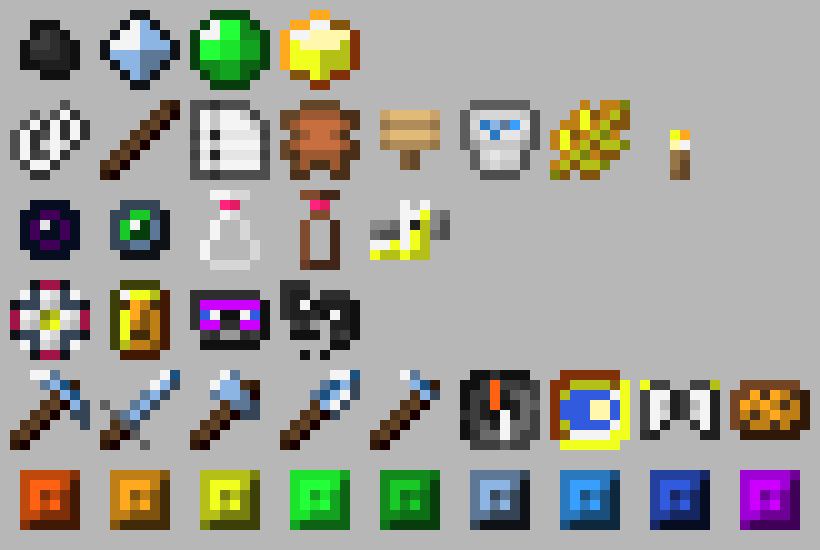
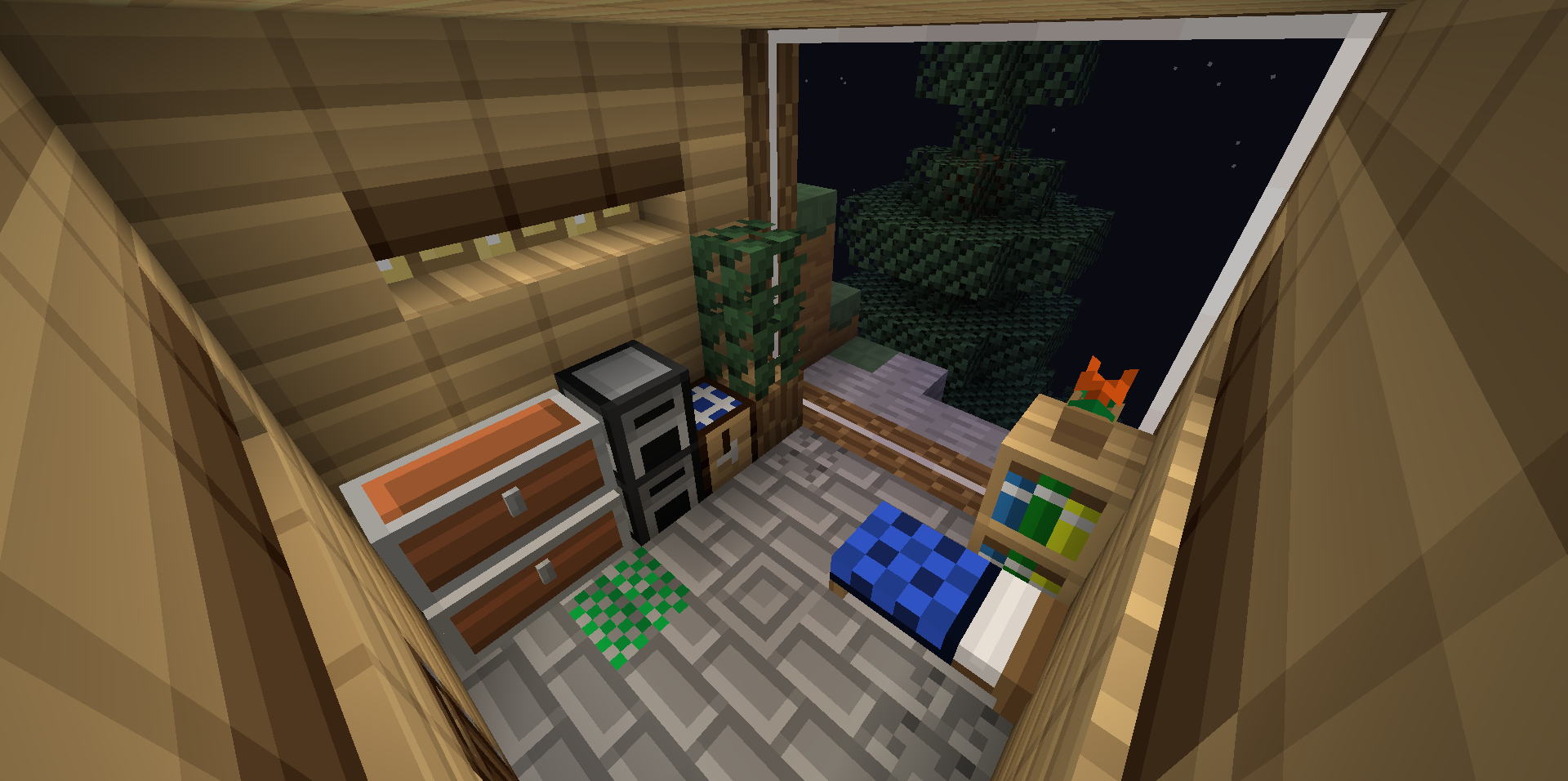
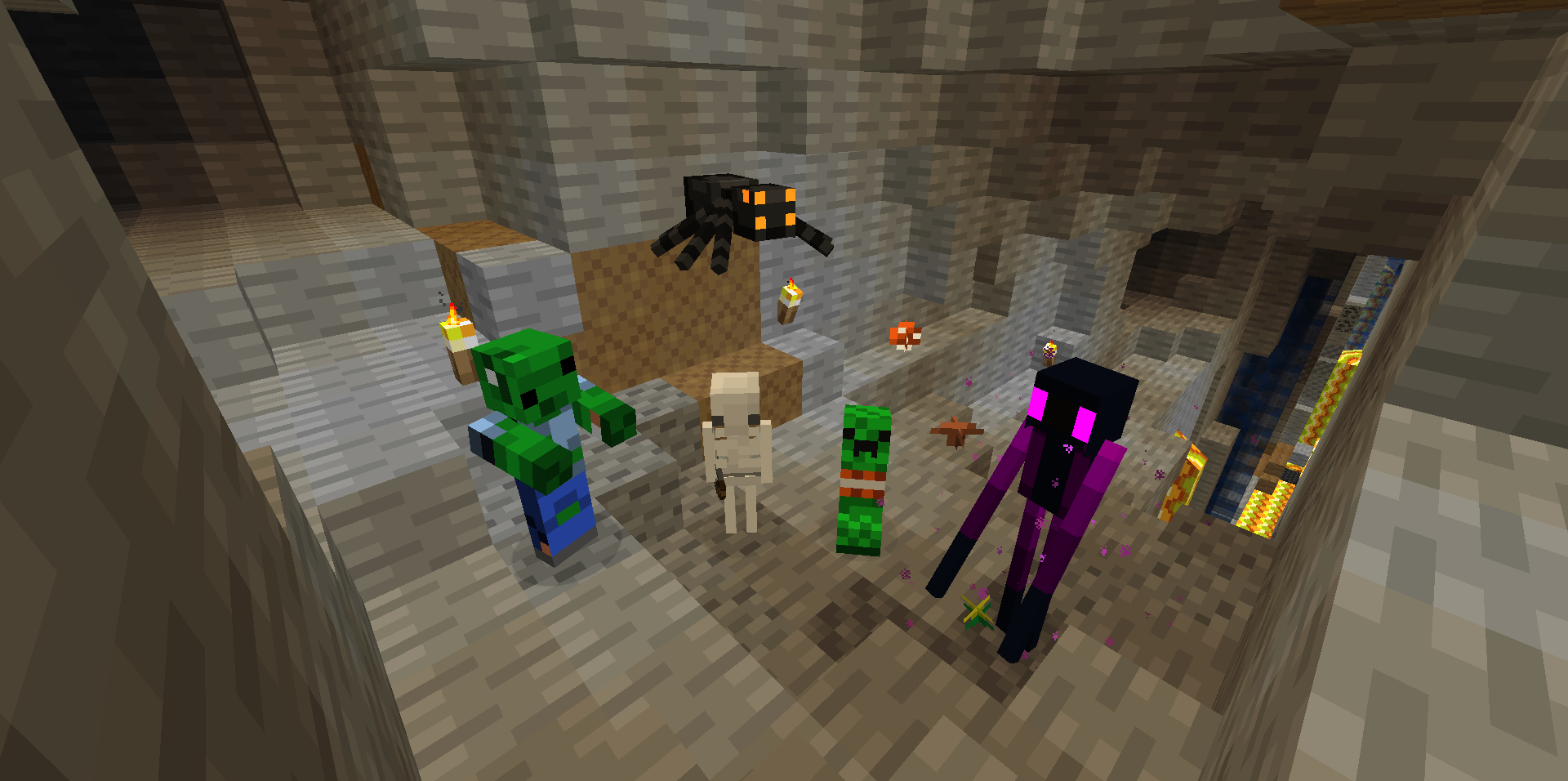
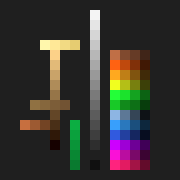
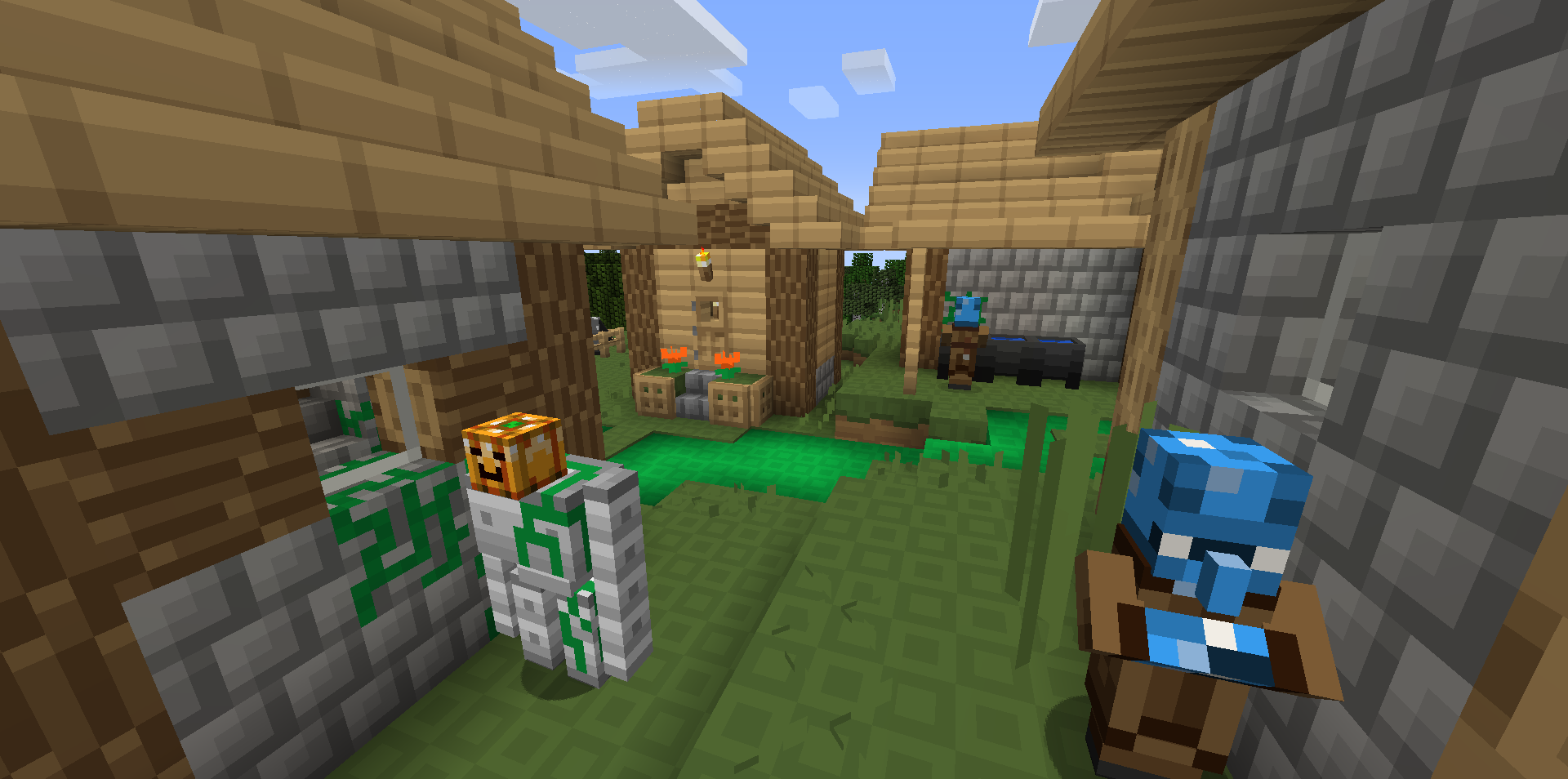
Yaysa 8x is a resource pack created to bring a fun, cute, and modern style to Minecraft with a palette of only 89 total colors! Wow!

This pack is good for many different building styles.


Perhaps it can also help you reduce lag?


• Please note that this pack has many unfinished textures currently, but is continually being worked on


Also available on:
Modrinth
PlanetMinecraft


❤️ Support ❤️
https://ko-fi.com/poiqzy


Please include either one where it makes sense and is appropriate! :)


"Yaysa 8x" by poiqzy is licensed under CC BY 4.0


or


"Yaysa 8x" by poiqzy is licensed under CC BY 4.0
https://modrinth.com/resourcepack/yaysa-8x
https://creativecommons.org/licenses/by/4.0/


Yaysa 8x - v2022.333_1.19.zip
MC 1.19.2, 1.19.1, 1.19
Release 2022-11-29 Get
Yaysa 8x - v2022.300_1.19.zip
MC 1.19.2, 1.19.1, 1.19
Release 2022-10-27 Get
Yaysa 8x - v2022.266_1.19.zip
MC 1.19.2, 1.19.1, 1.19
Release 2022-09-23 Get
Yaysa 8x - v2022.216_1.19.zip
MC 1.19.1, 1.19
Release 2022-08-04 Get
Yaysa 8x - v2022.159_1.19.zip
MC 1.19
Release 2022-06-08 Get
Yaysa 8x - v2022.116_1.18.zip
MC 1.18.1, 1.18.2, 1.18
Release 2022-04-26 Get
Yaysa 8x - v2022.084_1.18.zip
MC 1.18.1, 1.18.2, 1.18
Release 2022-03-25 Get
Yaysa 8x - v2022.019_1.18
MC 1.18.1, 1.18
Release 2022-01-20 Get
Yaysa 8x - v20.24 [1.14]
MC 1.14.4, 1.14.1, 1.14.3, 1.14, 1.14.2
Release 2020-06-08 Get
Yaysa 8x - v20.21 [1.14]
MC 1.14.4, 1.14.1, 1.14.3, 1.14, 1.14.2
Release 2020-05-24 Get
Yaysa 8x - v20.20 [1.14]
MC 1.14.4, 1.14.1, 1.14.3, 1.14, 1.14.2
Release 2020-05-13 Get

Requirements & install

How to use this resource pack in Minecraft
Resolution
16x
Minecraft
1.14.3 – 1.19.2
Install folder
.minecraft/resourcepacks

How to install resource packs

  1. Download the resource pack .zip file (do not extract it).
  2. In Minecraft open Options → Resource Packs → Open Pack Folder.
  3. Drop the .zip into the resourcepacks folder (.minecraft/resourcepacks).
  4. Move the pack to the Selected column and click Done.
Browse more: 16x resource packs 32x resource packs 64x resource packs 128x resource packs 256x resource packs 512x+ resource packs Resource Packs for 1.19.2 All resource packs
Advertisement Remove ads with Premium →

You Might Also Like