Designed for 1.18.2. Bugs may occur when using previous & newer versions. Keep hats out of reach of foxes. Trust me, they cannot wear them
If you use this in YouTube videos please link to this pack's curseforge page near or at the top of the description of your video. If it is enabled but not used then you don't have to.
Any site that isn't curseforge is unofficial and unaffiliated with me. There's no telling how they modified the resourcepack's code. Speaking of, as long as you link back to curseforge, you're fine to do whatever. "whatever" includes taking hats from this resourcepack and putting them into your own resourcepack. Though this one specific use of "whatever" won't apply if someone has to pay to access it.
How to get the hats:
1. /give @p minecraft:carved_pumpkin{CustomModelData:X}
2. replace X with any number listed below to get the hat next to it.
Hats:
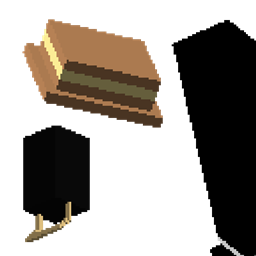
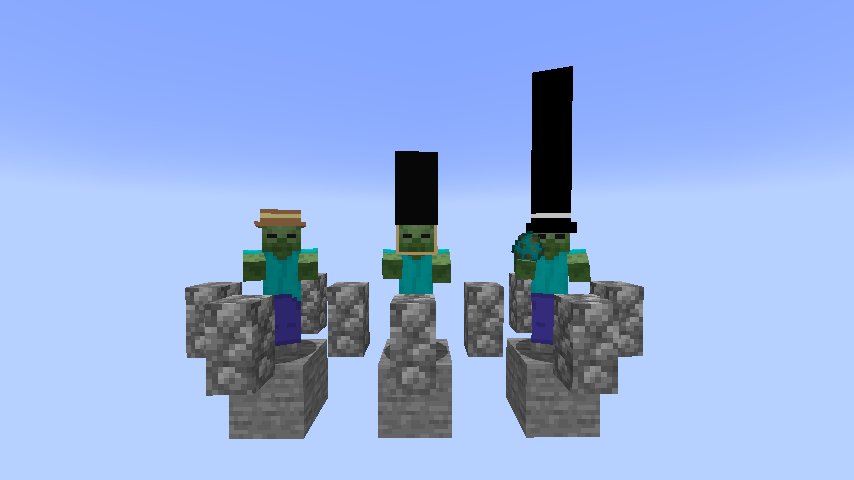
1 - Sunhat
2 - That hat which people who guard england's royal places wear
3 - Black Tophat
4 - That type of hat that people attach cans to in order to drink two drinks at once with minimal effort
5 - Headphones
6 - Red Tophat
7 - Blue Tophat
8 - Space Helmet
9 - Headphones, but resting.
10 - Purple Tophat
11 - Pink Tophat
12 - White Tophat
13 - Green/Blue mix Tophat
14 - Mask 1
15 - Mask 2
16 - Red Hat
17 - Green Hat
18 - Yellow Hat
19 - Purple Hat
20 - Tiny Crown
Third Edition Content (if Third Edition gets approved by the mods):
21 - !
22 doesn't exist in Third Edition.
23 - Crown that's bigger than "Tiny Crown" but I wouldn't say it's a "big" crown.
24 & 25 don't exist in Third Edition.
26 - human sitting
27 - human standing
28 - the mask you all should know
29 also doesn't exist in Third Edition.
30 - 3D Glasses
31 - MLG Glasses
32 - bling tophat
33 - headphones but white
34 - headphones but resting but white
35 - headphones but like an icy blue color
36 - headphones but resting but an icy blue color
37 - headphones but orange I guess
38 - headphones but resting but orange I guess