Mineuniverse
Resource Packs
Xander's Customised Pack

Xander's Customised Pack

RESOURCE PACK
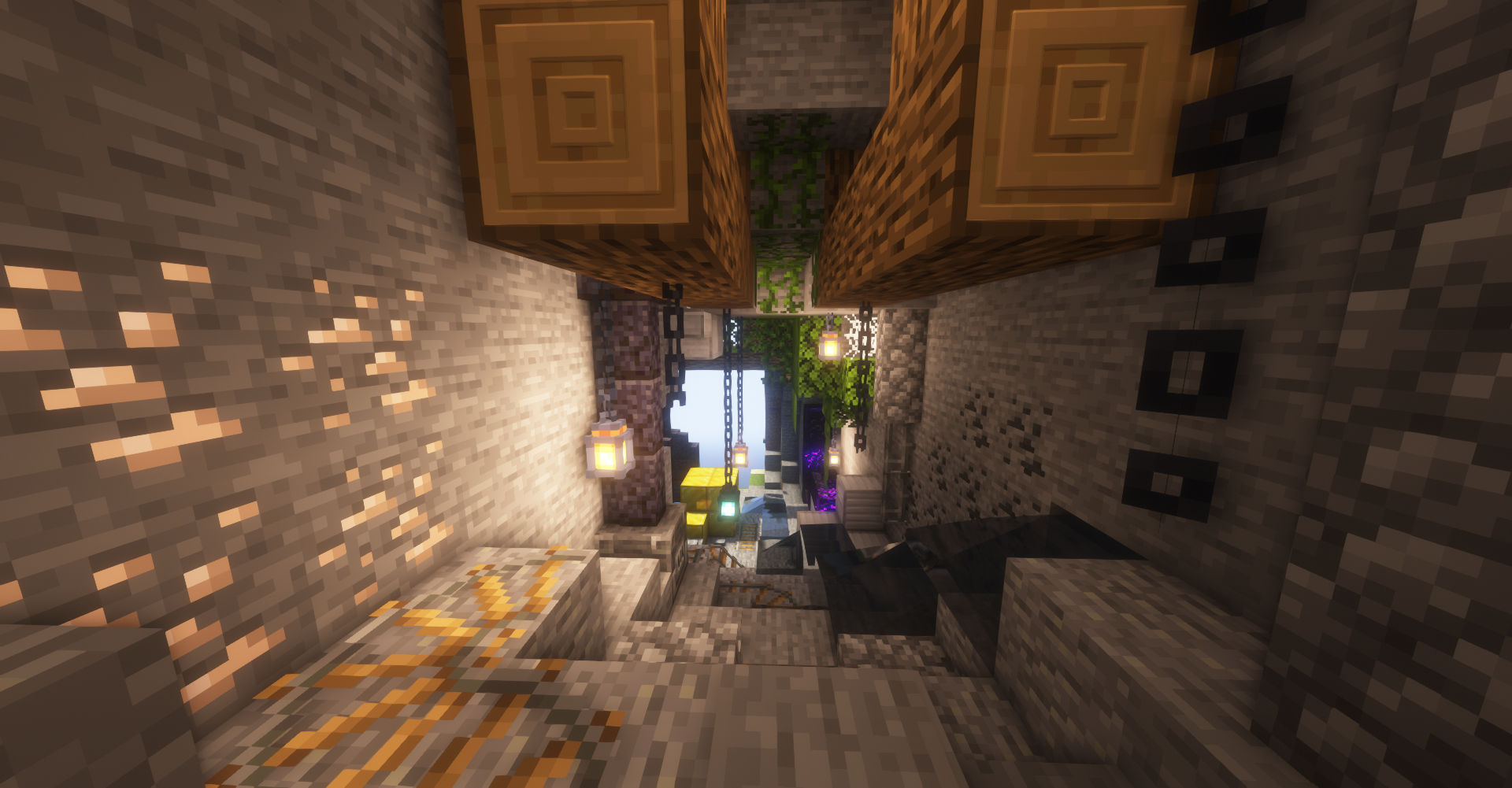
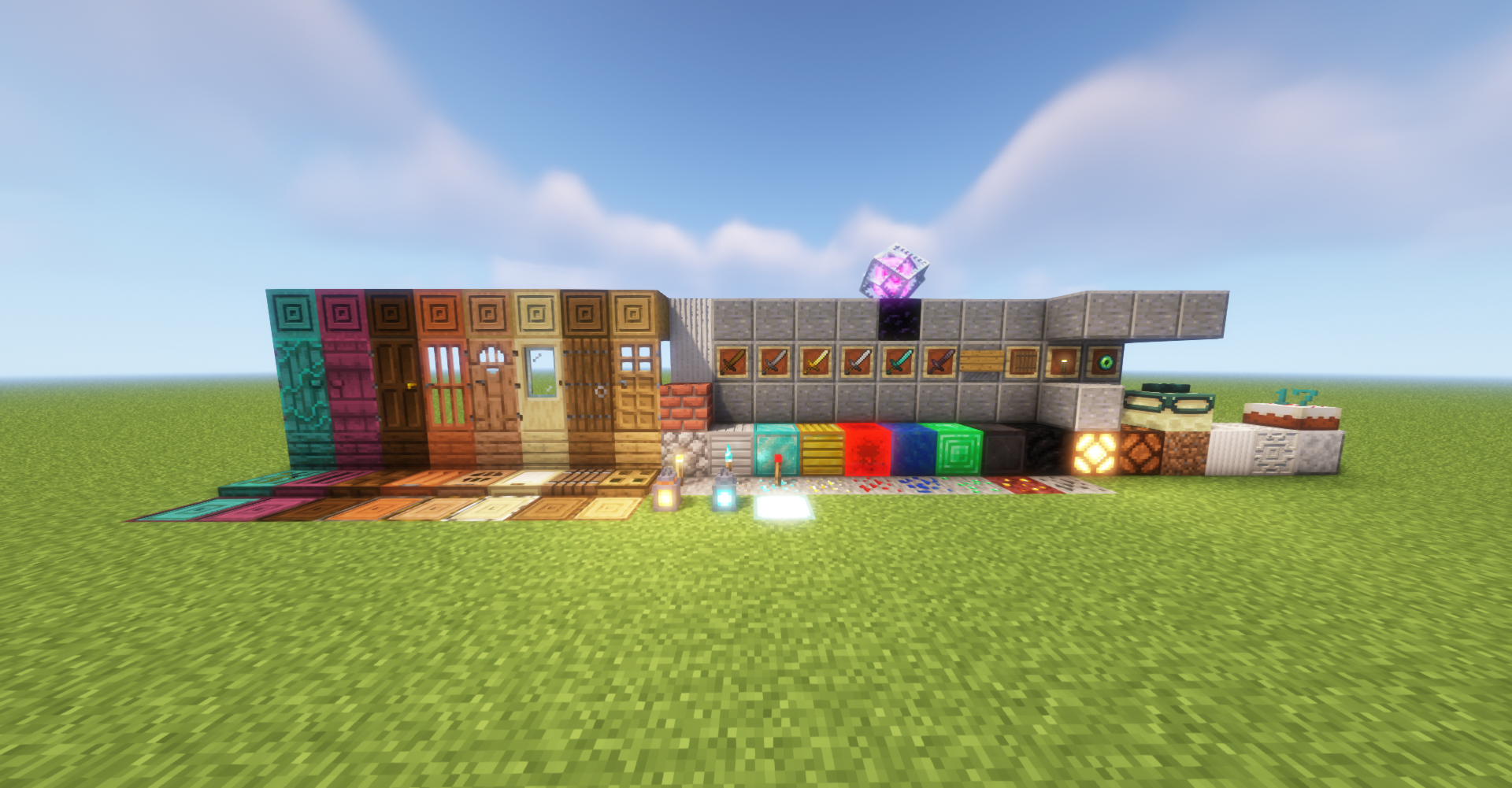
Shader Mappings for Vanilla Textures, and some Custom Vanilla Themed Textures
by XanderCreates046
Download Claim this project
2,976 downloads
0 likes
Updated Oct 14, 2026
0 hypes
128x Miscellaneous Mod Support
Advertisement Remove ads with Premium →

 - Some Specular Maps may not work properly with SEUS PTGI

- Not Completely Compatible with PTGI, No Correct Res. for Reflections; Will fix soon!

- This is mainly for fun and a learning experience for me, but at the same time I'd like to share this

This Pack contains Normal and Specular maps for some blocks

There are also going to be 3D models for some blocks in the event that Normal maps don't work out.

Recommended Shaders: Complementary Shaders


Note: Some shaders might make the depth in some blocks with POM look terrible, if theres an option to set POM Depth, I recommend setting it to 0.5, but if you prefer some other POM Depth then set it to whatever. If you don't want to have POM, just turn the Option for POM off.


Leave Suggestions and Tips in the Comments!

(Click this spoiler!)
 

Xander's Customised Pack - 1.5.92
MC 1.16.3, 1.13.1, 1.16.1, 1.14.4, 1.14.1, 1.14.3, 1.15, 1.16, 1.13, 1.16.5, 1.15.2, 1.14, 1.16.4, 1.14.2, 1.16.2, 1.13.2, 1.15.1
Beta 2021-03-30 Get
Xander's Customised Vanilla Pack Beta 1.5.9
MC 1.16.3, 1.16.1, 1.16, 1.16.2
Beta 2020-10-29 Get
Xander's Customised Vanilla Pack 1.5.8.zip
MC 1.16.3, 1.16.1, 1.16, 1.16.2
Beta 2020-10-28 Get
Xander's Customized Pack Beta 1.5.7
MC 1.16.3, 1.16.1, 1.16.2
Beta 2020-10-15 Get
Xander's Customized Vanilla Pack Beta 1.5.1
MC 1.16.3, 1.16.1, 1.16, 1.16.2
Beta 2020-09-19 Get
XCVP_B1.5.2
MC 1.16.3, 1.16.1, 1.16, 1.16.2
Beta 2020-09-19 Get
Xander's Customised Vanilla Pack Beta 1.5
MC 1.16.3, 1.16.1, 1.16.2
Beta 2020-09-18 Get
Xander's Customised Vanilla Pack Beta 1.4
MC 1.16.3, 1.16.1, 1.16.2
Beta 2020-09-11 Get
Xander's Customised Vanilla Pack V_b1.3
MC 1.16.1
Beta 2020-08-12 Get
Xander's Customised Pack v_b1.1
MC 1.16.1
Beta 2020-08-02 Get
Xander's Customised Pack v_b1.2
MC 1.16.1
Beta 2020-08-02 Get

Requirements & install

How to use this resource pack in Minecraft
Resolution
128x
Minecraft
1.15.1 – 1.16.5
Install folder
.minecraft/resourcepacks

How to install resource packs

  1. Download the resource pack .zip file (do not extract it).
  2. In Minecraft open Options → Resource Packs → Open Pack Folder.
  3. Drop the .zip into the resourcepacks folder (.minecraft/resourcepacks).
  4. Move the pack to the Selected column and click Done.

Packs from 128x upwards need more video memory: install a performance mod such as Sodium for smooth frame rates.

Browse more: 16x resource packs 32x resource packs 64x resource packs 128x resource packs 256x resource packs 512x+ resource packs Resource Packs for 1.16.5 All resource packs
Advertisement Remove ads with Premium →

You Might Also Like