Mineuniverse
Resource Packs
X Ray Glow | Spectator Toggleable Xray

X Ray Glow | Spectator Toggleable Xray

RESOURCE PACK
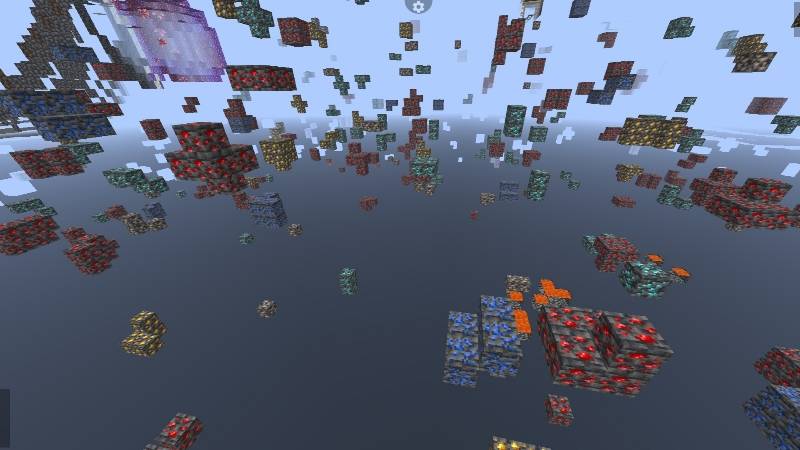
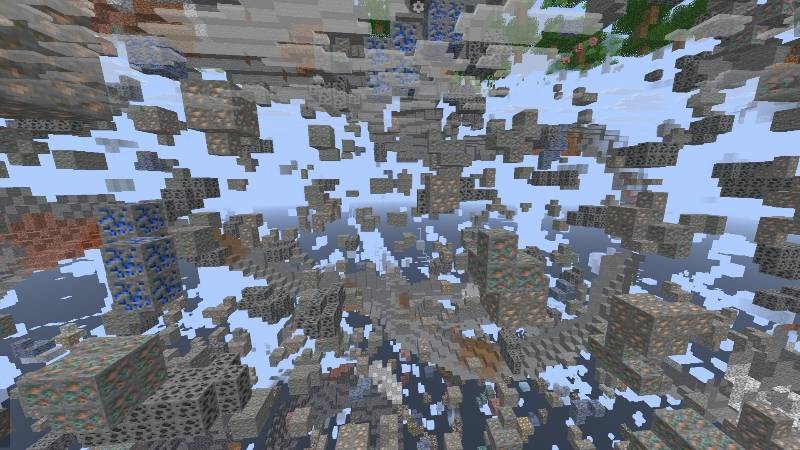
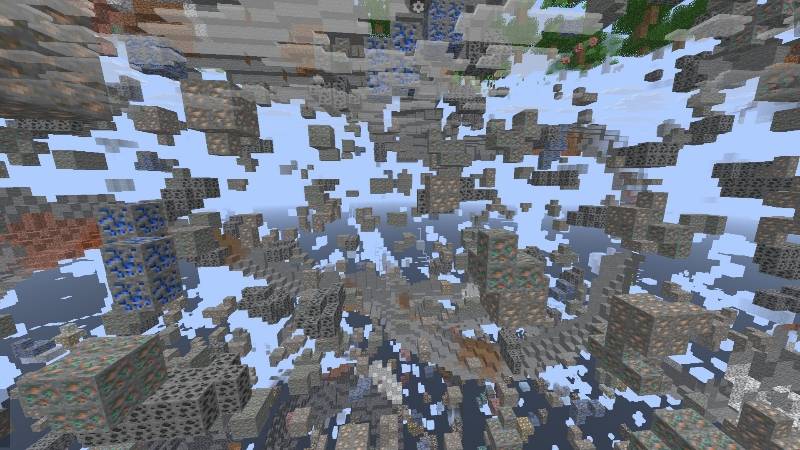
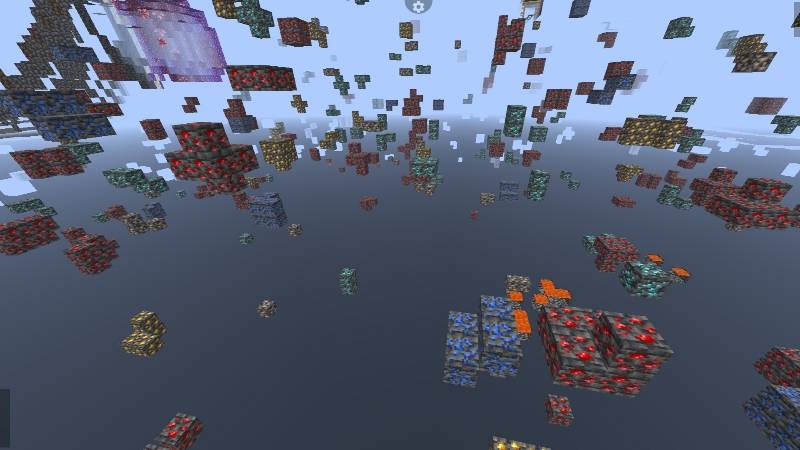
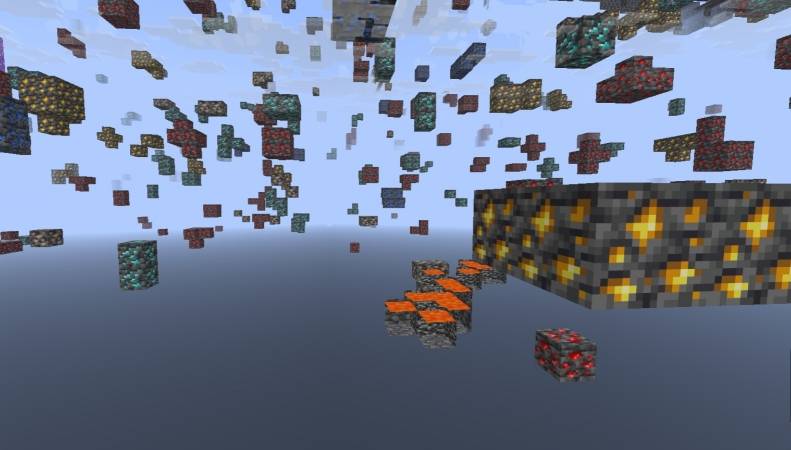
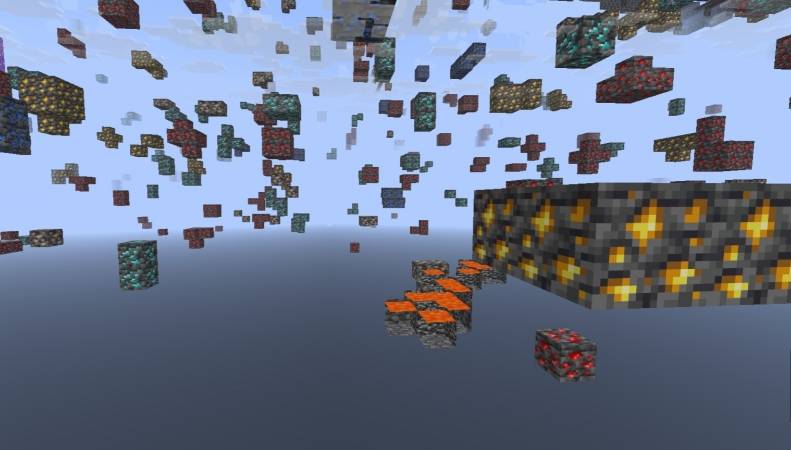
Best X ray texture Pack For Minecraft . You Can Simply Turn on / off x ray by turning on / off the spectator mode
by NetherSpark_Studios
Download Claim this project
261,102 downloads
0 likes
0 followers
Updated Oct 14, 2026
0 hypes
Follow0
16x Miscellaneous
Advertisement Remove ads with Premium →

X Ray (Glow)

Experience powerful and efficient resource hunting with the Best X-Ray Texture Pack for Minecraft. This pack allows you to easily reveal valuable ores and structures by simply toggling Spectator Mode on or off, giving you instant X-ray functionality without complicated setup.

Designed for smooth performance and clear visibility, the texture pack highlights important blocks while keeping the game simple and user-friendly. Perfect for survival players who want faster mining and exploration.

Features:

  • Easy X-ray toggle using Spectator Mode
  • Clear visibility of ores and underground structures
  • Lightweight and optimized for performance
  • Simple installation and use

You Need To Turn Off Smooth Lighting and Use night vision / brightness addon

⚠️ Use responsibly and only in single-player worlds or servers where X-ray is allowed.


Socials:

Join our discord 

✅ Allowed with My Projects

  • You can showcase my work in videos/streams if you give proper credit (e.g., link to the official download).
  • You can edit file for personal use only

❌ Not Allowed with My Projects

  • You cannot distribute through monetized links (AdFly, Linkvertise, etc.).
  • You cannot edit and re-share my projects .
Xray Spectator v1.2.zip
MC 1.21.2-Snapshot, 1.21, 1.21.6-snapshot, 1.21.1-Snapshot, 1.21.8, 1.21.5, 1.21.4, 1.21.5-Snapshot, 1.21.1, 1.21.6, 1.21.3, 1.21.7, 1.21-Snapshot, 1.21.4-Snapshot, 1.21.2
Release 2026-08-07 Get

Requirements & install

How to use this resource pack in Minecraft
Resolution
16x
Minecraft
1.21.4-Snapshot – 1.21.8
Install folder
.minecraft/resourcepacks

How to install resource packs

  1. Download the resource pack .zip file (do not extract it).
  2. In Minecraft open Options → Resource Packs → Open Pack Folder.
  3. Drop the .zip into the resourcepacks folder (.minecraft/resourcepacks).
  4. Move the pack to the Selected column and click Done.
Browse more: 16x resource packs 32x resource packs 64x resource packs 128x resource packs 256x resource packs 512x+ resource packs Resource Packs for 1.21.8 All resource packs

More from NetherSpark_Studios

Advertisement Remove ads with Premium →

You Might Also Like