Mineuniverse
Resource Packs
Wyrmroost Asset Tweaks

Wyrmroost Asset Tweaks

RESOURCE PACK
Packs to improve Alpine textures and Wyrmroost audio.
by Wyrmroost
Download Claim this project
Add a badge to your pageLink to Wyrmroost Asset Tweaks from a README, website or forum post.
Preview: Badge

Badges update automatically and link to the resource pack page on MineUniverse.

2,543 downloads
0 likes
0 followers
Updated Oct 14, 2026
0 hypes
Follow0
16x Mod Support
Advertisement Remove ads with Premium →

This project includes three files: Alpine Fix, Wyrmroost Mono Audio, and Wyrmroost Quieter Audio.


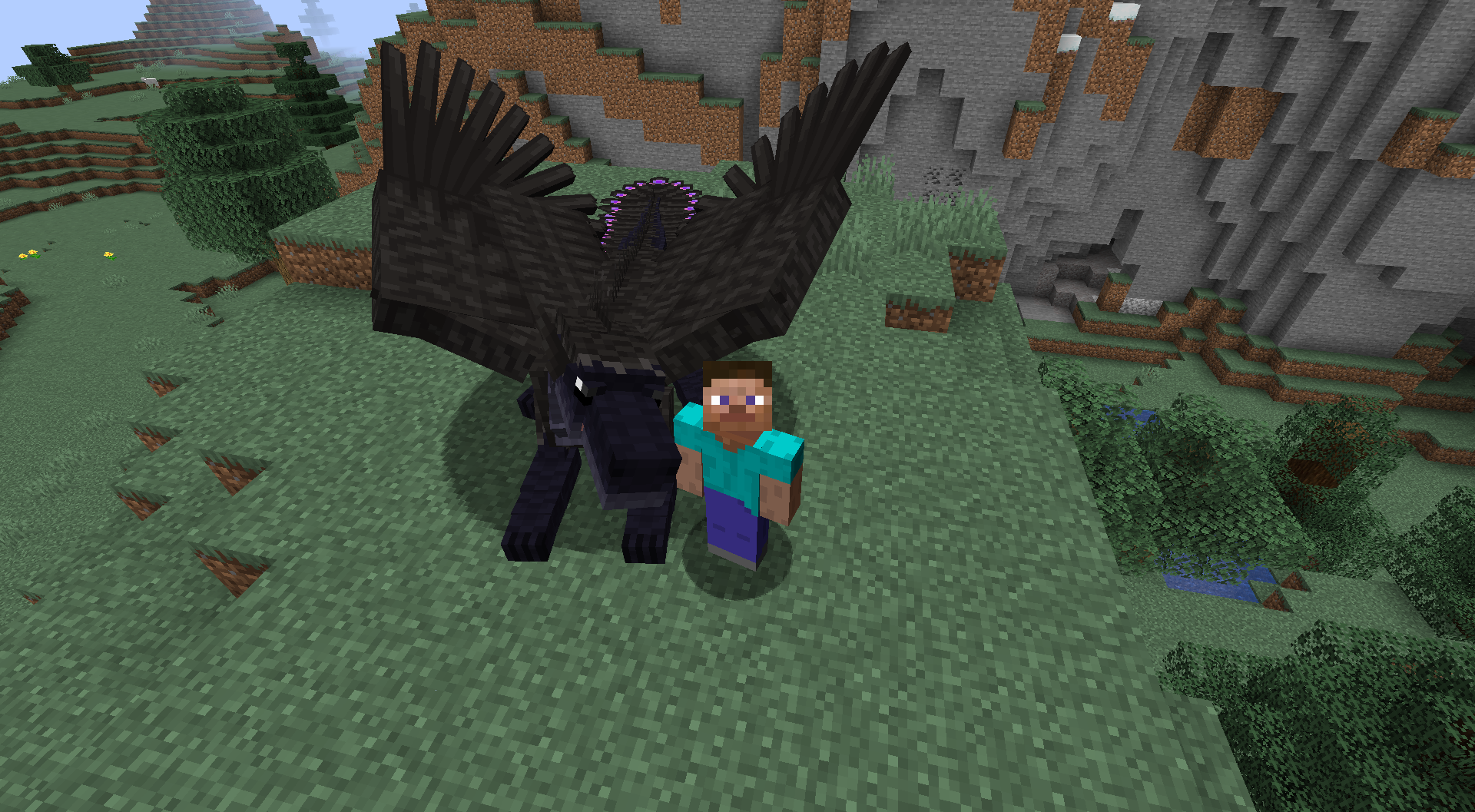
Alpine Fix simply adds Ukan's updated Alpine textures for the upcoming 1.18 version, tweaked to be compatible with the 1.16.5 Alpine. For other updated textures, see the Wyrmroost Discord!


Wyrmroost Mono Audio changes some Wyrmroost sounds that changes all Wyrmroost audio to mono-channel. This avoids an unfortunate Minecraft bug that causes stereo audio files to always play at the player - this is why Silver Gliders, Rooststalkers, BFLs, OWDs, LDWs, and flap noises always sound like they're playing right in your ear. With this pack, they'll fade with distance like they're supposed to. This has the side effect of making these entities feel slightly quieter. If you want to preserve some of these sounds in stereo, unzip the pack, remove them, and rezip. (The flap sounds, for instance, use the stereo quite well and sound a little worse in mono.)


Wyrmroost Quieter Audio makes Alpine and Royal Red roars a little quieter.


Credits:

Thanks to the Wyrmroost devs for allowing this upload! All the texture and sound files are their work, with minimal tweaking by me.

Wyrmroost Quieter Audio.zip
MC 1.16.5
Release 2023-02-11 Get
AlpineFix.zip
MC 1.16.5
Release 2023-02-02 Get
Wyrmroost_Mono_Audio.zip
MC 1.16.5
Release 2023-02-02 Get

Requirements & install

How to use this resource pack in Minecraft
Resolution
16x
Minecraft
1.16.5
Install folder
.minecraft/resourcepacks

How to install resource packs

  1. Download the resource pack .zip file (do not extract it).
  2. In Minecraft open Options → Resource Packs → Open Pack Folder.
  3. Drop the .zip into the resourcepacks folder (.minecraft/resourcepacks).
  4. Move the pack to the Selected column and click Done.
Browse more: 16x resource packs 32x resource packs 64x resource packs 128x resource packs 256x resource packs 512x+ resource packs Resource Packs for 1.16.5 All resource packs
Advertisement Remove ads with Premium →

You Might Also Like