Mineuniverse
Resource Packs
Woodtype Shields

Woodtype Shields

RESOURCE PACK
Now you can get shields with any type of wood planks!
by Rochedo
Download Claim this project
5,503 downloads
0 likes
Updated Oct 14, 2026
0 hypes
16x Traditional
Advertisement Remove ads with Premium →

Description

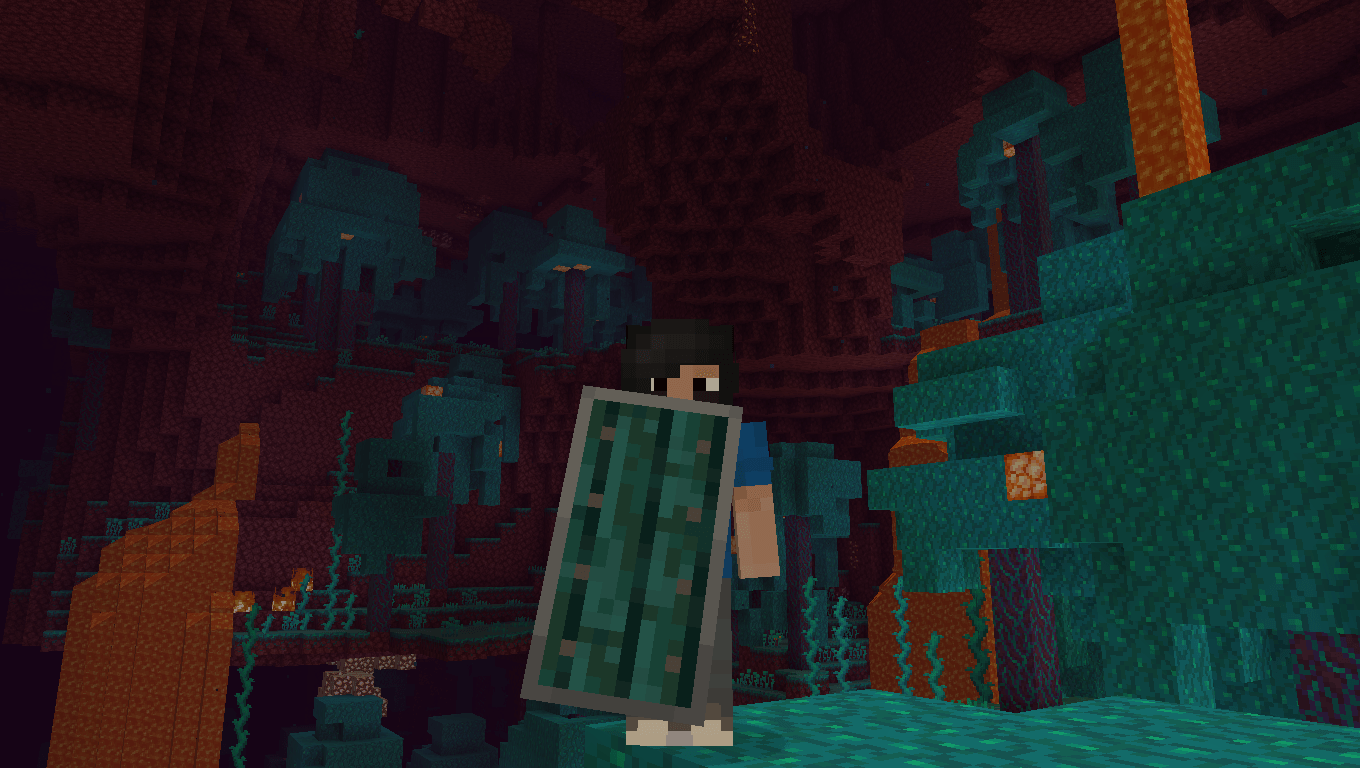
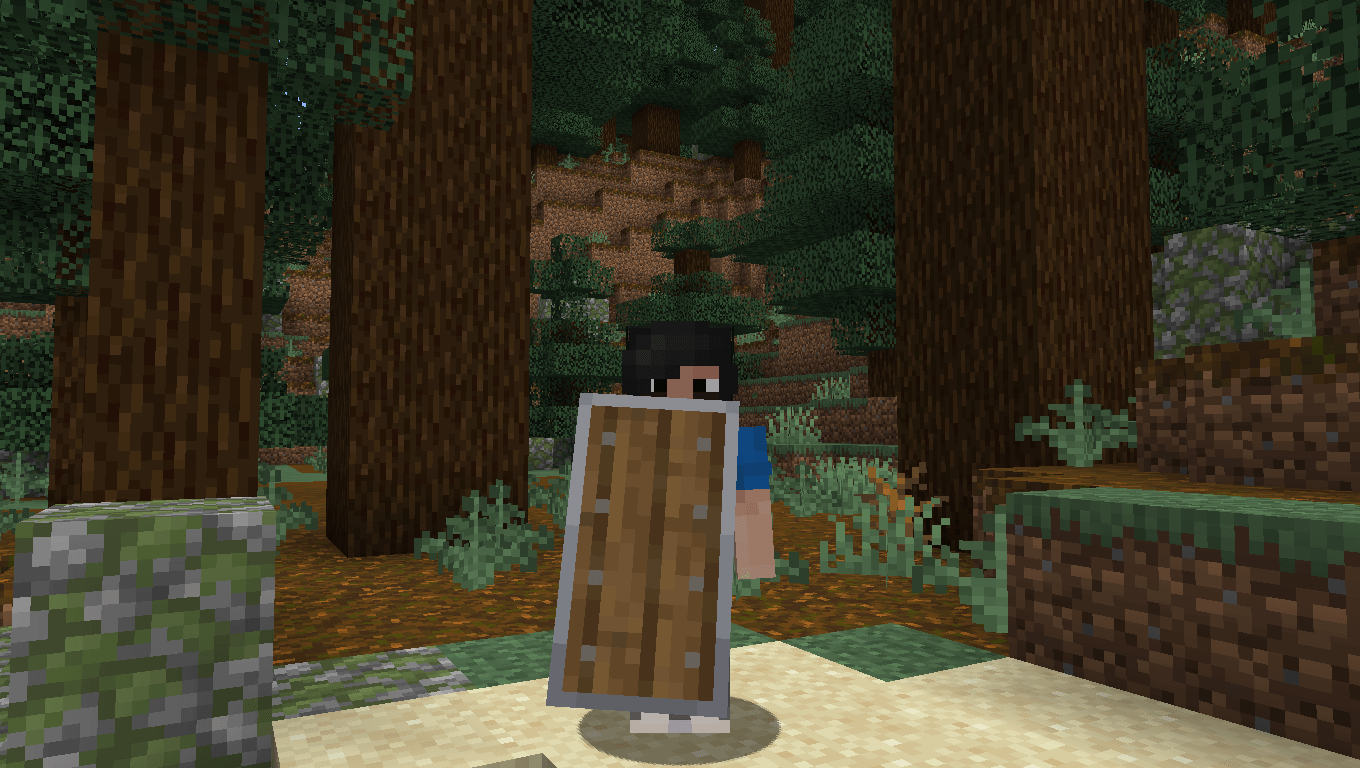
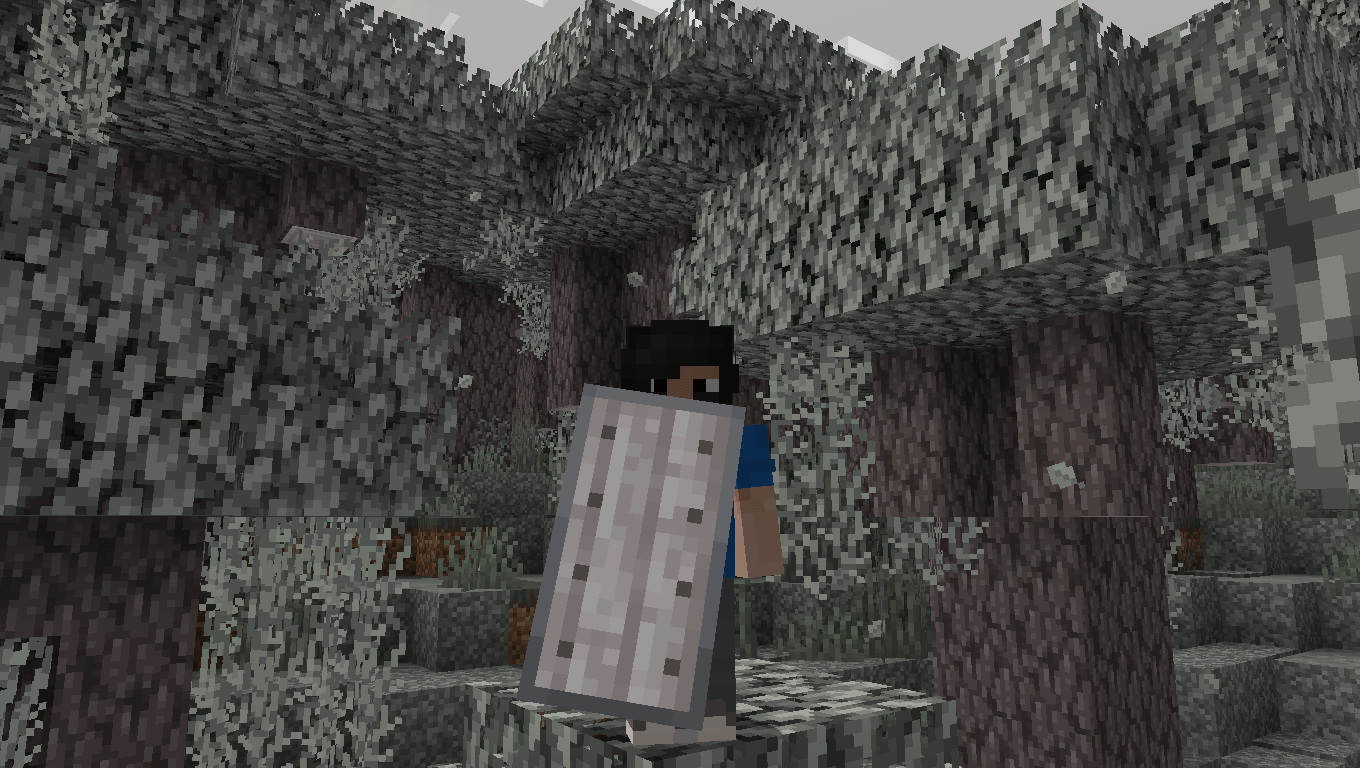
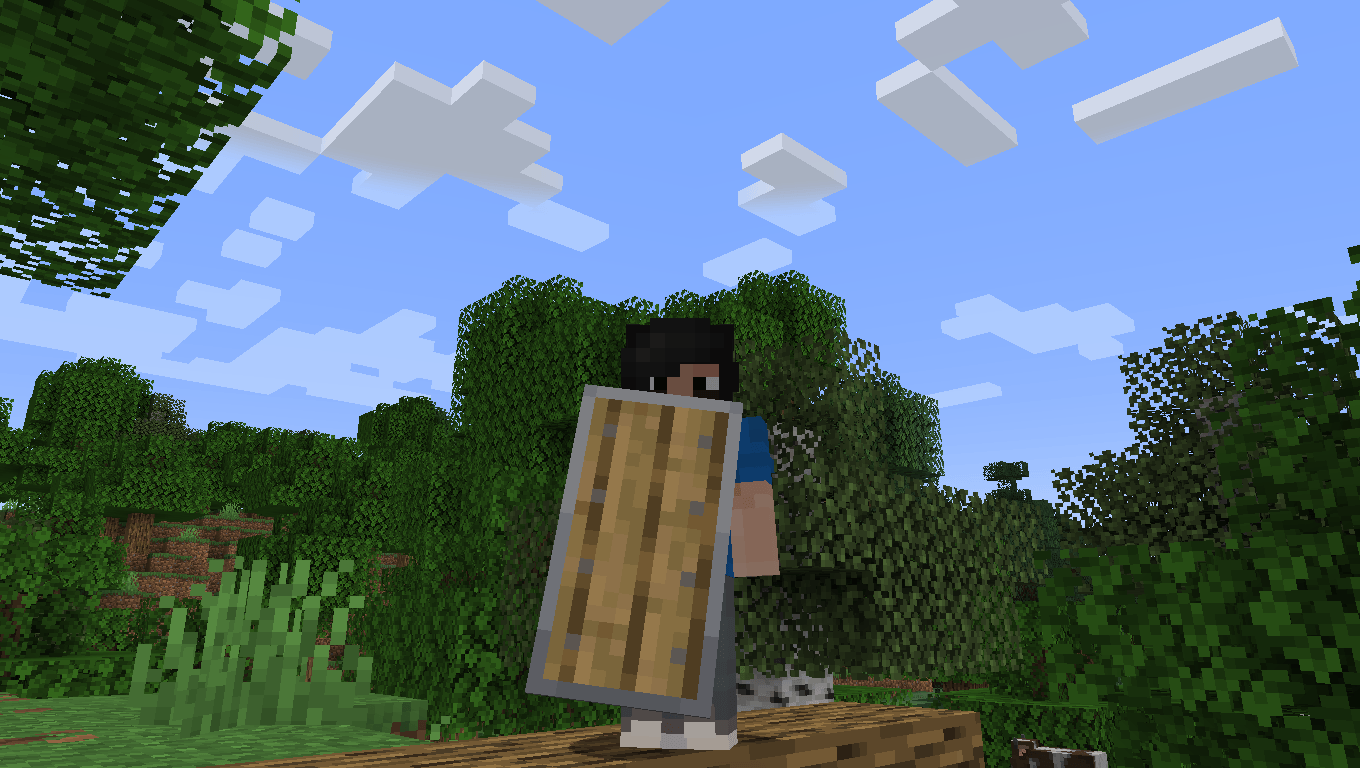
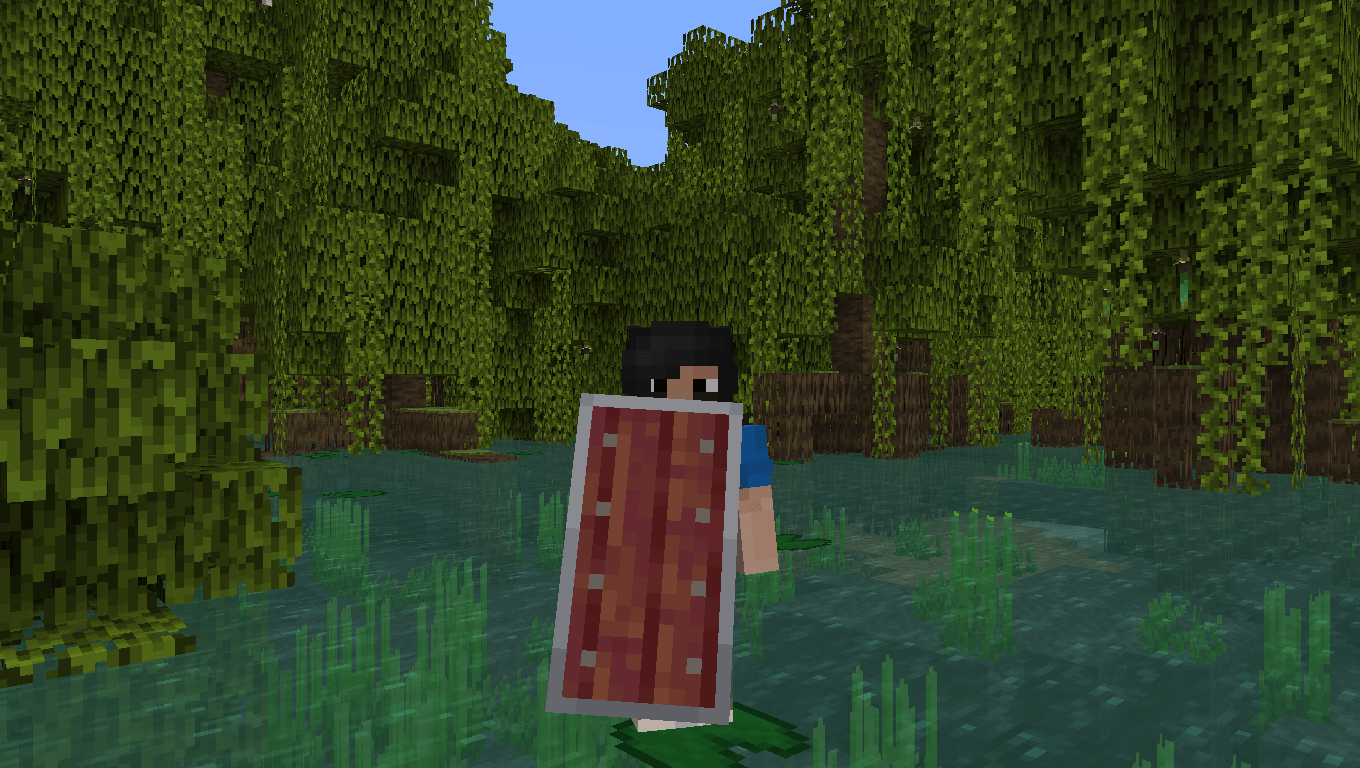
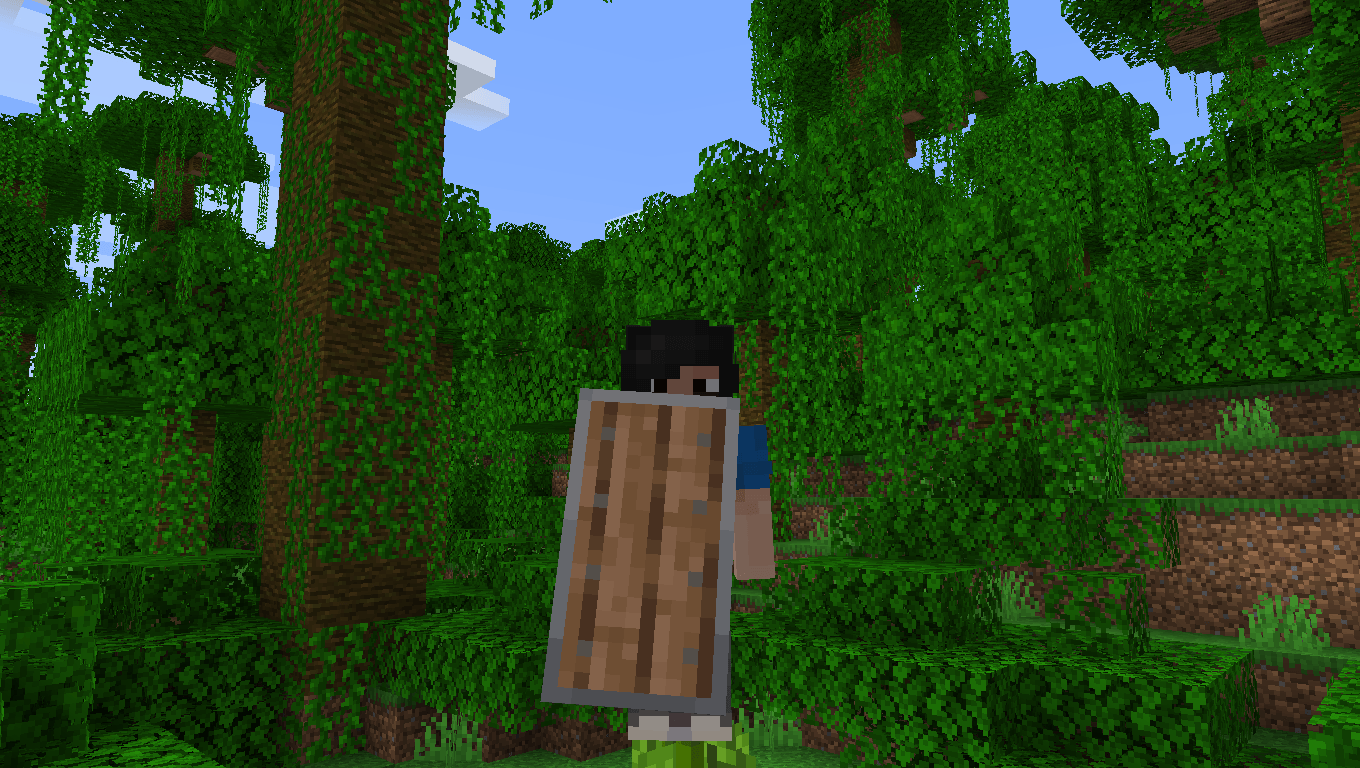
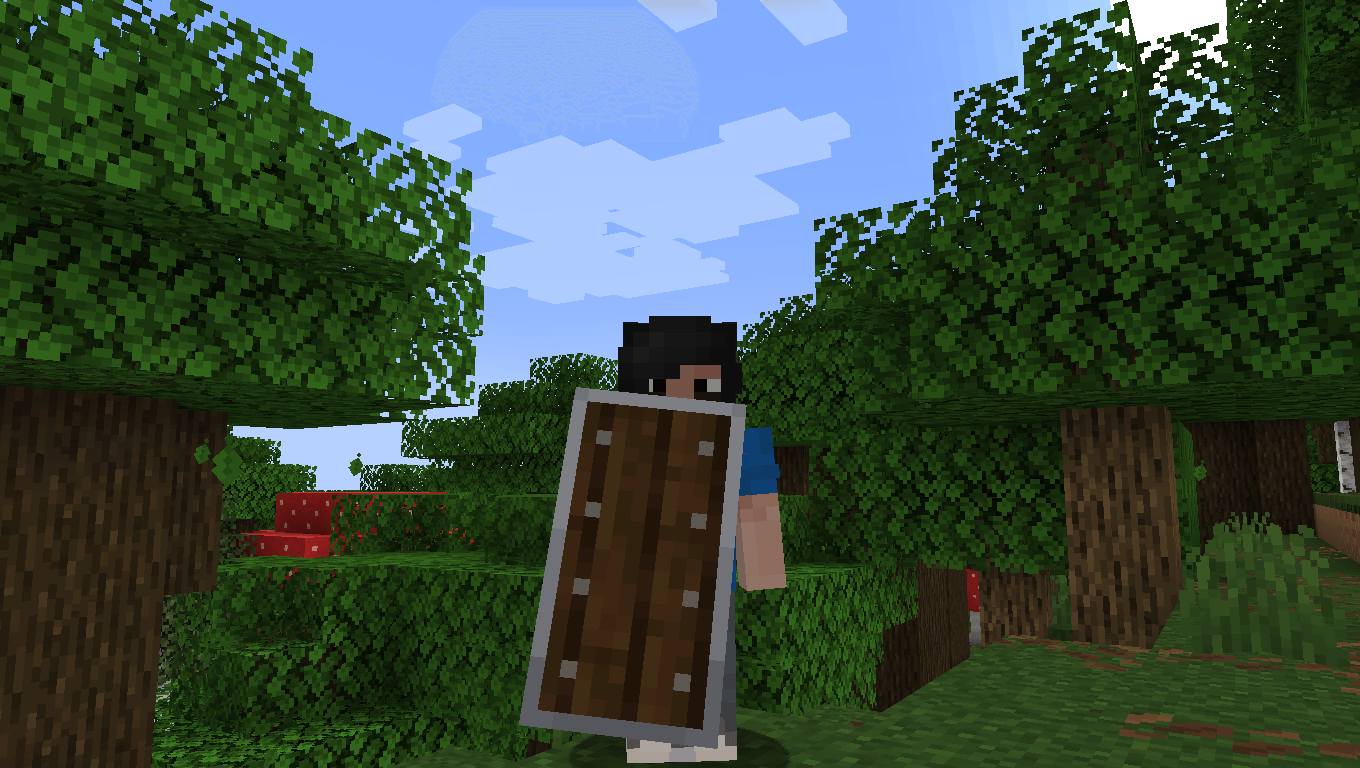
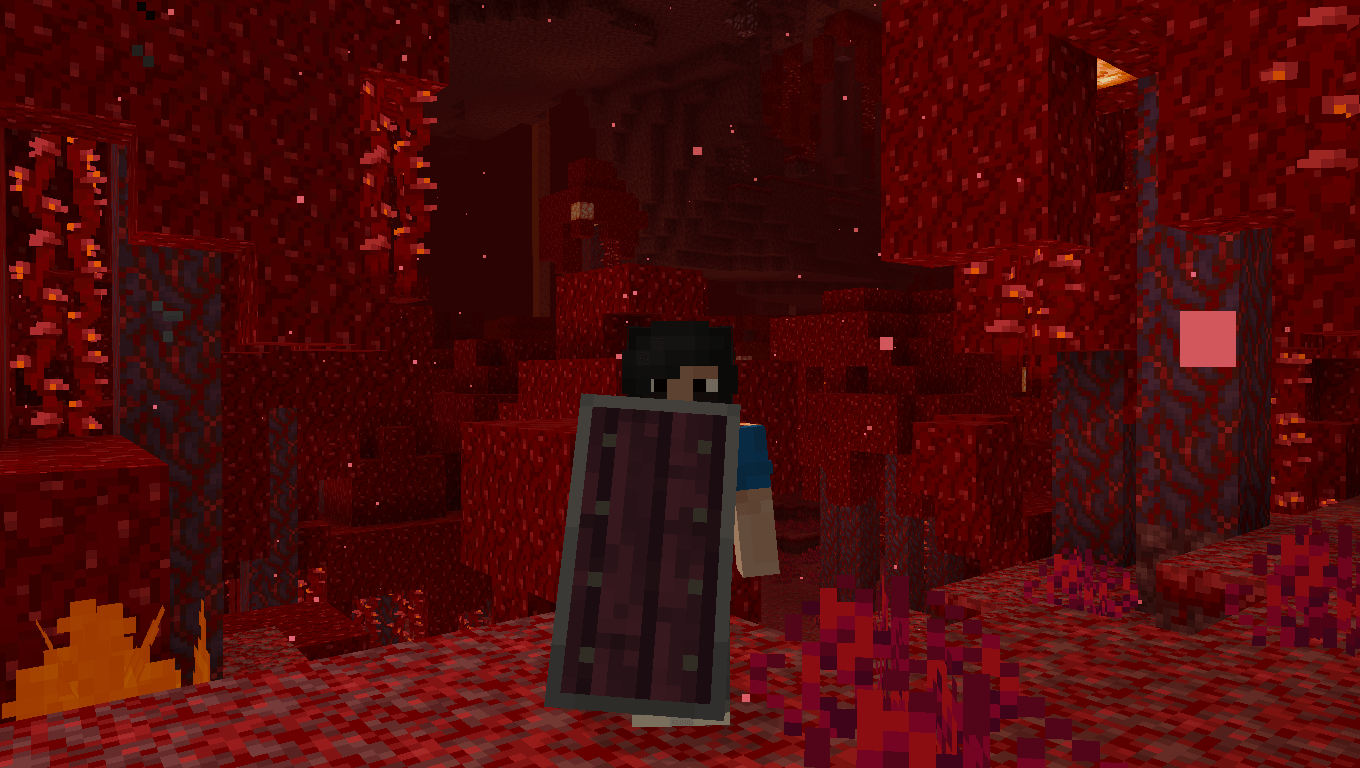
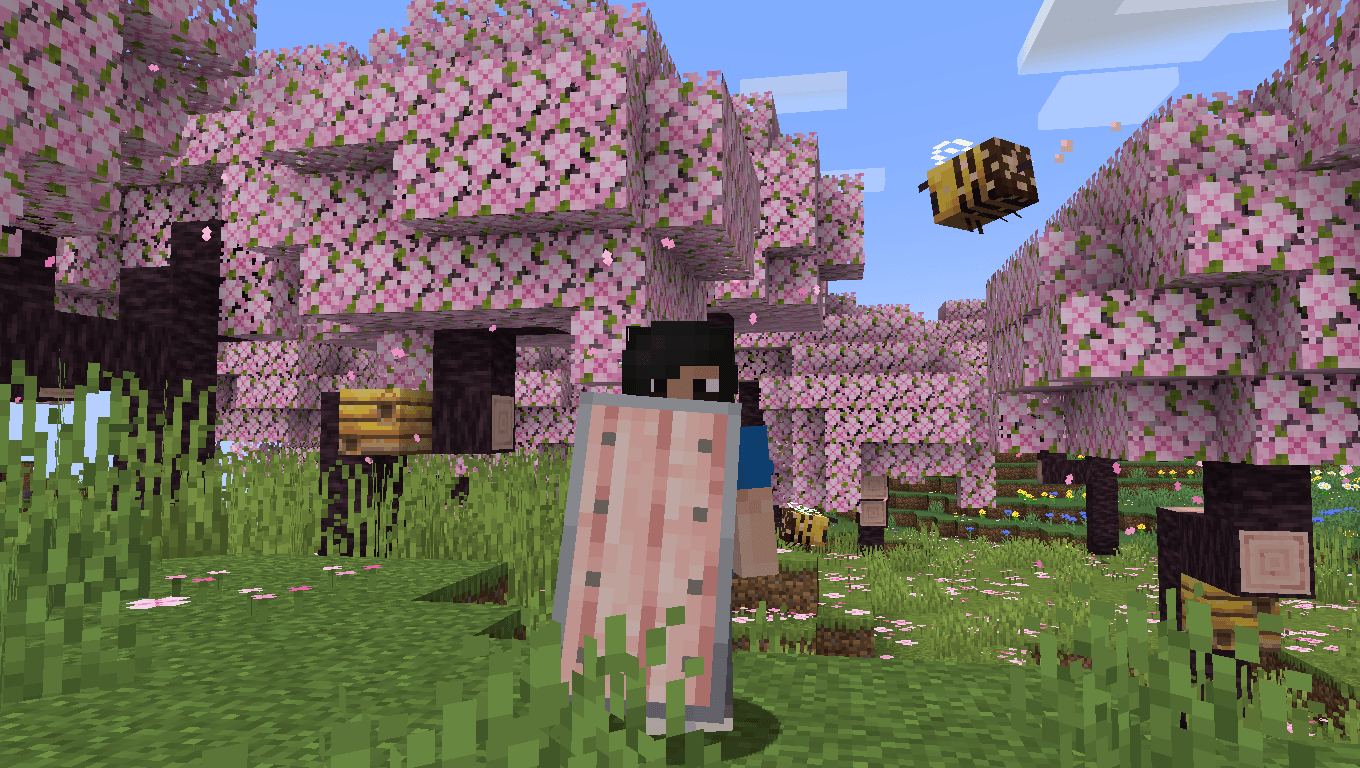
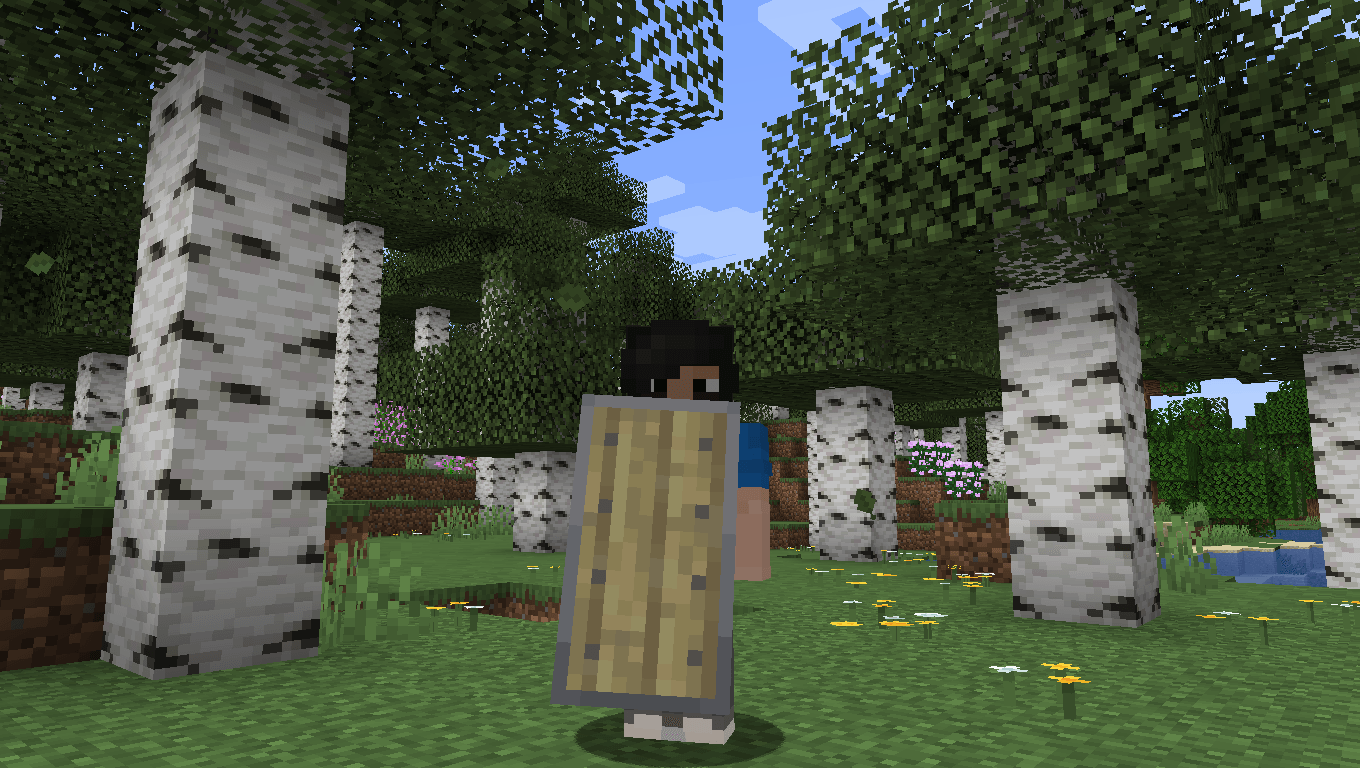
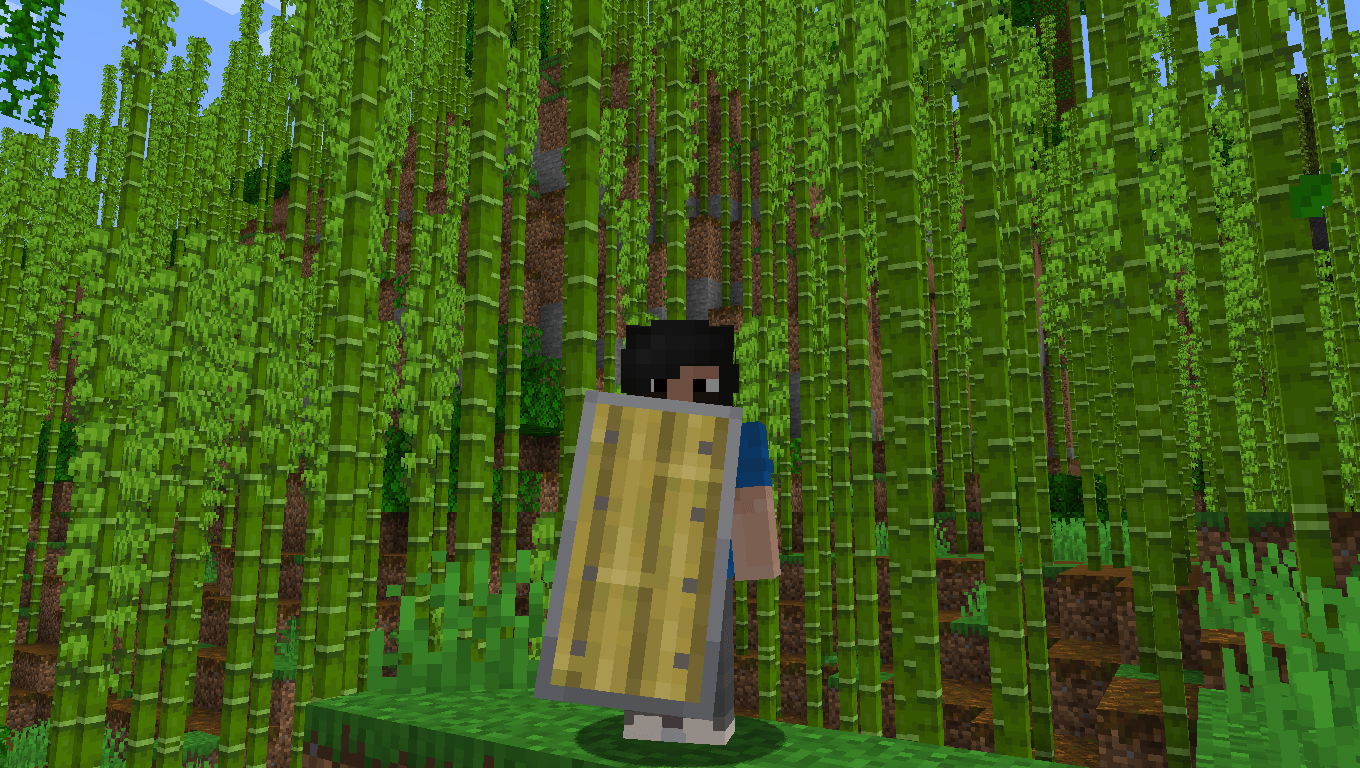
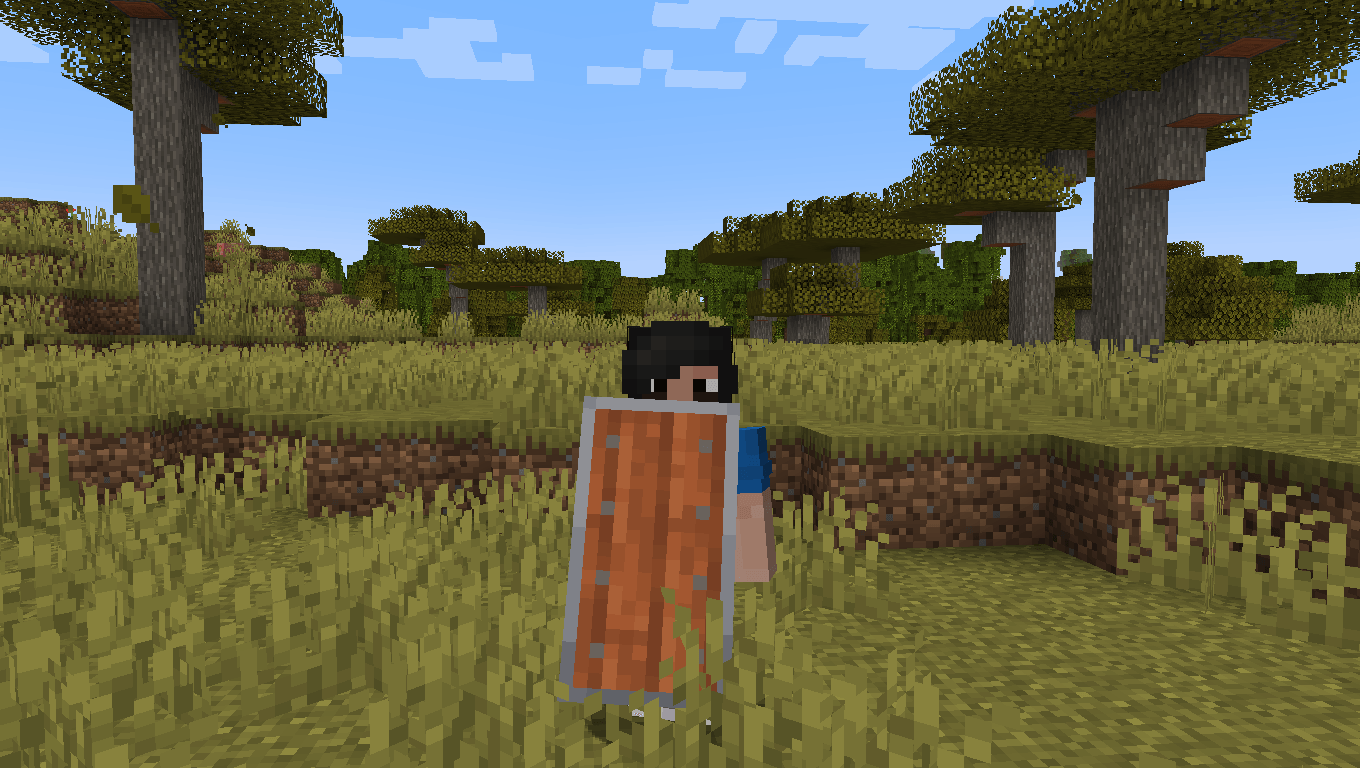
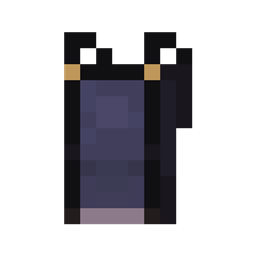
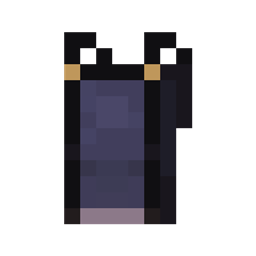
Woodtype Shields is a texture pack that retextures the shield to make it possible to have all wood variants just by renaming it on the anvil.

Important notes

- This package does not require CIT Resewn or Optifine in 1.21.5 and above.
- Regular shield was renamed to "Oak Shield"
- The shield position has been lowered to increase vision in first person view
- Command get a renamed item in creative mode: /give @p shield[custom_name='Example']
- Go to the gallery to see examples

How it works

Rename the shield with the respective names:

- Acacia Shield
- Bamboo Shield
- Birch Shield
- Cherry Shield
- Crimson Shield
- Dark Oak Shield
- Jungle Shield
- Mangrove Shield
- Pale Oak Shield
- Spruce Shield
- Warped Shield

See More:

MODRINTH

PLANET MINECRAFT

Woodtype_Shields_1.21.5+.zip
MC 1.21.8, 1.21.5, 1.21.6, 1.21.7, 1.21.9, 1.21.10, 1.21.11
Release 2025-12-10 Get
Woodtype_Shields_1.21.x.zip
MC 1.21.8, 1.21.5, 1.21.6, 1.21.7, 1.21.9, 1.21.10
Release 2025-11-13 Get
Woodtype_Shields_1.21.x.zip
MC 1.21.5, 1.21.8, 1.21.7, 1.21.6
Release 2025-06-17 Get
Woodtype_Shields_1.21.5.zip
MC 1.21.5
Release 2025-05-27 Get
Woodtype Shields.zip
MC 1.21, 1.21.1
Release 2024-10-22 Get
Woodtype Shields.zip
MC 1.17.1, 1.16.3, 1.13.1, 1.19.3, 1.16.1, 1.18.1, 1.14.4, 1.14.1, 1.17, 1.14.3, 1.15, 1.16, 1.13, 1.19.4, 1.16.5, 1.18.2, 1.19.2, 1.15.2, 1.14, 1.20.1, 1.20, 1.19.1, 1.18
Release 2023-07-16 Get

Requirements & install

How to use this resource pack in Minecraft
Resolution
16x
Minecraft
1.21.1 – 1.21.11
Install folder
.minecraft/resourcepacks

How to install resource packs

  1. Download the resource pack .zip file (do not extract it).
  2. In Minecraft open Options → Resource Packs → Open Pack Folder.
  3. Drop the .zip into the resourcepacks folder (.minecraft/resourcepacks).
  4. Move the pack to the Selected column and click Done.
Browse more: 16x resource packs 32x resource packs 64x resource packs 128x resource packs 256x resource packs 512x+ resource packs Resource Packs for 1.21.11 All resource packs

More from Rochedo

Advertisement Remove ads with Premium →

You Might Also Like