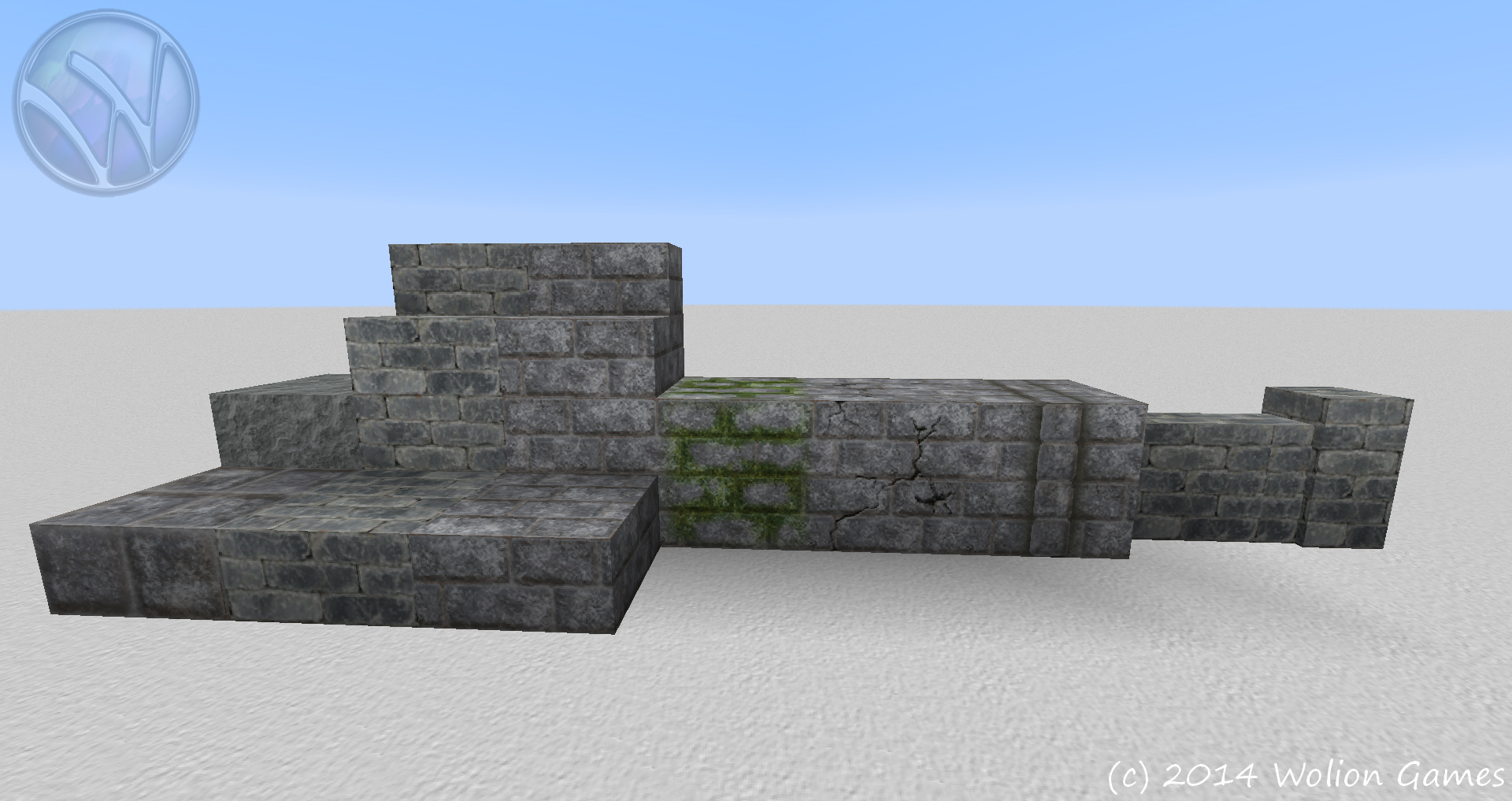
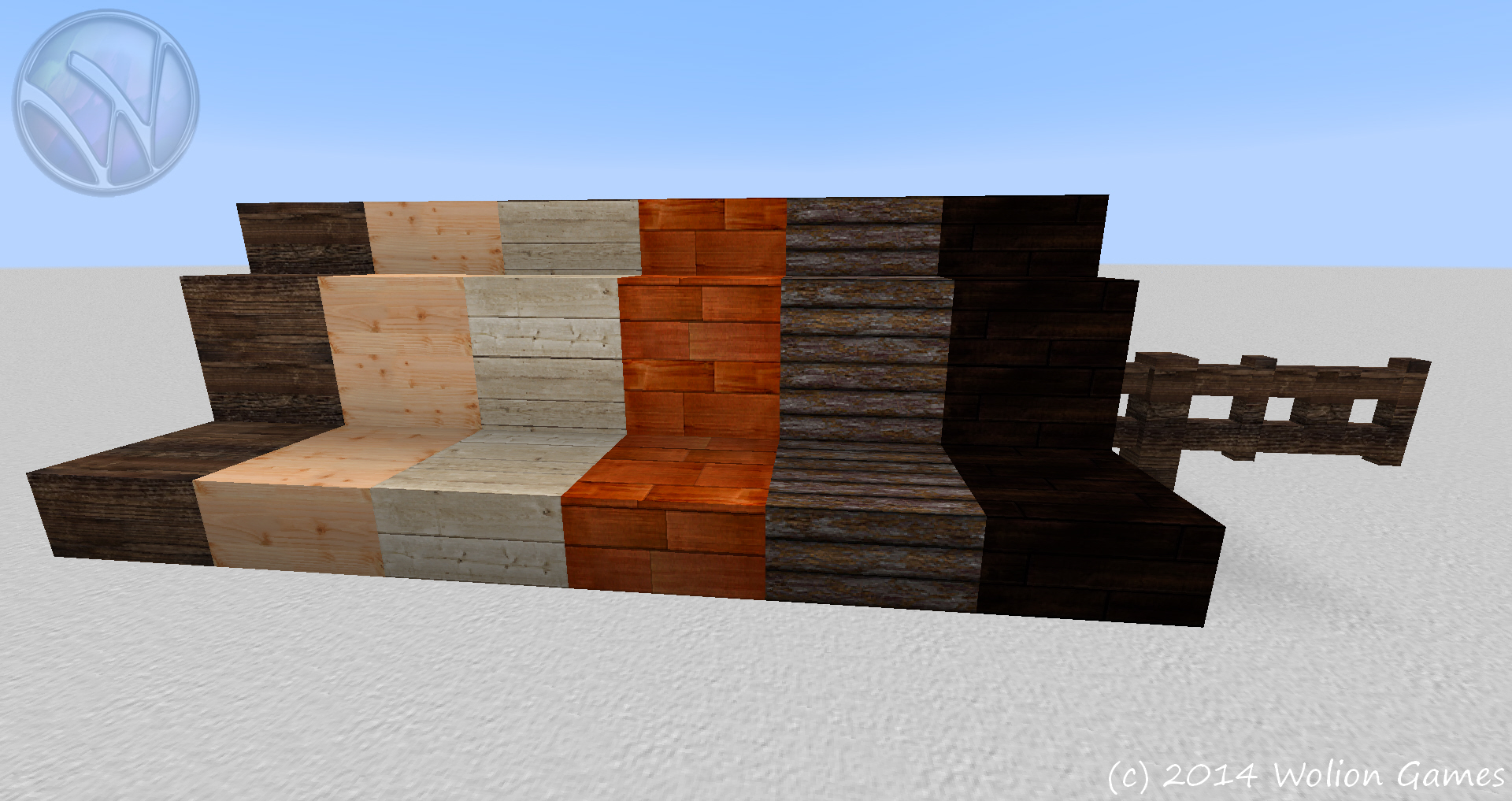
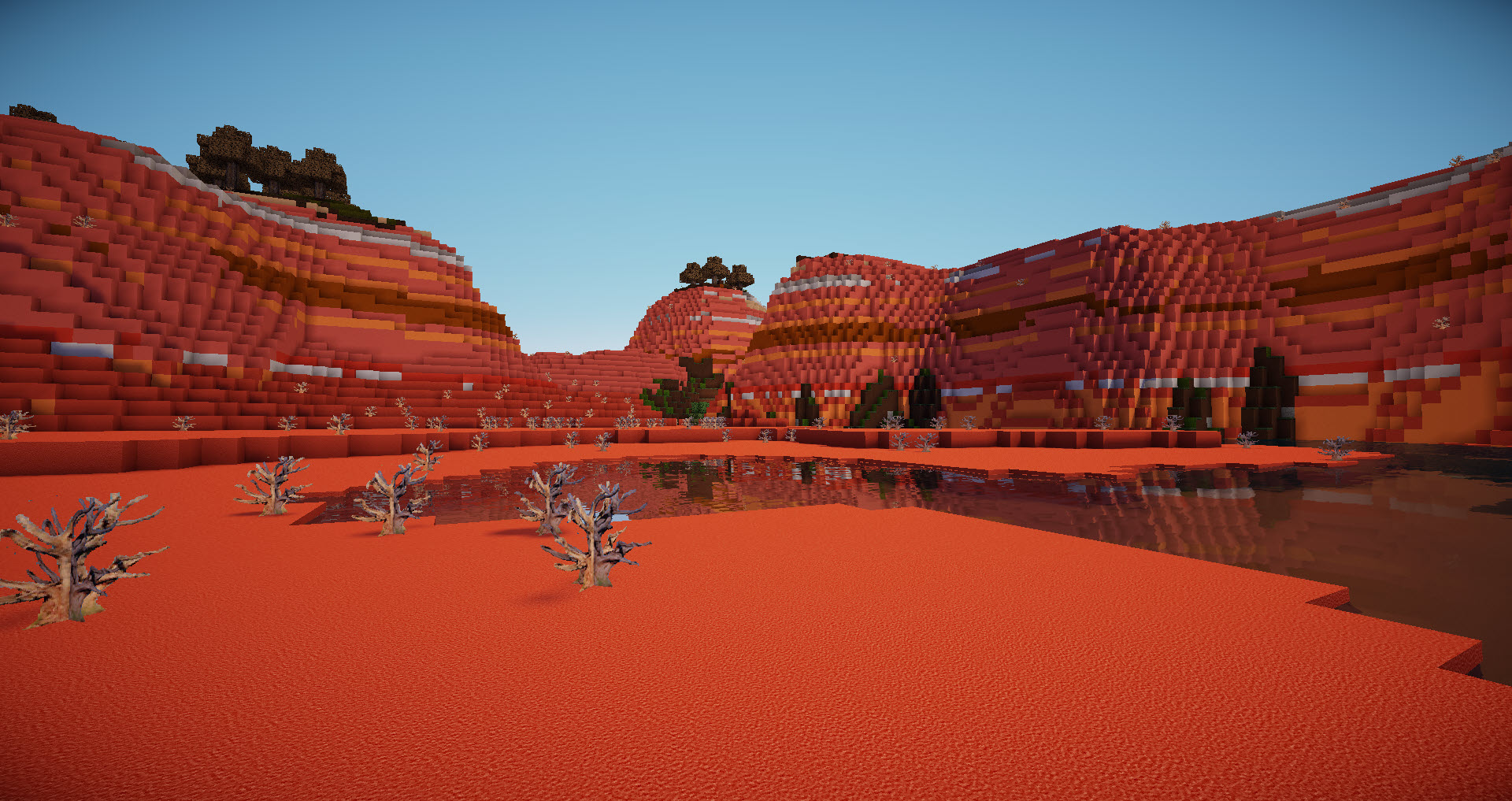
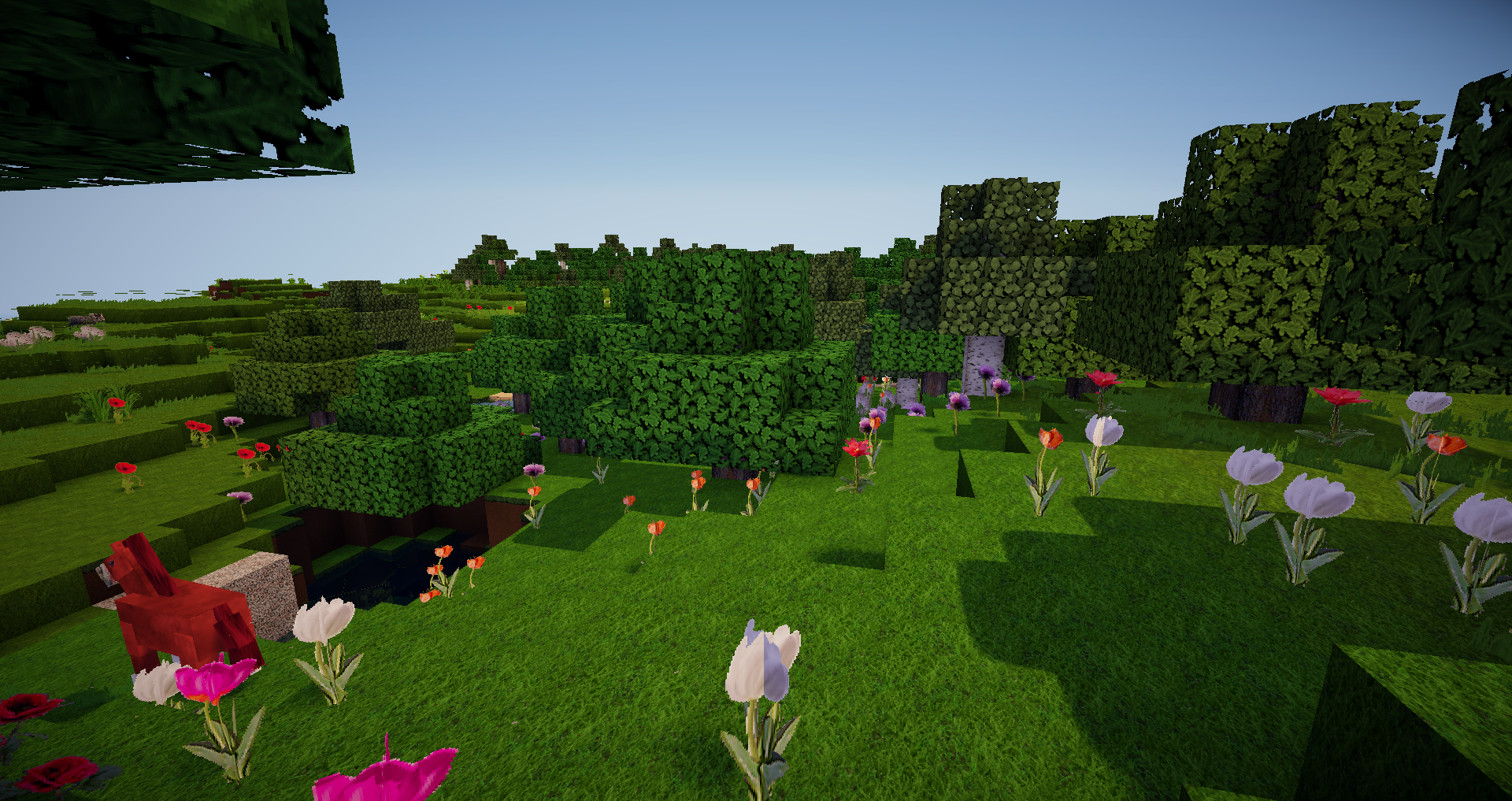
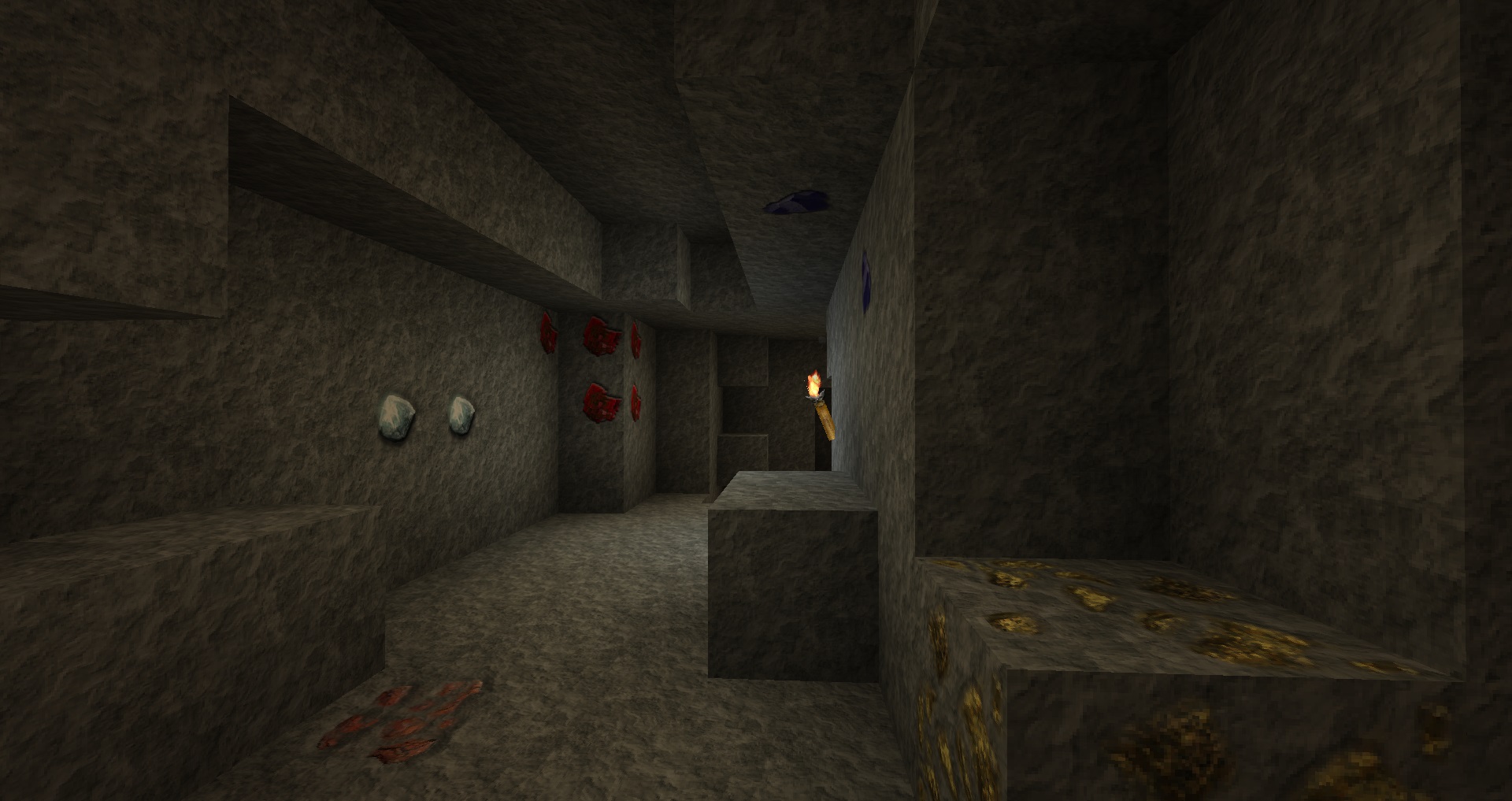
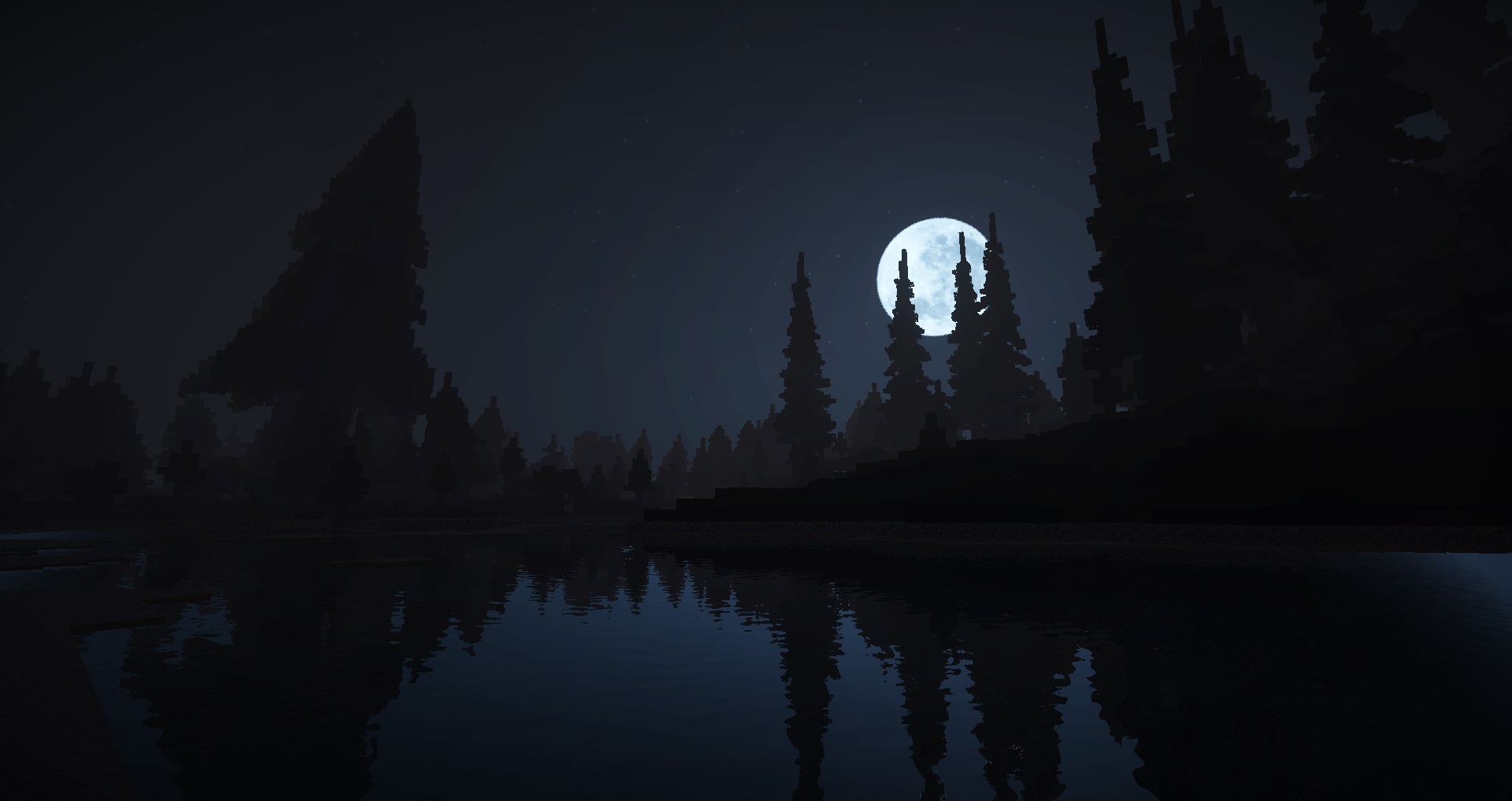
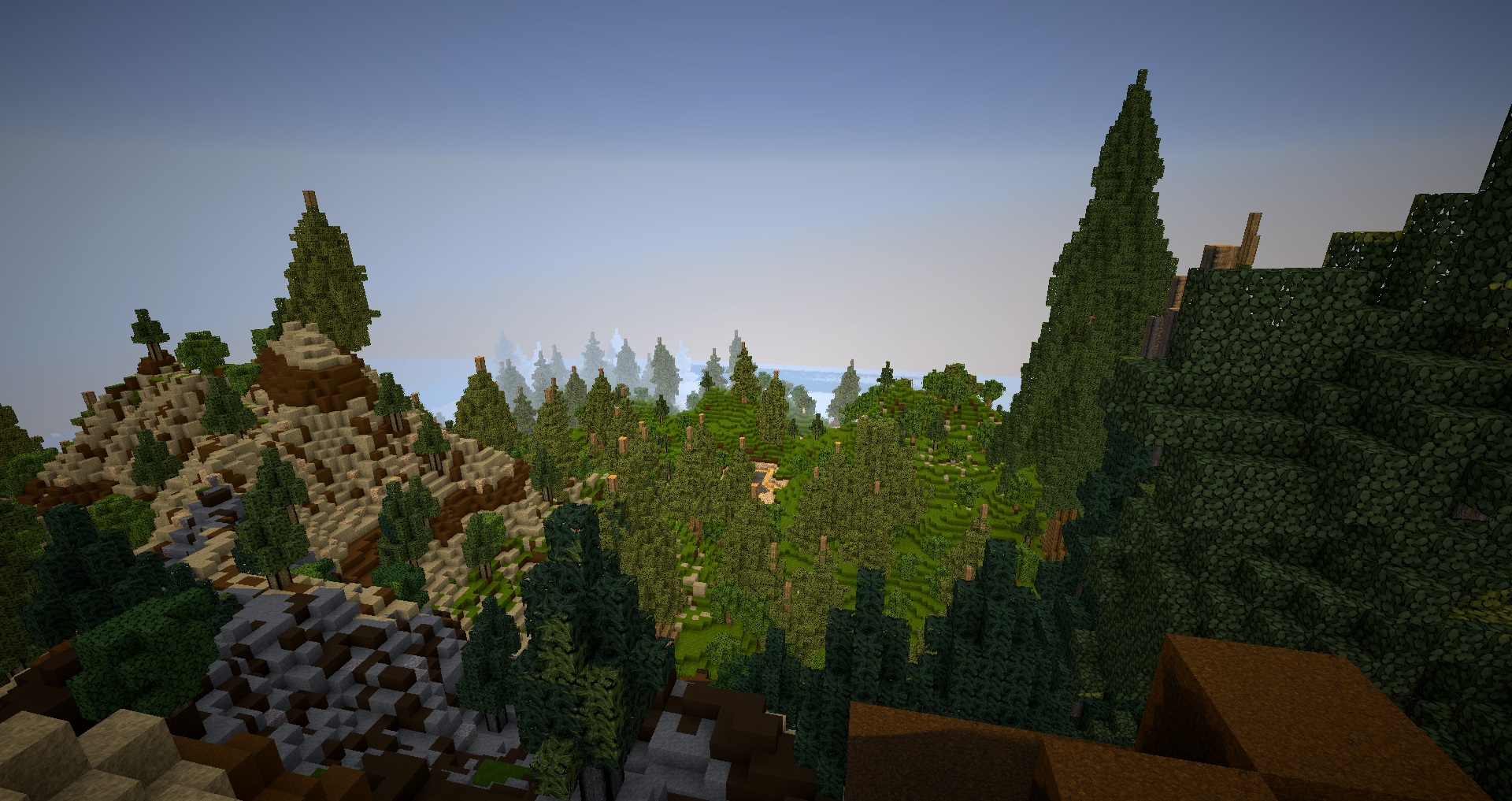
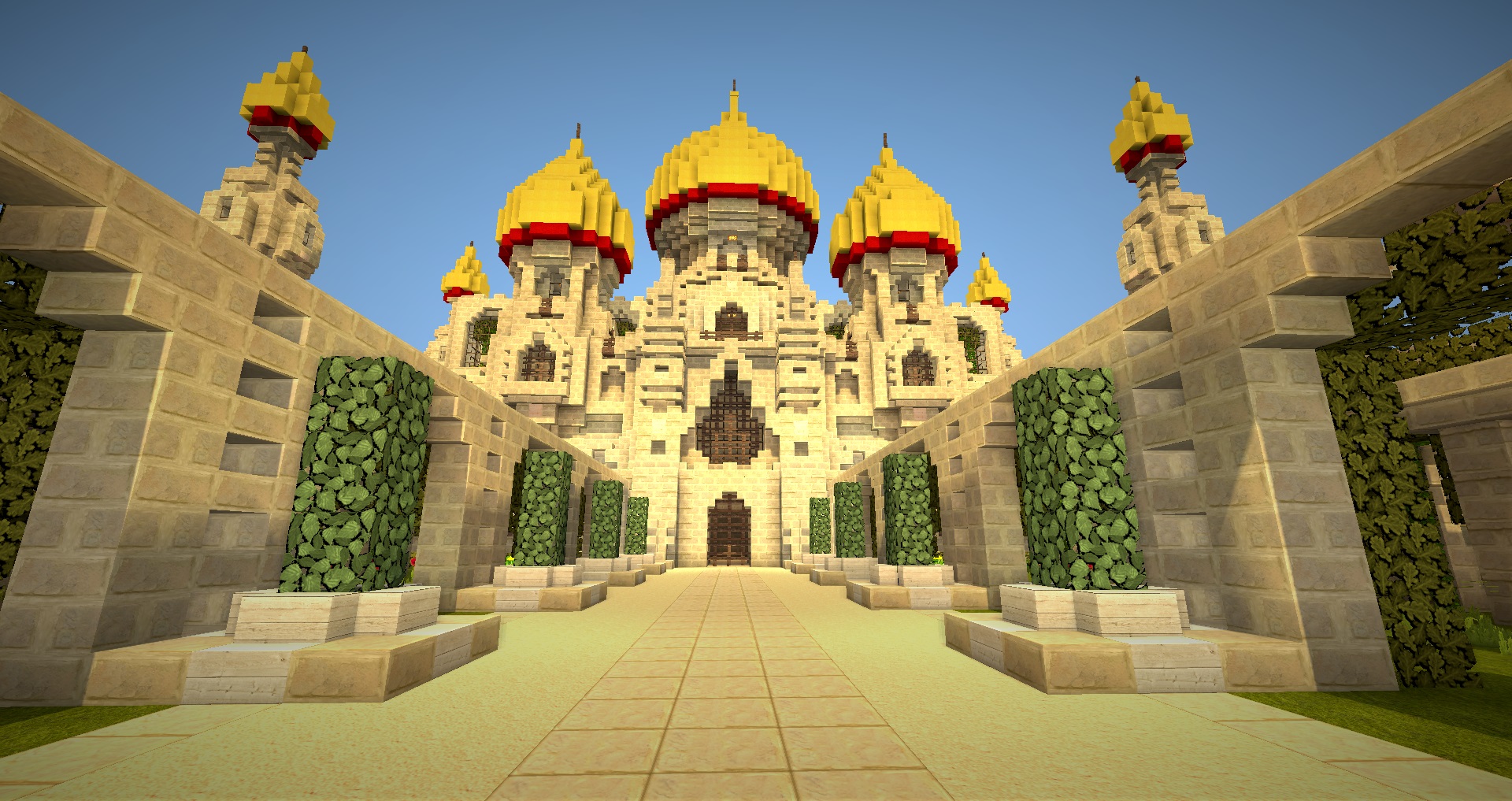
Version 1.5.2 for Minecraft 1.8.x
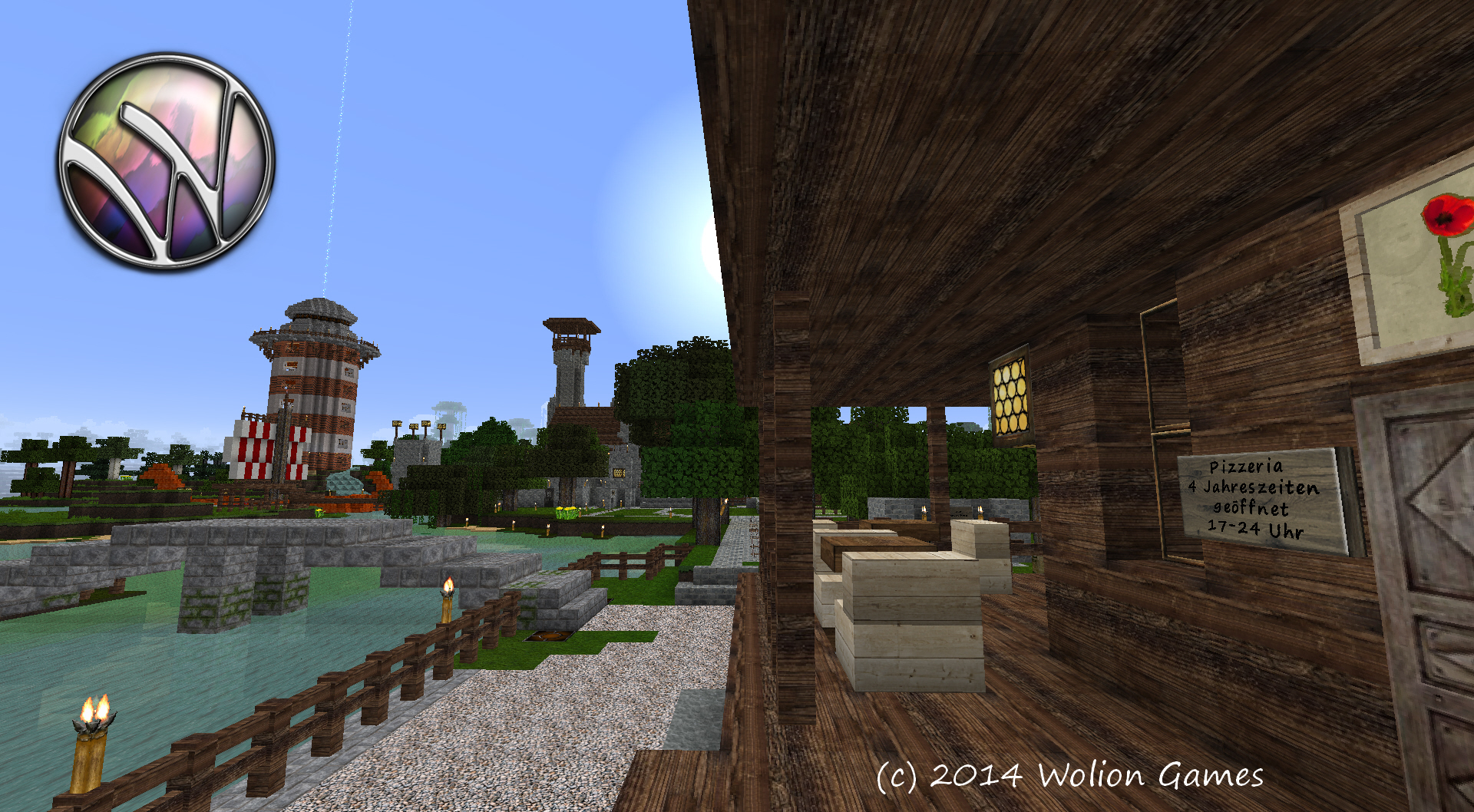
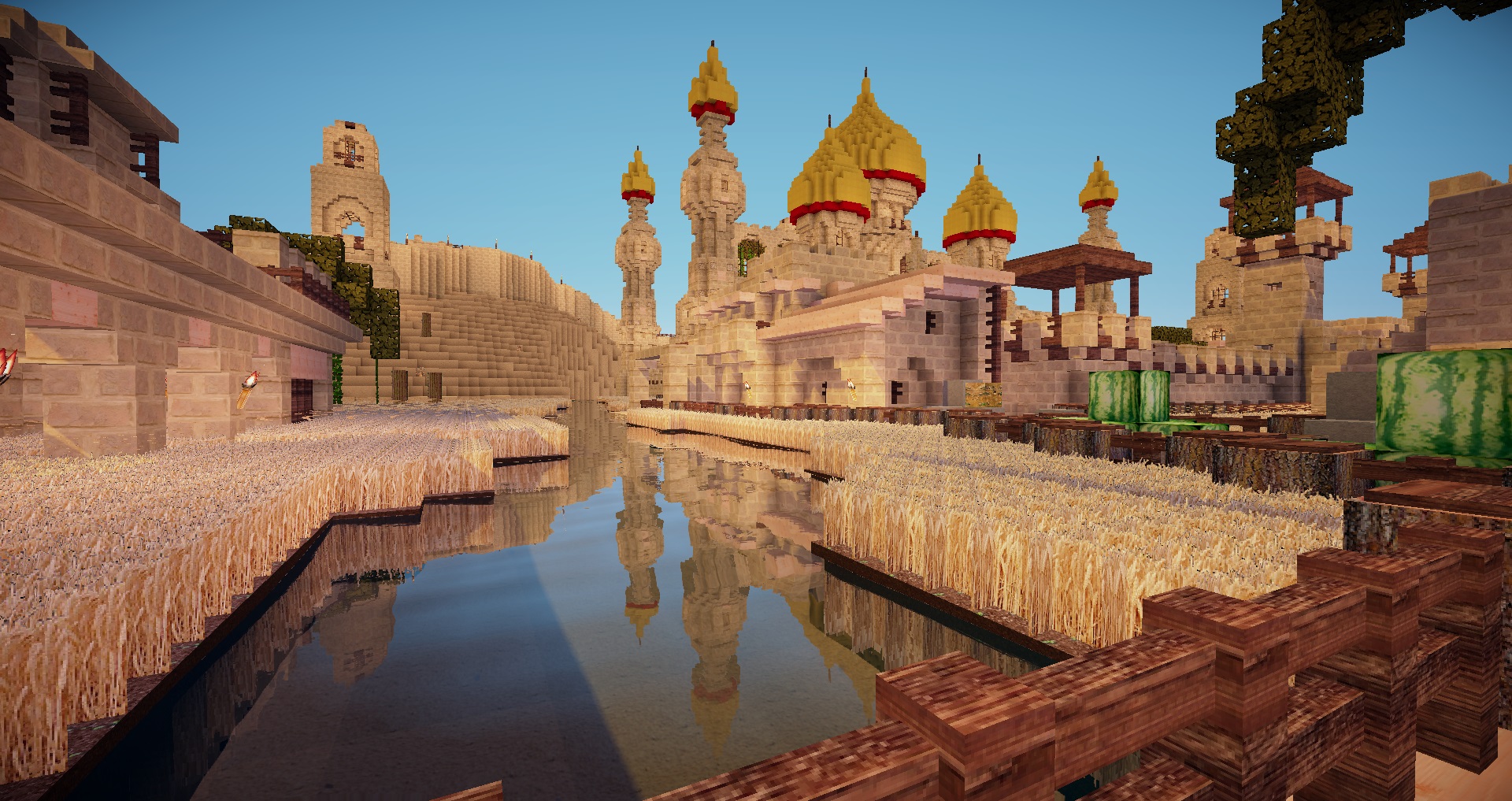
It is as 128x128 pixel resource pack.
All textures are handcrafted by Wolion Games with several graphic tools.
No need of MC Patcher or Optifine oder other tweaking software for using this resource pack.
If you need a lower resolution resourcepack, please have a look at our Wolion 64 HD resource pack.
(c) 2014, 2015 Wolion Games
You are NOT allowed under any circumstances to distribute ths pack nor its files in any form for money making purposes, like using money earning links, or any sort of advertisement services, or to accept donations or payment for anything that makes use of the work from Wolion Games.
You are NOT allowed to use this pack or parts of it in your own resource pack without prior agreement of WolionGames.
For 1.8.x: Place the wolion128_1.8.zip file in the minecraft resource pack folder and choose the resource pack in minecraft.
For 1.7: Place the wolion128.zip file in the minecraft resource pack folder and choose the resource pack in minecraft.
V1.5.2 05.01.2015 100% done for Minecraft Version 1.8.x
V1.2c 14.04.2014 Clock also shows now day (sun) or night (moon). Dirt and depending blocks changed. Font image fixed. Iron Door item fixed. Daylight Sensor changed Iron Armor fixed Redstone Dust fixed Rail Blocks fixed Birch and Spruce Wood Blocks cleaned up
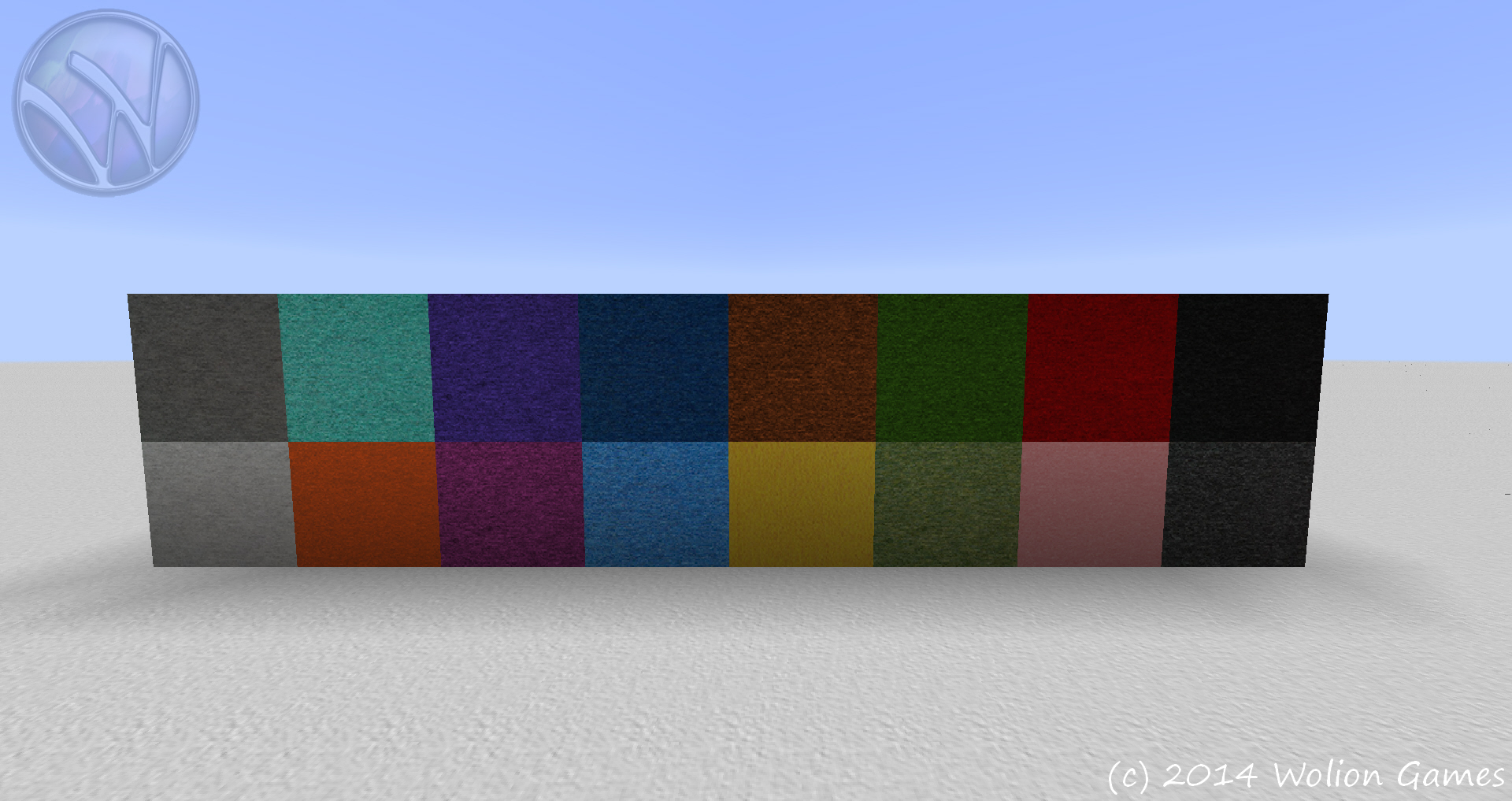
V1.2a 03.04.2014 all hardened clay, red sand and dirt are now more homogeneous. podzol side now seamless
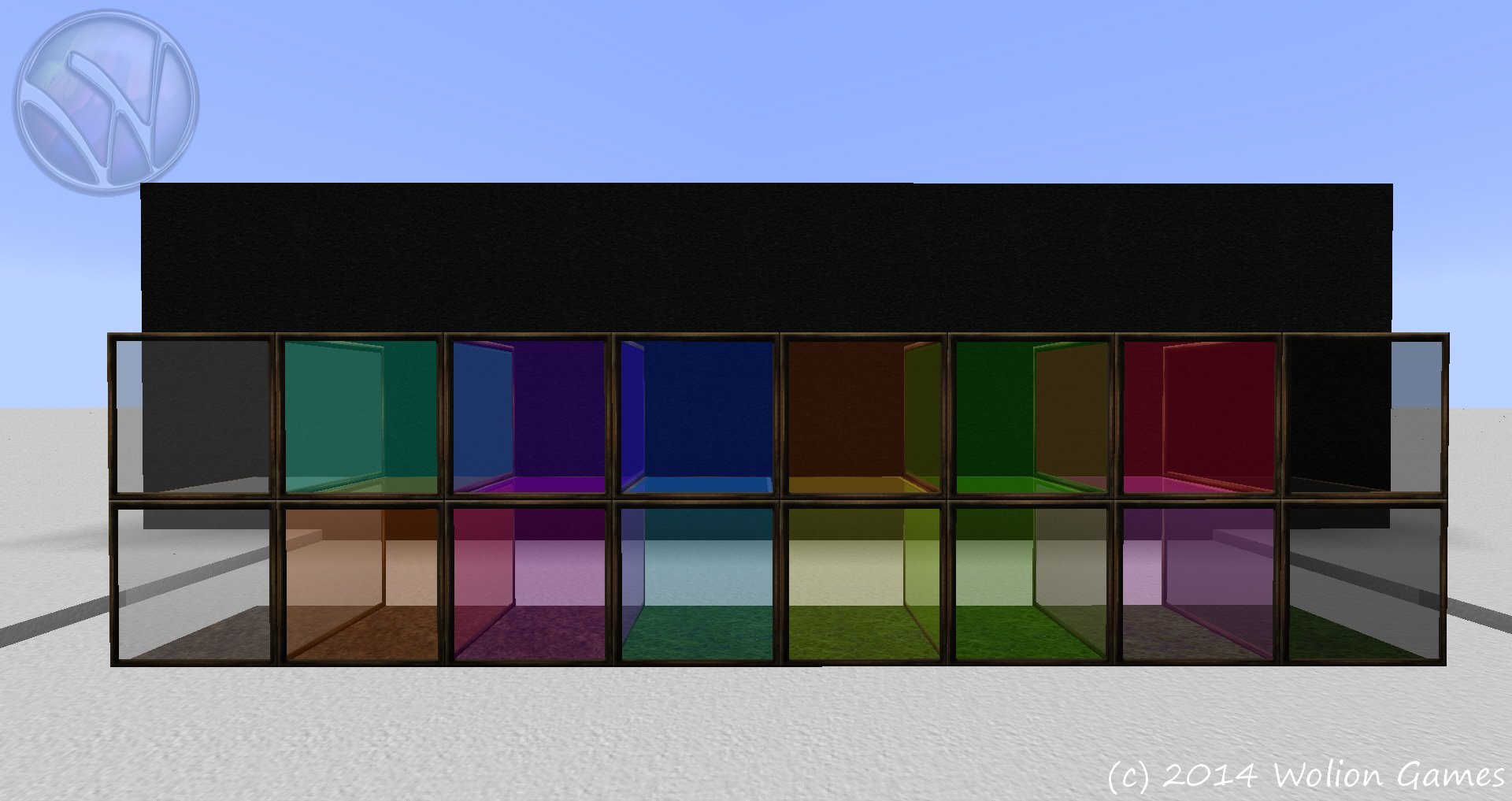
V1.2 01.04.2014 standard glass now full transparent, works with shader now flame texture in particle fixed redstone dust adapted colored glass more transparent glass pane top fixed font letters fixed
V1.1 30.03.2014 container colors in language files changed achievement color in language file changed creative gui changed
V1.0 28.03.2014 Initial Release