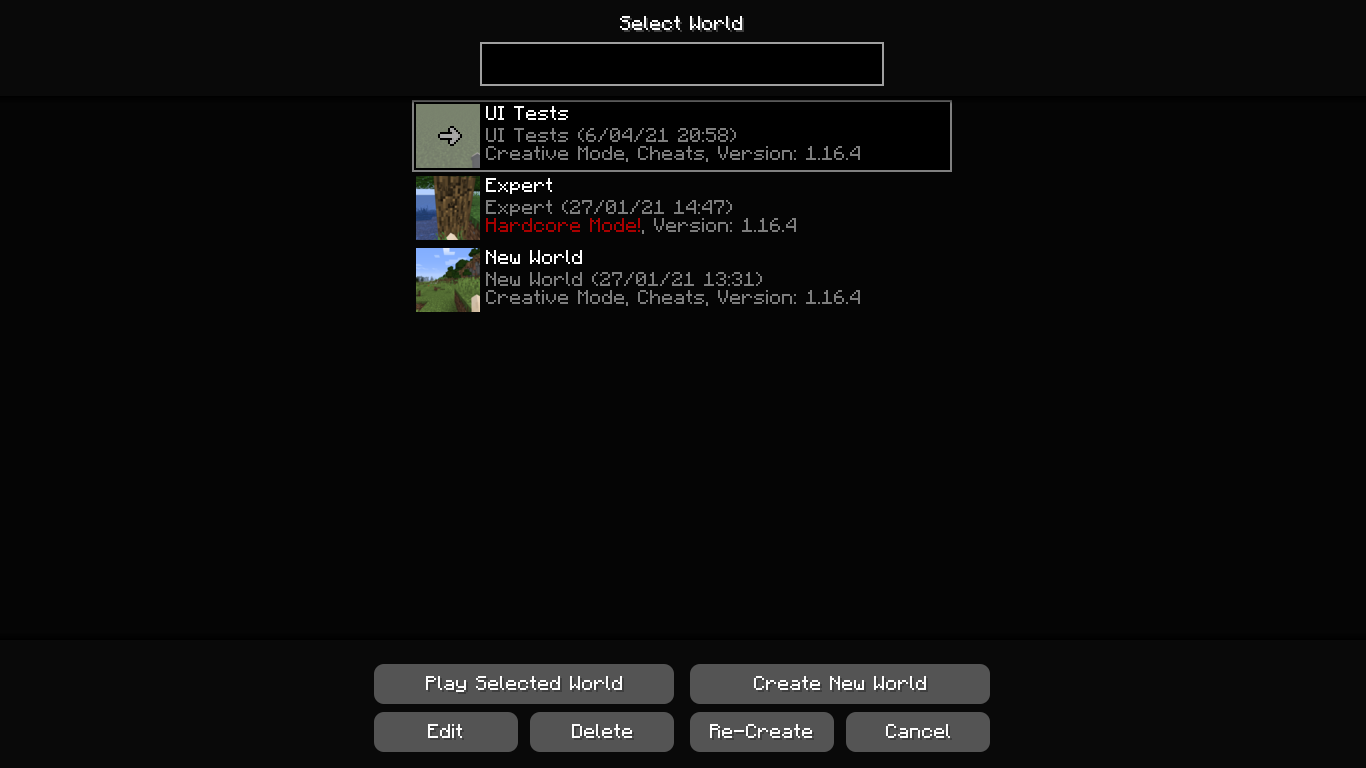
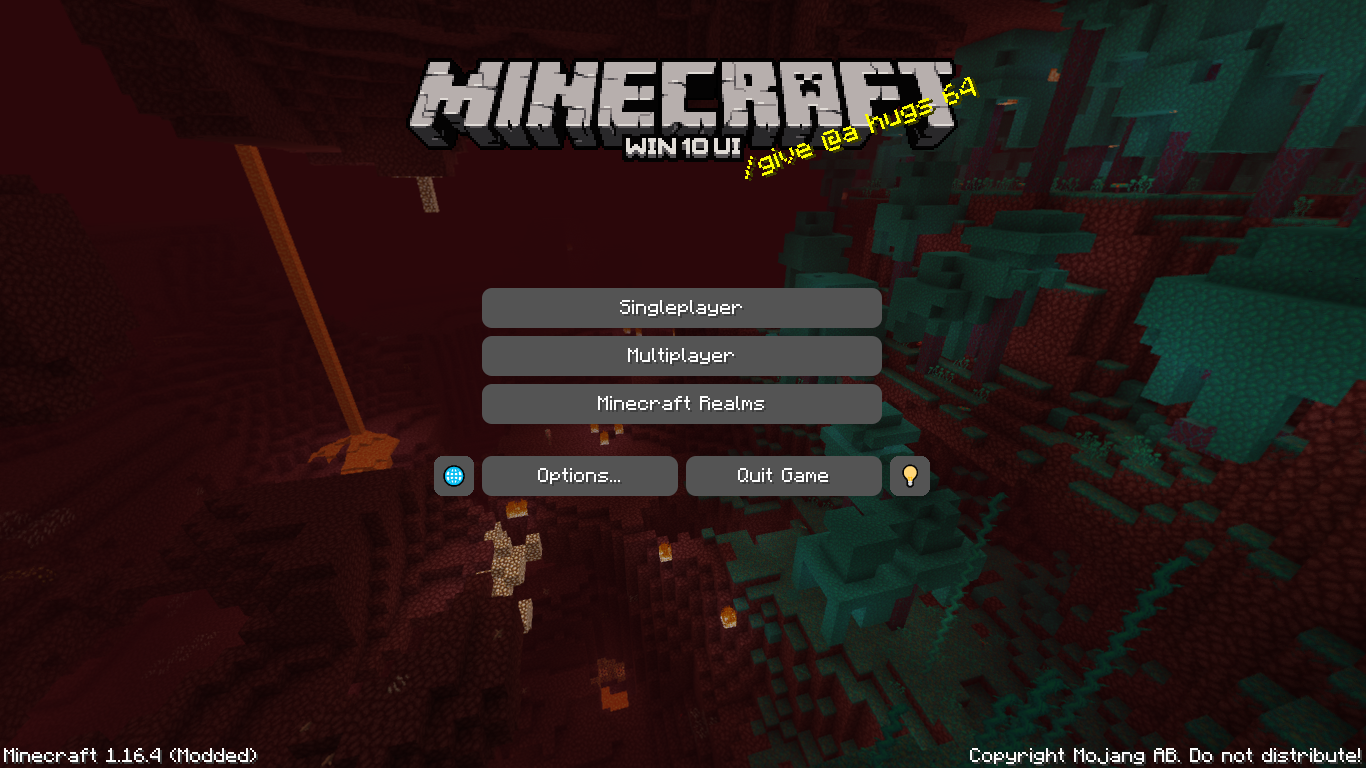
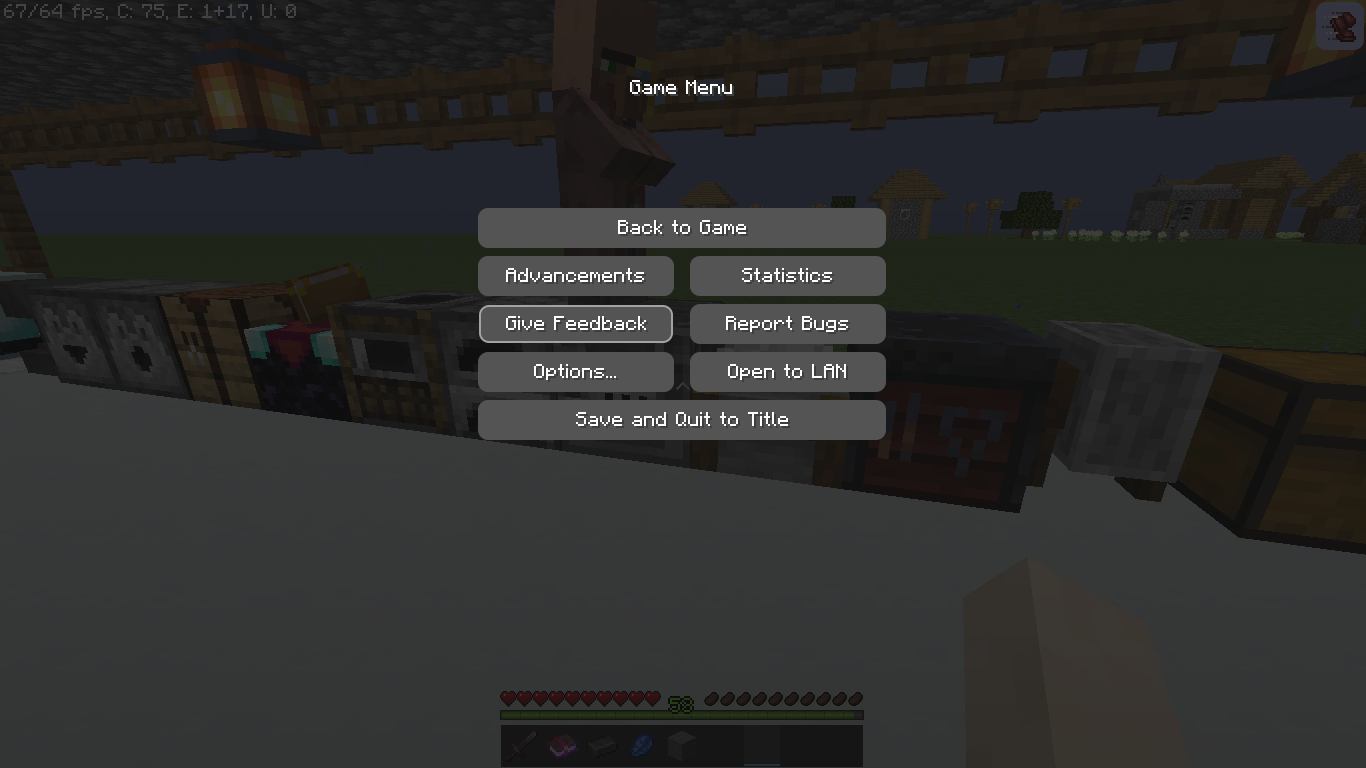
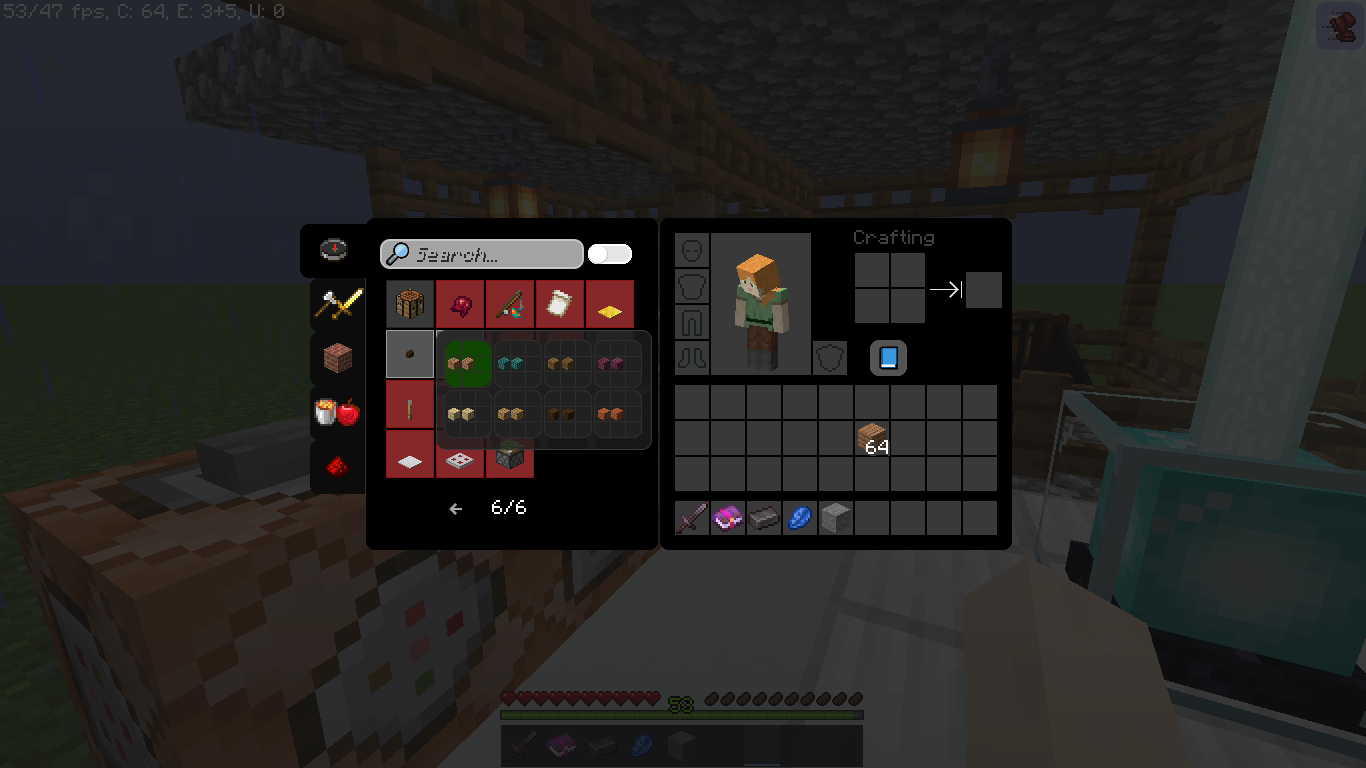
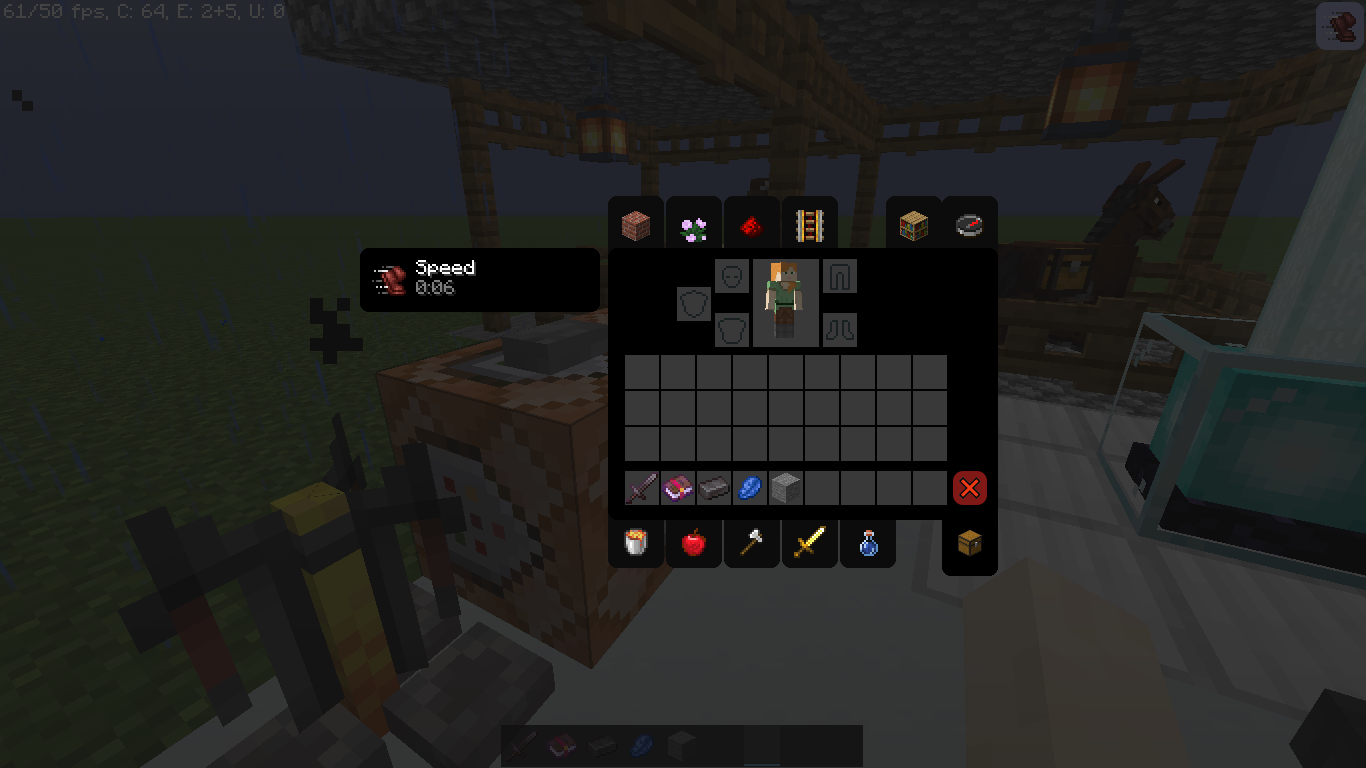
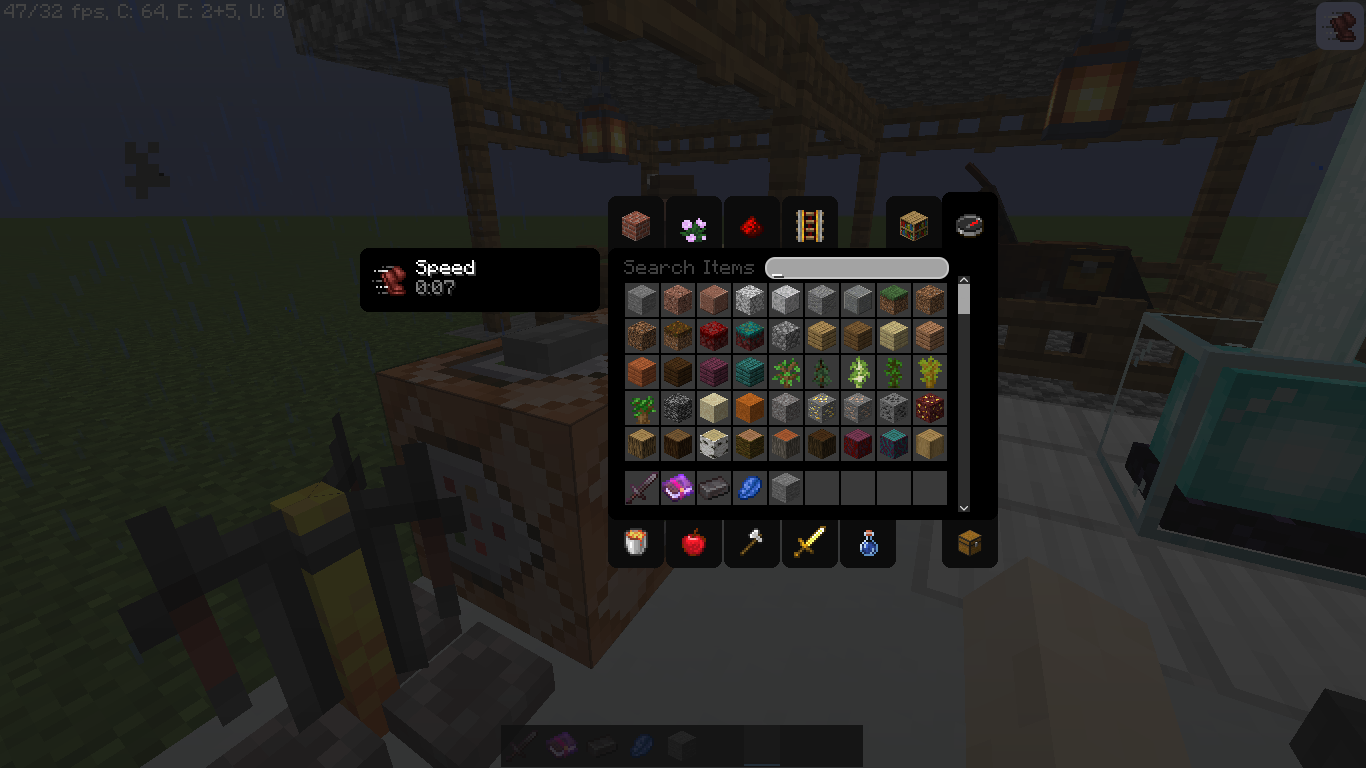
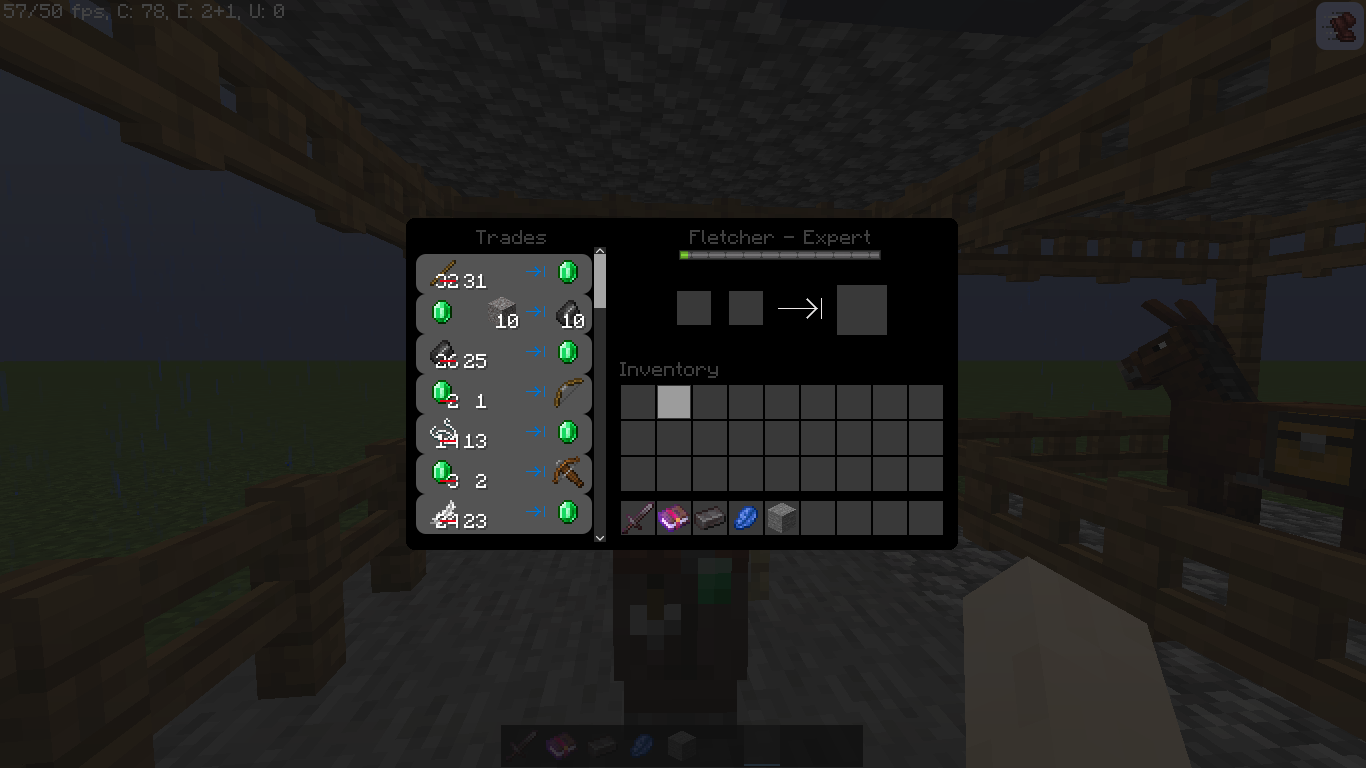
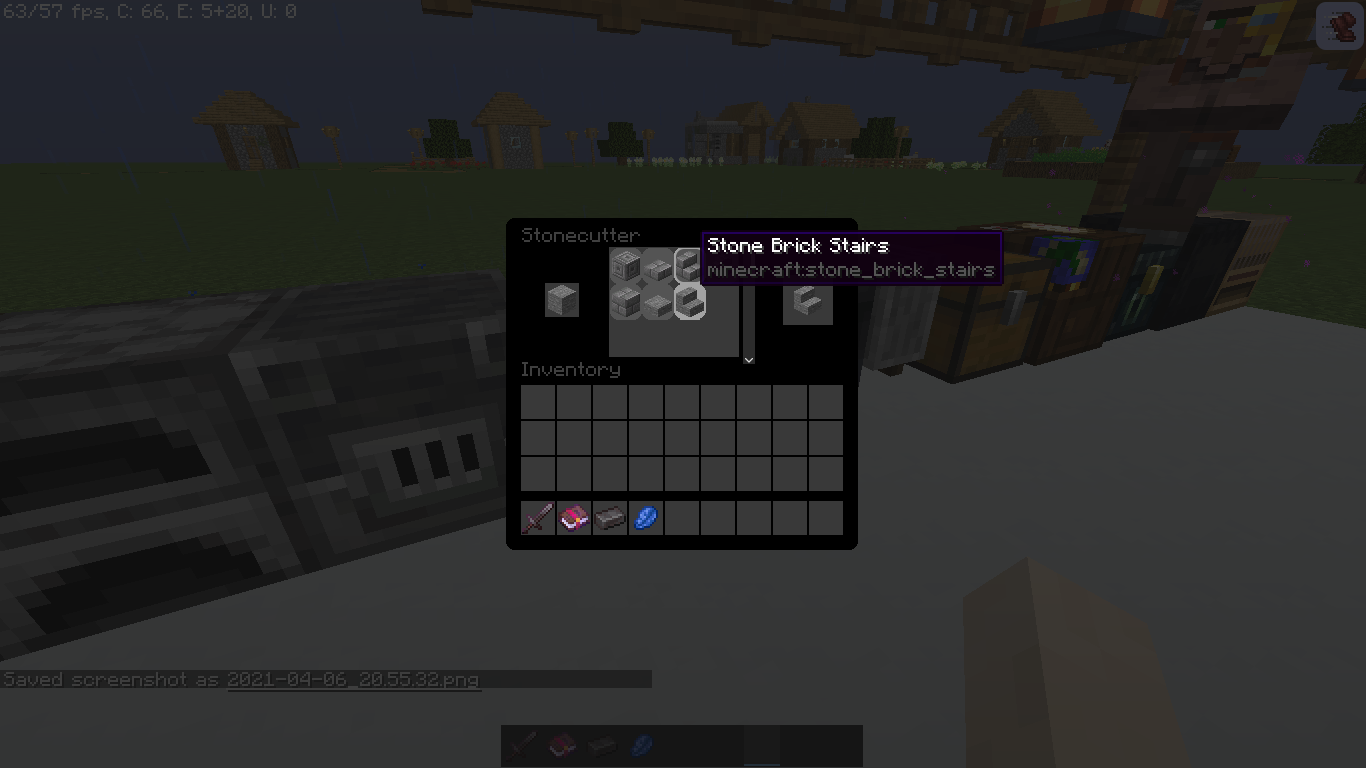
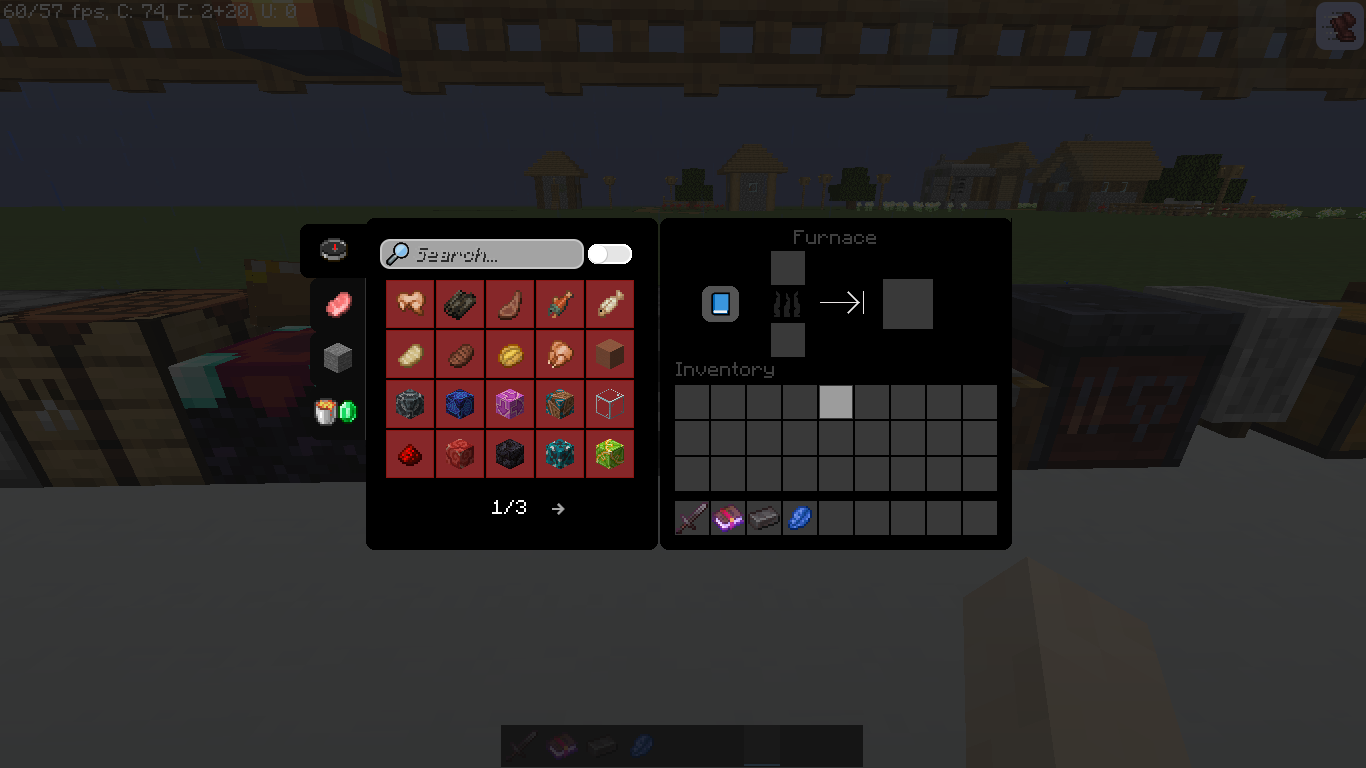
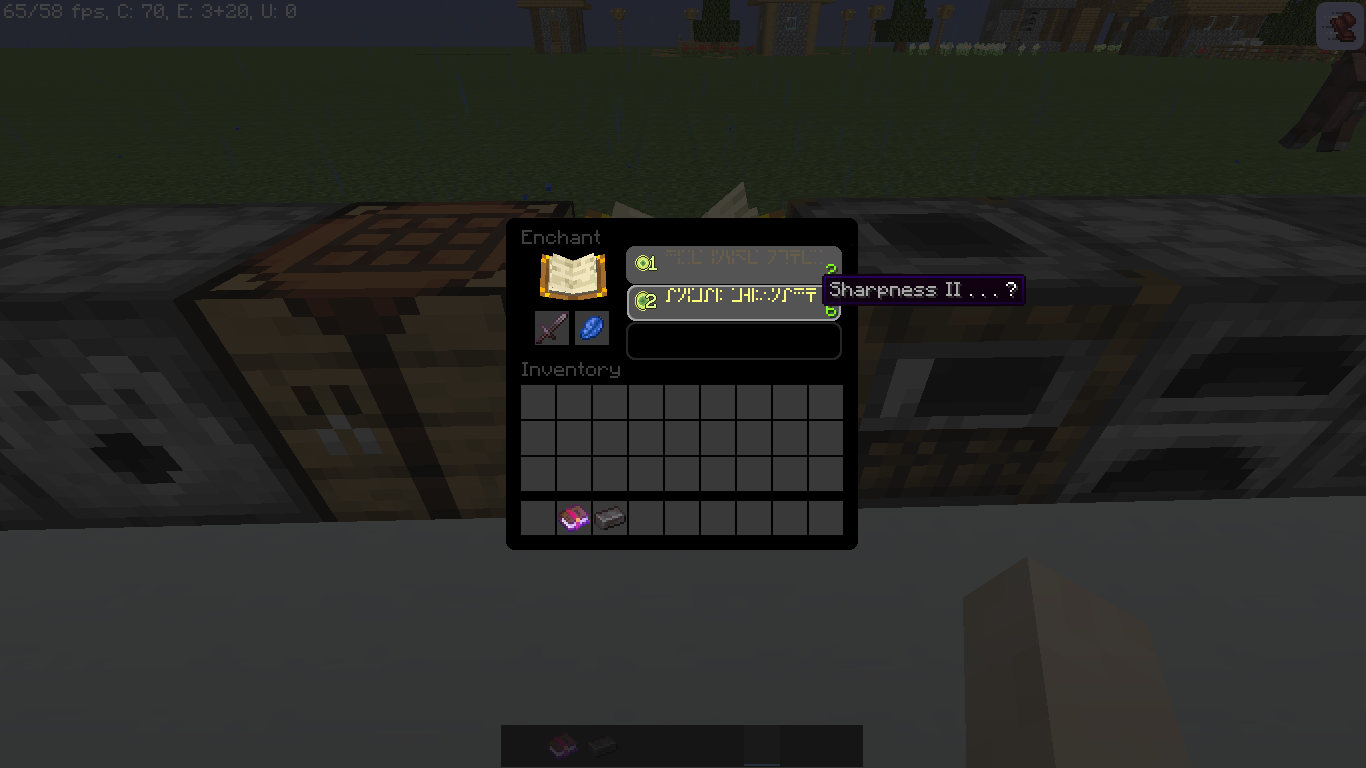
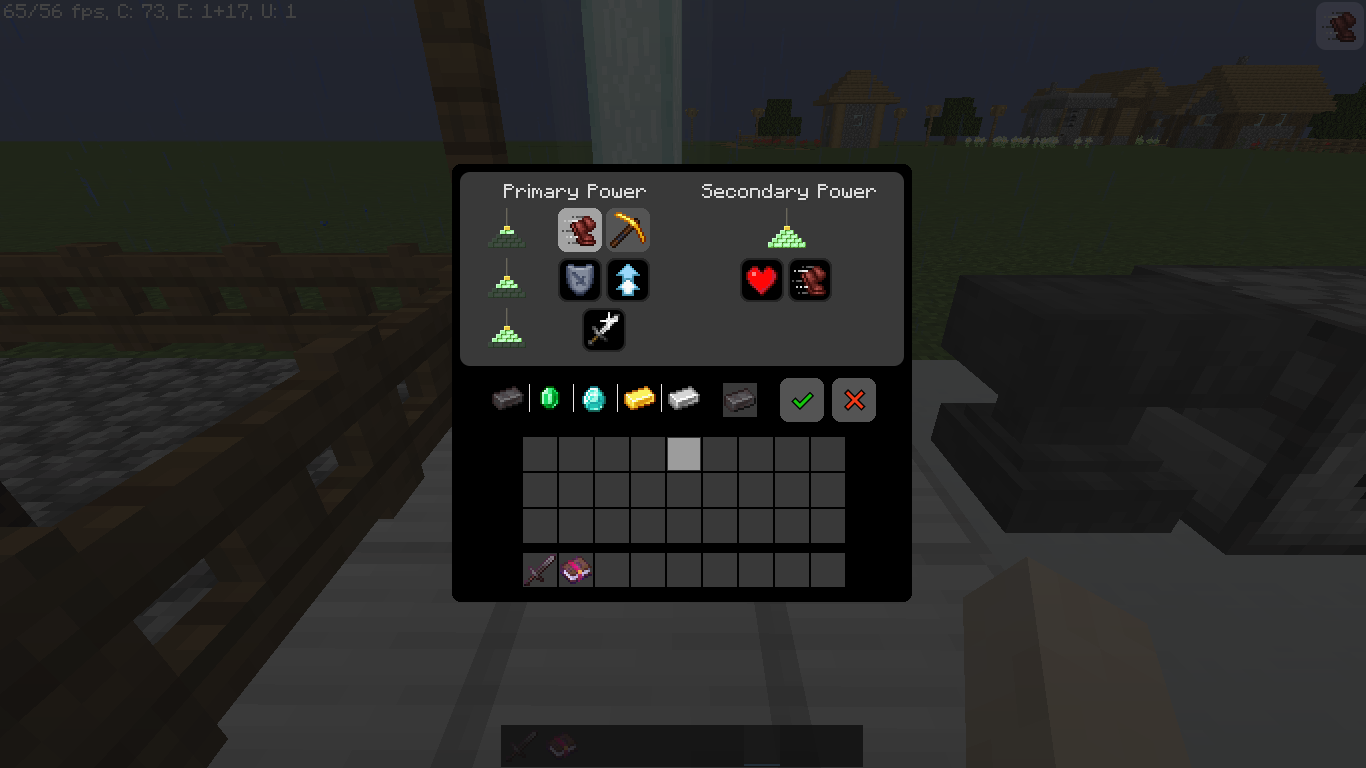
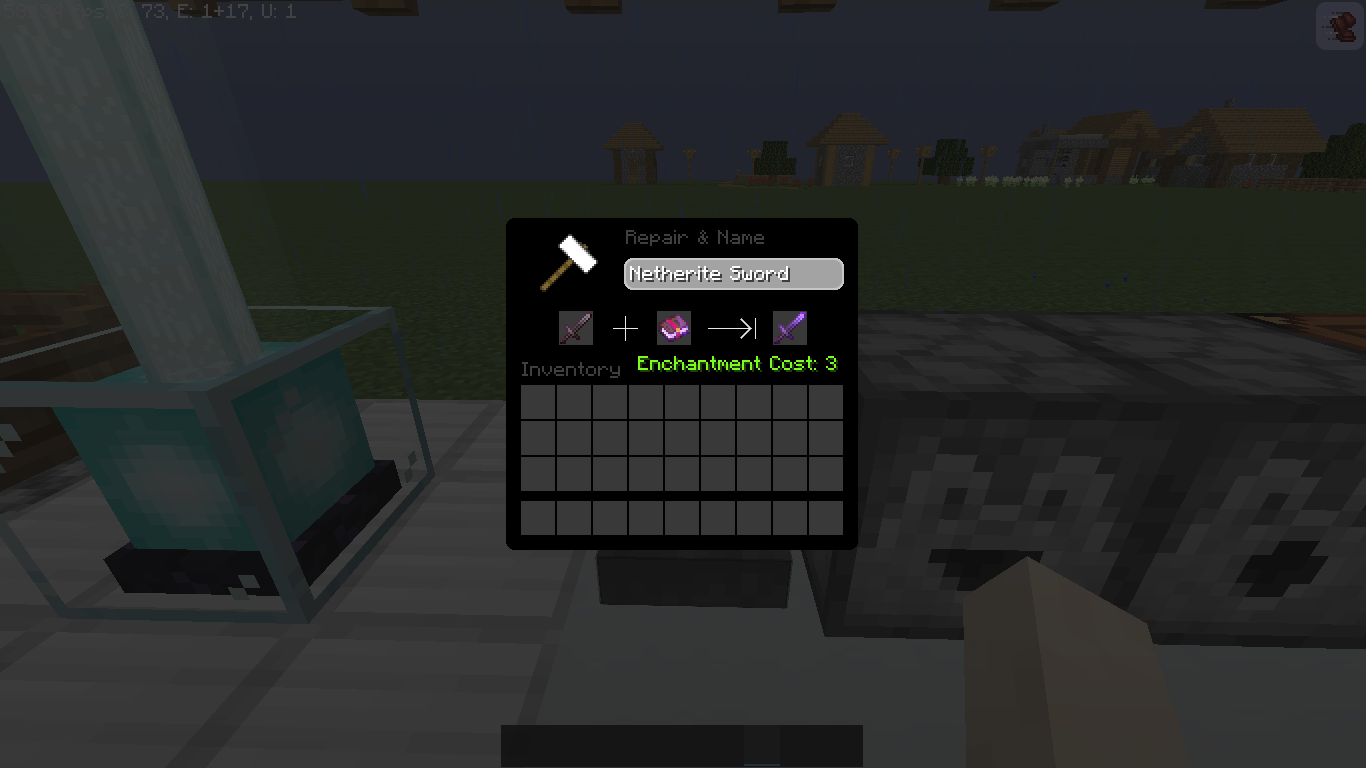
This resource pack changes the style of the Minecraft interface to a more minimal and modern design based on Windows 10, in addition to having some transparency effects and a dark theme to make it more pleasing to the eye. Write your comment.
New 6/4/2020: Square corners disappear and rounded corners are here to stay.
________________________________________________________________________________________________________________________________________________________________________
Changelog Win10 UI v0.3.5
________________________________________________________________________________________________________________________________________________________________________
Changelog Win10 UI v0.3
________________________________________________________________________________________________________________________________________________________________________
--------------> CHANGELOG WIN10 UI v0.2 <---------------
0. Renamed from:> Windows 10 UI <to> WIN10 UI <.
1.> Java Edition <has been replaced by> WIN 10 UI <.
2. The loading screen has been updated and its color to be more consistent with the interface (Optifine Only).
3. The icons for the following items have been updated:> Blast Furnace, Horse, Dispenser and Dropper, Anvil, Flowerbed, Smithing Table, Hopper, Smoker and Furnace.
4. The texture of the map in the cartography table has been changed.
5. Fixed exclamation mark texture in world selector when trying to enter a later version world.
6. This version adds a search field in the cookbook.
7. Fixed the texture of the tool category in the cookbook coming out of its box.
8. The texture in the grooves of the equipment has returned to vanilla because the white silhouette was larger than the item and it looked weird.
9. The icon has been added to the top right of the Bredwing Stang.
10. Pack.png was changed to the project logo.
________________________________________________________________________________________________________________________________________________________________________