Mineuniverse
Resource Packs
Whimscape x Expansions

Whimscape x Expansions

RESOURCE PACK
A collection of varying mod support for the Whimscape resource pack.
by dodgycoffee
Download Claim this project
2,807 downloads
0 likes
0 followers
Updated Oct 14, 2026
0 hypes
Follow0
16x Medieval Miscellaneous Mod Support
Advertisement Remove ads with Premium →

Whimscape x Expansions

A collection of varying mod support for the Whimscape resource pack.

This project is intended to be an open-source, collaborative collection of varying mod support for Whimscape. Currently it's just me contributing to this, but I welcome and invite any other artists to contribute to this collection

The primary version supported is 1.20.1 as it is still the most used as far as I can tell. It's possible this will work with 1.20.x - 1.21.x, but I'll be honest I'm not testing for that and won't be until I start building a new modpack on that version.

✅ Current mod support

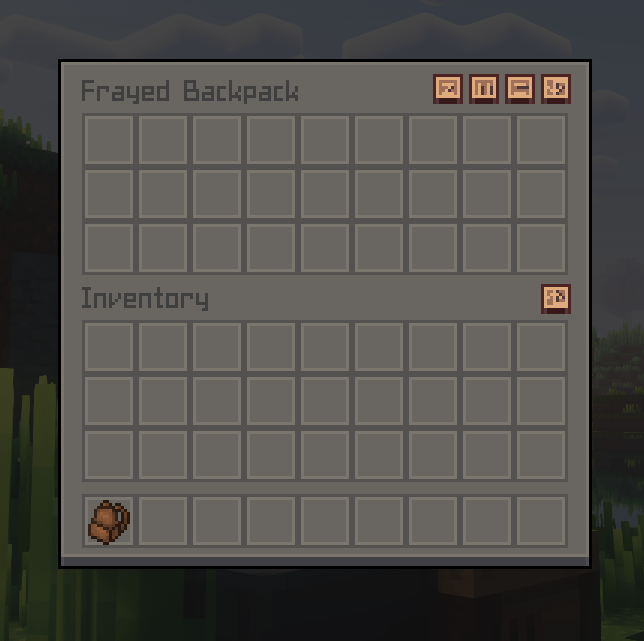
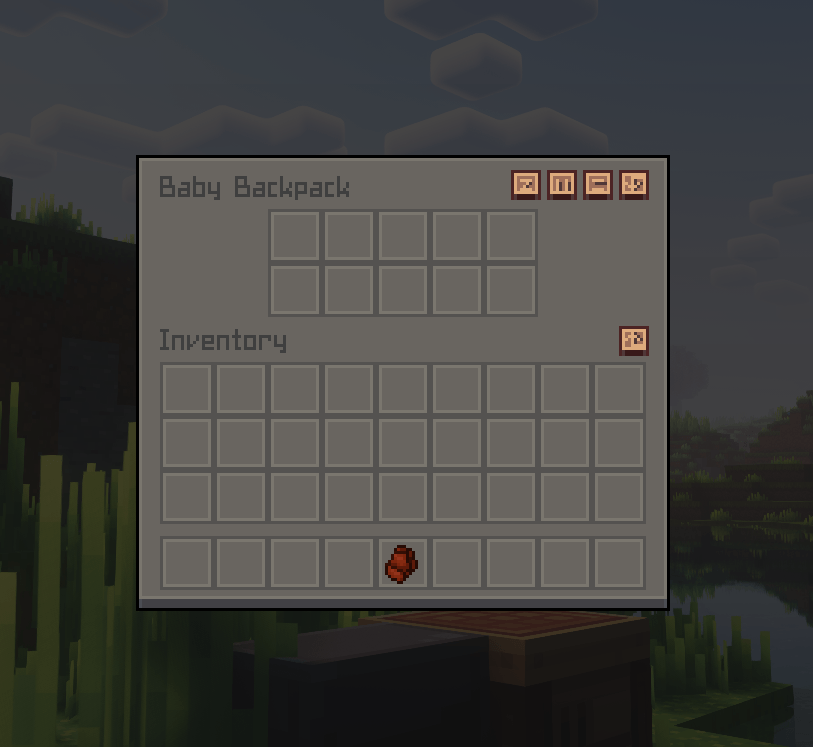
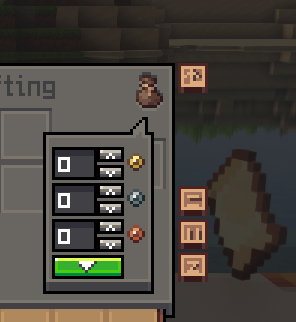
  • Inmis (GUI only, needs backpacks)
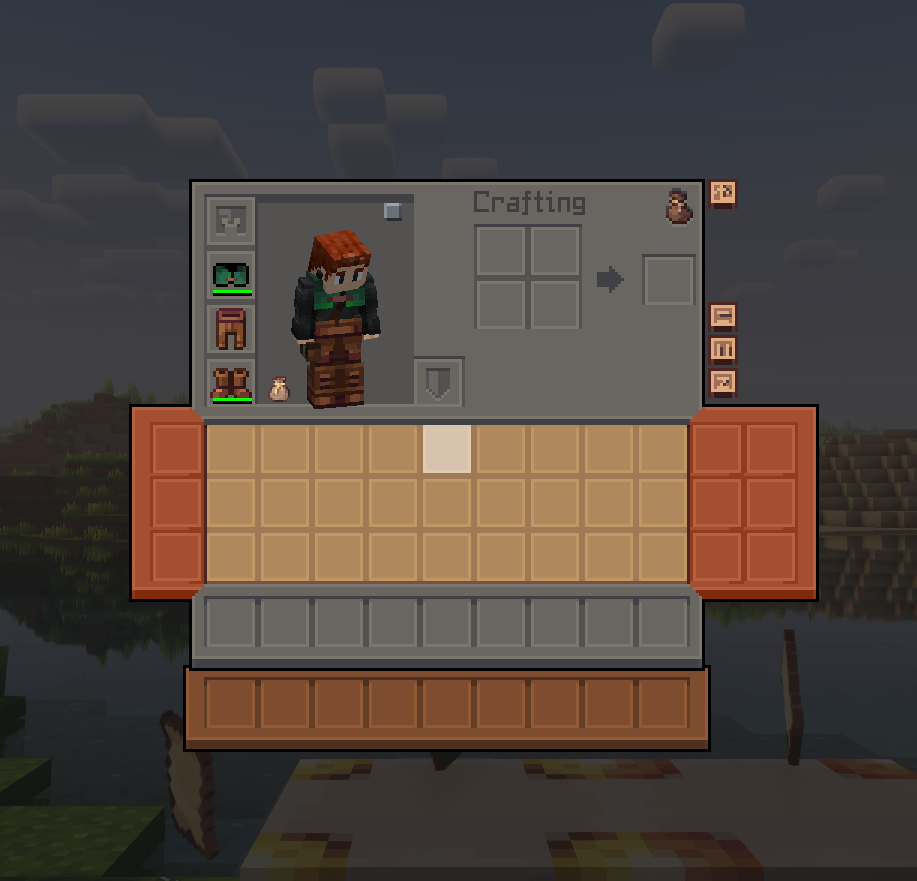
  • Scout (GUI only, needs bags)
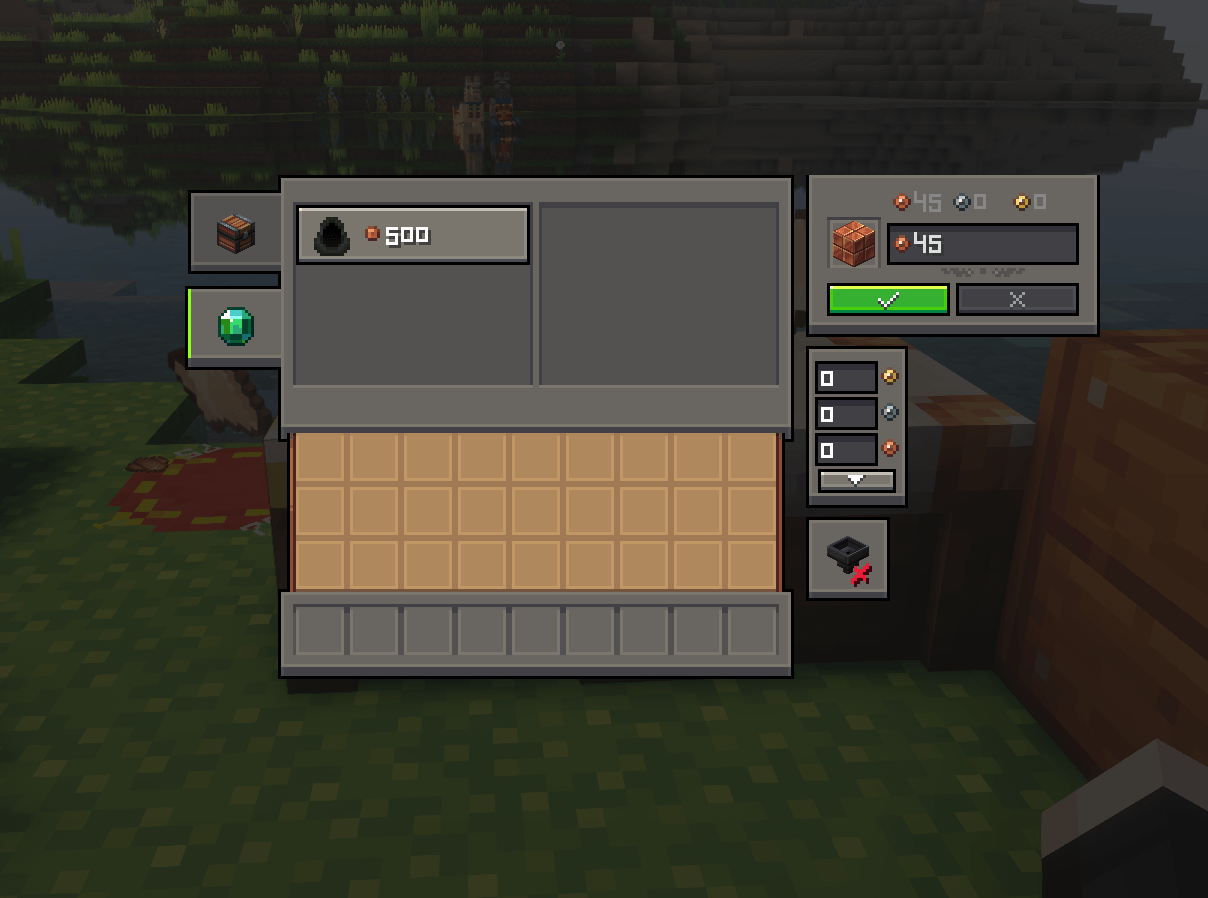
  • Numismatic Overhaul (GUI only, needs coins)
  • Accessories (mostly, missing a few icons)
  • Hardcore Torches

🎨 How do I contribute?

Go to the source page, and check out the readme.

📜 License

The license for this project is GPL-2.0. You can read through if you want but here's the bullet points for people wanting to use it.

  • Free to use in your modpacks
  • Free for personal use
  • Free to fork and modify
  • Free to distribute to others

I'm uploading official versions to both Modrinth and Curseforge, so if you got it anywhere else it isn't official and be weary.


Whimscape x Expansions r3.zip
MC 1.20.1
Release 2025-07-14 Get
Whimscape x Expansions r2.zip
MC 1.20.1, 1.20
Release 2025-07-13 Get
Whimscape x Expansions r1.zip
MC 1.20.1, 1.20
Release 2025-07-12 Get

Requirements & install

How to use this resource pack in Minecraft
Resolution
16x
Minecraft
1.20 – 1.20.1
Install folder
.minecraft/resourcepacks

How to install resource packs

  1. Download the resource pack .zip file (do not extract it).
  2. In Minecraft open Options → Resource Packs → Open Pack Folder.
  3. Drop the .zip into the resourcepacks folder (.minecraft/resourcepacks).
  4. Move the pack to the Selected column and click Done.
Browse more: 16x resource packs 32x resource packs 64x resource packs 128x resource packs 256x resource packs 512x+ resource packs Resource Packs for 1.20.1 All resource packs

More from dodgycoffee

Advertisement Remove ads with Premium →

You Might Also Like