Mineuniverse
Resource Packs
WeiXiao Team | Lao Localization + LaoFixes (JV)

WeiXiao Team | Lao Localization + LaoFixes (JV)

RESOURCE PACK
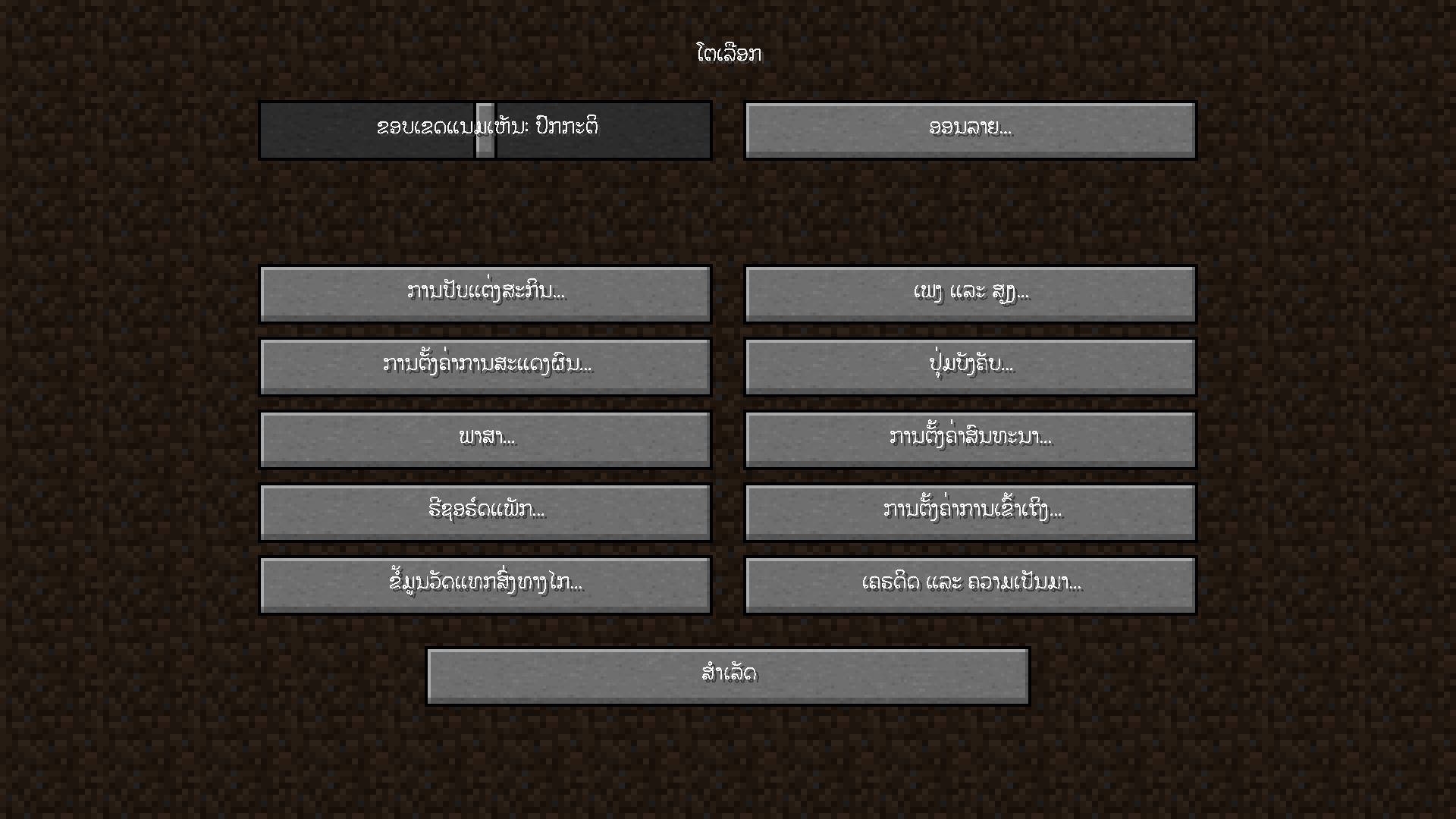
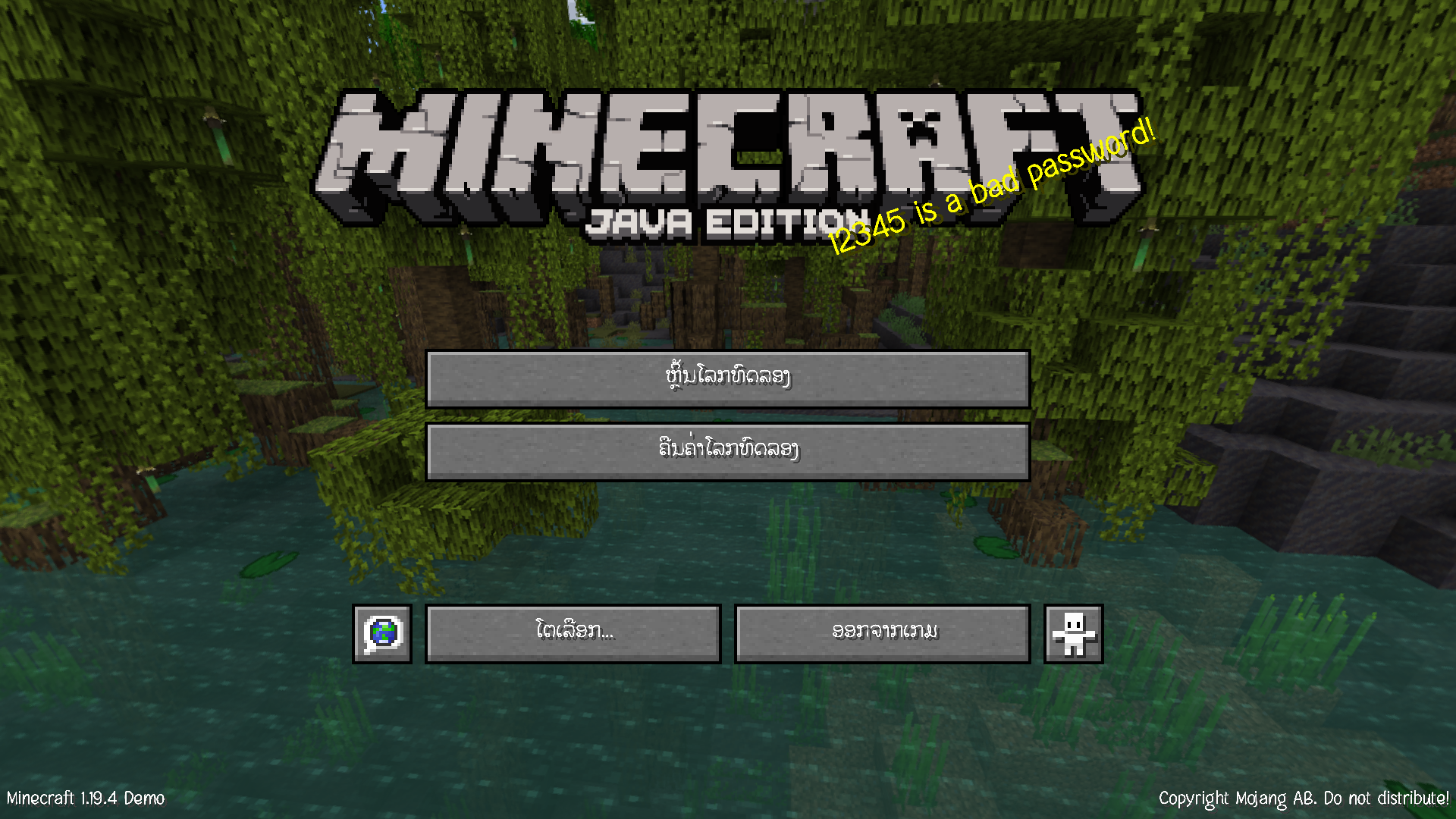
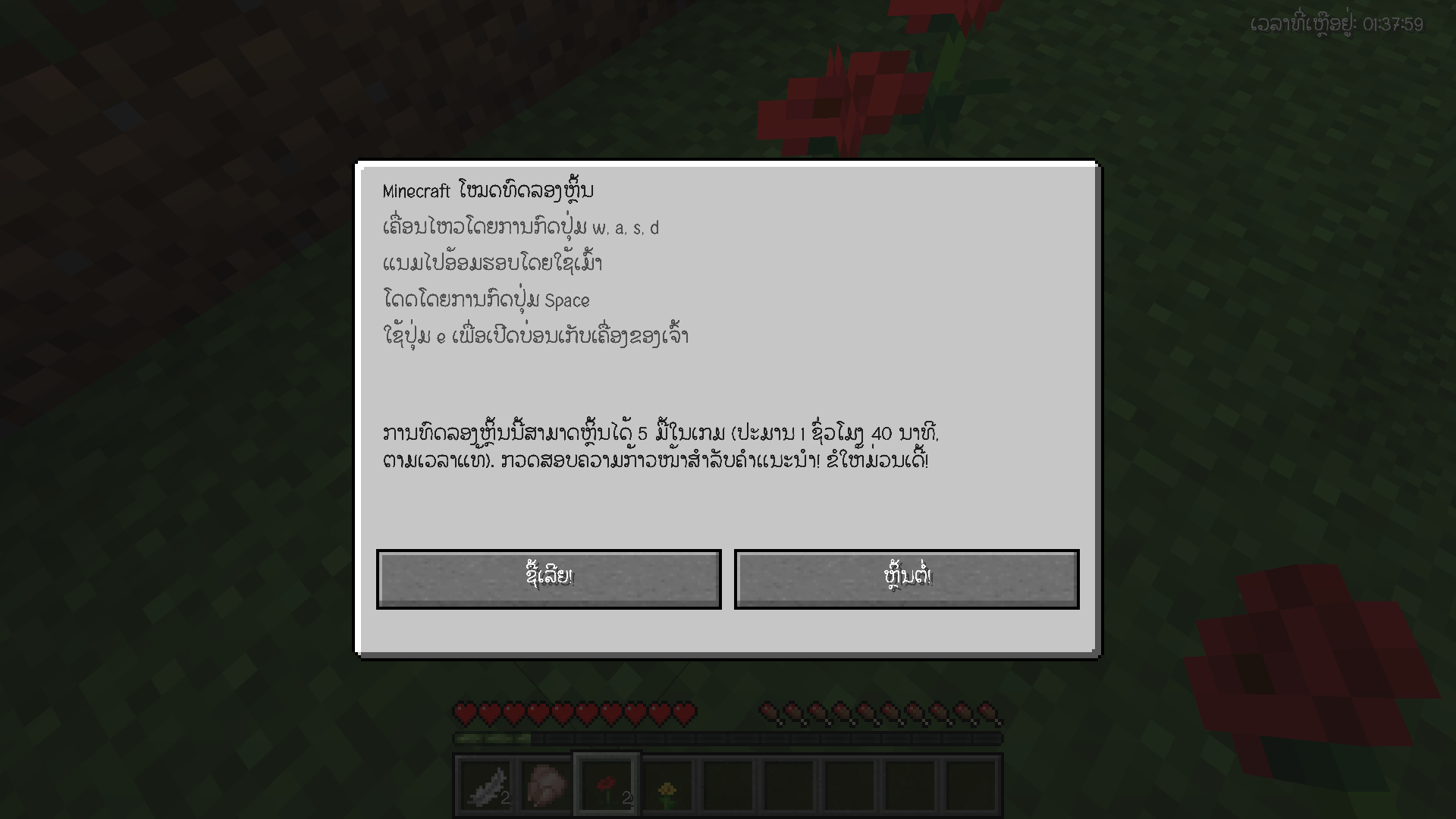
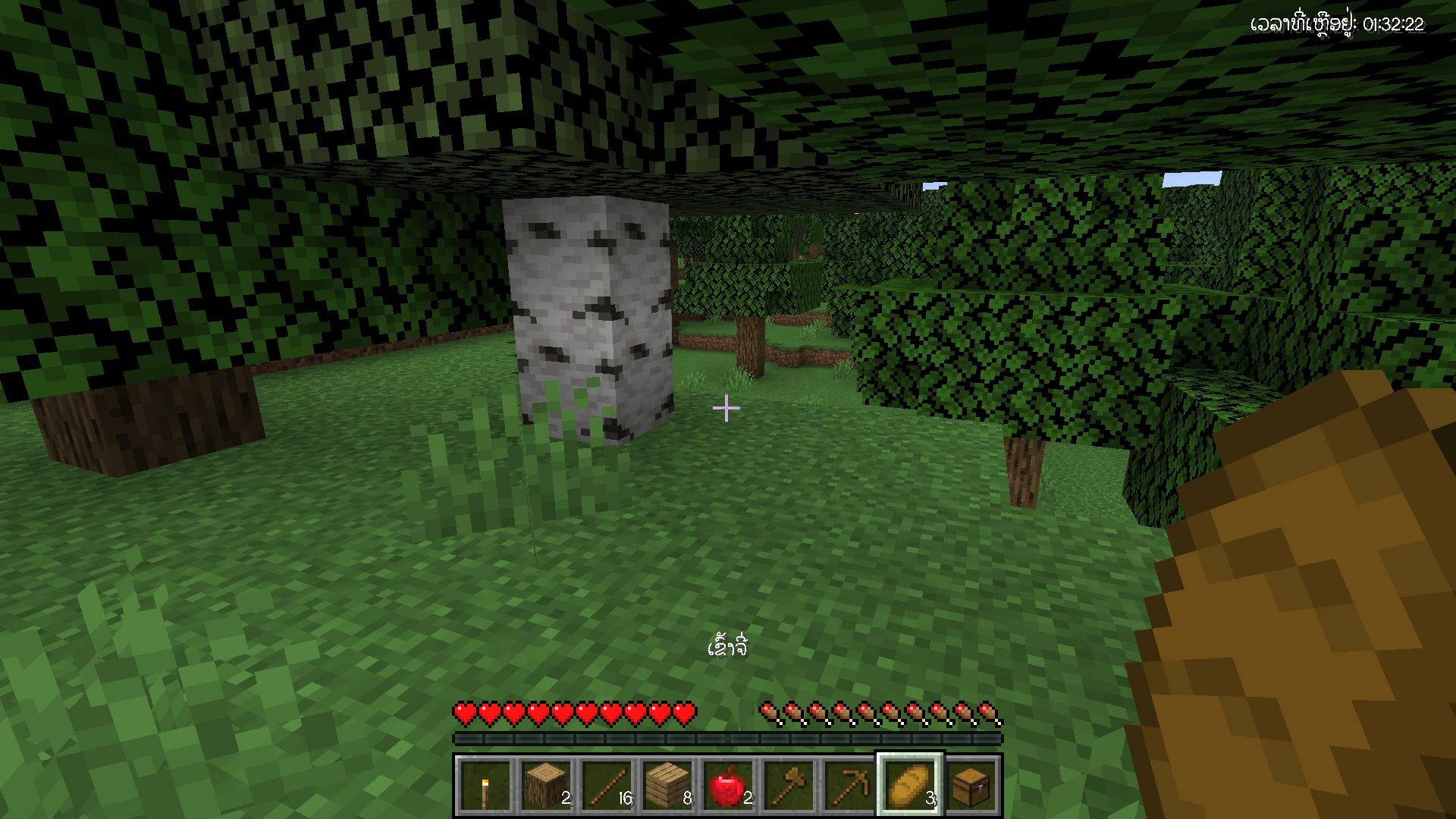
Do you want to play Minecraft: Java in Lao language? Download now :)
by weixiaolaos
Download Claim this project
Add a badge to your pageLink to WeiXiao Team | Lao Localization + LaoFixes (JV) from a README, website or forum post.
Preview: Badge

Badges update automatically and link to the resource pack page on MineUniverse.

117 downloads
0 likes
0 followers
Updated Oct 14, 2026
0 hypes
Follow0
Font Packs Miscellaneous
Advertisement Remove ads with Premium →

Hi, We're the Lao translation team for Minecraft Java and Bedrock


For Anyone Who Want To Donate:


BCEL ONE & Binance

https://bit.ly/donateForWeixiao


Discord: https://discord.gg/gdY8HA8RC9

Facebook: https://www.facebook.com/weixiaolaos


Fixed Lao Sara by Kom from Souliphong Font | ແກ້ໄຂບັນຫາສະຫຼະລອຍດ້ວຍຟອນທ໌ "ກົມ" ຈາກເພຈ Souliphong Font


How to install:

1. Launch game
2. Option > Resource Packs > Open Pack Folder

3. Drag .zip file into folder 

4. Activate
5. Change Language to English (US) and Enjoy :)

Resource Pack Screen

Lao Localization + LaoFixes v040423
MC 1.19.4
Release 2023-04-04 Get
Lao Localization + LaoFixes v1.0
MC 1.19.4
Release 2023-04-01 Get

Requirements & install

How to use this resource pack in Minecraft
Resolution
Not specified
Minecraft
1.19.4
Install folder
.minecraft/resourcepacks

How to install resource packs

  1. Download the resource pack .zip file (do not extract it).
  2. In Minecraft open Options → Resource Packs → Open Pack Folder.
  3. Drop the .zip into the resourcepacks folder (.minecraft/resourcepacks).
  4. Move the pack to the Selected column and click Done.
Browse more: 16x resource packs 32x resource packs 64x resource packs 128x resource packs 256x resource packs 512x+ resource packs Resource Packs for 1.19.4 All resource packs

More from weixiaolaos

Advertisement Remove ads with Premium →

You Might Also Like