Mineuniverse
Resource Packs
Weed Eater (128x PBR Materials)

Weed Eater (128x PBR Materials)

RESOURCE PACK
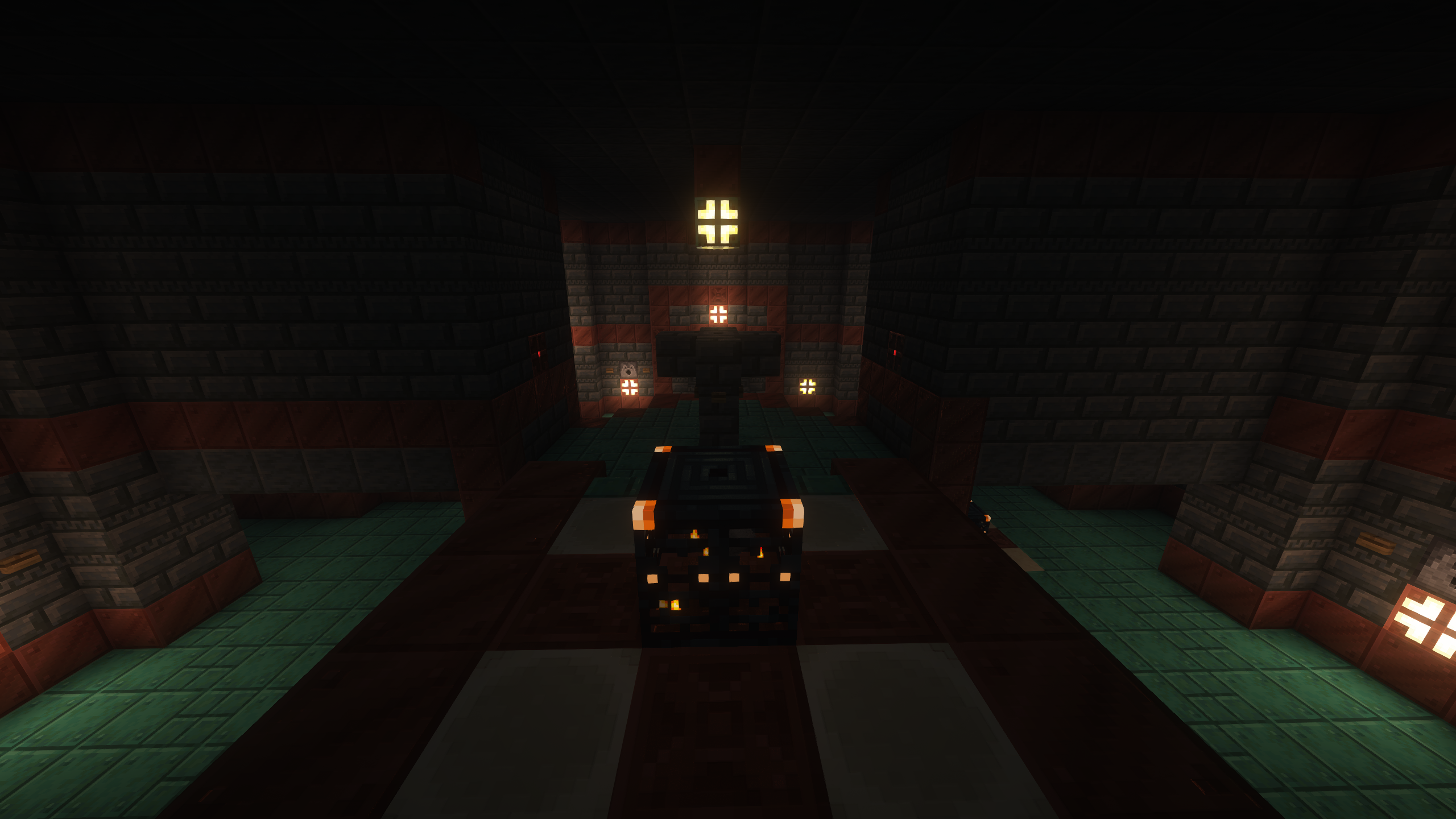
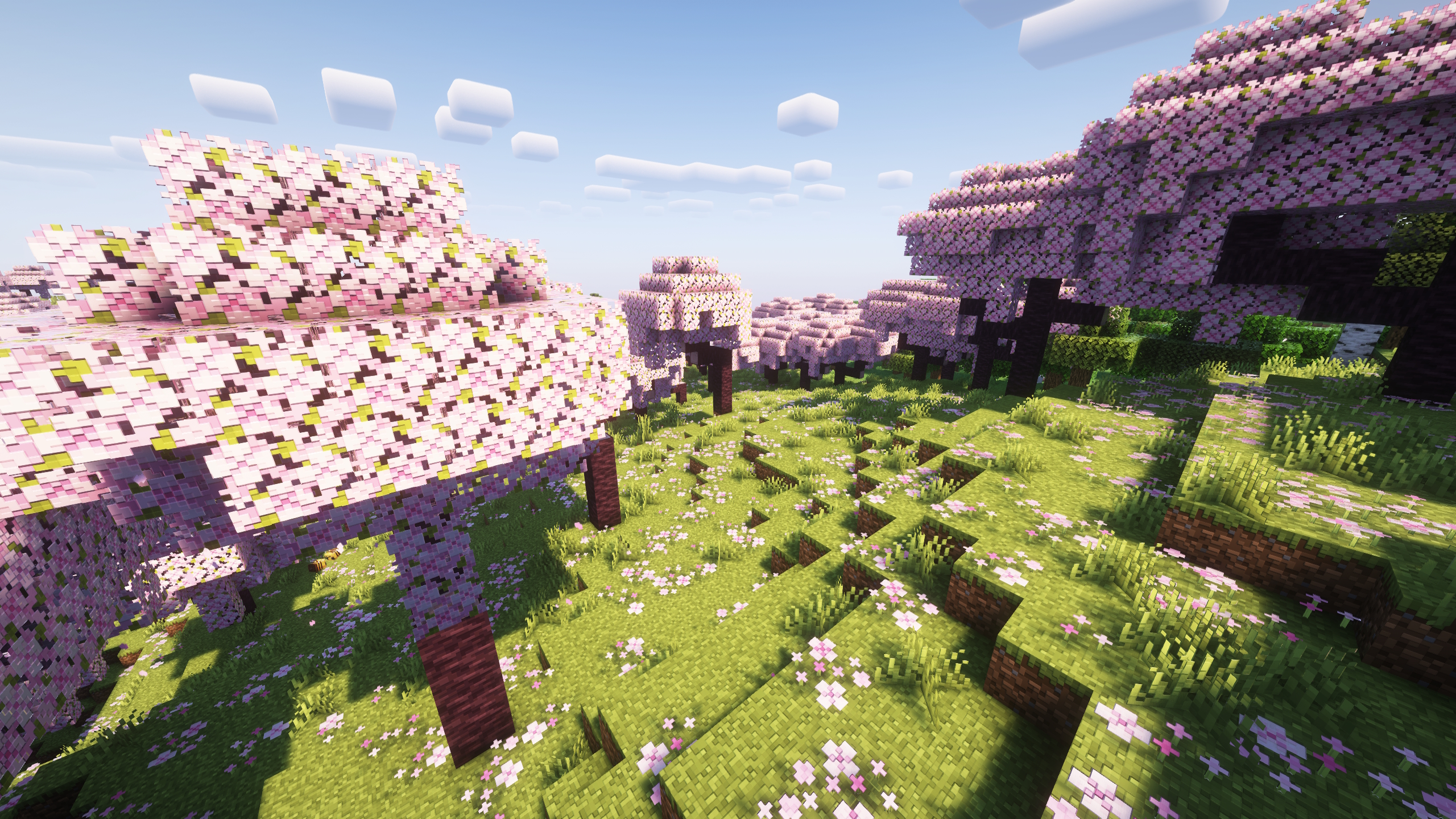
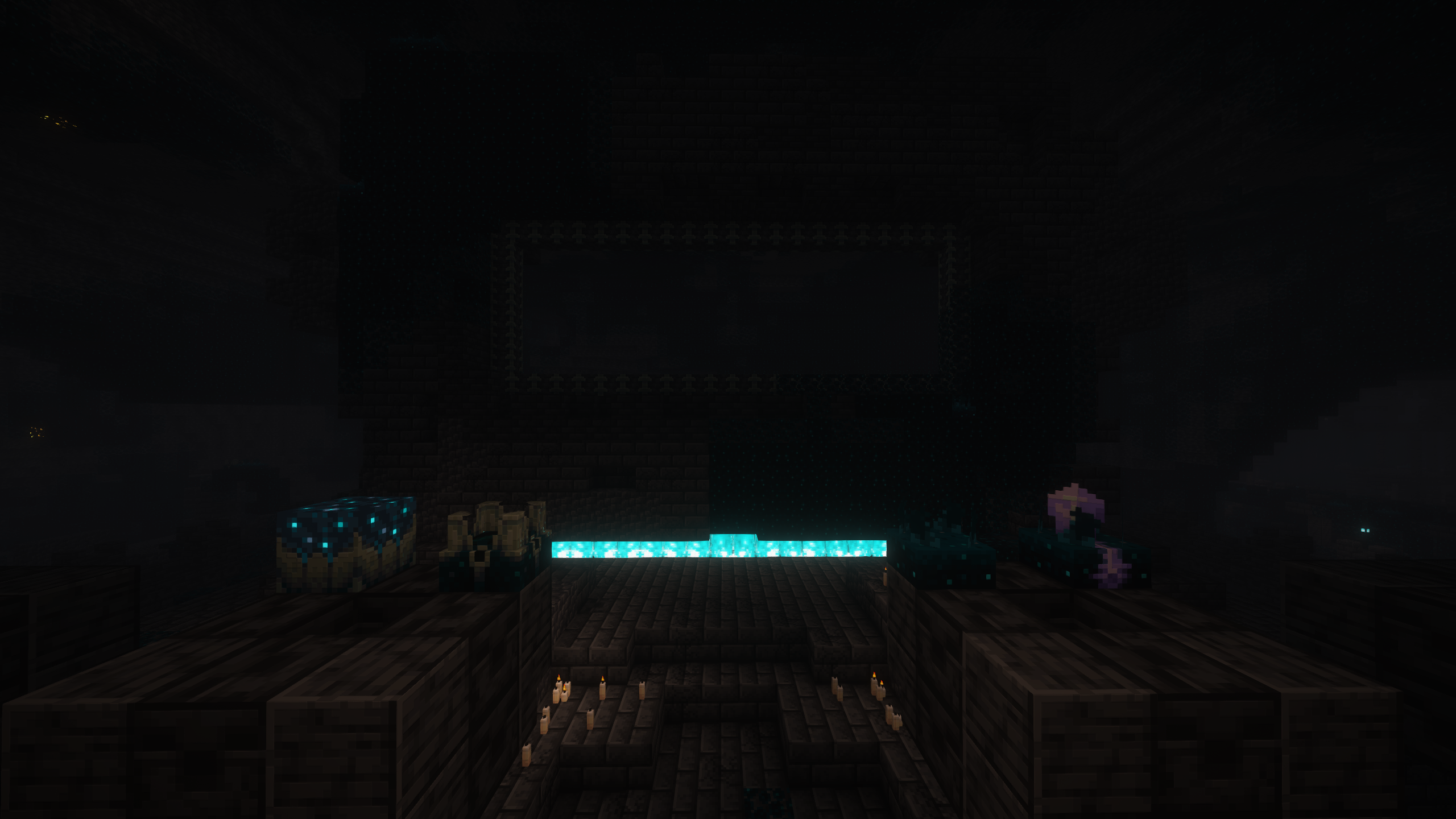
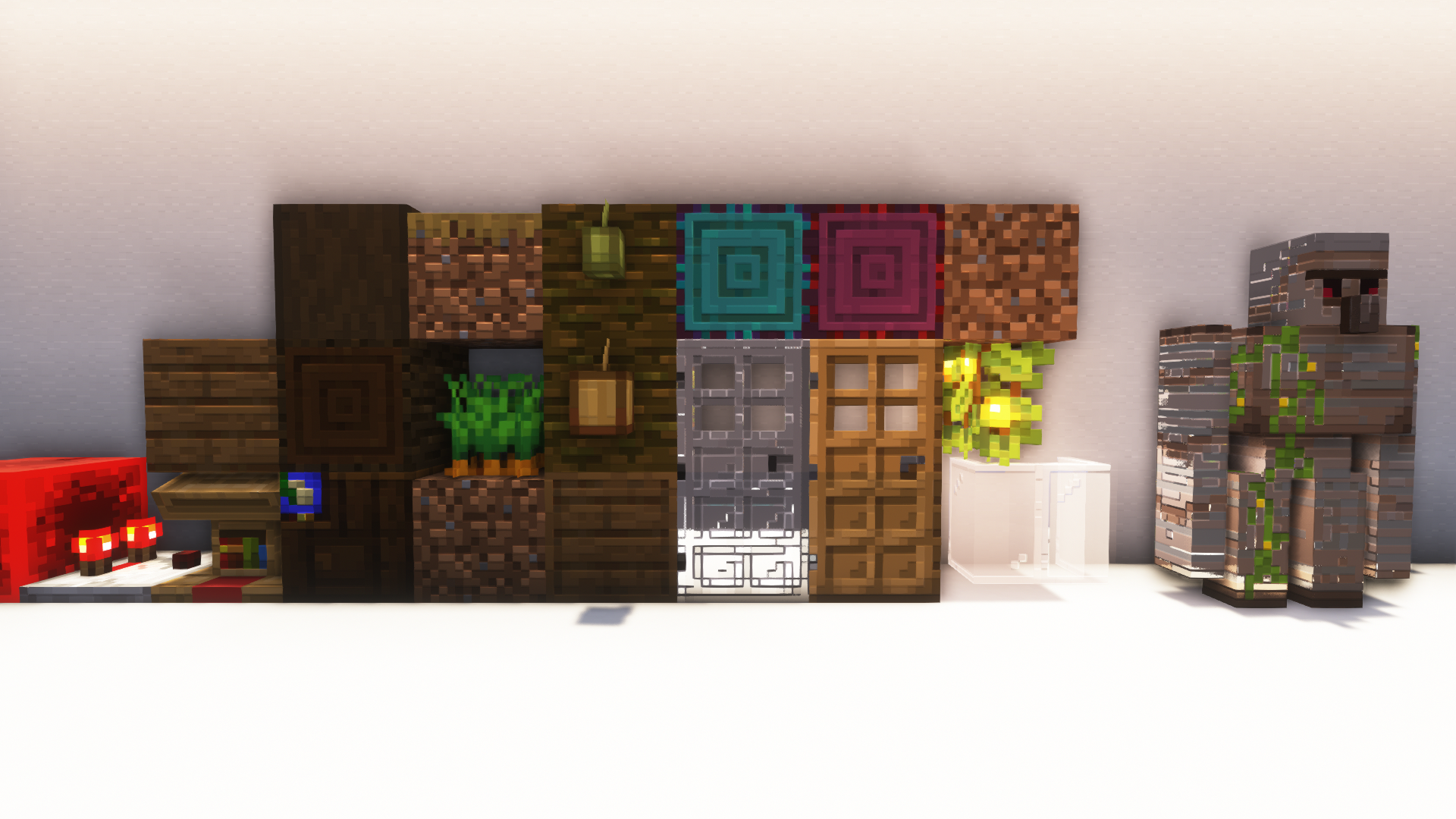
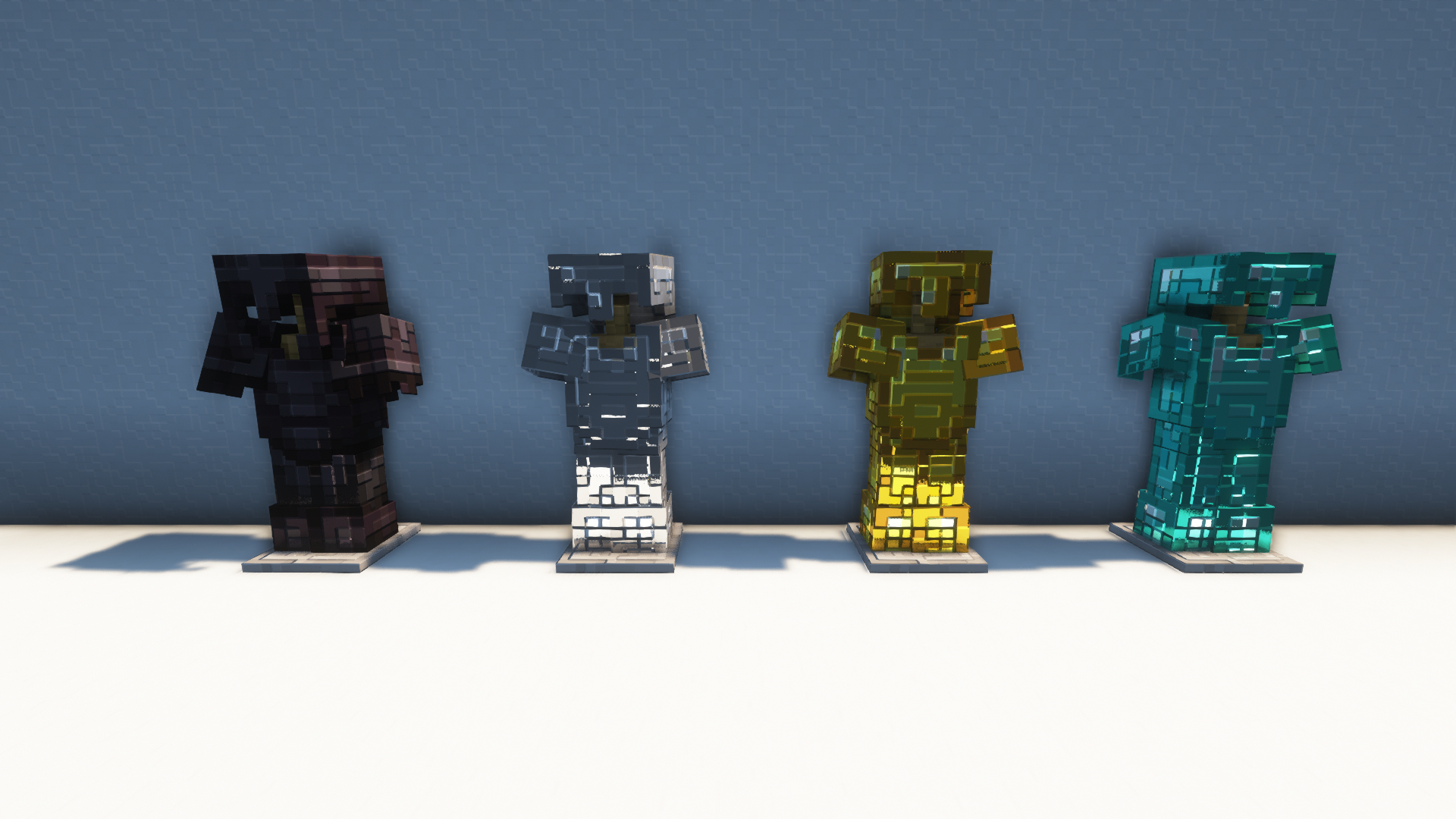
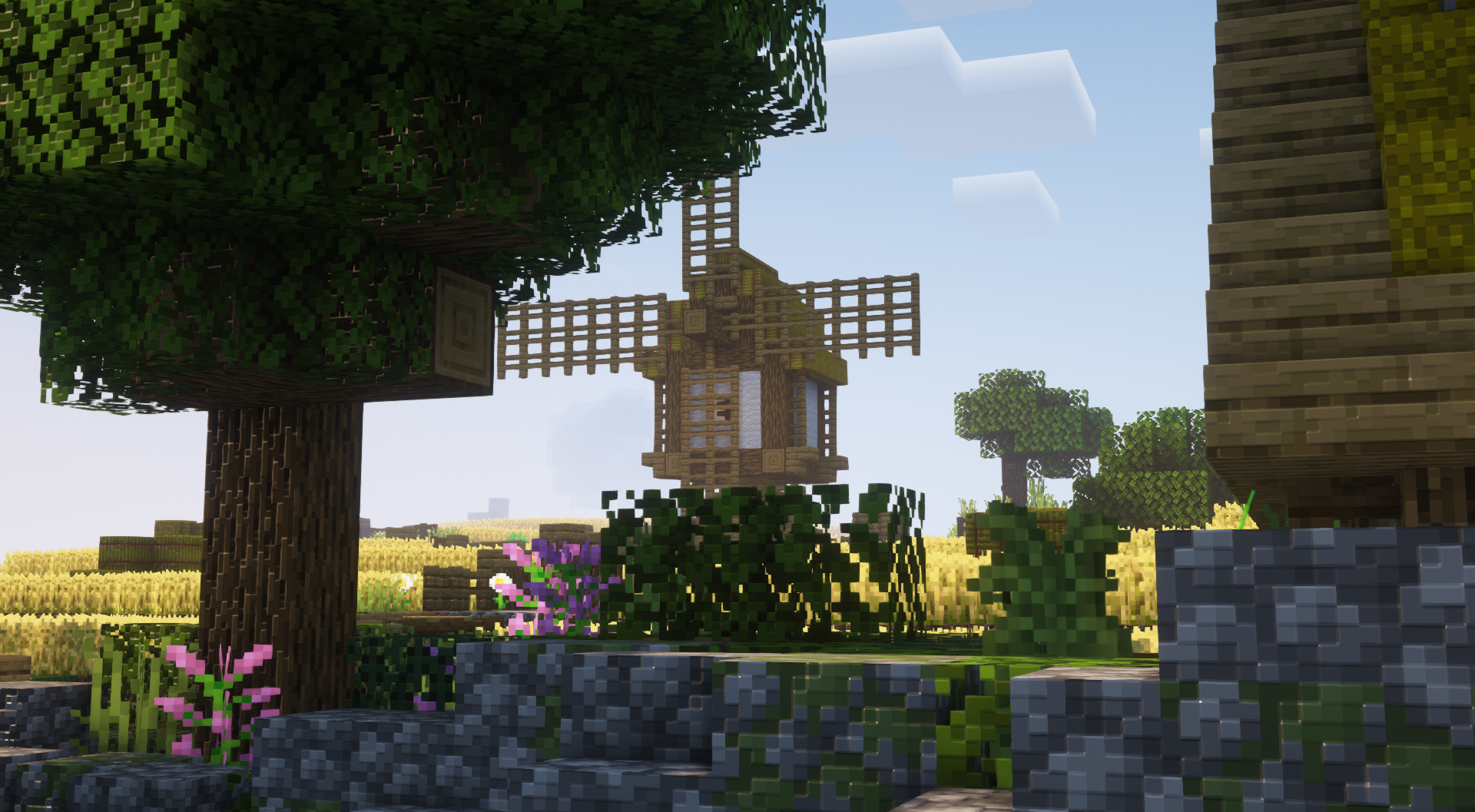
Recreation of Minecraft RTX Bedrock's included 128x pack
by PhoenixAlpha204
Download Claim this project
71,198 downloads
0 likes
0 followers
Updated Oct 14, 2026
0 hypes
Follow0
128x Traditional
Advertisement Remove ads with Premium →

Now also on Modrinth!

Please read the "how do I install it" section! Otherwise the pack won't work correctly.


A resource pack for use with shaders supporting PBR materials. Aims to replicate the 128x pack included with Minecraft RTX for Bedrock, as that pack is encrypted and therefore cannot be converted to Java format for use.

Several packs of this nature are already on the market. So why did I set out to make another, and why should you use it? Well, I have tried all those packs, and all of them lack consistency, correctness (specifically as outlined in this guide), or both. And I grew dissatisfied with having to give the least problematic option to people asking for recommendations. Since this is not a particularly difficult art style to replicate, I felt I could do better, and by taking advantage of batch generation techniques I was able to fully complete all blocks in well under a week.

Note: it's been a couple years since I wrote the above. I am no longer sure of the state of other resource packs. Use whatever you like most!


Which version do I download?

Use the LABpbr version for shaderpacks listed here, otherwise use the OLDpbr version. Both have the pack formats for 1.18, but they should work fine down to 1.13, just ignore the warning. For 1.13 you should resize (see next section) the Jappa textures from 1.14 instead of the old textures from 1.13, as they use the same format the resized pack will still load.


How do I install it? IMPORTANT PLEASE READ

The vanilla textures need to be upscaled to 128x for this to work. I haven't included these, since they technically violate Mojang's EULA. The other aforementioned packs do, so Mojang apparently doesn't care about enforcement, but I want to err on the careful side. The recommended way to get these is to use this script which was kindly made for me by Bálint (you can find his work here, if you want you can try this pack with his shaders by running it through his converter). Unzip the download, run the bat file for Windows or sh for macOS/Linux, use 8 for the upscaling factor, and paste the resulting zip in your resourcepacks folder. You can load this pack above or below mine, it doesn't matter.


Why is it called Weed Eater?

It's parodying this meme. See also my pack description, "in the future, resource packs will be automatically generated!"

WEED EATER 128x (LABpbr) 1.20.zip
MC 1.16-Snapshot, 1.17.1, 1.16.3, 1.13.1, 1.19.3, 1.20.2, 1.15-Snapshot, 1.16.1, 1.18.1, 1.19.4-Snapshot, 1.14.4, 1.14.1, 1.12.1, 1.17, 1.12, 1.20.2-Snapshot, 1.14.3, 1.15, 1.16
Release 2023-12-28 Get
WEED EATER 128x (OLDpbr) 1.20.zip
MC 1.16-Snapshot, 1.17.1, 1.16.3, 1.13.1, 1.19.3, 1.20.2, 1.15-Snapshot, 1.16.1, 1.18.1, 1.19.4-Snapshot, 1.14.4, 1.14.1, 1.12.1, 1.17, 1.12, 1.20.2-Snapshot, 1.14.3, 1.15, 1.16
Beta 2023-12-28 Get
WEED EATER 128x (LABpbr) 1.19.zip
MC 1.16-Snapshot, 1.17.1, 1.16.3, 1.13.1, 1.15-Snapshot, 1.16.1, 1.18.1, 1.14.4, 1.14.1, 1.12.1, 1.17, 1.12, 1.14.3, 1.15, 1.16, 1.13, 1.16.5, 1.15.2, 1.14, 1.17-Snapshot, 1.18
Release 2022-02-20 Get
WEED EATER 128x (OLDpbr) 1.19.zip
MC 1.16-Snapshot, 1.17.1, 1.16.3, 1.13.1, 1.15-Snapshot, 1.16.1, 1.18.1, 1.14.4, 1.14.1, 1.12.1, 1.17, 1.12, 1.14.3, 1.15, 1.16, 1.13, 1.16.5, 1.15.2, 1.14, 1.17-Snapshot, 1.18
Beta 2022-02-20 Get
WEED EATER 128x (LABpbr) 1.18c.zip
MC 1.16-Snapshot, 1.17.1, 1.16.3, 1.13.1, 1.15-Snapshot, 1.16.1, 1.14.4, 1.14.1, 1.17, 1.14.3, 1.15, 1.16, 1.13, 1.16.5, 1.15.2, 1.14, 1.17-Snapshot, 1.16.4, 1.14.2, 1.18-Snapshot
Release 2021-11-28 Get
WEED EATER 128x (OLDpbr) 1.18c.zip
MC 1.16-Snapshot, 1.17.1, 1.16.3, 1.13.1, 1.15-Snapshot, 1.16.1, 1.14.4, 1.14.1, 1.17, 1.14.3, 1.15, 1.16, 1.13, 1.16.5, 1.15.2, 1.14, 1.17-Snapshot, 1.16.4, 1.14.2, 1.18-Snapshot
Beta 2021-11-28 Get
WEED EATER 128x (LABpbr) 1.18b.zip
MC 1.16-Snapshot, 1.17.1, 1.16.3, 1.13.1, 1.15-Snapshot, 1.16.1, 1.14.4, 1.14.1, 1.17, 1.14.3, 1.15, 1.16, 1.13, 1.16.5, 1.15.2, 1.14, 1.17-Snapshot, 1.16.4, 1.14.2, 1.18-Snapshot
Release 2021-11-19 Get
WEED EATER 128x (OLDpbr) 1.18b.zip
MC 1.16-Snapshot, 1.17.1, 1.16.3, 1.13.1, 1.15-Snapshot, 1.16.1, 1.14.4, 1.14.1, 1.17, 1.14.3, 1.15, 1.16, 1.13, 1.16.5, 1.15.2, 1.14, 1.17-Snapshot, 1.16.4, 1.14.2, 1.18-Snapshot
Beta 2021-11-19 Get
WEED EATER 128x (LABpbr) 1.18.zip
MC 1.16-Snapshot, 1.17.1, 1.16.3, 1.13.1, 1.15-Snapshot, 1.16.1, 1.14.4, 1.14.1, 1.17, 1.14.3, 1.15, 1.16, 1.13, 1.16.5, 1.15.2, 1.14, 1.17-Snapshot, 1.16.4, 1.14.2, 1.18-Snapshot
Release 2021-11-18 Get
WEED EATER 128x (OLDpbr) 1.18.zip
MC 1.16-Snapshot, 1.17.1, 1.16.3, 1.13.1, 1.15-Snapshot, 1.16.1, 1.14.4, 1.14.1, 1.17, 1.14.3, 1.15, 1.16, 1.13, 1.16.5, 1.15.2, 1.14, 1.17-Snapshot, 1.16.4, 1.14.2, 1.18-Snapshot
Beta 2021-11-18 Get
WEED EATER 128x (LABpbr) 1.17.zip
MC 1.16-Snapshot, 1.17.1, 1.16.3, 1.13.1, 1.15-Snapshot, 1.16.1, 1.14.4, 1.14.1, 1.17, 1.14.3, 1.15, 1.16, 1.13, 1.16.5, 1.15.2, 1.14, 1.17-Snapshot, 1.16.4, 1.14.2, 1.16.2
Release 2021-07-15 Get
WEED EATER 128x (OLDpbr) 1.17.zip
MC 1.16-Snapshot, 1.17.1, 1.16.3, 1.13.1, 1.15-Snapshot, 1.16.1, 1.14.4, 1.14.1, 1.17, 1.14.3, 1.15, 1.16, 1.13, 1.16.5, 1.15.2, 1.14, 1.17-Snapshot, 1.16.4, 1.14.2, 1.16.2
Beta 2021-07-15 Get
arr tee ecks 128x (LABpbr) 1.17.zip
MC 1.16-Snapshot, 1.17.1, 1.16.3, 1.13.1, 1.15-Snapshot, 1.16.1, 1.14.4, 1.14.1, 1.17, 1.14.3, 1.15, 1.16, 1.13, 1.16.5, 1.15.2, 1.14, 1.17-Snapshot, 1.16.4, 1.14.2, 1.16.2
Release 2021-07-12 Get
arr tee ecks 128x (OLDpbr) 1.17.zip
MC 1.16-Snapshot, 1.17.1, 1.16.3, 1.13.1, 1.15-Snapshot, 1.16.1, 1.14.4, 1.14.1, 1.17, 1.14.3, 1.15, 1.16, 1.13, 1.16.5, 1.15.2, 1.14, 1.17-Snapshot, 1.16.4, 1.14.2, 1.16.2
Beta 2021-07-12 Get

Requirements & install

How to use this resource pack in Minecraft
Resolution
128x
Minecraft
1.17.1 – 1.20.2
Install folder
.minecraft/resourcepacks

How to install resource packs

  1. Download the resource pack .zip file (do not extract it).
  2. In Minecraft open Options → Resource Packs → Open Pack Folder.
  3. Drop the .zip into the resourcepacks folder (.minecraft/resourcepacks).
  4. Move the pack to the Selected column and click Done.

Packs from 128x upwards need more video memory: install a performance mod such as Sodium for smooth frame rates.

Browse more: 16x resource packs 32x resource packs 64x resource packs 128x resource packs 256x resource packs 512x+ resource packs Resource Packs for 1.20.2 All resource packs

More from PhoenixAlpha204

Advertisement Remove ads with Premium →

You Might Also Like