Mineuniverse
Resource Packs
WardenGirl

WardenGirl

RESOURCE PACK
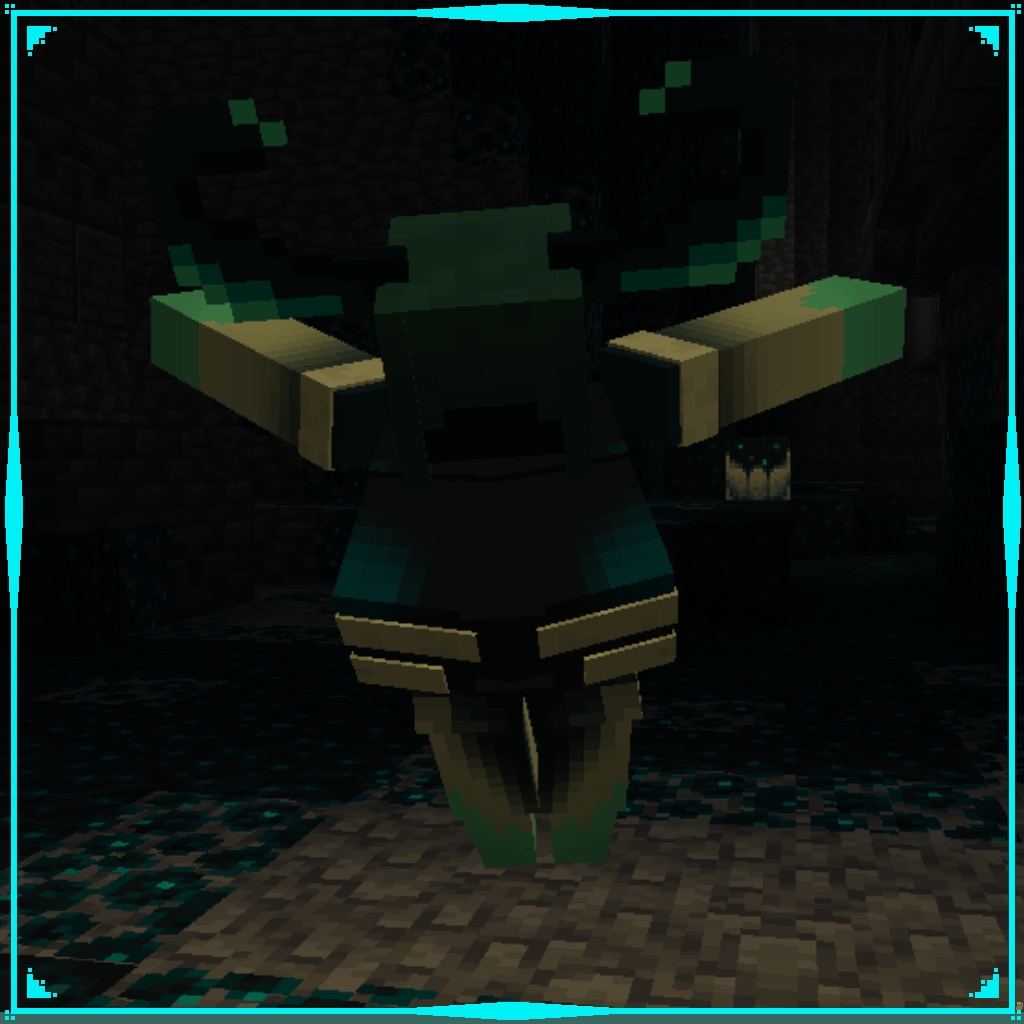
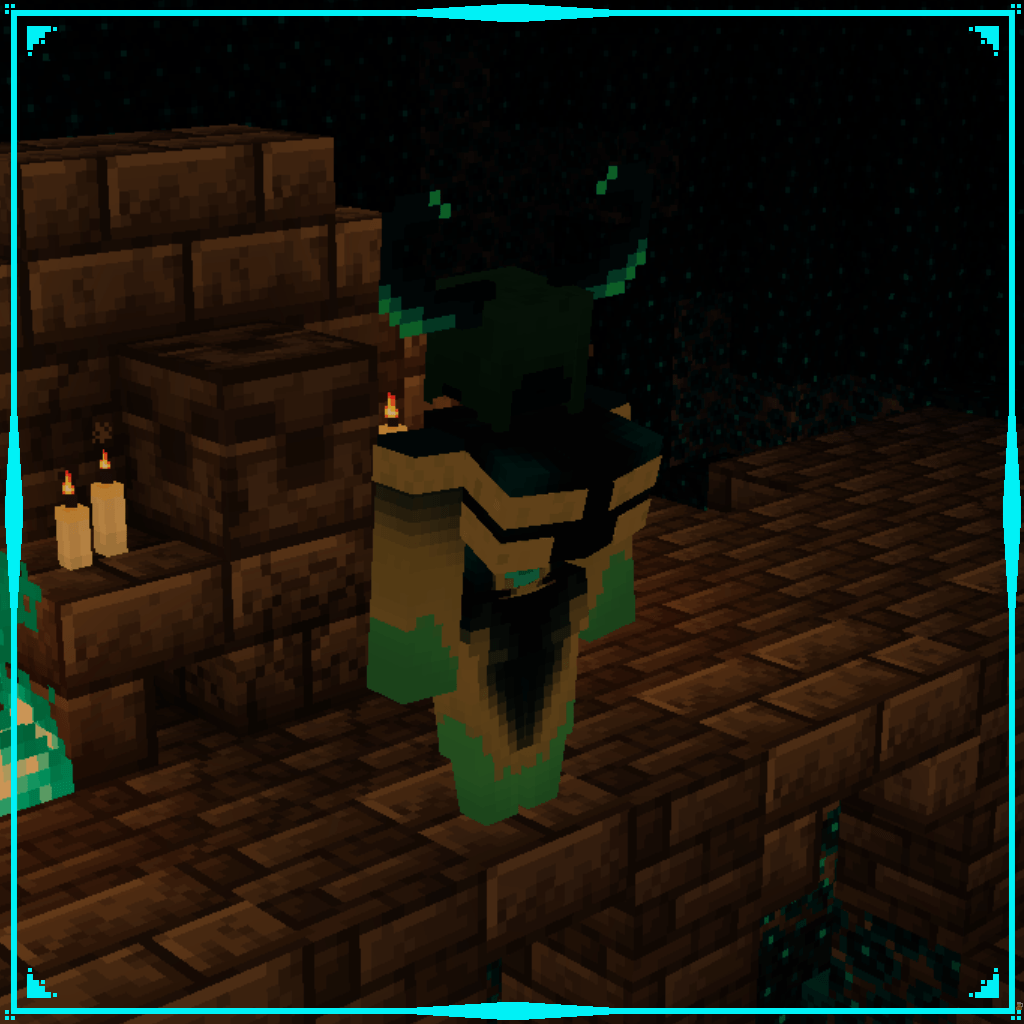
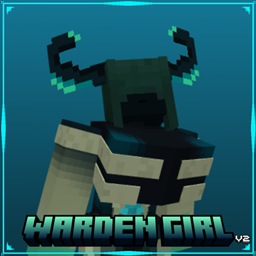
A cute female redesign for the Warden
by Pato_taza
Download Claim this project
2,918 downloads
0 likes
0 followers
Updated Oct 14, 2026
0 hypes
Follow0
16x
Advertisement Remove ads with Premium →

Transform the deep dark's silent hunter into a beautifully redesigned female Warden, featuring a custom 3D model and hand-painted textures with a glowing, sculk-inspired look. Designed to fit naturally within Minecraft's vanilla dark aesthetic while adding a fresh and elegant silhouette.

This resource pack requires support for Custom Entity Models (CEM). You can use a compatible version of OptiFine, or install the Entity Texture Features (ETF) and Entity Model Features (EMF) mods to ensure the custom model and textures work correctly.

WardenGirl_1.21.x_V2x.zip
MC 1.21, 1.21.8, 1.21.5, 1.21.4, 1.21.1, 1.21.6, 1.21.3, 1.21.7, 1.21.2, 1.21.9, 1.21.10, 1.21.11
Release 2026-09-23 Get
WardenGirl_26.x_V2.zip
MC 26.1, 26.1.1, 26.1.2, 26.2, 26.3
Release 2026-09-23 Get
WardenGirl_26x.zip
MC 26.1, 26.1.1, 26.1.2, 26.2
Release 2026-07-25 Get
WardenGirl_1.21.x.zip
MC 1.21, 1.21.8, 1.21.5, 1.21.4, 1.21.1, 1.21.6, 1.21.3, 1.21.7, 1.21.2, 1.21.9, 1.21.10, 1.21.11
Release 2026-07-25 Get

Requirements & install

How to use this resource pack in Minecraft
Resolution
16x
Minecraft
1.21.9 – 26.3
Install folder
.minecraft/resourcepacks

How to install resource packs

  1. Download the resource pack .zip file (do not extract it).
  2. In Minecraft open Options → Resource Packs → Open Pack Folder.
  3. Drop the .zip into the resourcepacks folder (.minecraft/resourcepacks).
  4. Move the pack to the Selected column and click Done.
Browse more: 16x resource packs 32x resource packs 64x resource packs 128x resource packs 256x resource packs 512x+ resource packs Resource Packs for 26.3 All resource packs

More from Pato_taza

Advertisement Remove ads with Premium →

You Might Also Like