Mineuniverse
Resource Packs
Waivor's Melee & Tools

Waivor's Melee & Tools

RESOURCE PACK
A rework of weapons and tools to give them an updated feel.
by Waivor2025
Download Claim this project
139 downloads
0 likes
0 followers
Updated Oct 14, 2026
0 hypes
Follow0
16x Miscellaneous Traditional
Advertisement Remove ads with Premium →

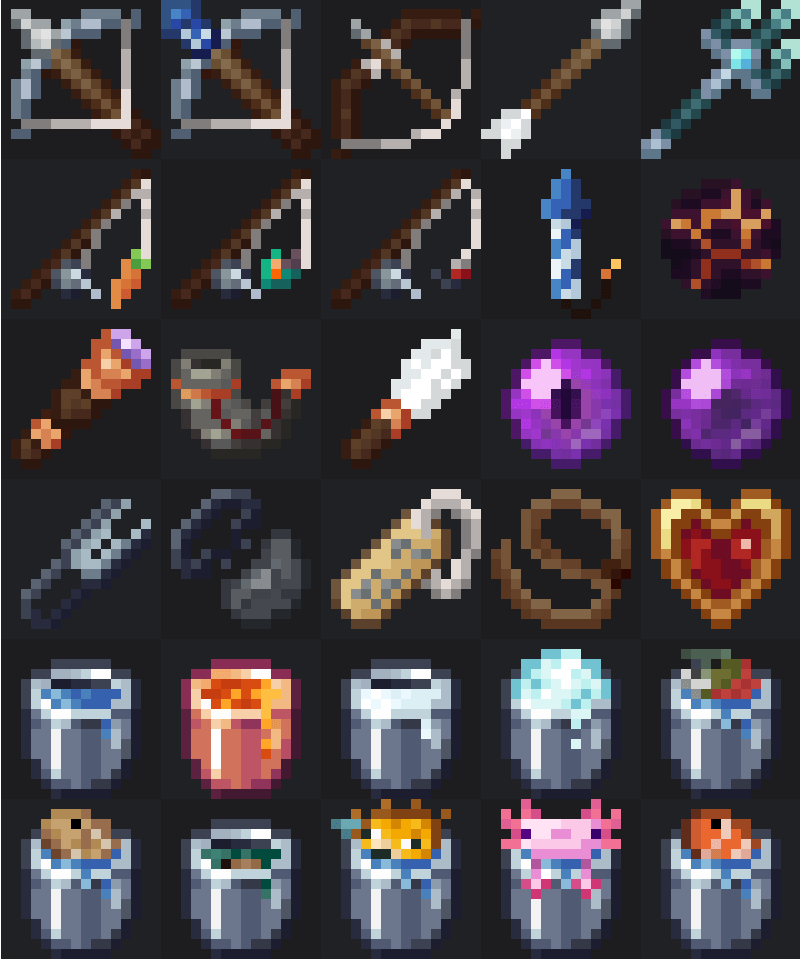
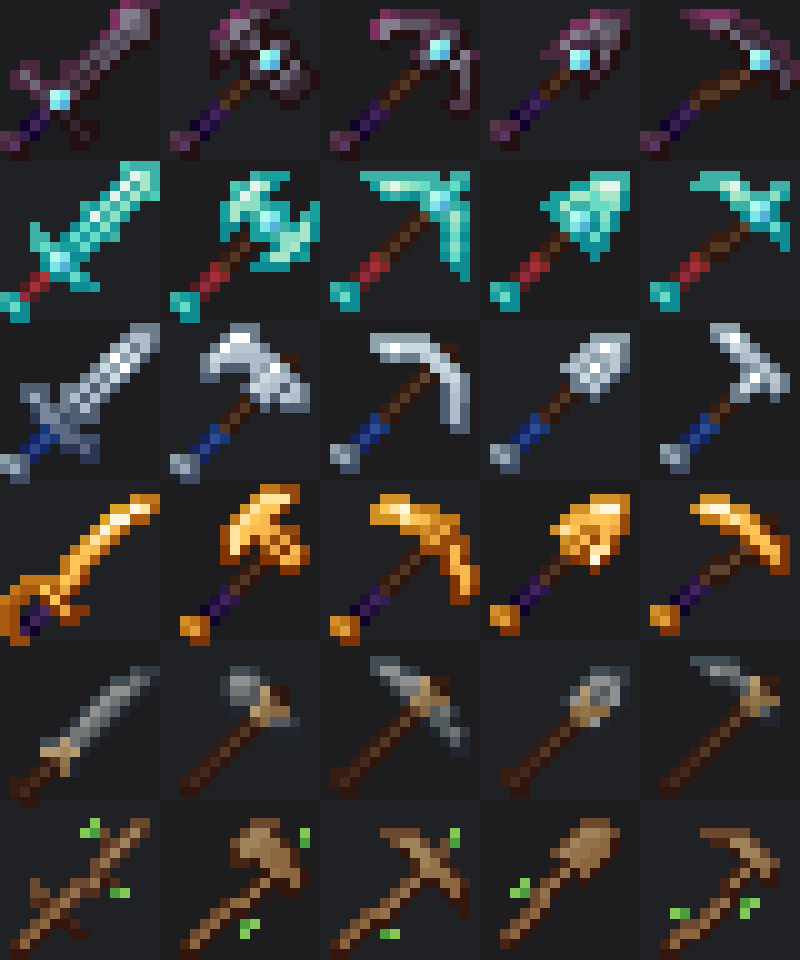
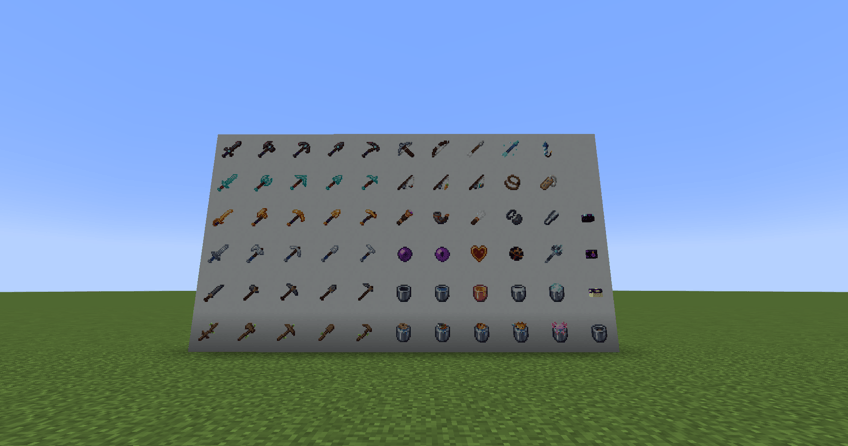
Waivor’s Melee Tools Pack reimagines Minecraft’s classic weapons and tools with a fresh, detailed look while preserving the game’s original charm. This pack focuses on enhancing the visual style of melee weapons, tools, and a few iconic blocks to make your world feel sharper, cleaner, and more immersive.

Features

Redesigned textures for all melee weapons and tools (swords, axes, pickaxes, etc.)

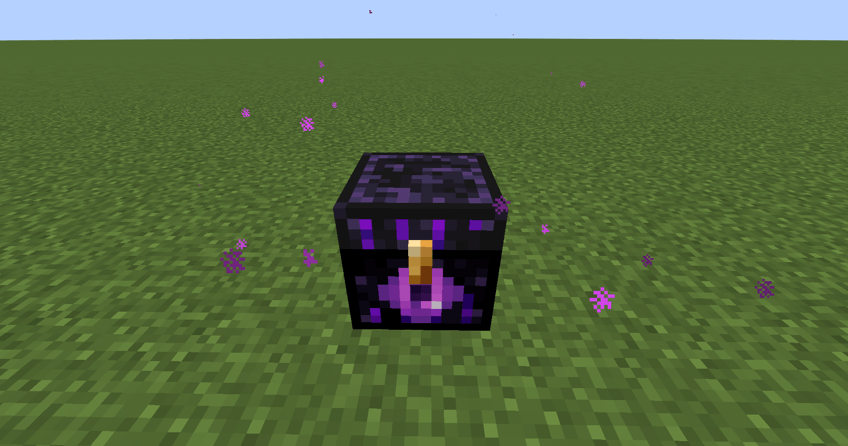
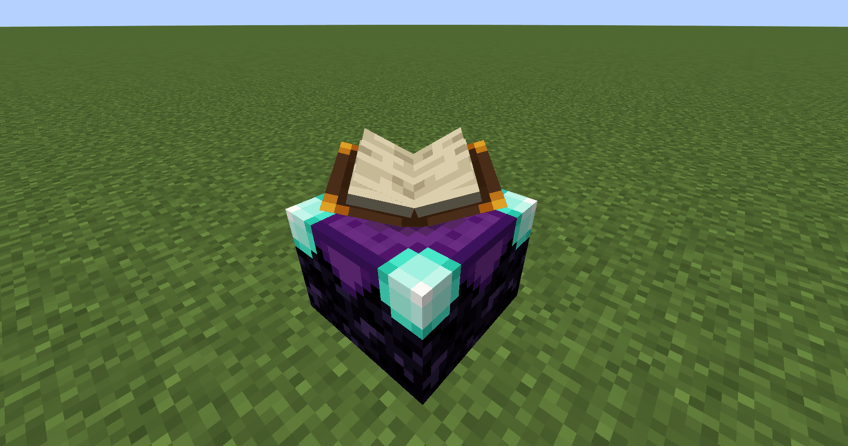
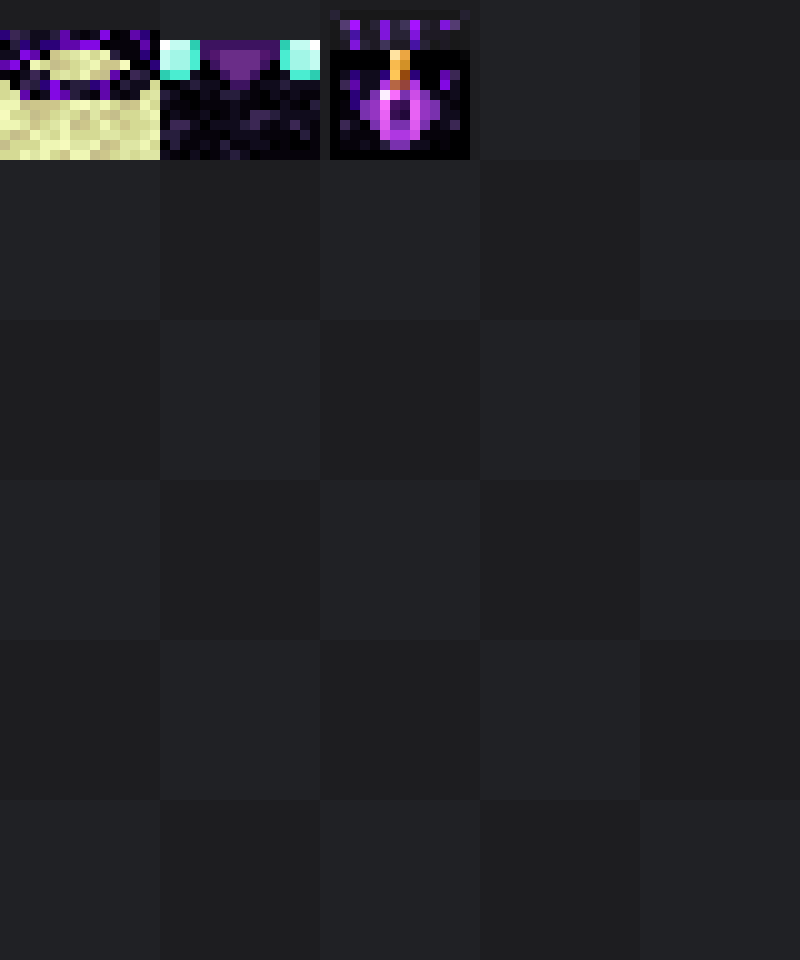
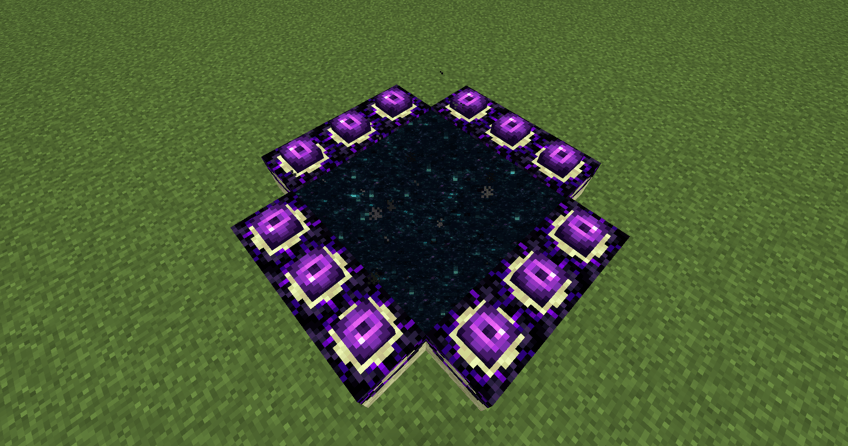
Custom retextures for select blocks, including the enchantment table, end portal frame, and ender chest

Fully compatible with Minecraft 1.20.1+

Works seamlessly with shaders and other vanilla-style packs

No gameplay or mechanic changes — purely visual

Purpose

This pack is perfect for players who want refined visuals without straying too far from vanilla Minecraft’s style. Every design was made to feel familiar yet noticeably upgraded — ideal for survival worlds, builds, or PVP.
 

Waivor's Melee & Tools.zip
MC 1.20.1, 1.20
Release 2025-10-19 Get

Requirements & install

How to use this resource pack in Minecraft
Resolution
16x
Minecraft
1.20 – 1.20.1
Install folder
.minecraft/resourcepacks

How to install resource packs

  1. Download the resource pack .zip file (do not extract it).
  2. In Minecraft open Options → Resource Packs → Open Pack Folder.
  3. Drop the .zip into the resourcepacks folder (.minecraft/resourcepacks).
  4. Move the pack to the Selected column and click Done.
Browse more: 16x resource packs 32x resource packs 64x resource packs 128x resource packs 256x resource packs 512x+ resource packs Resource Packs for 1.20.1 All resource packs
Advertisement Remove ads with Premium →

You Might Also Like