Mineuniverse
Resource Packs
Wagi's Furry Agent

Wagi's Furry Agent

RESOURCE PACK
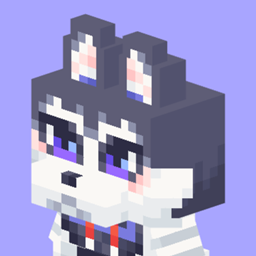
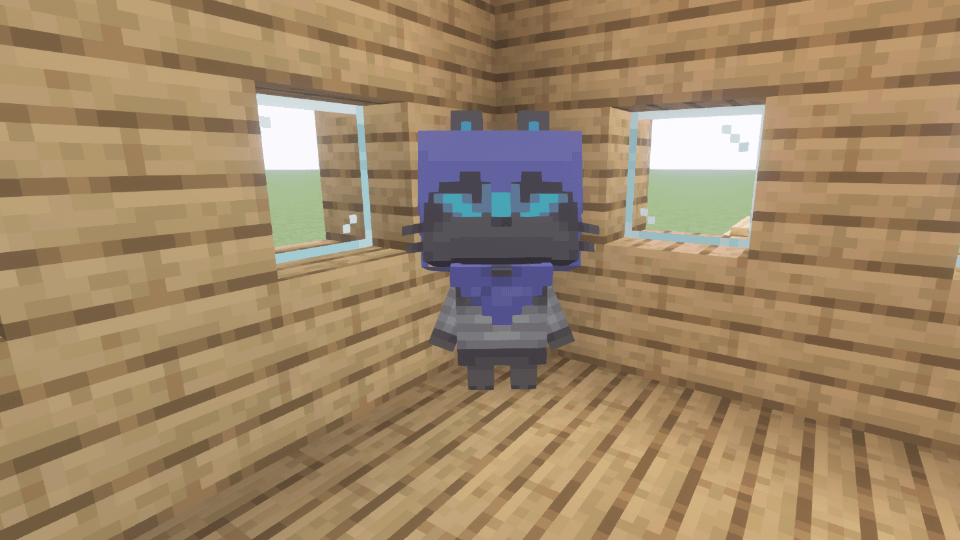
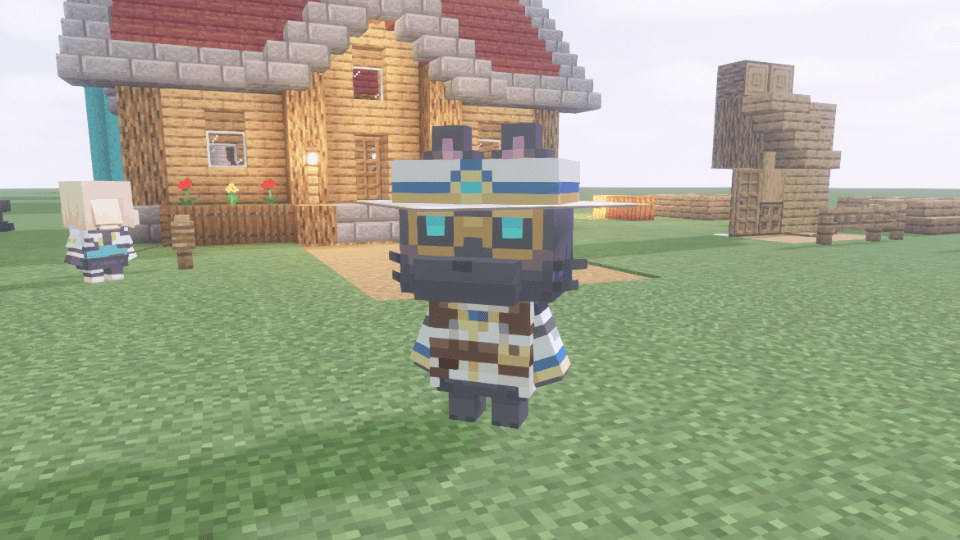
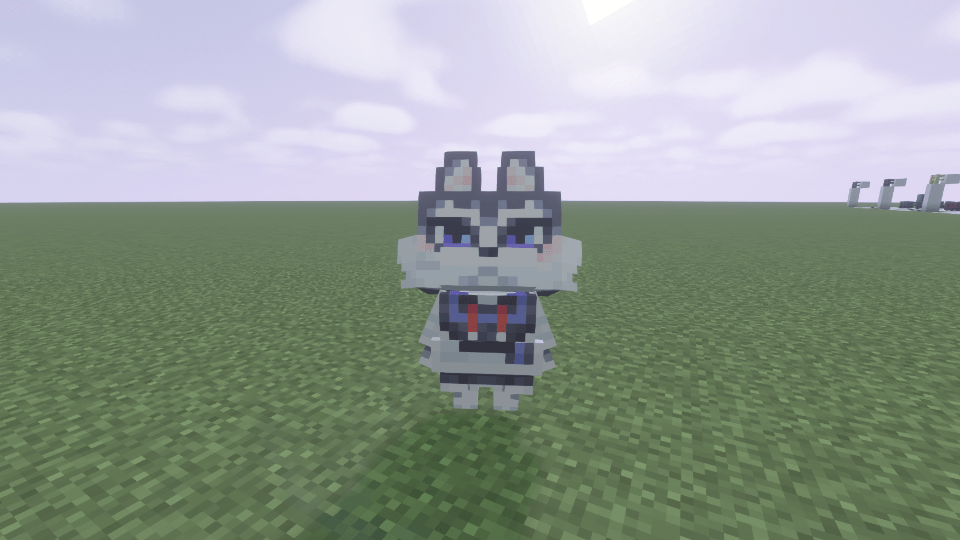
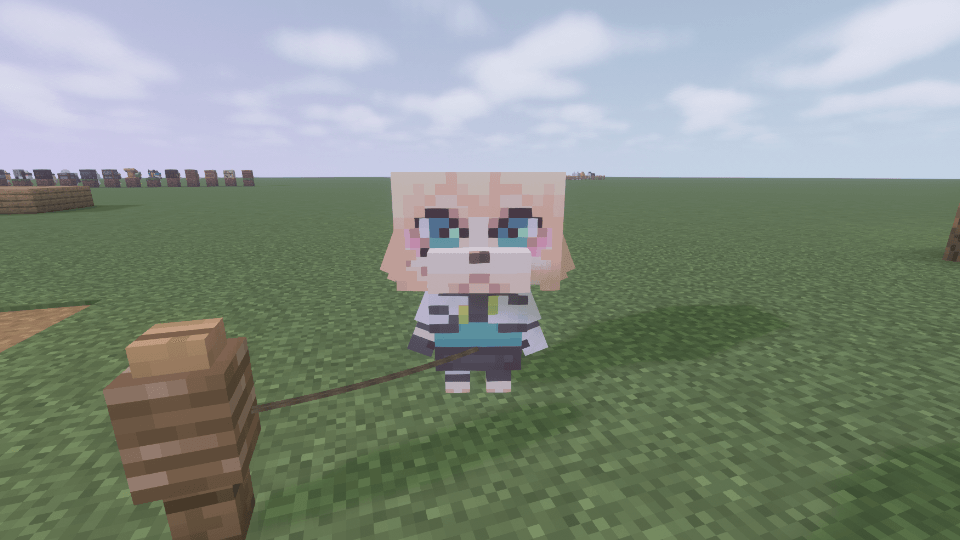
Changes the appearance of wolves into hungry agent.
by ktwg31
Download Claim this project
Add a badge to your pageLink to Wagi's Furry Agent from a README, website or forum post.
Preview: Badge

Badges update automatically and link to the resource pack page on MineUniverse.

881 downloads
0 likes
0 followers
Updated Oct 14, 2026
0 hypes
Follow0
16x Miscellaneous
Advertisement Remove ads with Premium →

English Description

About

This resource pack changes the appearance of wolves when given a specific name.
This resource pack requires ETF, EMF, and ESF to function.

How to Name

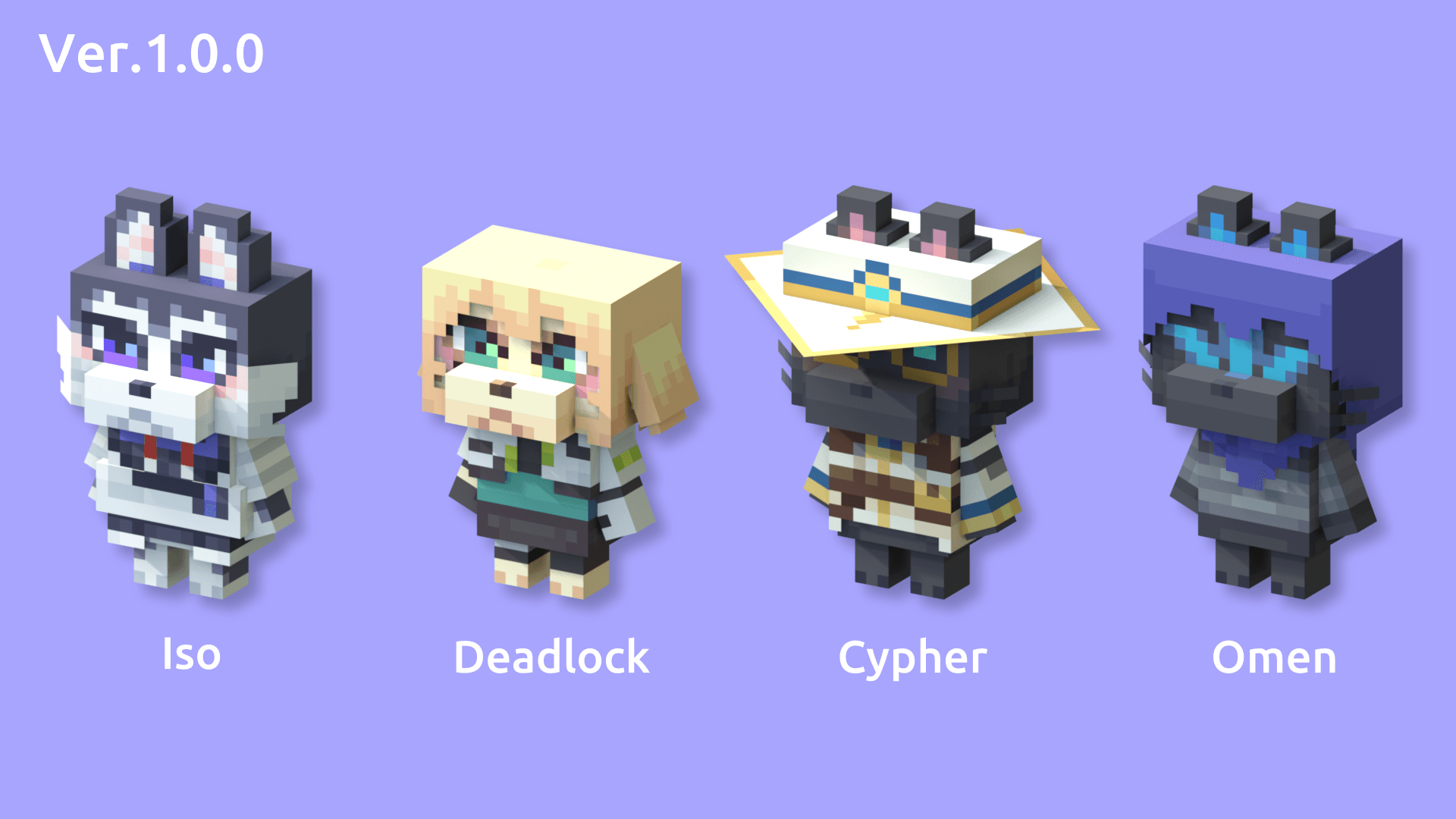
The appearance changes depending on the codename you give each agent, regardless of case.
Please check the gallery images for implemented agents.

Q&A

  • Can I include this resource pack in a mod pack?
    • Yes. You are free to include it in a mod pack and publish it.
  • Can I publish or stream videos using this resource pack on a monetized channel?
    • Yes. You are free to publish videos or live stream yourself playing, regardless of whether your channel is monetized or not.

Live development on Twitch.
Update information is available on YouTube.


Japanese Description

このリソースパックについて

オオカミに特定の名前を付けた時の見た目を変更します。
このリソースパックを動作させるには、ETFと EMF、ESFを必要とします。

名前の付け方

大文字小文字の区別なく、各エージェントのコードネームを付けることで、見た目が変化します。
実装済みのエージェントは、ギャラリーの画像をご確認ください。

Q&A

  • このリソースパックをModパックに含めることはできますか。
    • はい。自由にModパックに含めて公開することができます。
  • このリソースパックを使用した動画を収益化したチャンネルで公開したり、配信したりできますか。
    • はい。チャンネルが収益化しているかどうかに関わらず、自由に動画を公開したり、遊んでいる様子をライブ配信することができます。

制作風景はTwitchで配信中です。
更新情報はYouTubeでご覧いただけます。

Wagi's Furry Agent v1.0.0.zip
MC 1.21, 1.19.3, 1.20.2, 1.19.4, 1.21.8, 1.20.5, 1.21.5, 1.21.4, 1.20.1, 1.20, 1.20.6, 1.21.1, 1.21.6, 1.21.3, 1.21.7, 1.20.4, 1.18.2, 1.19.2, 1.20.3, 1.21.2, 1.21.9, 1.21.10
Release 2026-04-16 Get

Requirements & install

How to use this resource pack in Minecraft
Resolution
16x
Minecraft
1.21.3 – 1.21.10
Install folder
.minecraft/resourcepacks

How to install resource packs

  1. Download the resource pack .zip file (do not extract it).
  2. In Minecraft open Options → Resource Packs → Open Pack Folder.
  3. Drop the .zip into the resourcepacks folder (.minecraft/resourcepacks).
  4. Move the pack to the Selected column and click Done.
Browse more: 16x resource packs 32x resource packs 64x resource packs 128x resource packs 256x resource packs 512x+ resource packs Resource Packs for 1.21.10 All resource packs

More from ktwg31

Advertisement Remove ads with Premium →

You Might Also Like