📜ABOUT
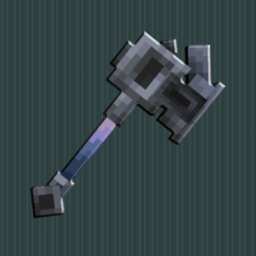
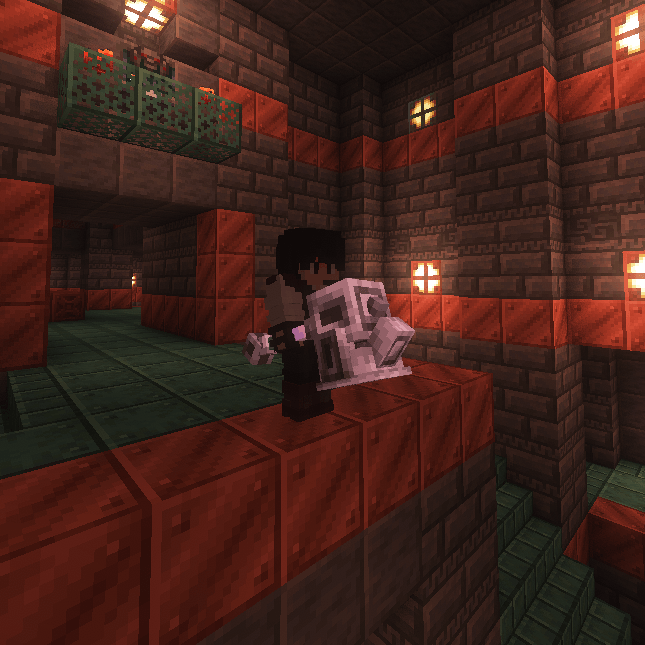
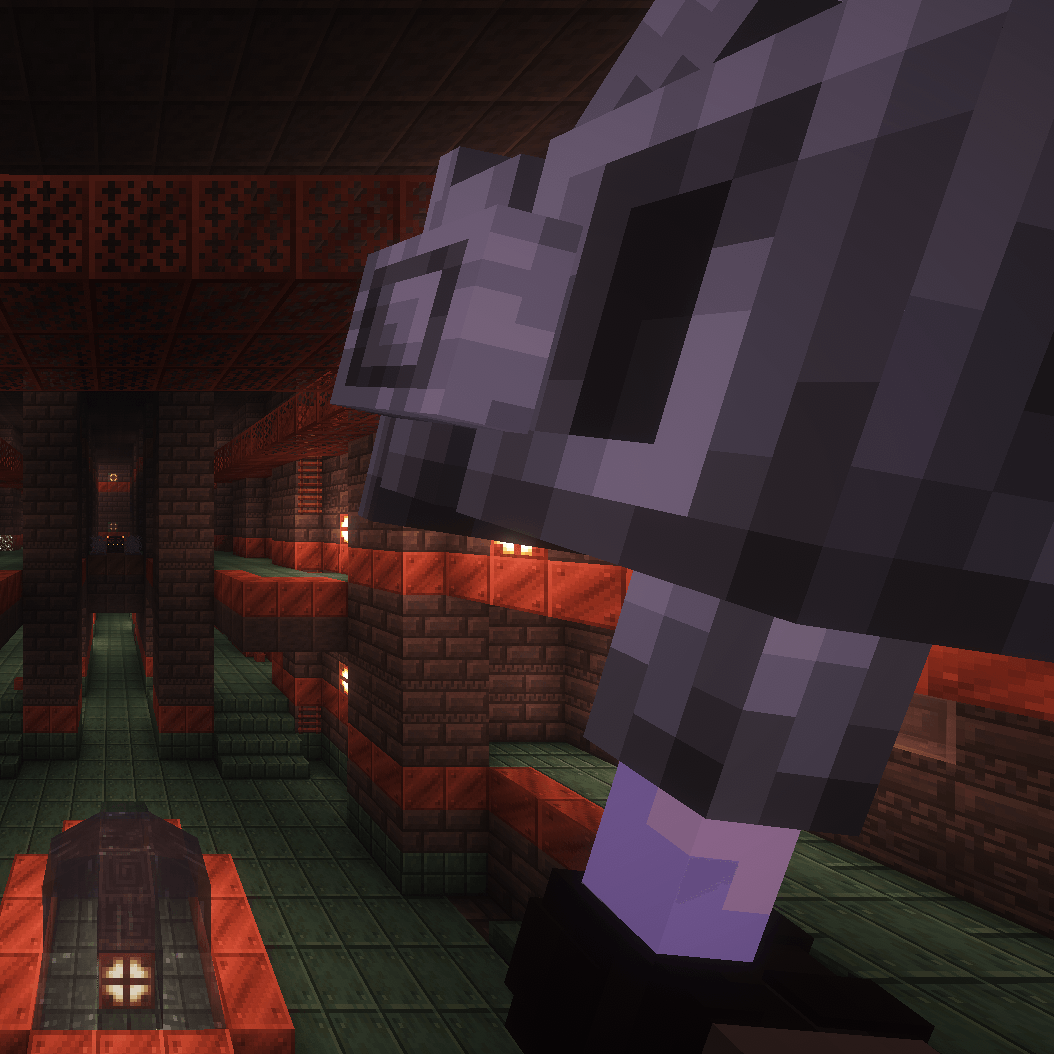
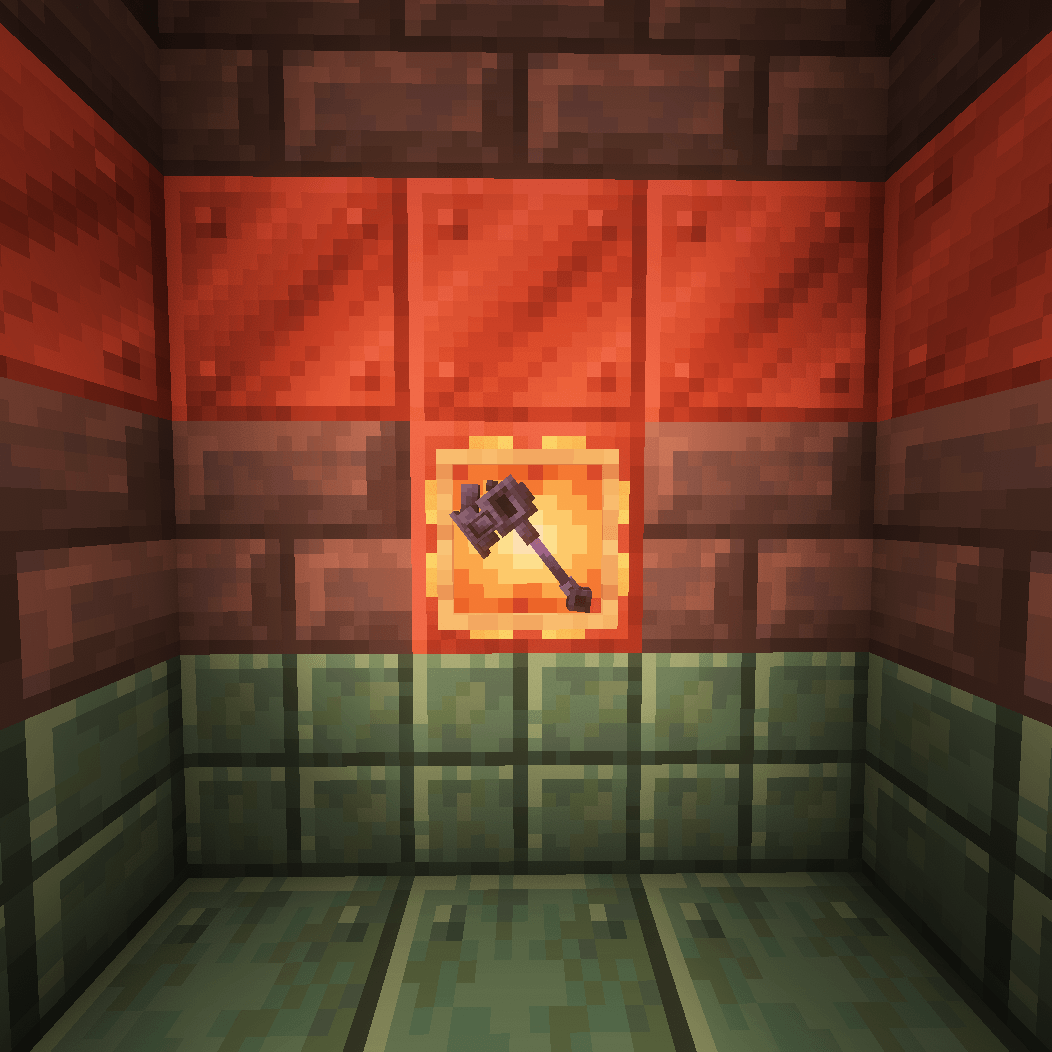
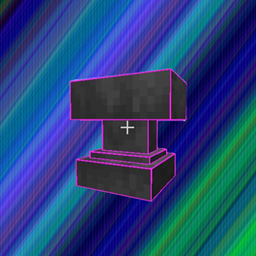
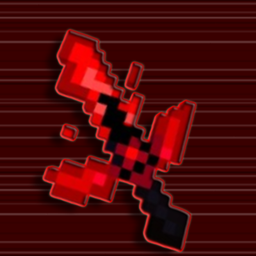
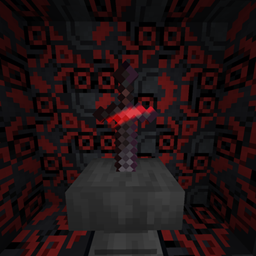
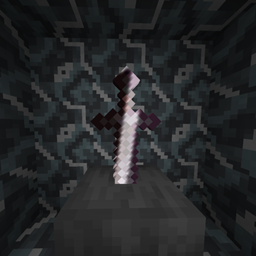
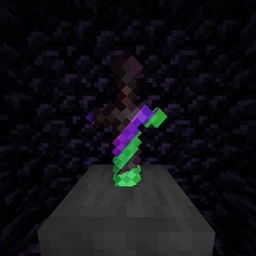
This Resource Pack turns Minecraft 2D MACE into a Realistic 3D MACE!
📜 Terms of Use & Permissions
COPYRIGHT
"Vuzj's 3D MACE" is a custom resource pack created independently by Vuzj. By downloading, installing, or using this resource pack, you agree to these terms.
✔️ Permissions
You may:
Download and use this resource pack for personal gameplay in single-player or multiplayer worlds.
Modify this resource pack for personal, private use only.
Include this resource pack in Modrinth modpacks.
Use this resource pack on Minecraft servers, provided it is not distributed as a separate public download.
Use this resource pack in videos, livestreams, screenshots, or other media, including monetized content.
❌ Restrictions
You may not:
Claim ownership of this resource pack or its assets.
Redistribute, reupload, or republish this resource pack or its assets, except as permitted in the Permissions section.
Extract, copy, or use any 3D models, textures, or files from this pack in your own public resource packs or projects.
Use this resource pack or its assets for commercial purposes or place it behind a paywall.
DISCLAIMER
This resource pack is provided "as is" without warranty of any kind. This project is not affiliated with Mojang AB or Microsoft Corporation.**
_Copyright (c) 2026 Vuzj. All rights reserved. _