Mineuniverse
Resource Packs
VSS|原版风平滑剑

VSS|原版风平滑剑

RESOURCE PACK
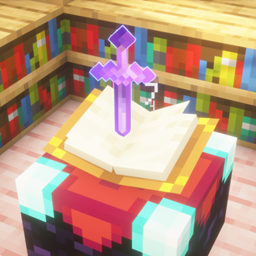
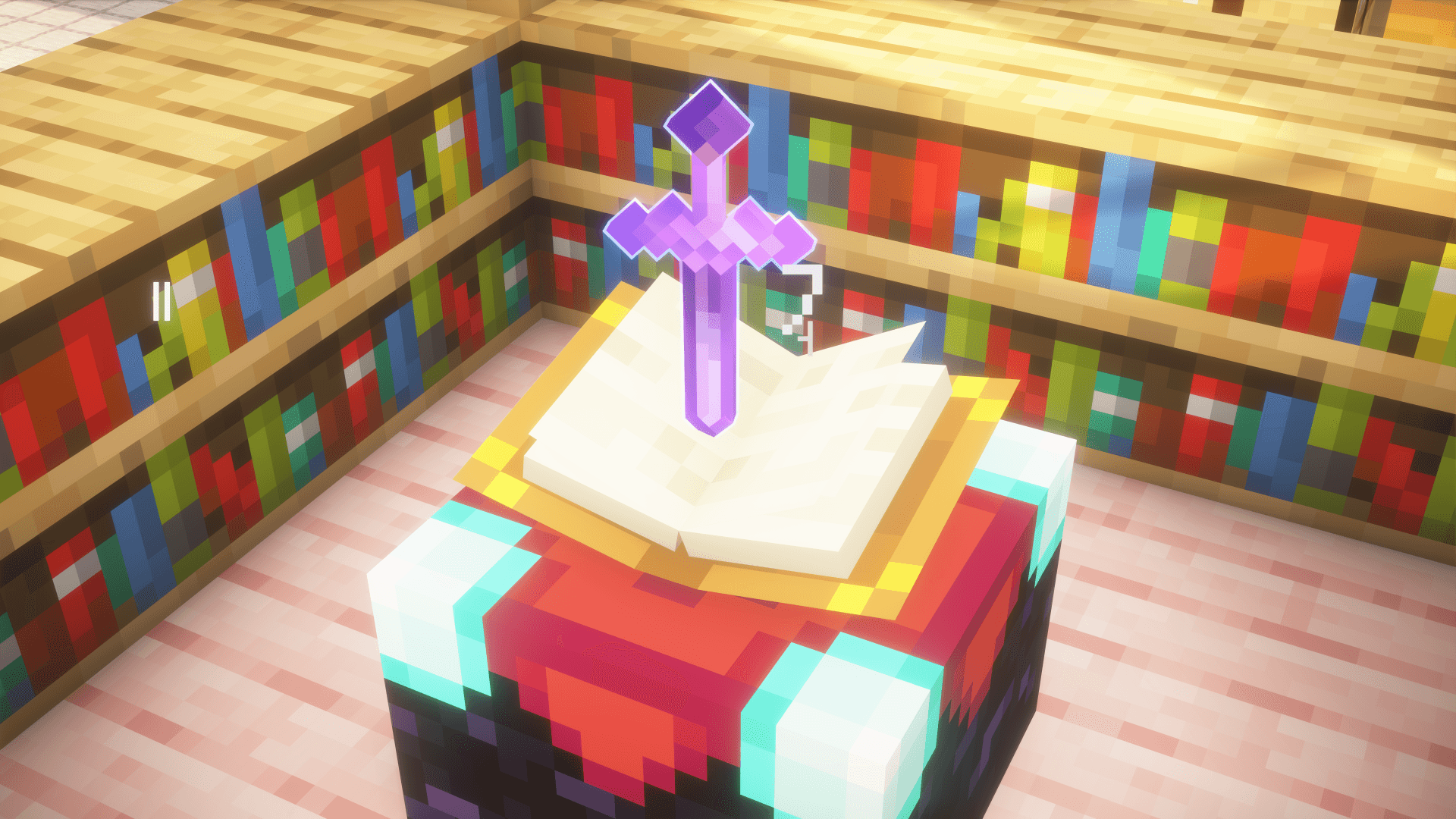
A vanilla-style smooth sword: model-modified, nearly no extra performance cost. It also fixes vanilla’s asymmetrical crosshair, and reduces carved pumpkin FOV obstruction to 15% of vanilla.
by Cube_NIP
Download Claim this project
2,236 downloads
0 likes
Updated Oct 14, 2026
0 hypes
16x Traditional
Advertisement Remove ads with Premium →

A vanilla-style smooth sword, achieved by modifying the model, which causes almost no additional performance overhead.

Vanilla Style: The number of elements in the sword model is reduced to a minimum. Theoretically, this significant reduction in the number of model elements can also slightly boost the frame rate.

Flash Style: Compared to the Vanilla Style, it adds glowing outlines when enchanted—experience the flowing light!It can still display PBR effects in a light and shadow environment!

All versions feature 16x textures, identical to the vanilla game. Additionally, this resource pack fixes the asymmetrical crosshair position in the vanilla game, and reduces the field of view obstruction when the player wears carved pumpkins to 15% of the vanilla intensity.

一款原版风格的平滑剑,通过修改模型实现,几乎不产生额外的性能消耗。

香草风格:剑模型的元素数精简至极少。理论上由于极大地减少了模型的元素数,也能微小地提高帧率。

灵动风格:相较于香草风格增加了附魔时的发光描边,感受流动的光线!在光影环境下还能呈现出PBR效果!

所有版本的纹理都是16x的,和原版一样。 此外,本资源包还修复了原版不对称的准星位置,并将玩家穿戴雕刻南瓜下的视野遮蔽修改为原版强度的15%。

[原版风格] 1.9~1.21.8
MC 1.16.3, 1.13.1, 1.9.3, 1.16-Snapshot, 1.17.1, 1.9.1, 1.21.2-Snapshot, 1.21, 1.21.6-snapshot, 1.15-Snapshot, 1.16.1, 1.18.1, 1.20.2-Snapshot, 1.20.5-Snapshot, 1.14.3, 1.15, 1.16
Release 2026-01-04 Get
[原版风格] 1.21.9+
MC 1.21.9-snapshot, 1.21.9, 1.21.10, 1.21.11-snapshot, 1.21.11, 26.1-snapshot
Release 2026-01-04 Get
[灵动风格] 1.9~1.21.4 +CIT
MC 1.16.3, 1.13.1, 1.9.3, 1.16-Snapshot, 1.17.1, 1.9.1, 1.21.2-Snapshot, 1.21, 1.15-Snapshot, 1.16.1, 1.18.1, 1.20.2-Snapshot, 1.20.5-Snapshot, 1.14.3, 1.15, 1.16, 1.13
Release 2026-01-04 Get
[灵动风格] 1.21.5~1.21.8
MC 1.21.6-snapshot, 1.21.8, 1.21.5, 1.21.6, 1.21.7
Release 2026-01-04 Get
[灵动风格] 1.21.9+
MC 1.21.9-snapshot, 1.21.9, 1.21.10, 1.21.11-snapshot, 1.21.11, 26.1-snapshot
Release 2026-01-04 Get

Requirements & install

How to use this resource pack in Minecraft
Resolution
16x
Minecraft
1.21.7 – 26.1-snapshot
Install folder
.minecraft/resourcepacks

How to install resource packs

  1. Download the resource pack .zip file (do not extract it).
  2. In Minecraft open Options → Resource Packs → Open Pack Folder.
  3. Drop the .zip into the resourcepacks folder (.minecraft/resourcepacks).
  4. Move the pack to the Selected column and click Done.
Browse more: 16x resource packs 32x resource packs 64x resource packs 128x resource packs 256x resource packs 512x+ resource packs Resource Packs for 26.1-snapshot All resource packs
Advertisement Remove ads with Premium →

You Might Also Like