Mineuniverse
Resource Packs
VoidLight

VoidLight

RESOURCE PACK
PvP Overlay Texture Pack
by Mazari
Download Claim this project
Add a badge to your pageLink to VoidLight from a README, website or forum post.
Preview: Badge

Badges update automatically and link to the resource pack page on MineUniverse.

382 downloads
0 likes
0 followers
Updated Oct 14, 2026
0 hypes
Follow0
32x Font Packs Miscellaneous Modern
Advertisement Remove ads with Premium →

MAZARI'S PACKS
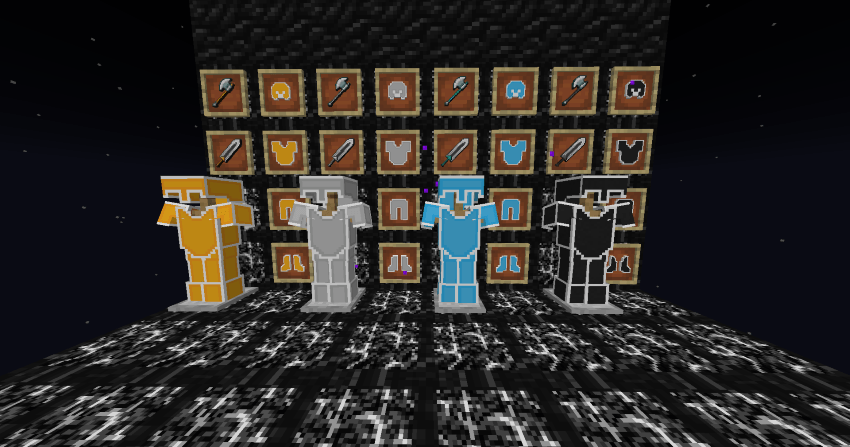
VoidLight 32x (Overlay)

Key Features:

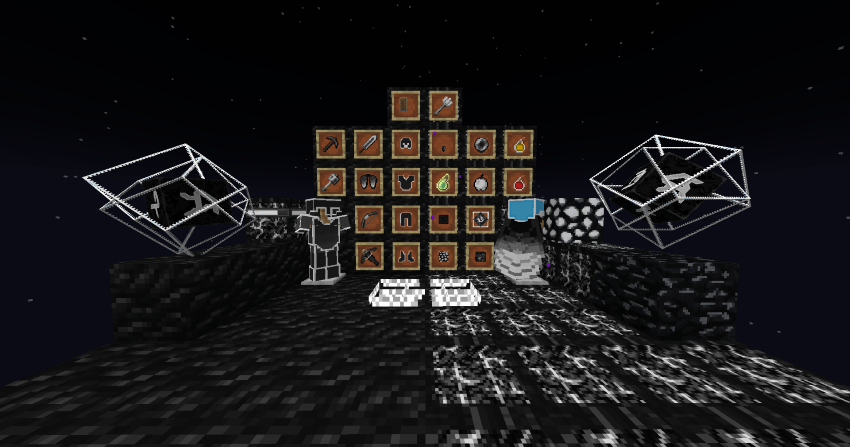
  • Minimal Totem Animations – Includes small totem pop and compact in-hand totem textures to reduce screen clutter.

  • Clean Particle Effects – No explosion particles, no golden apple eating particles, and reduced crit particles for less visual noise.

  • Custom Combat Visuals – Small fire and clean white fire to enhance screen clarity; includes a customized sweep attack effect.

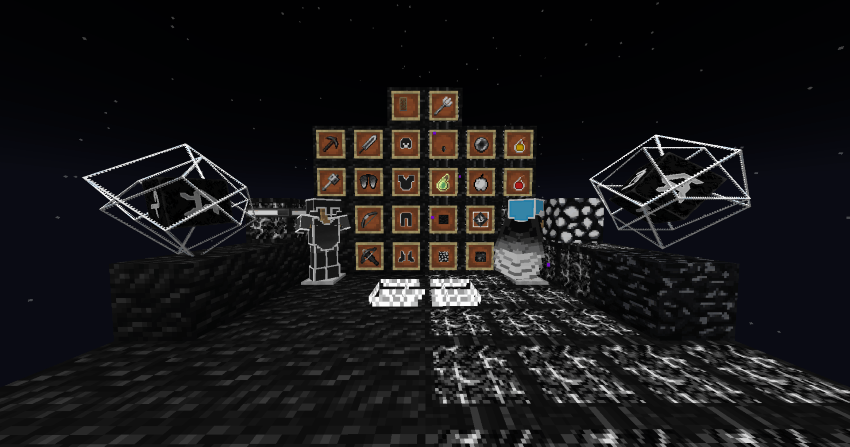
  • Optimized Items – Simplified ender pearl, potion, and golden apple textures for better in-combat readability.

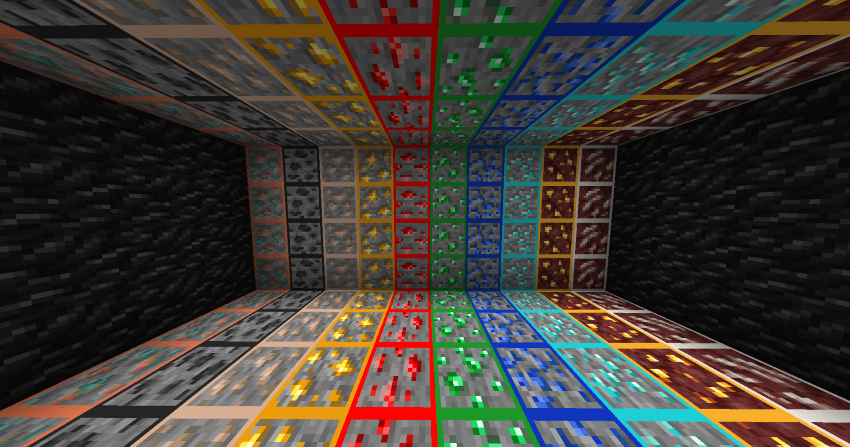
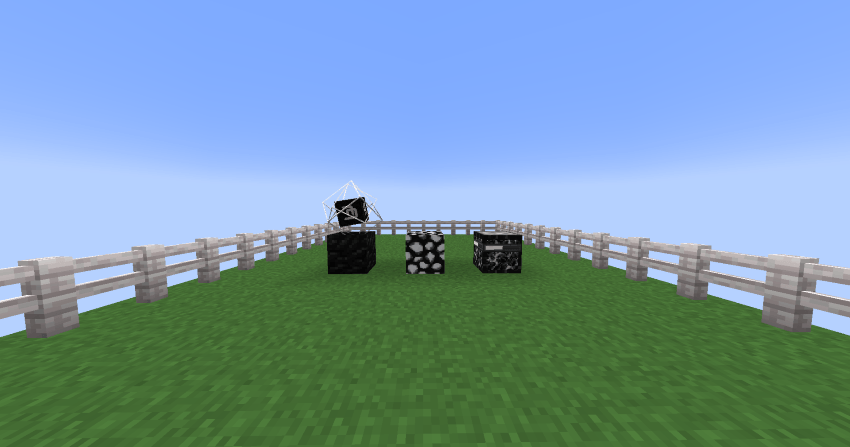
  • Highlighted Custom Ores – Enhanced ore blocks with outlined edges to improve visibility in mining and underground PvP scenarios.

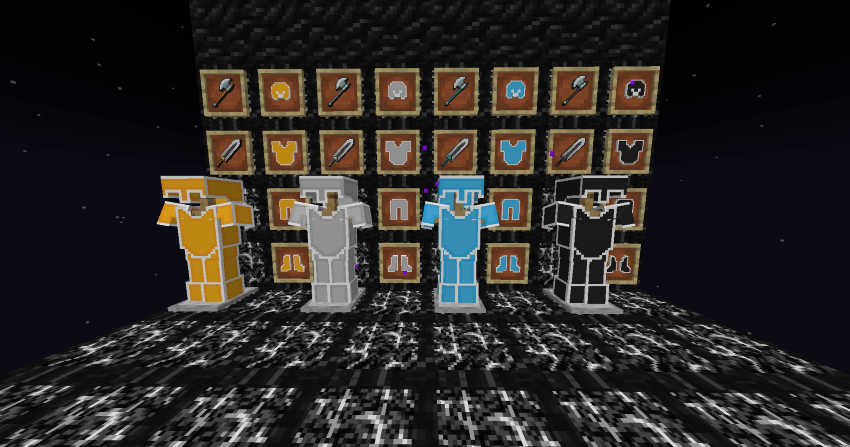
  • Fully Custom Weapons – Unique swords, pickaxes, and axes designed specifically for PvP performance.

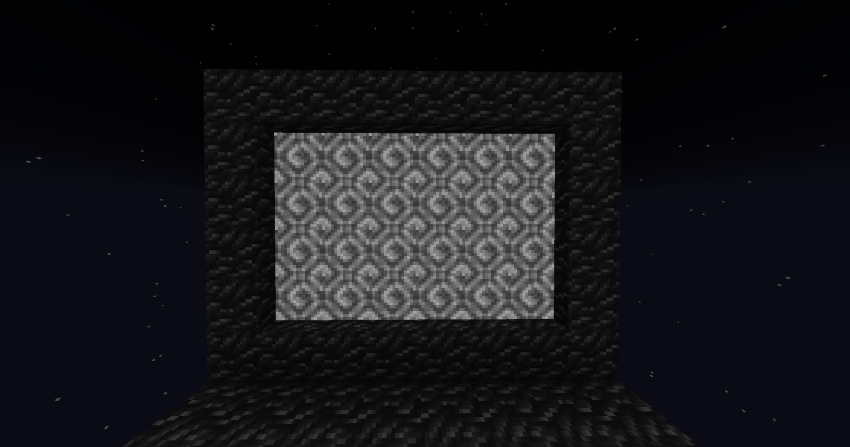
  • Custom Nether Portal – A fresh, stylized nether portal to match the theme of the pack.

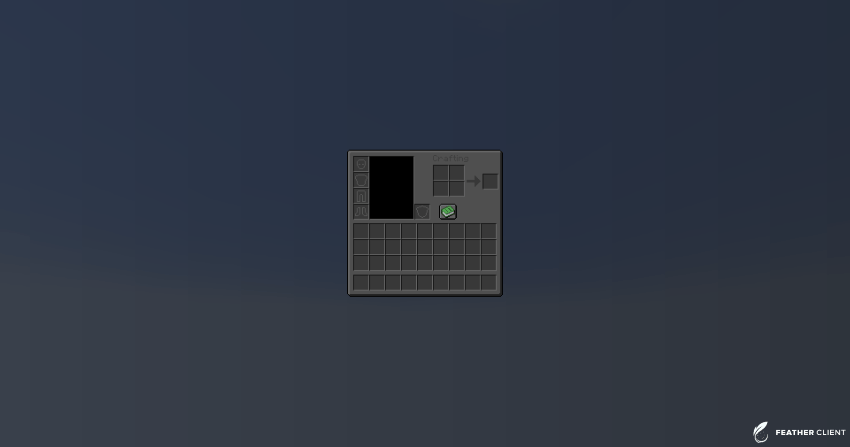
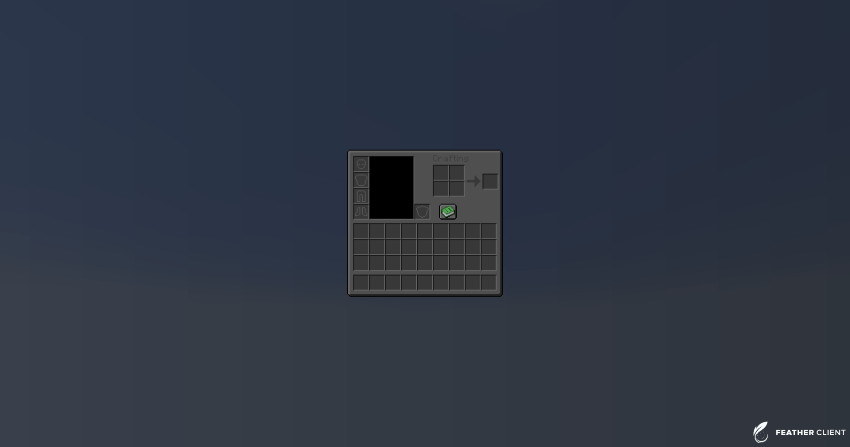
  • Dark/Grey Custom GUI – A fully retextured user interface featuring a sleek dark and grey GUI for a modern and immersive feel.

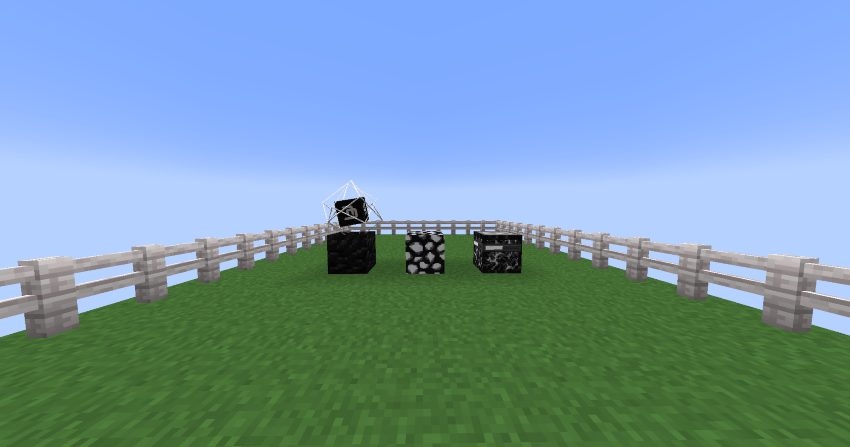
  • Bright Sky & Grass Enhancements – Custom sky and grass textures optimized for brighter visuals and smoother gameplay, helping improve visibility and overall PvP awareness.


By downloading this pack, you agree to the following terms:

  • You may utilize and modify the pack to your liking.
  • You may not redistribute this pack using your own download as a base.
  • You may not redistribute individual elements of this pack in any form without direct permission from myself.
  • You may not claim ownership of any elements in this pack.


VoidLight 32x (Overlay)
MC 1.21.4, 1.21.3
Release 2025-04-16 Get

Requirements & install

How to use this resource pack in Minecraft
Resolution
32x
Minecraft
1.21.3 – 1.21.4
Install folder
.minecraft/resourcepacks

How to install resource packs

  1. Download the resource pack .zip file (do not extract it).
  2. In Minecraft open Options → Resource Packs → Open Pack Folder.
  3. Drop the .zip into the resourcepacks folder (.minecraft/resourcepacks).
  4. Move the pack to the Selected column and click Done.
Browse more: 16x resource packs 32x resource packs 64x resource packs 128x resource packs 256x resource packs 512x+ resource packs Resource Packs for 1.21.4 All resource packs

More from Mazari

Advertisement Remove ads with Premium →

You Might Also Like