
Mineuniverse
Resource Packs
Visual Effects+

Visual Effects+

RESOURCE PACK
Biome based dynamic and colored fog with custom particles and weather!
by dosya
Download Claim this project
5,929 downloads
0 likes
0 followers
Updated Oct 14, 2026
0 hypes
Follow0
16x Miscellaneous Photo Realistic
Advertisement Remove ads with Premium →

Visual Effects+ banner

[![Built with Polytone](https://cdn.modrinth.com/data/cached_images/7e4050a12fb586c20163a833b29a0163e231ea28_0.webp)](https://www.curseforge.com/minecraft/mc-mods/polytone)

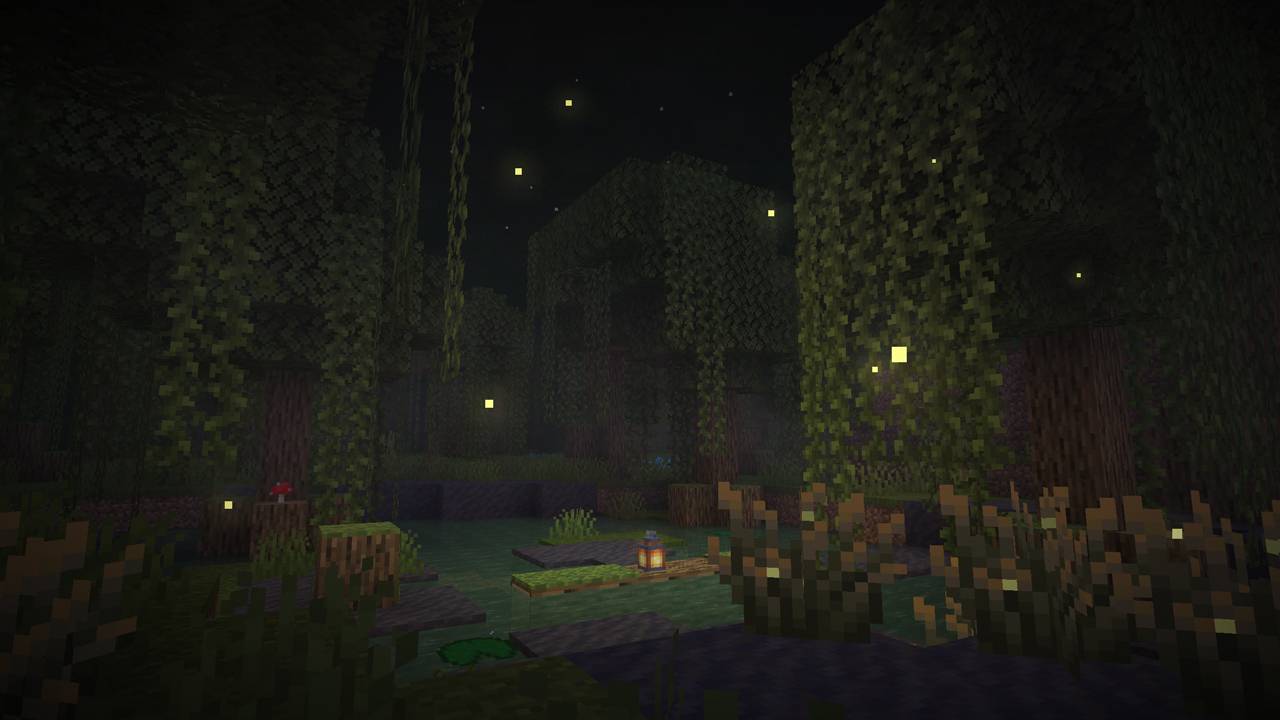
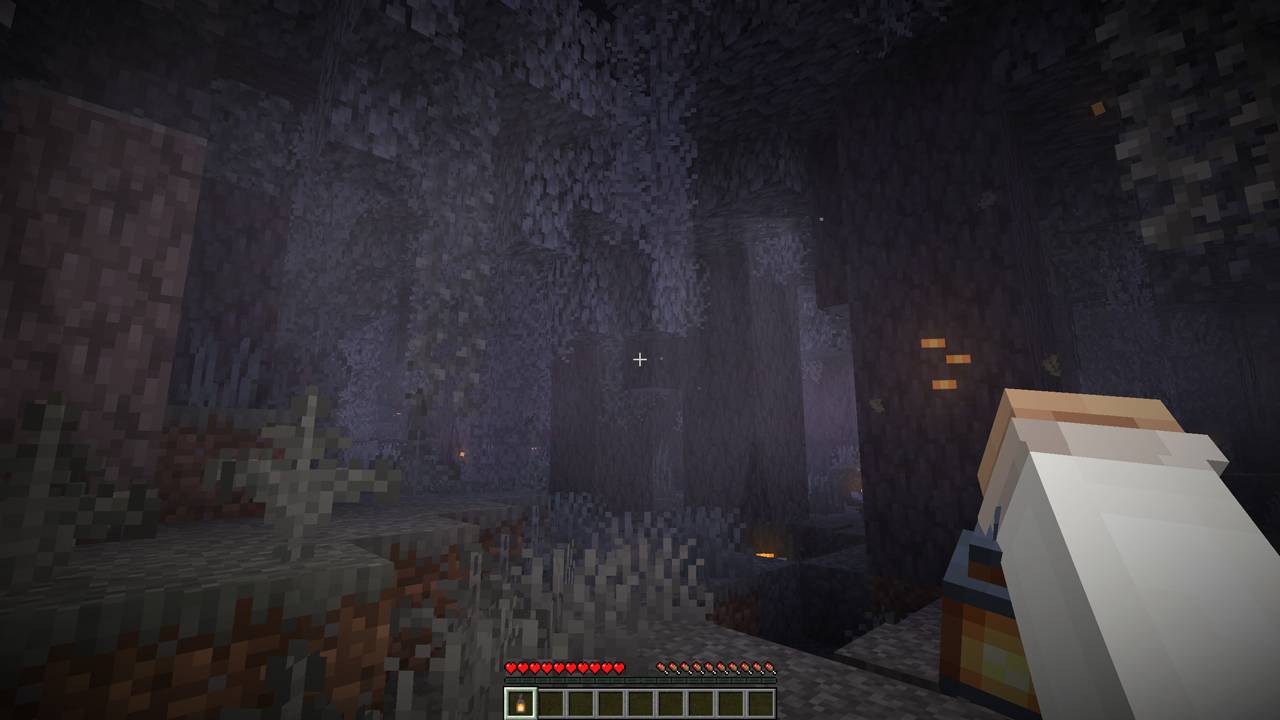
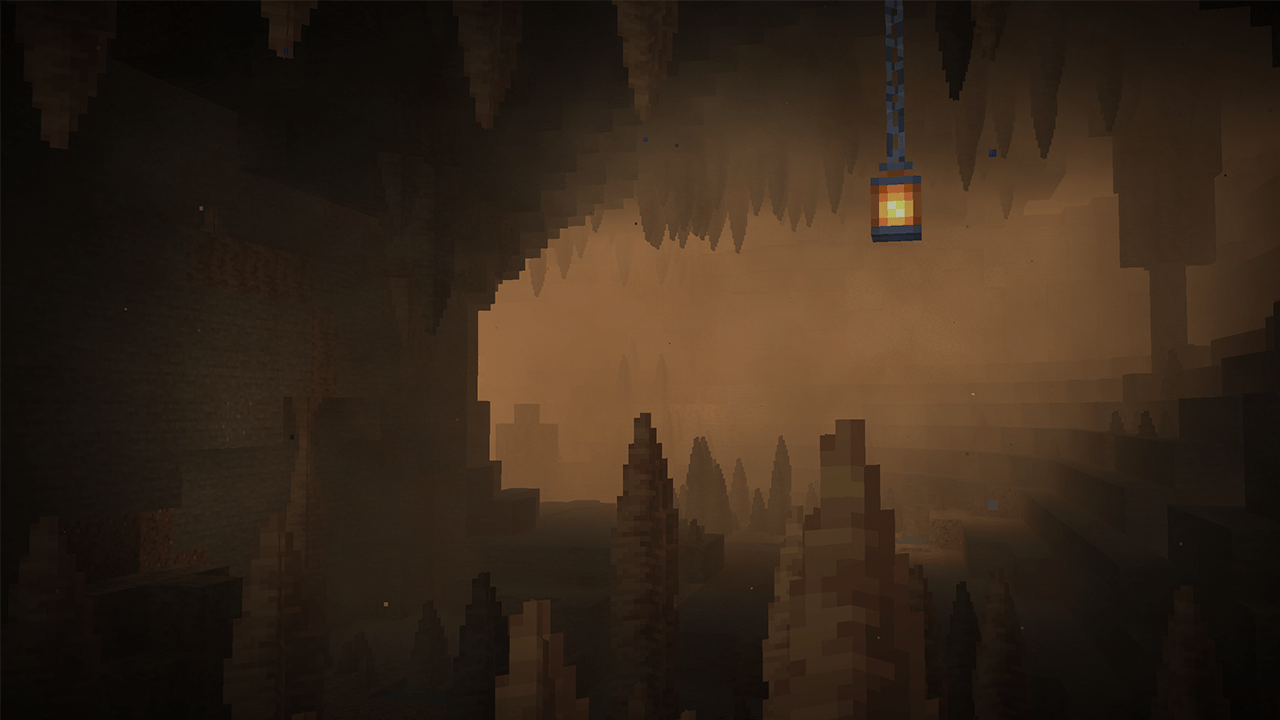
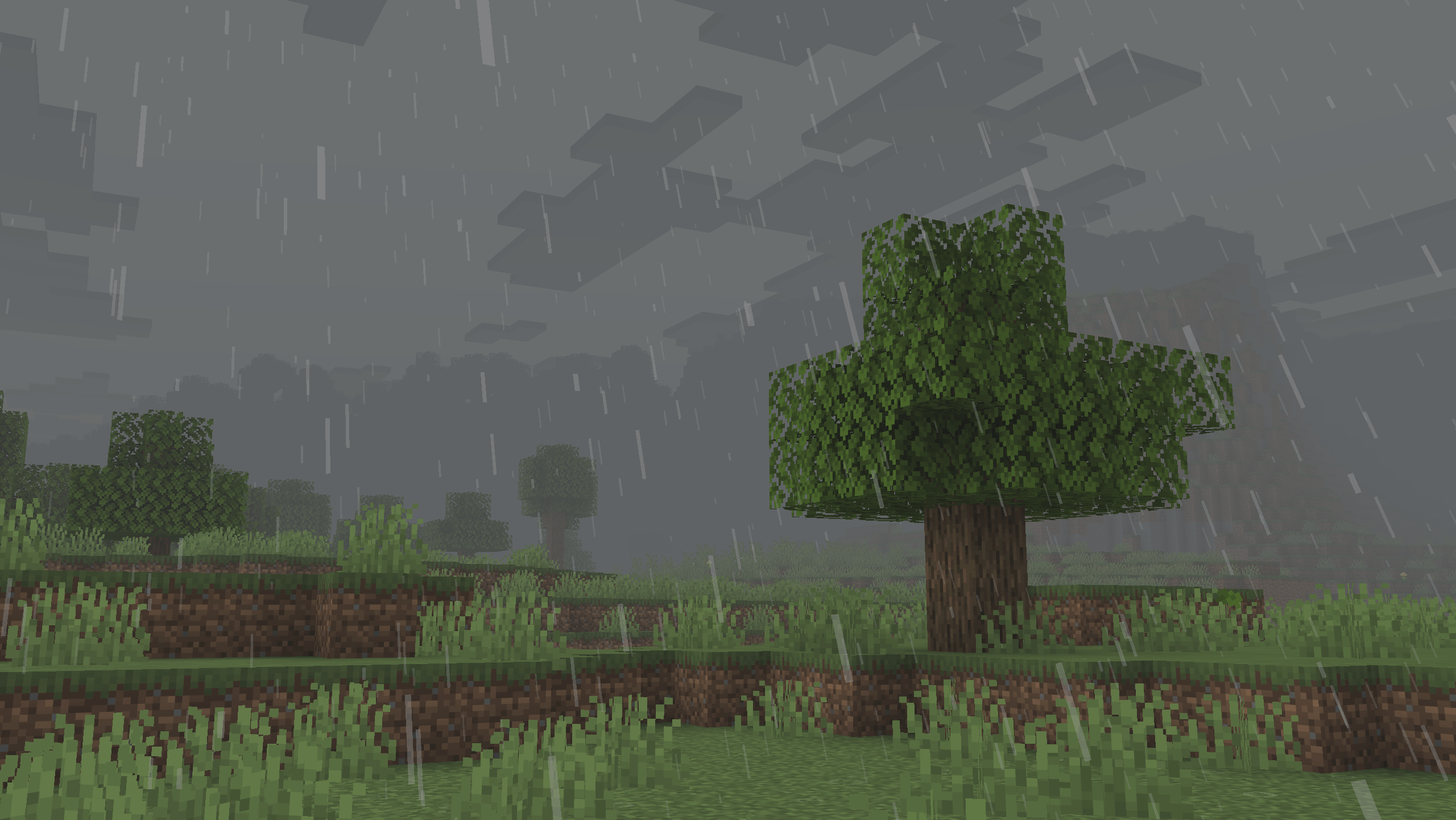
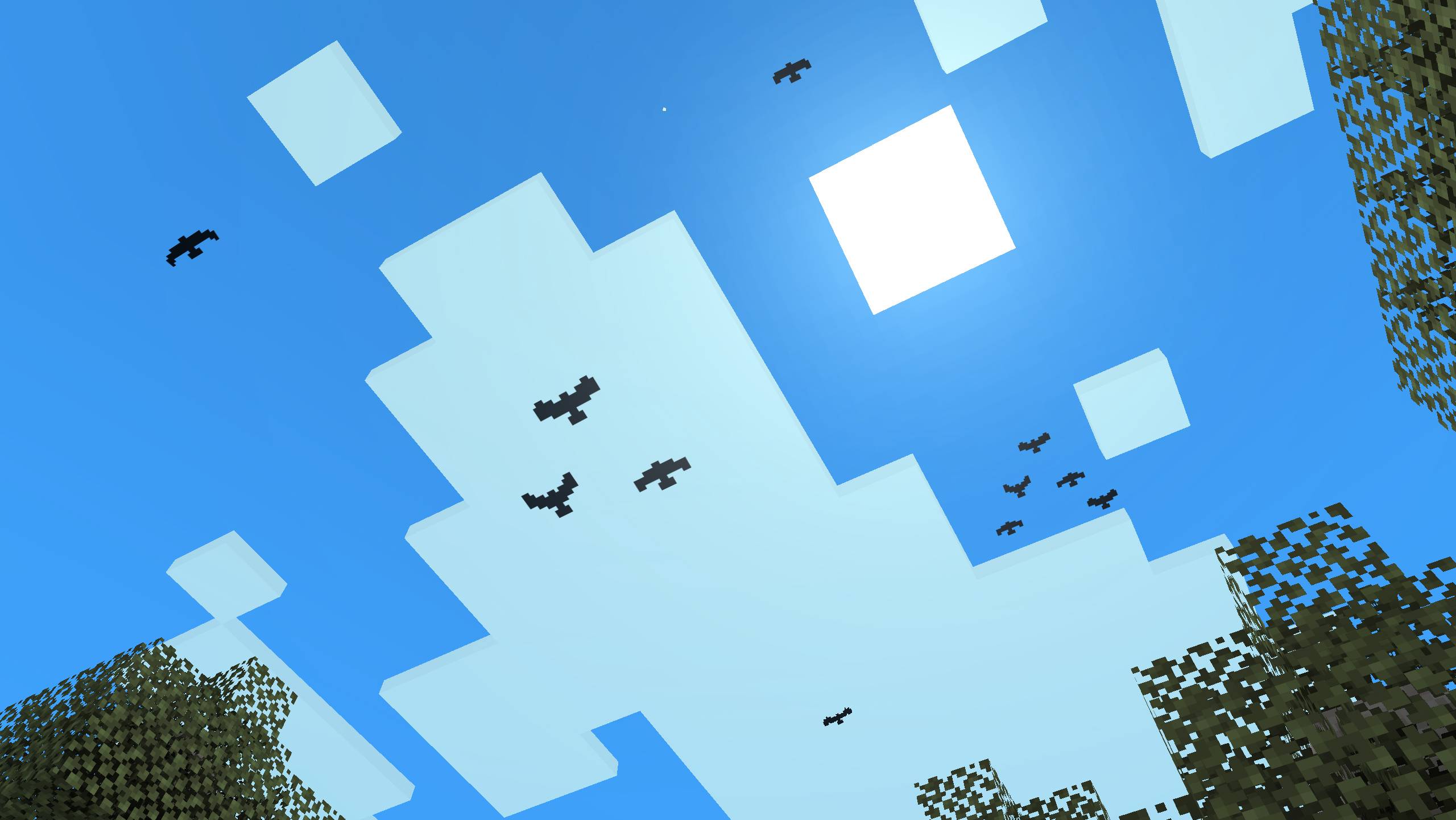
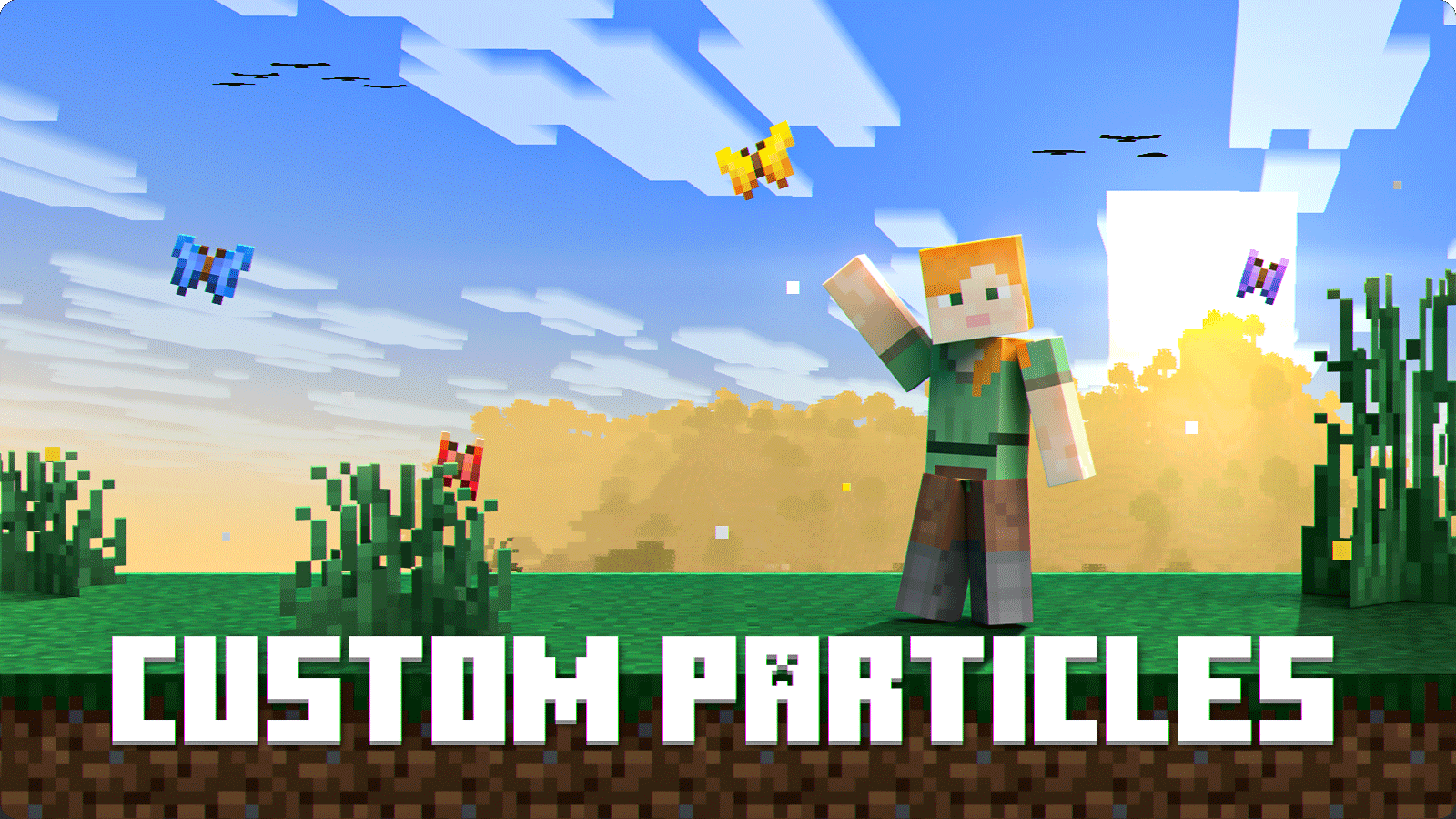
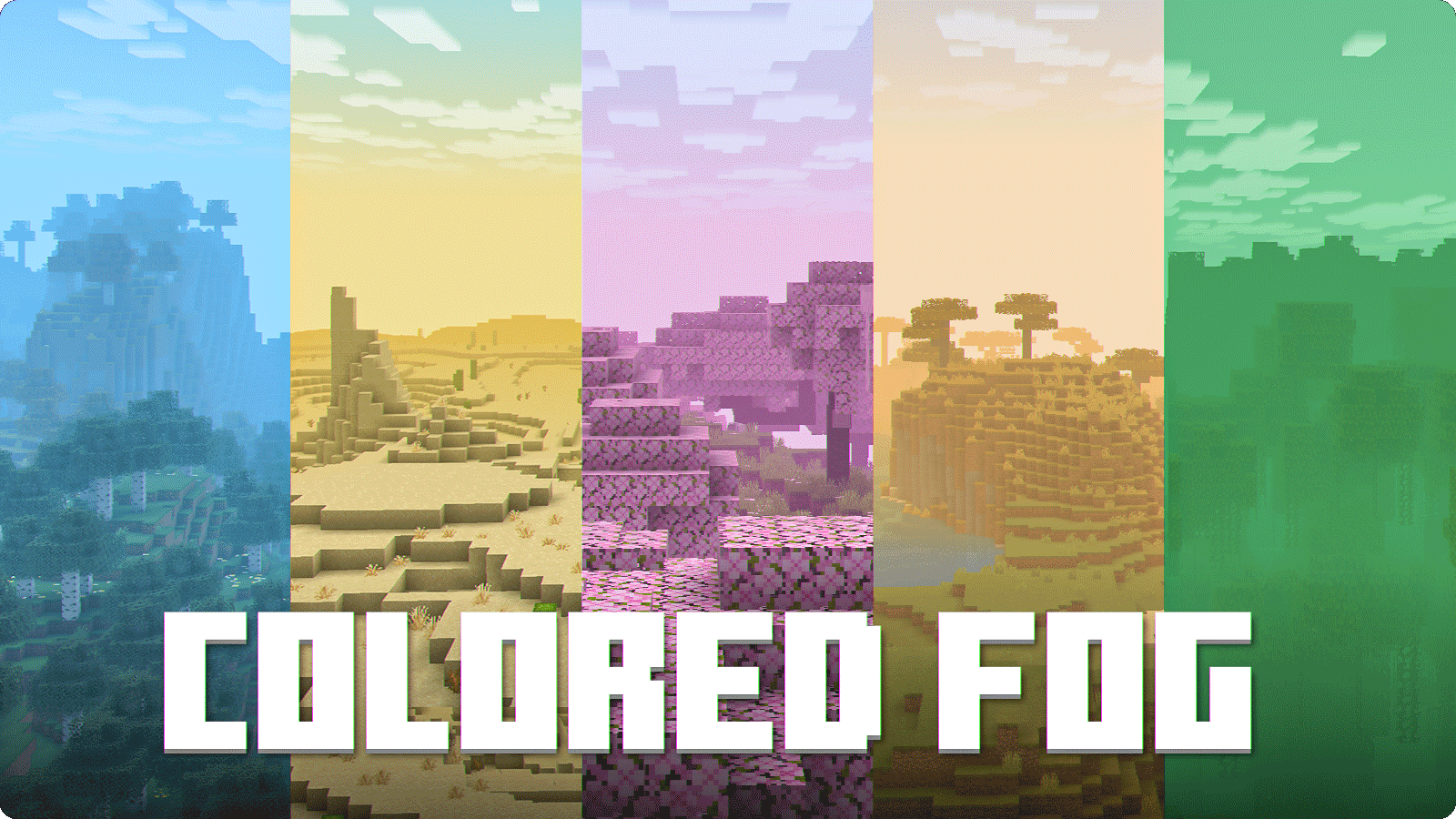
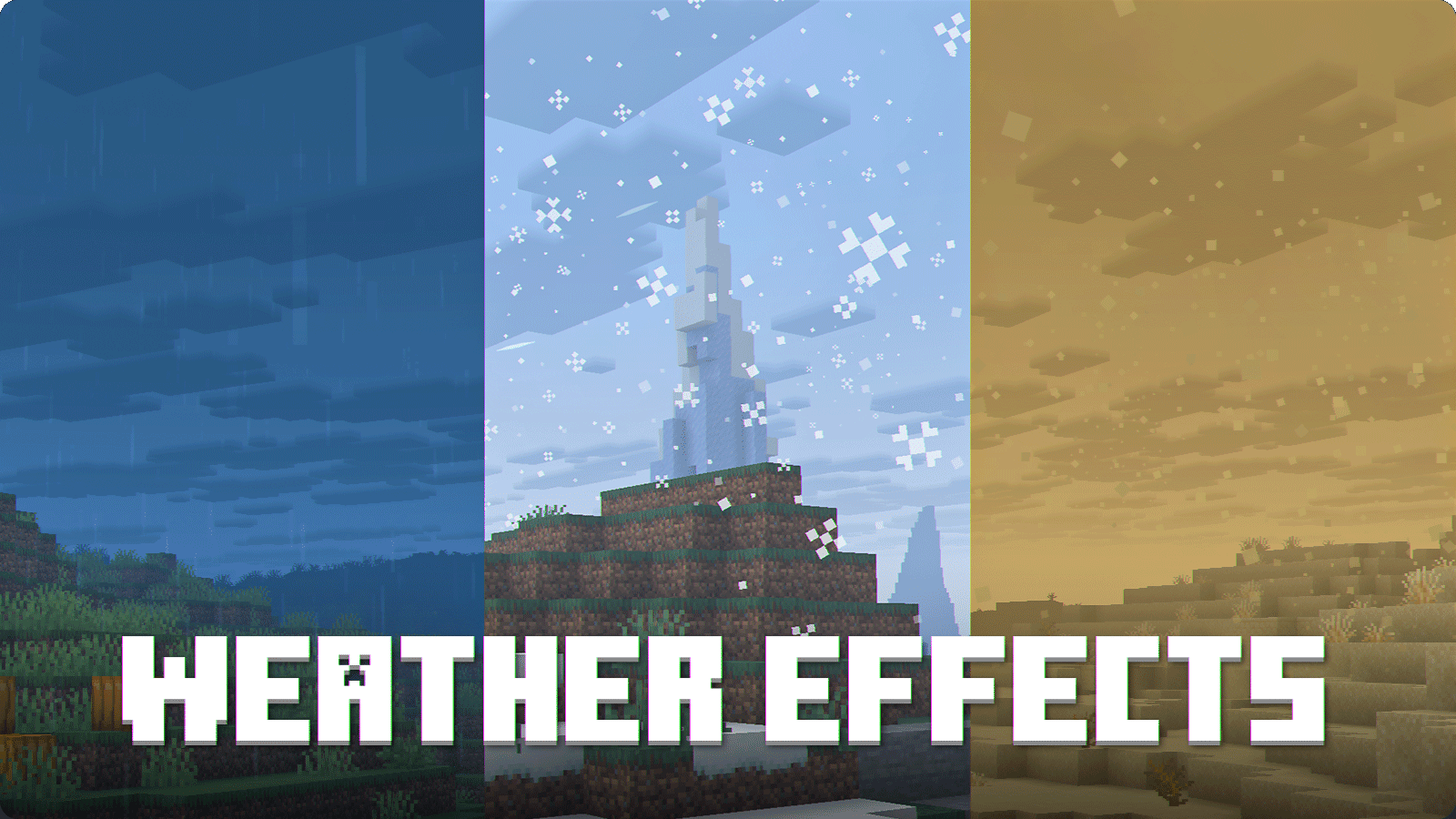
Visual Effects+ transforms Minecraft's atmosphere with dynamic biome fog, custom particles, weather effects, reworked skies, clouds, and much more.
Features

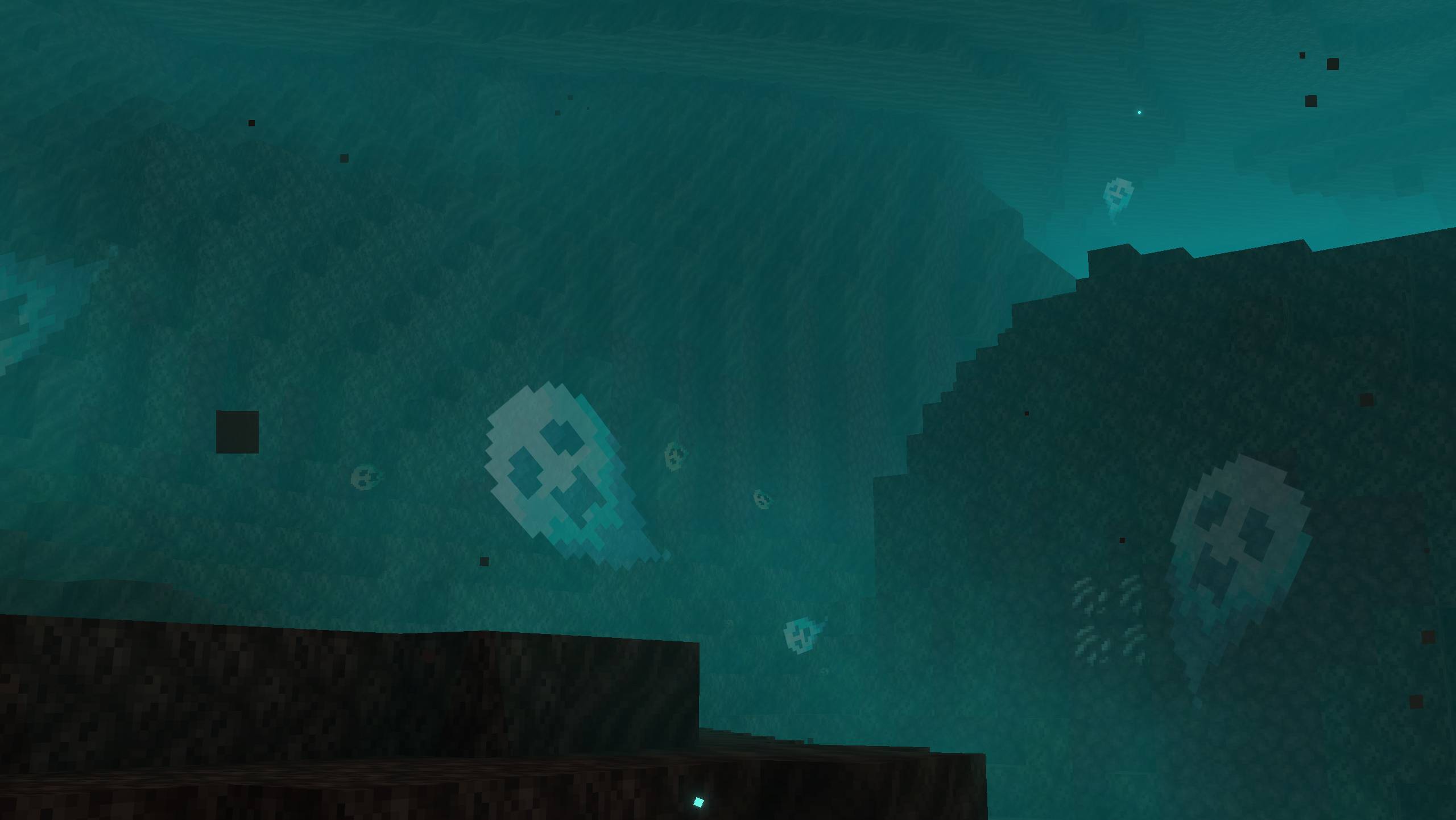
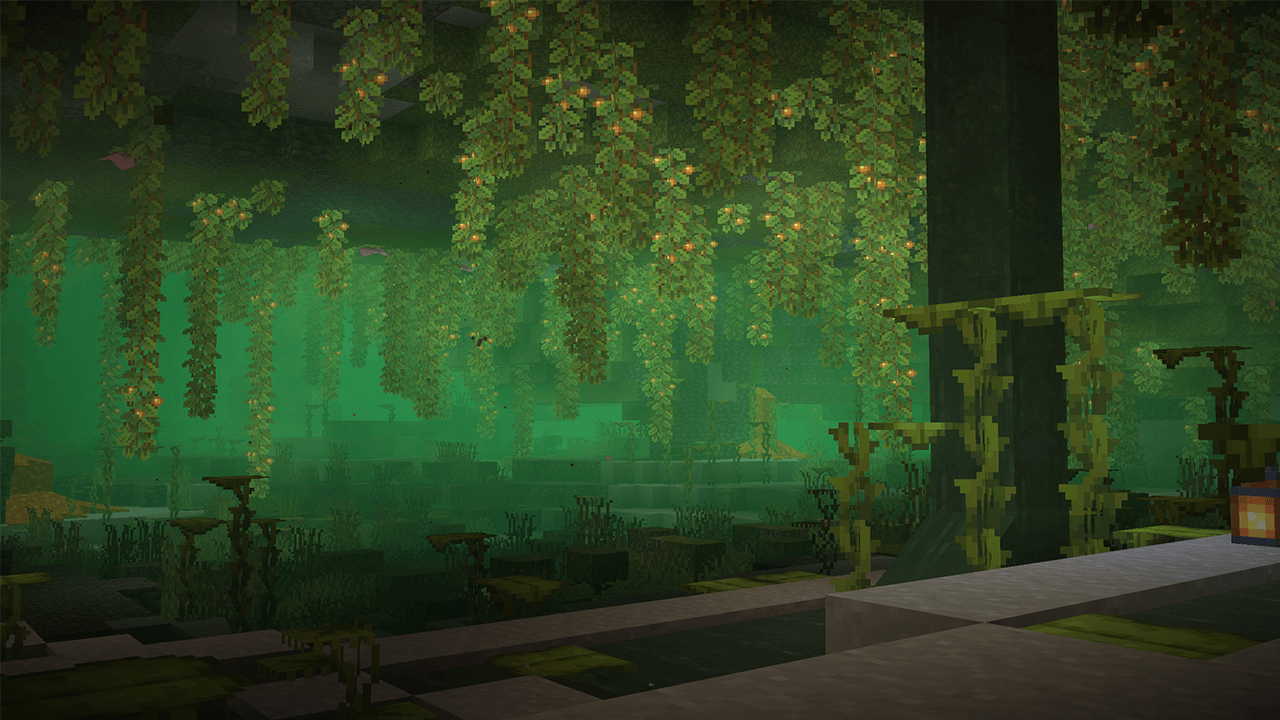
Custom ambient particles appearing throughout different Minecraft biomes

Colored biome fog across multiple Minecraft environments

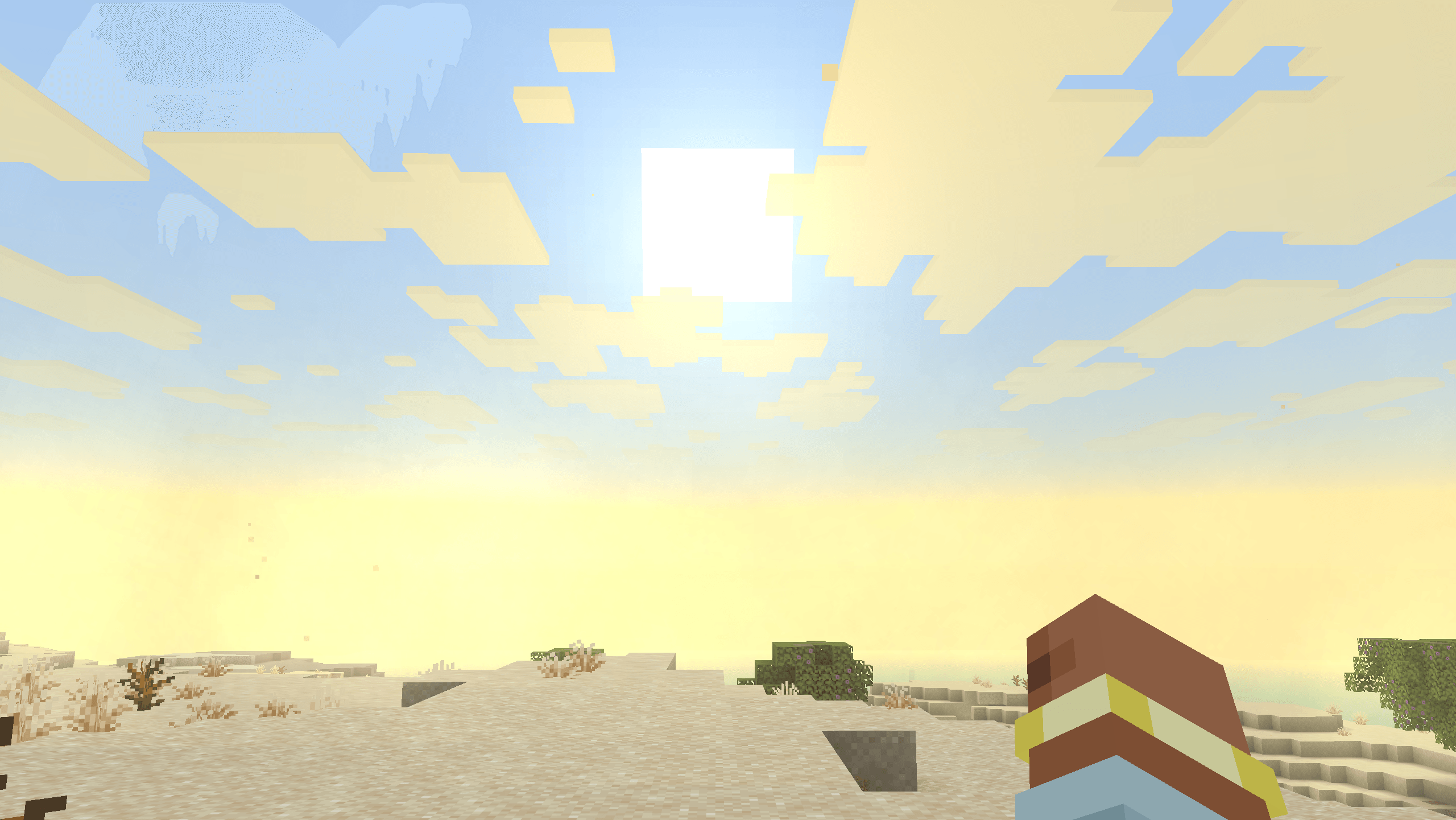
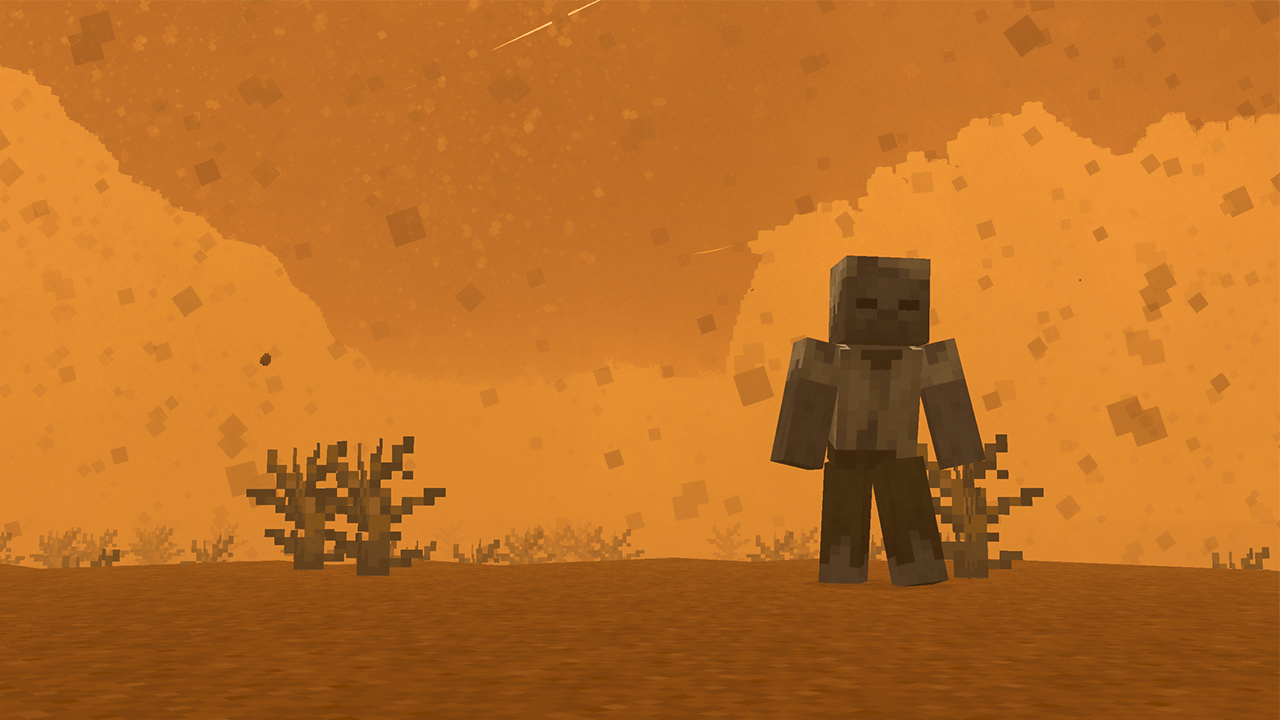
Rain, snow and desert weather effects


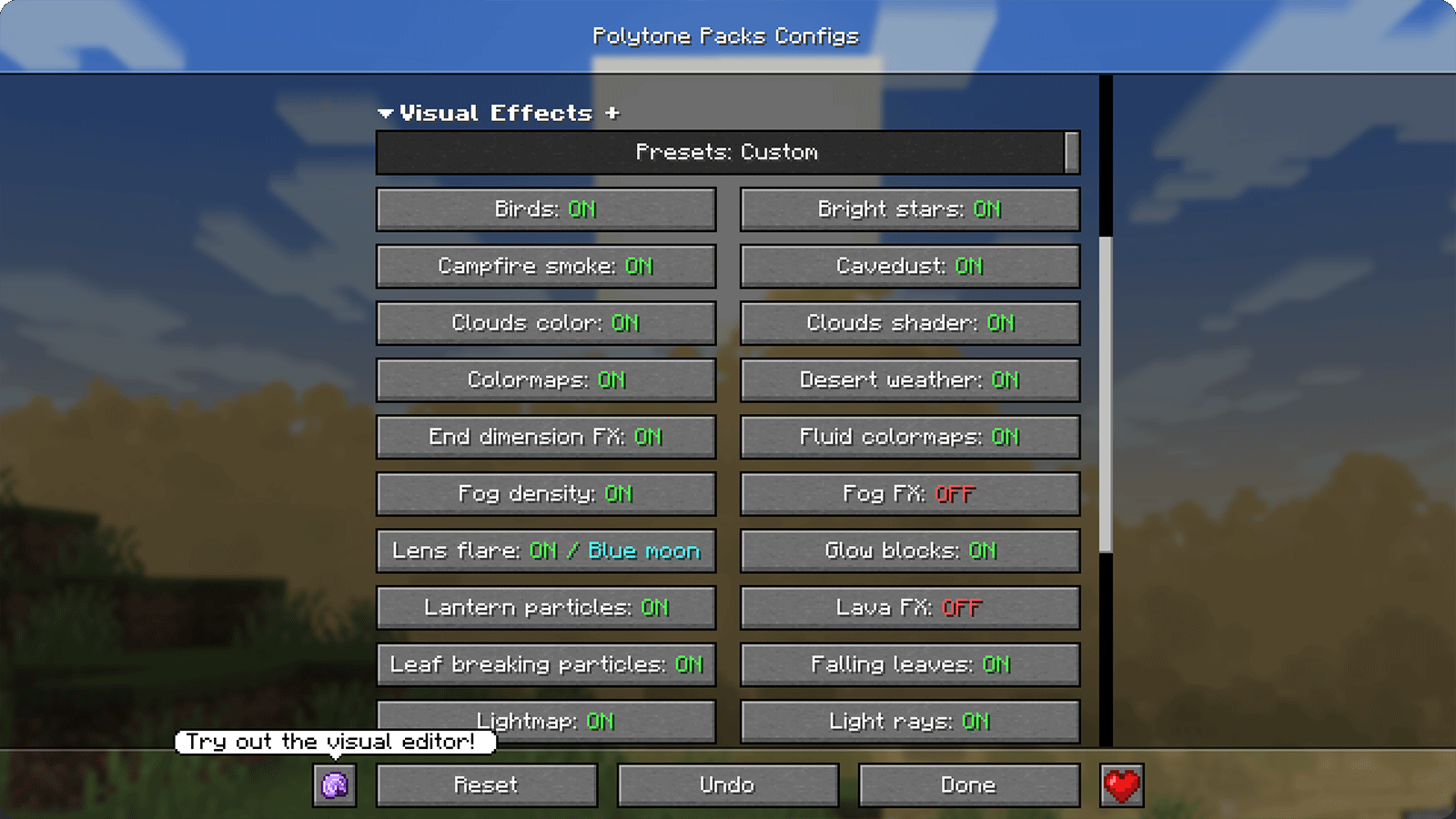
Configuration

Visual Effects+ configuration screen


Requirements


Recommended Settings

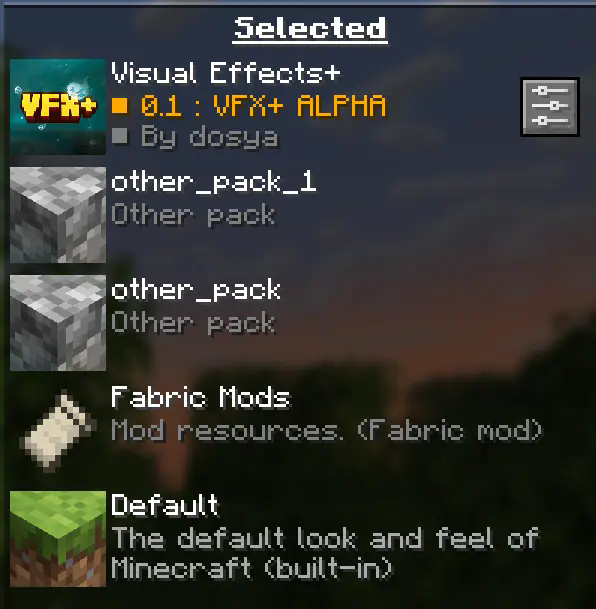
1. Place Visual Effects+ at the top

Visual Effects+ placed at the top of the resource-pack list

Visual Effects+ should always be placed at the top of the resource-pack list to prevent Polytone-related conflicts.
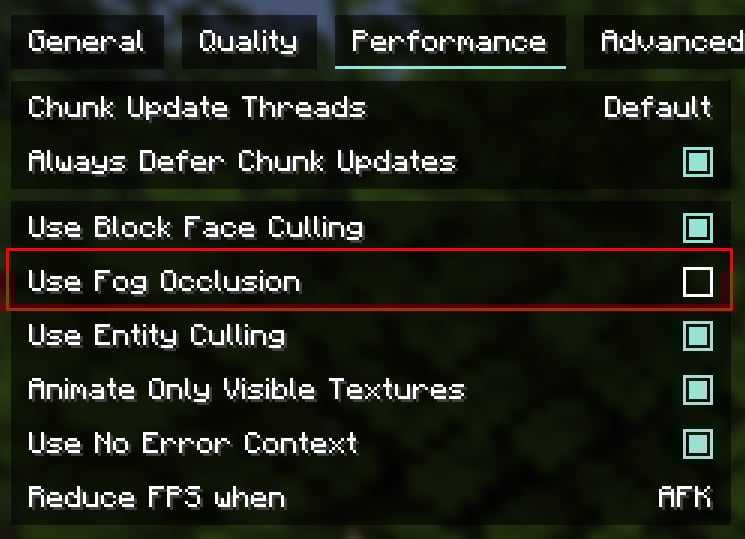
2. Disable fog occlusion

Fog occlusion option in the Minecraft performance settings

You can find this option in the Performance settings.

On low-end PCs, leave fog occlusion enabled for better performance.

A render distance of 12–16 chunks is recommended, but you can adjust it to suit your system.


Credits

Tealover — testing, suggestions, and other help.

sapling. — testing, suggestions, and other help.

Cubert — helped choose the project name, as well as with testing and suggestions.

Peanut Butter Jelly — testing and suggestions.

VFX+ Discord server — community feedback and support.

sapling. Mods Discord server — community feedback and support.

MehVahdJukaar — development of Polytone and technical assistance.


Support and Links

Support Visual Effects+ on Ko-fi Support Visual Effects+ on Boosty Visual Effects+ on X Visual Effects+ Discord server Visual Effects+ YouTube channel
Visual Effects+ 1.0.1.zip
MC 1.21.5, 1.21.1
Release 2026-08-26 Get
Visual Effects+ 1.2.0.zip
MC 1.21.11
Release 2026-08-26 Get

Requirements & install

How to use this resource pack in Minecraft
Resolution
16x
Minecraft
1.21.1 – 1.21.11
Install folder
.minecraft/resourcepacks

How to install resource packs

  1. Download the resource pack .zip file (do not extract it).
  2. In Minecraft open Options → Resource Packs → Open Pack Folder.
  3. Drop the .zip into the resourcepacks folder (.minecraft/resourcepacks).
  4. Move the pack to the Selected column and click Done.
Browse more: 16x resource packs 32x resource packs 64x resource packs 128x resource packs 256x resource packs 512x+ resource packs Resource Packs for 1.21.11 All resource packs
Advertisement Remove ads with Premium →

You Might Also Like