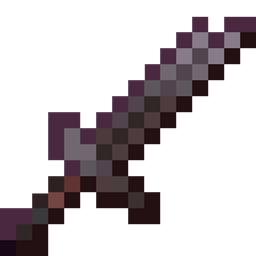
This pack is made for all the packers out there who have seen visual durability in packs but do not know how to add it in their packs
this pack provides visual durability for tools and a way to animate them
HOW TO USE THE PACK: !!VERY IMPORTANT!!
- In order to add visual durability to your pack, you must edit all the images of the item(s) you want to edit to the texture(s) you want to use
- !!MAKE SURE TO KEEP THE SAME NAMES AND EDIT EVERY SINGLE IMAGE RELATED TO THE EDITED ITEM(some names are different than others make sure to keep the exact same for every item)!!
- To animate items, resize the image to 16 x 160 px and every 16 x 16 square area is considered one frame of the animation starting from the top. After you are done, take the [animated item].png file and rename it to the EXACT name of the item edited (including .png) and voila! You have successfully animated that item and made your pack ten times cooler. Note: the process of animation can be used for every other item in a pack such as blocks, armor and entities but make sure to resize the item to make it exactly 10x longer
- If you did not understand the process, make sure to check the images section for an example
Thank you for choosing my pack and good luck with your packing! Make sure not to give up no matter how hard it gets.
If you guys have any questions make sure to submit them in the comment section
Peace
(also ignore the version this can be used anywhere)