Mineuniverse
Resource Packs
Visibility

Visibility

RESOURCE PACK
Colorful outlines for hard to see blocks!
by x3non
Download Claim this project
Add a badge to your pageLink to Visibility from a README, website or forum post.
Preview: Badge

Badges update automatically and link to the resource pack page on MineUniverse.

574 downloads
0 likes
0 followers
Updated Oct 14, 2026
0 hypes
Follow0
32x Miscellaneous
Advertisement Remove ads with Premium →

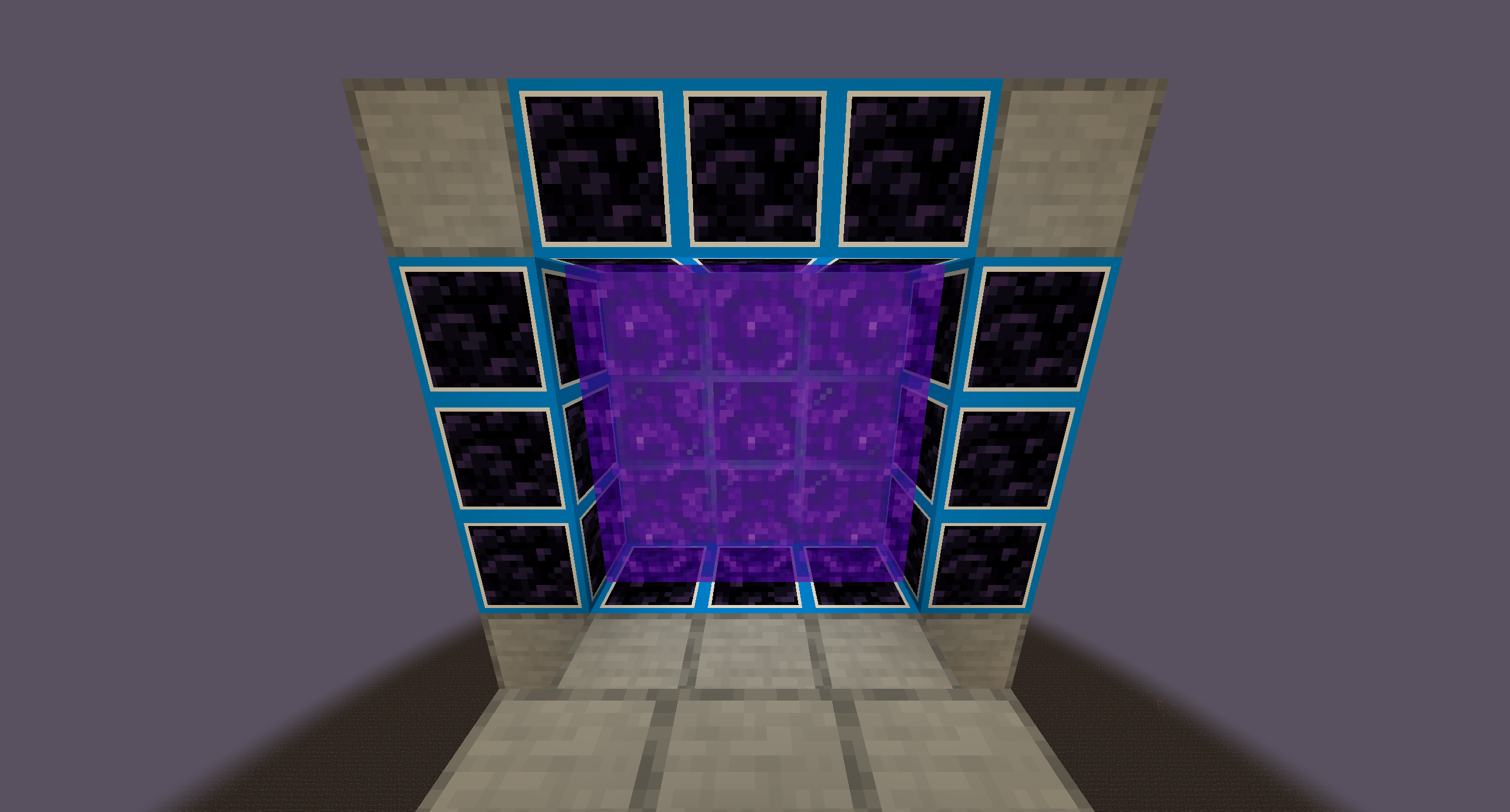
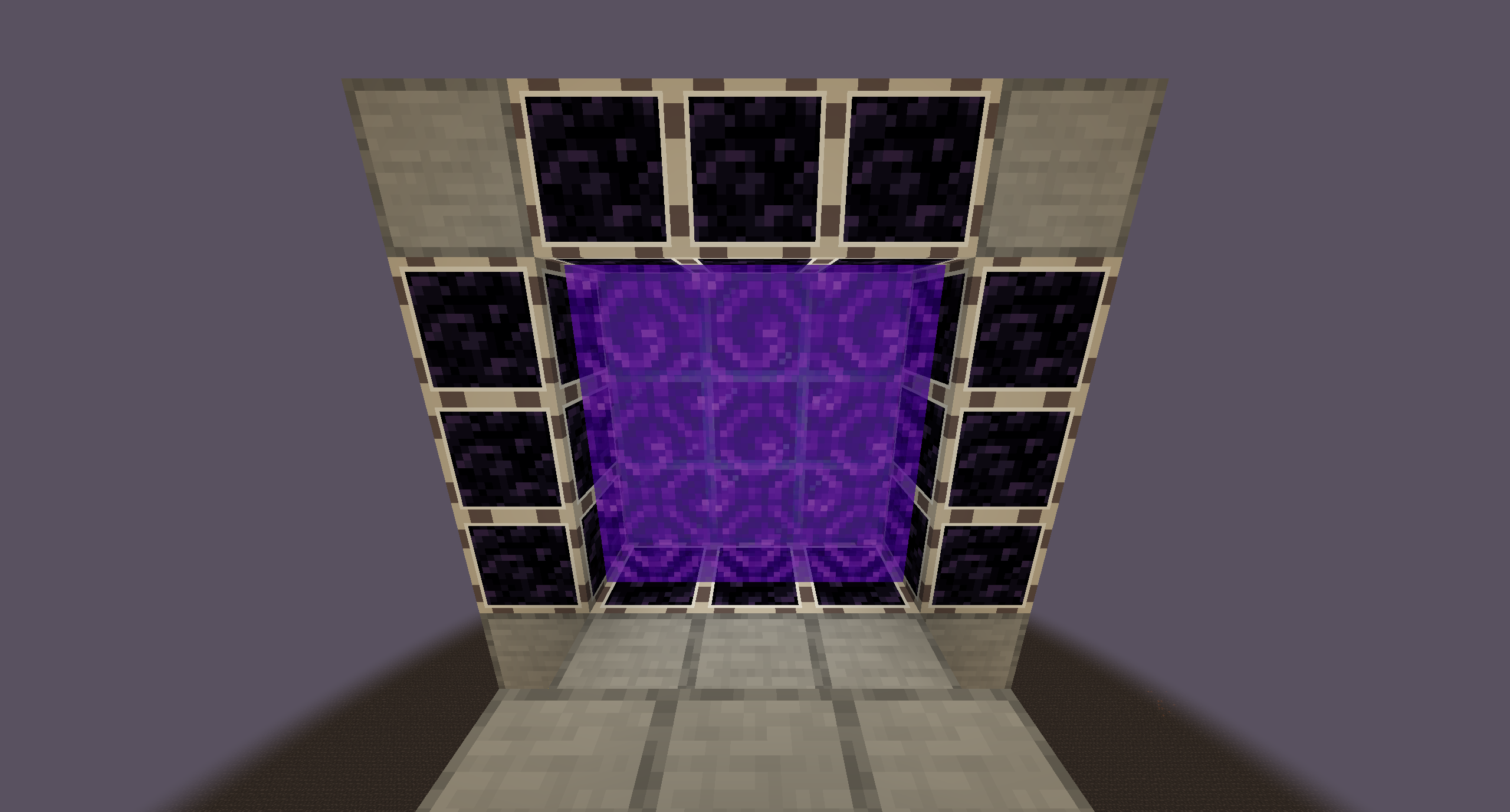
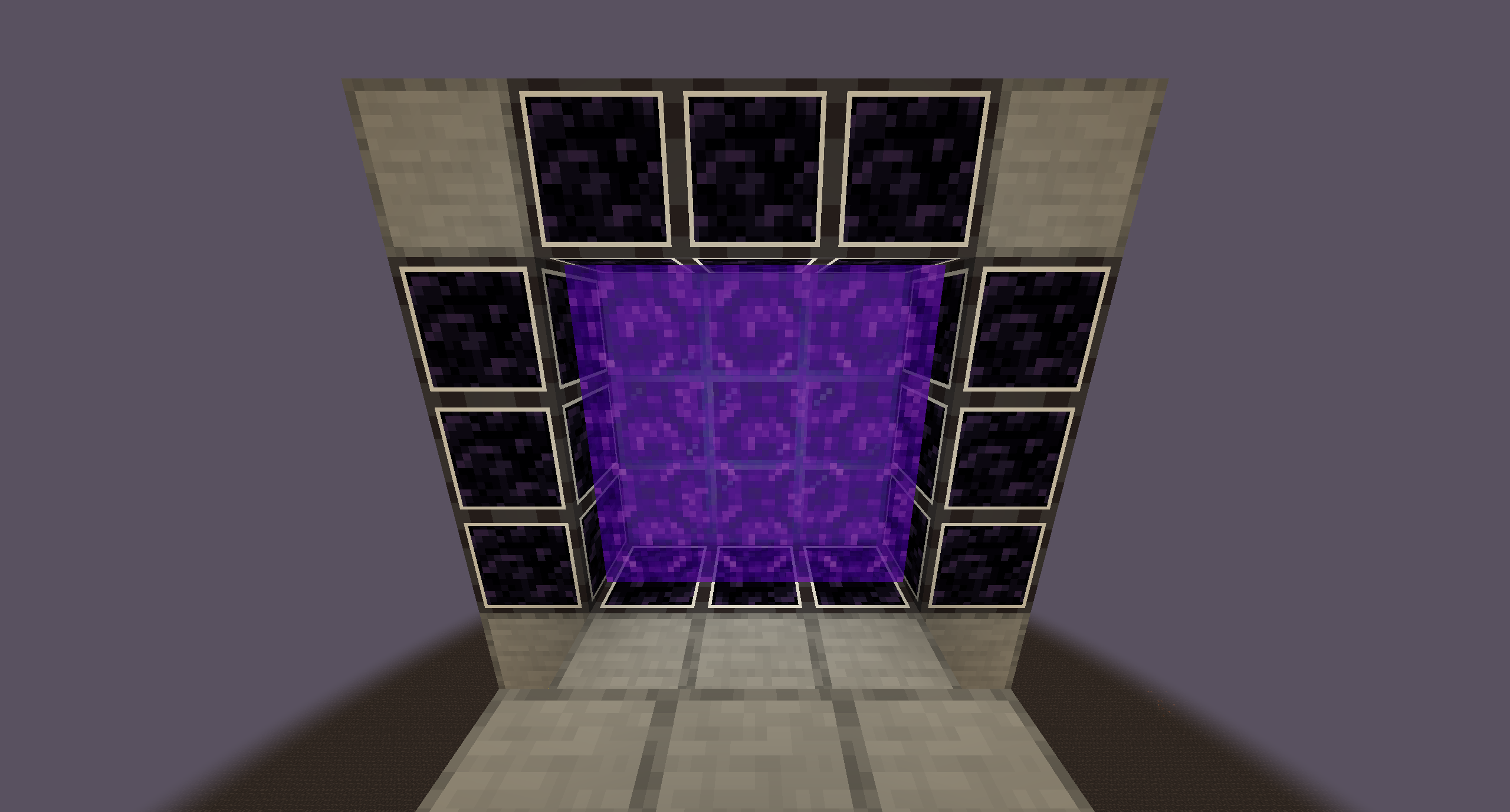
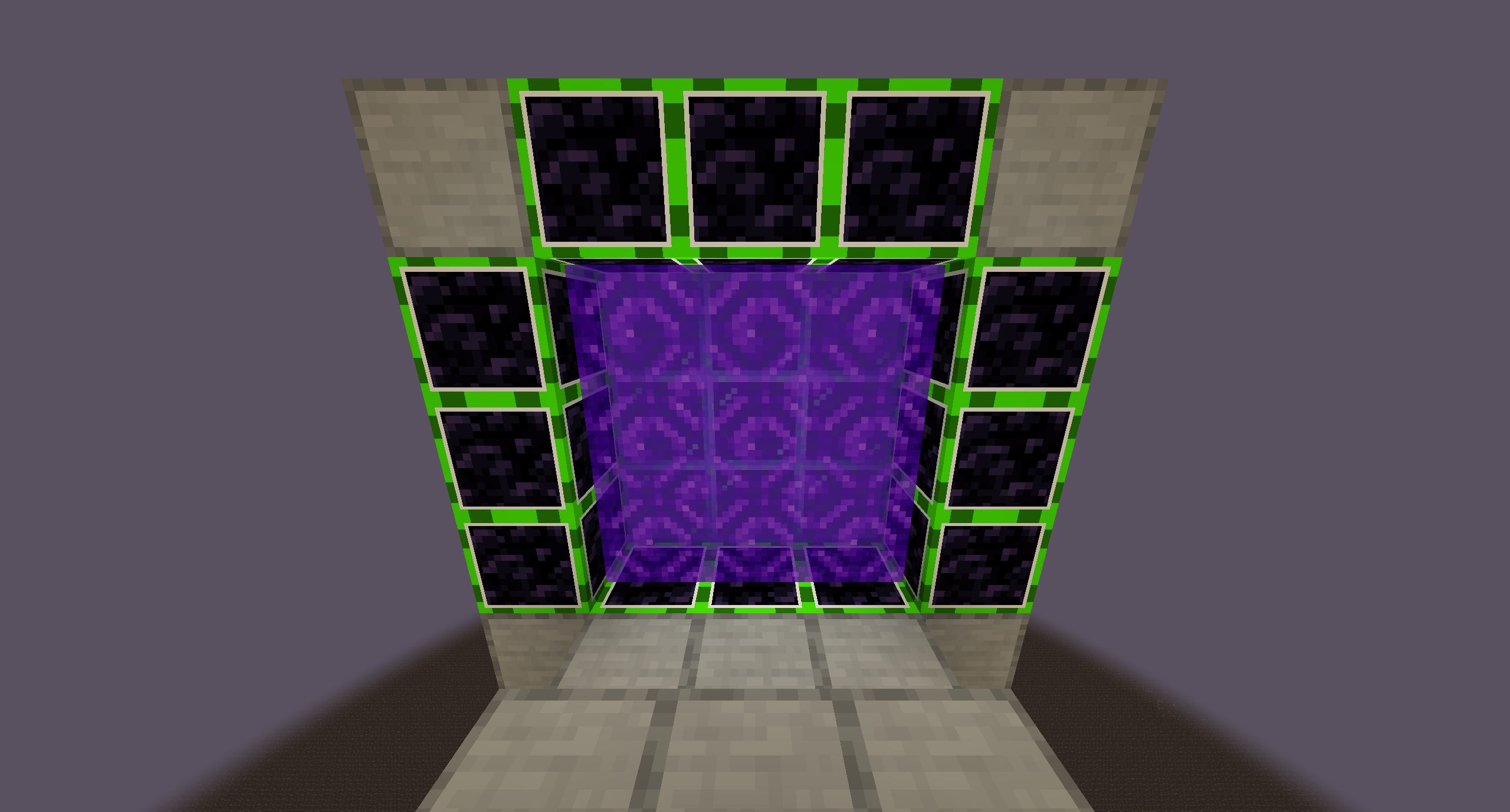
Outline your hard to see blocks!

Having a hard time counting how much obsidian in a bunch?

Want to count how many magma blocks are in a row?

Making a tutorial and want a more helpful guide for the viewer?

Drag and drop a color and you're set!

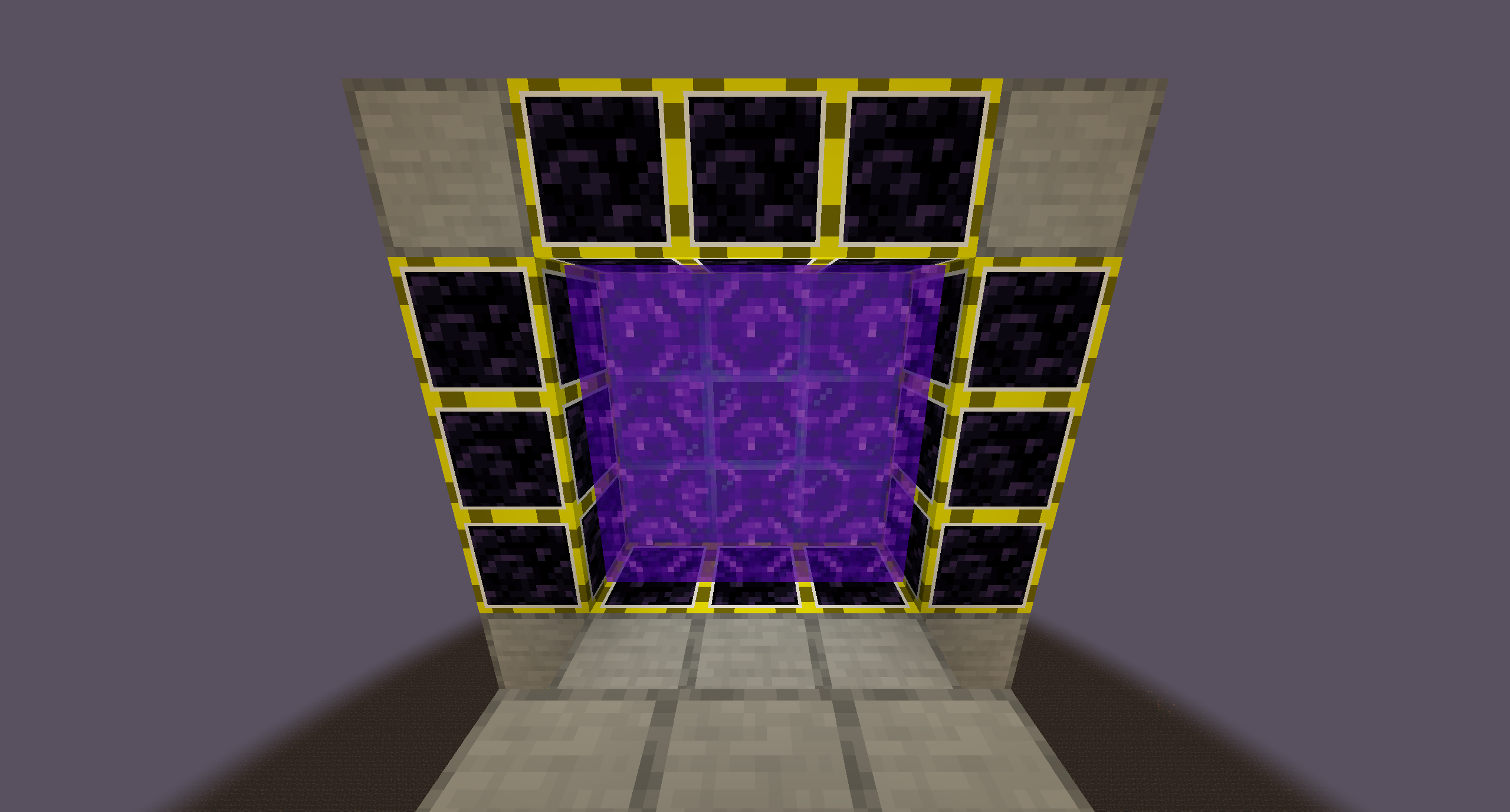
Obsidian

Default Green

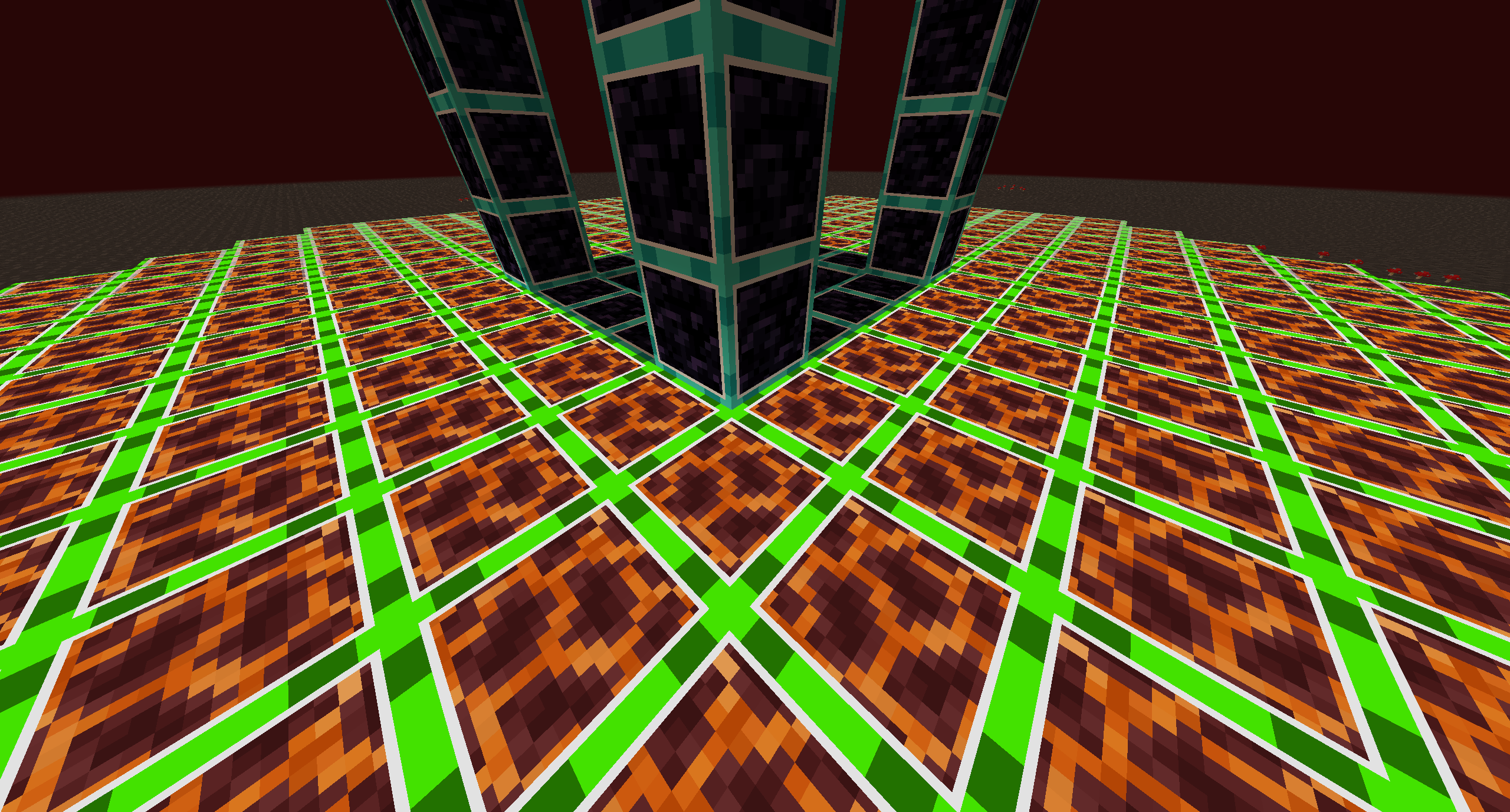
They Glow too!

Green Glow

To turn off/on the Glow:

  • Optifine: Video Settings -> Emissive Textures (On/Off)
  • Continuity (w/ configuration mod): Mods -> Continuity -> Emissive Textures (On/Off)

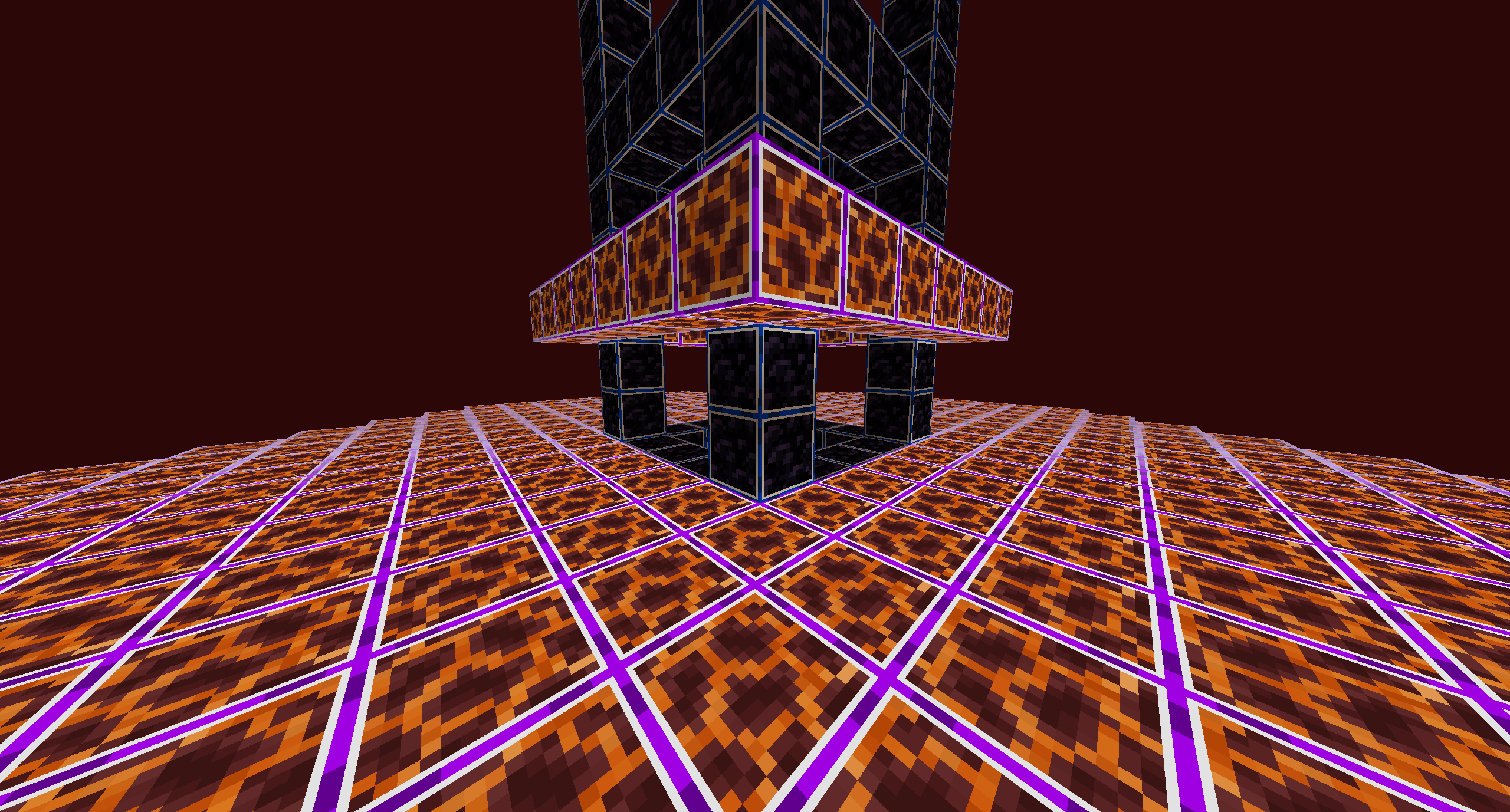
Magma

Default Green

Animated Outlines!

Rainbow

Potential Future:

  • I want to make a website just like the Default Dark Mode Pack so it would just be easier than just dragging and dropping if you want to change the color. It would also be easier for customization rather than the preset I provided.
  • More presets lol

Thank you for downloading the pack!

Feel free to add this to your own pack too!

  • JustWaitASec / x3non
Visibility [v1.05].zip
MC 1.19.3, 1.20.2, 1.19.4, 1.19.2, 1.20.3, 1.20.1, 1.20, 1.19.1, 1.20.4, 1.19
Release 2024-01-27 Get
Visibility [v1.04].zip
MC 1.19.3, 1.19.4, 1.19.2, 1.20.1, 1.20, 1.19.1, 1.19
Release 2023-06-26 Get
Visibility [v1.03]
MC 1.19.3, 1.19.2, 1.19.1, 1.19
Release 2022-12-30 Get
Visibility [v1.02]
MC 1.19.3, 1.19.2, 1.19.1, 1.19
Release 2022-12-29 Get
Visibility [v1.02.1]
MC 1.19.3, 1.19.2, 1.19.1, 1.19
Release 2022-12-29 Get
Visible Obsidian [v1].zip
MC 1.19.3
Release 2022-12-28 Get
Visibility v1.01
MC 1.19.3
Release 2022-12-28 Get

Requirements & install

How to use this resource pack in Minecraft
Resolution
32x
Minecraft
1.19.2 – 1.20.4
Install folder
.minecraft/resourcepacks

How to install resource packs

  1. Download the resource pack .zip file (do not extract it).
  2. In Minecraft open Options → Resource Packs → Open Pack Folder.
  3. Drop the .zip into the resourcepacks folder (.minecraft/resourcepacks).
  4. Move the pack to the Selected column and click Done.
Browse more: 16x resource packs 32x resource packs 64x resource packs 128x resource packs 256x resource packs 512x+ resource packs Resource Packs for 1.20.4 All resource packs

More from x3non

Advertisement Remove ads with Premium →

You Might Also Like