Badges update automatically and link to the resource pack page on MineUniverse.
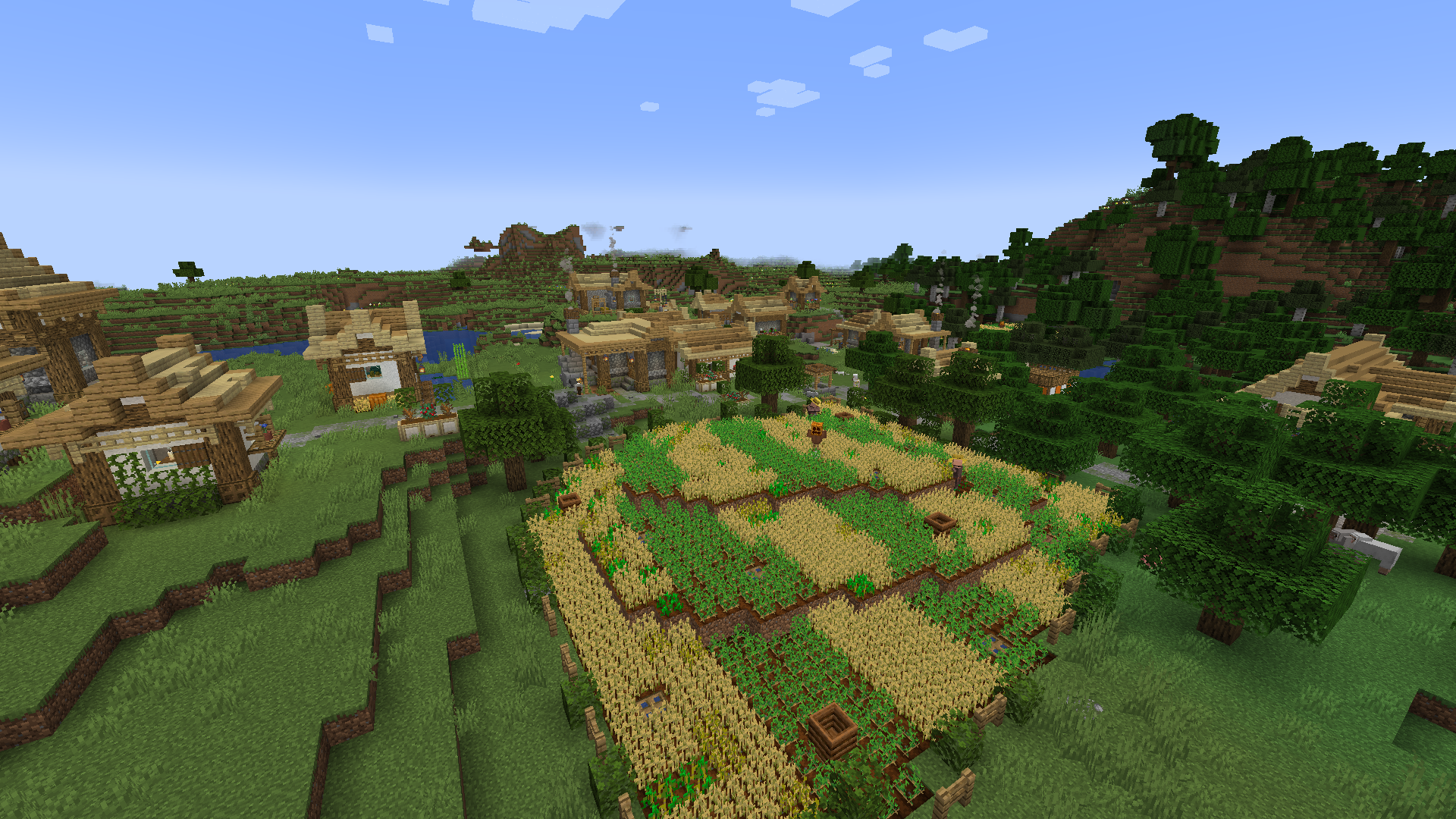
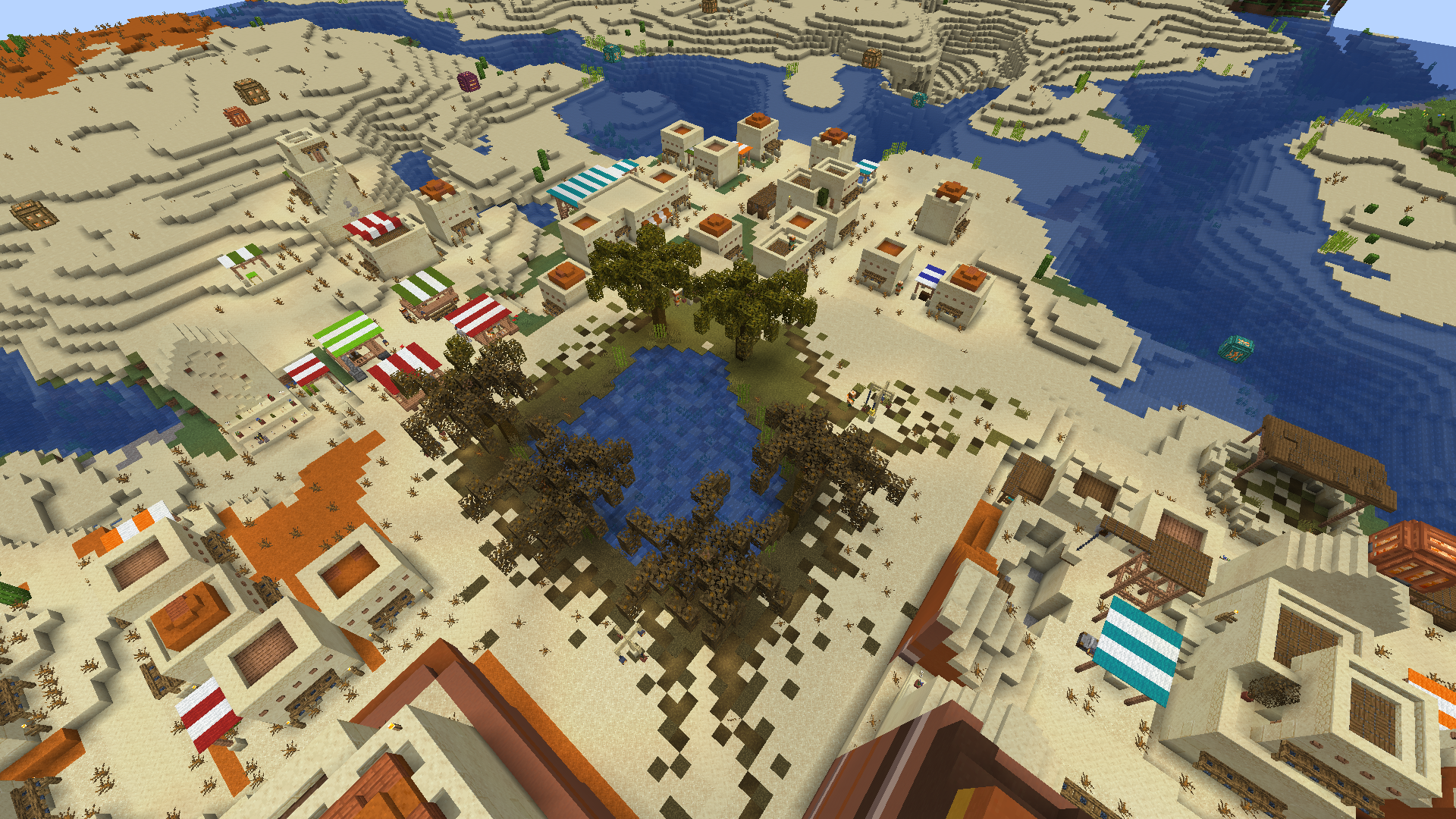
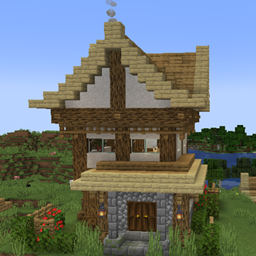
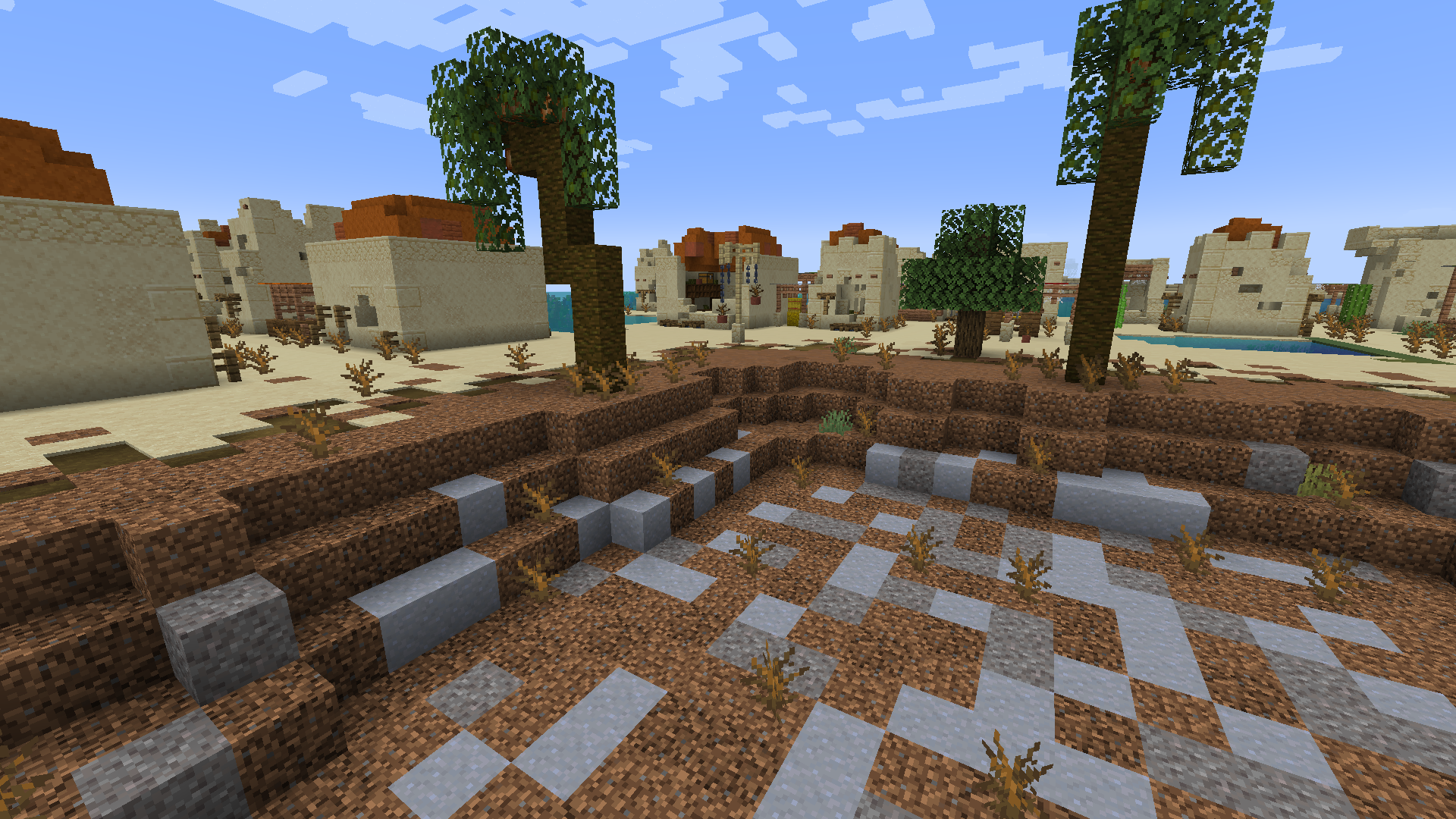
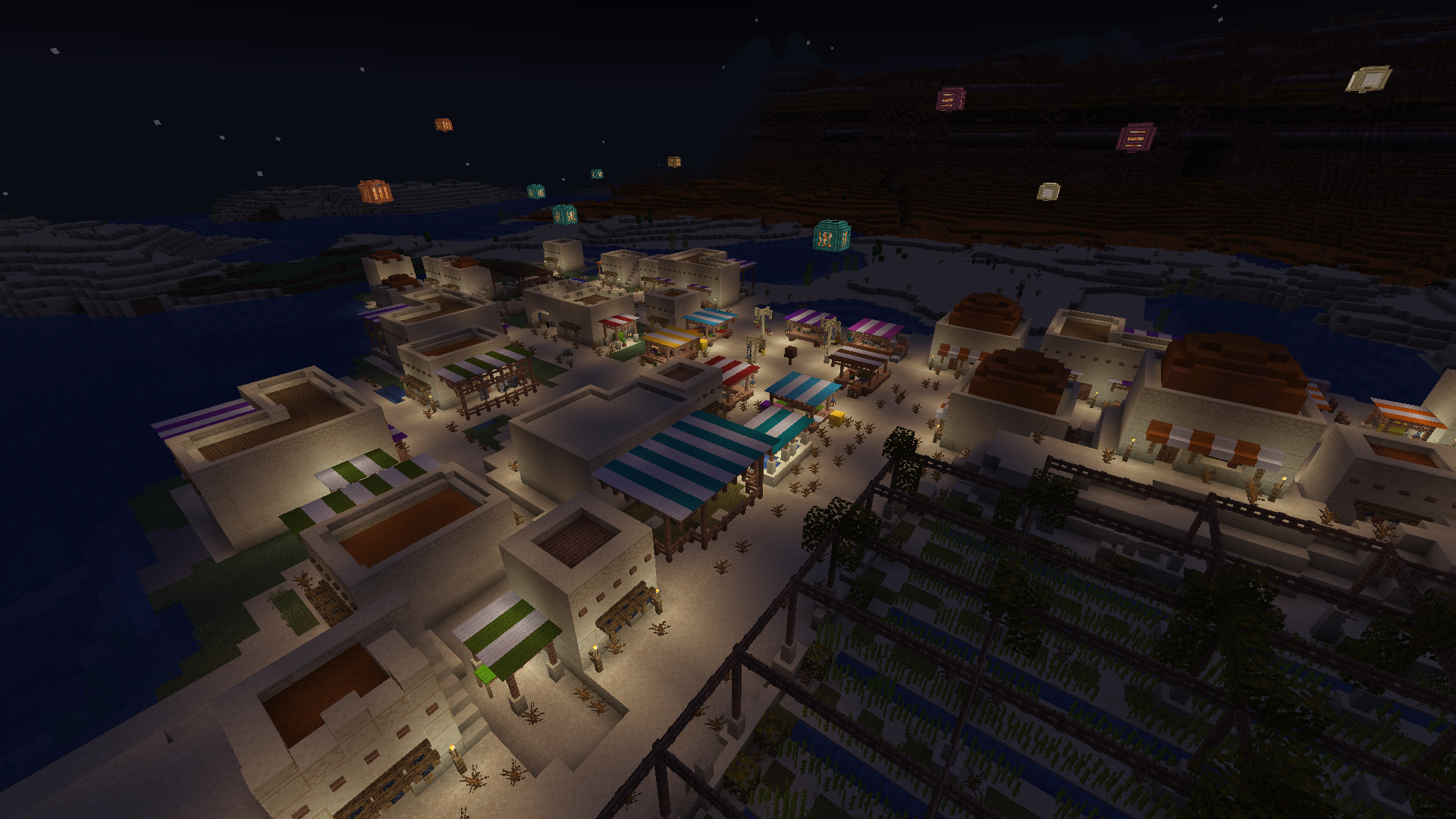
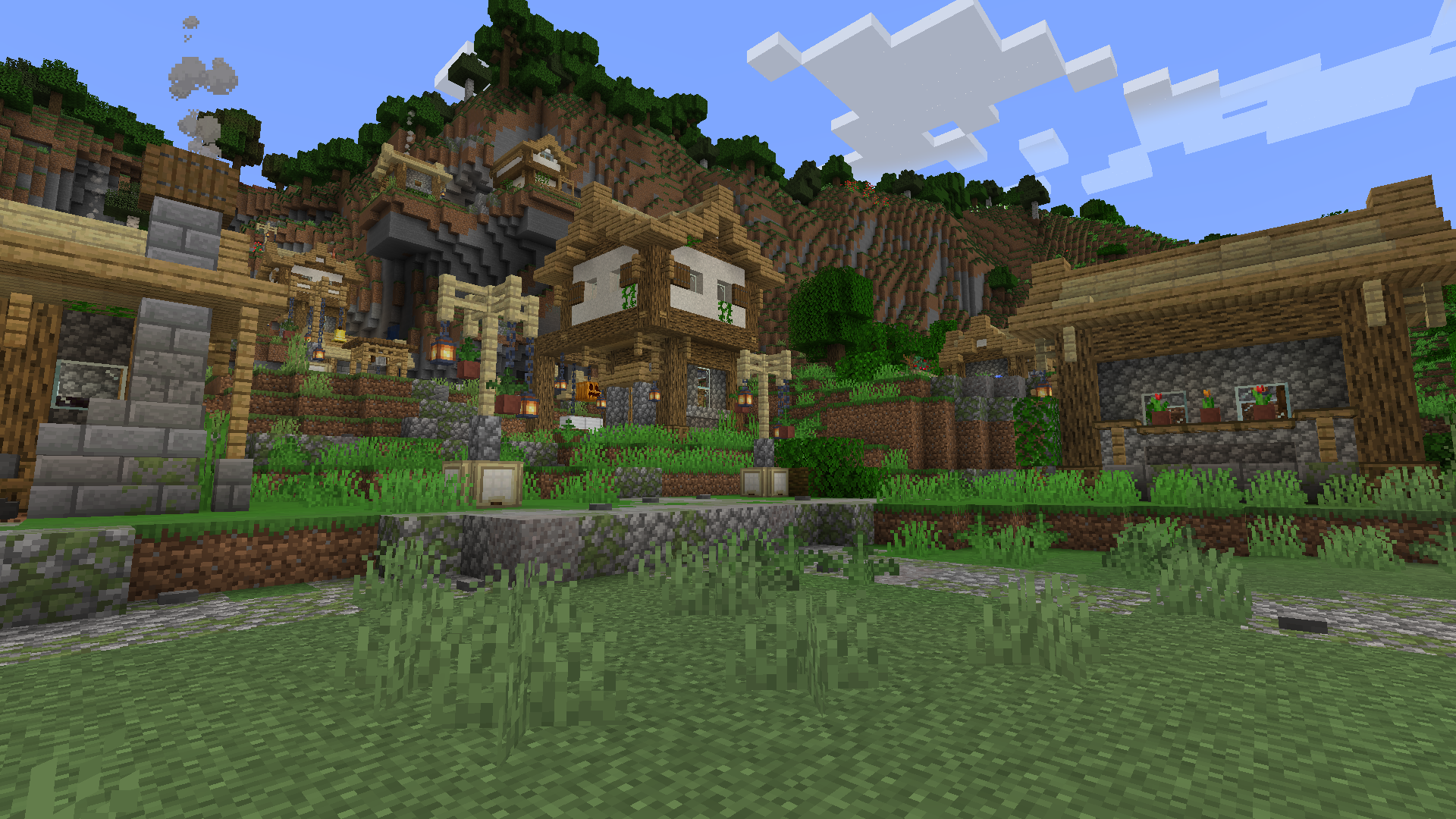
Villages Overhauled was inspired by the great mod Valhelsia Structures. The vanilla villages seemed so plain in comparison to the beautiful structures that this mod added. I wanted to redo the villages to the best of my ability making them prettier to look at. My daughter and I have worked for months, and even brought in some help from additional family and friends. It is presently 40% done having accounted for Plains and Desert villages only. Snowy, Taiga, and the others will come in future updates.
HIDDEN CHESTS!
This datapack includes a fun mini activity in that none of the villager chests are just setting out in the open! Instead you'll need to try to find the hidden chests in the buildings. Check behind, above and below things! Not every building has a chest, but many do and most are visible without breaking a single block!
LEARN REDSTONE
Each Toolsmith includes a basic red stone circuit or two. While you will be a far cry from an expert, you can see things like piston doors, and/or gates, or even repeaters in action.
HIDDEN LORE
Hints at the Wither, Iron Golem construction, and Pillagers are scattered throughout.