Mineuniverse
Resource Packs
VibrantlyDetailed

VibrantlyDetailed

RESOURCE PACK
A vanilla-ish but more detailed resource pack
by wildgamer43
Download Claim this project
186 downloads
0 likes
0 followers
Updated Oct 14, 2026
0 hypes
Follow0
32x Animated Miscellaneous Traditional
Advertisement Remove ads with Premium →

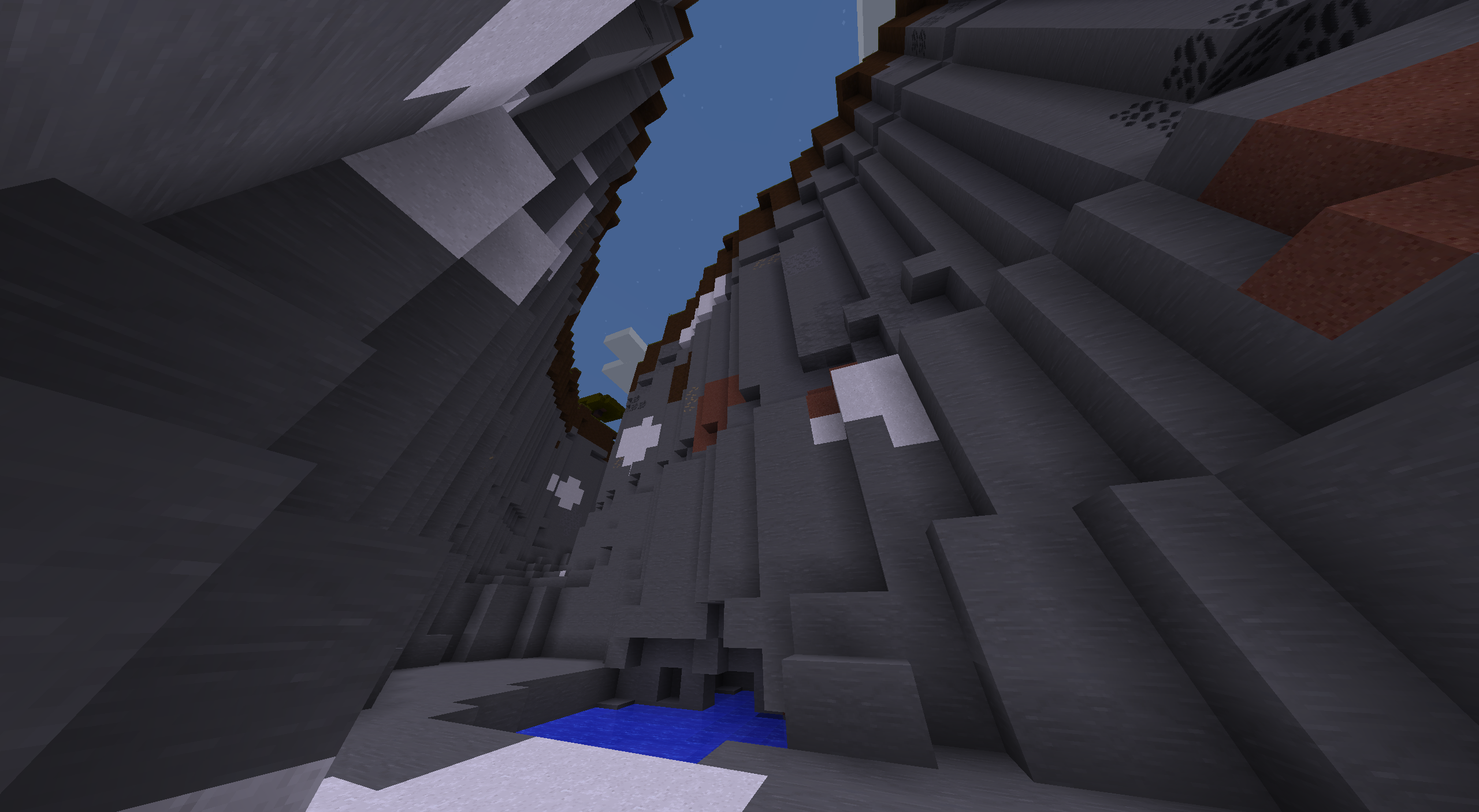
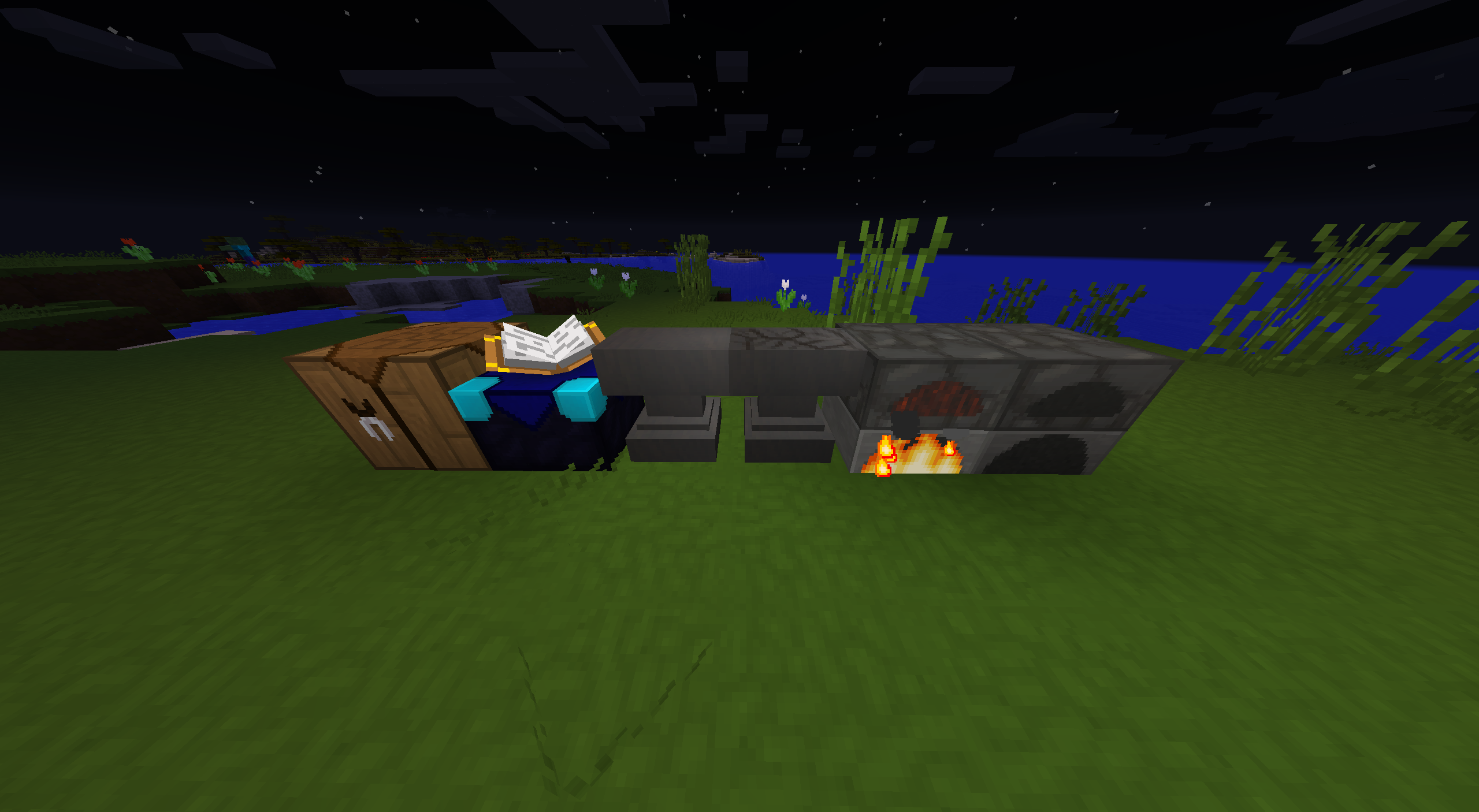
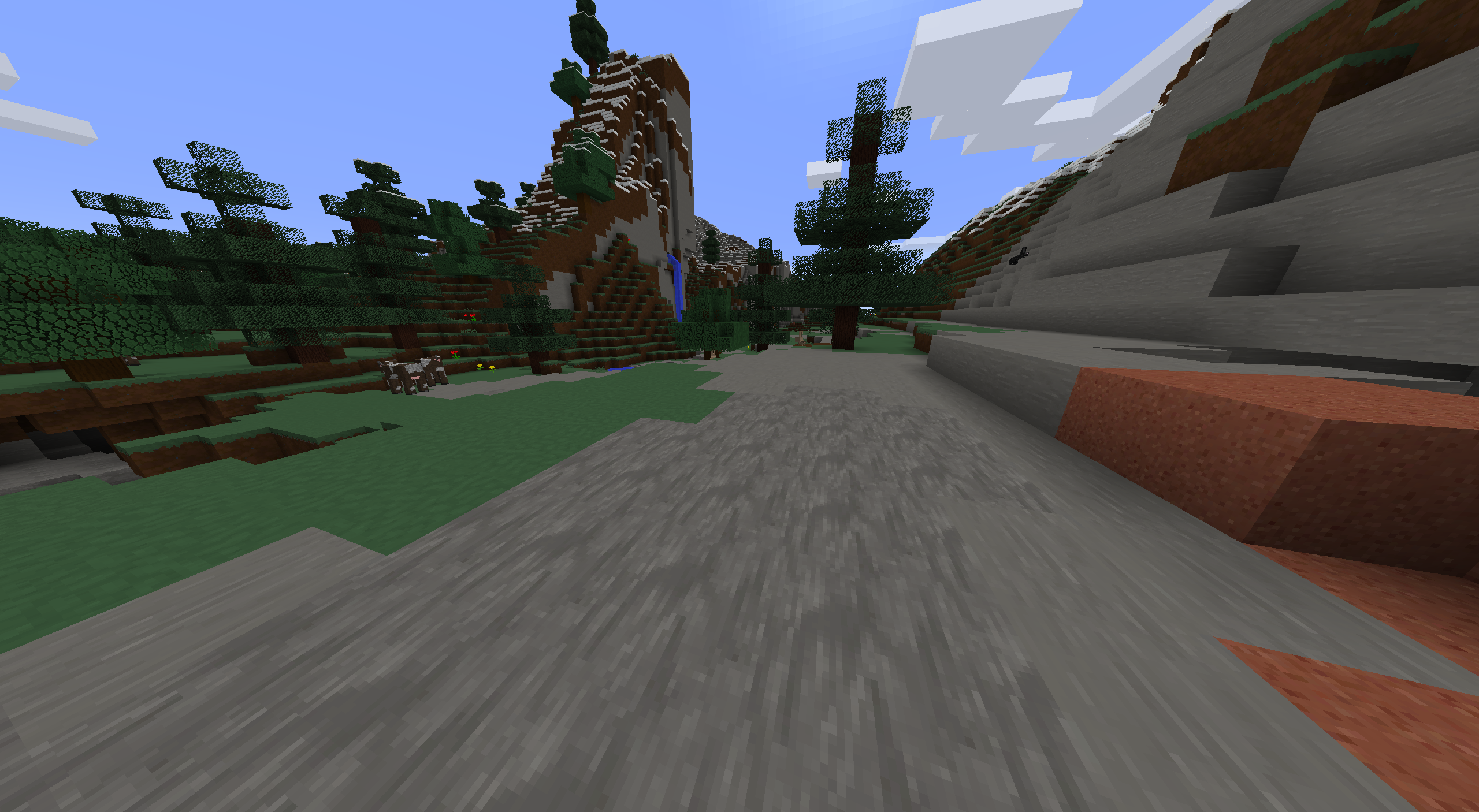
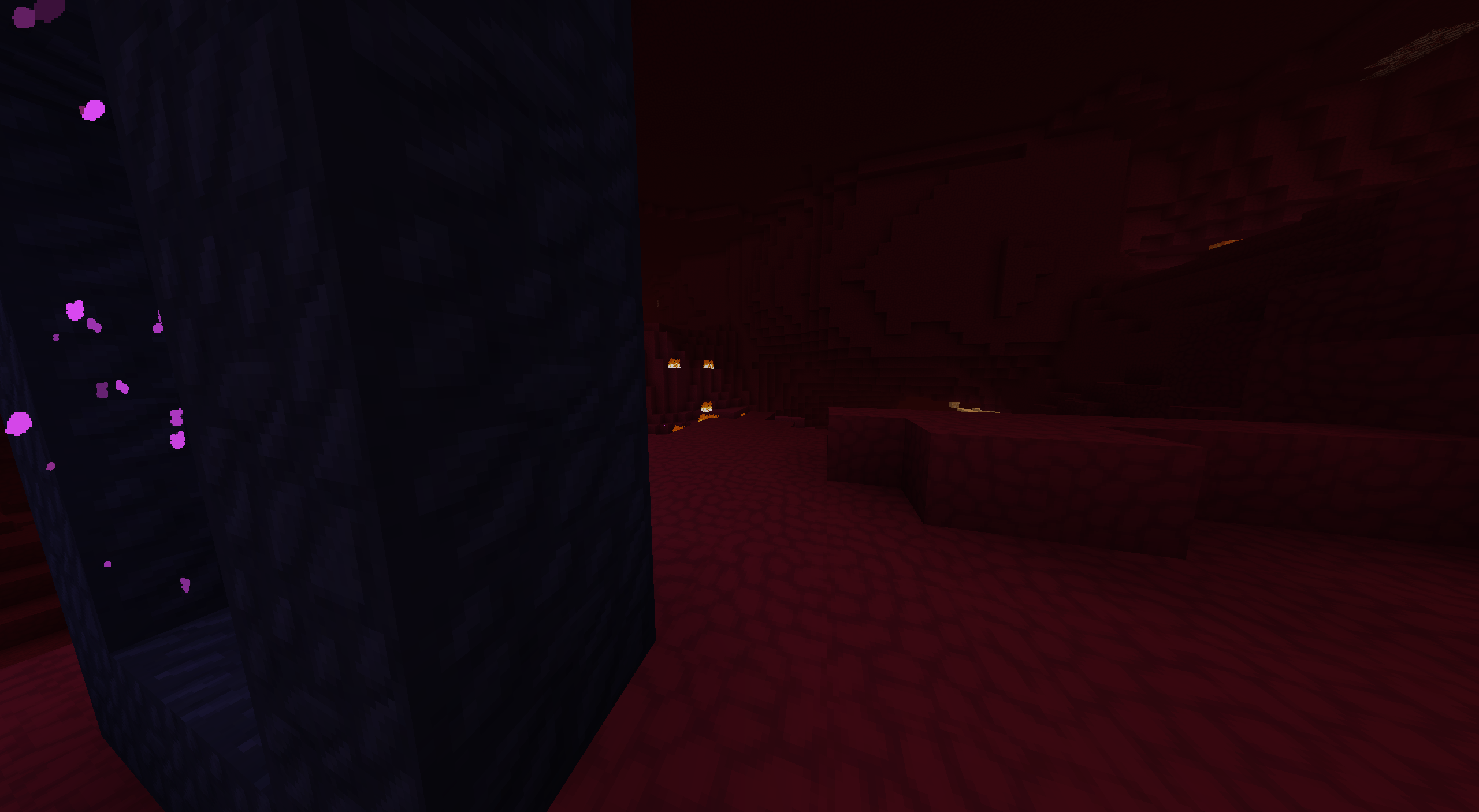
Vibrantly Detailed aims to provide slightly more detailed and higher resolution textures that are still vanilla inspired for Minecraft with slightly more saturated and dark colors. It is currently only available for the 1.8 versions of Minecraft and is highly experimental, with many textures remaining unfinished.
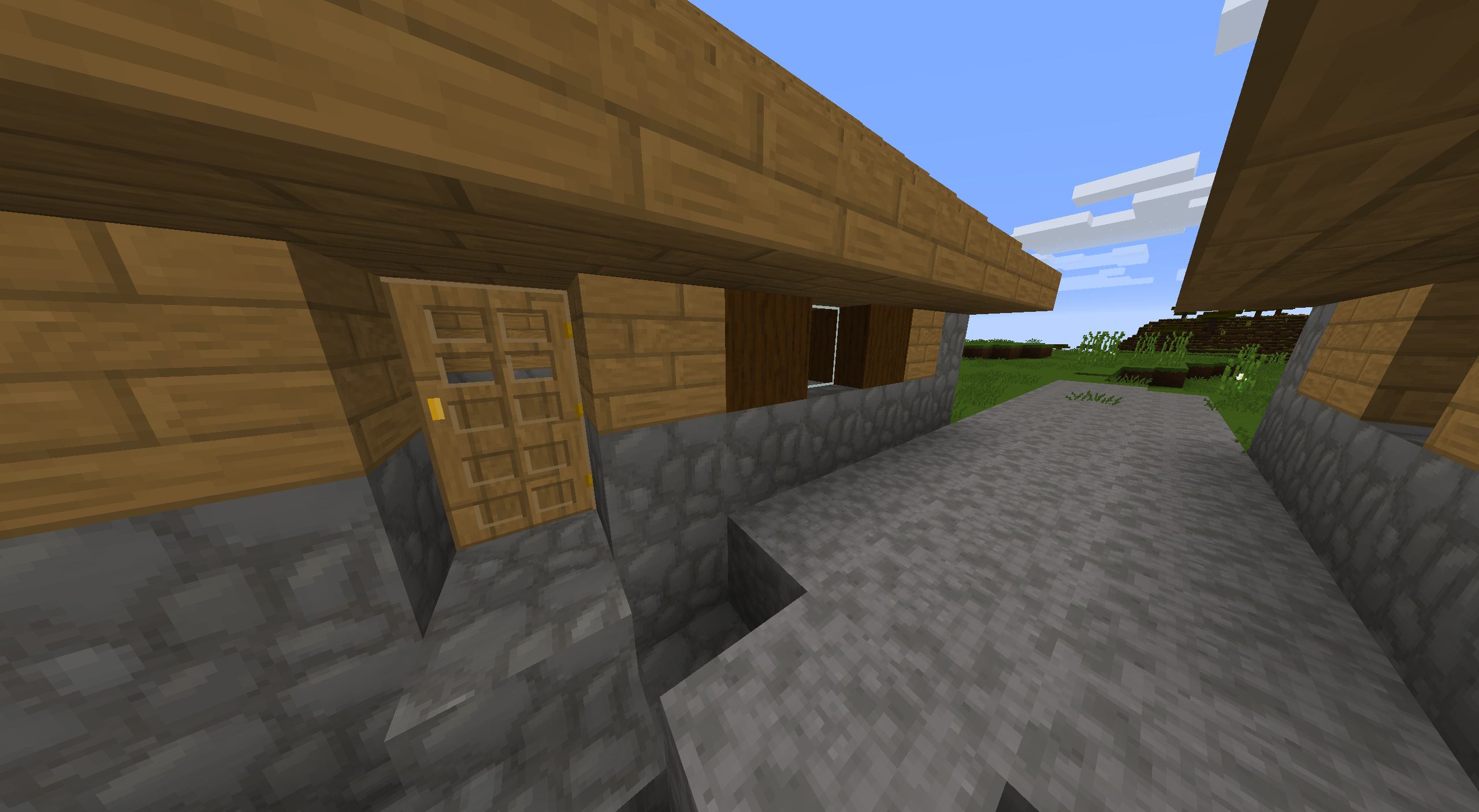
 

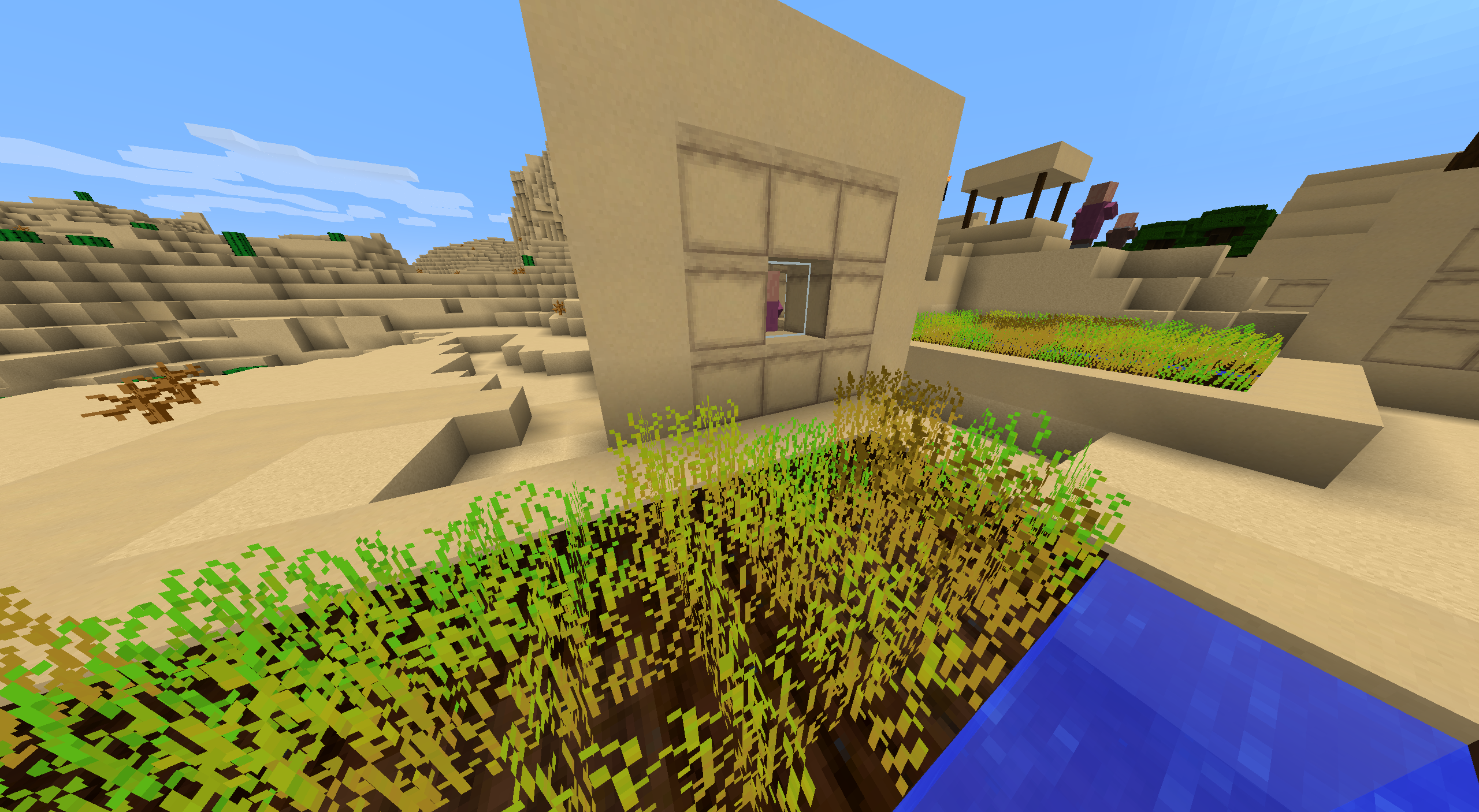
A village house


The resource pack will slowly be updated as I get time to work on it, so please comment suggestions below or describe bugs with the pack on the issue tracking page so that I can attend to them when I get a chance. I also intend to update the pack to newer versions of the game but the most I might do before finishing all of the 1.8 textures is carry the existing ones over to a pack formatted for newer versions.
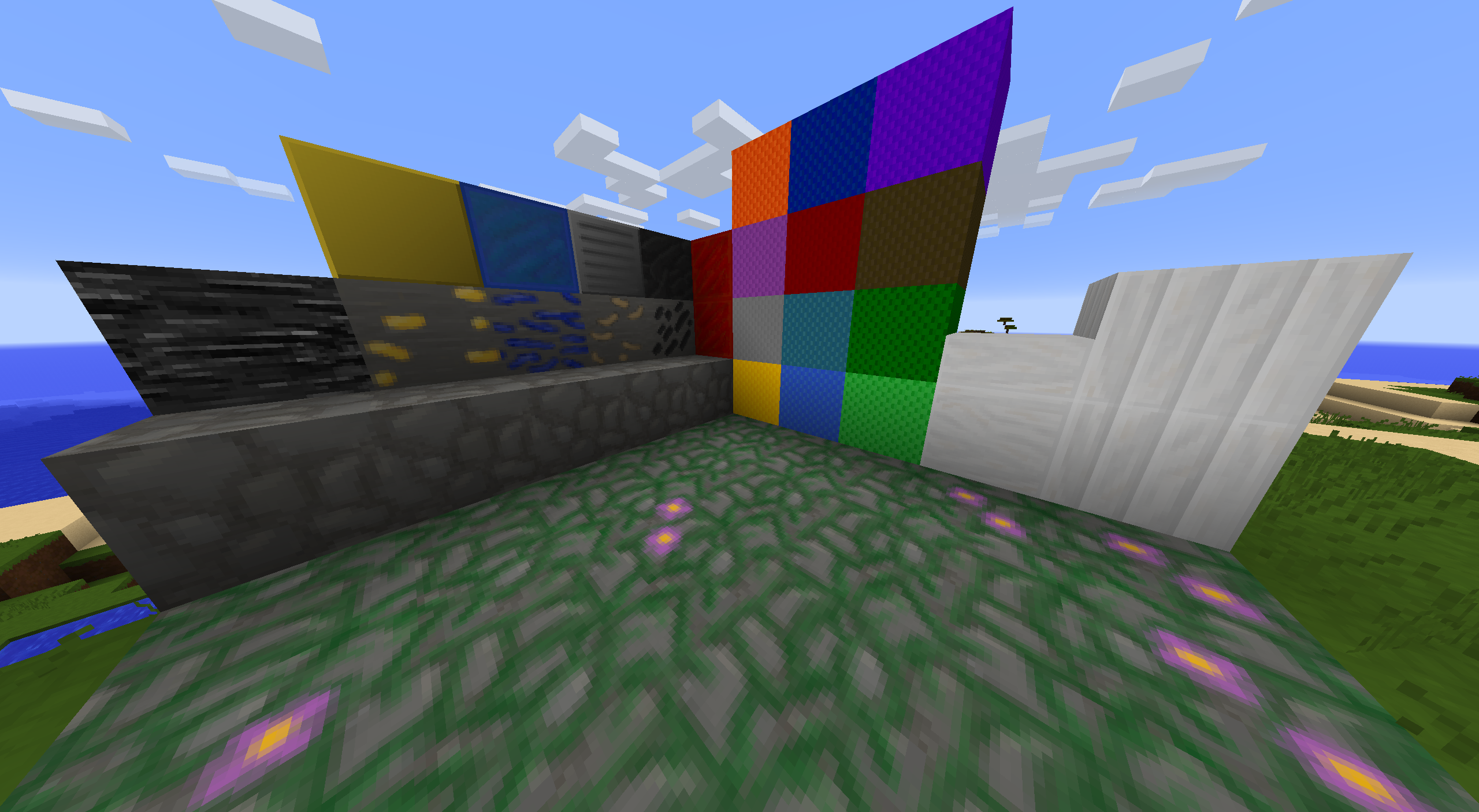
 

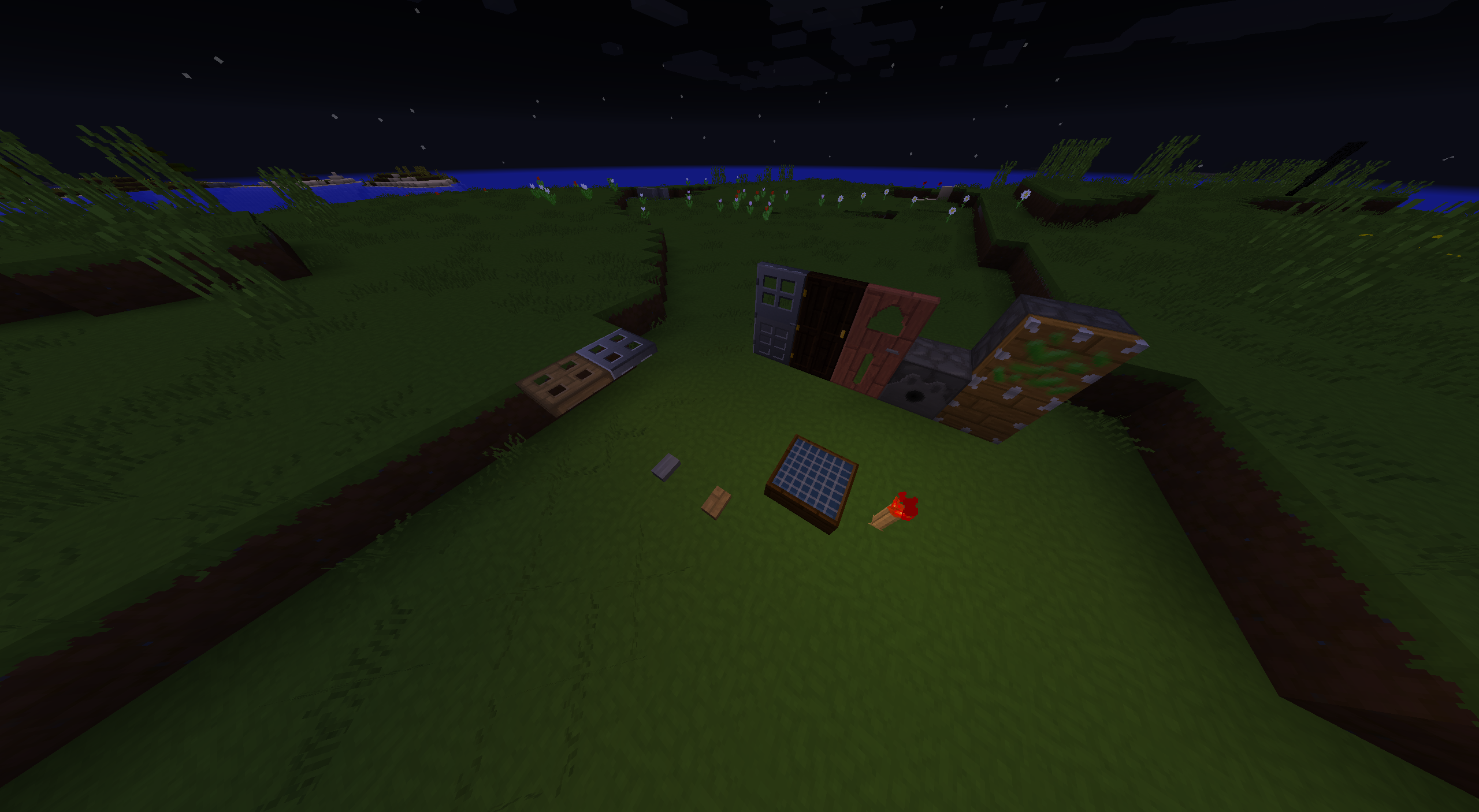
Some assorted blocks


I am OK with you modifying, sending this pack to others, and even uploading significantly modified versions of it to the internet, BUT please link back to this project page to credit me wherever you may upload a version of the pack publicly.
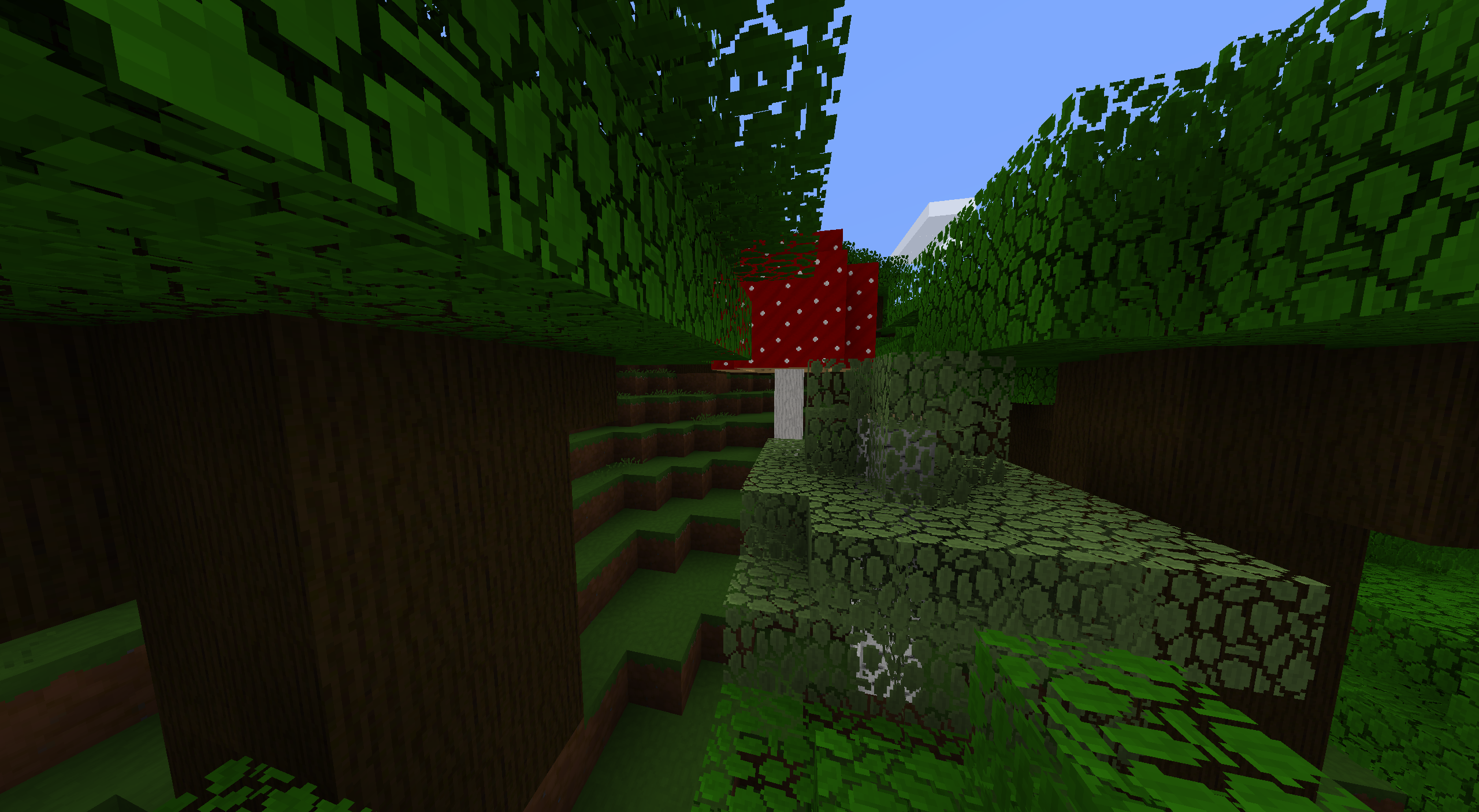
 

A dark oak forest

I'll also be starting two additional projects for a GUI pack and an addon pack with Optifine features in the near future. They will be linked on this page once available.

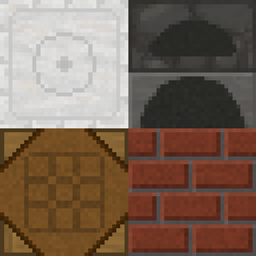
 

VibrantlyDetailed 1.8.x v1.0
MC 1.8.7, 1.8.4, 1.8.8, 1.8.3, 1.8.6, 1.8, 1.8.2, 1.8.5, 1.8.9, 1.8.1
Beta 2021-10-03 Get

Requirements & install

How to use this resource pack in Minecraft
Resolution
32x
Minecraft
1.8.2 – 1.8.9
Install folder
.minecraft/resourcepacks

How to install resource packs

  1. Download the resource pack .zip file (do not extract it).
  2. In Minecraft open Options → Resource Packs → Open Pack Folder.
  3. Drop the .zip into the resourcepacks folder (.minecraft/resourcepacks).
  4. Move the pack to the Selected column and click Done.
Browse more: 16x resource packs 32x resource packs 64x resource packs 128x resource packs 256x resource packs 512x+ resource packs Resource Packs for 1.8.9 All resource packs
Advertisement Remove ads with Premium →

You Might Also Like