Vibrant Colorblind Colors by EG
This is a Resource Pack to help with red-green colorblindness and make your Minecraft world more vibrant! This pack makes the dull yellow grass more of a bright yellow, makes the gray diamonds blue and much more.
Here's a village:


Here's some more terrain:

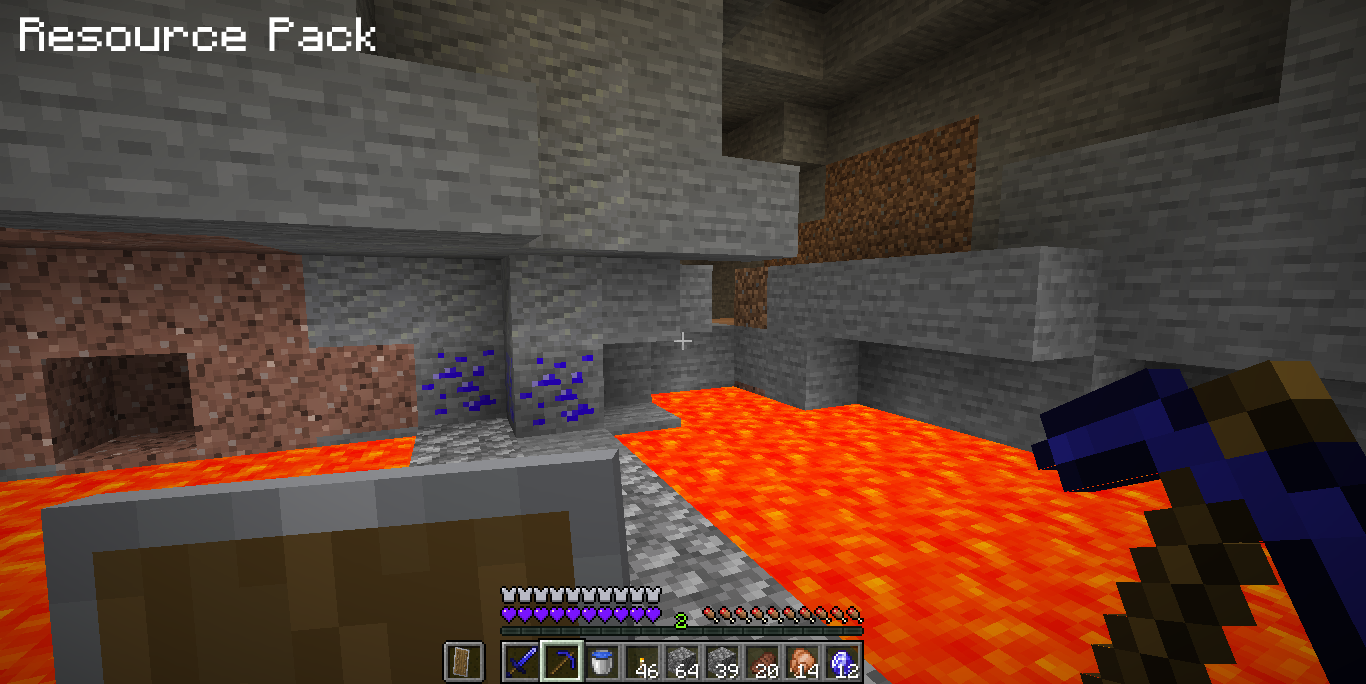
I made diamonds blue instead of gray like iron is:
Netherrack is a bit more colorful:
I decided to make Crimson Forests yellow so they would be easier to see and instead of being a dull brown, they're a bright yellow:
And I made Warped Forests blue instead of gray like they should be:
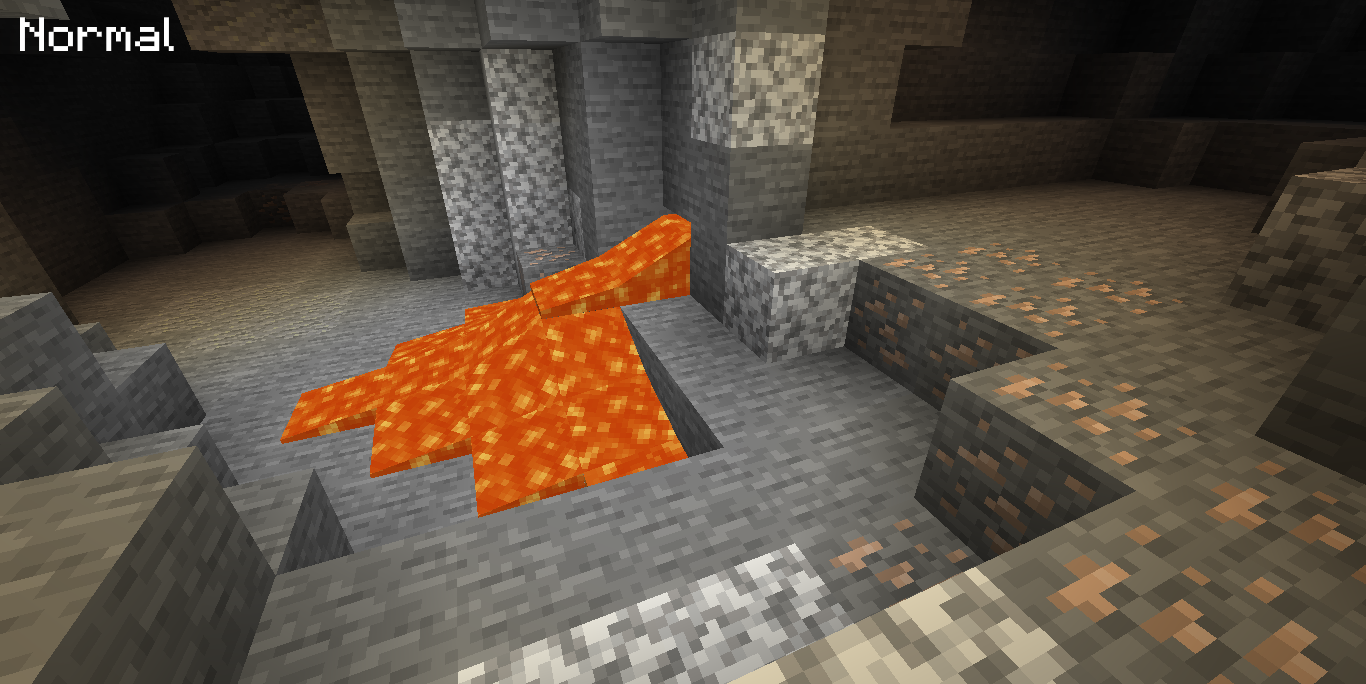
Iron is more visible and gray like iron tools are. Lava is a bit less dull but still kind of looks like puke:
GeorgeNotFound gave me the idea for this one. Yellow and Lime wool don't look as similar as each other now. This helps with Bedwars. Green is also a bit darker; Red is less dark and has a lower contrast so it doesn't look so much like brown or dark gray:
Here is the survival hotbar. Hearts are blue now and look much more vibrant. You can also see what normal vs. resource pack diamond tools look like in hand:
I hope you enjoy this resource pack and I hope this makes Minecraft more vibrant for you! If you have any suggestions of things that you would like to be implemented into the resource pack, write a comment.
If you are colorblind and some of the "Resource Pack" images don't look that much better, then you're colorblindness might be a little bit different from other people's. Just test the pack out for yourself to see if it helps. If it does, great! If it doesn't, tell me if I should change anything with the pack. Again, you're colorblindness might be different from other people's.