Still playing on your favorite older client version to join a newer multiplayer server? That's OK, you'll update later.
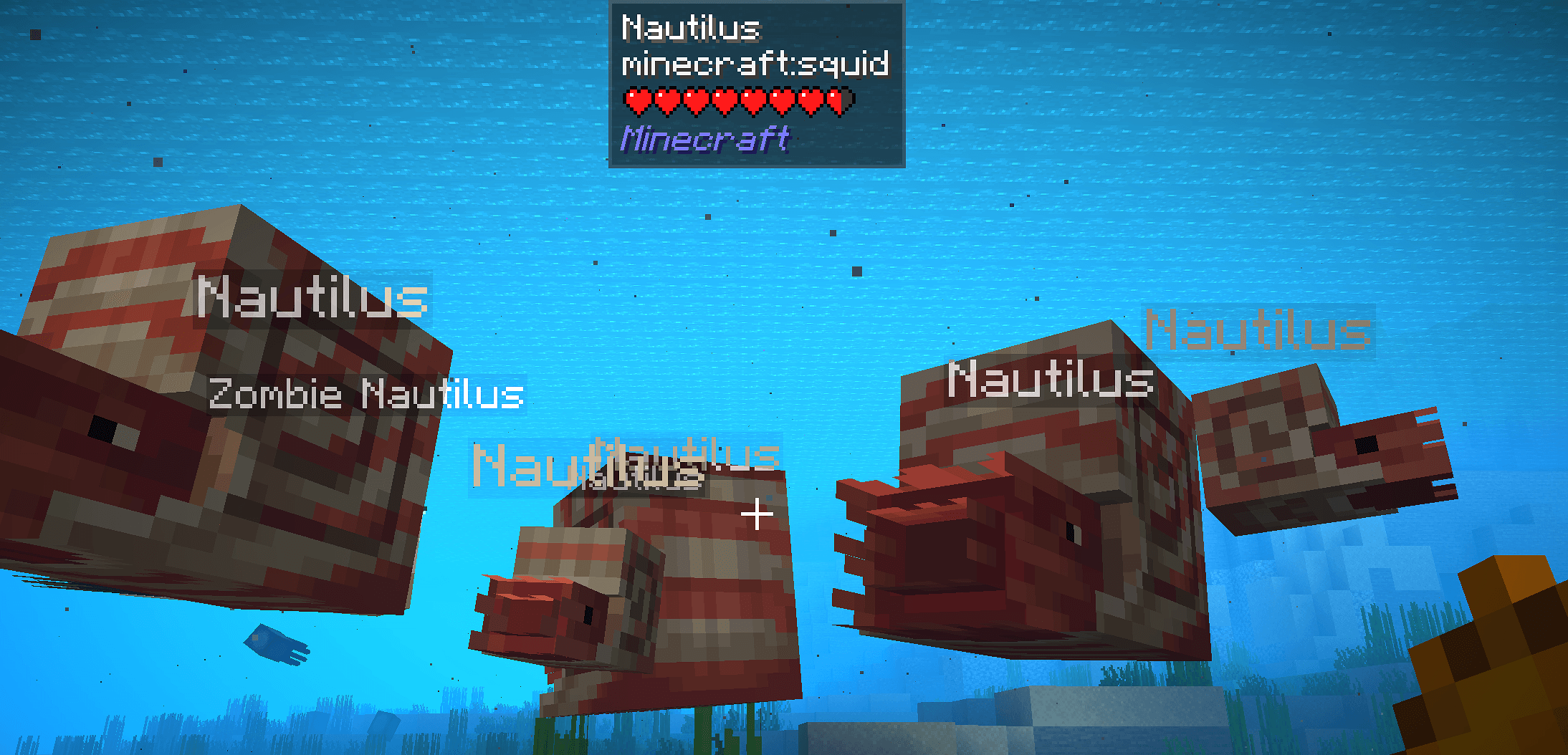
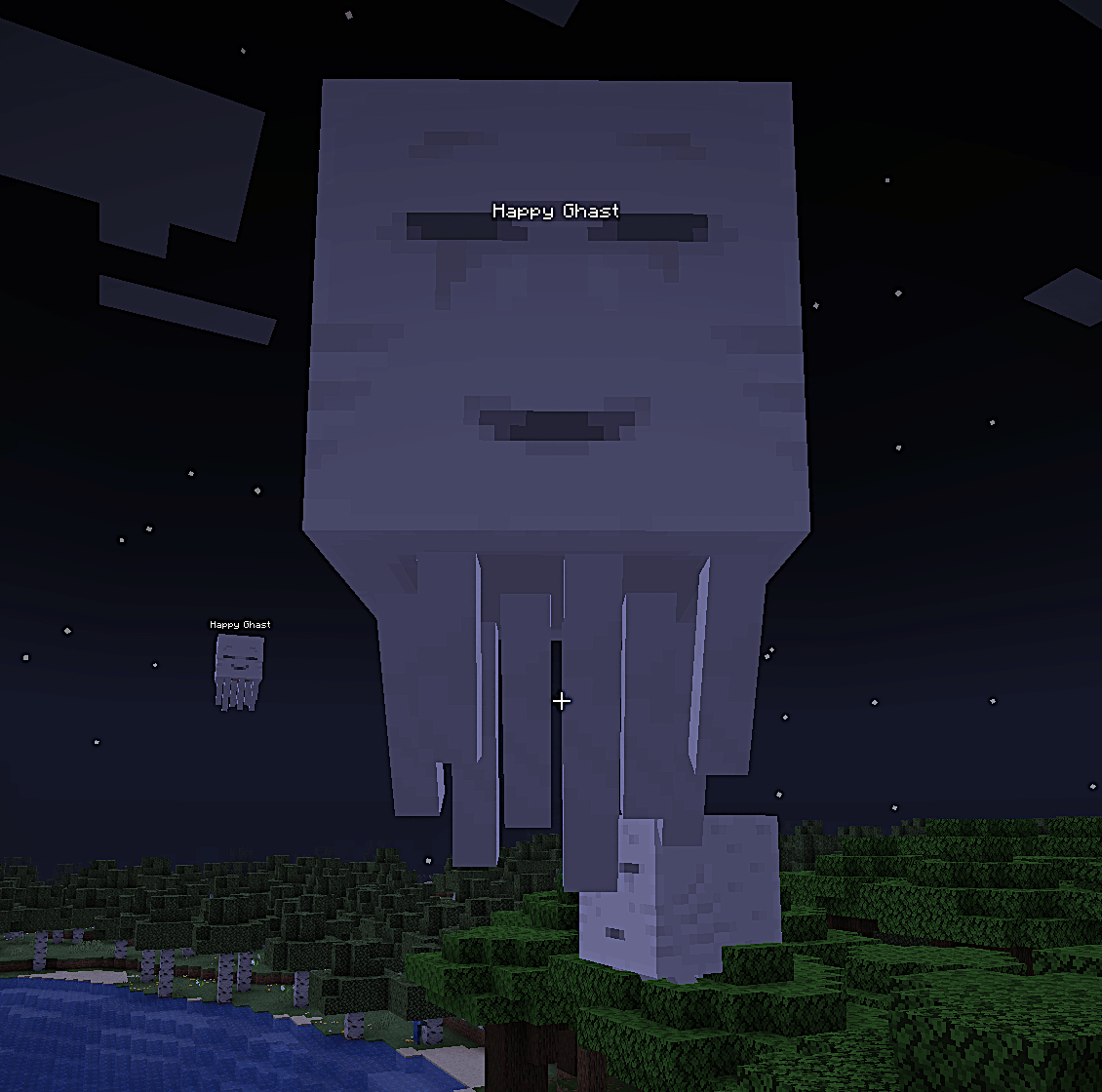
When you join a newer multiplayer server, they can use ViaBackwards to allow older clients. But the brand-new mobs and blocks get downgraded into your version's generic vanilla stand-ins. ViaLater will shoehorn these newer features into your Minecraft, using popular mods like ETF and EMF to swap those placeholders for backported models, textures, and sounds.
You need custom model, texture, and/or connected texture support enabled:
(Note: Most entity features rely on ETF and EMF properties and are not fully OptiFine compatible, so results will be unexpected if using OptiFine.)
You're here in Curseforge, you should be able to tackle that. But if you don't use Curseforge:
.zip from the Releases page..zip into your .minecraft/resourcepacks/ folder.The server you connect to must be running:
5.11.1-SNAPSHOT (or newer)ViaBackwards translates newer mobs into older equivalents so your client doesn't crash, but it also sends translation tags (vb.entity.*) and manually-scaled mob data over the network.
ViaLater reads those hidden tags through ETF/EMF/CEM rules and swaps in the proper models and textures on the fly. You see the actual new mob instead of a placeholder.