Mineuniverse
Resource Packs
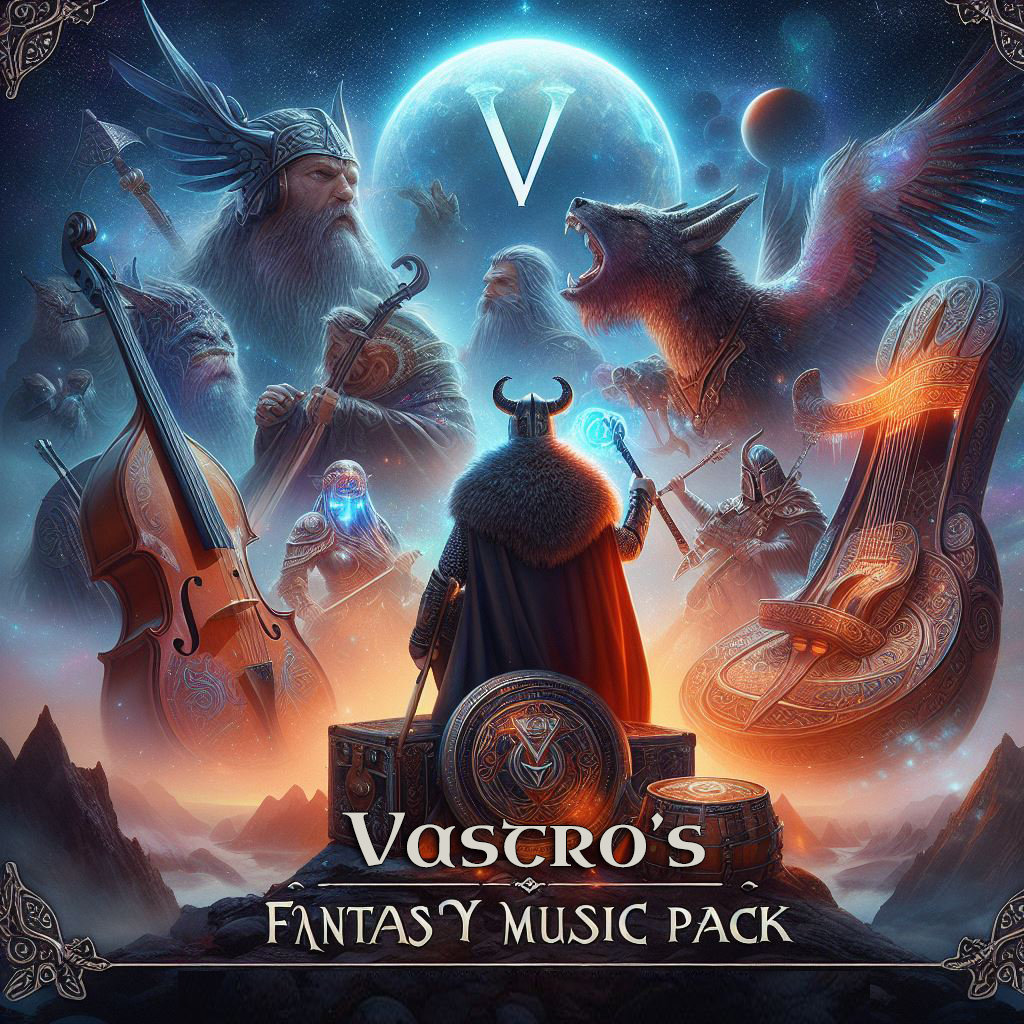
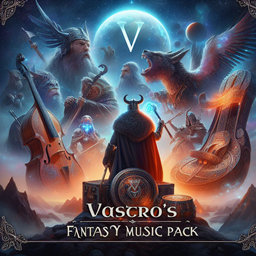
Vastro's Fantasy Music Pack

Vastro's Fantasy Music Pack

RESOURCE PACK
Adds fantasy music helping to change the atmosphere of your Minecraft Experience!
by Vastro
Download Claim this project
Add a badge to your pageLink to Vastro's Fantasy Music Pack from a README, website or forum post.
Preview: Badge

Badges update automatically and link to the resource pack page on MineUniverse.

4,191 downloads
0 likes
0 followers
Updated Oct 14, 2026
0 hypes
Follow0
128x Medieval Miscellaneous
Advertisement Remove ads with Premium →


Welcome to VASTRO'S Epic Fantasy Music Pack.

This resource pack adds new in game music tracks, adding an epic fantasy atmosphere to your Minecraft experience.

  • New Creative Music
  • New End Music
  • New Nether Music (Including all additional area music)
  • New Water Music
  • New Swamp Music
  • New Menu Songs Added
  • More Survival Music Added
  • New songs for all of the Music Disc


All of the songs used are public domain / creative commons and are able to be used in streaming and videos.

Vastroking compiled the songs only. Vastroking did not write nor owns the songs contained.


I am currently working on more music packs. Keep posted for more content.


**LEGAL**

The best way to show appreciation for my time into making these packs is to not steal and or modify any textures and efforts put into the packs I make unless it is strictly for your personal use only. Also, please do not create any downloads of any of content or packs that i create. If you wish to promote this content elsewhere just simply reach out to me or you can always re-direct a link back to this site, home of the original source of this pack. All images, content, packs and other related materials are made and or owned by The Vastroking unless otherwise stated in the credits of each pack.

Vastro's Fantasy Music Pack (1.20.4).zip
MC 1.20.4
Release 2023-12-17 Get
Vastroking's Epic Fantasy Music Pack.zip
MC 1.19.2
Release 2022-12-01 Get

Requirements & install

How to use this resource pack in Minecraft
Resolution
128x
Minecraft
1.19.2 – 1.20.4
Install folder
.minecraft/resourcepacks

How to install resource packs

  1. Download the resource pack .zip file (do not extract it).
  2. In Minecraft open Options → Resource Packs → Open Pack Folder.
  3. Drop the .zip into the resourcepacks folder (.minecraft/resourcepacks).
  4. Move the pack to the Selected column and click Done.

Packs from 128x upwards need more video memory: install a performance mod such as Sodium for smooth frame rates.

Browse more: 16x resource packs 32x resource packs 64x resource packs 128x resource packs 256x resource packs 512x+ resource packs Resource Packs for 1.20.4 All resource packs

More from Vastro

Advertisement Remove ads with Premium →

You Might Also Like