Mineuniverse
Resource Packs
Varied Armadillos

Varied Armadillos

RESOURCE PACK
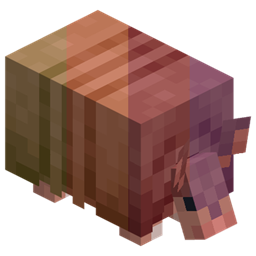
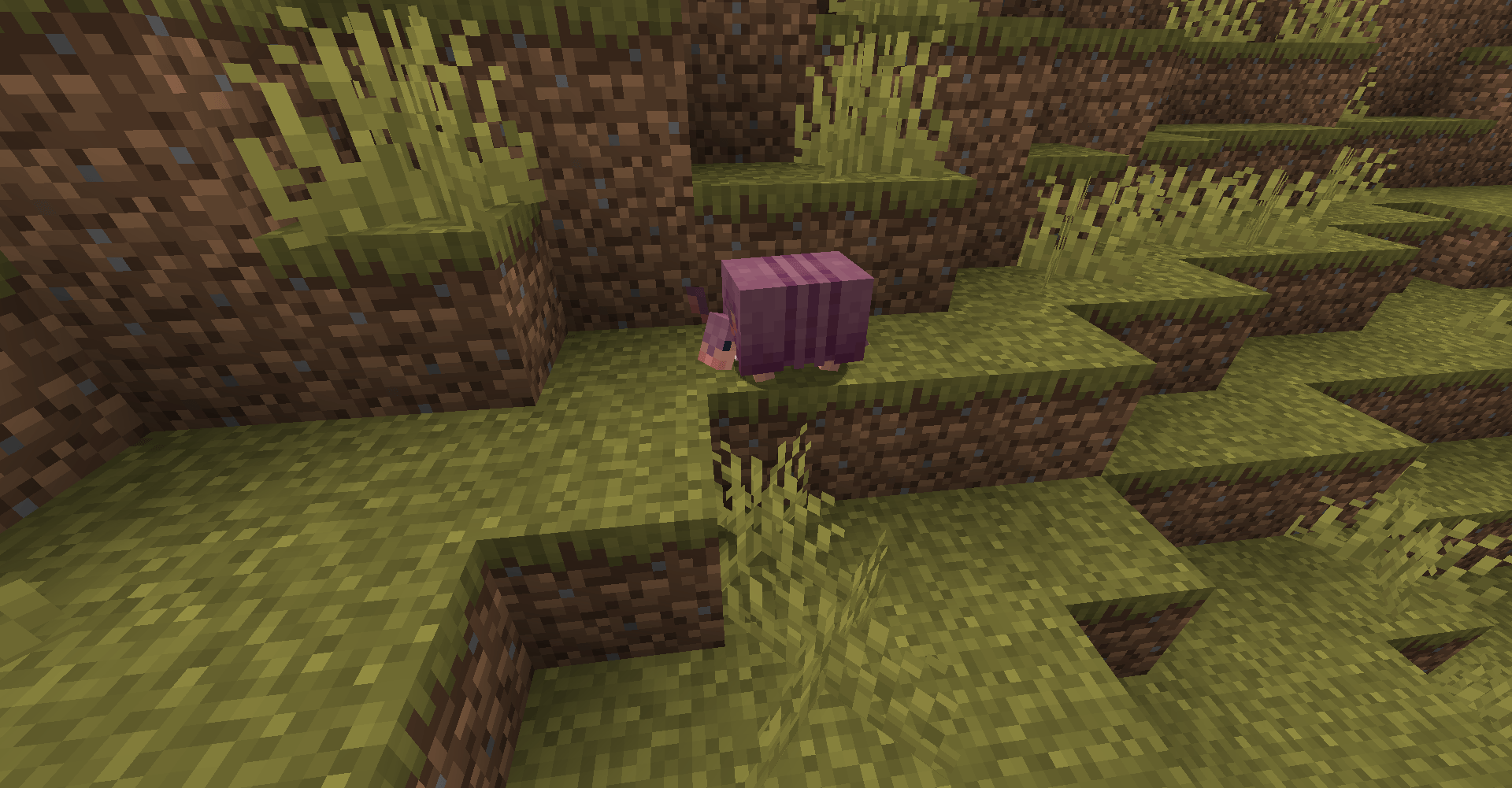
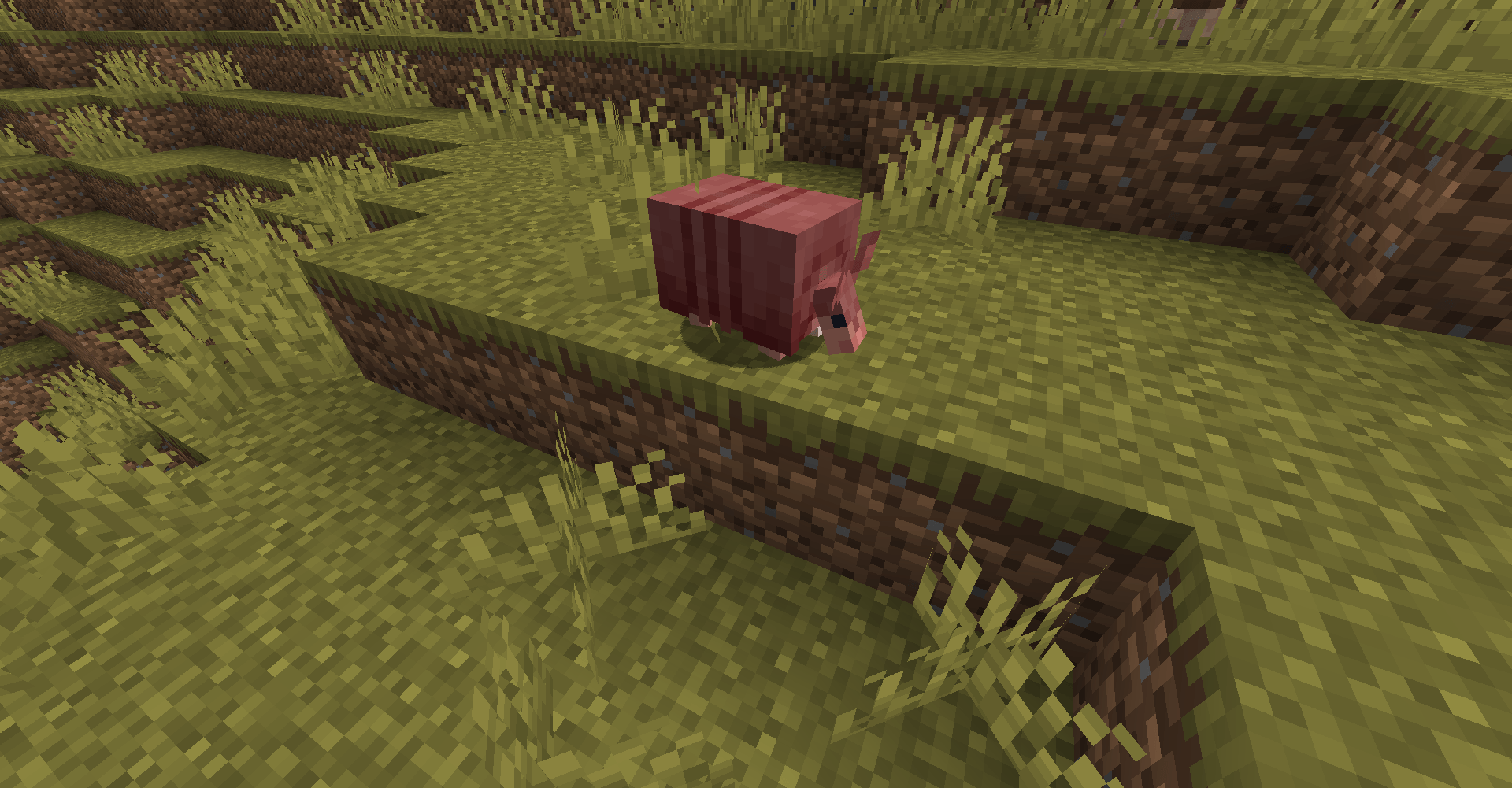
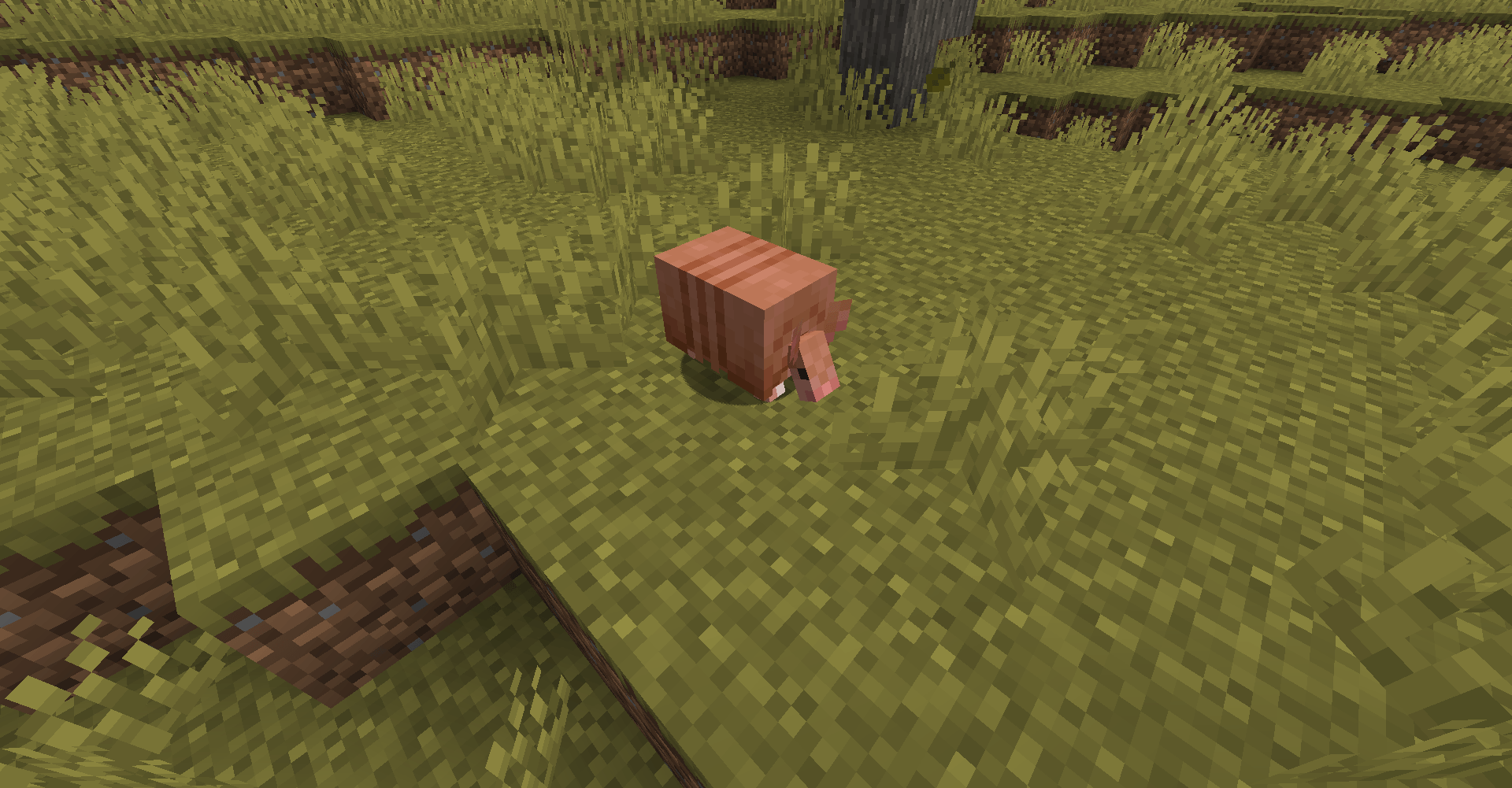
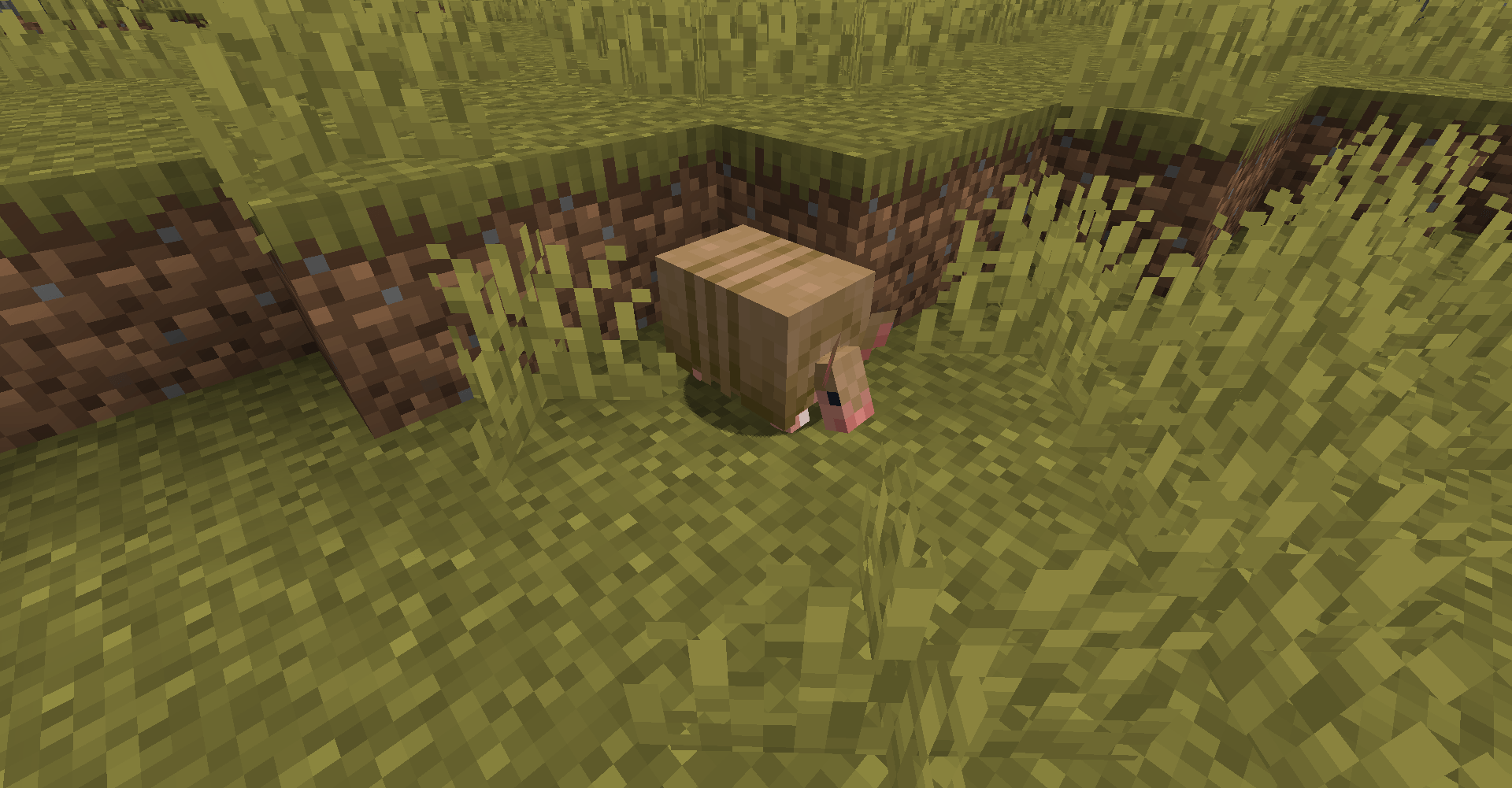
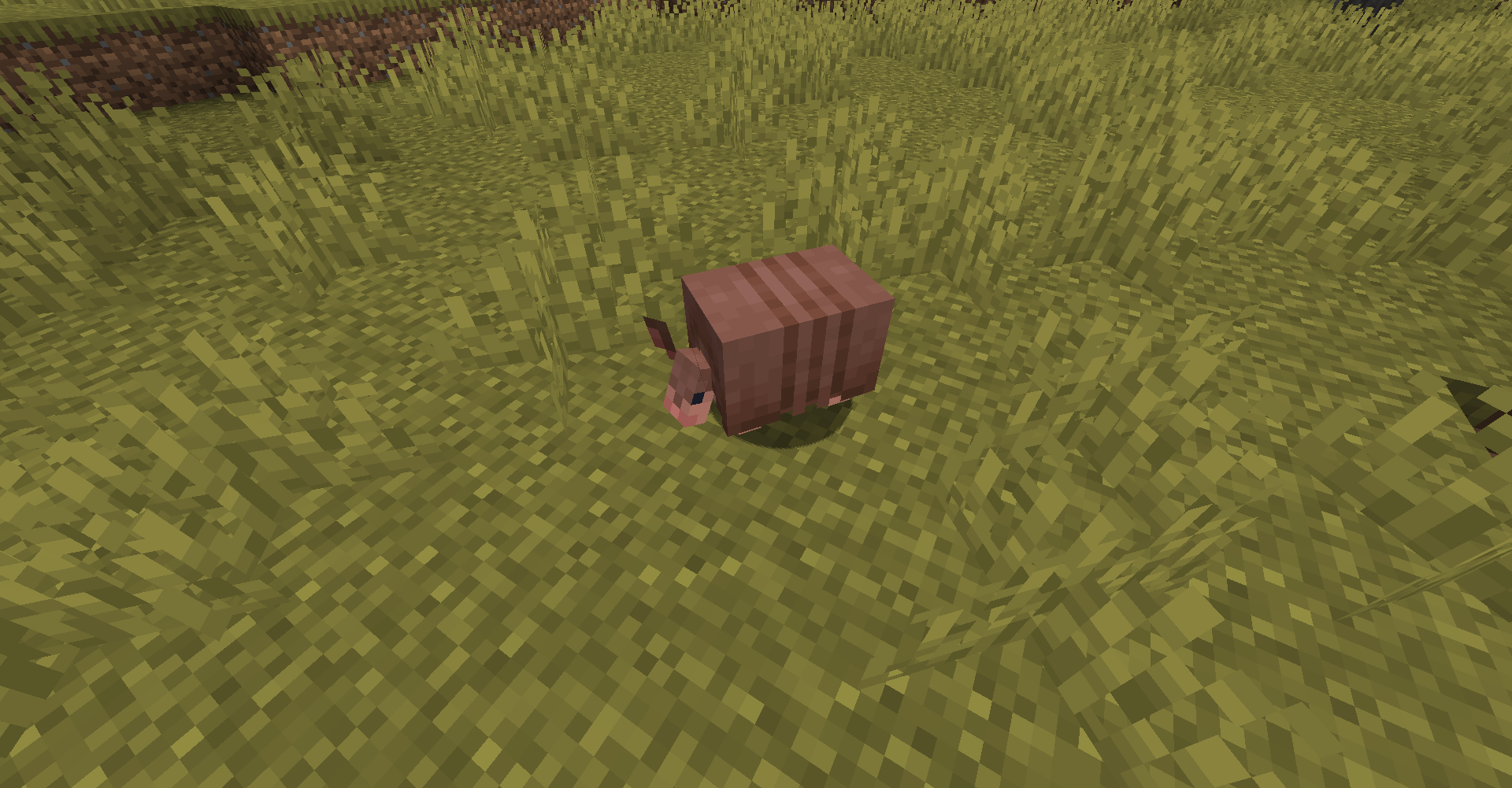
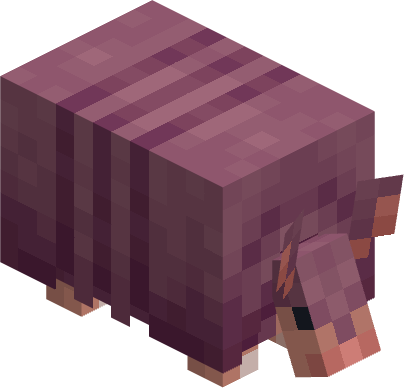
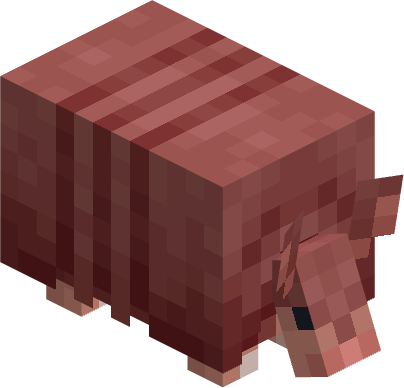
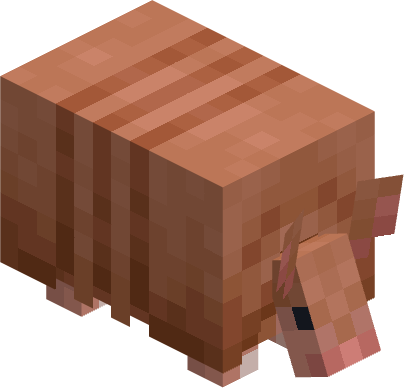
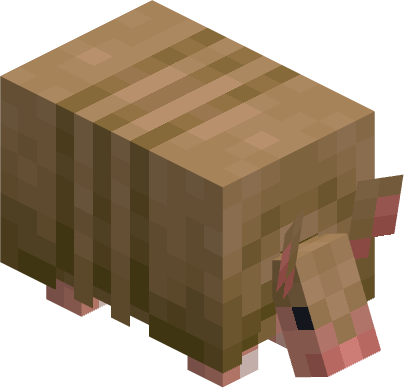
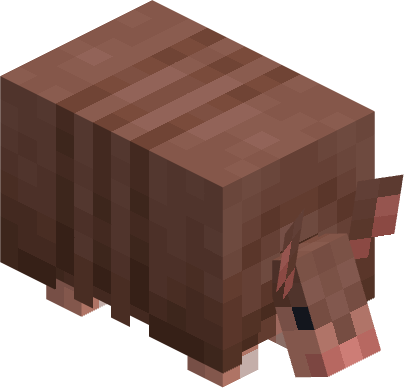
Different color variants for the armadillo based on the concept art
by MincraftEinstein
Download Claim this project
1,295 downloads
0 likes
0 followers
Updated Oct 14, 2026
0 hypes
Follow0
16x Miscellaneous
Advertisement Remove ads with Premium →

 ![](https://img.shields.io/badge/Discord-Einsteins Lab-blue?style=for-the-badge&logo=discord)


📘 Description

Adds 5 new armadillo variants based on the concept art shown in this video by Mojang


Requires Optifine OR Entity Texture Features
Optifine Settings: Video Settings > Quality > Random Entities: ON
ETF Settings: Resource Packs > ETF > Random / Custom Mob Settings > Enable Optifine Random Mobs: ON


Note: This resource pack will not replace the vanilla armadillo texture, only adds additional texture variants


📜 Terms of Use

You may
✅ Use this resource pack as a reference to understand and or create something of your own, as long as it is not a copy or recreation
✅ Use this resource pack in modpacks with credit and one or more links to any of the project pages*
✅ Edit for personal use
✅ Use this resource pack for/in YouTube videos with credit and one or more links to any of the project pages*


You may not
❌ Reupload/publish this resource pack to any website without explicit permission from me and one or more links to any of the project pages*
❌ Redistibute edited or unedited assets** from this resource pack without permission from me and credit


* Project pages include CurseForge, Modrinth, Planet Minecraft, GitHub
** Assets include logos, banners, textures, models etc



Want to play with your friends on a server? Get 15% off your first month with code einstein.
Click here or on the banner below to get started!

VariedArmadillos-26.1-1.1.0.zip
MC 26.1, 26.1.1, 26.1.2
Release 2026-05-29 Get
Varied Armadillos 1.21-1.0.0
MC 1.21.2-Snapshot, 1.21, 1.20.5, 1.20.5-Snapshot, 1.21.1-Snapshot, 1.21.4, 1.20.6, 1.21-Snapshot, 1.21.3, 1.21.1, 1.21.4-Snapshot, 1.21.2
Release 2024-11-15 Get

Requirements & install

How to use this resource pack in Minecraft
Resolution
16x
Minecraft
1.21.2-Snapshot – 26.1.2
Install folder
.minecraft/resourcepacks

How to install resource packs

  1. Download the resource pack .zip file (do not extract it).
  2. In Minecraft open Options → Resource Packs → Open Pack Folder.
  3. Drop the .zip into the resourcepacks folder (.minecraft/resourcepacks).
  4. Move the pack to the Selected column and click Done.
Browse more: 16x resource packs 32x resource packs 64x resource packs 128x resource packs 256x resource packs 512x+ resource packs Resource Packs for 26.1.2 All resource packs

More from MincraftEinstein

Advertisement Remove ads with Premium →

You Might Also Like