Mineuniverse
Resource Packs
Variated Textures

Variated Textures

RESOURCE PACK
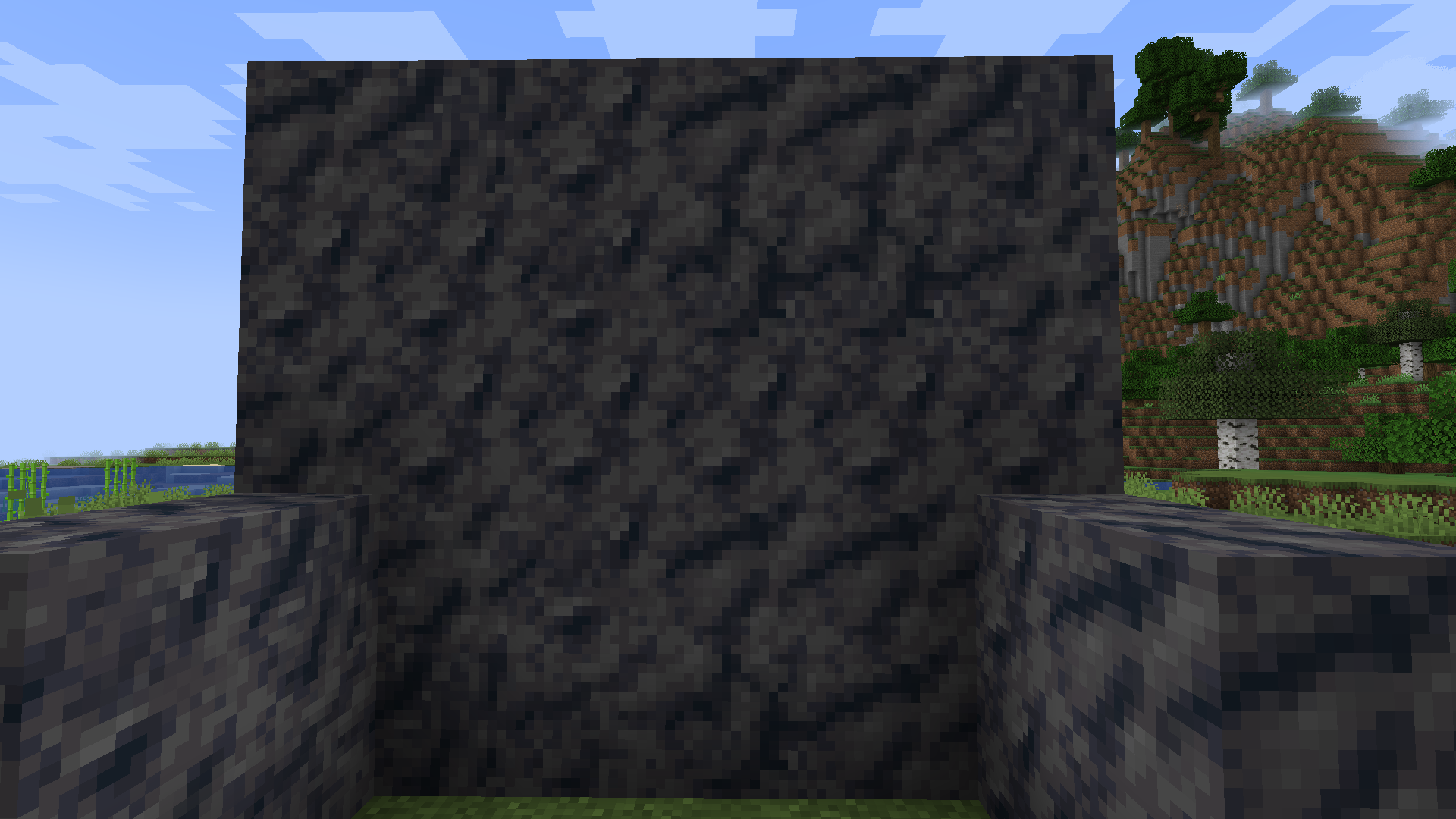
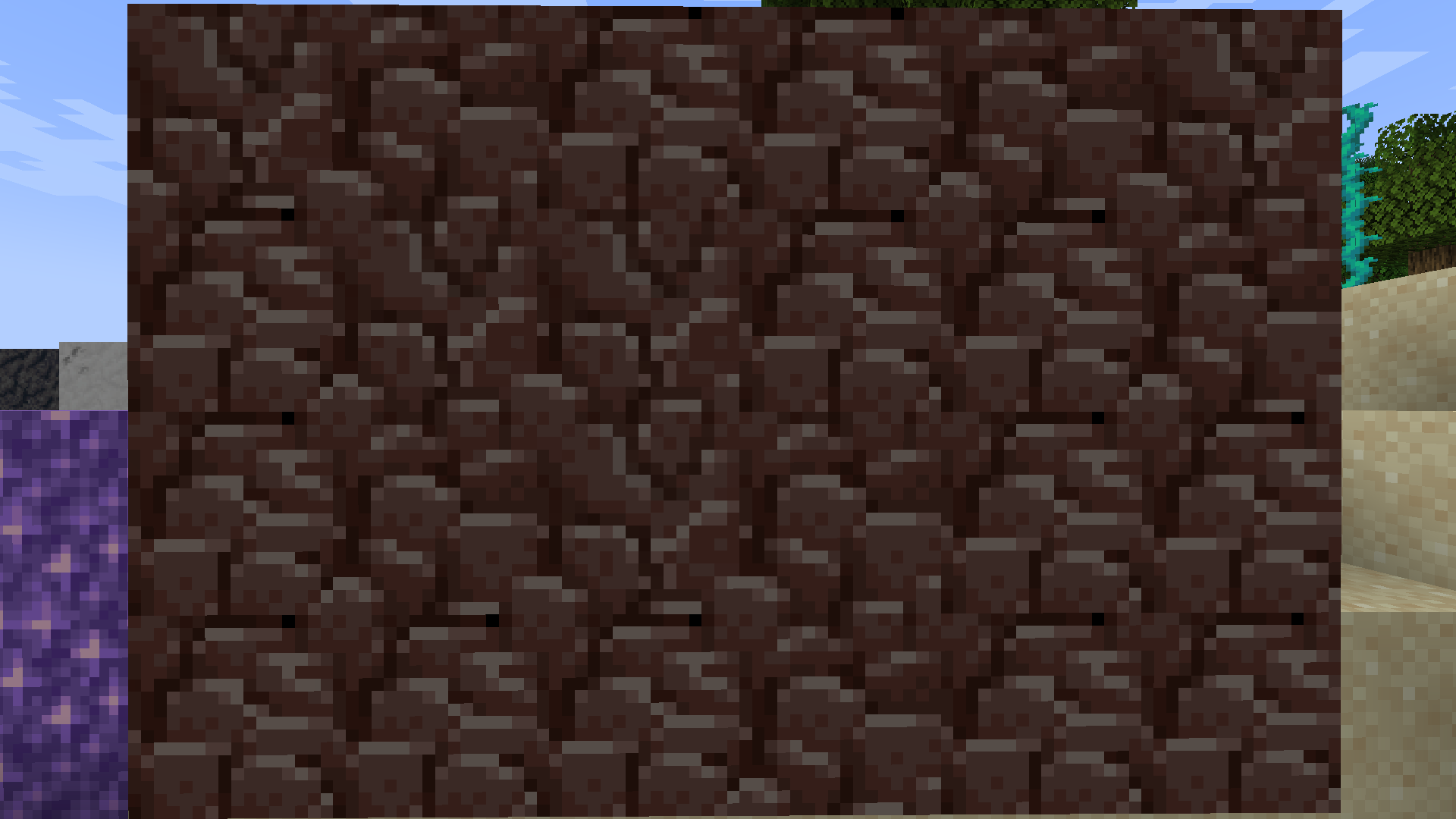
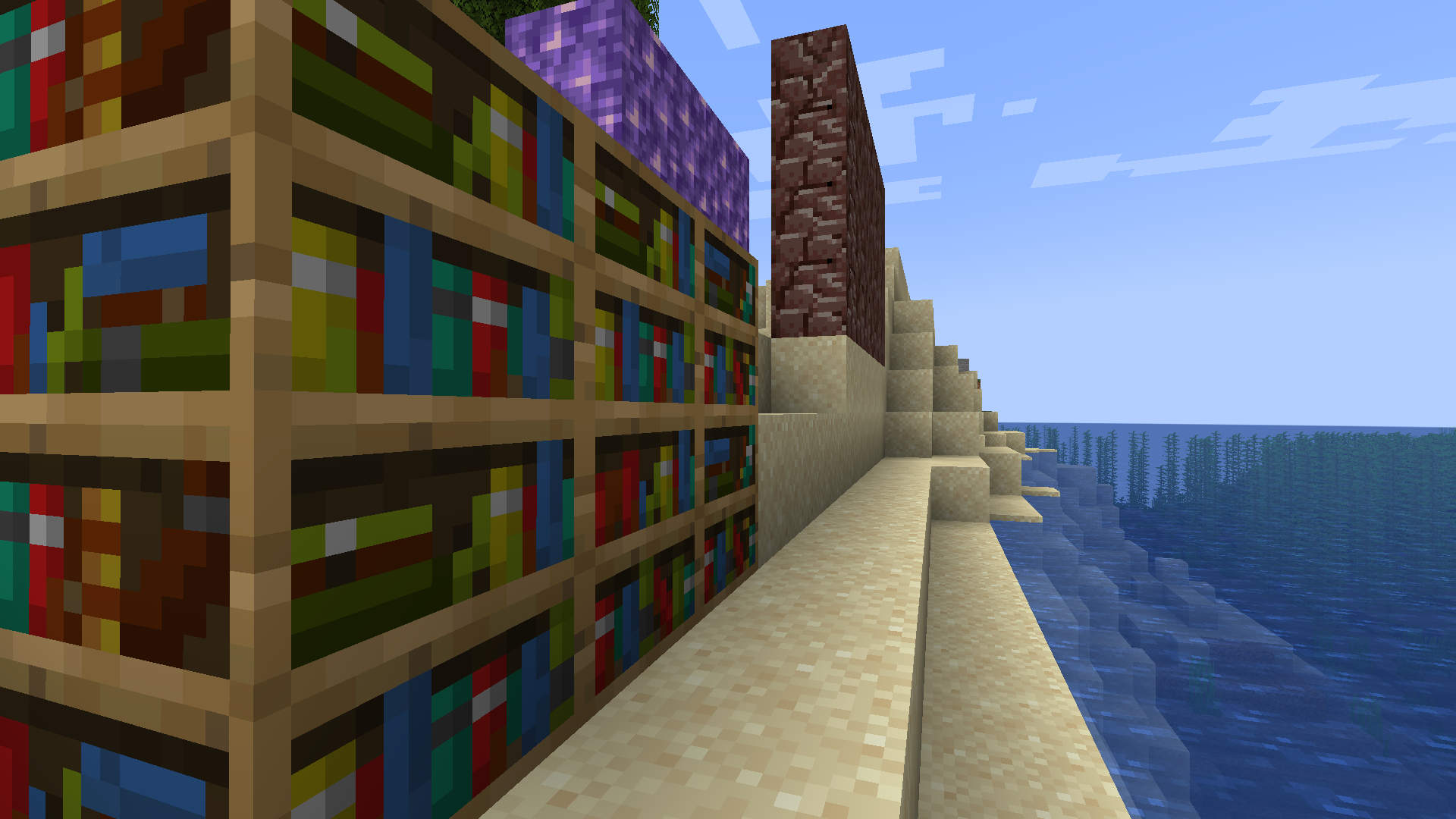
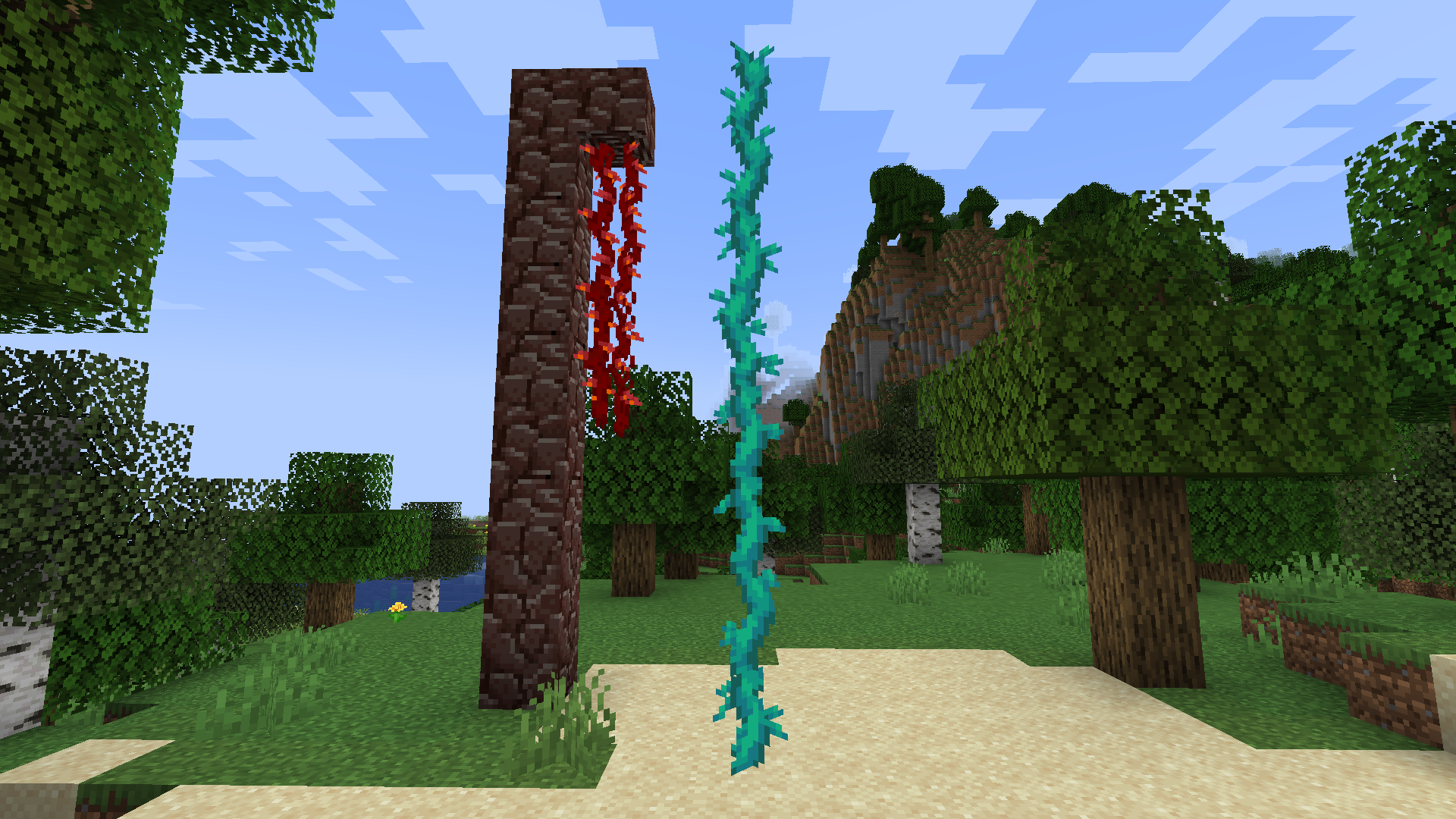
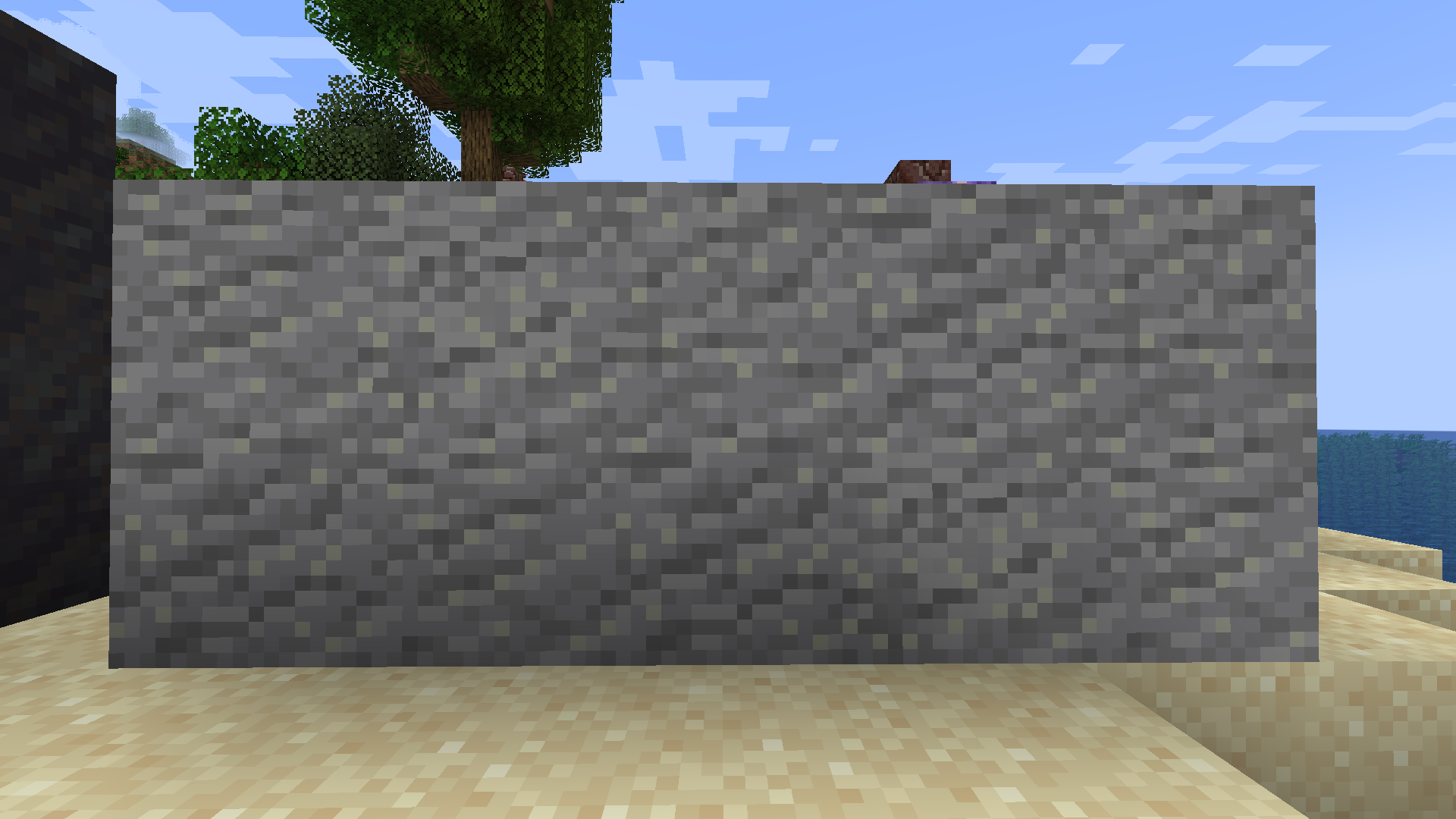
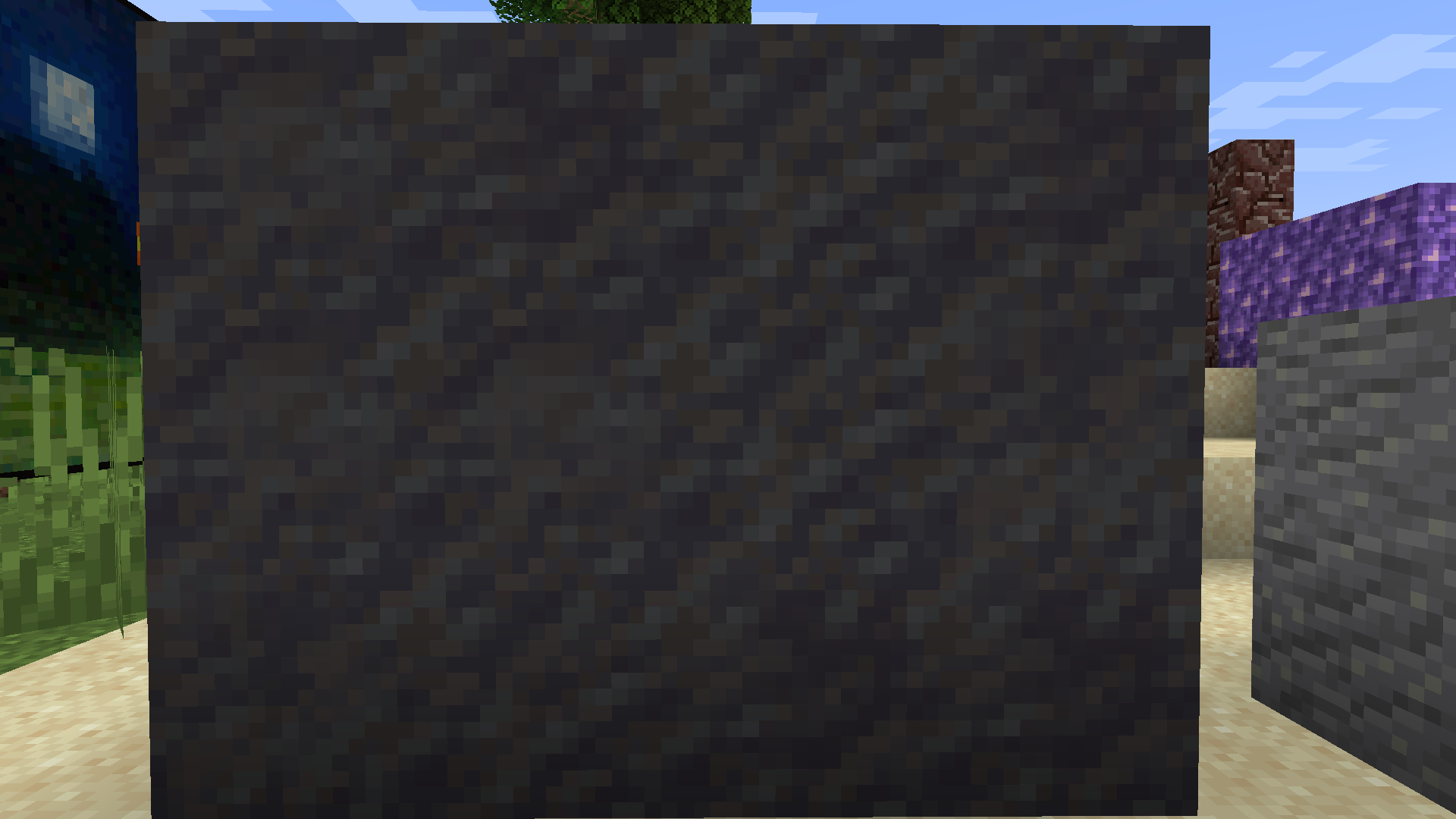
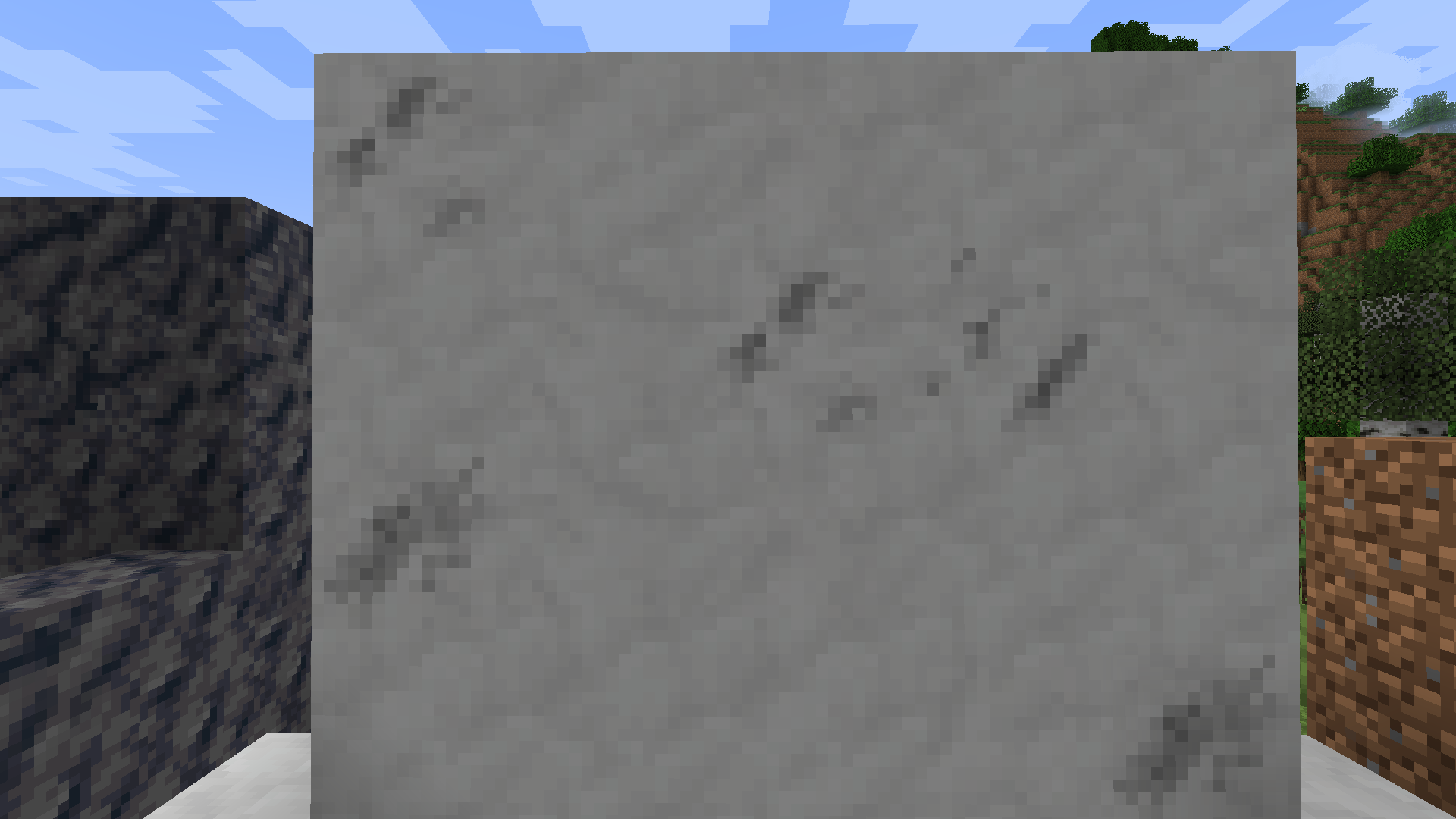
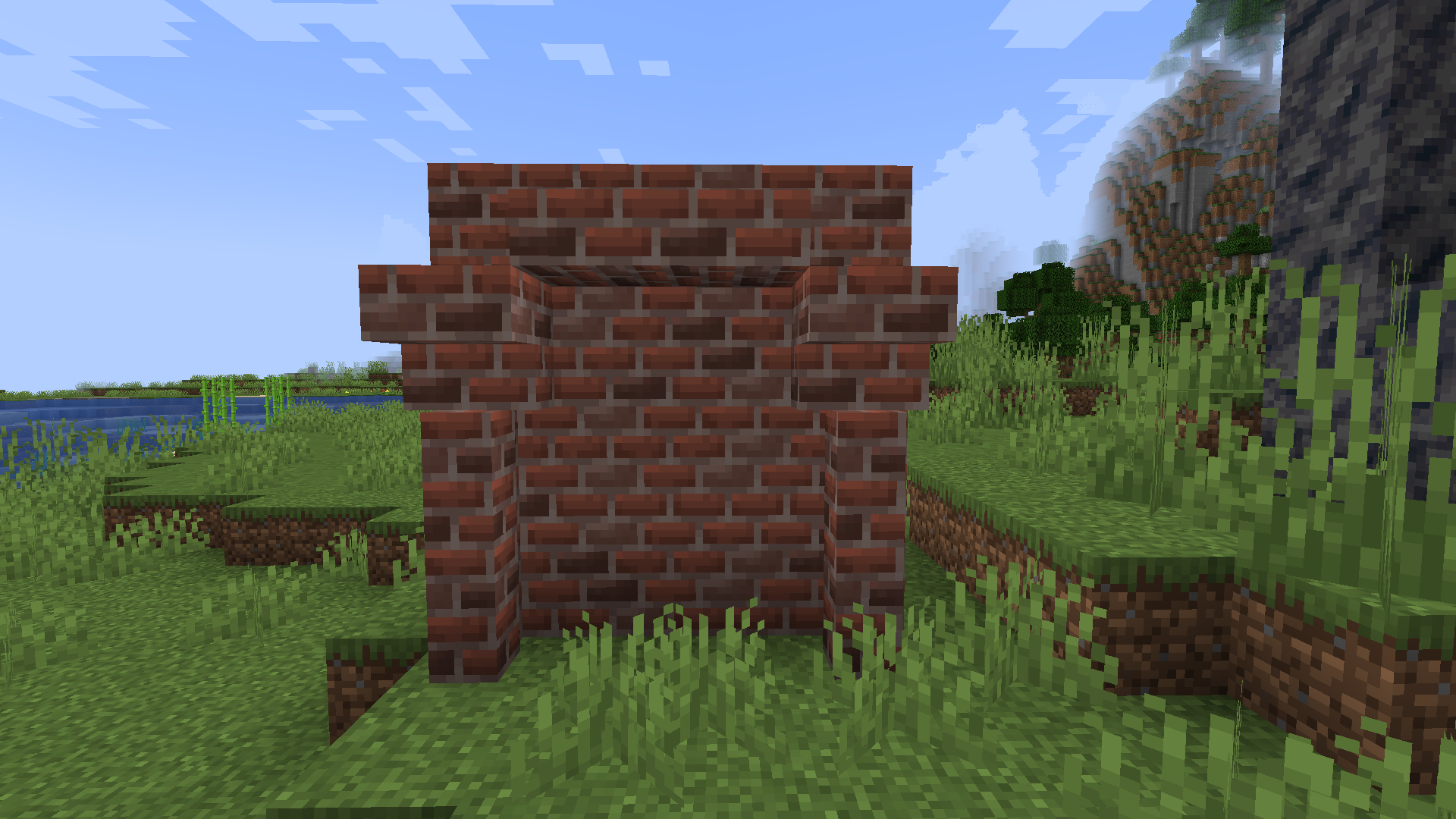
This pack aims to provide variated textures to a variety of blocks in the game that needs it.
by frankula1
Download Claim this project
2,204 downloads
0 likes
Updated Oct 14, 2026
0 hypes
16x Miscellaneous
Advertisement Remove ads with Premium →

VARIATED TEXTURES

This pack aims to provide variated textures to a variety of blocks in the game that needs it.


SUPPORTED VERSIONS

The method of variated textures used by this pack is offered by the base game and should work perfectly with game versions later than 1.14. It is not guarantied to work with versions earlier than that and may encounter issues, though nothing serious should happen. This pack was originally made for 1.19, but there is practically no difference between resource packs of 1.12 all the way up to 1.19. This pack should work with other resources packs.


PLANNED FEATURES OF THE FUTURE

In the future I am planning to add variated textures to a variety of more blocks such as cracked stone bricks and cobblestone and their mossy counterparts. When 1.20 comes out some blocks of the new update will also receive variated textures, and another big area that I plan to long term extend this pack on is to variate modded blocks, the first mod I will be focusing on for this is the Create Mod, and its naturally generating building blocks.


Keep in mind that this pack is still very new so have high expectations for the future also as I get better at resource-packing!


=PERSONAL DISTRIBUTION AND REPUBLICATION OF THIS PACK AND THINGS FROM IT IS NOT PERMITTED=

Variated Textures v.1.0.1
MC 1.20.1, 1.20
Release 2023-06-29 Get
Variated Textures v.1.0
MC 1.17.1, 1.16.3, 1.16.1, 1.18.1, 1.14.4, 1.14.1, 1.17, 1.14.3, 1.15, 1.16, 1.16.5, 1.18.2, 1.15.2, 1.14, 1.19.1, 1.18, 1.16.4, 1.14.2, 1.16.2, 1.19, 1.15.1
Release 2023-06-26 Get

Requirements & install

How to use this resource pack in Minecraft
Resolution
16x
Minecraft
1.17.1 – 1.20.1
Install folder
.minecraft/resourcepacks

How to install resource packs

  1. Download the resource pack .zip file (do not extract it).
  2. In Minecraft open Options → Resource Packs → Open Pack Folder.
  3. Drop the .zip into the resourcepacks folder (.minecraft/resourcepacks).
  4. Move the pack to the Selected column and click Done.
Browse more: 16x resource packs 32x resource packs 64x resource packs 128x resource packs 256x resource packs 512x+ resource packs Resource Packs for 1.20.1 All resource packs
Advertisement Remove ads with Premium →

You Might Also Like