Mineuniverse
Resource Packs
Variants: Hostiles

Variants: Hostiles

RESOURCE PACK
This resource packs adds much needed to all mobs in Minecraft
by jmods
Download Claim this project
Add a badge to your pageLink to Variants: Hostiles from a README, website or forum post.
Preview: Badge

Badges update automatically and link to the resource pack page on MineUniverse.

3,127 downloads
0 likes
0 followers
Updated Oct 14, 2026
0 hypes
Follow0
16x Animated Medieval Miscellaneous Steampunk
Advertisement Remove ads with Premium →


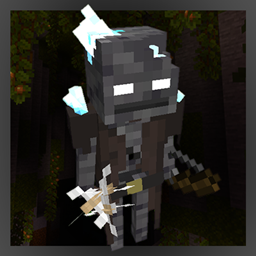
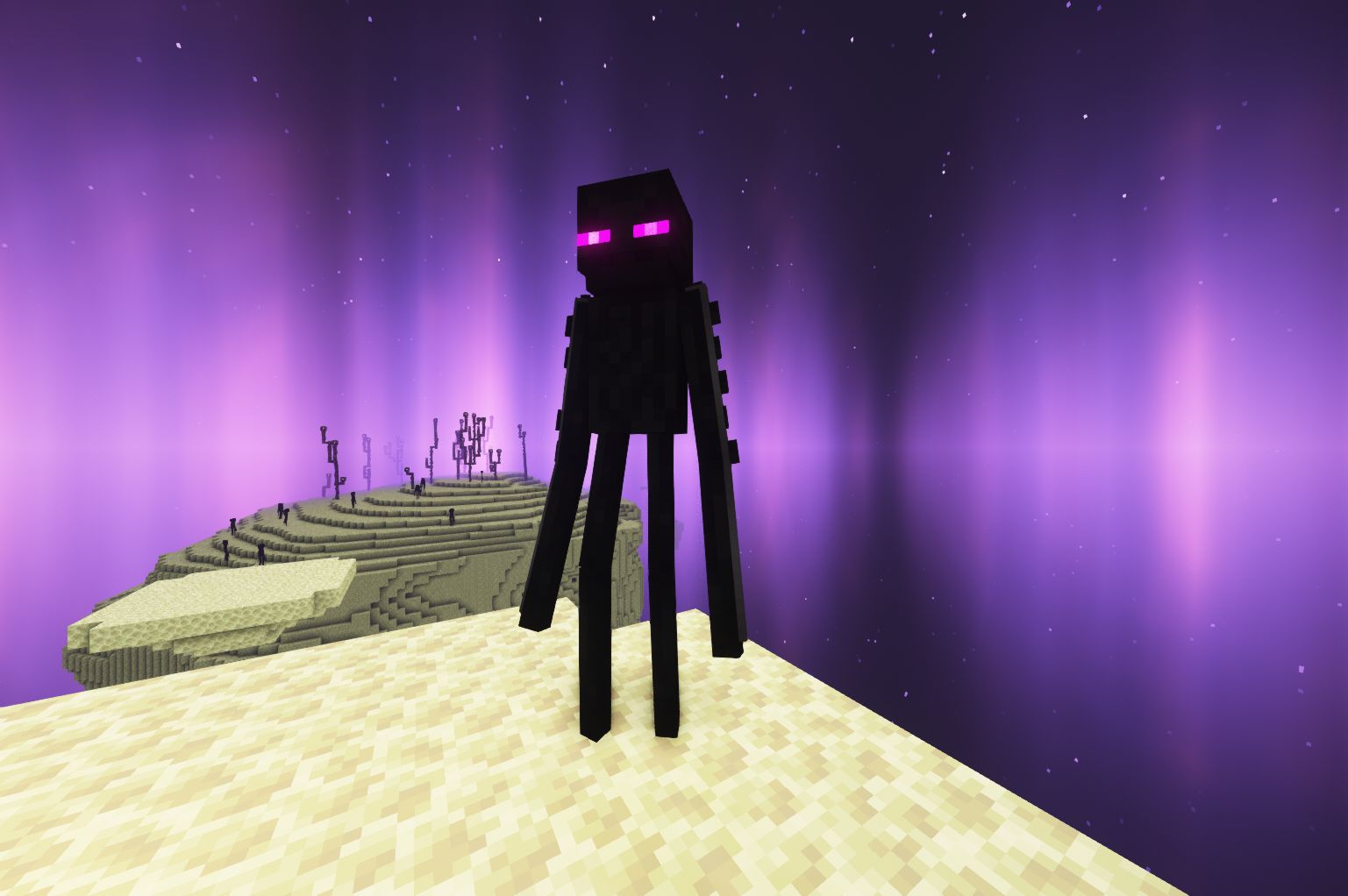
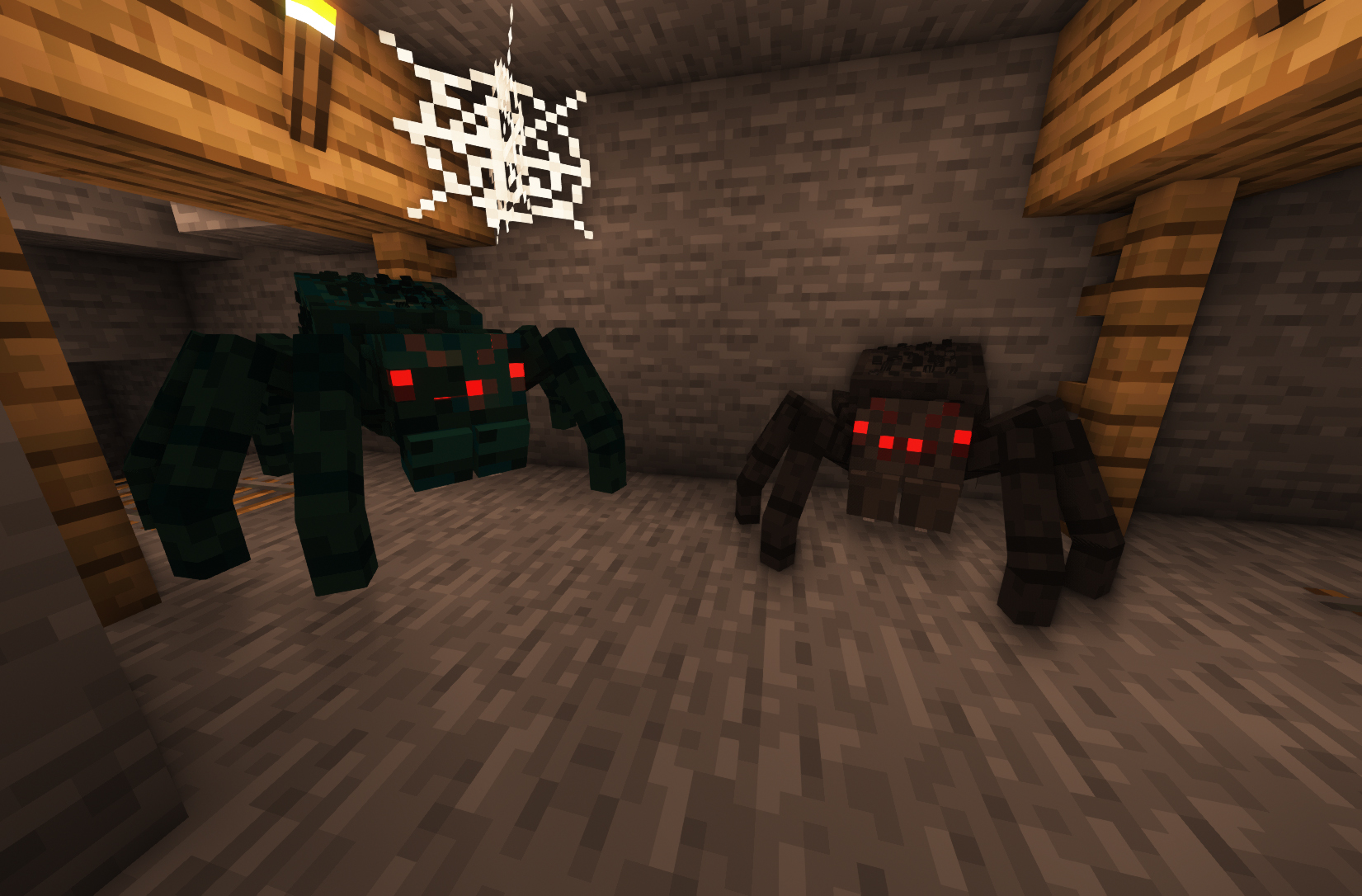
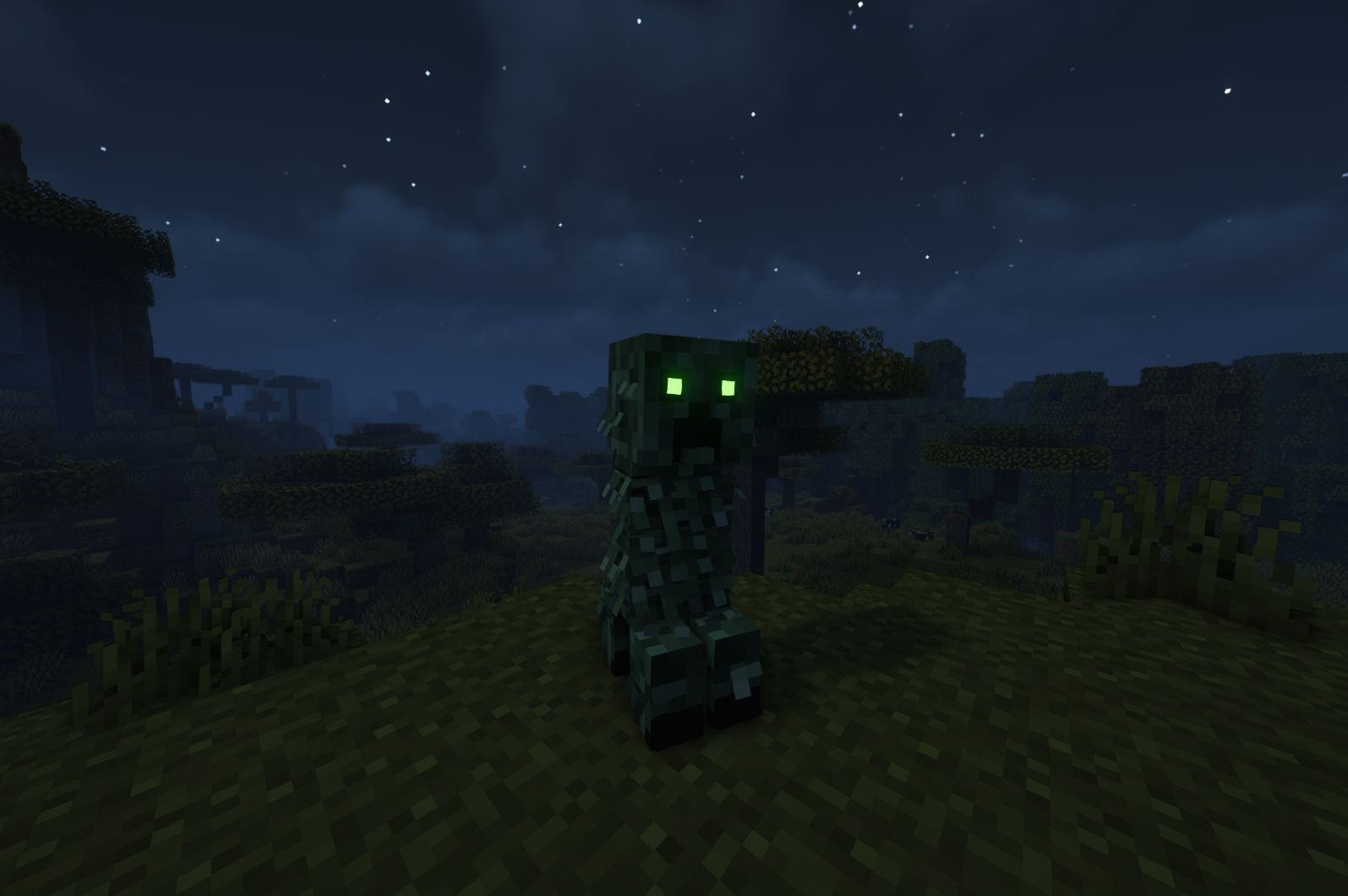
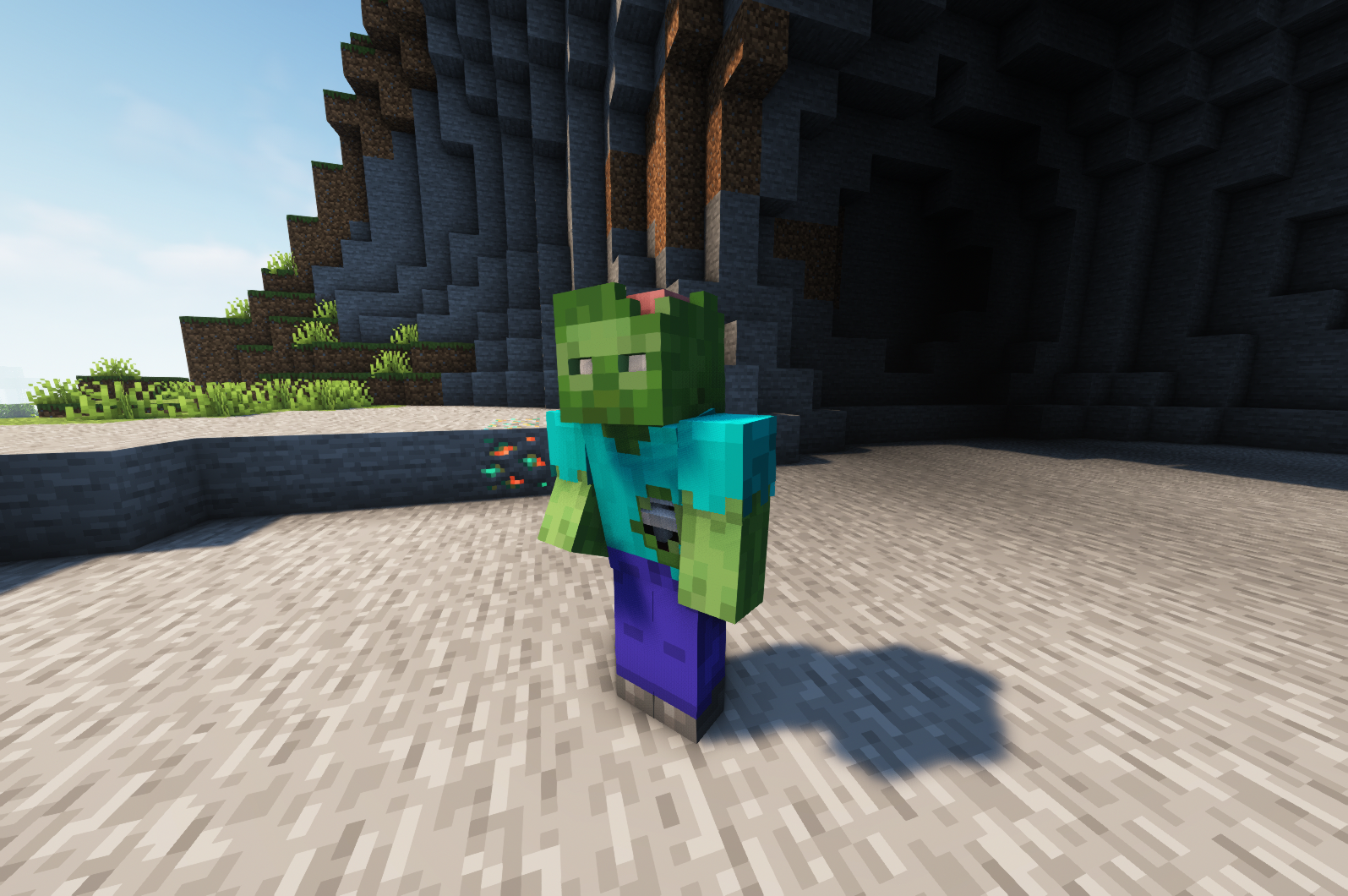
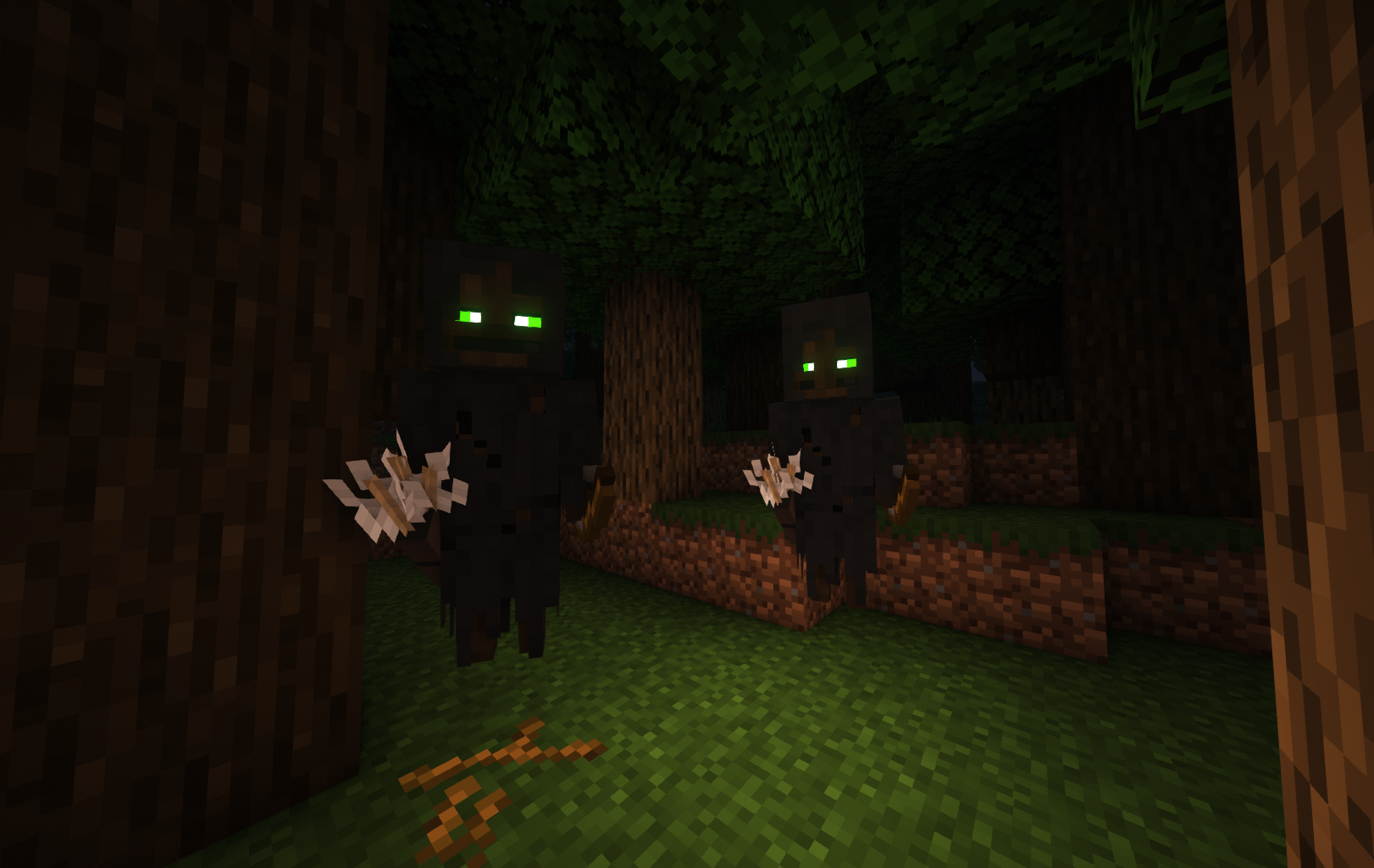
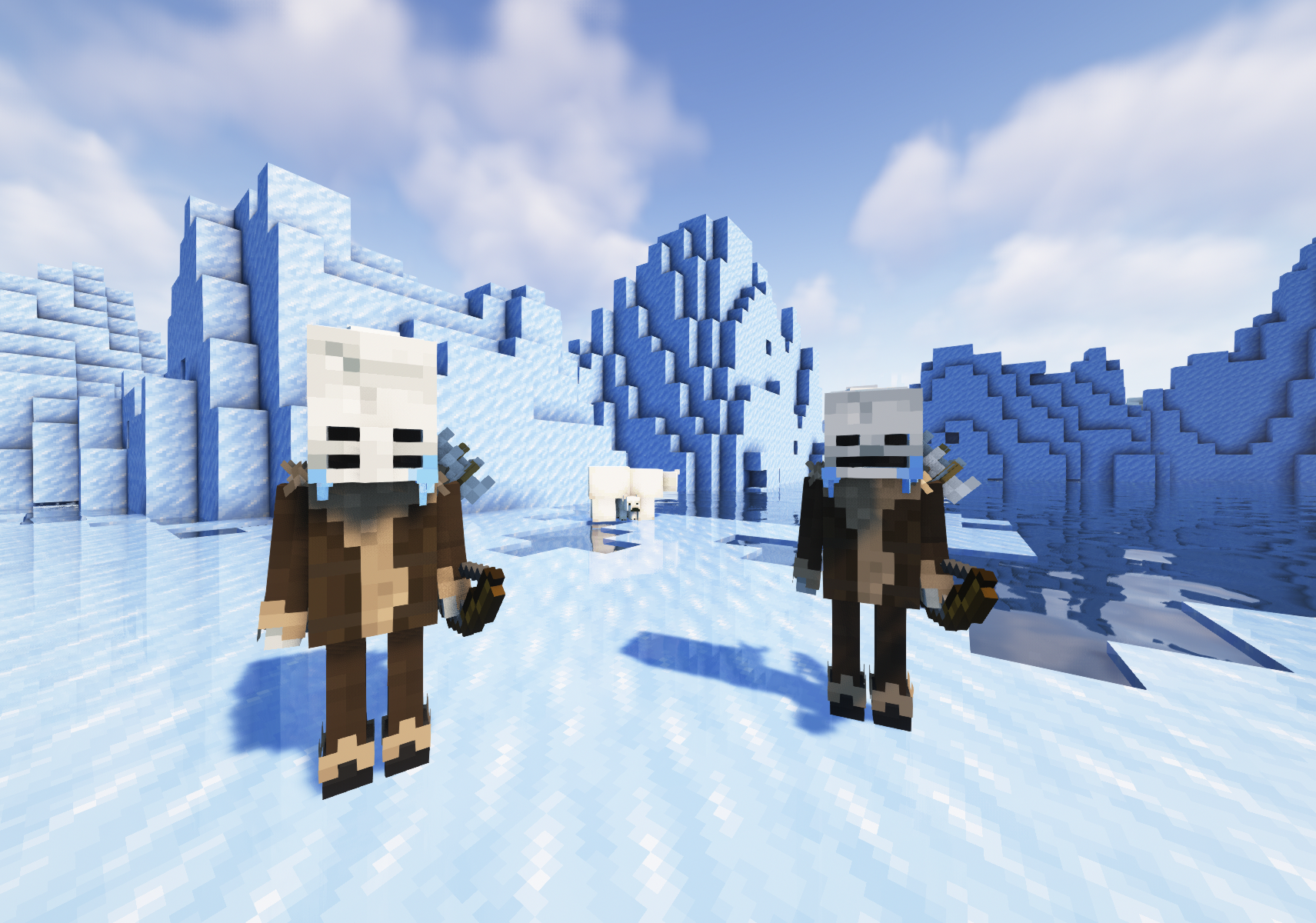
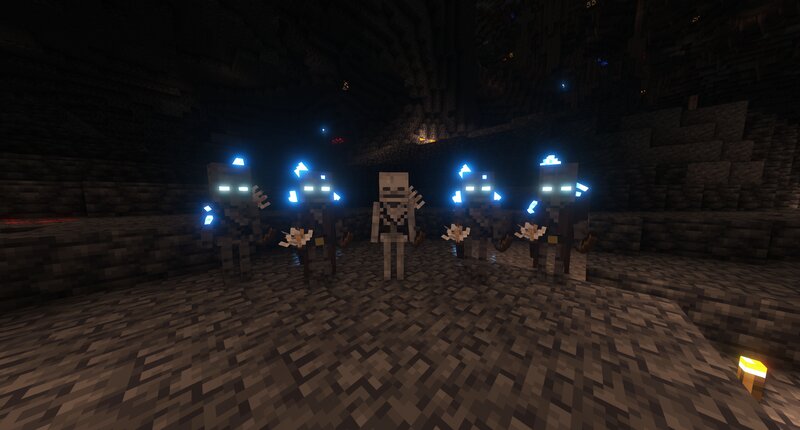
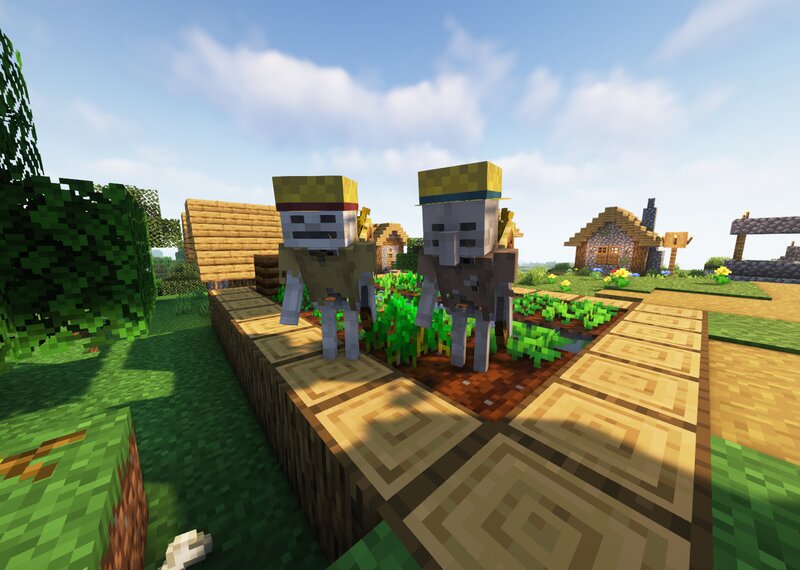
Variants: Hostiles is a resource pack aimed at bringing a mixture of new and exciting mob variants for hostile creatures! Something I always felt Minecraft was missing. Before reporting any issues please ensure you have installed JSON Entity Models mod.


Passive mob version coming soon!


JSON Entity Models (JEM) can be found here 


These images will remain here until Curseforge fixes their uploading to image tab issues.


  • Biome specific variant spawns (when available with JEM mod)


Hostiles:

Skeletons:

🟩🟩🟩🟩🟩🟩🟩🟩🟩⬜️ 90% 


Zombies:

🟩🟩🟩🟩🟩🟩🟩⬜️⬜️⬜️ 70%

Creepers: 

🟩⬜️⬜️⬜️⬜️⬜️⬜️⬜️⬜️⬜️ 5%

Spiders:   

🟩⬜️⬜️⬜️⬜️⬜️⬜️⬜️⬜️⬜️ 5%


Endermen:

🟩⬜️⬜️⬜️⬜️⬜️⬜️⬜️⬜️⬜️ 5%


variants-1.7
MC 1.19.3, 1.19.4, 1.19.2
Release 2023-03-11 Get
variants-1.6
MC 1.19.2
Release 2023-03-05 Get
variants-1.5
MC 1.19.2
Release 2023-03-04 Get
variants-1.4
MC 1.19.2
Release 2023-03-02 Get
variants-1.3
MC 1.19.2
Release 2023-02-26 Get
variants-1.2
MC 1.19.2
Release 2023-02-24 Get
variants-hostiles-2.0
MC 1.19.2
Release 2023-02-21 Get
variants-2.1
MC 1.19.2
Release 2023-02-21 Get
variants-hostiles-1.0
MC 1.19.2
Release 2023-02-20 Get
variants-1.5
MC 1.19.2
Release 2023-02-11 Get
variants-1.6
MC 1.19.2
Release 2023-02-11 Get
variants-1.2
MC 1.19.2
Release 2023-02-04 Get
variants-1.3
MC 1.19.2
Release 2023-02-04 Get
variants-1.4
MC 1.19.2
Release 2023-02-04 Get
variants-1.1
MC 1.19.2
Release 2023-02-03 Get
variants-1.0
MC 1.19.2
Release 2023-02-01 Get

Requirements & install

How to use this resource pack in Minecraft
Resolution
16x
Minecraft
1.19.2 – 1.19.4
Install folder
.minecraft/resourcepacks

How to install resource packs

  1. Download the resource pack .zip file (do not extract it).
  2. In Minecraft open Options → Resource Packs → Open Pack Folder.
  3. Drop the .zip into the resourcepacks folder (.minecraft/resourcepacks).
  4. Move the pack to the Selected column and click Done.
Browse more: 16x resource packs 32x resource packs 64x resource packs 128x resource packs 256x resource packs 512x+ resource packs Resource Packs for 1.19.4 All resource packs

More from jmods

Advertisement Remove ads with Premium →

You Might Also Like