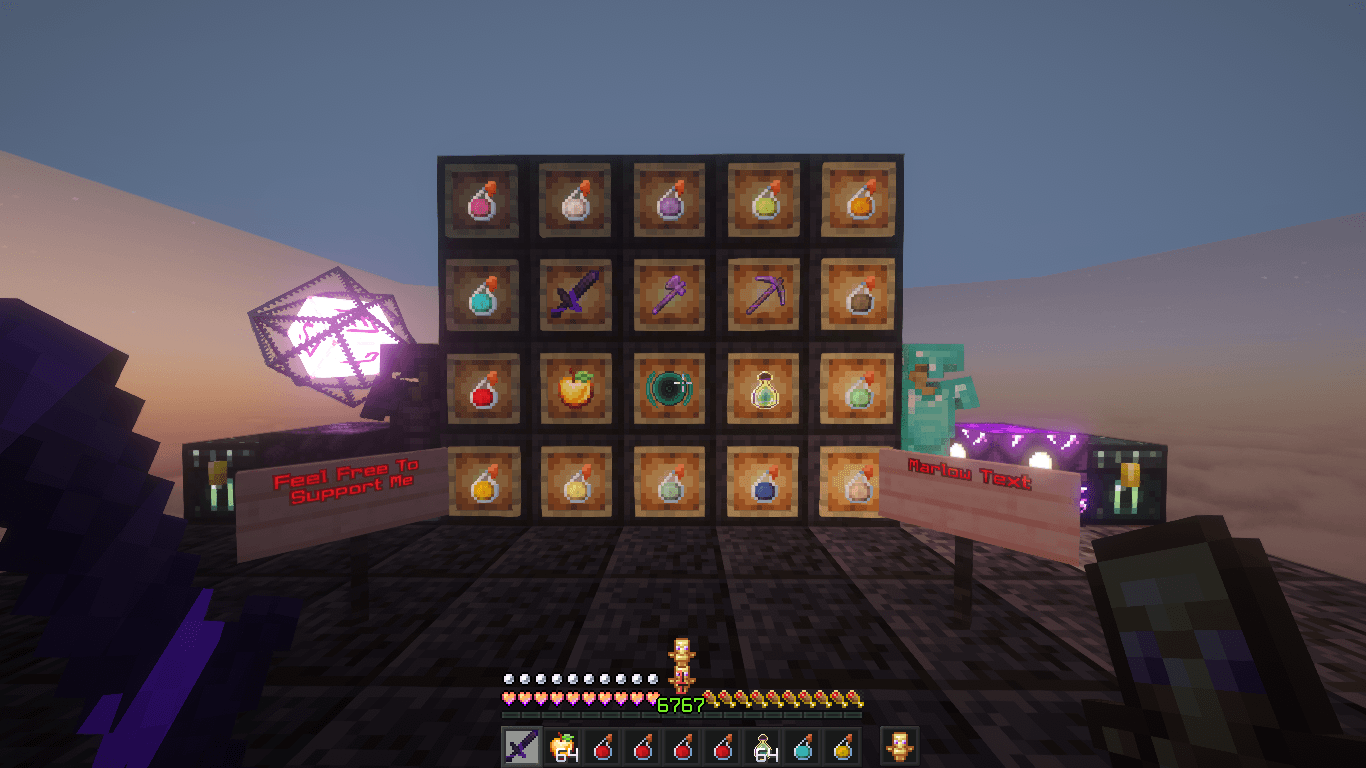
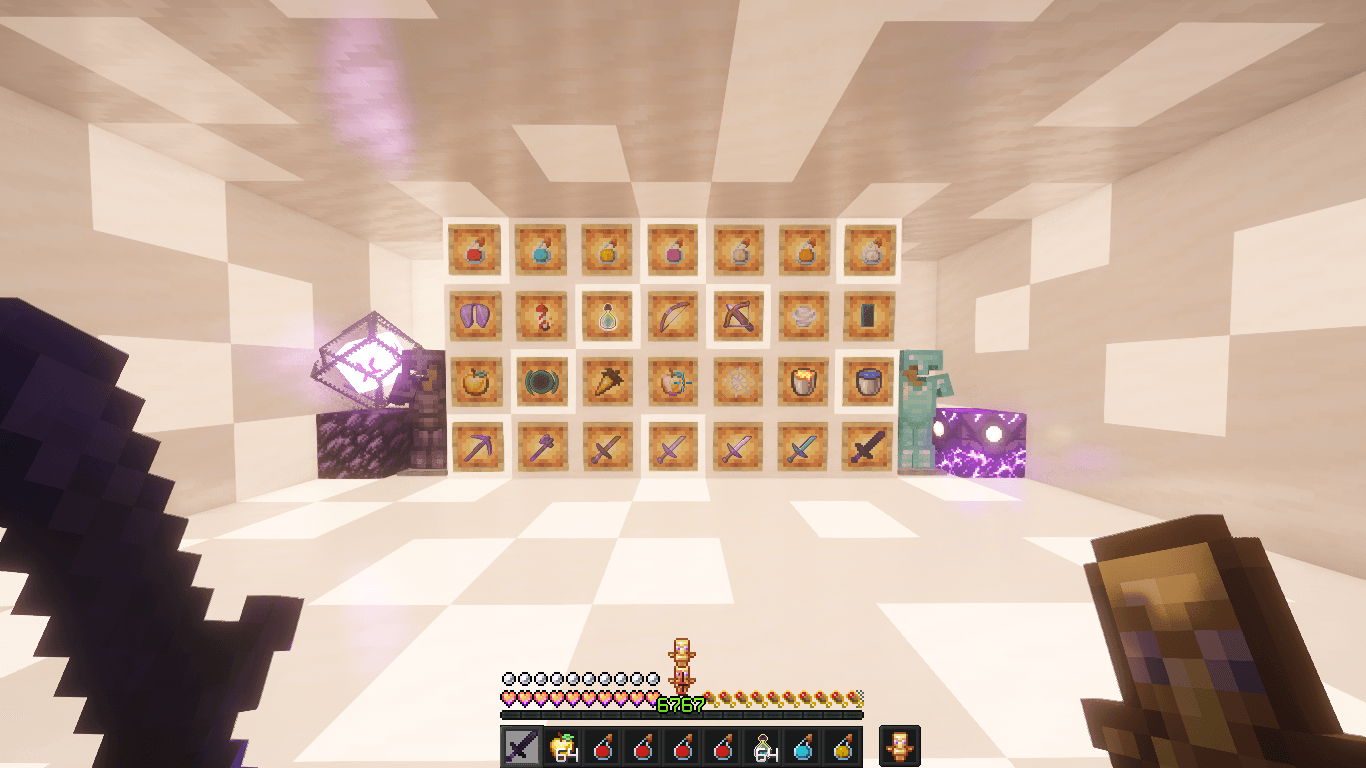
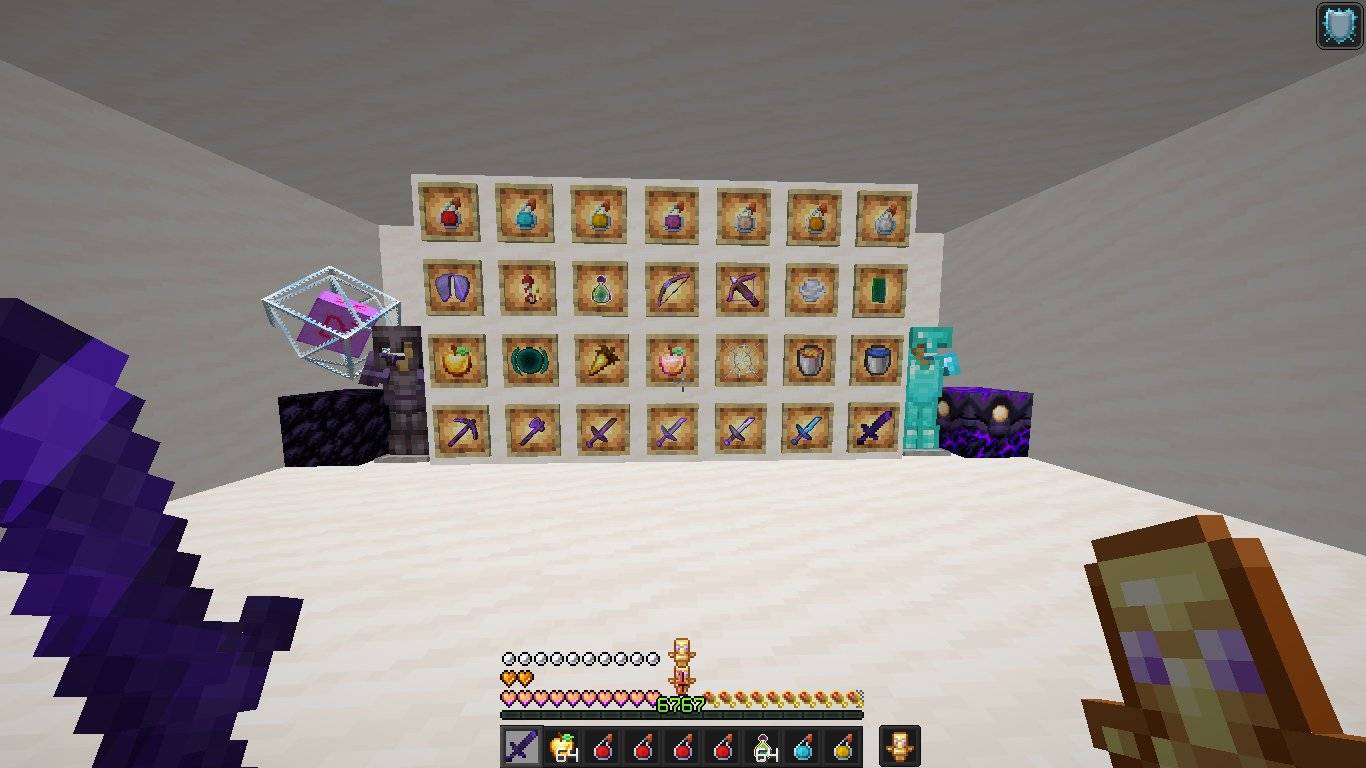
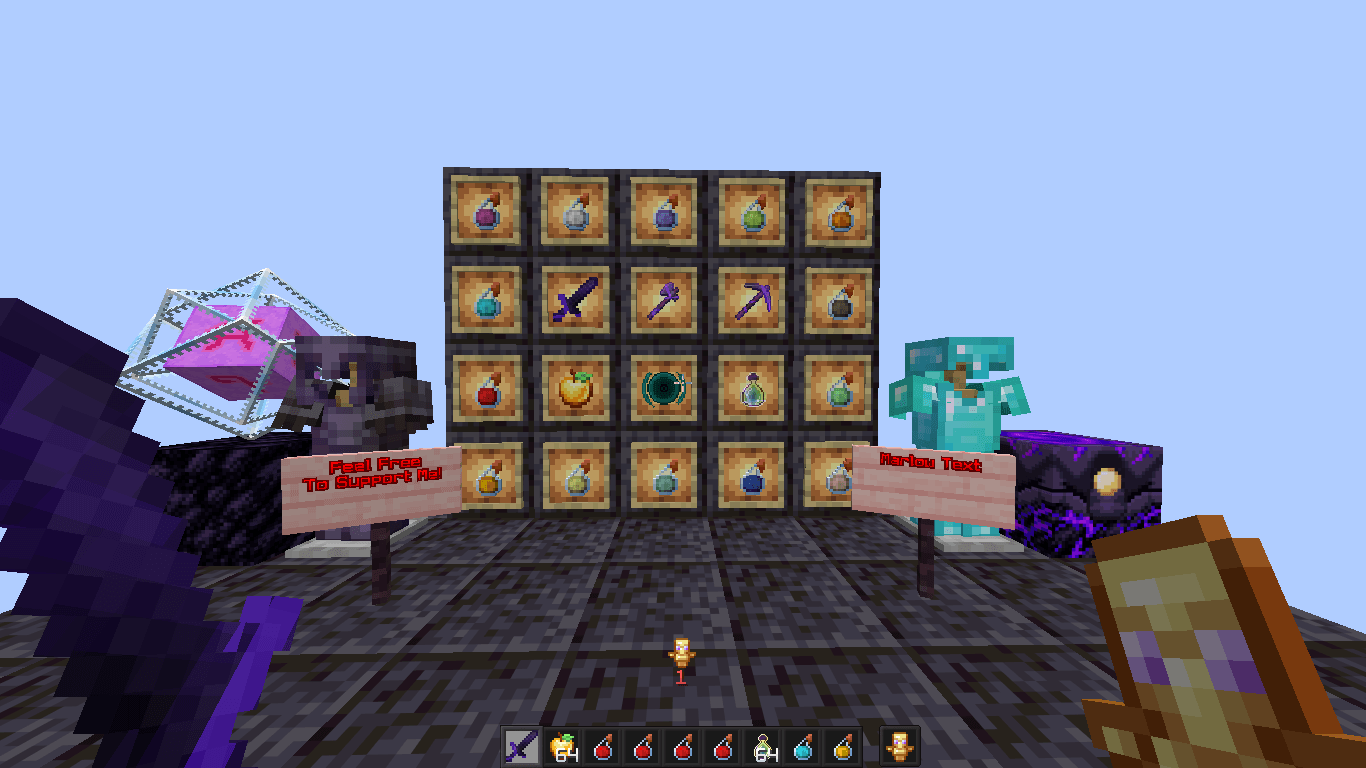
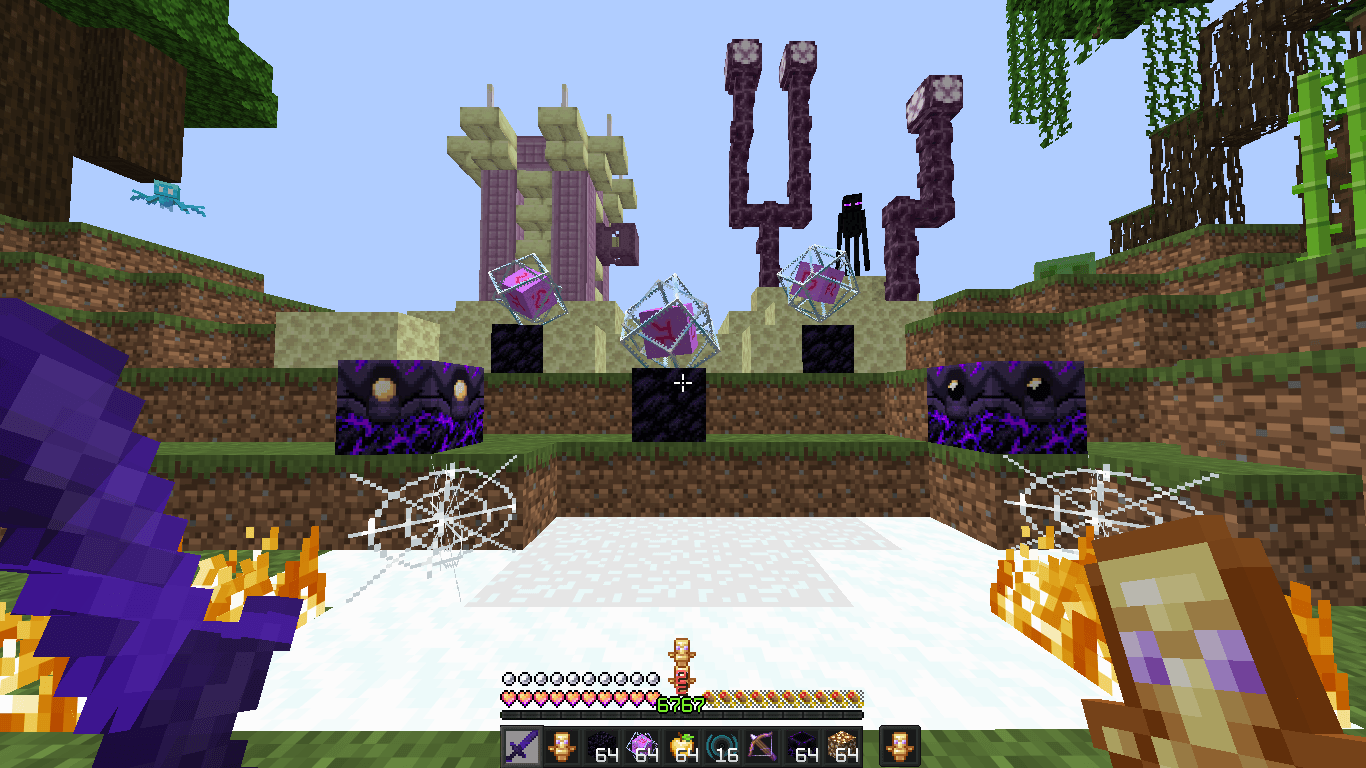
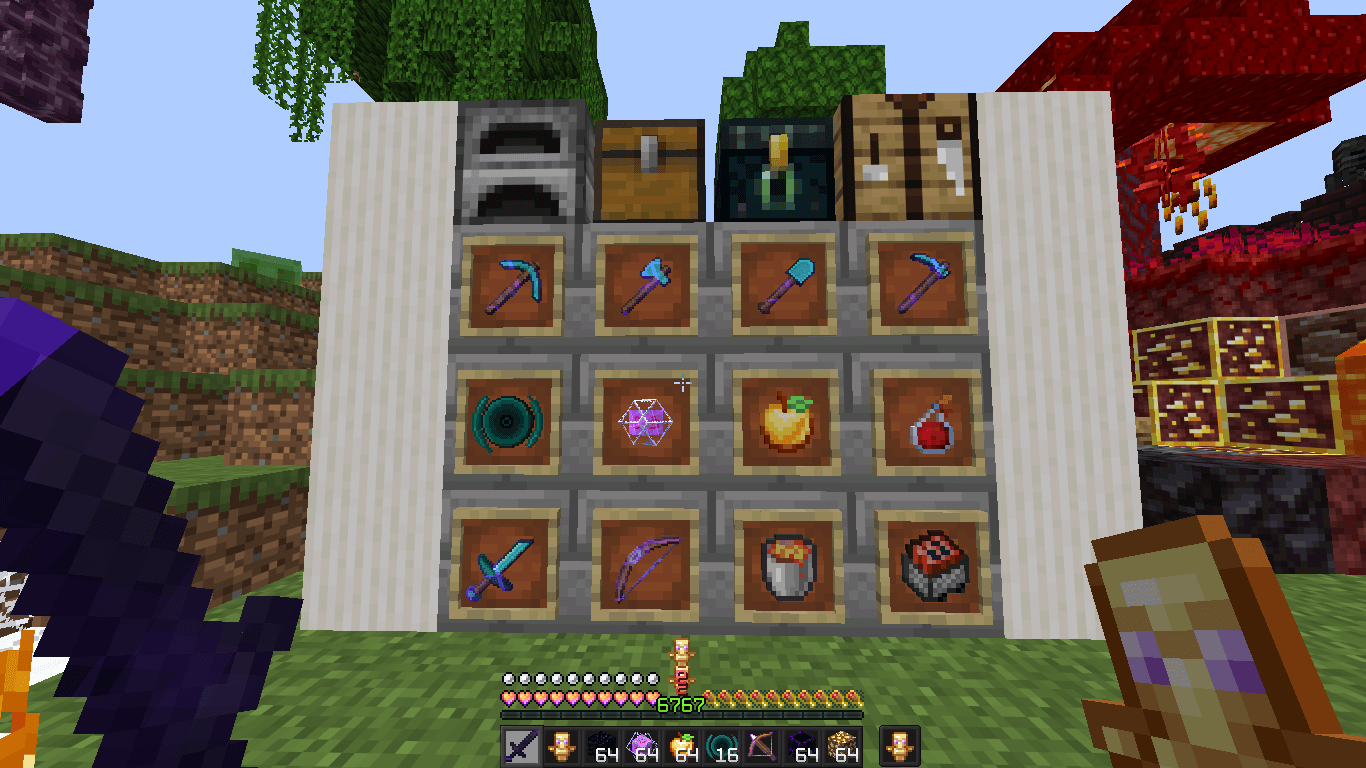
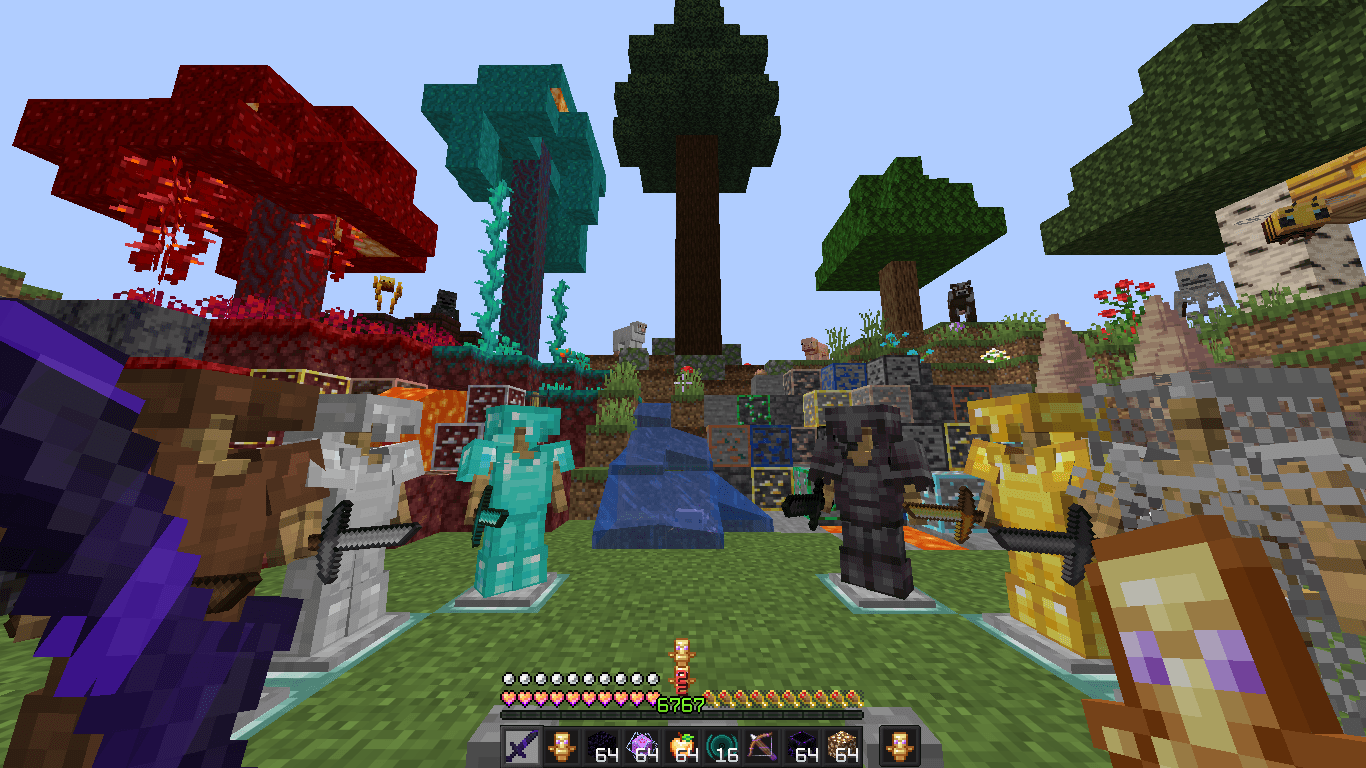
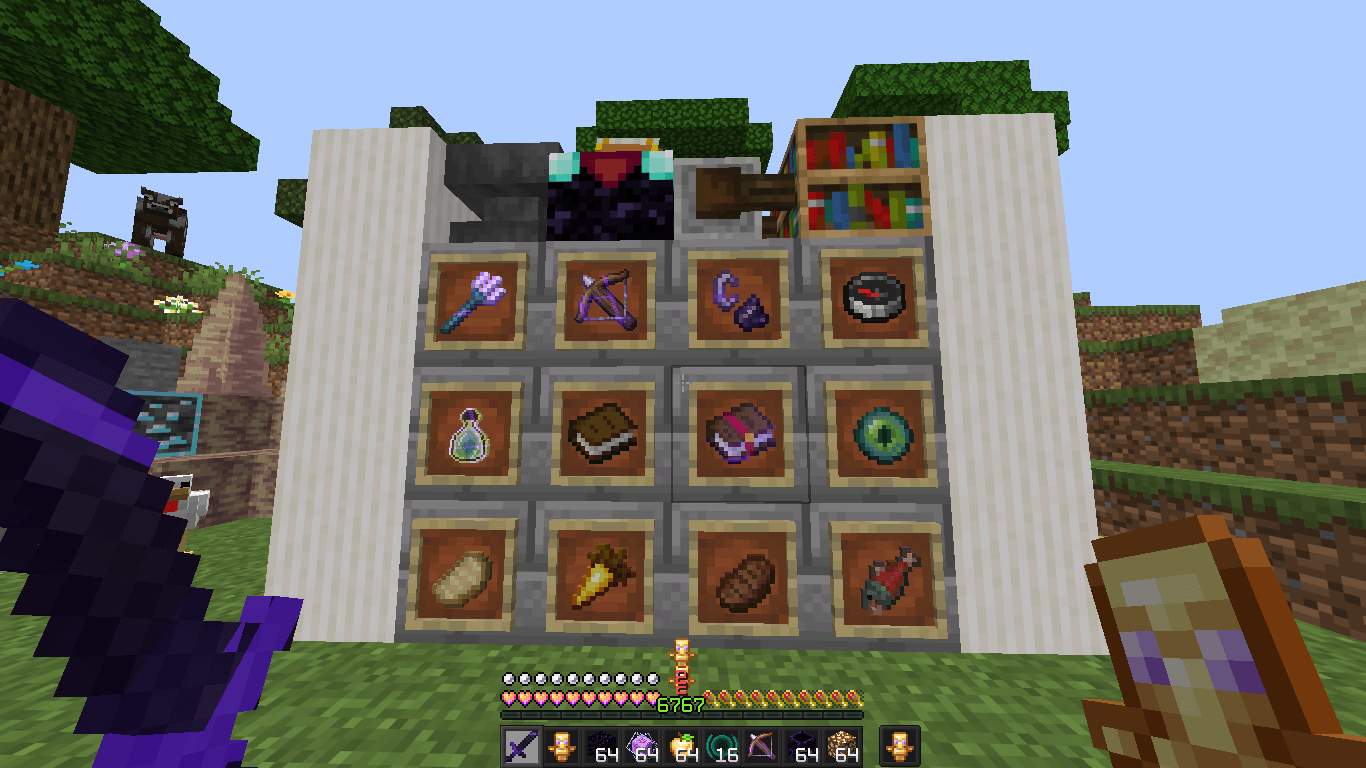
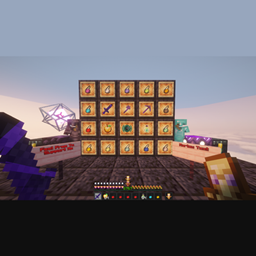
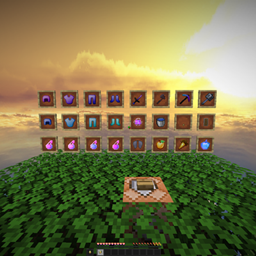
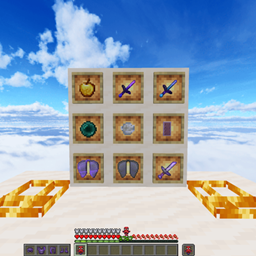
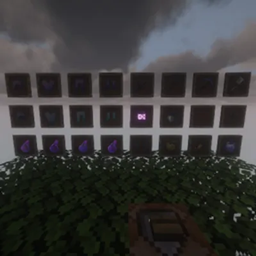
Vanilla+ X NethPot V2 is a revamped version of the original Vanilla X NethPot pack, built with NethPot and Crystal PvP in mind. The goal was to keep the familiar vanilla Minecraft style while making the visuals cleaner, more polished, and better suited for PvP.
V2 brings a number of visual improvements while keeping the pack lightweight and easy to use. It includes updated potion textures, a custom glowing animation, cleaner item visuals, and an overall more polished vanilla-style look.
The pack is designed for players who prefer a simple PvP pack without excessive changes or distracting visuals. Everything is kept relatively close to vanilla while still giving the pack its own style.
Features:
• 16x resolution
• Clean vanilla-style textures
• Updated custom potion textures
• Custom glowing animation
• PvP-focused visuals
• Lightweight and performance-friendly
• Suitable for NethPot and Crystal PvP
• Minimal visual clutter
⚠️ Beta
Vanilla+ X NethPot V2 is currently in beta. Some textures, animations, or other visual elements may still have bugs or unexpected issues. If you find something that doesn't look right, feel free to report it so it can be fixed in a future update.
Hope you enjoy the pack and have fun PvPing! ❤️