Mineuniverse
Resource Packs
Vanilla Watering Cans

Vanilla Watering Cans

RESOURCE PACK
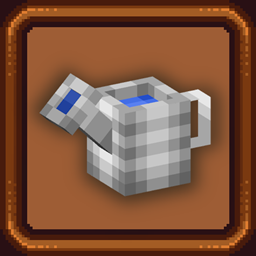
Turn Buckets into watering cans for the perfect gardening experience! This pack lets you use the amazing Dew Drop Watering Cans in vanilla Minecraft!
by coolbot100s
Download Claim this project
4,240 downloads
0 likes
0 followers
Updated Oct 14, 2026
0 hypes
Follow0
16x Modern Traditional
Advertisement Remove ads with Premium →

Vanilla Watering Cans

Watering Cans lined up for display

As we created the assets for our Watering Cans Mod we decided it'd be fun to spin it off into a resource pack so you can use the same watering cans and have a fun immersive cottage core experience in any version you'll ever play!

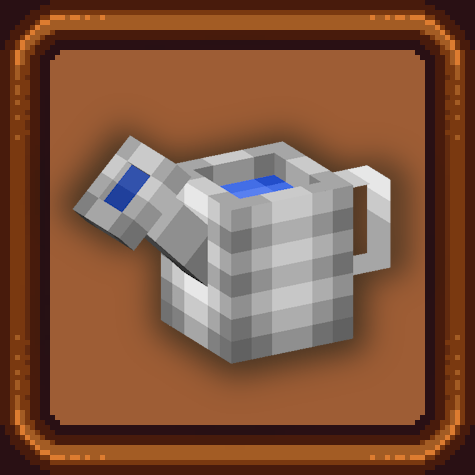
The resource pack replaces the bucket and water bucket with a 3D-modeled watering can, making it the perfect companion for your gardening, and great for use with mods like Sturdy Farmland.

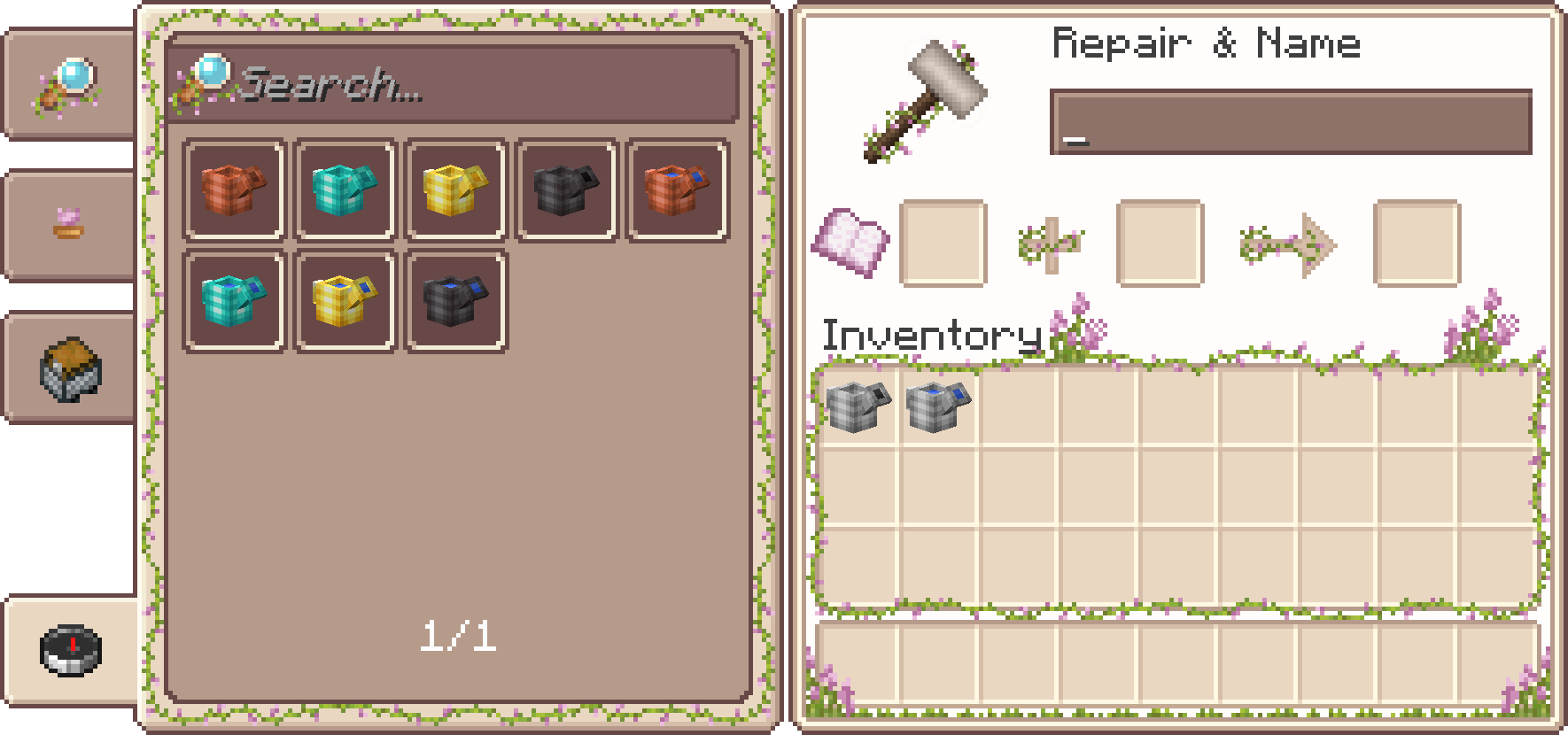
The pack also has an optional CIT component! So you can change the texture of your watering can to use them as decor, with invisible item frames, armor stands, or even wear 'em on your head if you want to!
Simply rename a bucket to <Material> Watering Can, a full list can be seen in the renames.txt included in the pack, or by using a mod like RP Renames or Better Anvil.

Inspired by Additional Additions
Check out Overgrown Flowery GUI, it's used in the showcase images!

Project Links

modrinth curseforge Modded Minecraft Reviews Planet Minecraft discord github generic-singular Dew Drop

Vanilla Watering Cans v1.1
MC 1.21.2-Snapshot, 1.21.6-snapshot, 1.21.8, 1.21.5, 1.21.4, 1.21.5-Snapshot, 1.21.6, 1.21.3, 1.21.7, 1.21.4-Snapshot, 1.21.2, 1.21.9-snapshot, 1.21.9, 1.21.10, 1.21.11-snapshot
Release 2026-03-28 Get
Vanilla Watering Cans 1.0
MC 1.16-Snapshot, 1.17.1, 1.9.1, 1.16.3, 1.13.1, 1.9.3, 1.8.7, 1.19.3, 1.20.2, 1.21, 1.15-Snapshot, 1.16.1, 1.18.1, 1.19.4-Snapshot, 1.20.5, 1.10-Snapshot, 1.9.4, 1.9.2, 1.8.4
Release 2024-07-13 Get

Requirements & install

How to use this resource pack in Minecraft
Resolution
16x
Minecraft
1.21.6-snapshot – 1.21.11-snapshot
Install folder
.minecraft/resourcepacks

How to install resource packs

  1. Download the resource pack .zip file (do not extract it).
  2. In Minecraft open Options → Resource Packs → Open Pack Folder.
  3. Drop the .zip into the resourcepacks folder (.minecraft/resourcepacks).
  4. Move the pack to the Selected column and click Done.
Browse more: 16x resource packs 32x resource packs 64x resource packs 128x resource packs 256x resource packs 512x+ resource packs Resource Packs for 1.21.11-snapshot All resource packs

More from coolbot100s

Advertisement Remove ads with Premium →

You Might Also Like