Badges update automatically and link to the resource pack page on MineUniverse.
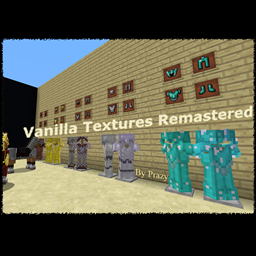
This is my texture pack for personal use, but I thought others might like it too. I liked the way the game looked already, but I found that some stuff was missing, so I made this pack which keeps most of the vanilla textures, while adds improvements in subtle ways. The bigger changes consists of armor and tool textures (Horses included), they all looked the same except for the different colour palette, so I made unique textures for them. I also made connected textures for the Nether Portal using Optifine, it looks less boring. See the list for all changes below.
Optifine is required for the Nether Portal! It WILL look messed up without it!
UPDATE: [2018.Okt.30.] 1.13 format ready for download.
Some changes:
- Horse Armour of course, to fit the new model... (rip old one)
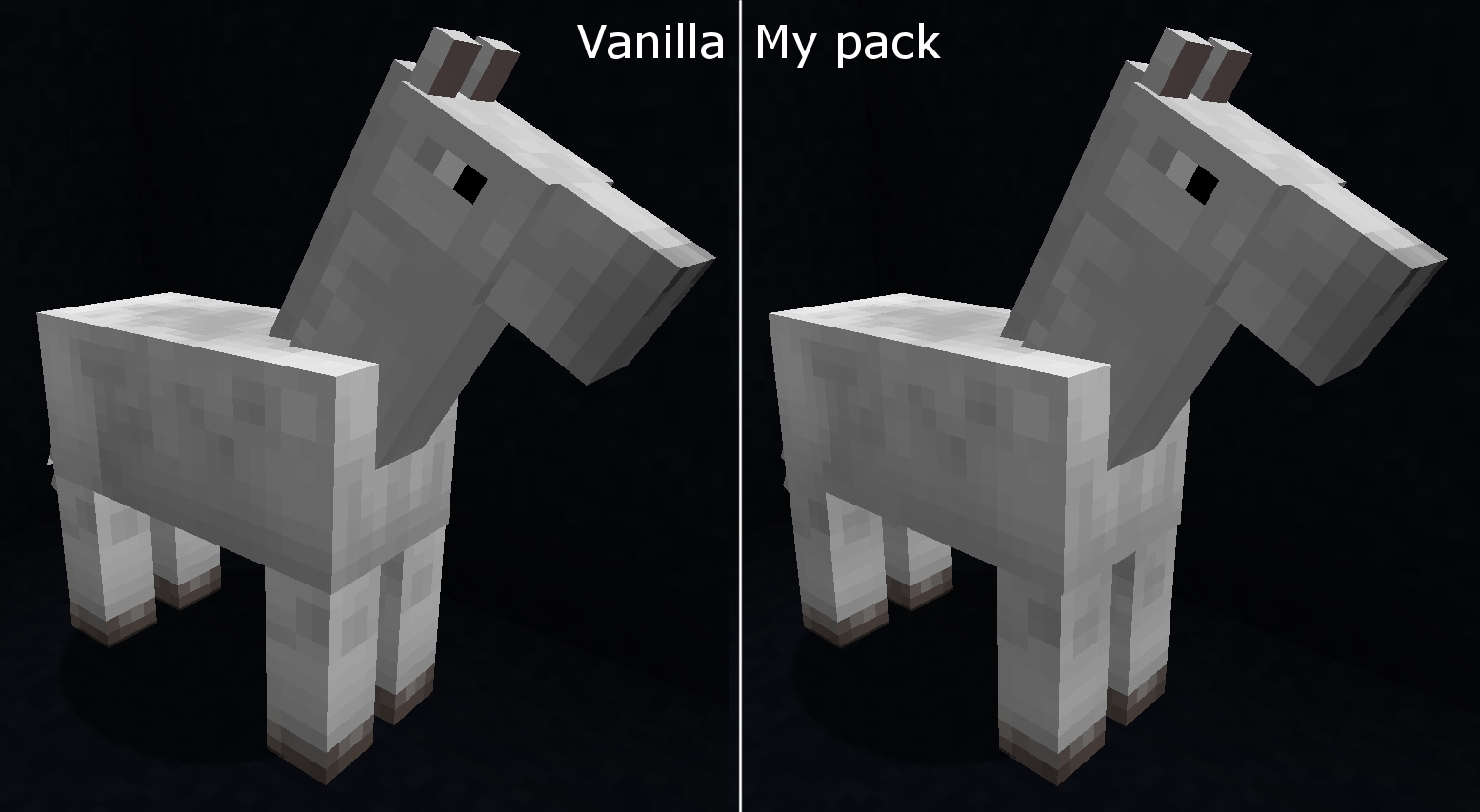
- Horse textures changed a bit; the Horses had too big contrast between their legs and torso. Also changed their tails.
ORIGINAL FEATURES:
- Main changes:
× Each tool and armour tier has its own style
× Connected Nether Portal block textures (again, OPTIFINE!)
× Biomes with cooler temperatures (Extreme Hills for example) has a more frozen-ish colour to foilage instead the original warm looking one
- Animated vanilla textures:
× Brewing Stand
× Enchantment Table
× Furnace
× Diamond, Gold, Emerald, Redstone Block and Ore
× Purpur Blocks
× Glowstone
× Redstone Lamp
× Jack 'o Lantern
× Torch
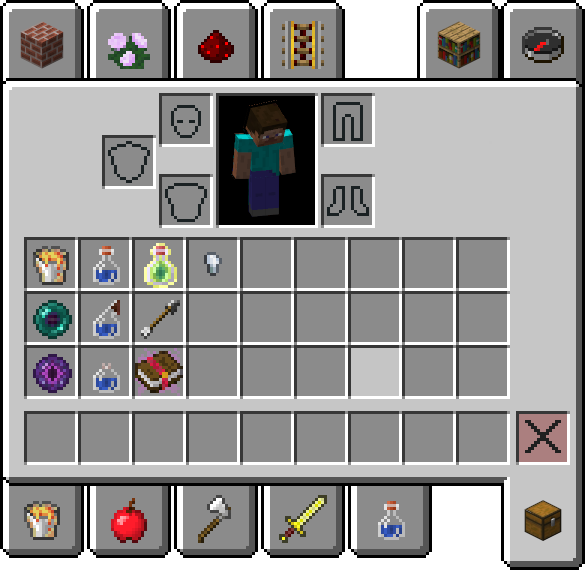
- Item sprites changed:
× Matching armor item textures for new armour
× Arrow has a Flint head instead of Iron
× Enchanted Book
× Lava Bucket looks melted
× Ender Pearl has a bit of purple added to it
× Eye of Ender matches the Enderman texture
× Matching colouring for bottle items (the glass is always white)
× Iron Nugget un-rotated
- Miscellaneous:
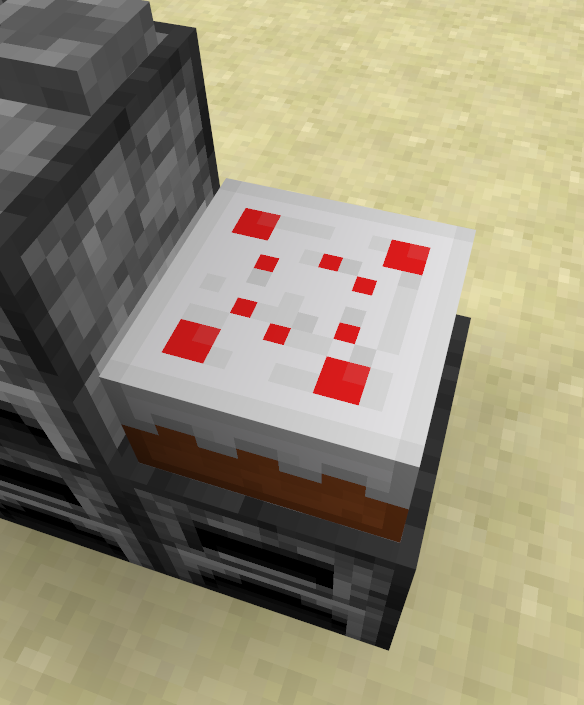
× Cake top texture's cherries are in order
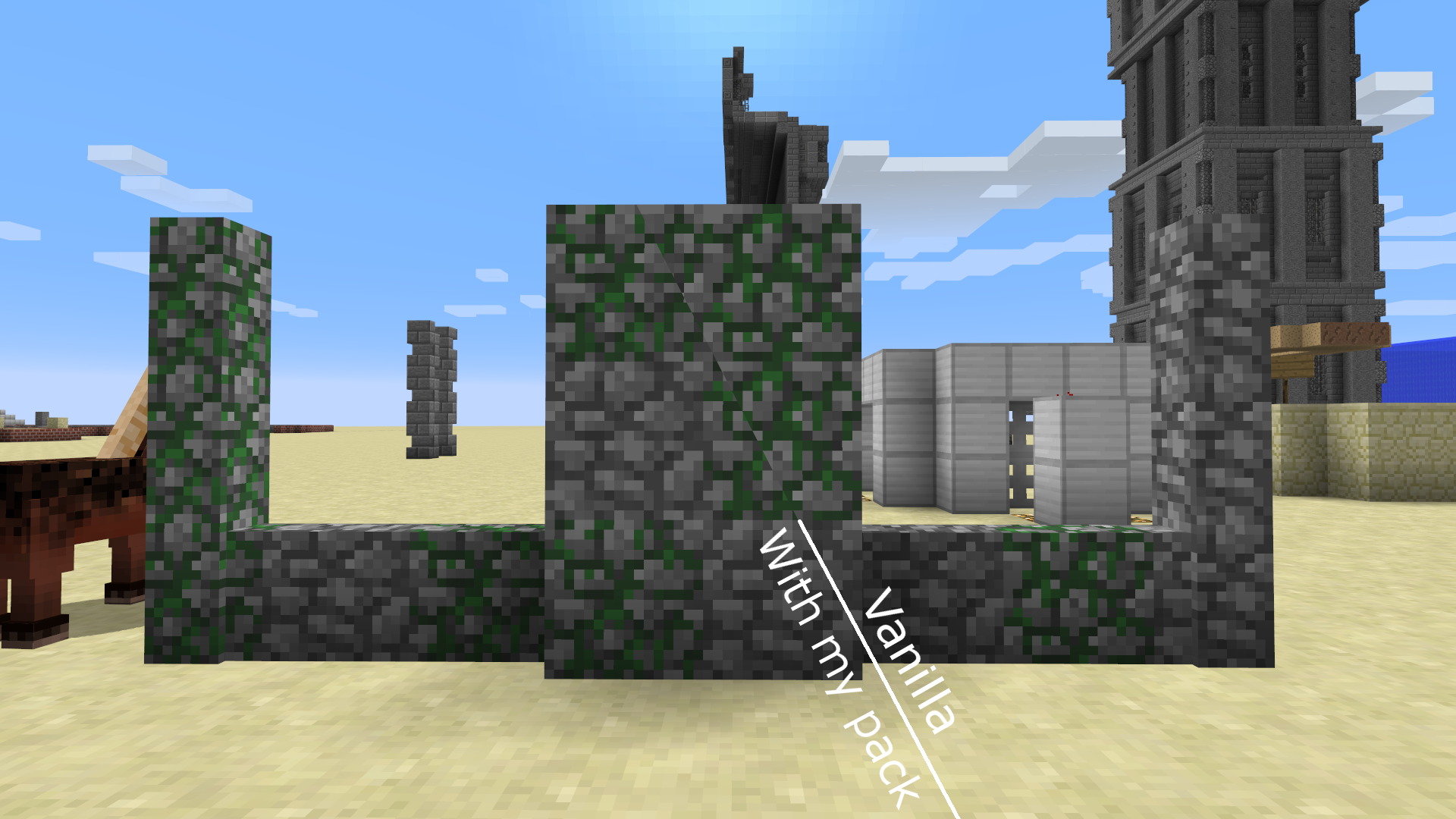
× Mossy Cobblestone fix (had a different base-texture than regular Cobblestone)
× Grass type blocks have more grass on sides
× Iron Door and Trapdoor now matches the updated Iron Block texture
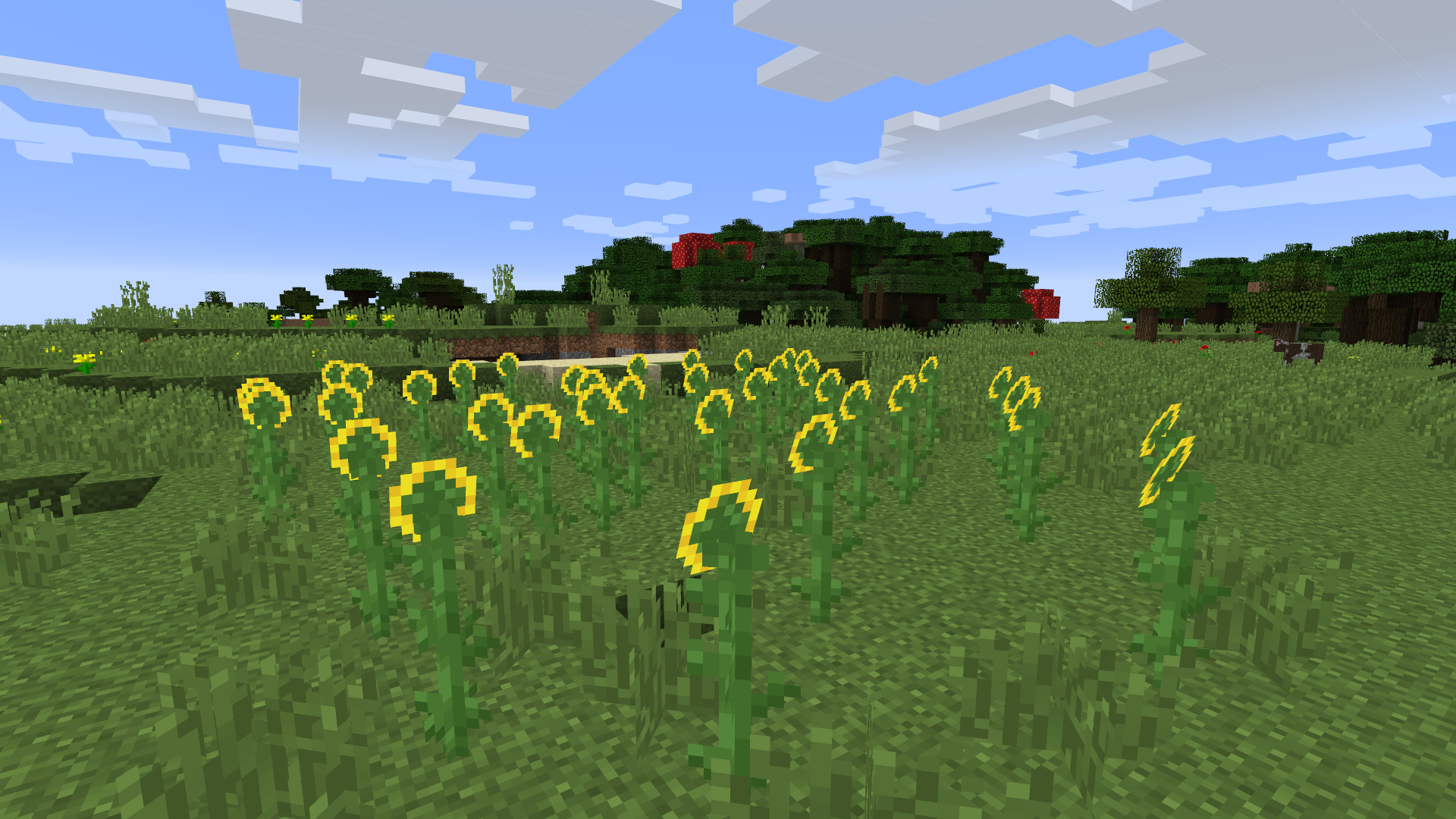
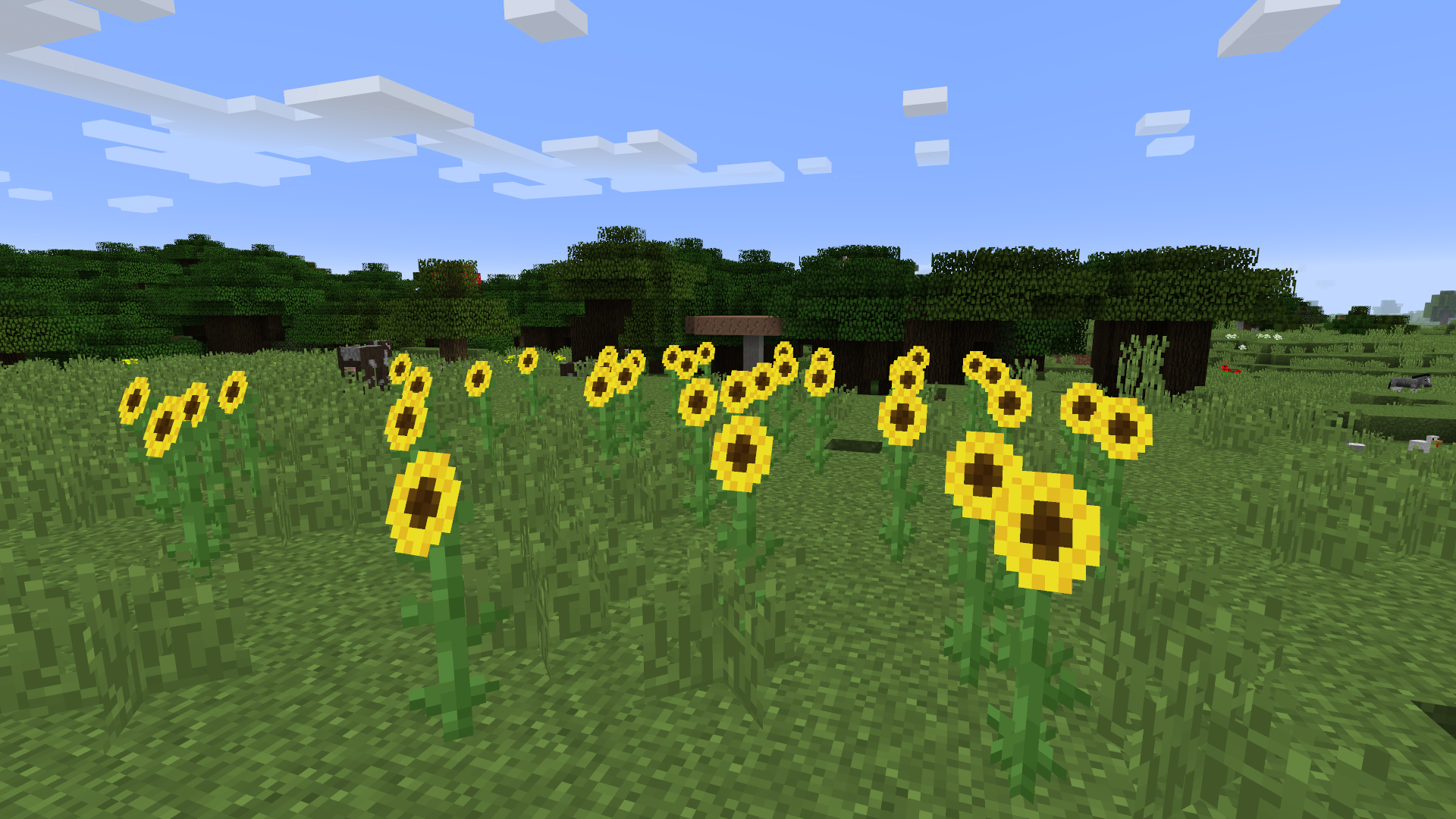
× Sunflower textures changed to look a bit nicer (see Images)
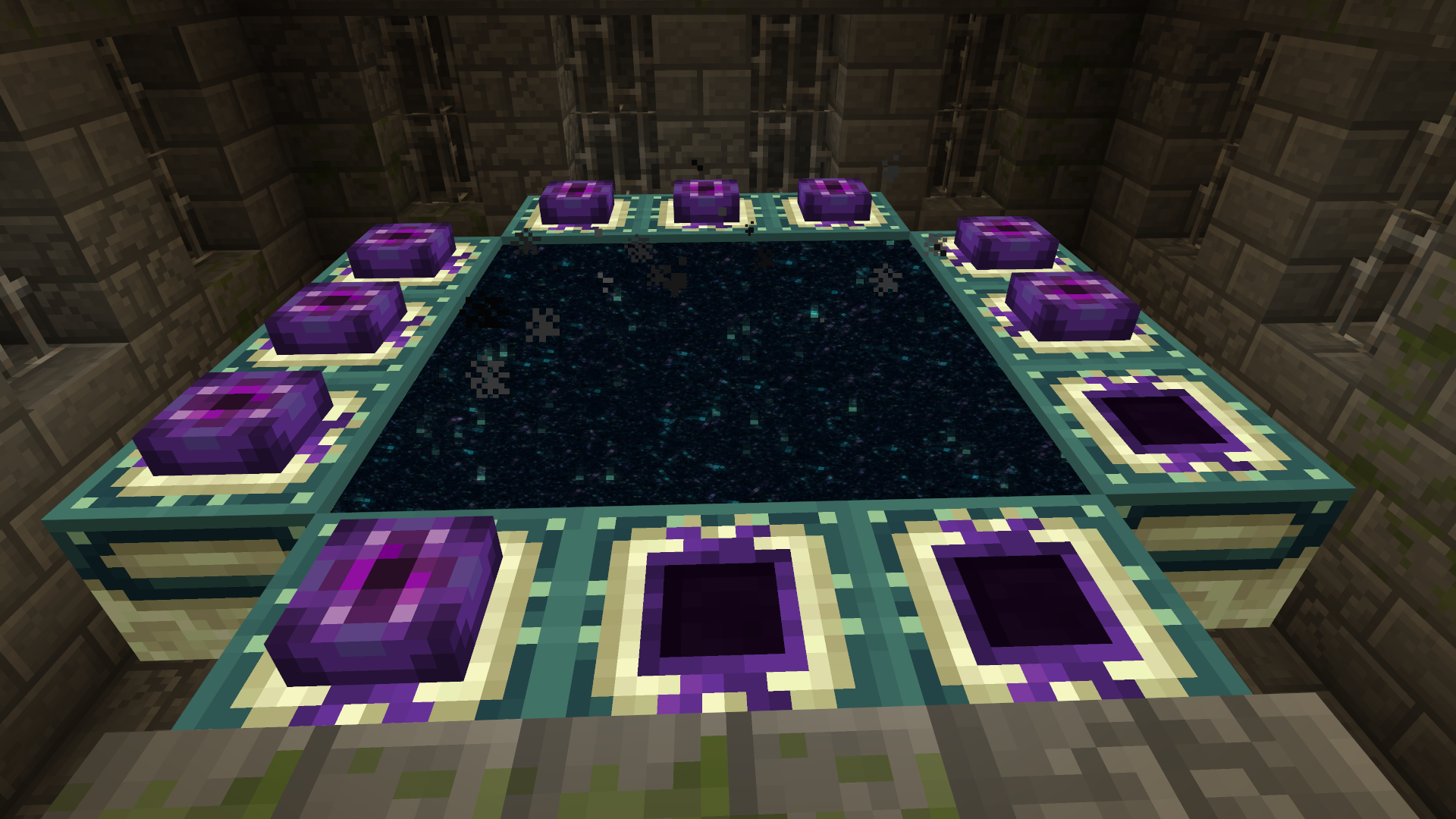
× End Portal Frame Block changed to match the new Eye of Ender texture
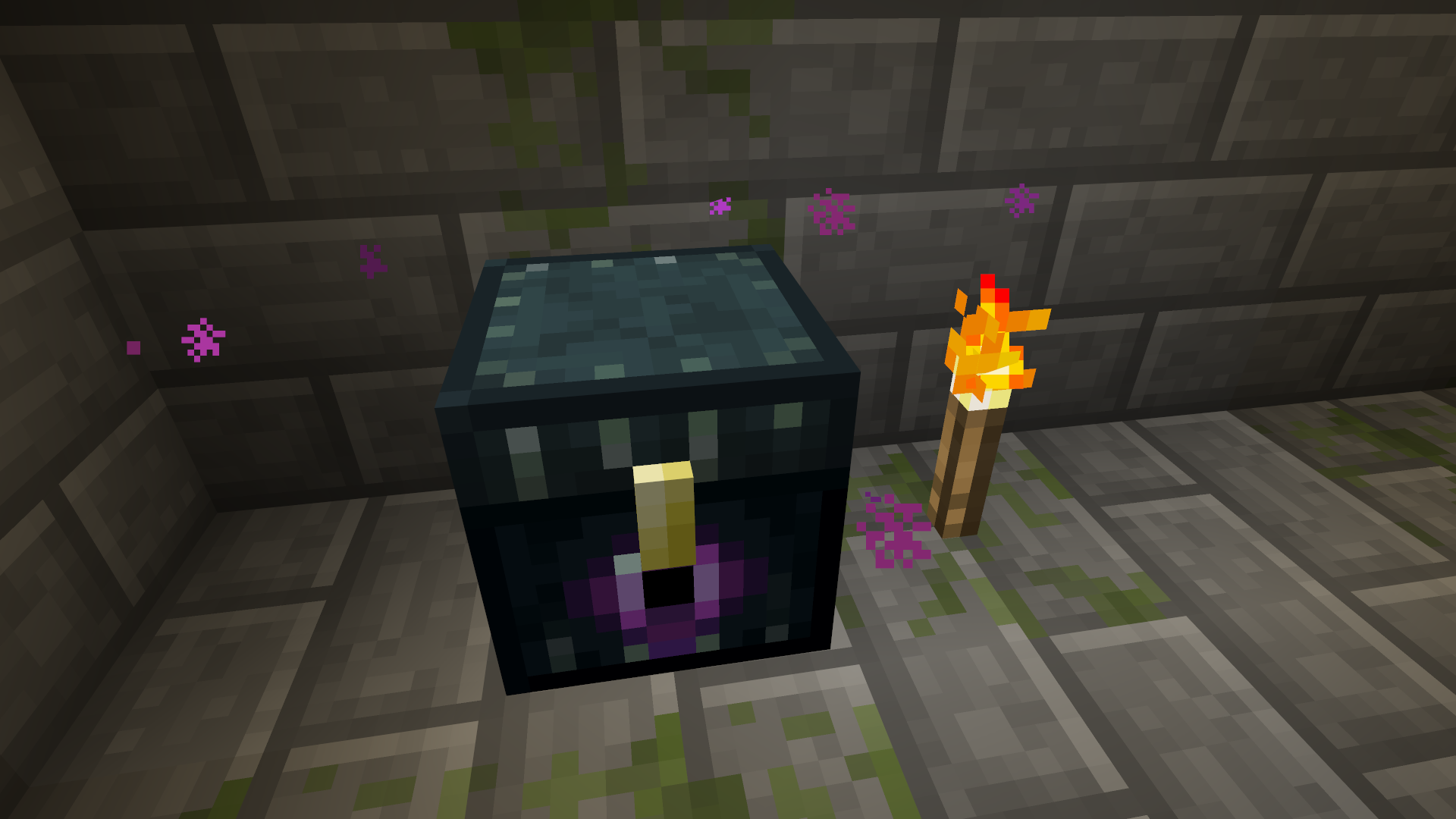
× Ender Chest - ditto
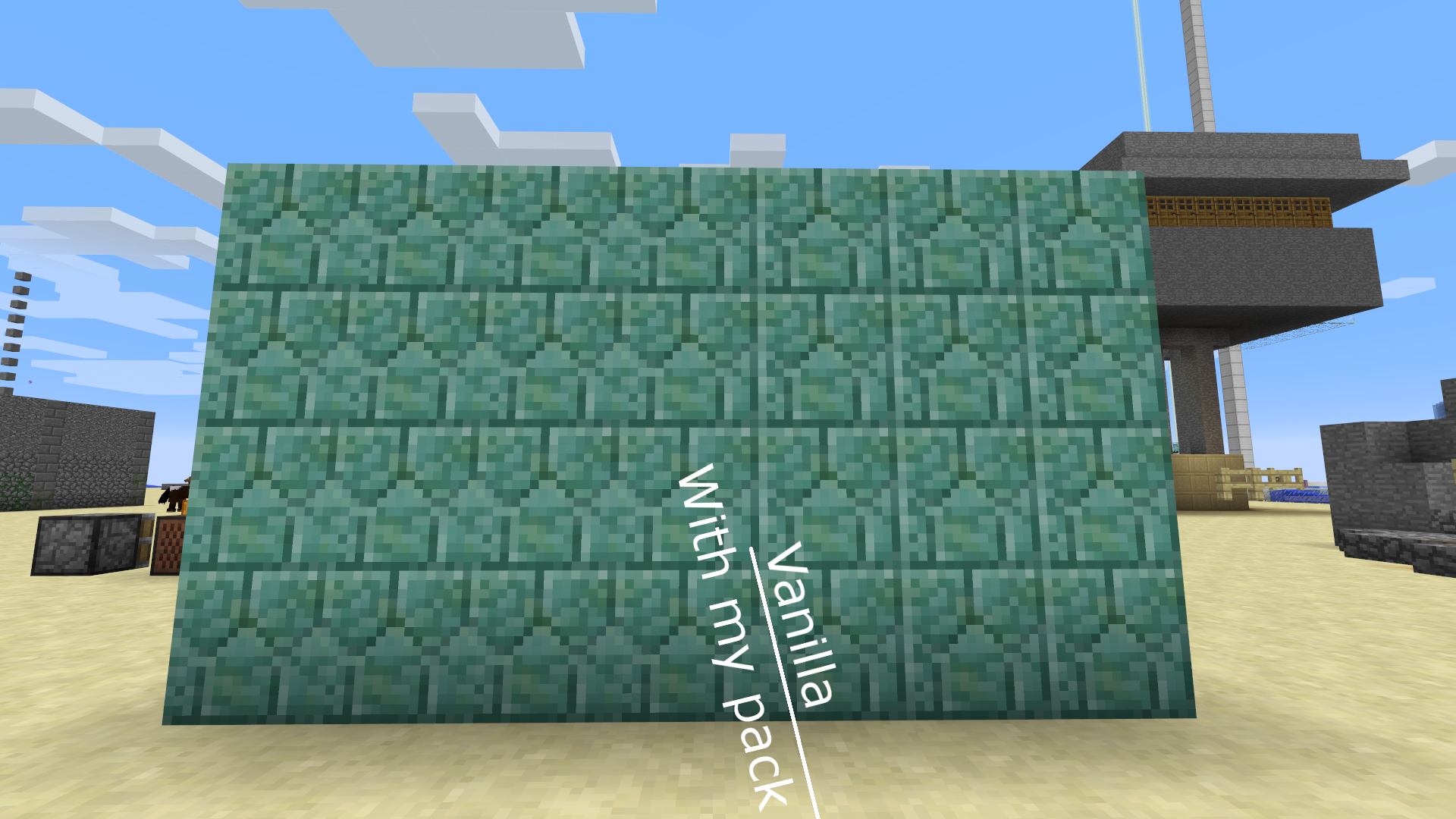
× Prismarine Brick no longer has vertical grid lines
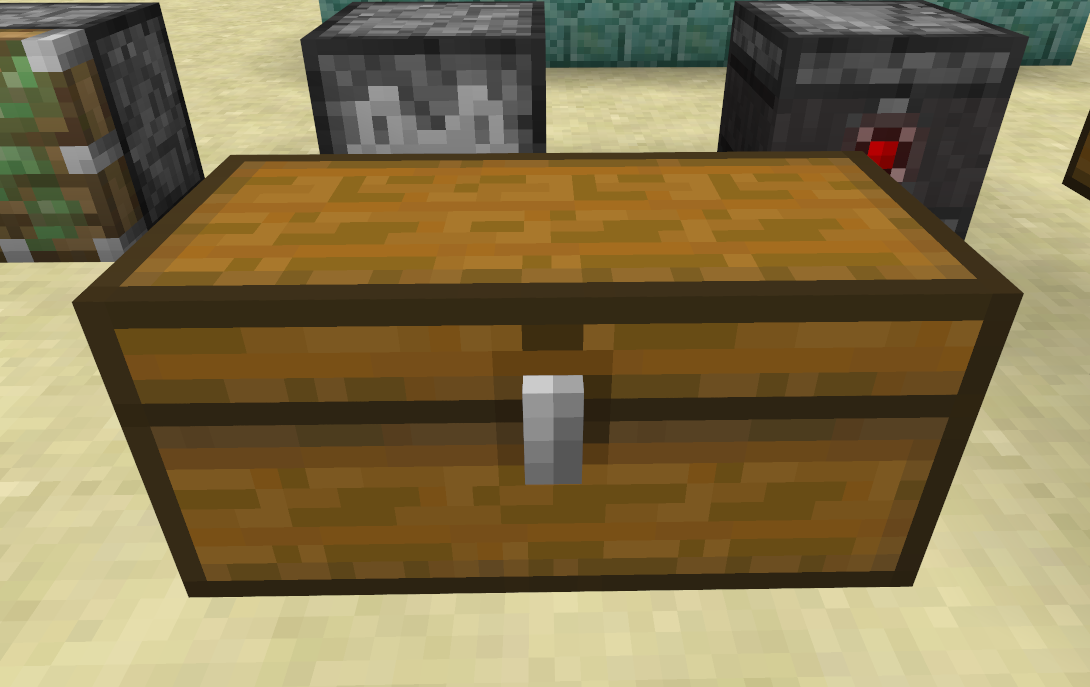
× Chest outline is brighter (is brown, was black)
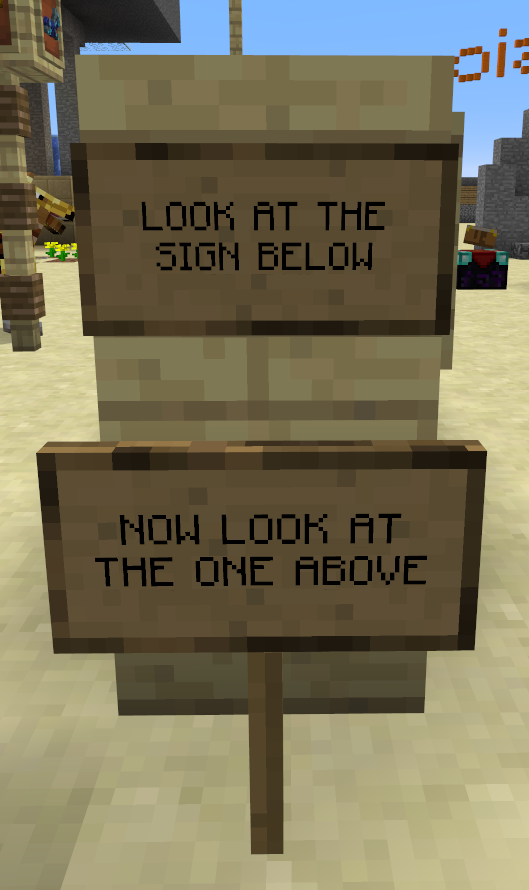
× Sign textures changed
× Arrow entity changed to match its Item sprite
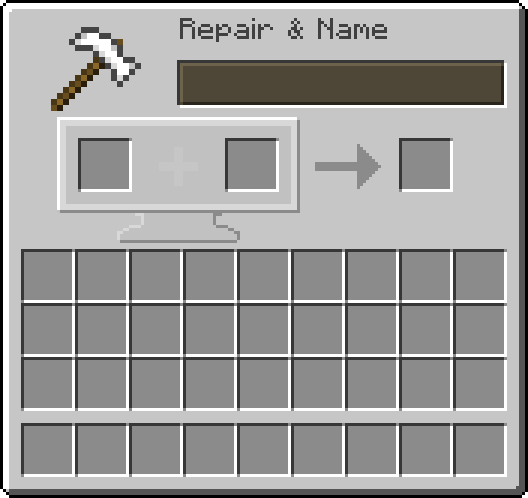
× New Gui for Anvil
× Enchantment glow is not as visible
× Removed the texture from screen when you're underwater
× Coloured ping indicator when on multiplayer