"Your downloads are confusing, what am I doing?"
If you want the UI, the latest version is contained in the 1.4.2 file.
https://minecraft.curseforge.com/projects/vanilla-gloom/files/2394082
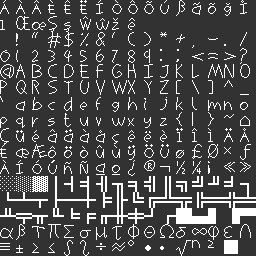
If you want the "Scrawl" Font, the latest version is here:
https://minecraft.curseforge.com/projects/vanilla-gloom/files/2394081
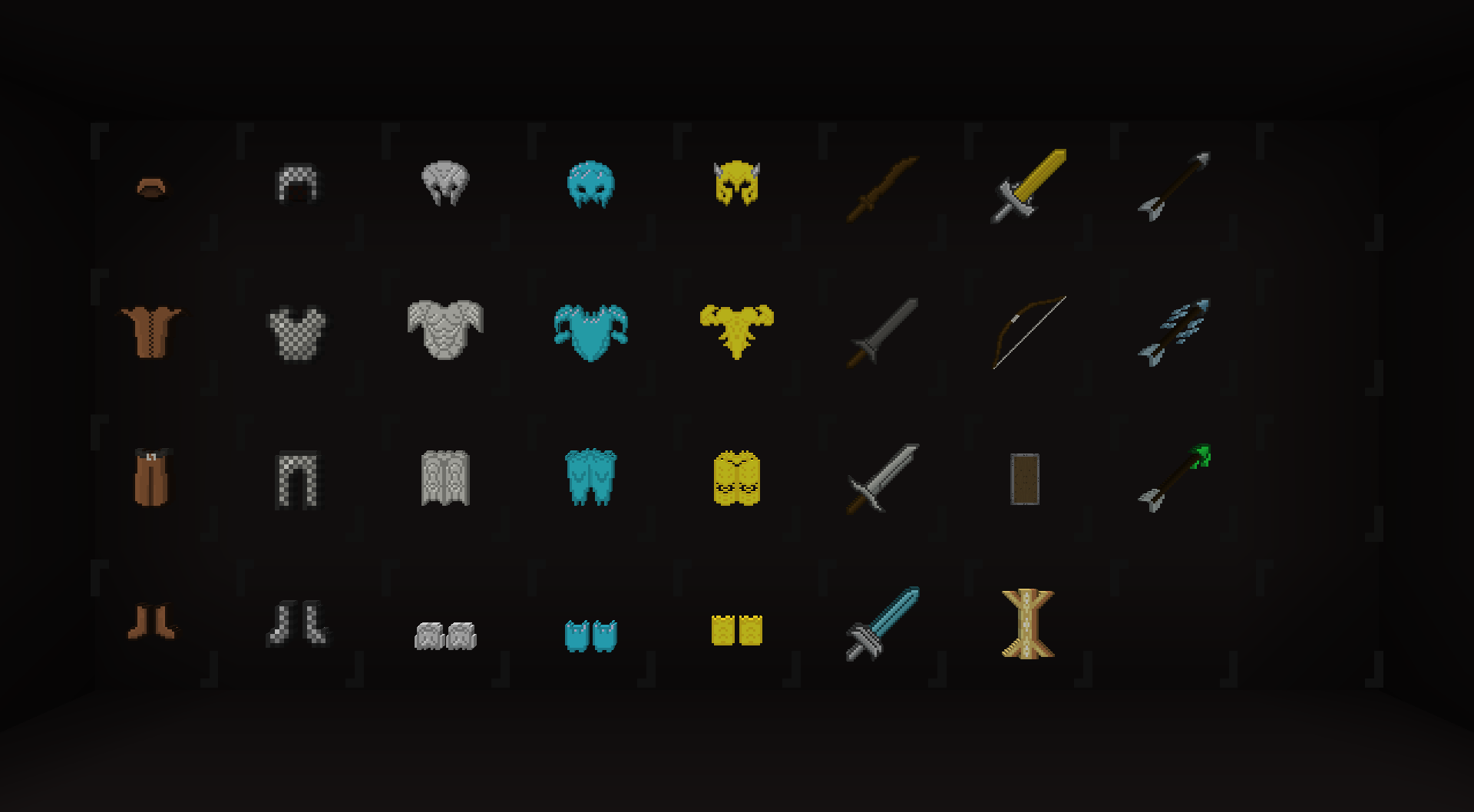
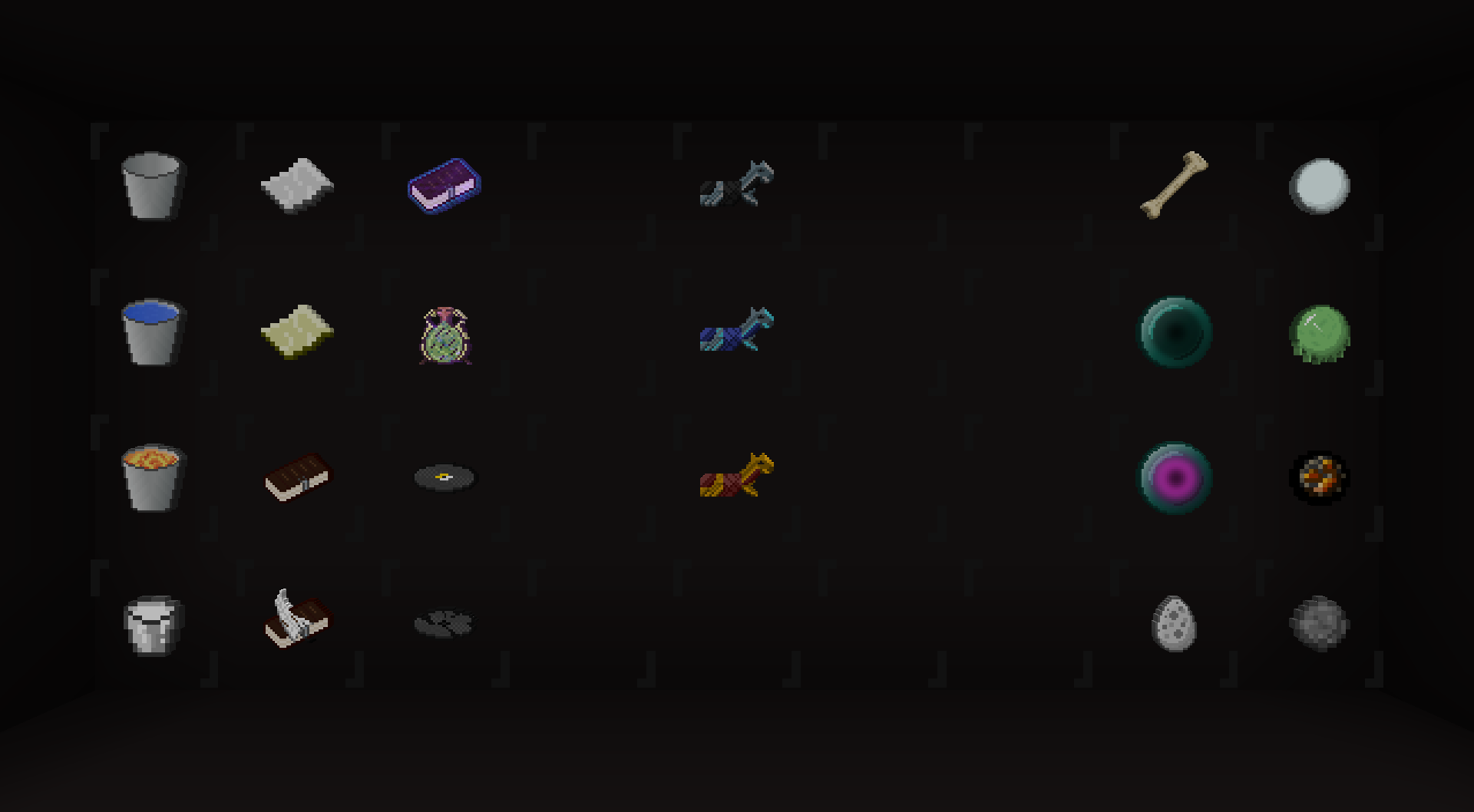
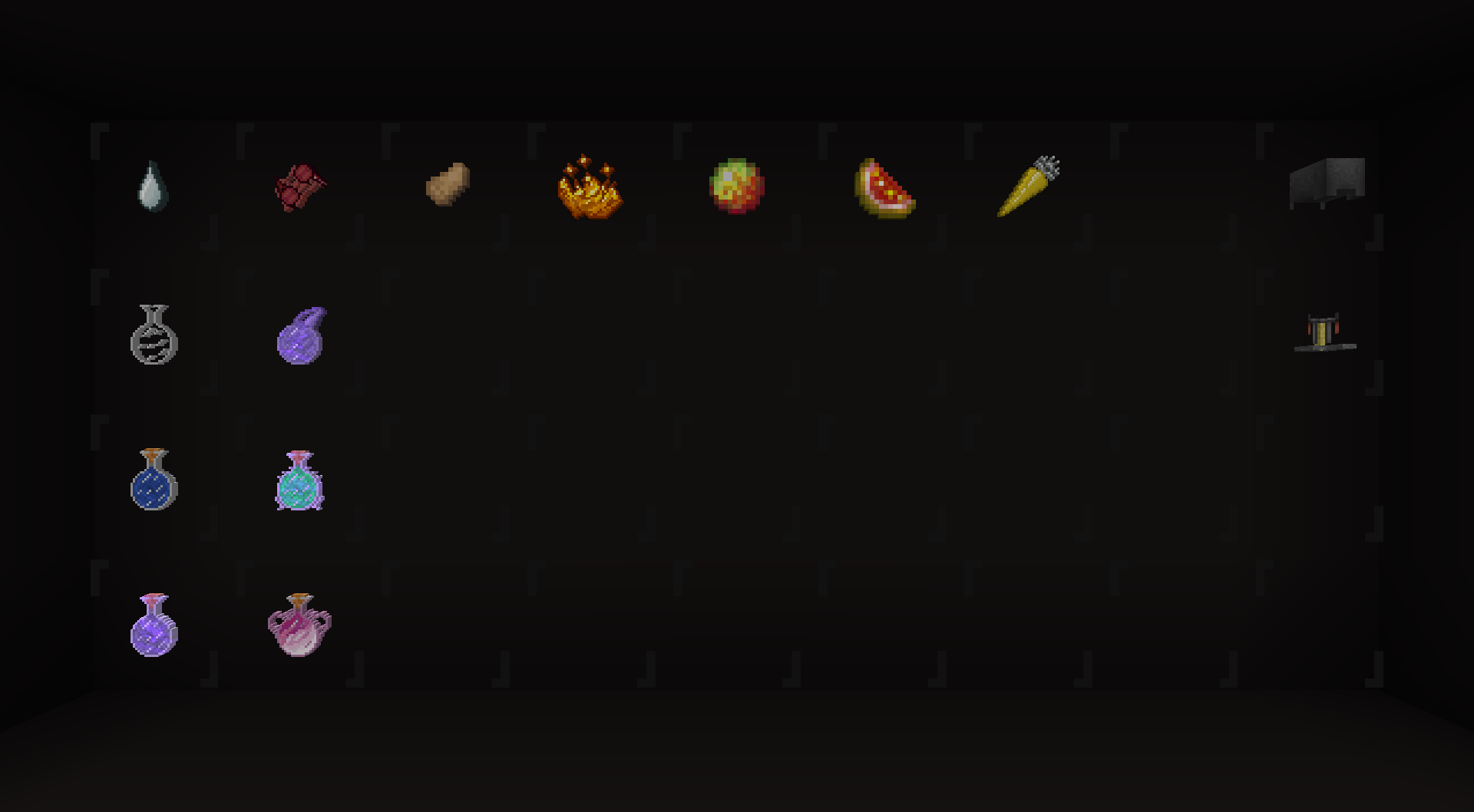
If you want to try out the beta versions which include the partially complete item pack, you can download any '1.5.0 B-Rev#' files that I have uploaded.
Once I complete the item pack, the releases will get less confusing.
About
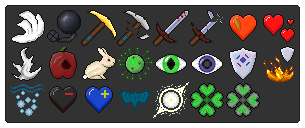
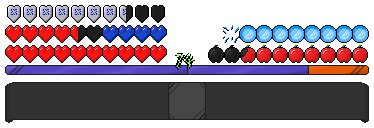
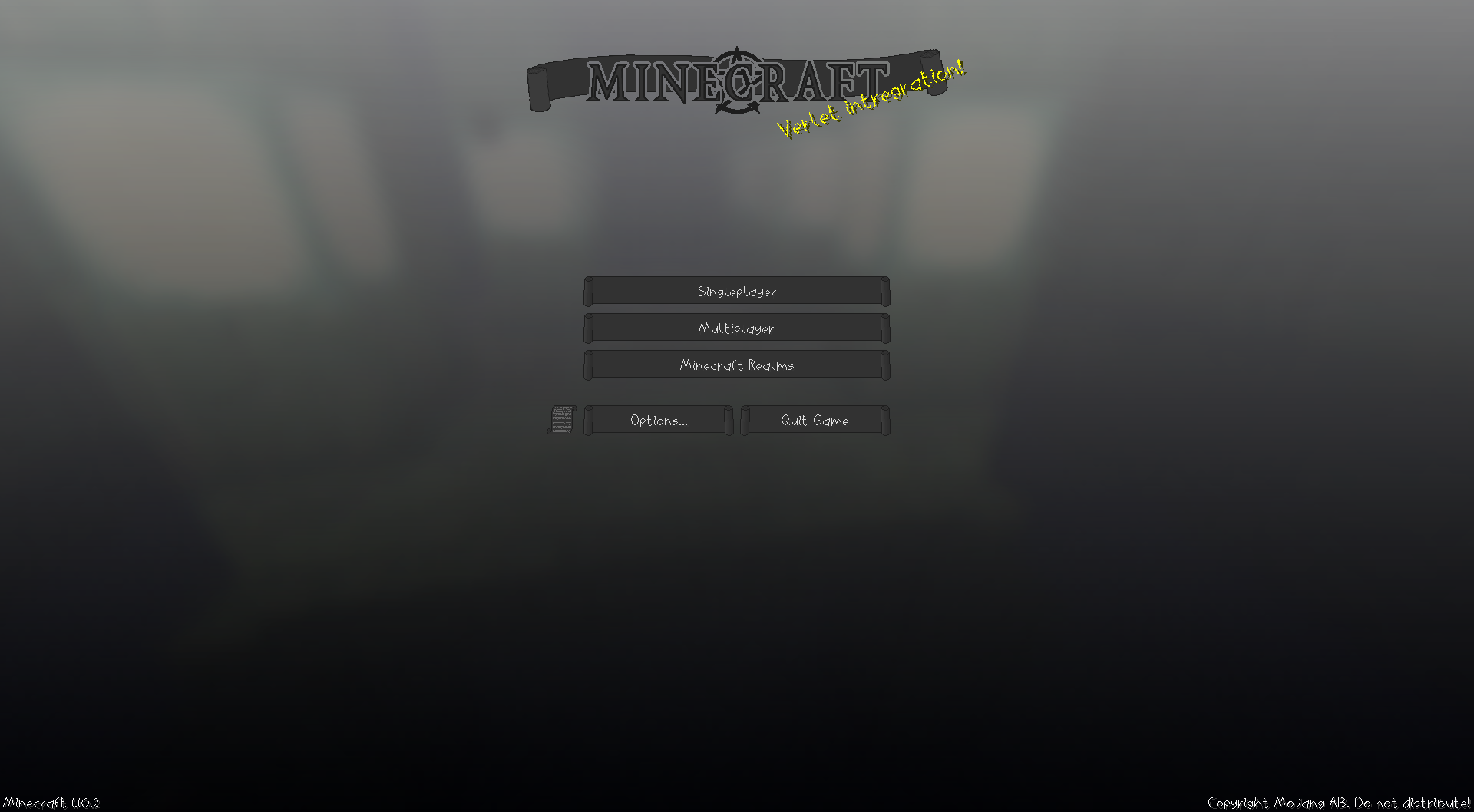
The style of this pack is to have a darker colour scheme than vanilla, with a slightly more ornate style. The main feature is the user interface, which is completely finished. The majority of bars and sections in the UI are made up of scrolls. I have also completed an alternative font, and am working on the items. I might texture the blocks in the future too, though don't expect it.
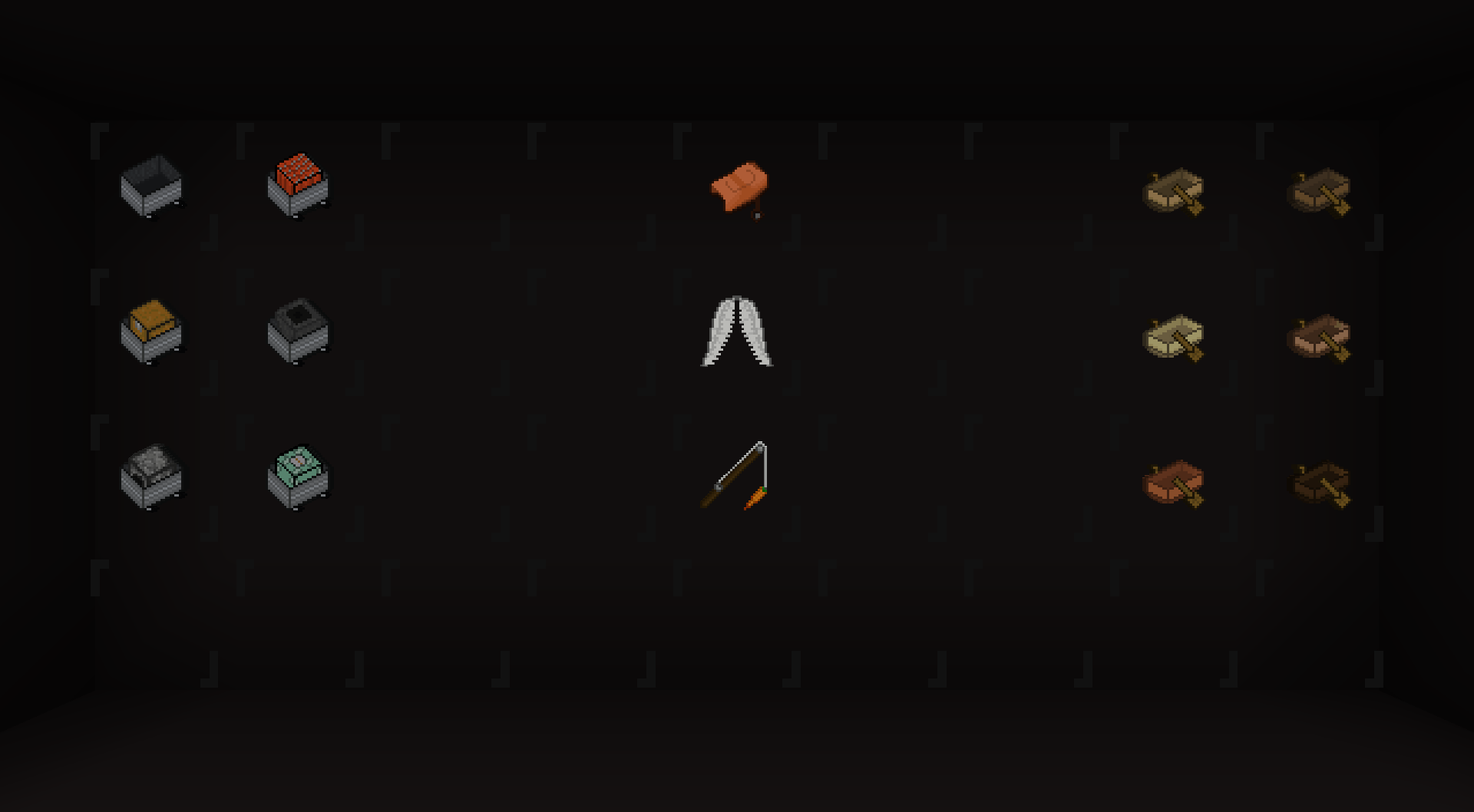
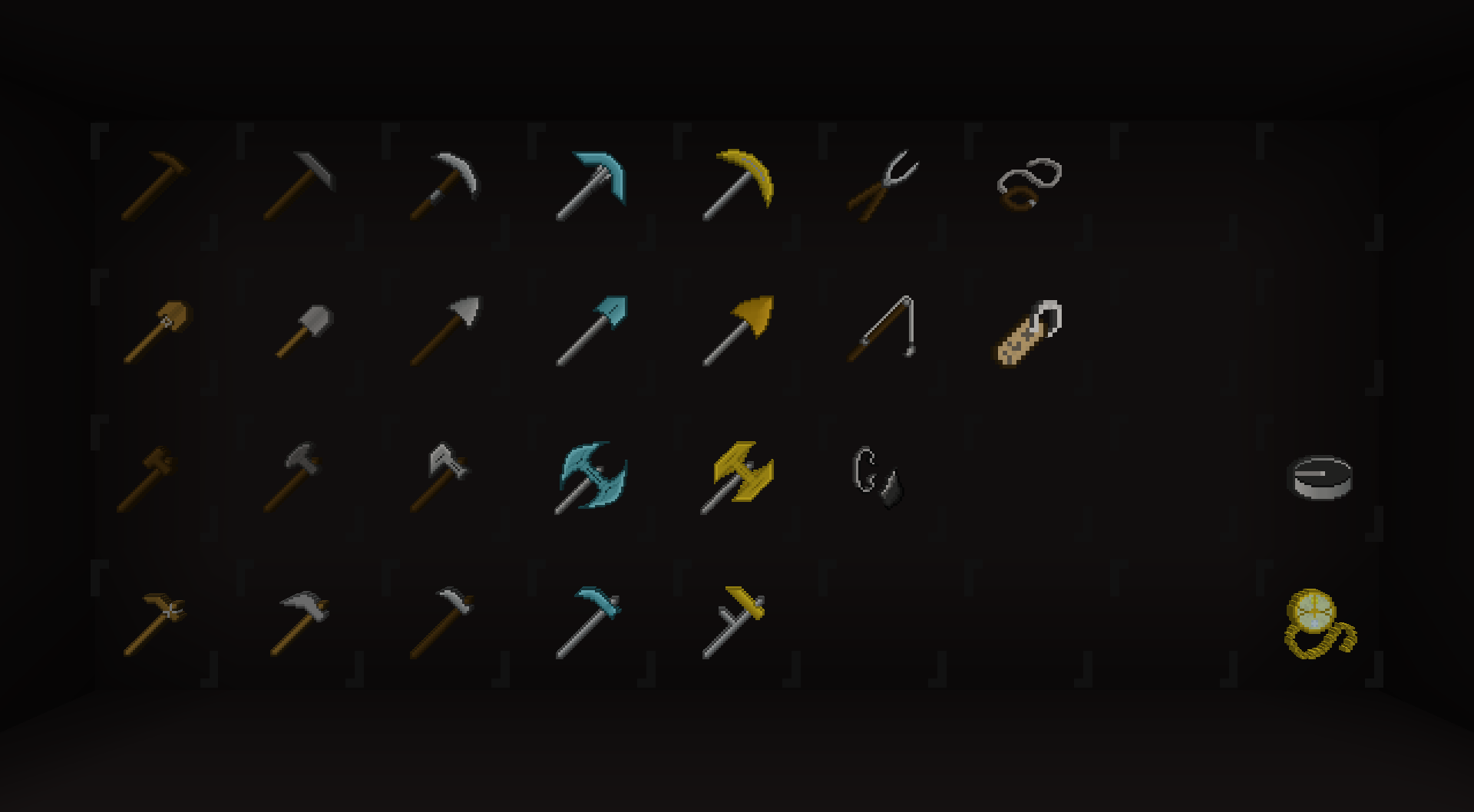
What is different about the items, are how some of the textures aren't 32x, they are 64x or even inbetween the two. They are then sized up using the model system so that they fit in with the 32x textures, but with much more size possibility. This is especially taken advantage of with the bow, and axes, though is used in some other textures too. I have also used the models to tweak other things, such as making the tools fit properly in characer's hands, changing texture at low durability, and looking different on the ground. Due to the format changes 'recently' and how fiddly they are, these are not fully complete right now.
Main releases of this pack will be released as a complete entity past version 1.4. Downloads of individual parts will be figured out then.
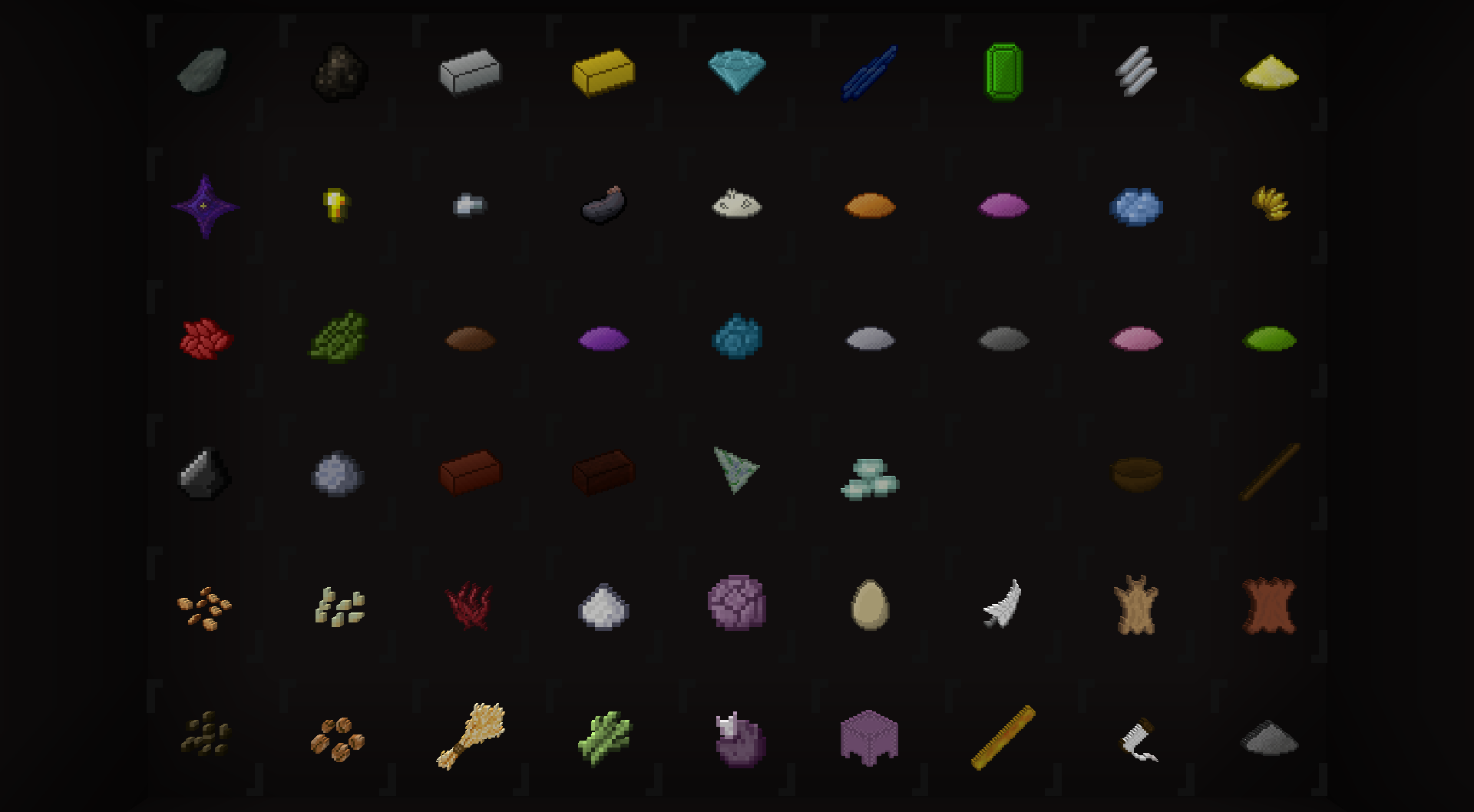
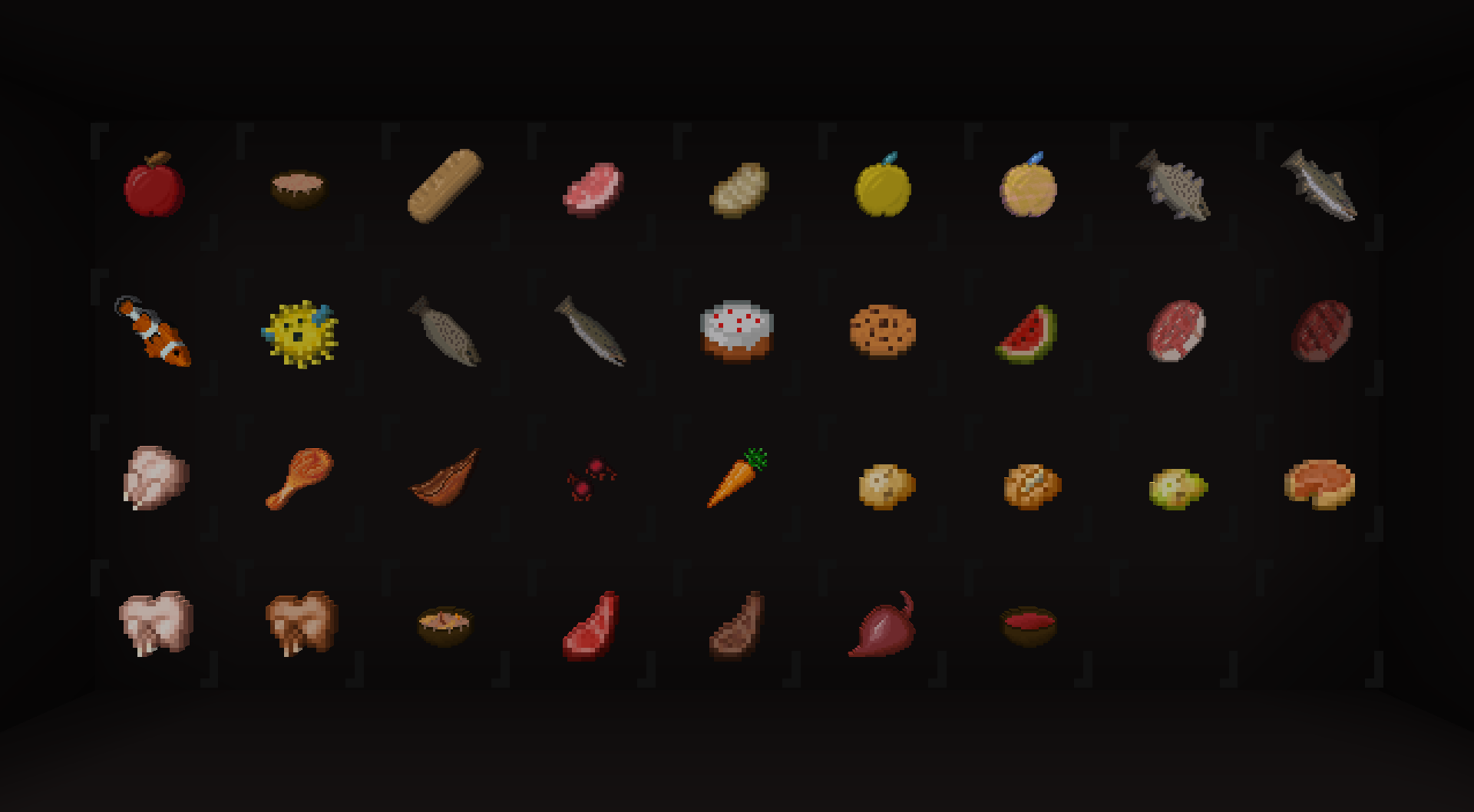
For now, please check the images tab to preview the pack. This main page will be improved over time.
Please note that the "Legacy" versions look quite different from the screenshots. Version 1.4 smoothed out and improved quite a few textures. I keep the legacy downloads around due to the more recent revisions not supporting the older Minecraft versions such as 1.7.
A note on the Items
While the UI and font are 100% complete, the Items pack is a heavy beta. It only includes around 50% of the items (complete estimation), the style and quality is scattered, and many textures are simply 32x versions of vanilla or use vanilla colours until I get around to changing them fully. You should expect heavy revisions to any and all textures in any updates released.
These issues are mostly due to how I have made many of these textures over a span of 2+ years, originally not even planning to make this into a pack.
Criticism and Issues
I welcome constructive criticism if you want to take the time out of your day to help me! :) And if you find any problems, such as a problem with a texture, accidental misinformation, anything, please report it to me. Feel free to do any of the aforementioned as well as suggest anything or contact me through the issues tracker.