To avoid bugs, use with sky and leaves graphics in fancy
Consistent Refinements & Overhaul of Indicators, Sounds, Styles, Aesthetics, Navigation & Tweaks
C.R.O.I.S.S.A.N.T. is a comprehensive vanilla-style enhancement resource pack for Minecraft 1.21.11+, focused on visual clarity, consistency, and subtle quality-of-life improvements.
It enhances gameplay by adding smart visual indicators, refined UI elements, lightweight 3D models, connected textures, natural block variations, improved readability, and reduced visual and audio noise — all while staying faithful to the vanilla aesthetic.
This pack is designed to feel intuitive and unobtrusive, making it ideal for every player.
🔧 Requirements
To ensure full functionality and correct rendering, the following mods are recommended:
- Sodium or Embeddium – required for proper rendering and performance
- Continuity – enables connected textures and OptiFine-style features
Optional (Recommended)
- OptiGUI – Recommended for proper support of colorful and customized container GUIs.
- Entity Texture Features (ETF) – Only needed if using advanced entity texture features or conditional variations.
Without these, some visual features may not display as intended.
Not Necessary / Incompatible
- OptiFine – Redundant and often incompatible with Sodium/Continuity-based setups.
- CIT Resewn – Not required, as the pack does not rely on named or NBT-based item textures.
- Custom Entity Models (CEM) – Not used; the pack does not include custom mob models.
- FabricSkyBoxes – Not required; sky visuals are handled through vanilla-compatible textures.
This Pack Includes::
-
-
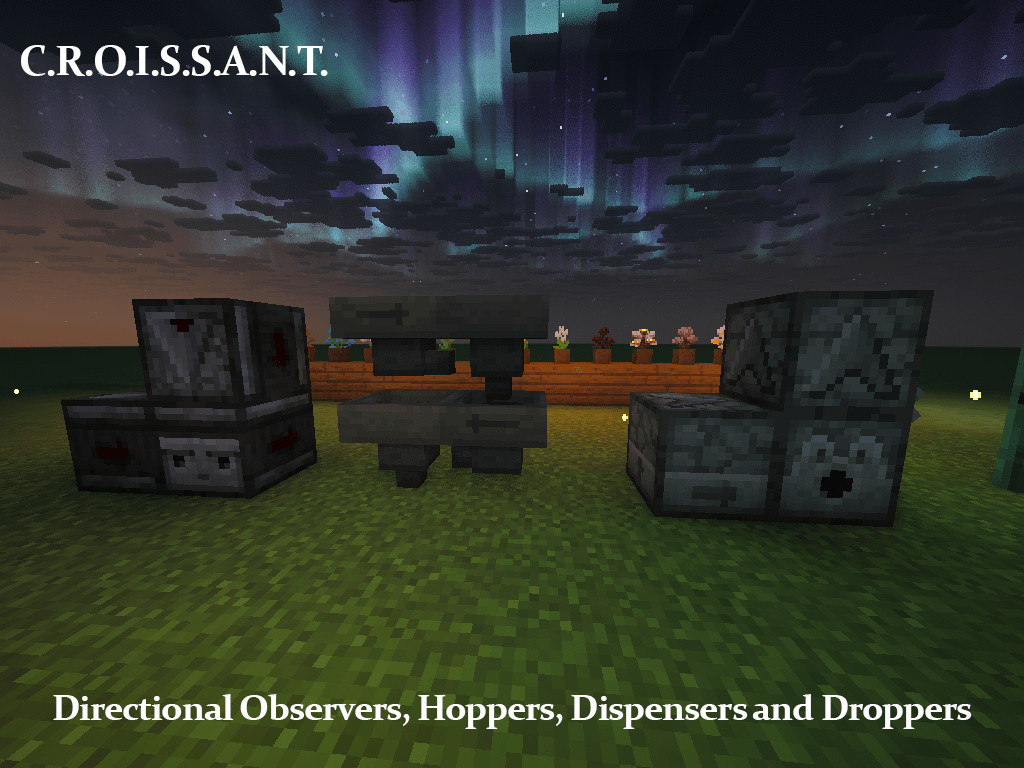
- Directional Observers, Hoppers, Dispensers and Droppers
- On/Off Lever Indicator
- Compass Lodestone
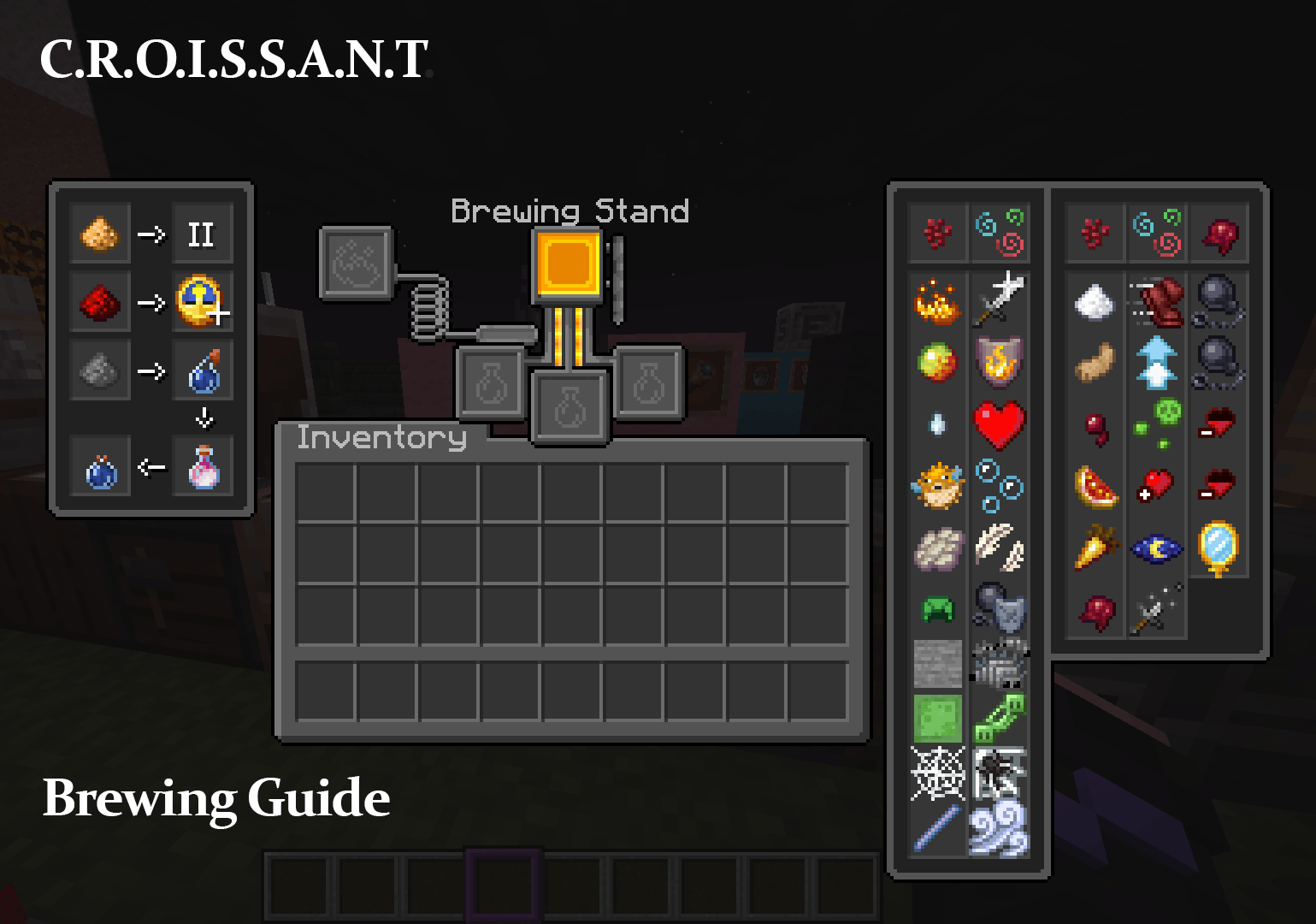
- Brewing Guide
- Visual Honey Stages
- Visual Composter and Cauldron Stages
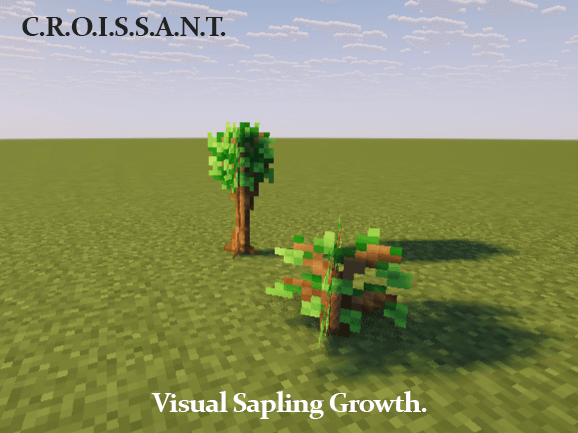
- Visual Sapling Growth
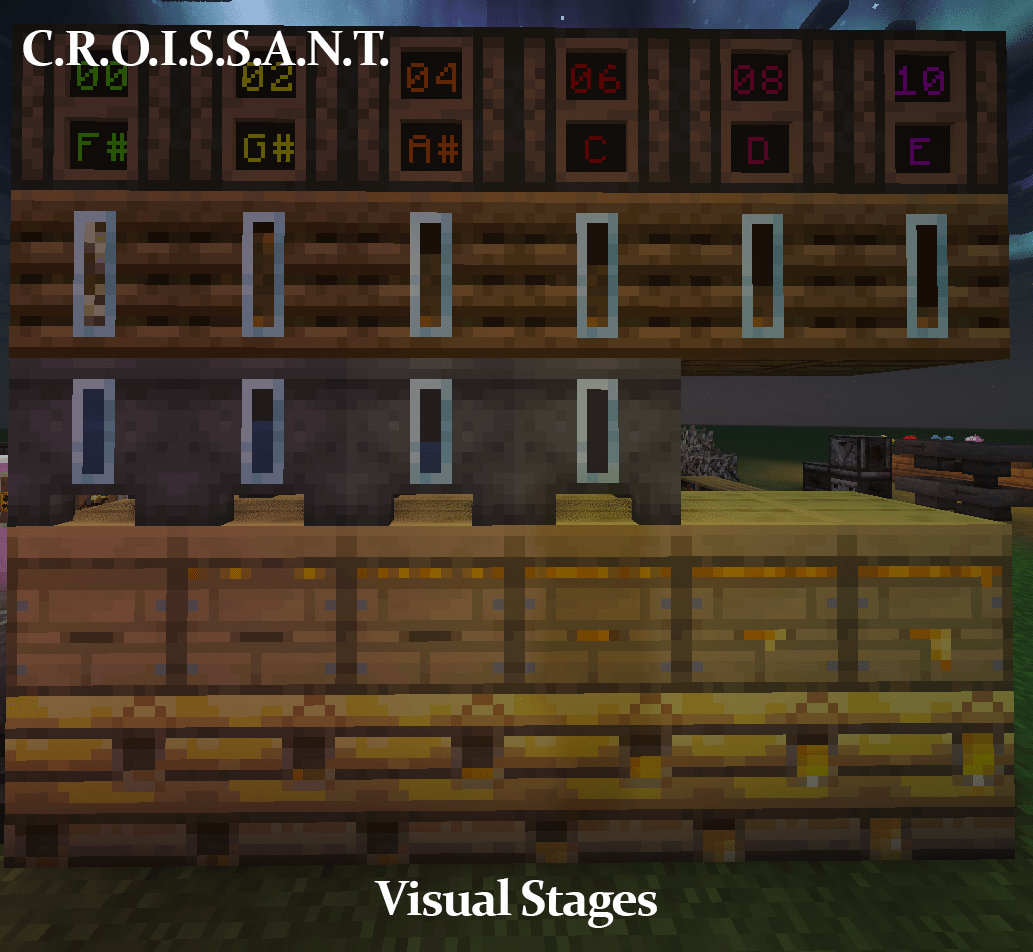
- Visual Note Block Pitch
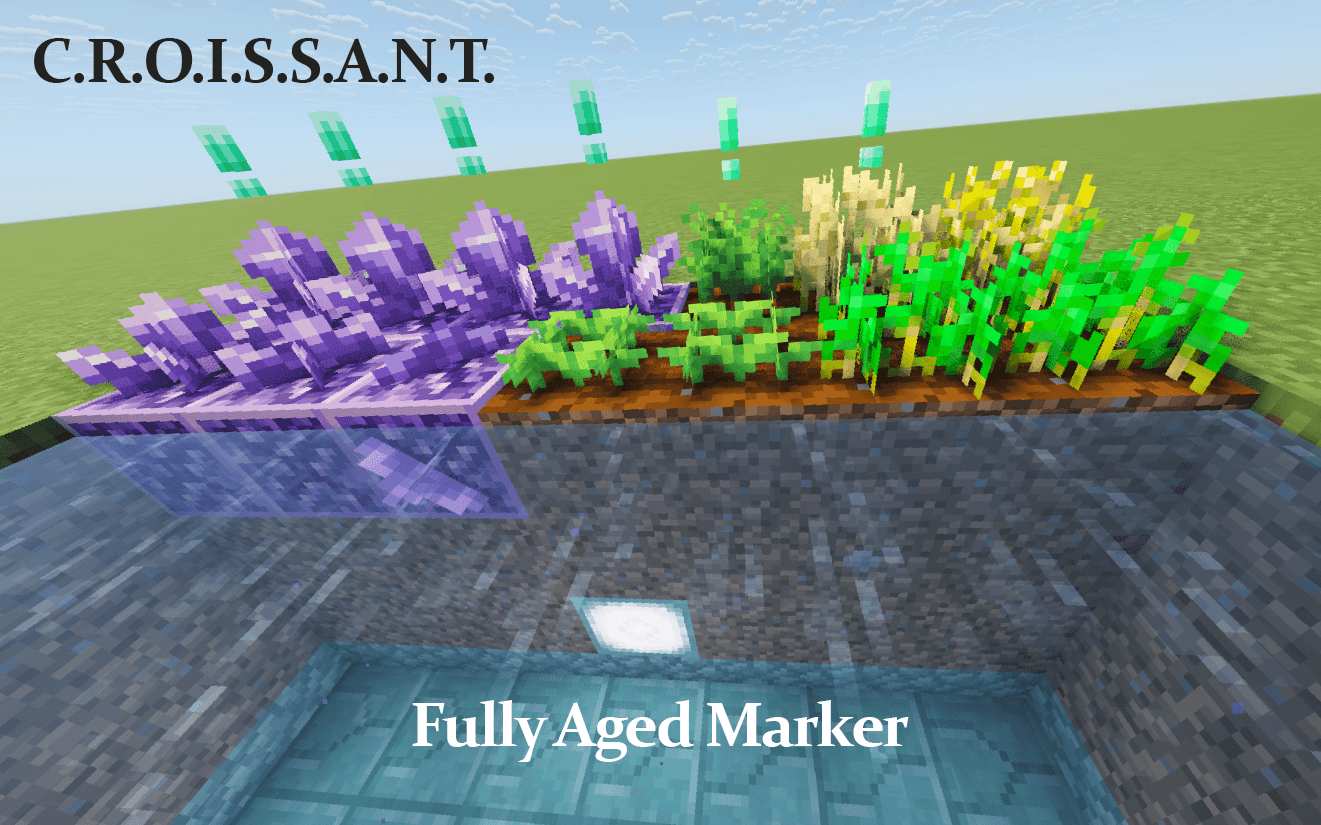
- Fully Aged Crop Marker
- Fully Aged Amethyst
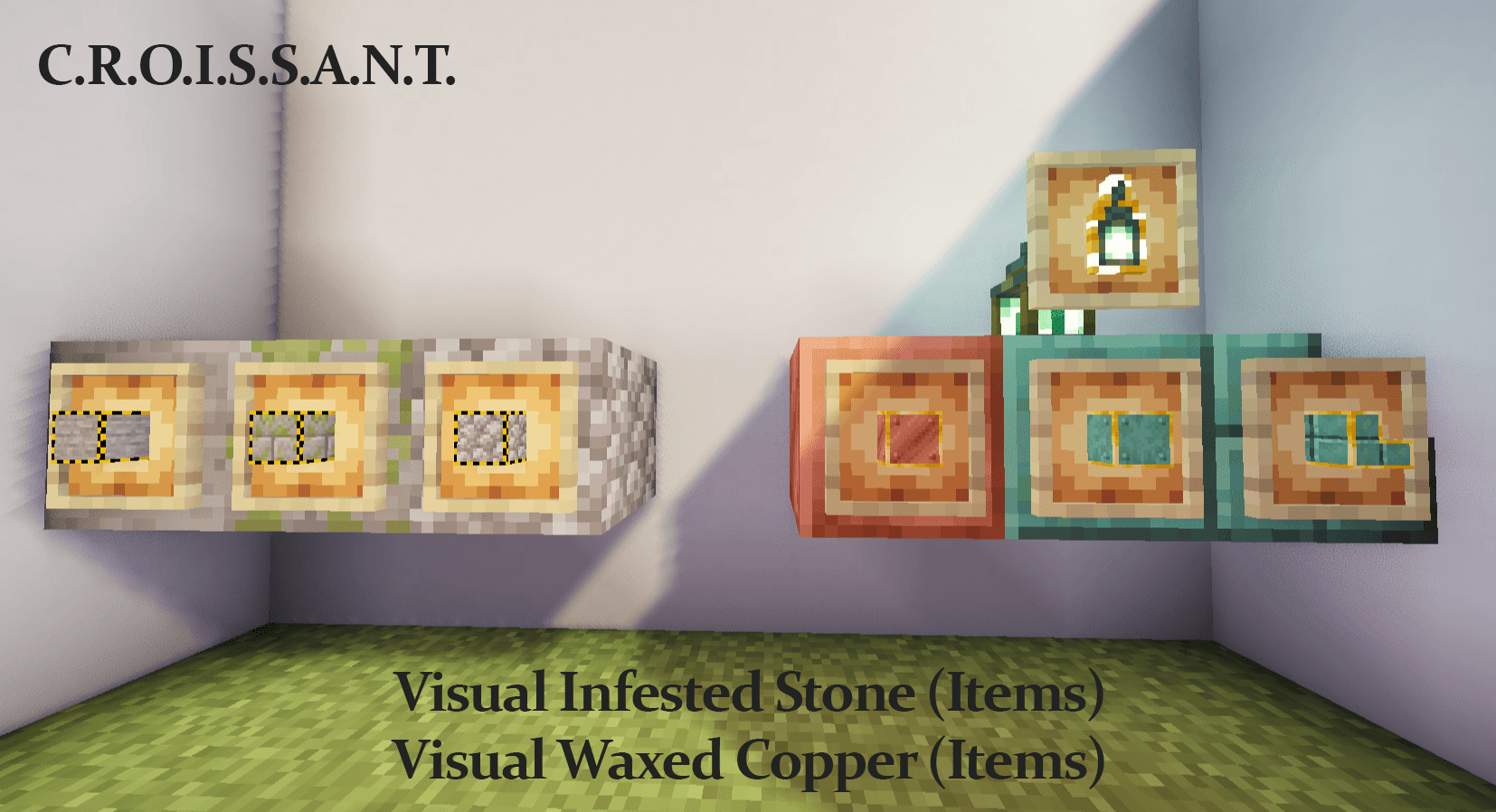
- Visual Infested Stone (Items)
- Visual Waxed Copper (Items)
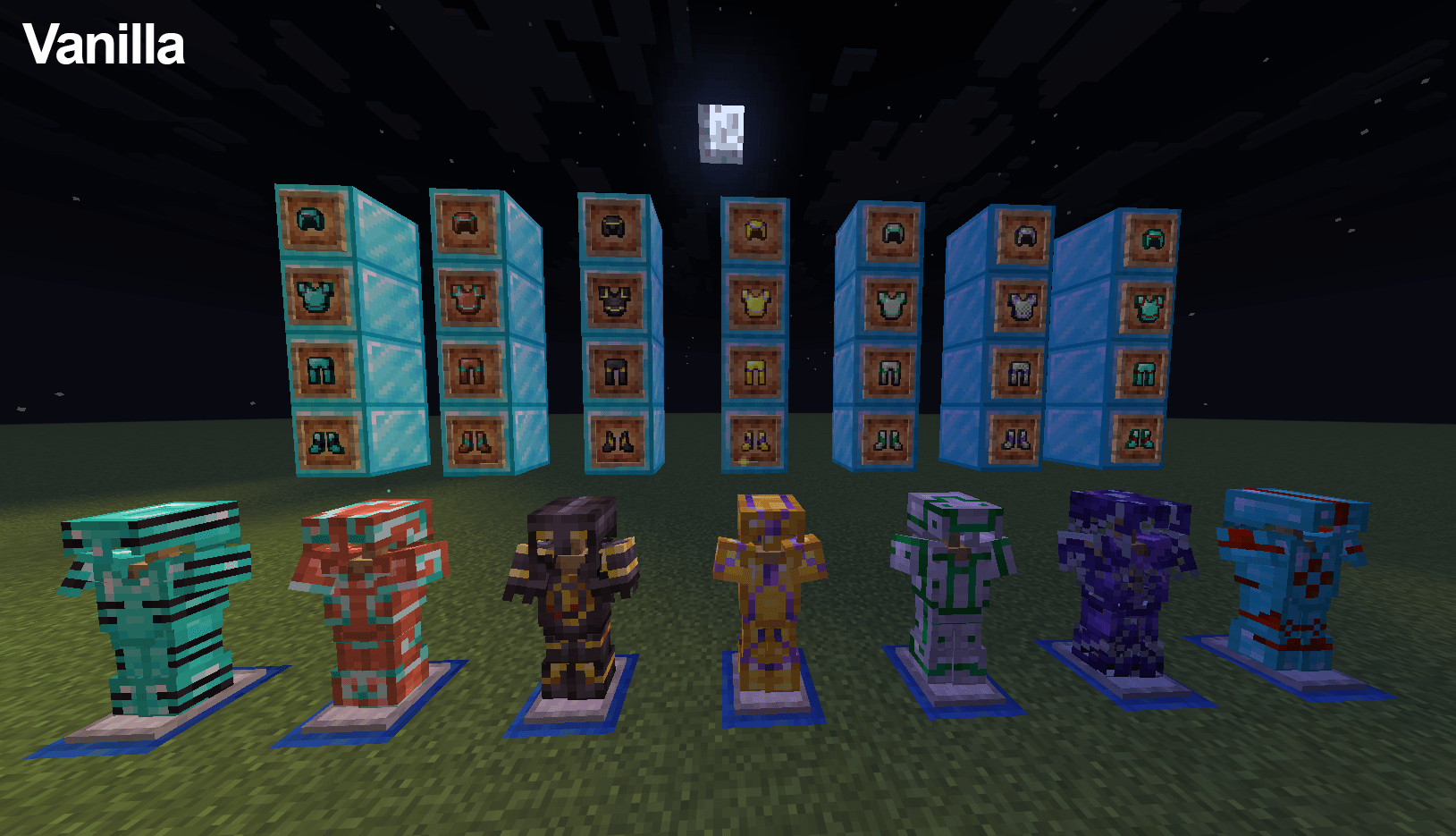
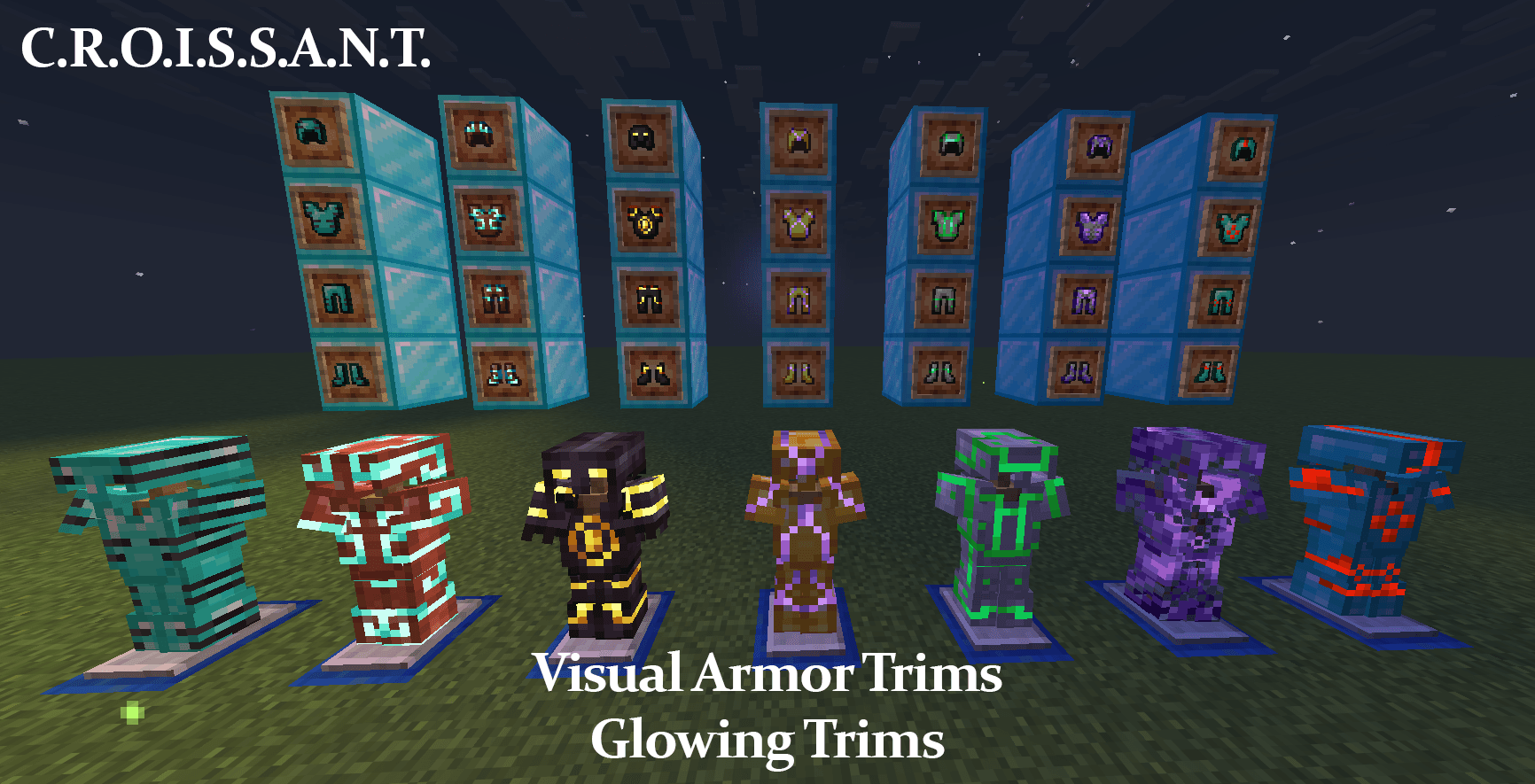
- Visual Armor Trims
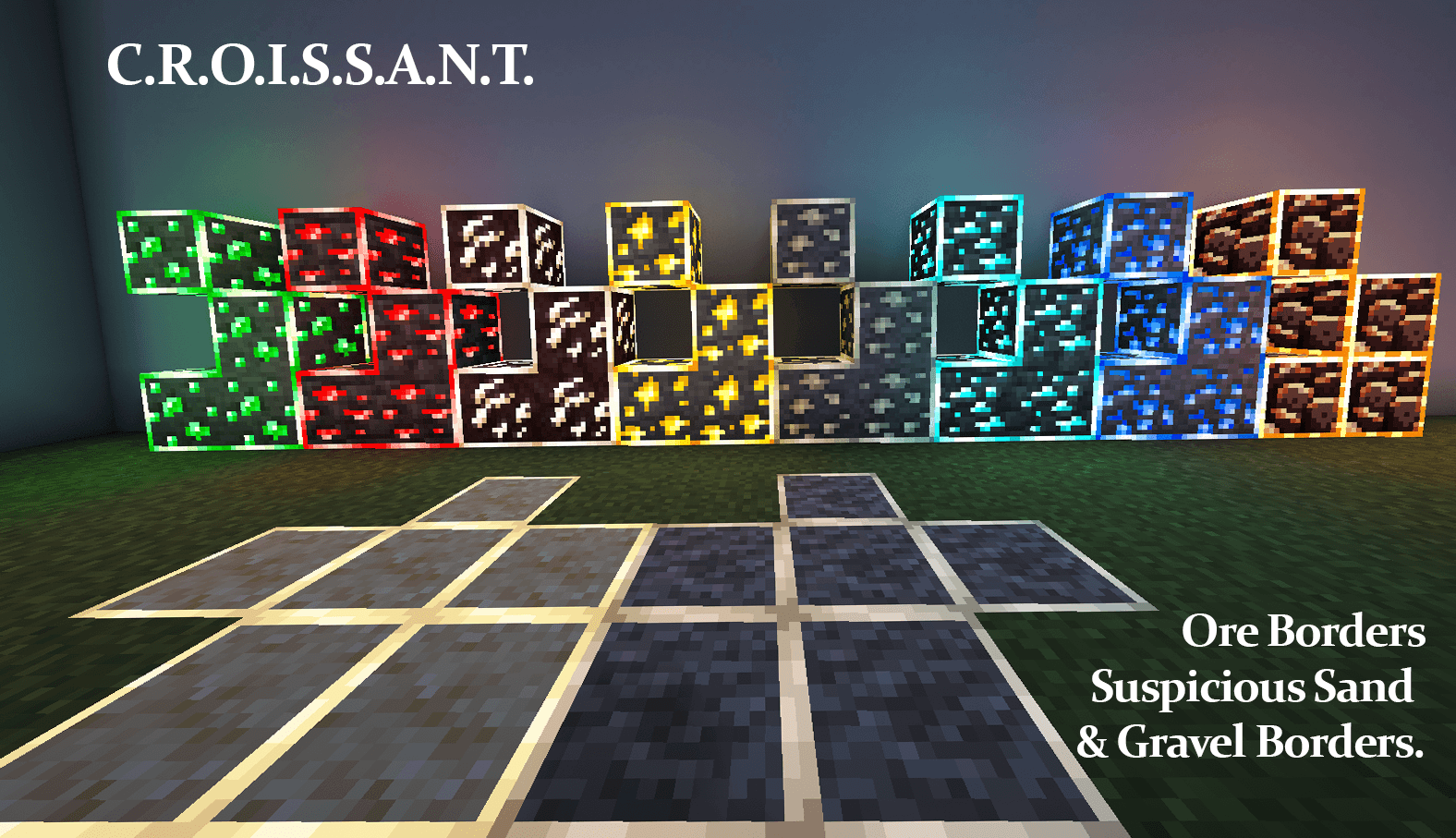
- Ore Borders
- Suspicious Sand and Gravel Borders
- Budding Amethyst Borders
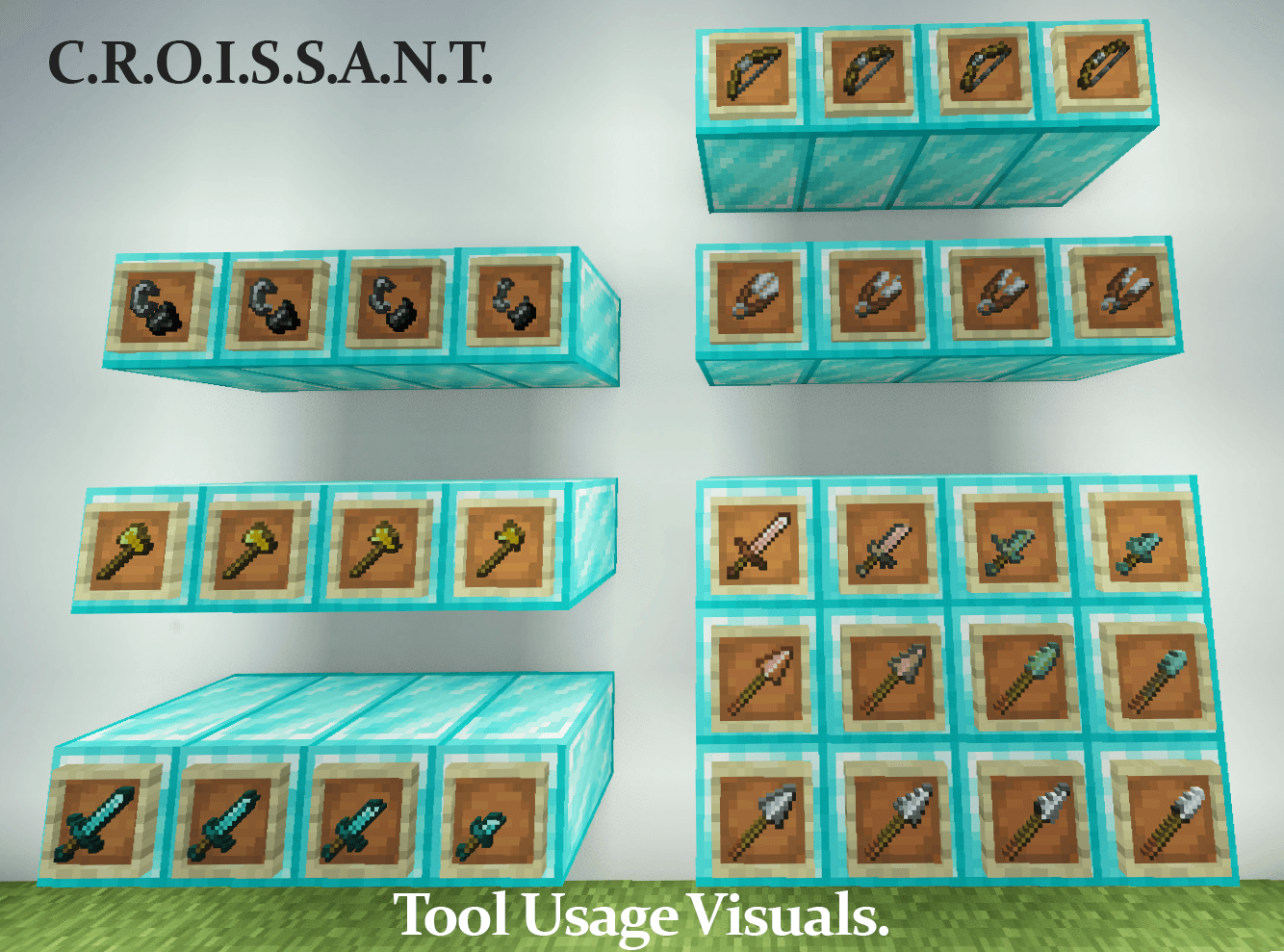
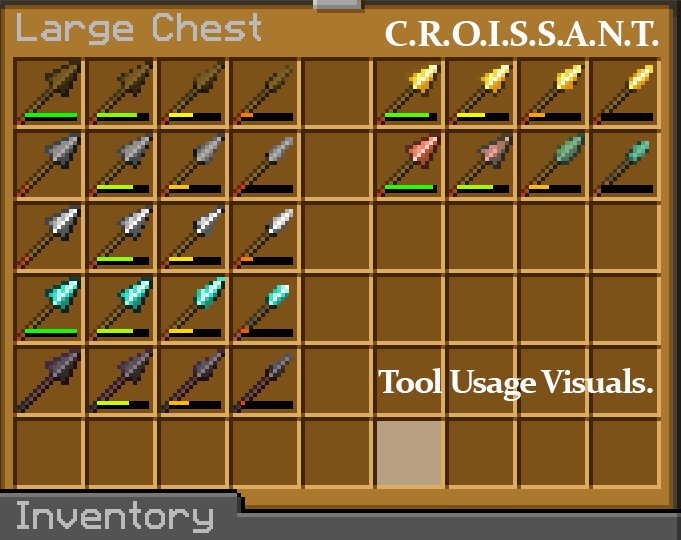
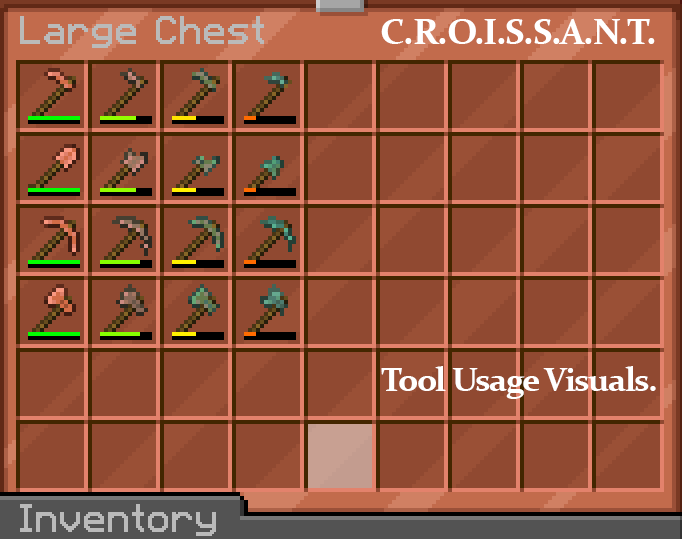
- ToolUsageVisuals
- Clearer Wither Hearts
- Colored Ping Indicator
- Proper Break Particles
- Corrected Item Holding
- Lower Fire
- Lower Shield
- Translucent Pumpkin and Spyglass Overlay
- Smaller Utilities
- White Block Outline
- Glowing Ores
- Small Totem Pop
- Quieter Minecarts, Dispensers, Droppers and Sculk Sensors
- Quieter Nether Portals
- Quieter Pistons
- Quieter Chickens, Cows, Sheep and Pigs
- Quieter Wolves and Cats
- Quieter Blazes and Iron Golems
- Quieter Rain
- Unobtrusive Rain and Snow
- Unobtrusive Particles
- Dark UI
- Black Widgets
- Dark Colorful Containers
- Smooth Font
- Hunger Bar (Apple)
- Armor Bar (Diamond)
- Purple Hotbar Selector
- Rainbow Enchantment Glint
- Better Experience Bar
- Clean Glass, Stained and Tinted (Connected Textures Compatible)
- Connected Polished Stones
- Consistent Smooth Stone
- Consistent Blank Decorated Pot
- Consistent Bucket and Tadpole Bucket
- Consistent Helmets
- Double Slab Fix
- Cactus Bottom Fix
- Circular Log Tops
- HD Shields
- 3D Doors, Trapdoors, Bookshelves and Chiseled Bookshelves
- 3D Stonecutters
- 3D Chains, Redstone Wire, Ladders, Rails, Iron and Copper Bars
- 3D Pointed Dripstone, Sugar Cane, Vines, Glow Lichen, Sculk Veins, Lily Pads and Fungi
- 3D Mace
- Variated Dirt
- Variated Cobblestone
- Variated Stone
- Variated Planks
- Variated Bookshelves
- Variated Mushroom Blocks
- Variated Carved Pumpkins
- Variated and Offset Bushes and Firefly Bushes
- Bushy Leaves
- Softer Wool
- Shorter Short and Tall Grass
- Moss Carpet Overhang
- Different Pumpkin and Melon Stems
- Age 25 Flower Kelp
- Bouquet Flower Pots
- Red Iron Golem Flowers
- Better Lanterns
- Fancy Torches
- Plain Leather Armor
- Glowing Trims
- Unique Painting Items
- Unique Axolotl Buckets
- Unique Enchantment Books
- Black Nether Bricks
- Endless End Rods
- Soul Soil Soul Campfire
- Circular Sun and Moon
- Twinkling Stars
- Horizontal World Border
- Clearer Water
- Whiter Snow
- Colorful Particles (Enchanting Table)
- Connected Textures on Mineral Blocks, froglights, sea lantern, shroomlight, etc.