Mineuniverse
Resource Packs
V Sword Art Online

V Sword Art Online

RESOURCE PACK
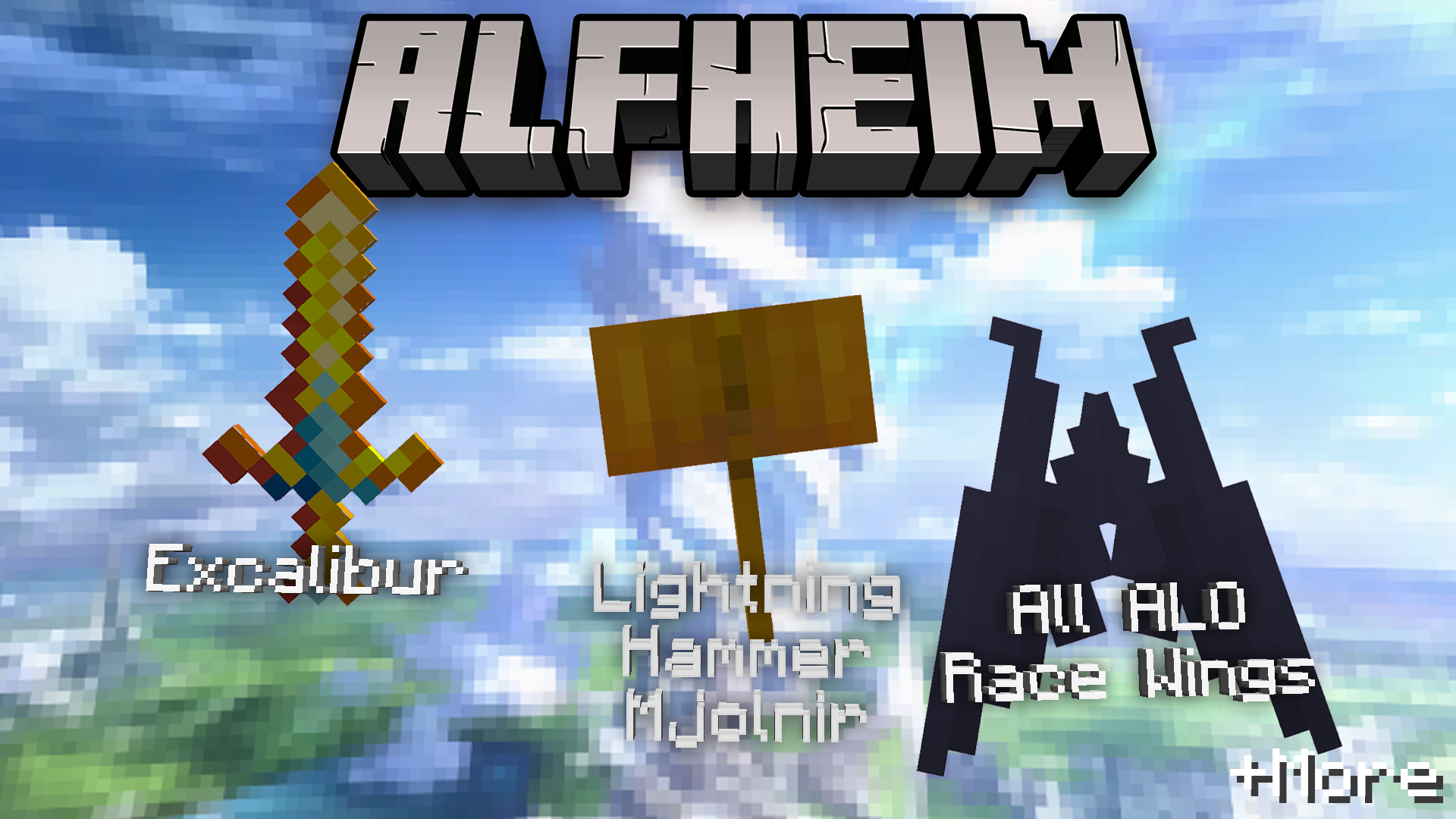
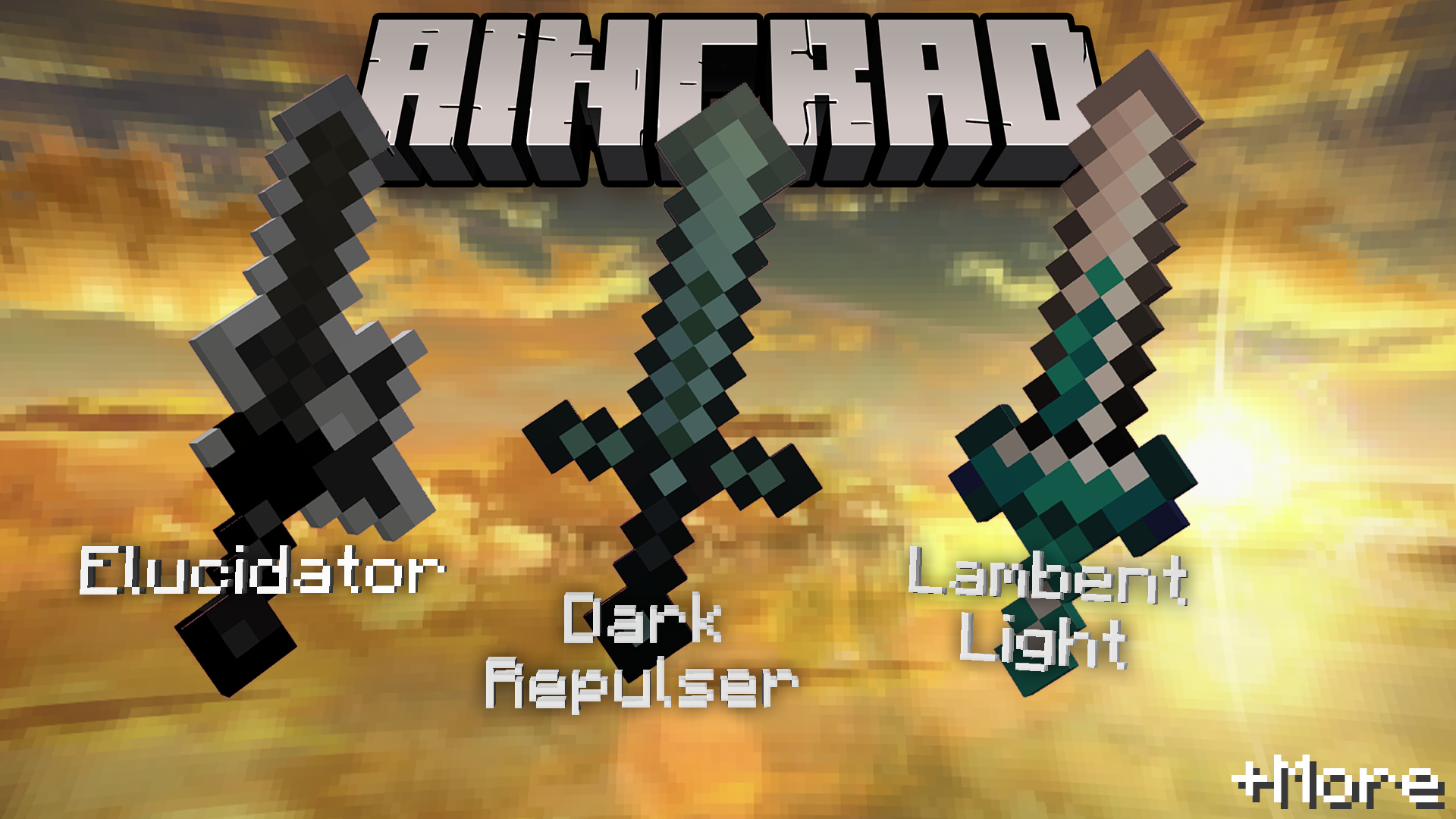
Adds items from the anime SAO to Minecraft with a Vanilla feel using CIT
by Dunk0Live
Download Claim this project
5,813 downloads
0 likes
0 followers
Updated Oct 14, 2026
0 hypes
Follow0
16x Miscellaneous
Advertisement Remove ads with Premium →

Vanilla Sword Art Online


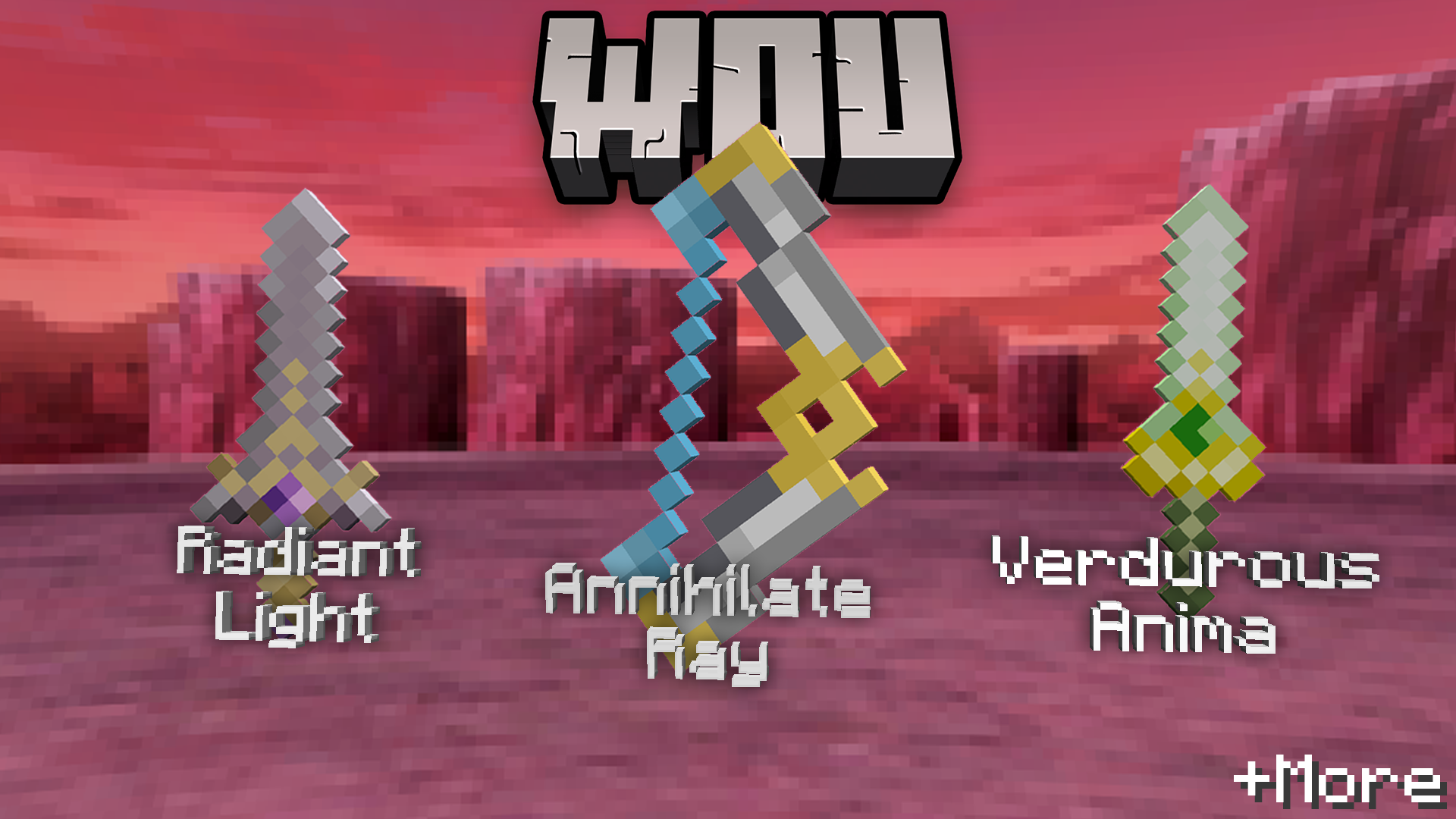
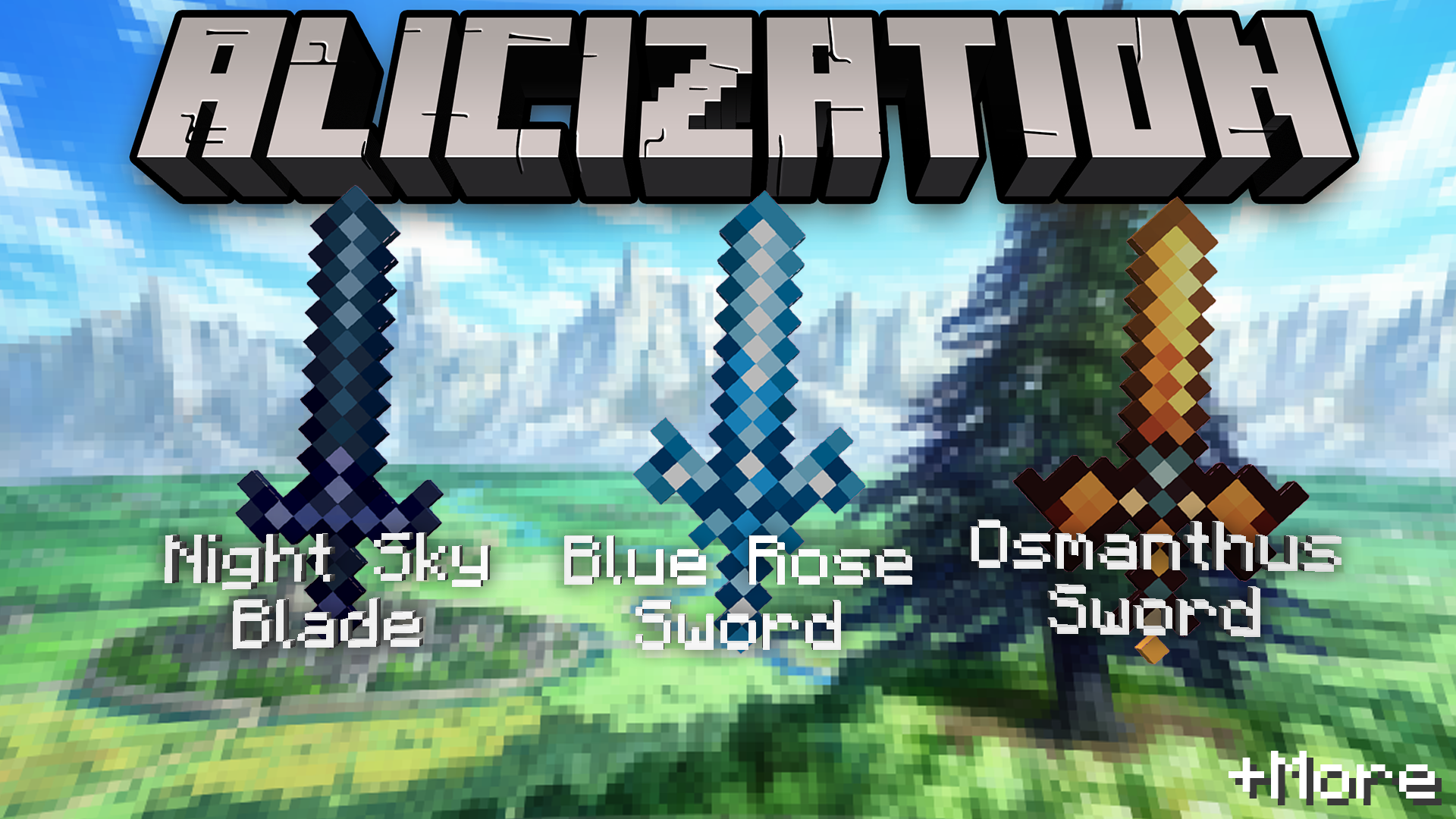
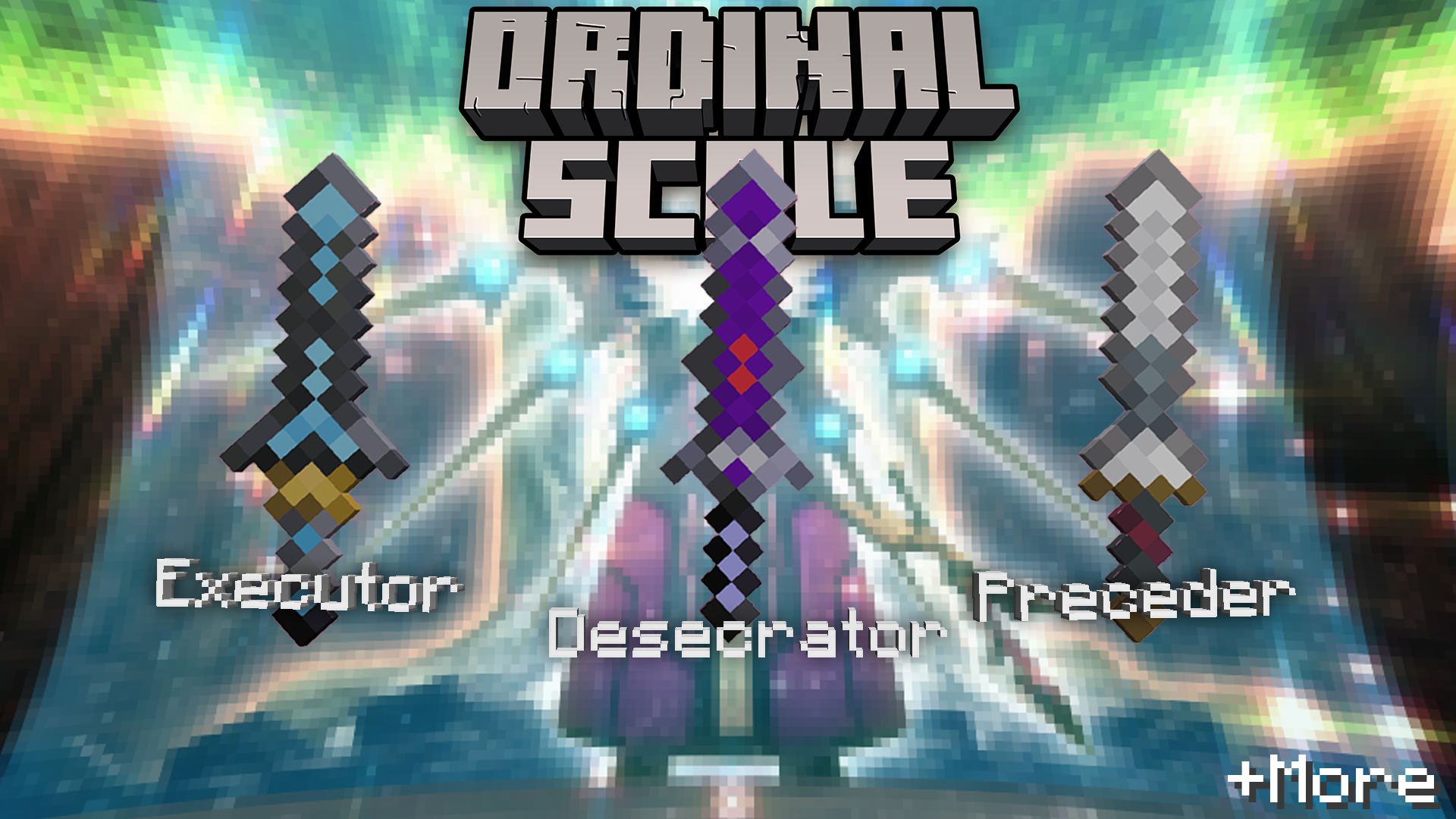
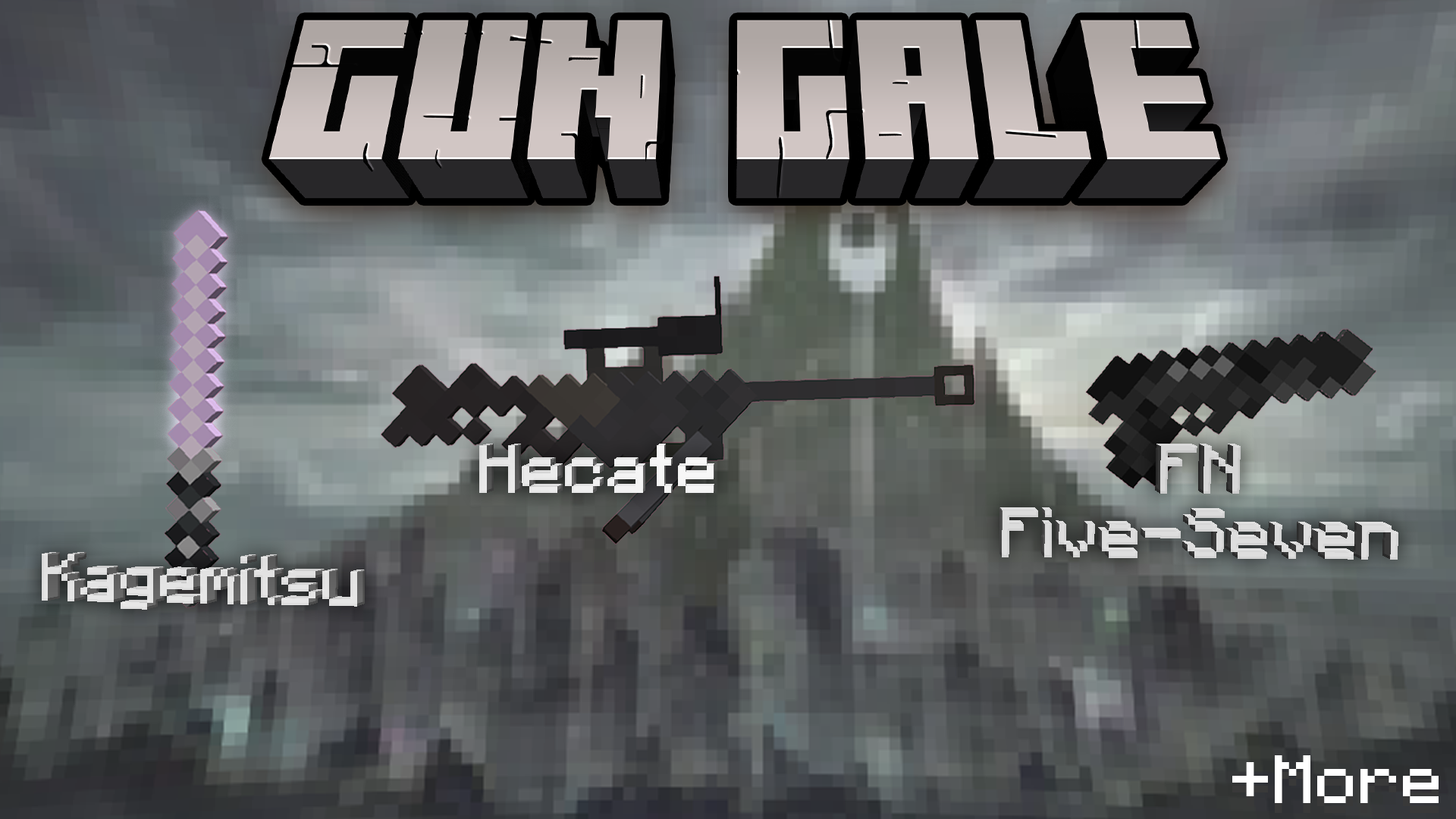
I introduce you to a new SAO Minecraft Resource pack! The goal of this pack is to add as many items from the banger anime Sword Art Online to Minecraft with a vanilla feel, while also not replacing or getting in the way of any items. It does this using CIT and CEM, which means Optifine is required!
To put it simply what this means is it will only change the textures of items if you rename the items to a specific name.


For a detailed list of all the changes please view this project's Planet Minecraft page


I also added some little easter eggs requested by those who helped create the pack!
Speaking of which, thank you to those who helped! Please check them out!
Cozmicraft
Yume
Niko
tiredsn0w

I am open to any feedback! If I messed up somewhere, or I forgot to add certain items, please tell me!

 

Vanilla SAO.zip
MC 1.20.2, 1.20.1, 1.20
Release 2023-11-04 Get
Vanilla SAO.zip
MC 1.19.3, 1.19-Snapshot, 1.19.2, 1.19.1, 1.19
Alpha 2022-10-31 Get

Requirements & install

How to use this resource pack in Minecraft
Resolution
16x
Minecraft
1.19-Snapshot – 1.20.2
Install folder
.minecraft/resourcepacks

How to install resource packs

  1. Download the resource pack .zip file (do not extract it).
  2. In Minecraft open Options → Resource Packs → Open Pack Folder.
  3. Drop the .zip into the resourcepacks folder (.minecraft/resourcepacks).
  4. Move the pack to the Selected column and click Done.
Browse more: 16x resource packs 32x resource packs 64x resource packs 128x resource packs 256x resource packs 512x+ resource packs Resource Packs for 1.20.2 All resource packs
Advertisement Remove ads with Premium →

You Might Also Like