Mineuniverse
Resource Packs
Uyghur Language Pack (Uyghurche / ئۇيغۇرچە)

Uyghur Language Pack (Uyghurche / ئۇيغۇرچە)

RESOURCE PACK
Adds Uyghur language support to Minecraft. / ماينكرافت ئۈچۈن ئۇيغۇرچە تىل بوغچىسى.
by Ixra
Download Claim this project
41 downloads
0 likes
0 followers
Updated Oct 14, 2026
0 hypes
Follow0
Font Packs Traditional
Advertisement Remove ads with Premium →

Uyghur Language Pack | ئۇيغۇرچە تىل قوشۇمچىسى

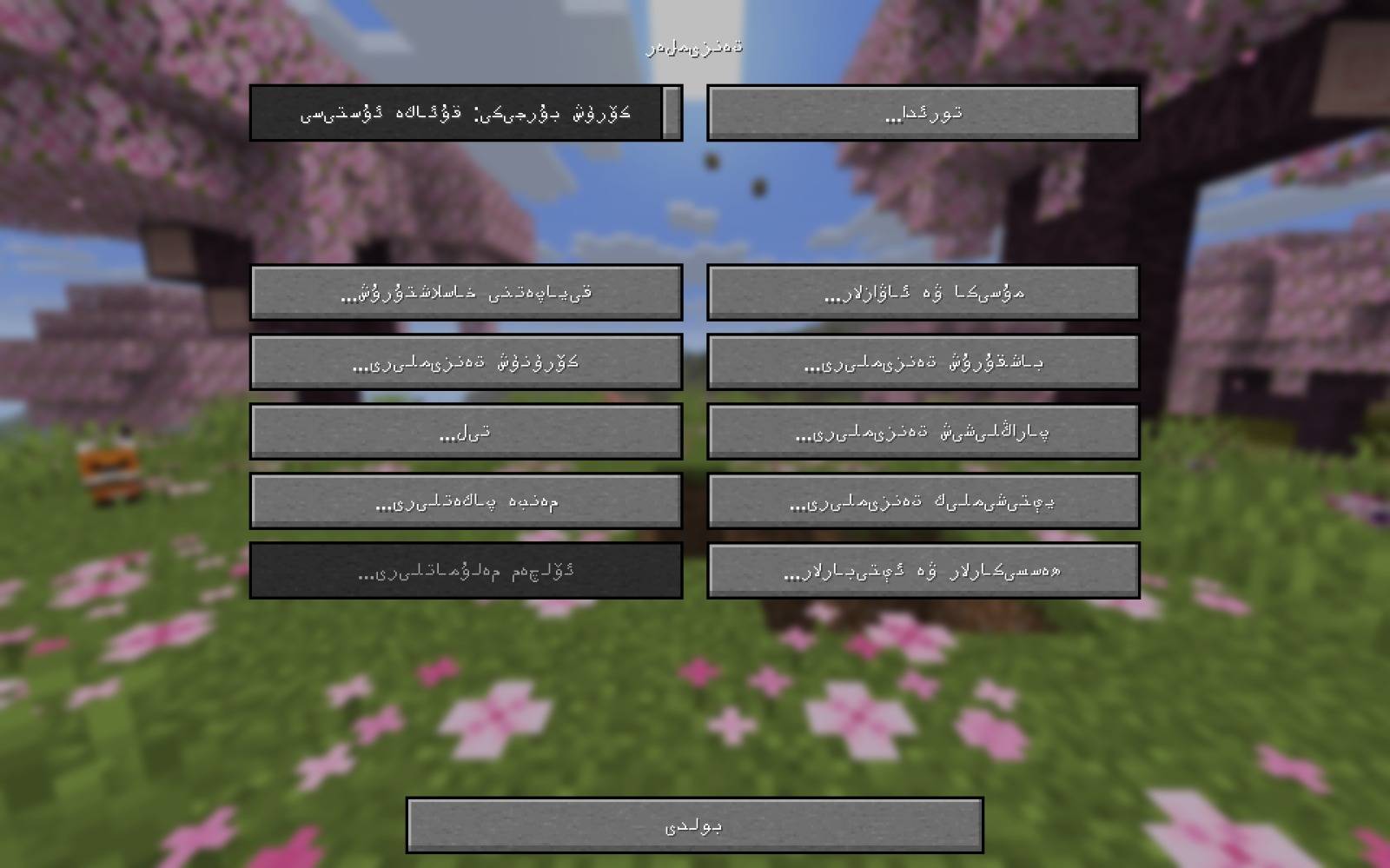
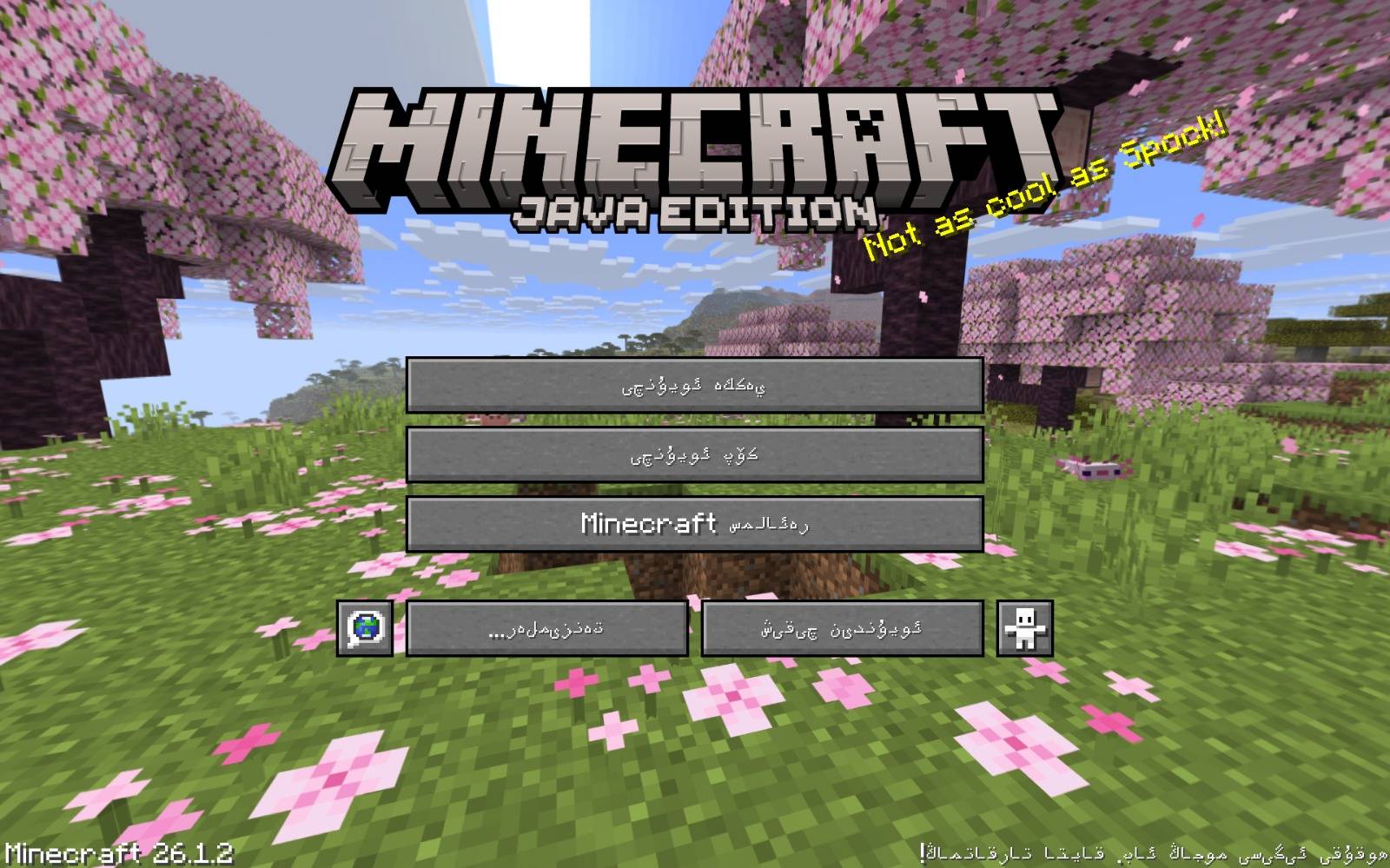
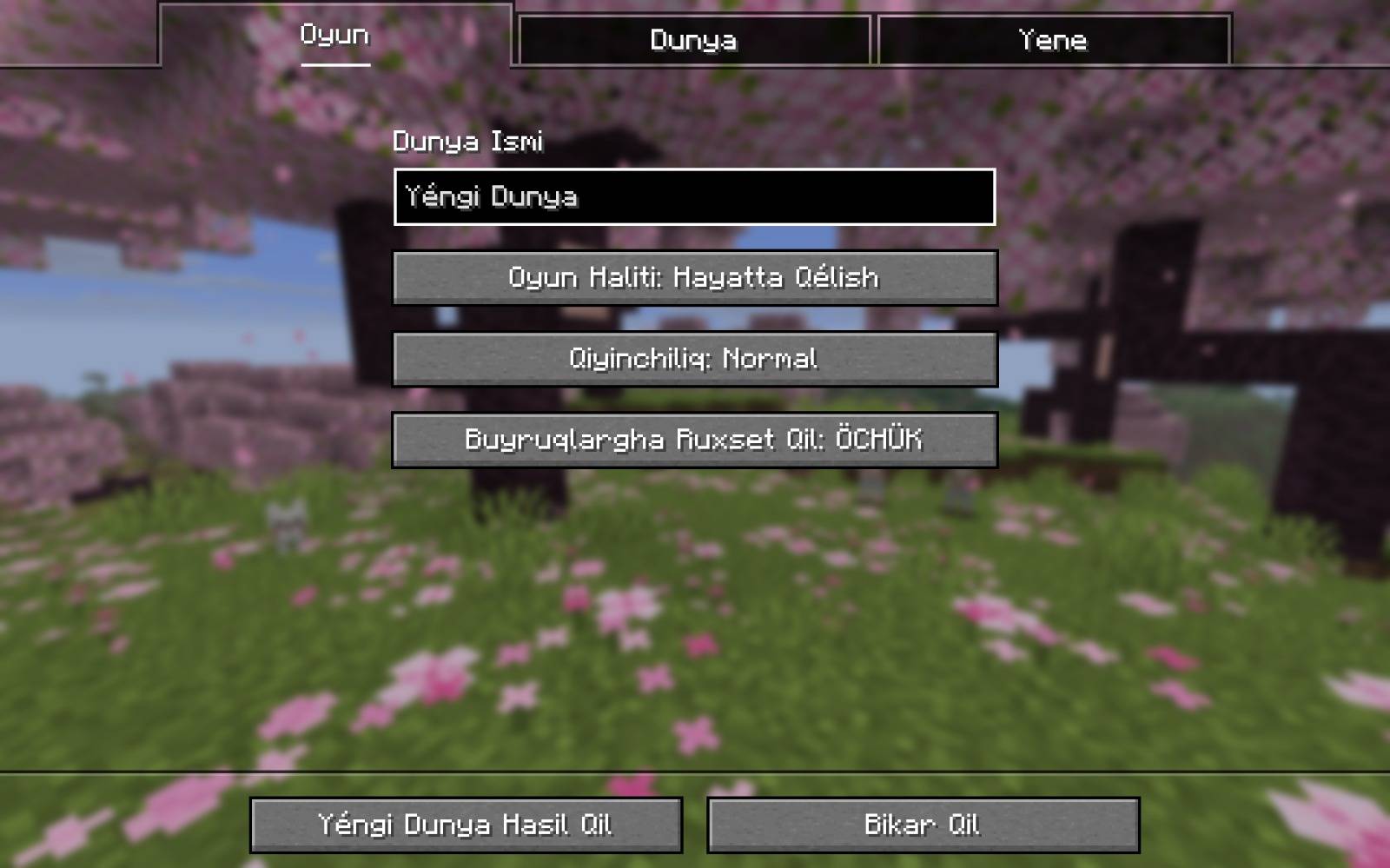
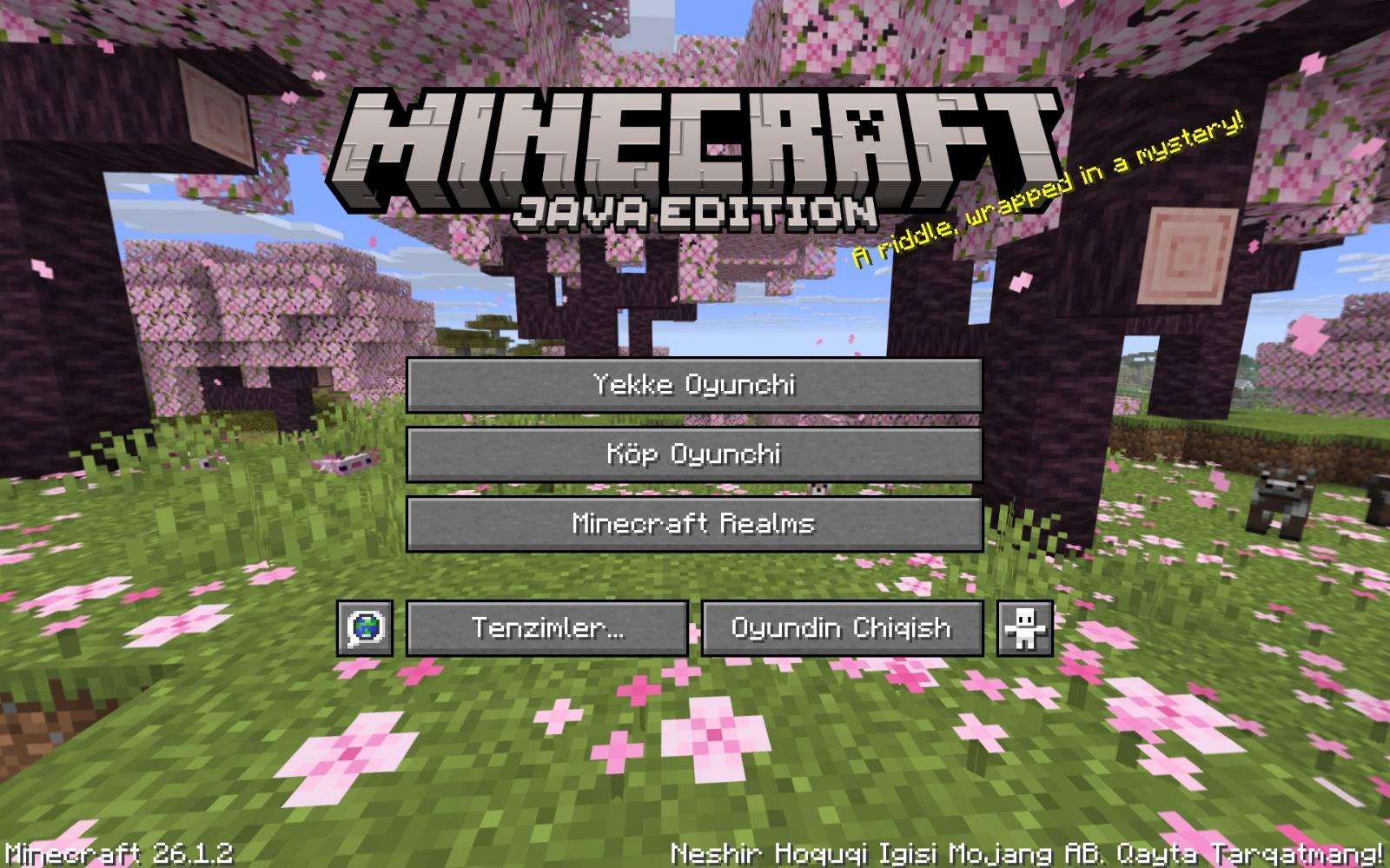
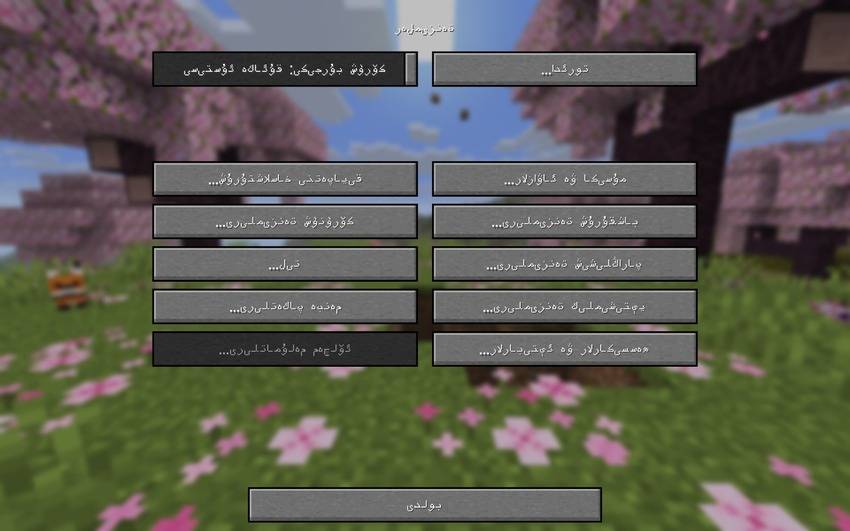
A complete Uyghur translation of Minecraft's in-game text — bringing the full game interface to the Uyghur language, in both writing systems.

 Features


  • Two full translations in one pack:
    • Uyghurche (Latin) — ug_lt, for players who read Uyghur in Latin script
    • ئۇيغۇرچە (Arabic) — ug_ar, the traditional Uyghur Arabic script, fully right-to-left compatible
  • Complete coverage — every menu, item, block, advancement, subtitle, and message in the game has been translated (6,700+ entries per language)
  • Carefully checked for consistency: keyboard key names, painting titles, and proper nouns (like mob names) follow the same convention throughout the pack
  • Actively maintained and checked against the latest game updates

Supported Minecraft Versions

This pack targets Minecraft 26.1, 26.1.2, and 26.2.

If Minecraft shows a "this pack may not work correctly" warning on a different version, the pack will usually still load and work — that warning just means the version wasn't explicitly tested.
Installation

  1. Download the .zip file — do not unzip it
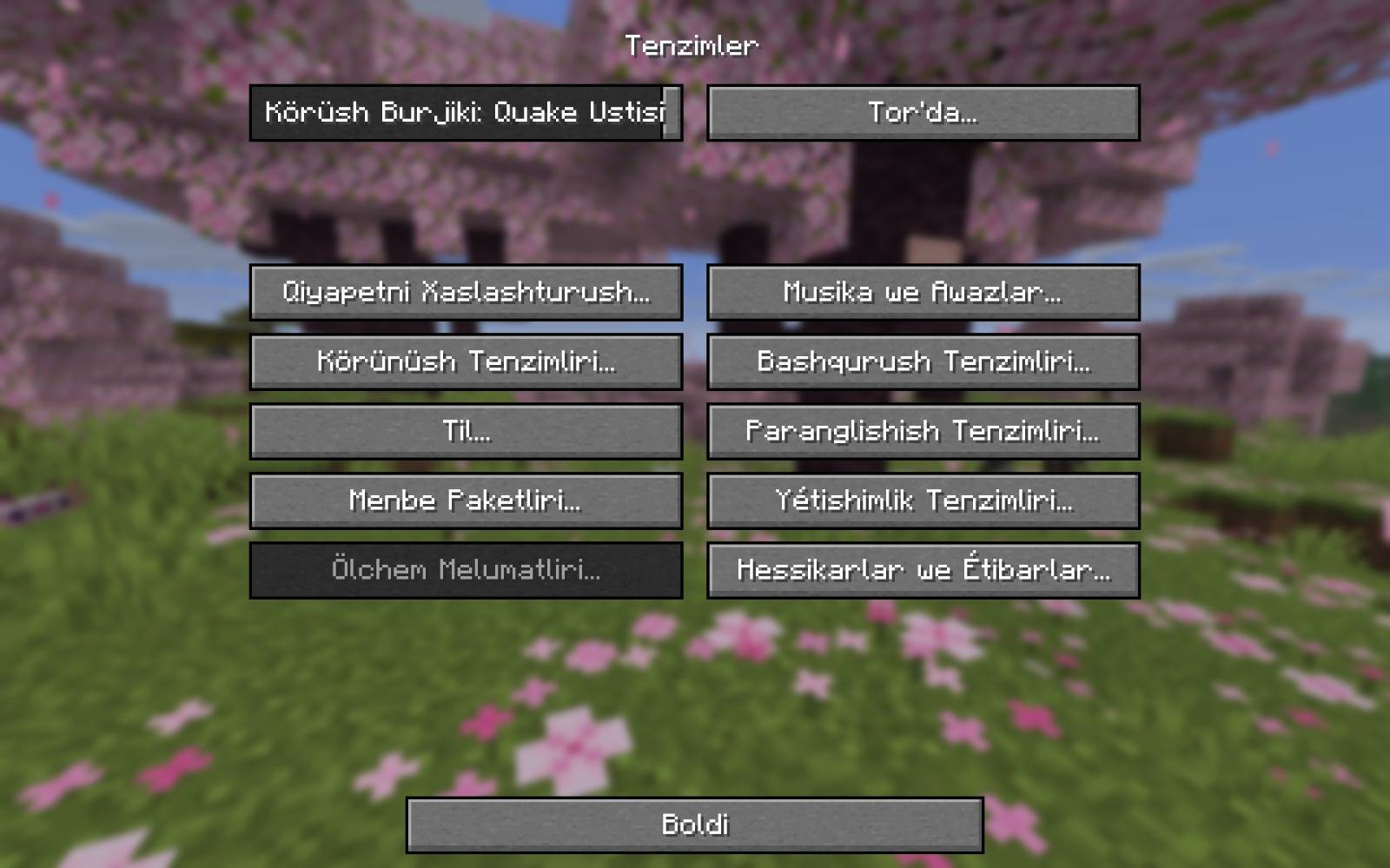
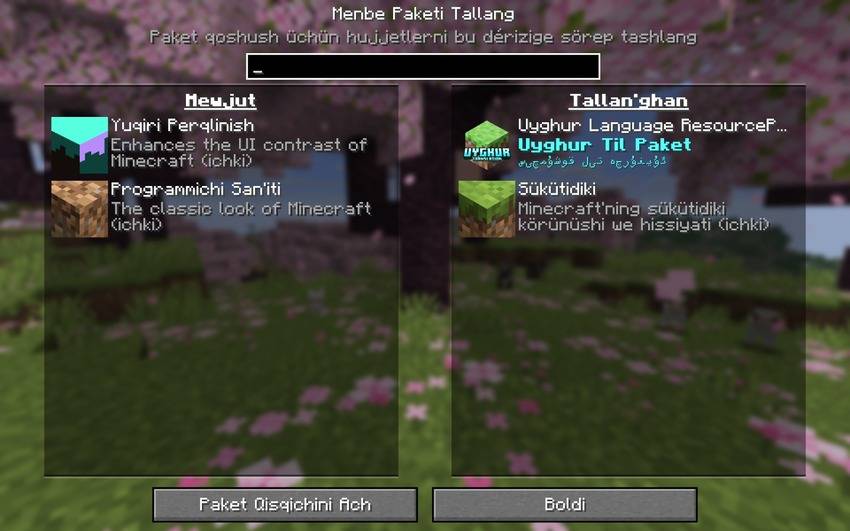
  2. Open Minecraft → Options → Resource Packs
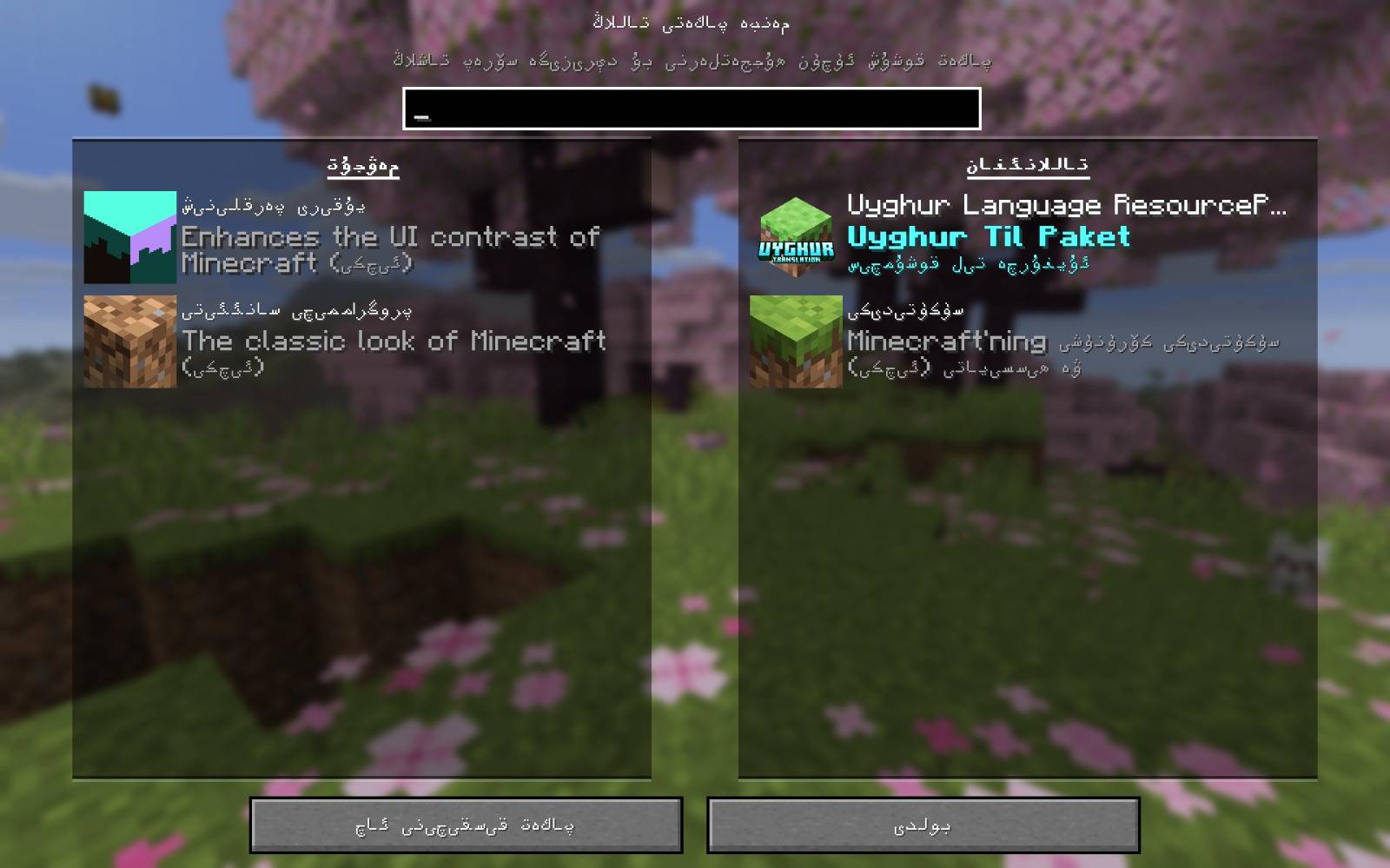
  3. Click Open Pack Folder and drop the .zip file in
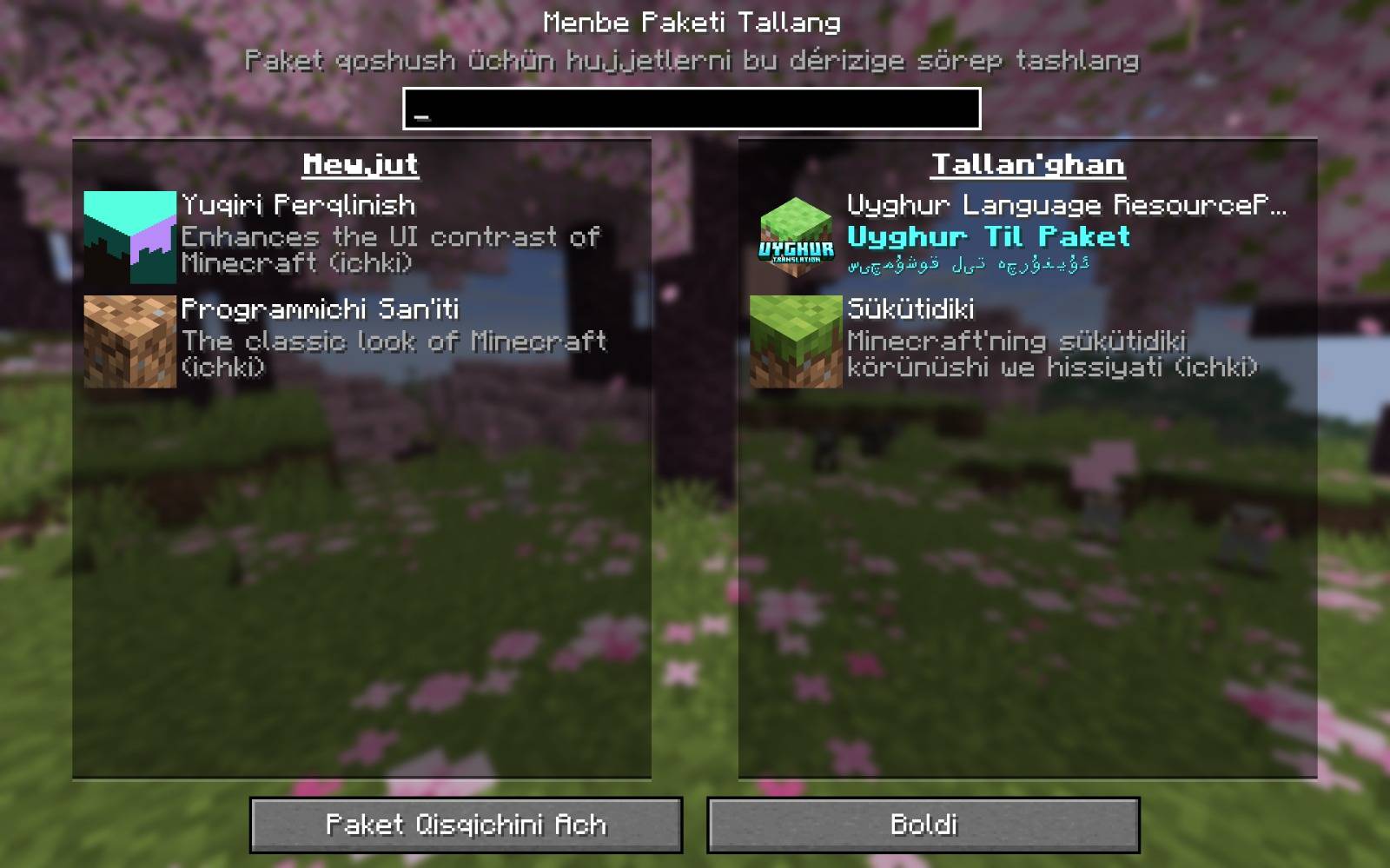
  4. Back in Minecraft, select the pack from Available and move it to Selected
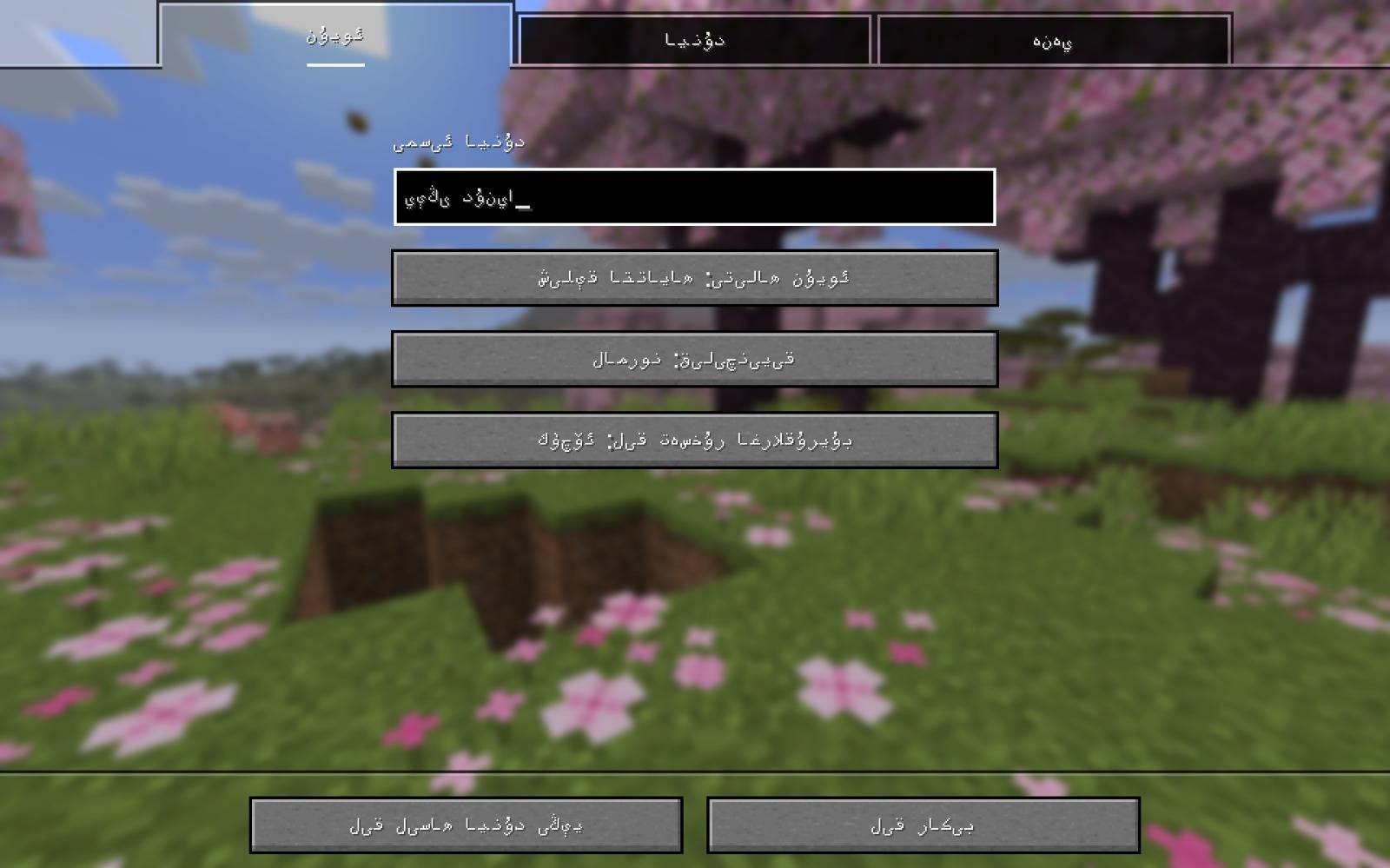
  5. Once in-game, go to Options → Language and choose either:
    • Uyghurche (Latin script), or
    • ئۇيغۇرچە (Arabic script)

Which version should I pick?

Script Best for
Uyghurche (Latin) Players more comfortable reading Uyghur written with Latin letters
ئۇيغۇرچە (Arabic) Players who read the traditional Uyghur Arabic script


Both are included in the same download — just switch between them anytime from the in-game language menu.


This pack was translated by a single translator, with the help of translation tools to speed up the process. Because of that, some lines may contain small errors or awkward phrasing — if you spot one, please leave a comment with the text so it can be corrected.


Minecraft is a trademark of Mojang Synergies AB. This resource pack is an unofficial, fan-made project and is not affiliated with or endorsed by Mojang or Microsoft.

Uyghur-Language-ResourcePack 1.1
MC 1.16.3, 1.13.1, 1.16-Snapshot, 1.17.1, 1.21.2-Snapshot, 1.21, 1.21.6-snapshot, 1.15-Snapshot, 1.16.1, 1.18.1, 1.20.2-Snapshot, 1.20.5-Snapshot, 1.14.3, 1.15, 1.16, 1.13
Release 2026-07-23 Get
Uyghur Language ResourcePack
MC 1.16.3, 1.13.1, 1.16-Snapshot, 1.17.1, 1.21.2-Snapshot, 1.21, 1.21.6-snapshot, 1.15-Snapshot, 1.16.1, 1.18.1, 1.20.2-Snapshot, 1.20.5-Snapshot, 1.14.3, 1.15, 1.16, 1.13
Release 2026-07-19 Get

Requirements & install

How to use this resource pack in Minecraft
Resolution
Not specified
Minecraft
1.16.3 – 1.21.6-snapshot
Install folder
.minecraft/resourcepacks

How to install resource packs

  1. Download the resource pack .zip file (do not extract it).
  2. In Minecraft open Options → Resource Packs → Open Pack Folder.
  3. Drop the .zip into the resourcepacks folder (.minecraft/resourcepacks).
  4. Move the pack to the Selected column and click Done.
Browse more: 16x resource packs 32x resource packs 64x resource packs 128x resource packs 256x resource packs 512x+ resource packs Resource Packs for 1.21.6-snapshot All resource packs

More from Ixra

Advertisement Remove ads with Premium →

You Might Also Like