Mineuniverse
Resource Packs
USA Standard Track for Immersive Railroading

USA Standard Track for Immersive Railroading

RESOURCE PACK
USA Standard Track Variants for Immersive Railroading 1.6.1+
by Kriegfox
Download Claim this project
Add a badge to your pageLink to USA Standard Track for Immersive Railroading from a README, website or forum post.
Preview: Badge

Badges update automatically and link to the resource pack page on MineUniverse.

19,520 downloads
0 likes
0 followers
Updated Oct 14, 2026
0 hypes
Follow0
16x Mod Support
Advertisement Remove ads with Premium →

This resource pack adds 22 (currently) different variants of track for Immersive Railroading 1.6.1(Build 1138) or newer.

IMPORTANT NOTICE: This pack will likely work on 1.6.0(Build `1137) if you still have it, but the testing was done with 1.6.1. If you are using an earlier test build of Immersive Railroading, build 1110 to 1136, I do not guarantee the functionality of this pack. If you are using a version of Immersive Railroading, Build 1109 or OLDER, this pack will not work at all.


The track variants within this pack are built for 4 eras of railroad:

Early - The beginning of Railroading to the 1850s
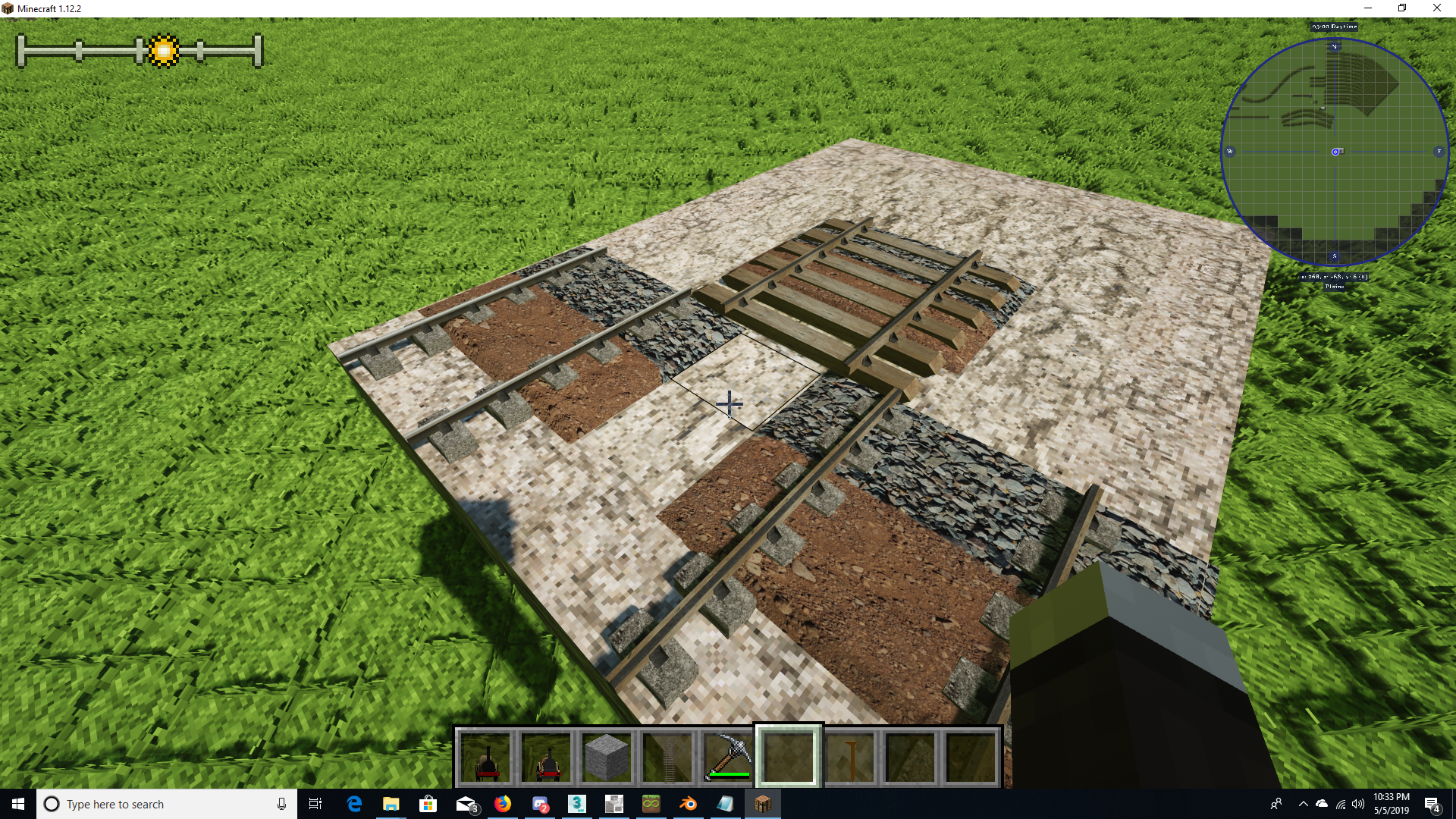

OLD - 1860s to 1890s
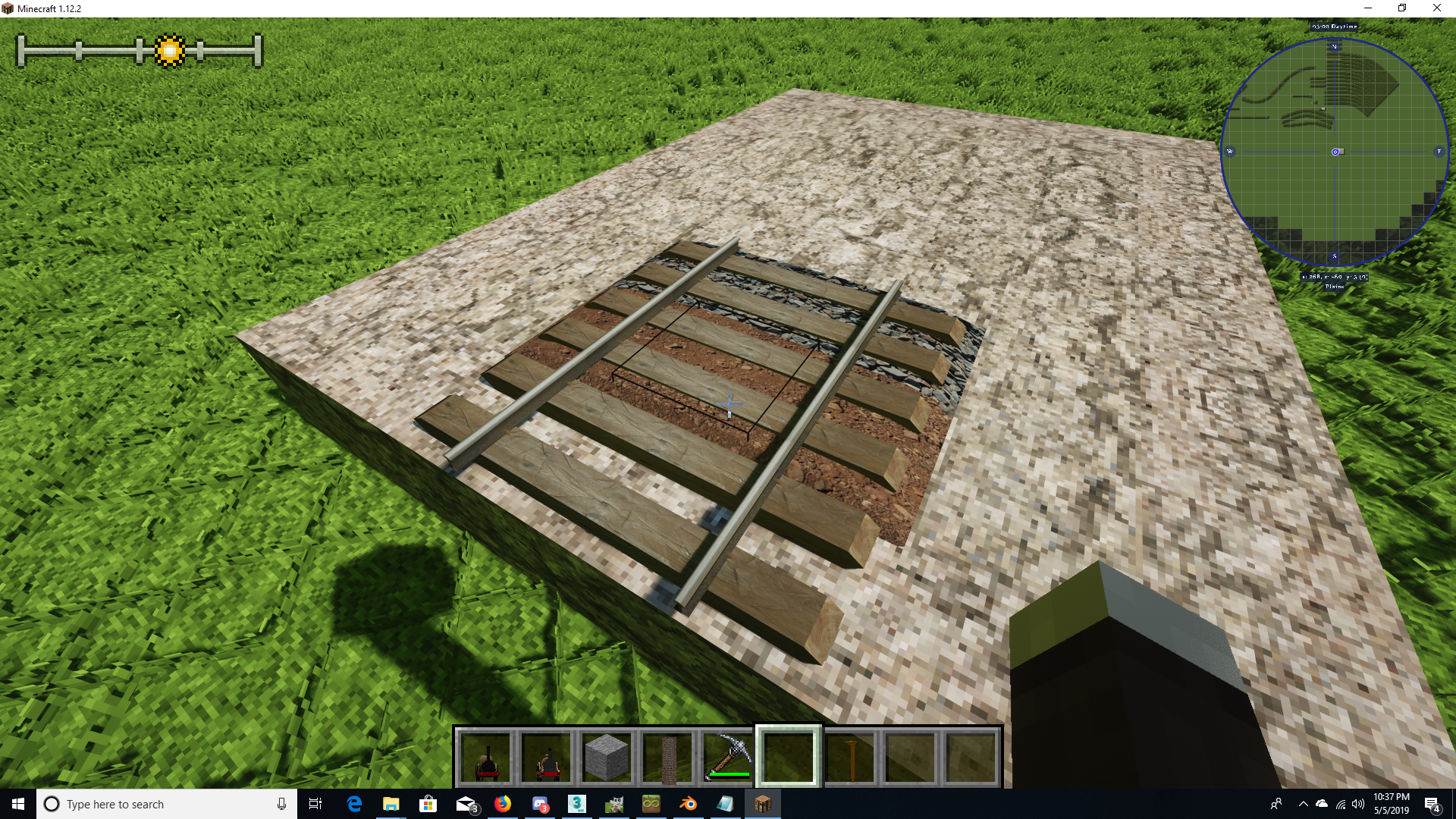

Turn of the Century - 1890s to 1910s
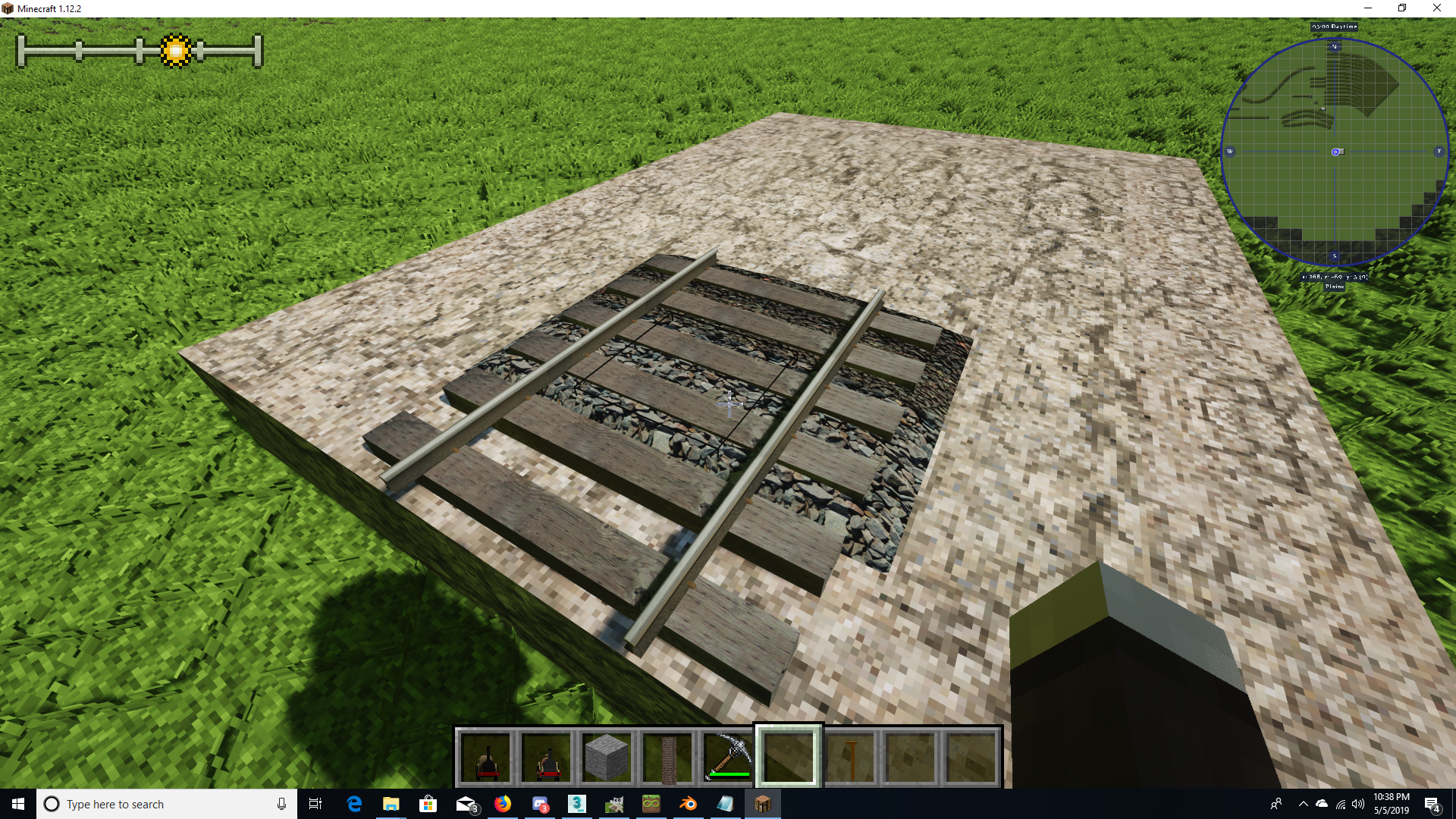

Standard - Generally fits 1920s to present
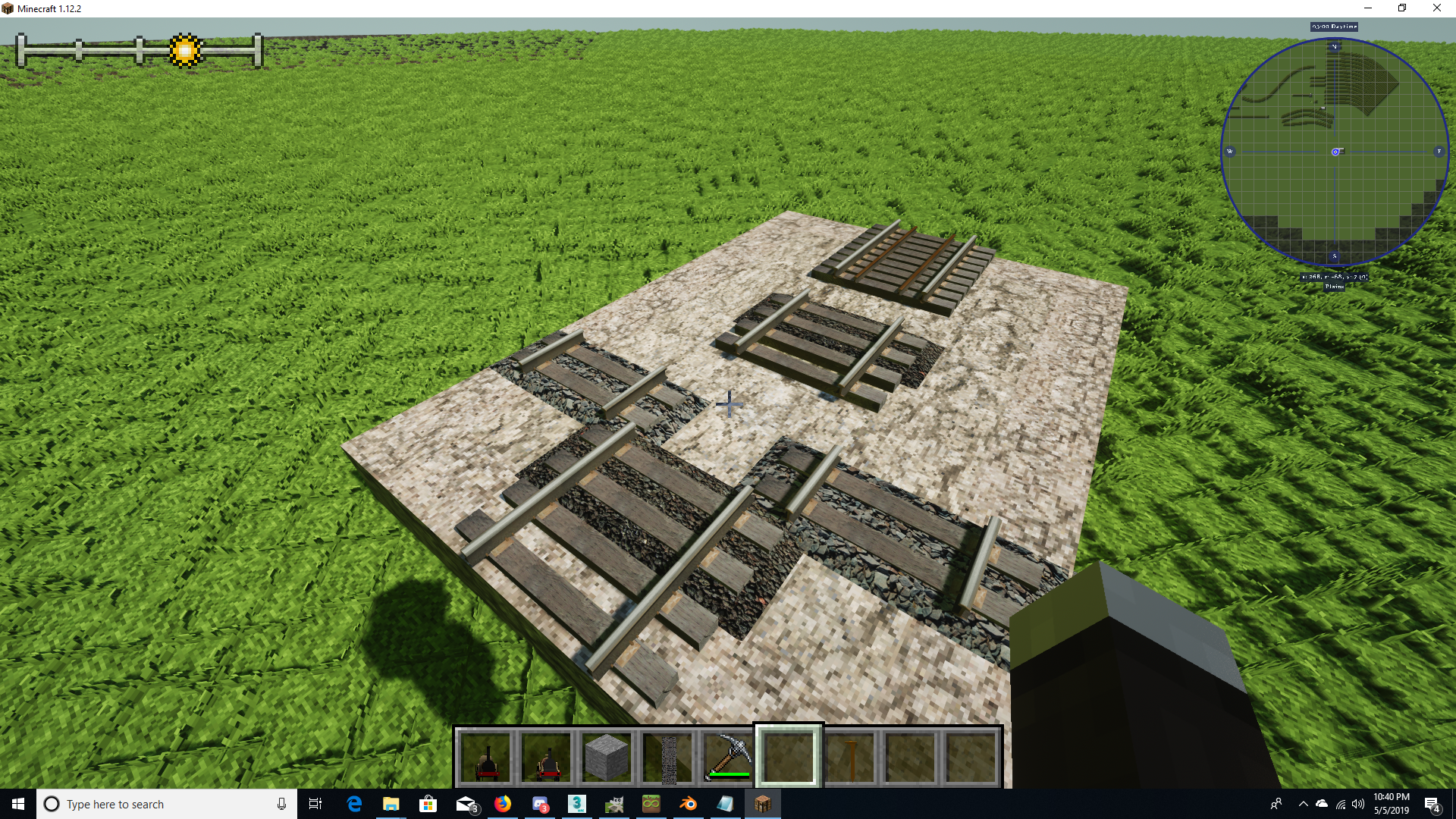


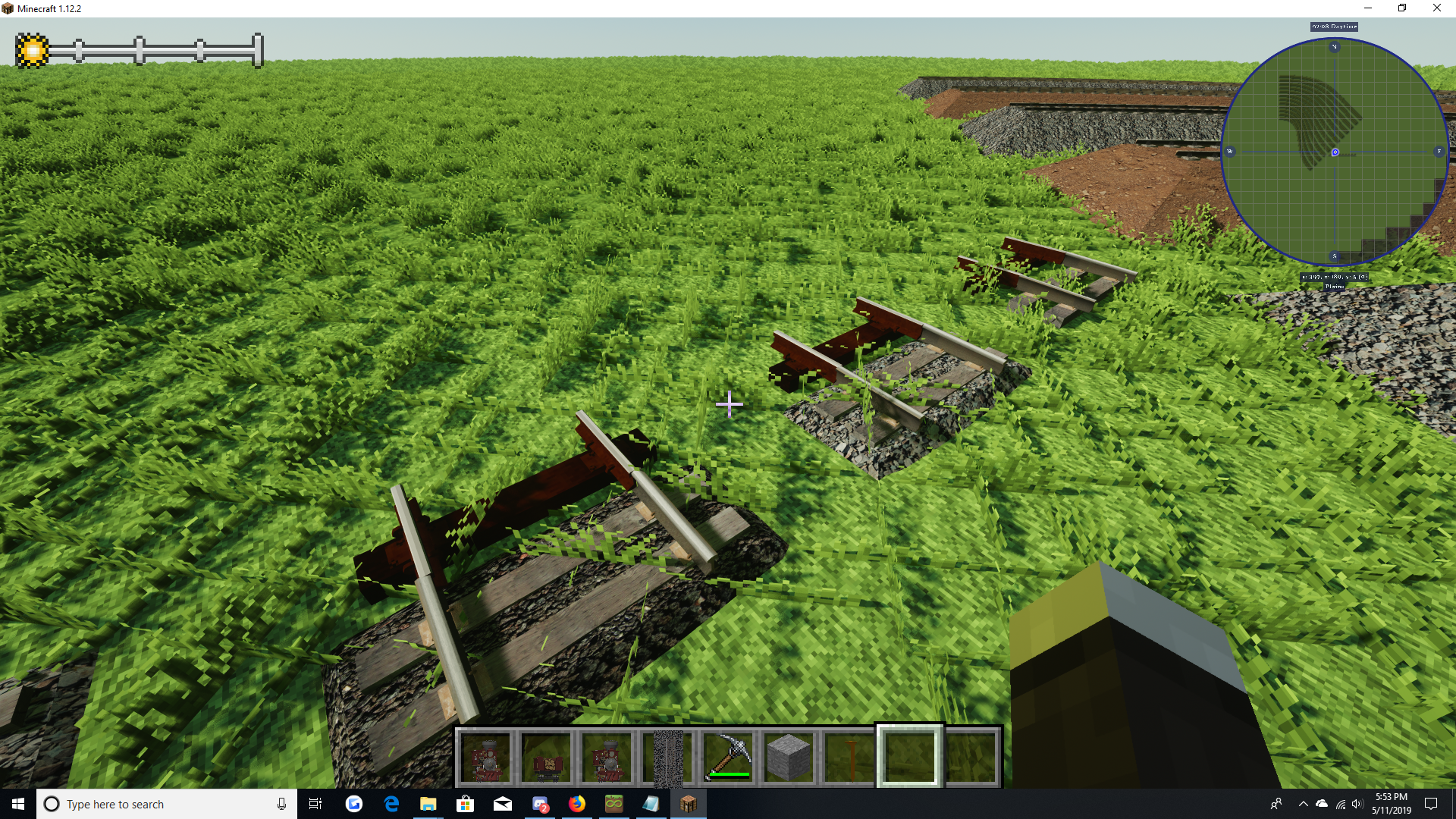
TRANSITIONS - These pieces are meant to be placed as 1 block transitions between track heights, they are not meant to run in long sections (that would look weird).


EARLY TO DEFAULT TRANSITIONS
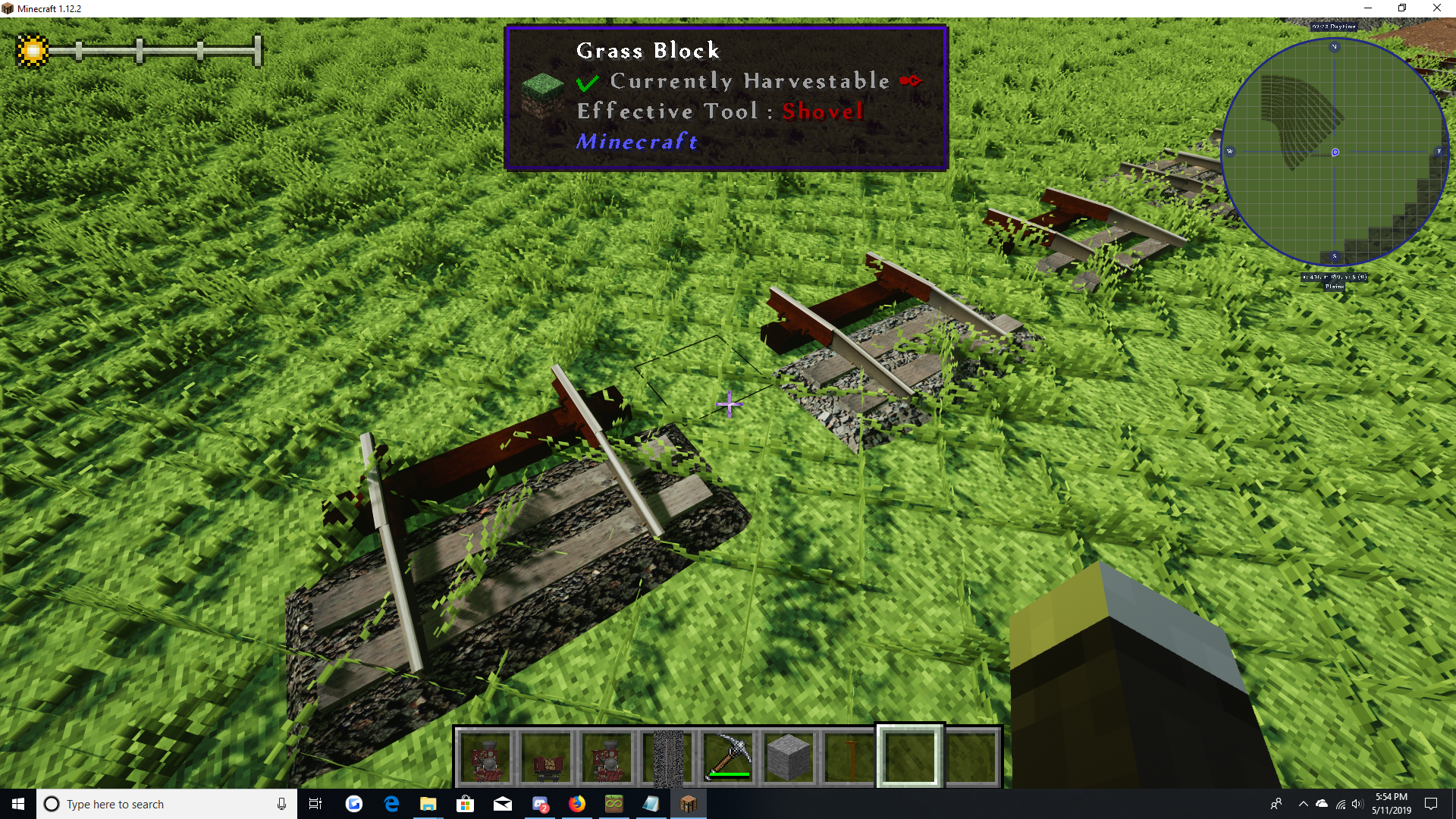
 

EARLY TO STANDARD (Standard being USA Standard within the pack)
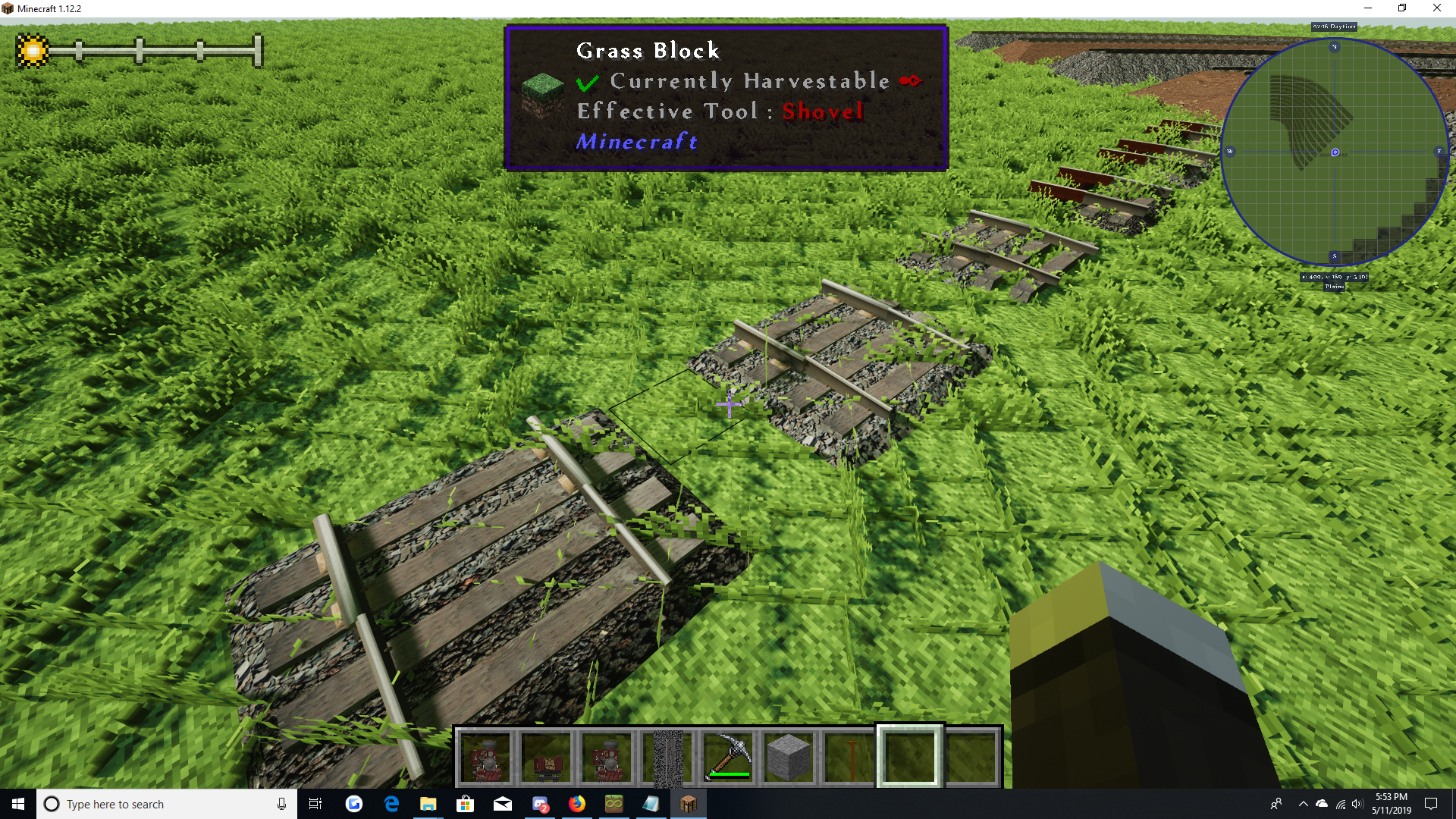
 

STANDARD TO DEFAULT

Please Note: This page is still a Work-In-Progress, Pictures and more detailed descriptions will be added shortly, but the pack is RELEASED AND WORKING!


 

USA Standard Track 1.1
MC 1.12.1, 1.12, 1.10.2, 1.11, 1.10, 1.10.1, 1.11.1, 1.11.2, 1.12.2
Release 2019-05-11 Get
USA_Standard_Track.zip
MC 1.12.1, 1.12, 1.10.2, 1.11, 1.10, 1.10.1, 1.11.1, 1.11.2, 1.12.2
Release 2019-05-06 Get

Requirements & install

How to use this resource pack in Minecraft
Resolution
16x
Minecraft
1.10.1 – 1.12.2
Install folder
.minecraft/resourcepacks

How to install resource packs

  1. Download the resource pack .zip file (do not extract it).
  2. In Minecraft open Options → Resource Packs → Open Pack Folder.
  3. Drop the .zip into the resourcepacks folder (.minecraft/resourcepacks).
  4. Move the pack to the Selected column and click Done.
Browse more: 16x resource packs 32x resource packs 64x resource packs 128x resource packs 256x resource packs 512x+ resource packs Resource Packs for 1.12.2 All resource packs
Advertisement Remove ads with Premium →

You Might Also Like




